

Yoton DVD Player Full HD with HDMI
Product description
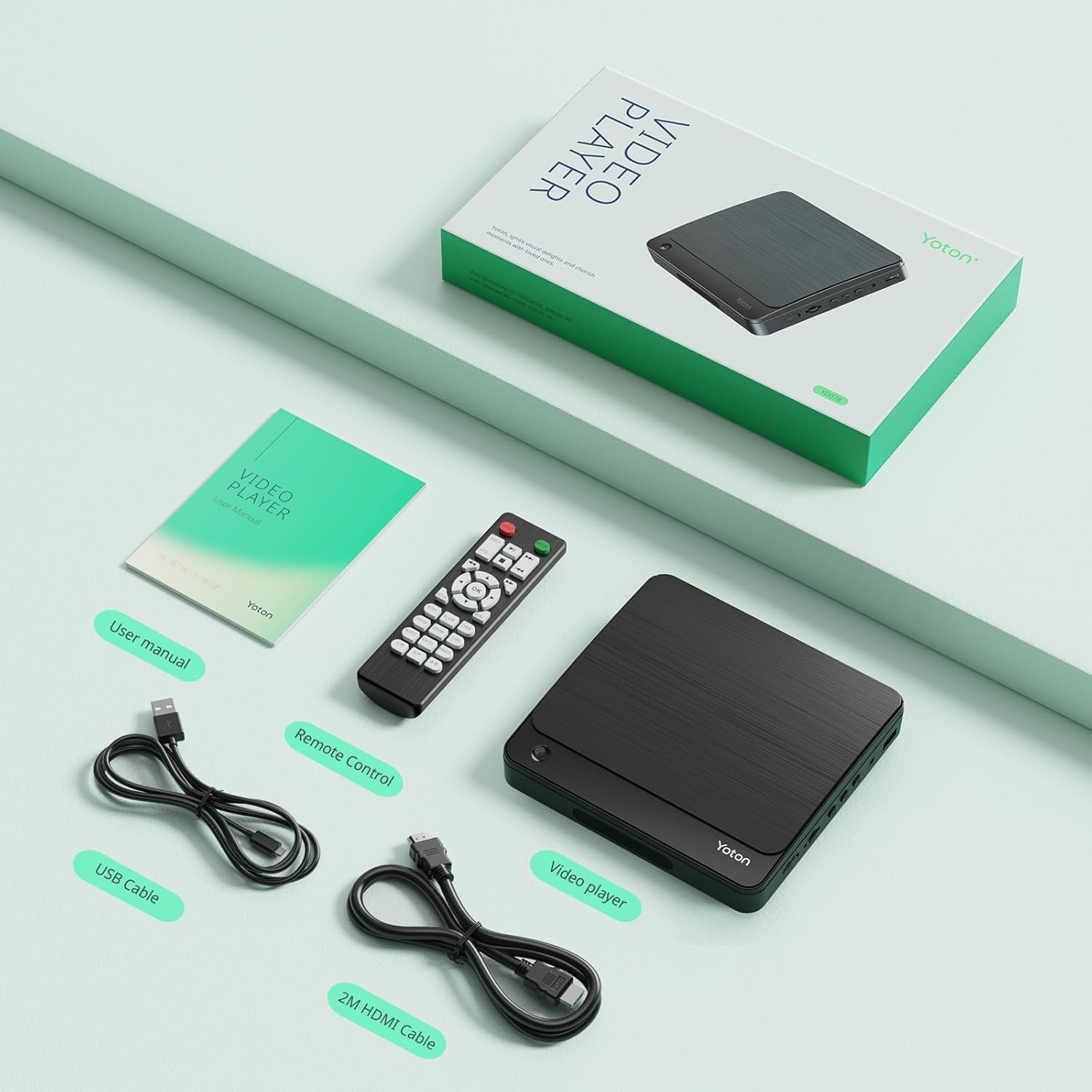
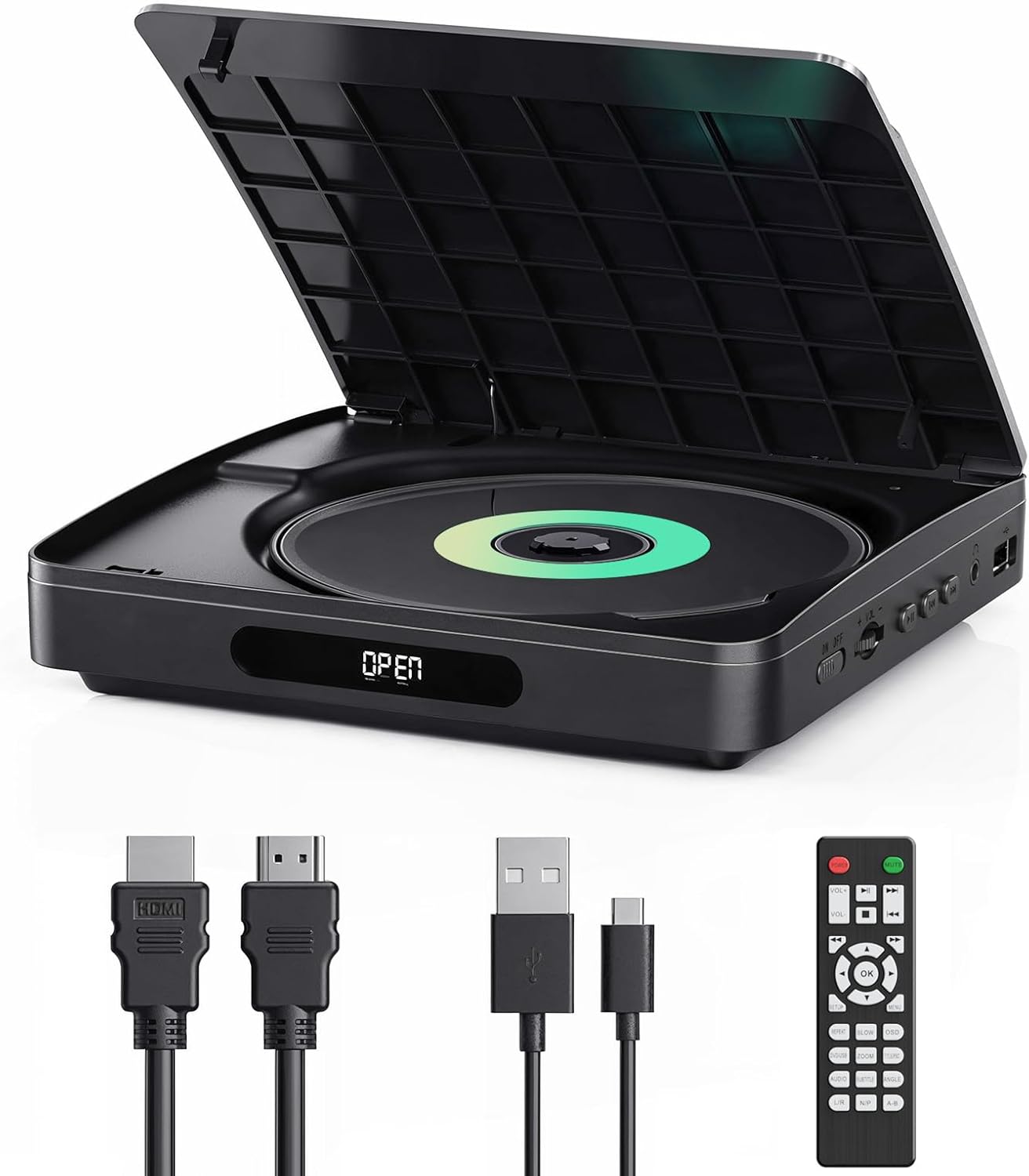
This compact DVD player from YOTON is a lightweight, portable unit that brings Full HD playback and multi-region compatibility to TVs and projectors, making it convenient for travel, camping or use in a secondary room. It offers HDMI output, a USB port and comes with a remote control and Type-C cable, so you can play DVDs and common media files with minimal fuss.
Key Points
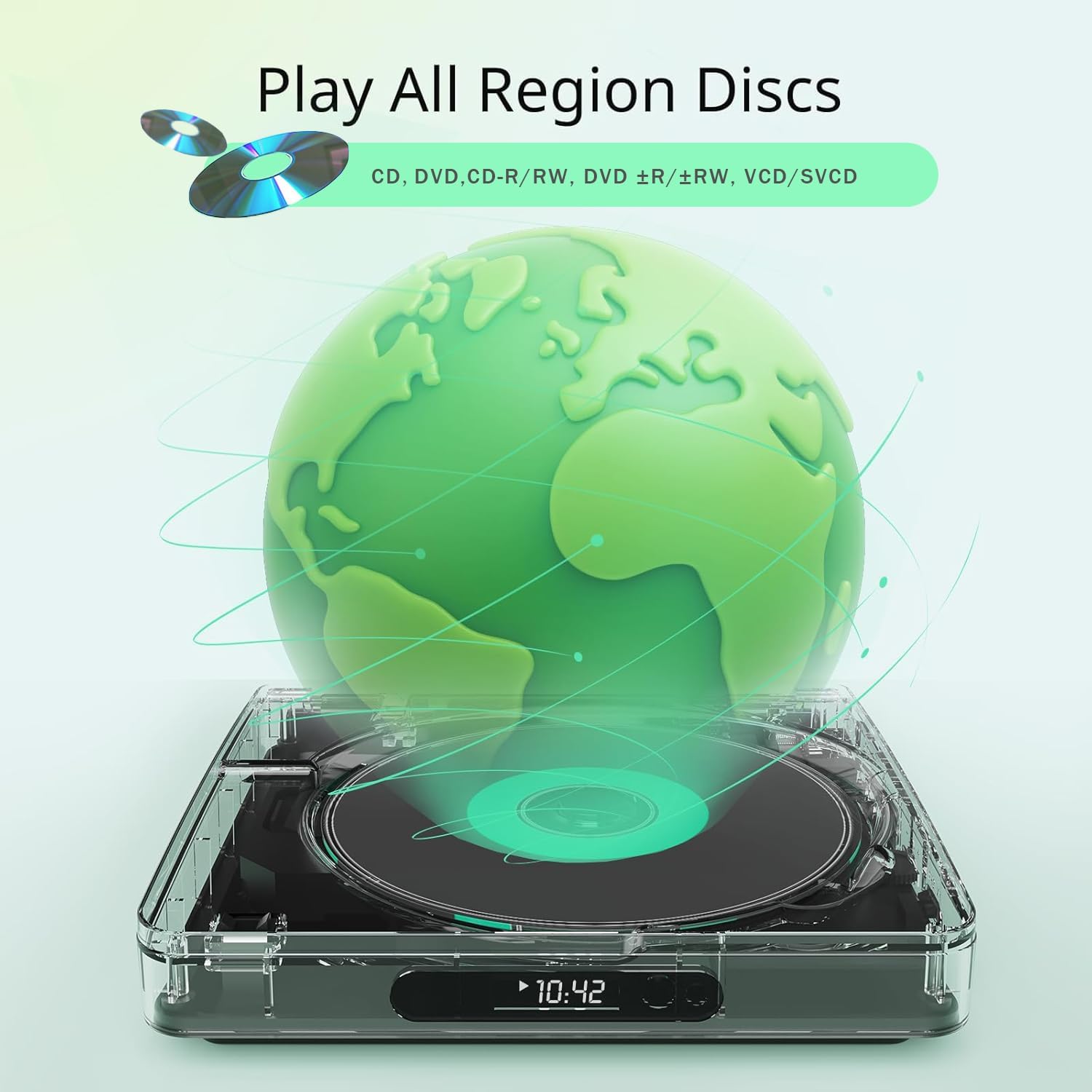
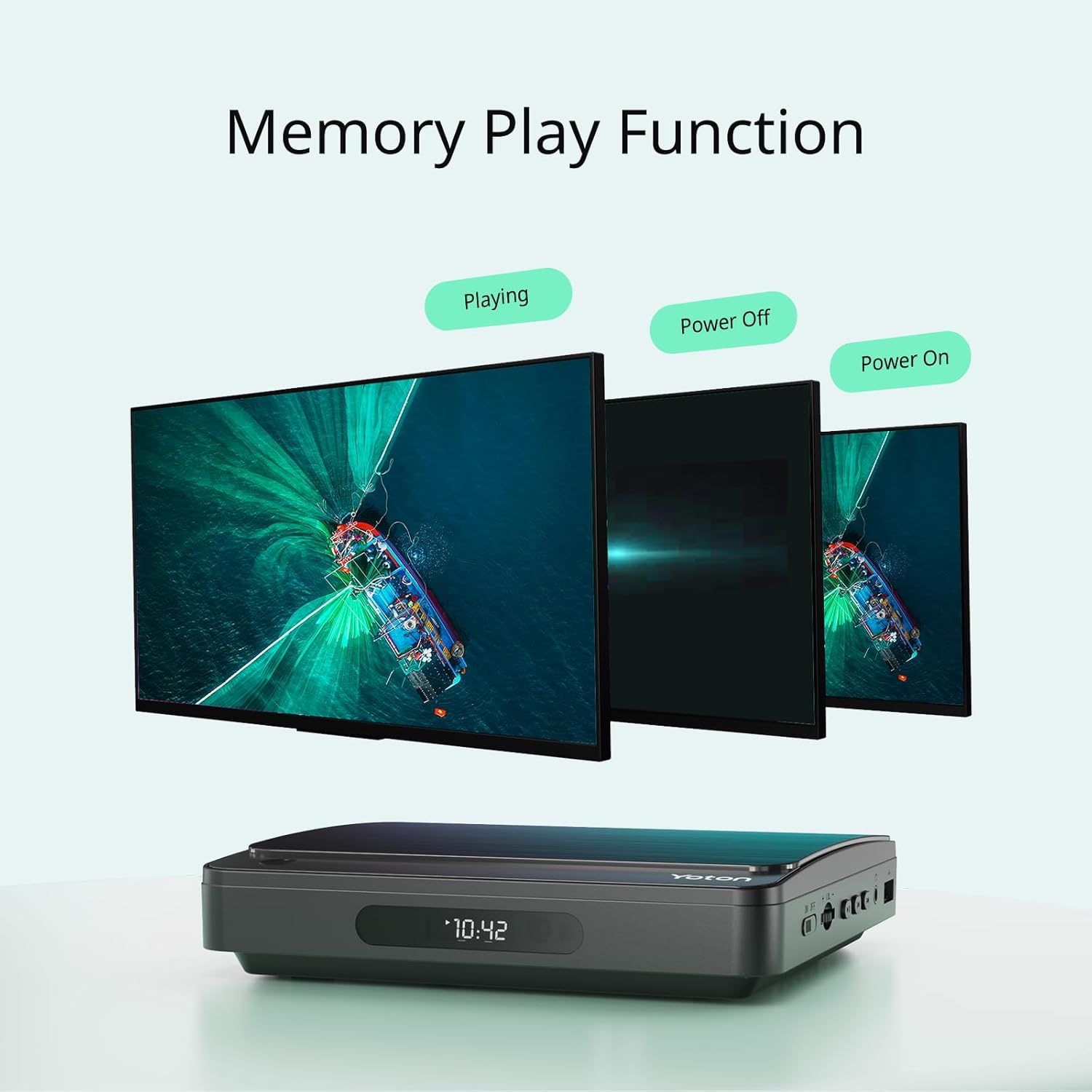
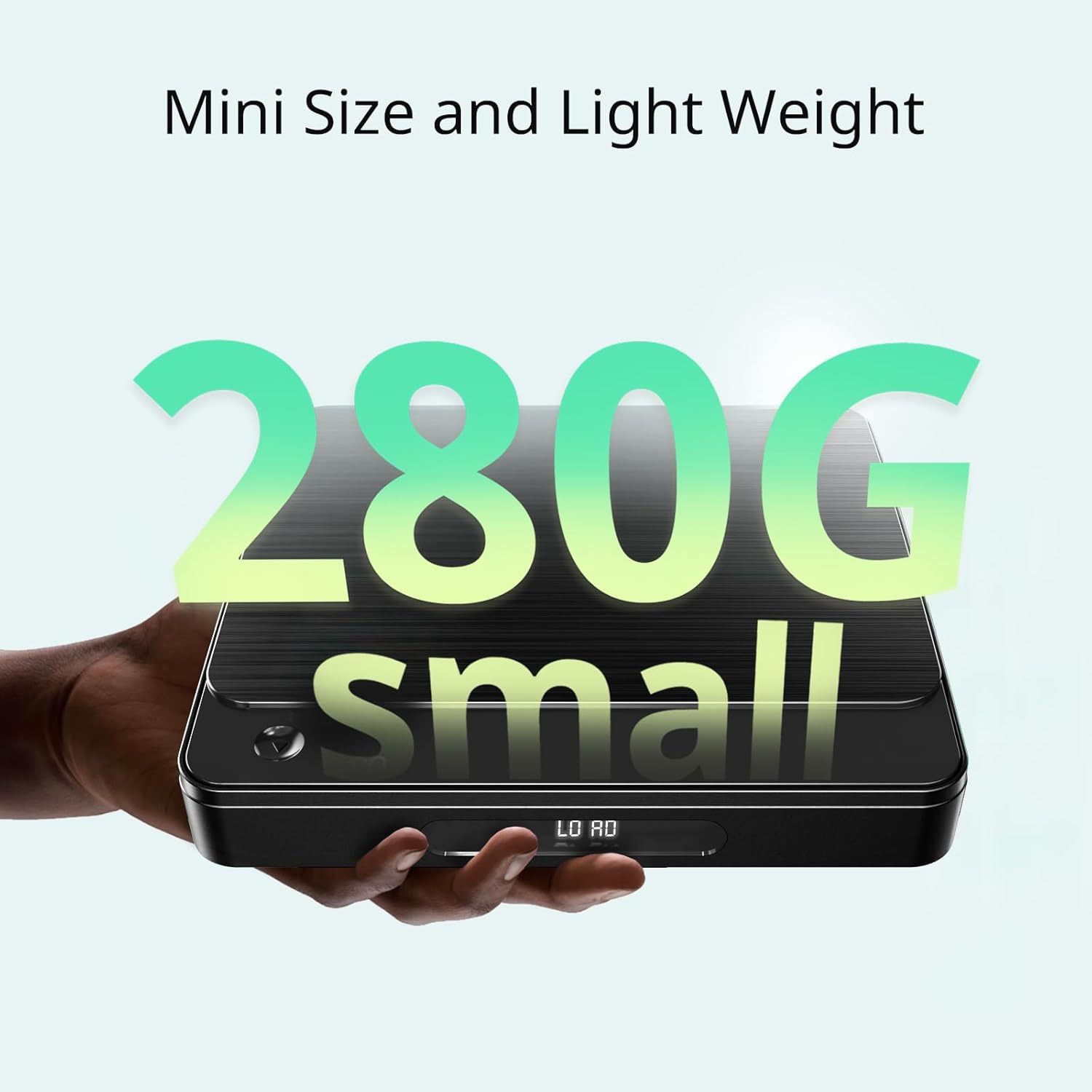
The player supports DVDs from all regions and a wide range of file types, so you can play physical discs alongside video and audio files from USB storage. Its compact footprint and 280 gram weight make it easy to tuck into luggage or a backpack, and the included 2 metre HDMI cable helps connect to larger screens or projectors without extra accessories. According to the manufacturer, the drive uses an updated controller core for faster, quieter disc reading and improved noise reduction, useful when watching films in quiet environments.
Technical Specifications
- Name: YOTON DVD Player
- Dimensions: 15.1 x 13.7 x 2.8 cm
- Weight: 280 g
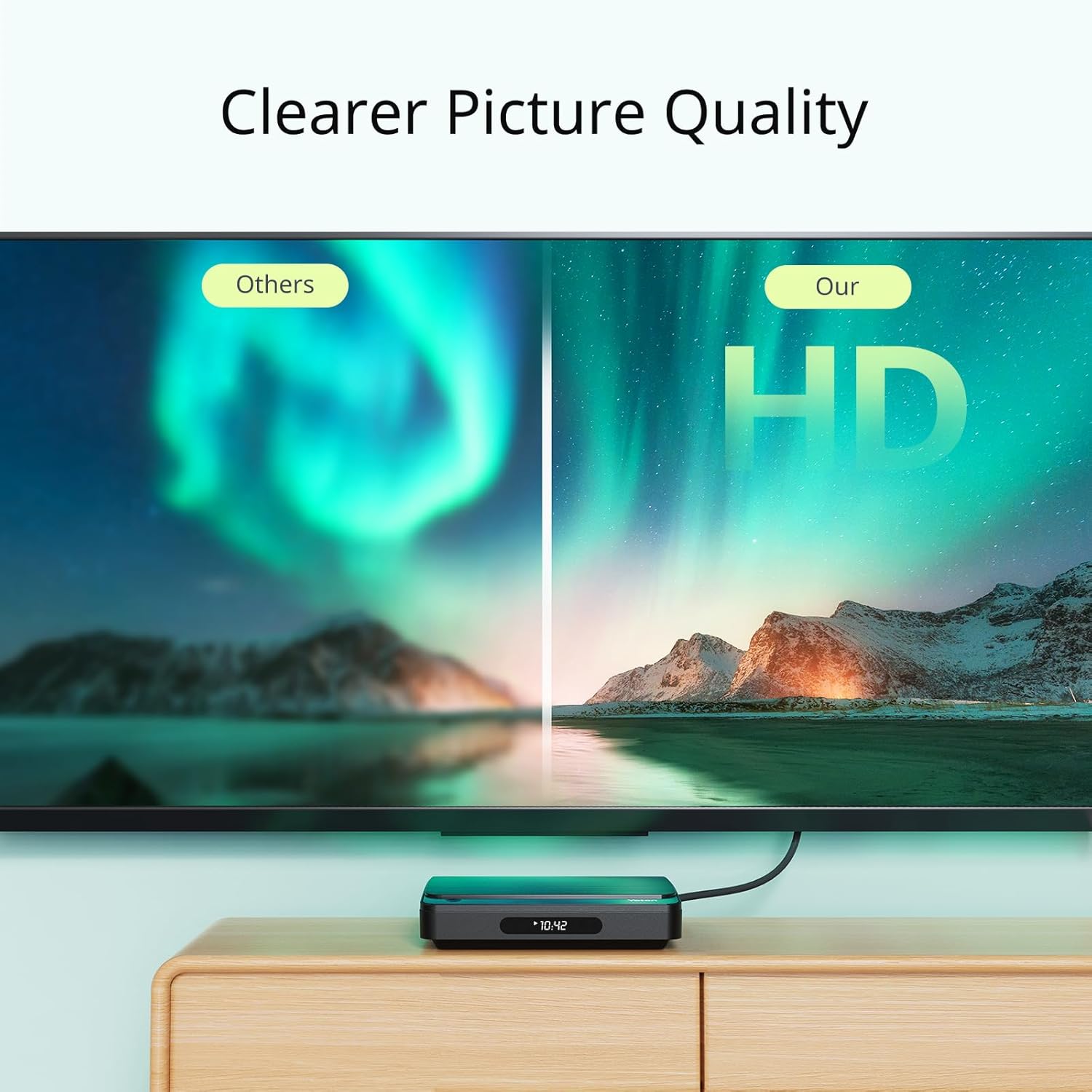
- Video output: HDMI, up to 1080p
- Supported disc and file formats: DVD, DVD+R, DVD-R, DVD-RW, DVD+RW, VCD, SVCD, DVDD, CVD, AVI, MPG, MPEG, DAT, VOB, ASF, MP3, WMA, OGG
Practical Tips
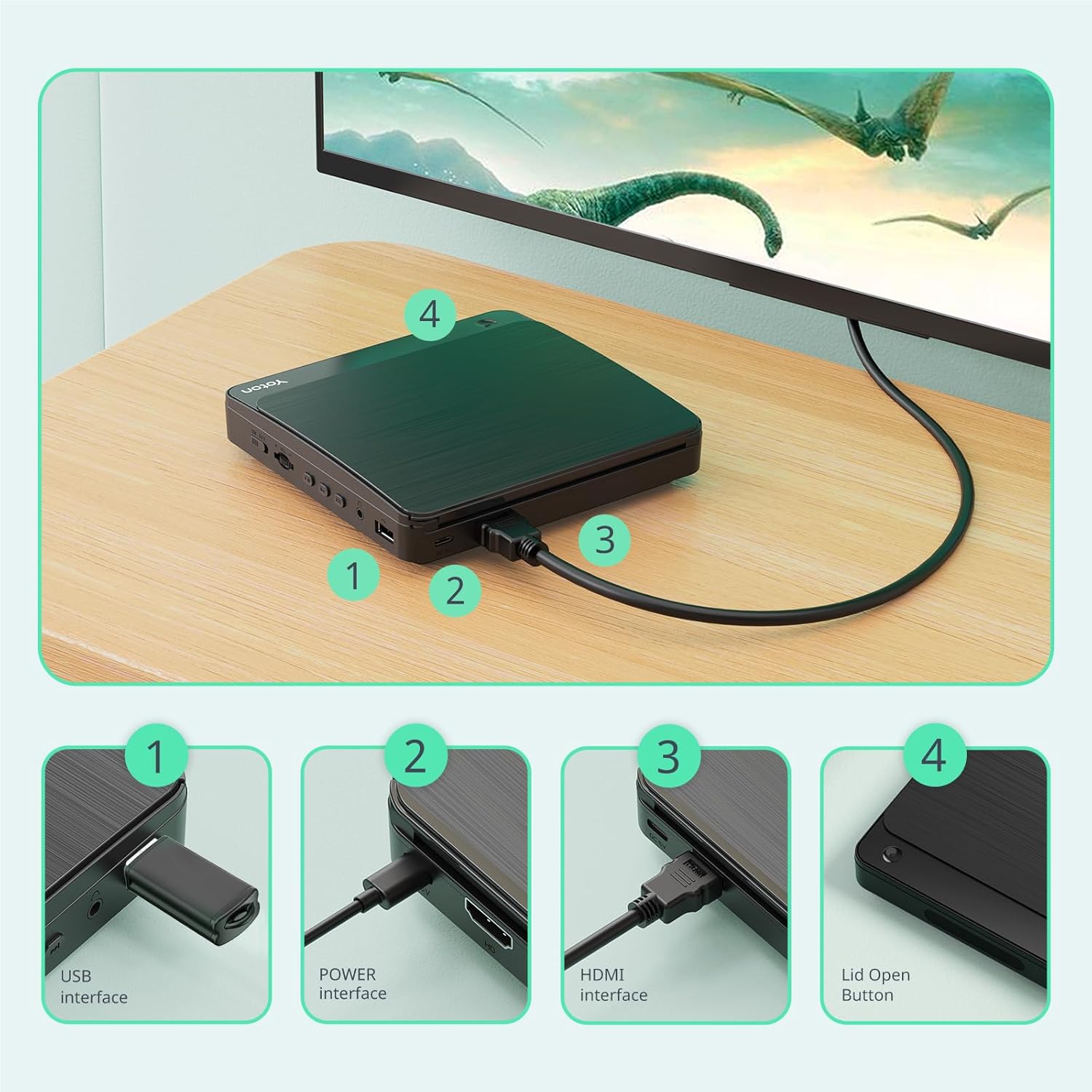
Position the player close to the TV or projector for the best cable routing, and use the supplied HDMI lead to ensure a direct digital connection and Full HD signal. The USB port accepts power from mains adapters, car chargers or power banks, which makes the unit flexible for use away from conventional sockets. If you plan to use older TV sets, check available inputs because composite or SCART leads are not included.
Advantages
The small size and low weight mean the player can be used as a portable media solution for short trips or as a simple home stereo companion. The multi-region capability removes the need to worry about disc coding when playing imported DVDs. The remote control provides basic navigation and playback control from a distance, and the Type-C cable simplifies connection to modern power sources. Note that this device is a DVD player and not a Blu-ray player, so it will not play Blu-ray discs.
Usage Recommendations
For best audio and picture quality connect via HDMI to a compatible TV or projector and set the display to 1080p where possible. Use a good quality USB stick when playing files to reduce the chance of stuttering. Keep the player on a stable surface during disc operation to avoid read errors and store it in a protective pouch when transporting it to prevent scratches and knocks.