

Muchfox USB to HDMI Cable (USB A to HDMI) with Built-in Drivers, Audio Support, 2m
Product description
Key takeaways
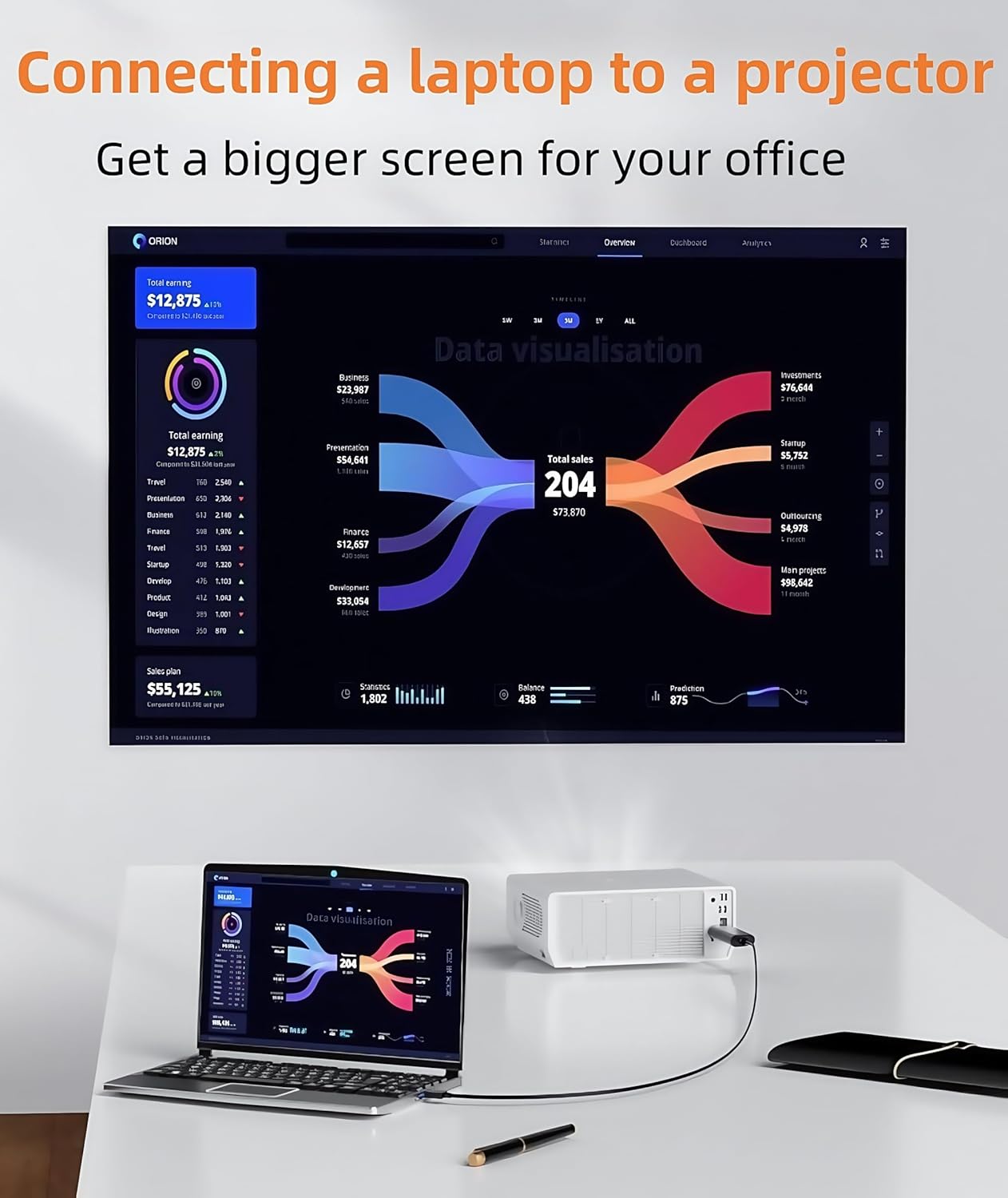
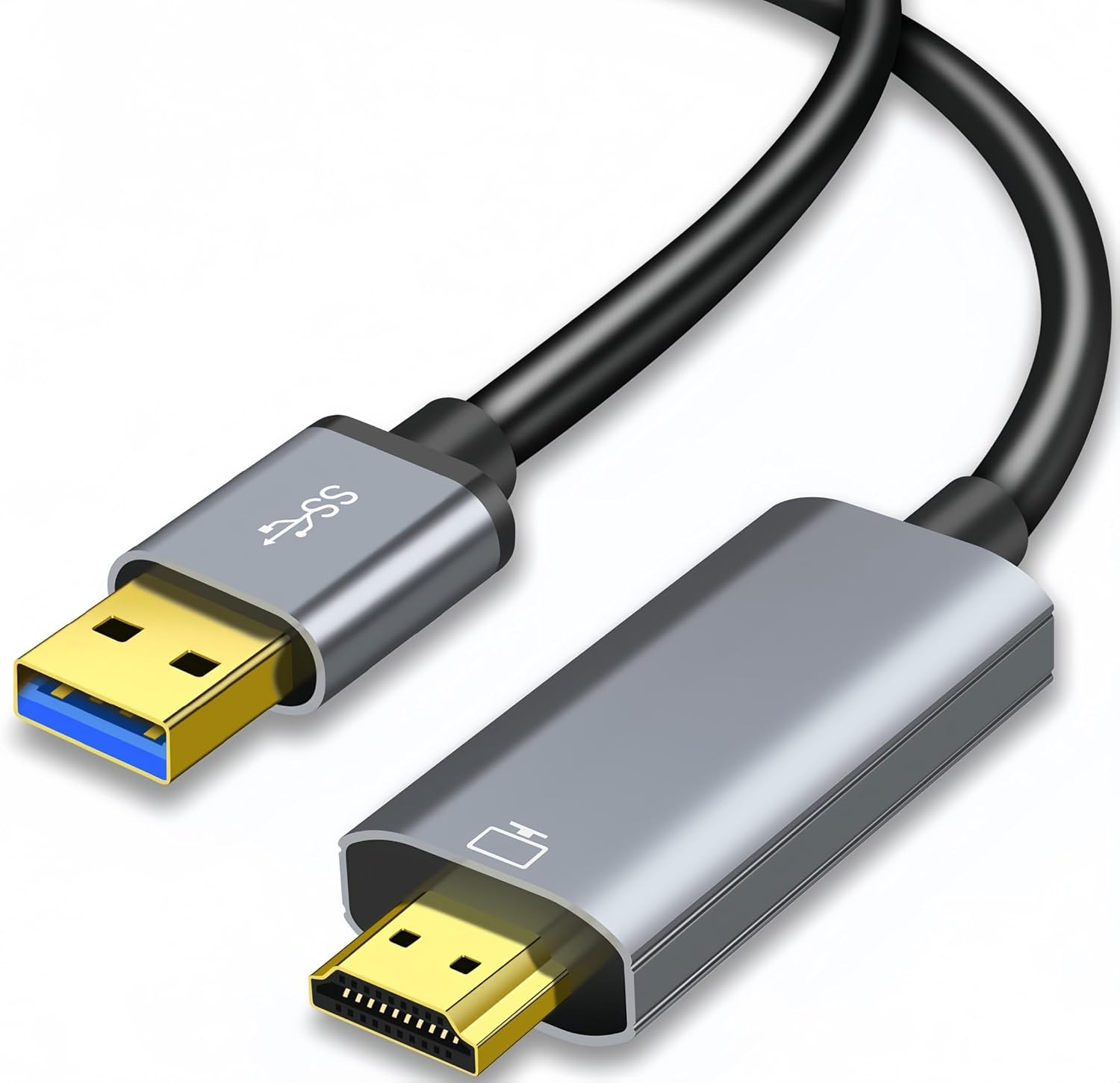
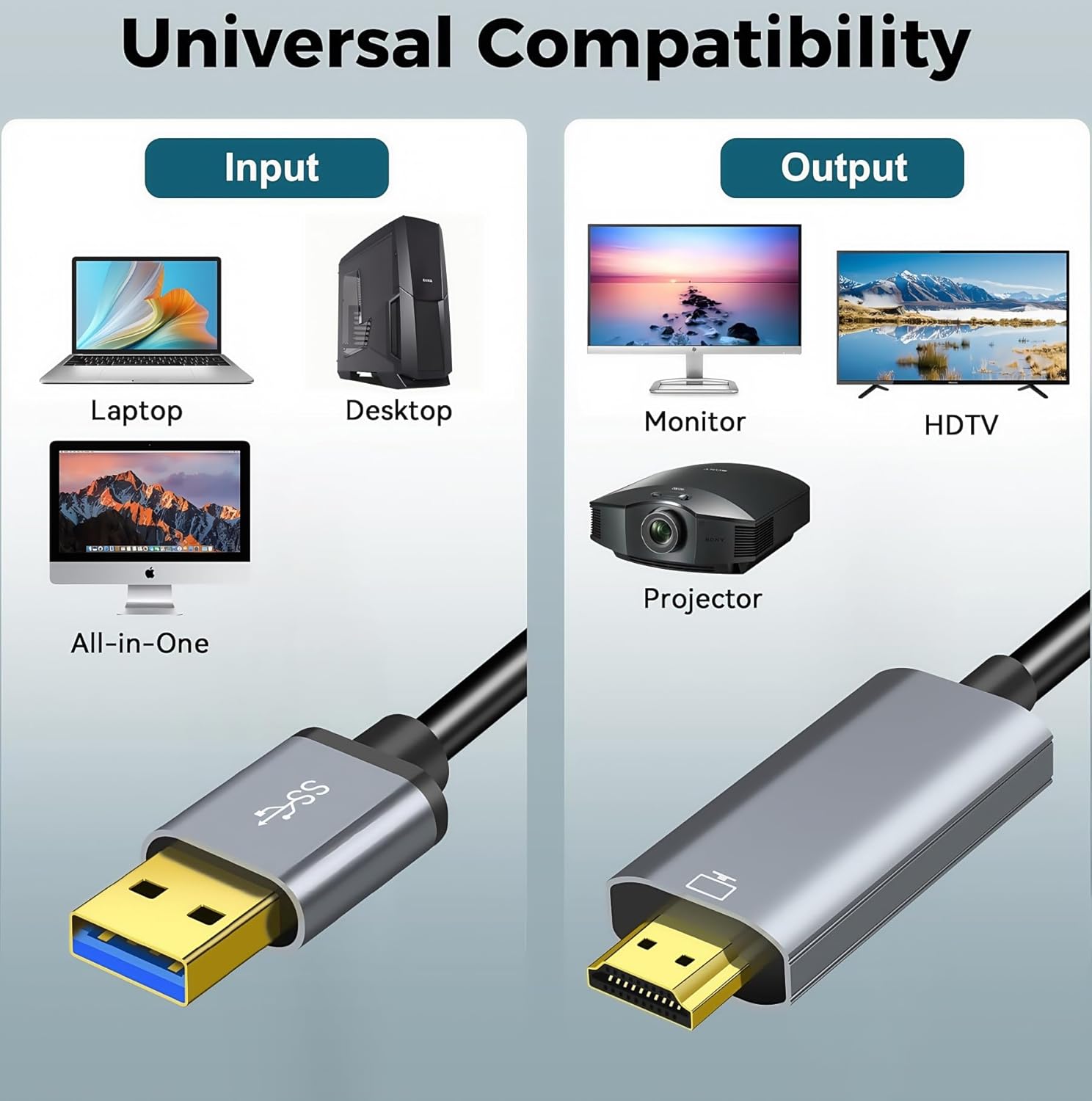
If you want a simple way to turn a USB port into an HDMI output, this Muchfox USB to HDMI cable is built for that job: connecting USB-enabled devices (like a laptop or desktop) to HDMI-enabled screens (like monitors, projectors or TVs). It’s the kind of setup people reach for when they’re working from a spare desk, doing corporate training, or just want a bigger screen for videos.
On paper, it’s designed for Windows 7/8.1/10/11, with a driver that’s built in. The trade-off is that it isn’t a “plug and forget” cable for every device type, and it only converts in one direction (USB to HDMI).
It’s also worth noting that this is not for charging or file transfer, and it’s not meant to replace a fully-fledged dock or video card solution. If you’re expecting bidirectional control or using it on gaming consoles or certain streaming devices, you’ll likely be disappointed.
The essentials
This cable converts video from a USB-equipped computer to an HDMI display. The aim is to give you either:
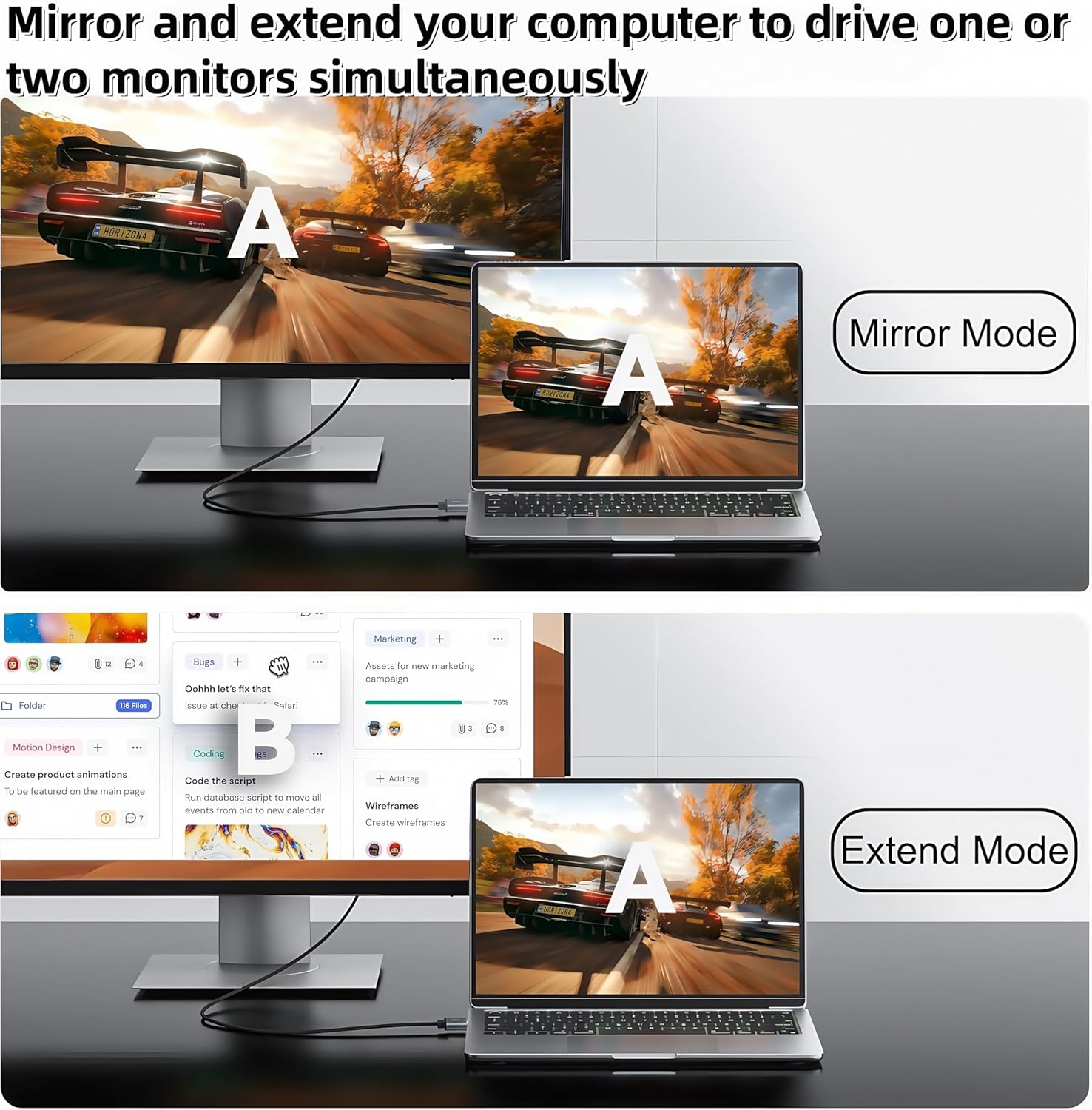
- Mirror mode, where your laptop content shows on a large screen
- Extend mode, where your desktop can spread across more than one display for multitasking
In practice, that can mean you can run a video conference on your main screen while keeping notes, chat, or a training deck visible on the extended display. For that “get more screen space without buying a new monitor” scenario, the concept is straightforward and genuinely useful.
There’s also an explicit “audio” mention in the product positioning, but since the input details focus mainly on video conversion and driver installation, it’s wise to plan your expectations around your specific Windows setup and the HDMI device you’re connecting to.
What you’ll notice day to day
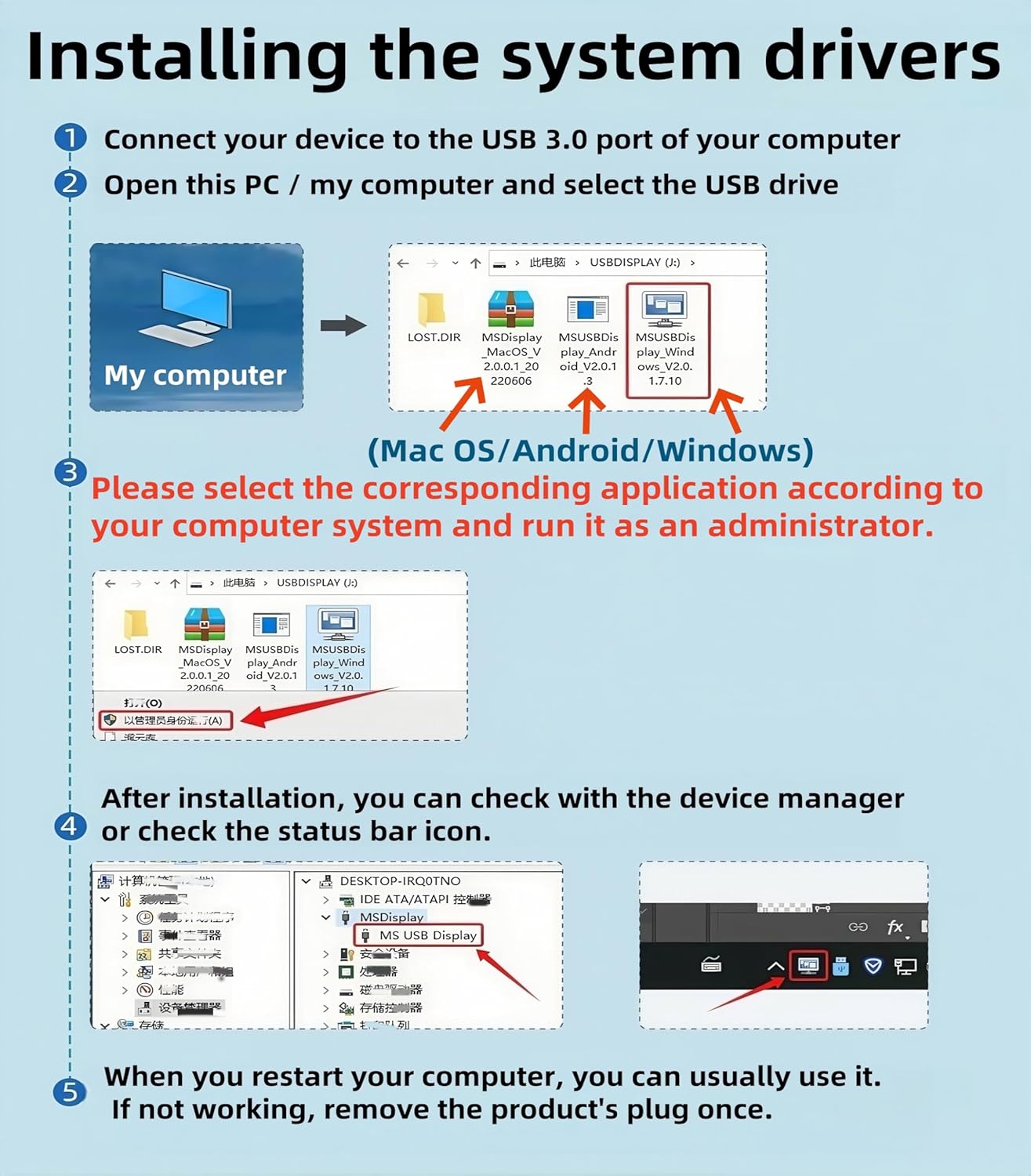
The built-in driver is a key part of the experience here. For first-time use, you’ll need to install the driver from the prompts after plugging it in. Once installed, switching between mirror and extend mode is handled via Windows shortcut keys (the product mentions WIN+P).
That’s handy if you often change how you present or work across meetings, training sessions, or day-to-day office tasks. Just keep in mind that Windows driver installation is still a step you have to go through, and the cable can’t magically bypass that.
A small but important limitation: the cable is not bidirectional. So it won’t work as an HDMI-to-USB capture or for sending signals the other way.
Key specifications
- Type: USB to HDMI cable (USB A to HDMI male)
- Built-in drivers: Yes (driver installation may be required for first use)
- Video mode switching: Mirror and extend modes in Windows (WIN+P mentioned)
- One-way conversion: Yes, USB to HDMI only
- Length: 2m
- Notes on use: Not for charging or file transfer
Who it suits—and who should skip it
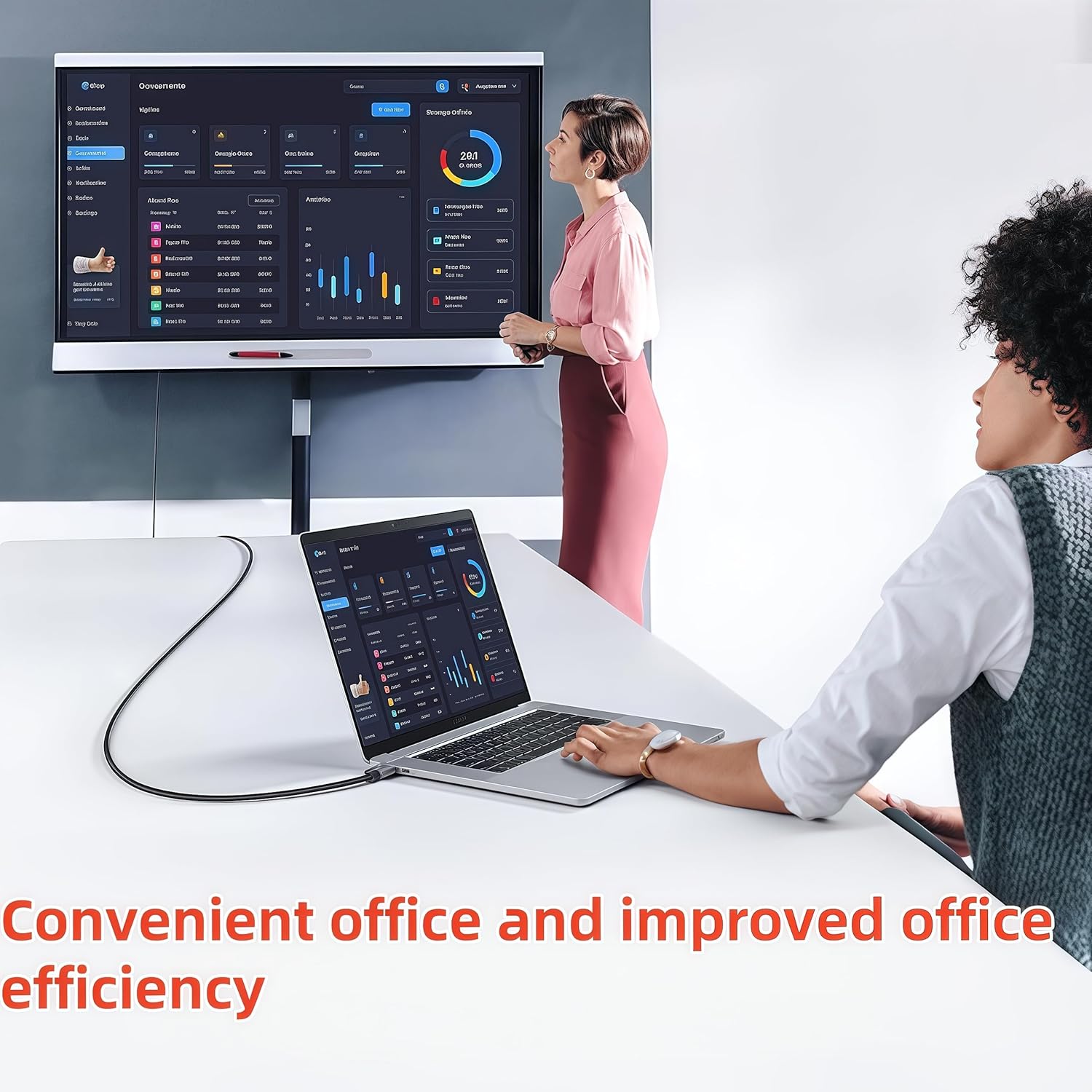
It makes sense if you need an easy USB-to-HDMI conversion for a laptop or desktop and you’re working with a Windows PC that matches the listed versions. If you’re regularly setting up a second screen for corporate training, a home office layout, or a quick “watch on the TV” moment, this is the type of cable that can cover that gap.
It may not suit you if you’re trying to use it with devices like PS3/PS4, Xbox, Chromebook, Roku, or similar setups mentioned as not supported for USB 3.0 ports. The description also frames compatibility around USB-enabled computers rather than other categories of electronics, so it’s best to check what you’re plugging it into.
Care and compatibility checks before buying
Before you commit, double-check a couple of things:
- Your computer OS: the cable is described as compatible with Windows 11/10/8.1/8/7.
- Connection type: the product positions this as for laptop/desktop use, not for other device types with USB 3.0 ports.
- Your goal: if you need charging, file transfer, or HDMI-to-USB (bidirectional) functionality, this isn’t that.
Mini FAQ
Does this cable support both charging and video?
No. The product notes that it’s for video transmission, not for charging or file transfer.
Will I need to install anything?
For first-time use, the product states the driver is built in, but you still need to install it via the on-screen prompts. The driver CD is described as a backup, and there’s mention of downloading the driver from Displaylink.
Can it send HDMI back to the computer?
No. It’s described as not bidirectional, so it only converts from USB to HDMI in one direction.
What kind of display devices does it work with?
The description lists HDMI-enabled devices such as monitors, projectors and TVs.
Final verdict
This Muchfox USB to HDMI cable is a sensible pick if your main need is turning a USB port on a Windows laptop or desktop into an HDMI output for a second display, meetings, training, or watching on a larger screen. Just be aware it’s one-way conversion and relies on driver installation for the first setup, so it’s not the right choice if you want a universal, device-agnostic “any gadget, any direction” solution.