

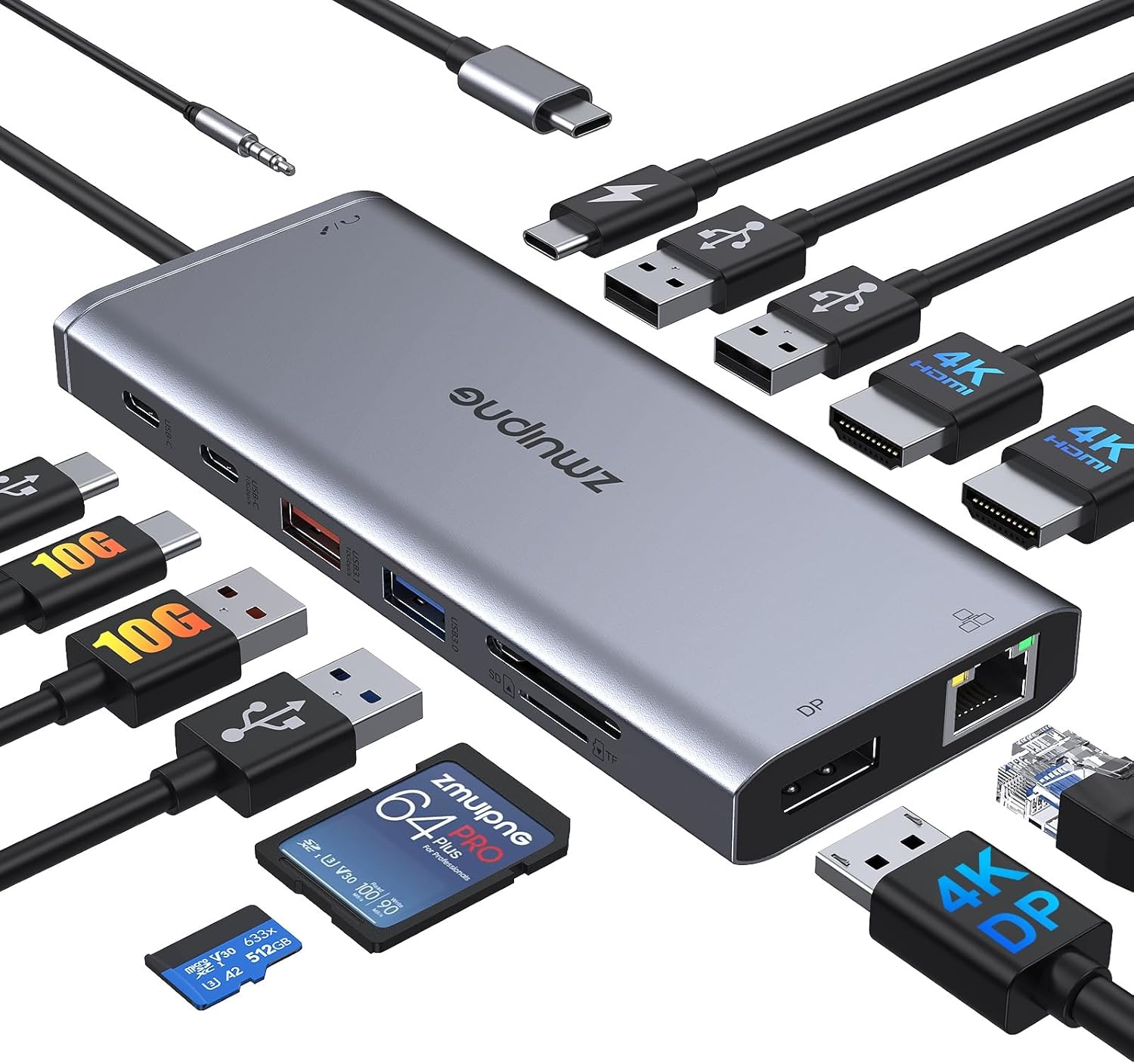
Black 3-in-1 USB-C to HDMI Adapter with 4K HDMI, USB 3.0 and 100W PD charging
Product description
The essentials
If you’re trying to do more with a single USB-C port, this Black 3-in-1 USB-C to HDMI adapter is built around one straightforward idea: split one USB-C connection into three useful jobs at once. On paper, it gives you an HDMI output for a TV or monitor, a USB 3.0 port for peripherals or storage, and a USB-C Power Delivery charging port so your laptop can keep charging while you use the video.
In everyday terms, it’s the kind of adapter you’d reach for when you want a clean desk setup: plug in once, mirror or extend your screen to a display, add a USB keyboard/mouse or a flash drive, and keep your power supply sorted. It’s also the sort of kit that can cover common “work + home” moments like video calls on a larger screen, a simple home cinema session, or sharing a presentation.
What it actually does for your setup
This adapter expands one USB-C port into:
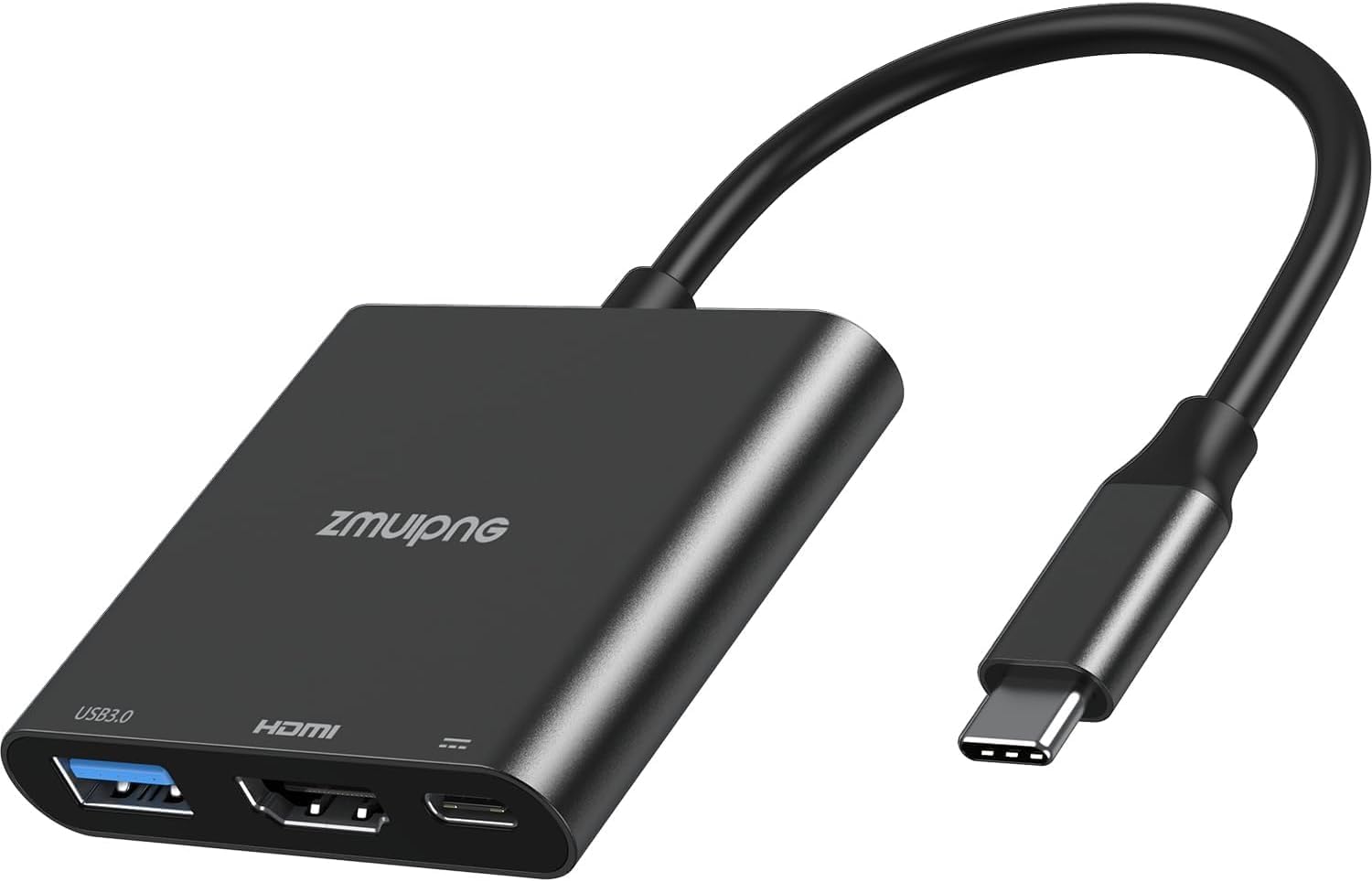
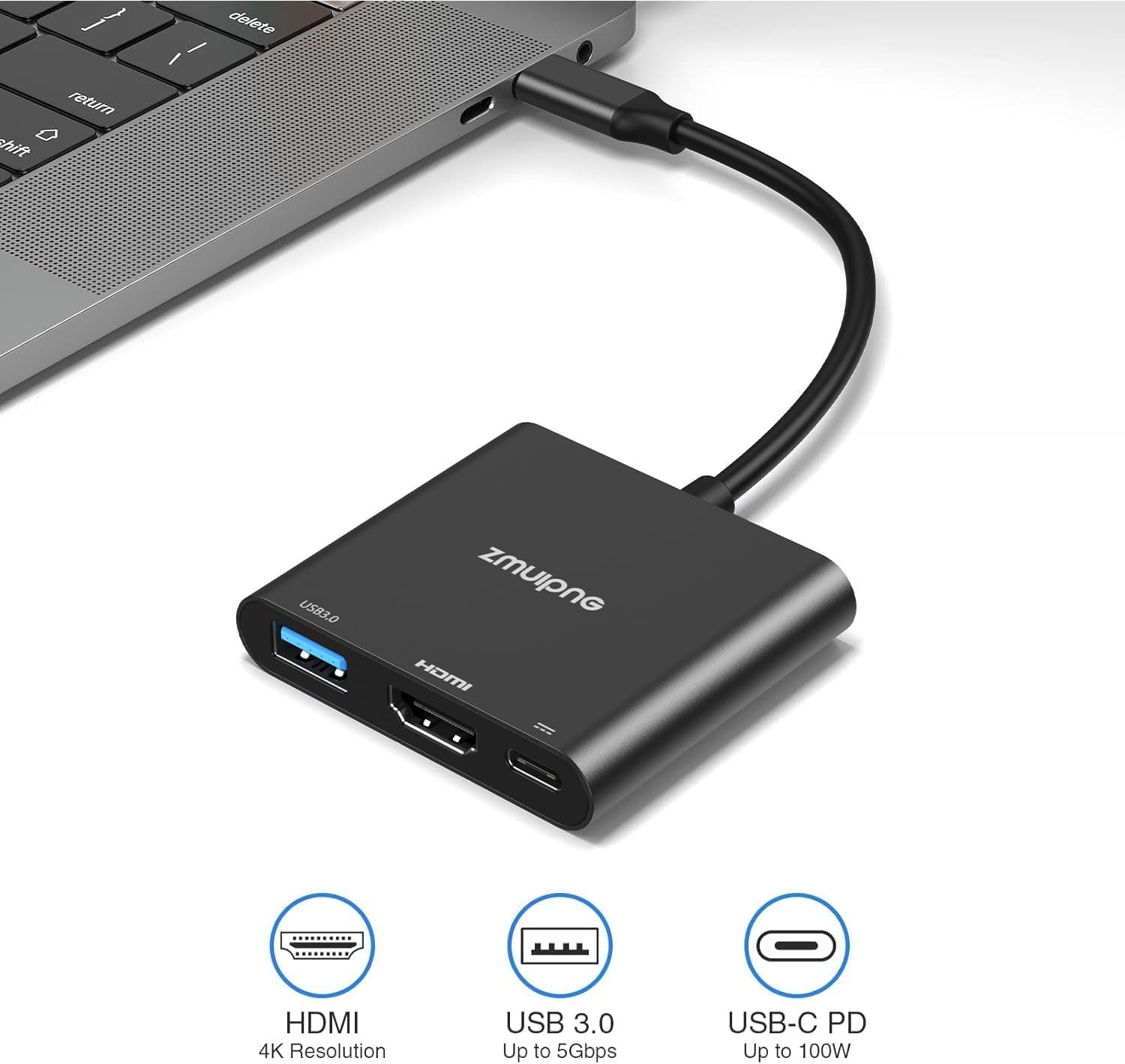
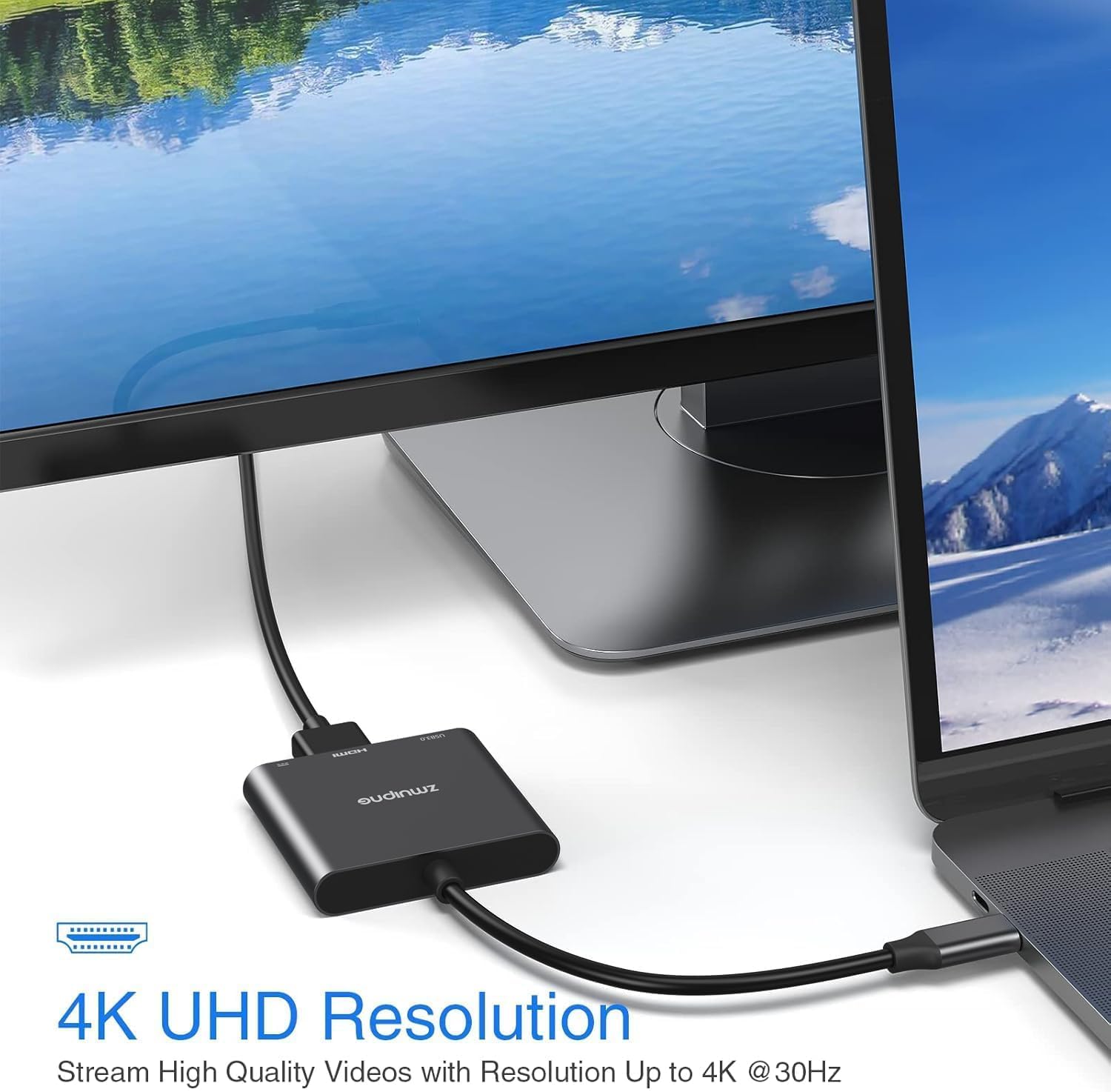
- HDMI video output up to 4K (3840×2160) at 30Hz, with the ability to mirror or extend your display. The description also mentions Full HD 1080p output.
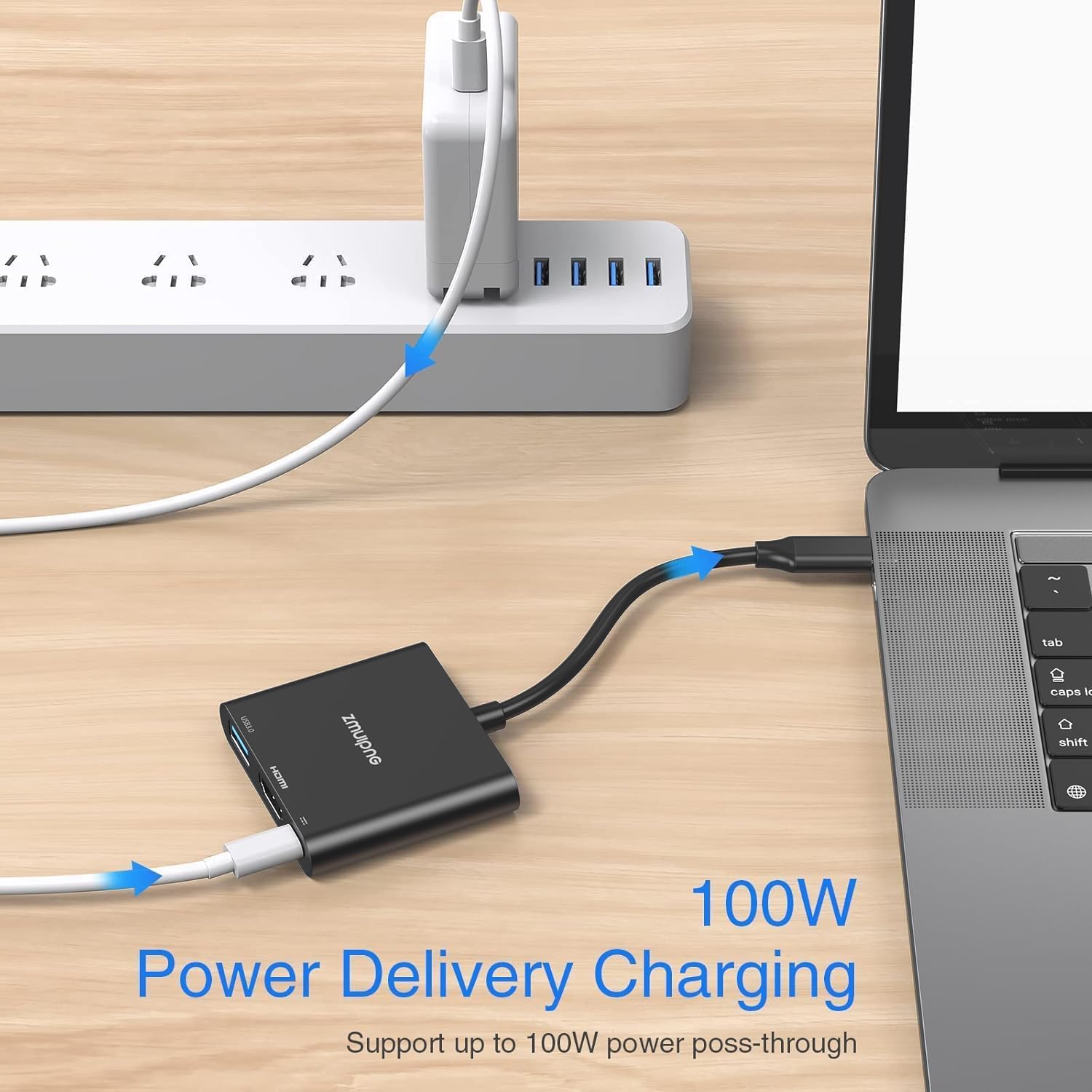
- USB-C PD charging with an input up to 100W and “safe” output listed as 87W.
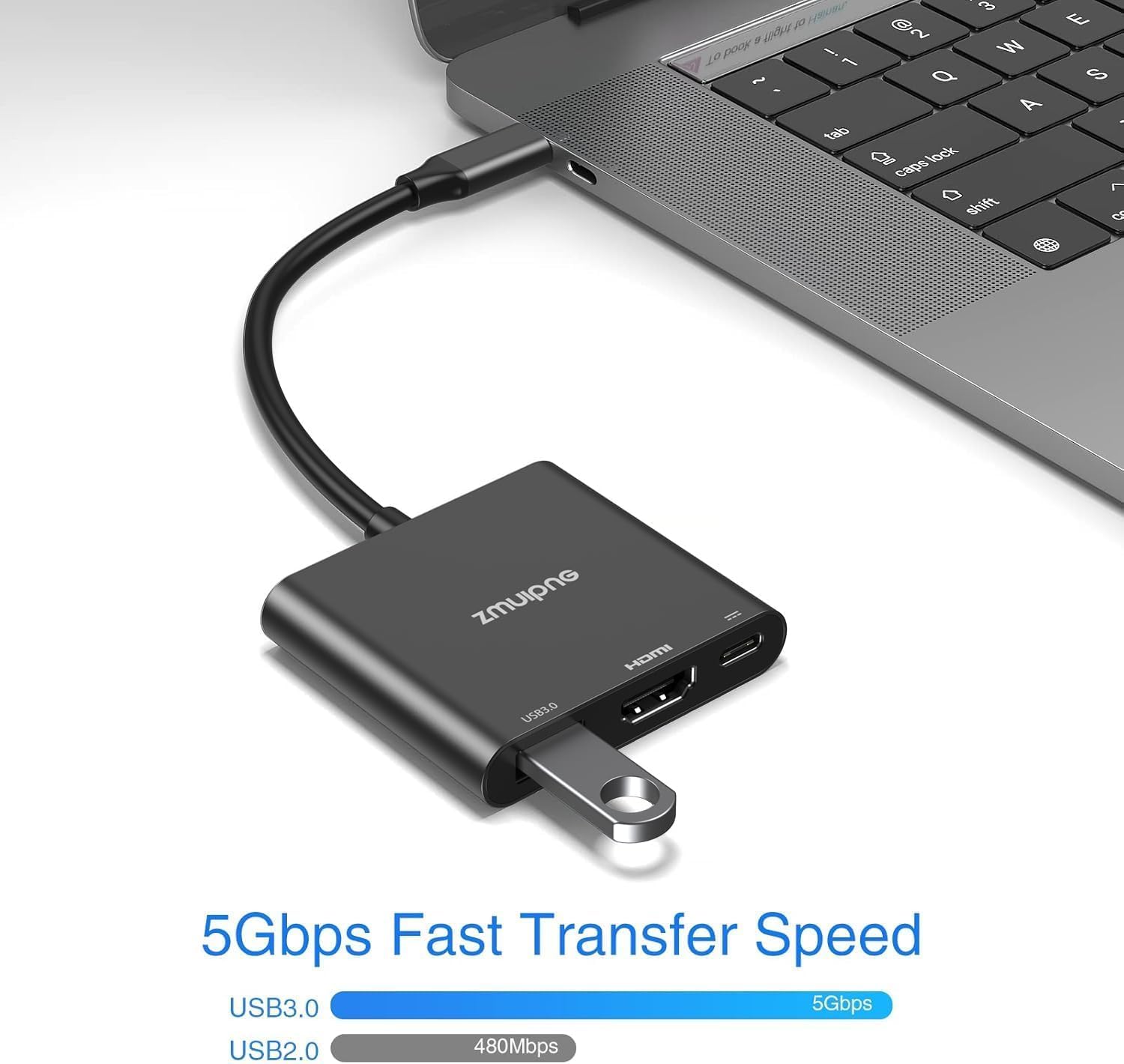
- A USB 3.0 port supporting data transfer speeds up to 5Gbps (and it’s said to be backward compatible with USB 2.0).
All ports are intended to work at the same time, which matters because some simpler adapters force you to choose between video and charging or make peripherals fiddly.
A small practical example: imagine you’re teaching or presenting from a laptop. You connect the adapter to your laptop, HDMI goes to the projector/TV, you plug in a USB mouse for navigation, and you use the PD port so the laptop can keep charging during the session.
Key takeaways on performance and limits
The HDMI part is designed for 4K at 30Hz maximum. That can be totally fine for movies, slide decks and most casual gaming needs, but if you’re expecting very smooth high-refresh gaming output, this spec may feel a bit limiting.
On the charging side, the PD story is strong on paper, but you do need to be careful with compatibility. The adapter states that it does not support certain laptop charger plug shapes (“round hole, slim tip”) and that your USB-C port must support Power Delivery. It also advises using at least 65W for the charging adapter, using a lower power charger may trigger low charging warnings.
There’s also an explicit video-output requirement: you should make sure your device’s USB-C port supports video output before buying. This is one of those “it depends” checks that prevents a lot of disappointment.
Finally, a note on peripherals: the description says this USB-C to HDMI adapter does not support connecting Logitech wireless mice and keyboards. Wired USB accessories should be fine on the USB 3.0 port, but if you rely on those specific Logitech wireless models, it’s a detail worth taking seriously.
Specs that matter in day-to-day use
Technical details
- Type: USB-C to HDMI multiport adapter (3-in-1)
- HDMI max resolution: 4K (3840×2160) at 30Hz
- Video modes: mirror or extend
- USB port: USB 3.0
- USB data transfer: up to 5Gbps
- USB compatibility: backward compatible with USB 2.0
- Power Delivery (PD) charging: up to 100W input and 87W (safe) output
- Simultaneous use: HDMI output, USB 3.0 and PD charging can be used together
Where this model fits (and where it doesn’t)
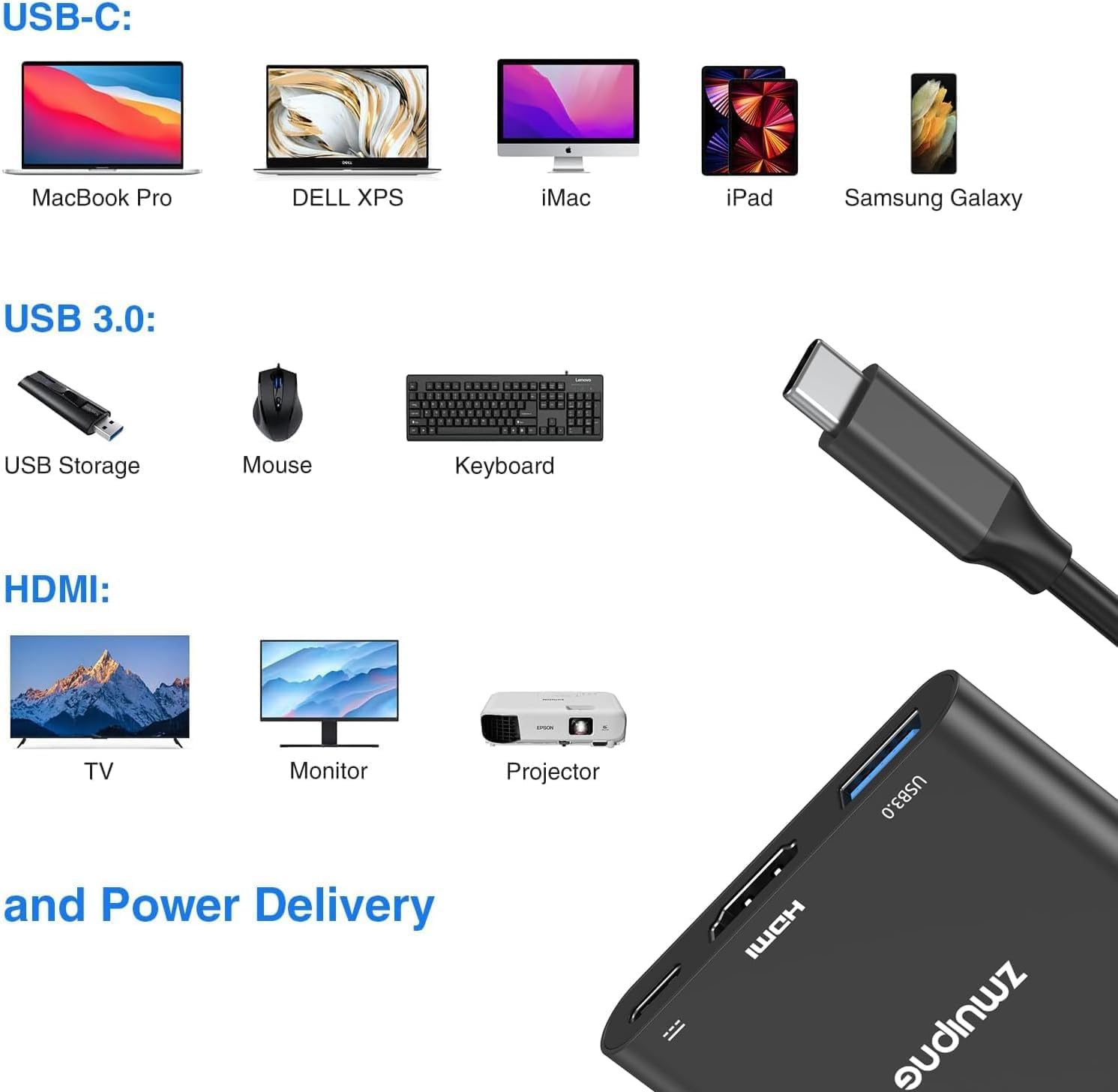
It makes sense if you’re the kind of user who wants fewer cables and one plug that covers: screen output, a USB peripheral connection, and charging. The stated compatibility is broad, including common laptop lines and some tablets, plus devices like Chromebook models and Dell XPS / Surface.
It may not be the best match if your main goal is high-speed, high-frequency gaming output (because the HDMI max is 30Hz), or if your laptop charging setup doesn’t align with the PD requirements mentioned (power adapter wattage, USB-C PD support, and the specific AC plug type not supported).
Also, if you use Logitech wireless mice/keyboards from the ones mentioned, you may want to skip this particular adapter design rather than risk a workaround.
Compatibility & requirements
The listing calls out wide compatibility across several device lines, including MacBook Pro, MacBook Air, iPad Pro, Chromebook, and various Dell XPS and Surface models. However, it also stresses two pre-purchase checks:
It’s not for you if your USB-C port doesn’t support video output. It’s also not ideal if your USB-C charging plug setup is one of the “round hole, slim tip” styles that the description says is not supported.
Is it worth it?
If you want an adapter that can mirror/extend to an HDMI display while also adding a USB 3.0 port and charging via USB-C PD at the same time, this 3-in-1 design is a sensible buy on paper. It’s especially attractive for home setup days and work sessions where one cable needs to cover multiple jobs.
But do take the limitations seriously: HDMI is capped at 4K at 30Hz, charging depends on your device supporting Power Delivery, and the PD guidance (including the need for a 65W+ charger) is there for a reason. It might not suit you if you’re counting on specific wireless Logitech peripherals, or if you’re not confident your USB-C port can do both video output and PD charging.
FAQ
Will it mirror or extend my screen?
Yes—according to the description, it supports mirroring or extending your display to an HDMI screen.
What resolution can I expect on the HDMI output?
The maximum listed output is 4K (3840×2160) at 30Hz, with Full HD 1080p also mentioned.
Can I charge my laptop while using HDMI and USB?
That’s the goal. The listing says the HDMI output, USB 3.0 port and PD charging can all be used simultaneously.
Does it work with all USB-C laptops?
Not automatically. The description advises checking that your USB-C port supports video output and that it supports Power Delivery for charging.
Does it support Logitech wireless mice and keyboards?
The listing notes it does not support connecting Logitech wireless mice and keyboards.