


Hakaug 10-inch Android 13 Quad-Core Tablet (6GB RAM, 64GB storage, 5000 mAh) – Silver
Product description
The essentials
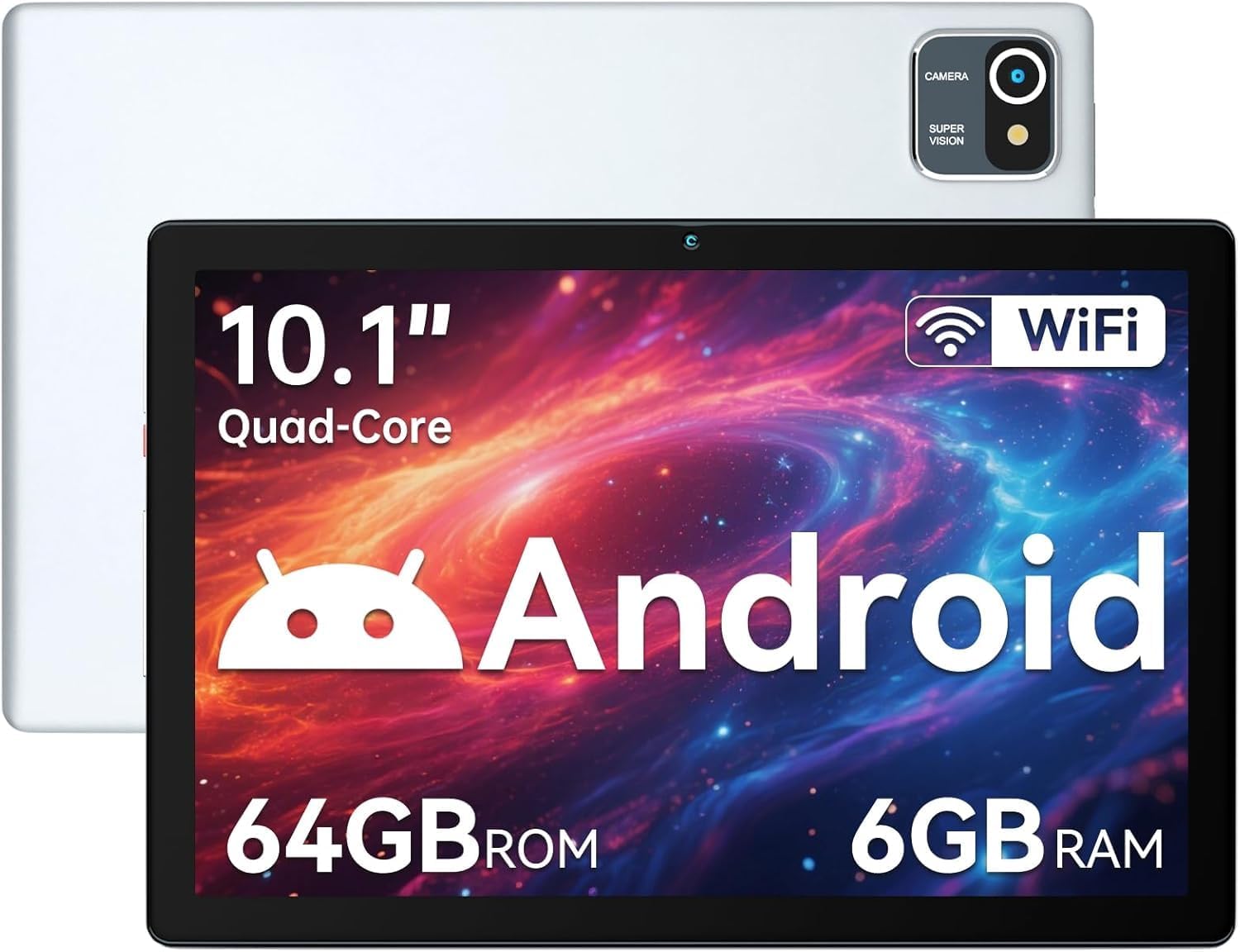
If you’re looking at buying an Android tablet that’s aimed at day-to-day use (and not just for playing the same app over and over), the Hakaug 10-inch Android OS tablet is a fairly straightforward option on paper. You get an Android 13 setup with a quad-core processor, a 10.1-inch IPS touchscreen (1280x800), and a 5000 mAh battery. It’s designed to be portable too, with a listed weight of 540 grams and a slim 8 mm thickness.
Where it stands out a bit is its “grown-up” feature set for household use: there’s time tracking intended to help manage how long the tablet is used and which apps it’s used for. That’s not the sort of thing you always see clearly explained on cheaper tablets, so if you’re buying with family routines in mind, it’s worth paying attention to.
That said, it may feel more like an entry-to-mid range tablet than something you’d buy to push demanding apps or heavy multitasking for long periods. In other words: it looks practical, but if you expect flagship-level smoothness, you may find it comes up short.
What matters in everyday use
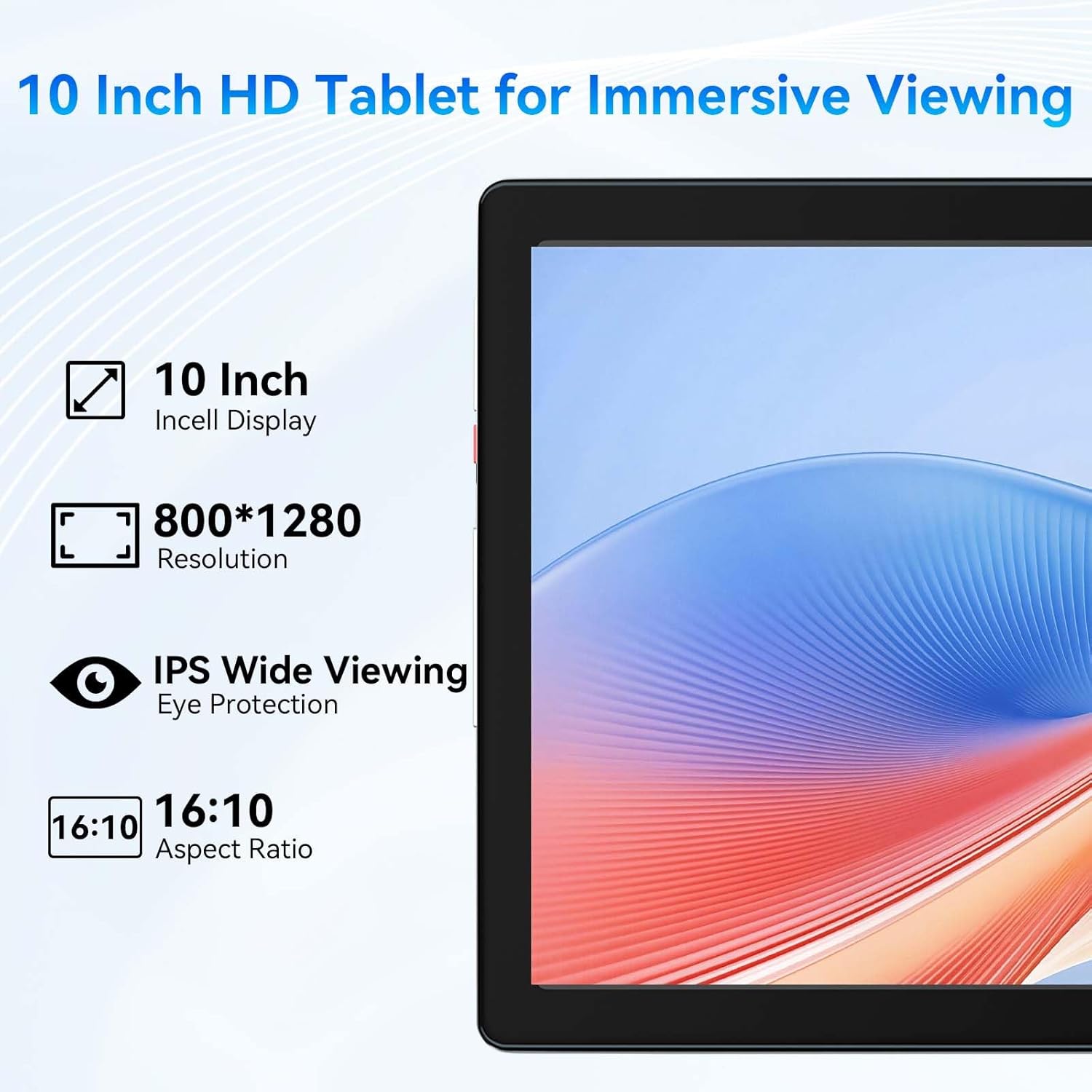
On a 10.1-inch IPS screen with 1280x800 resolution, you should get a comfortable viewing experience for watching videos, scrolling through content, and general browsing. IPS panels typically offer wider viewing angles compared with more basic panels, and the specification here also mentions “more realistic colours” and better detail.
For audio, the tablet includes dual stereo speakers with a surround-sound technology. That’s helpful if you often watch things without headphones.
A simple micro-scenario: imagine you’re sat on the sofa with the tablet on your knees, streaming a short programme and sharing the screen with someone next to you. The IPS display and dual speakers are the kind of basics that make that feel less awkward—at least compared with tablets where the display washes out or the speakers sound thin.
Storage and performance, realistically
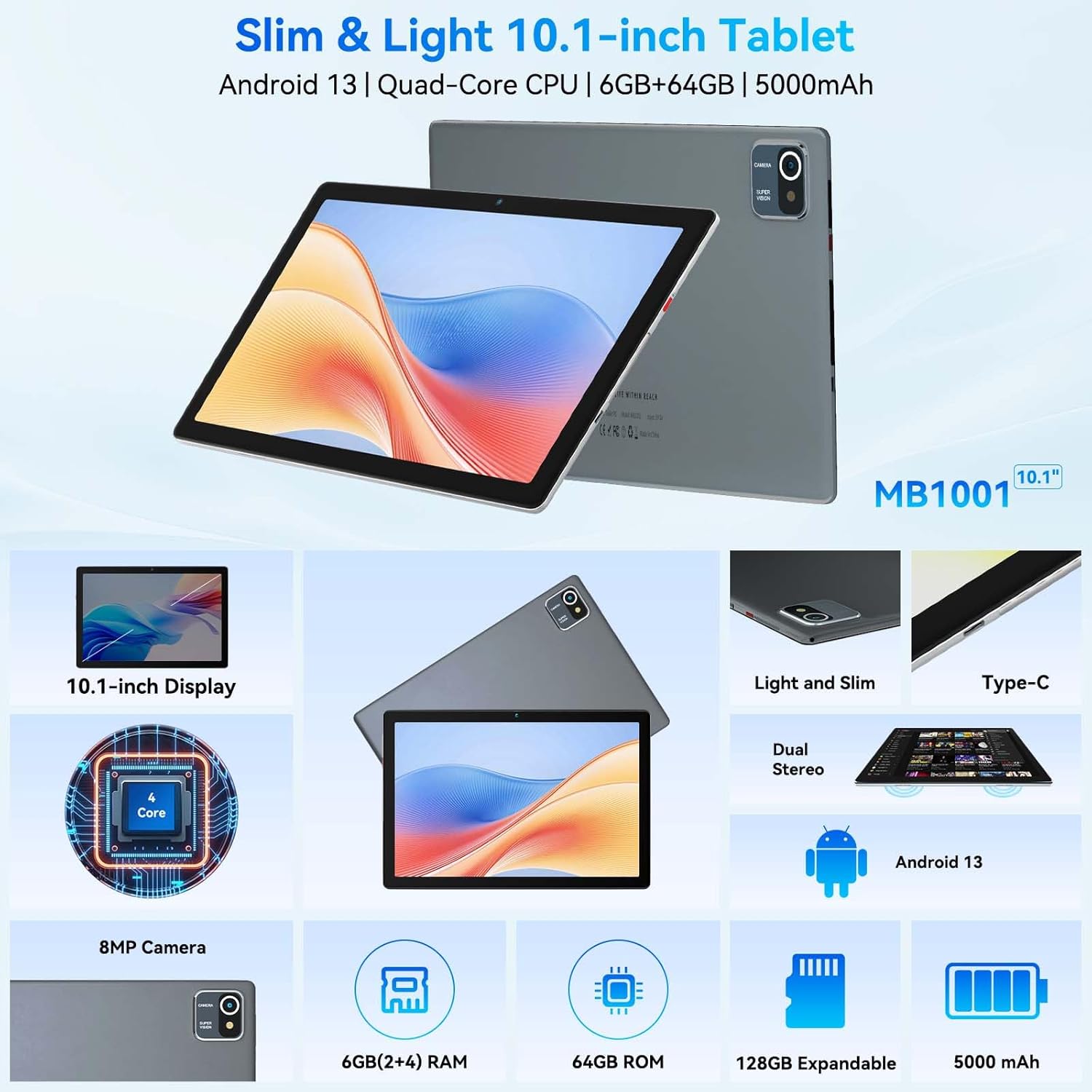
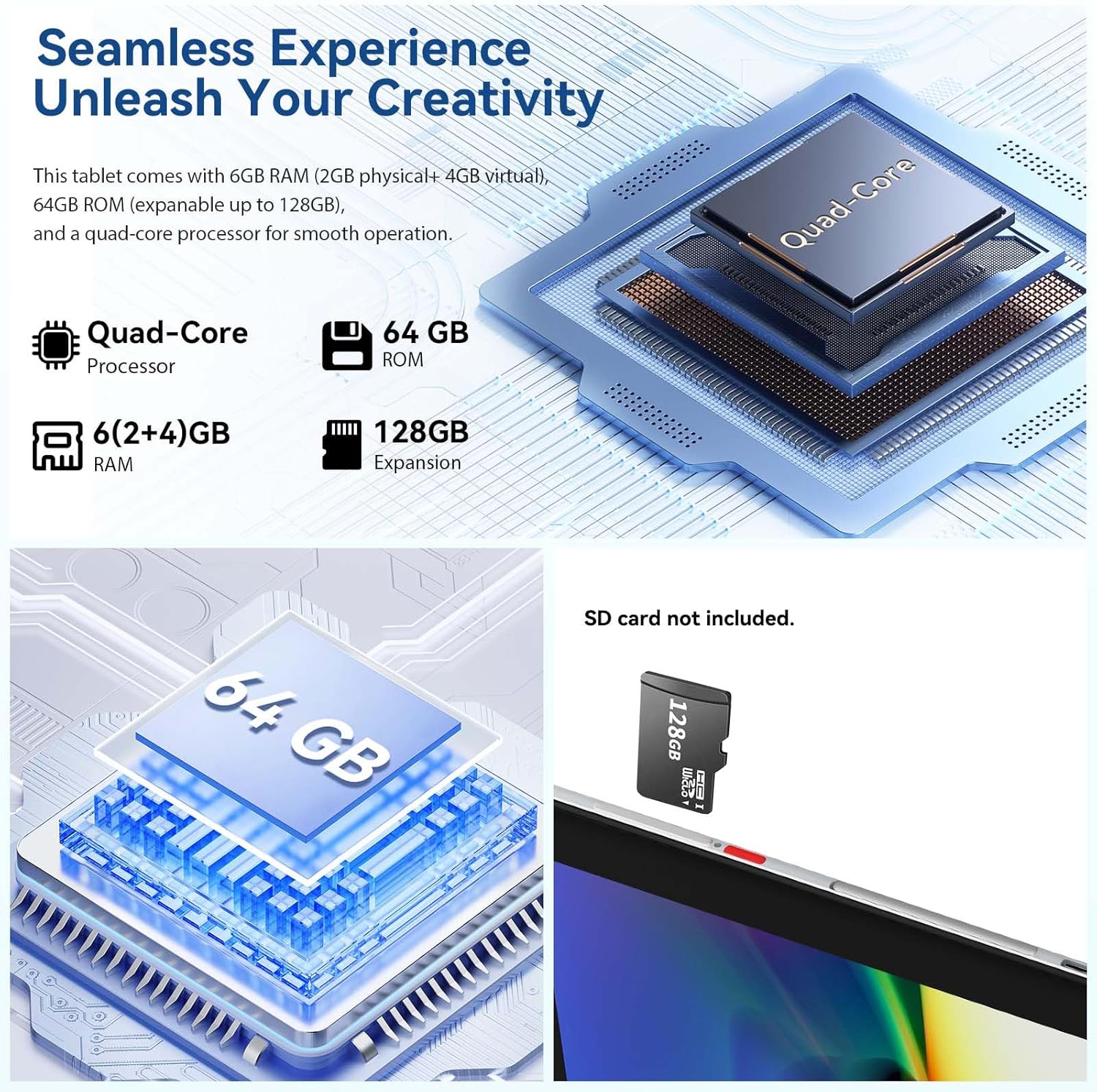
You’re getting 6GB RAM and 64GB internal storage, with the option to expand up to 128GB via an SD card (SD card not included). The RAM figure is described as 2GB physical + 4GB virtual, which is common on tablets in this category.
If you mainly use the tablet for media, social apps, web browsing, and school-style tasks, 6GB RAM and expandable storage should cover the typical needs of most households. However, you should keep expectations sensible: virtual RAM can help, but it’s not the same as having lots of dedicated, physical memory.
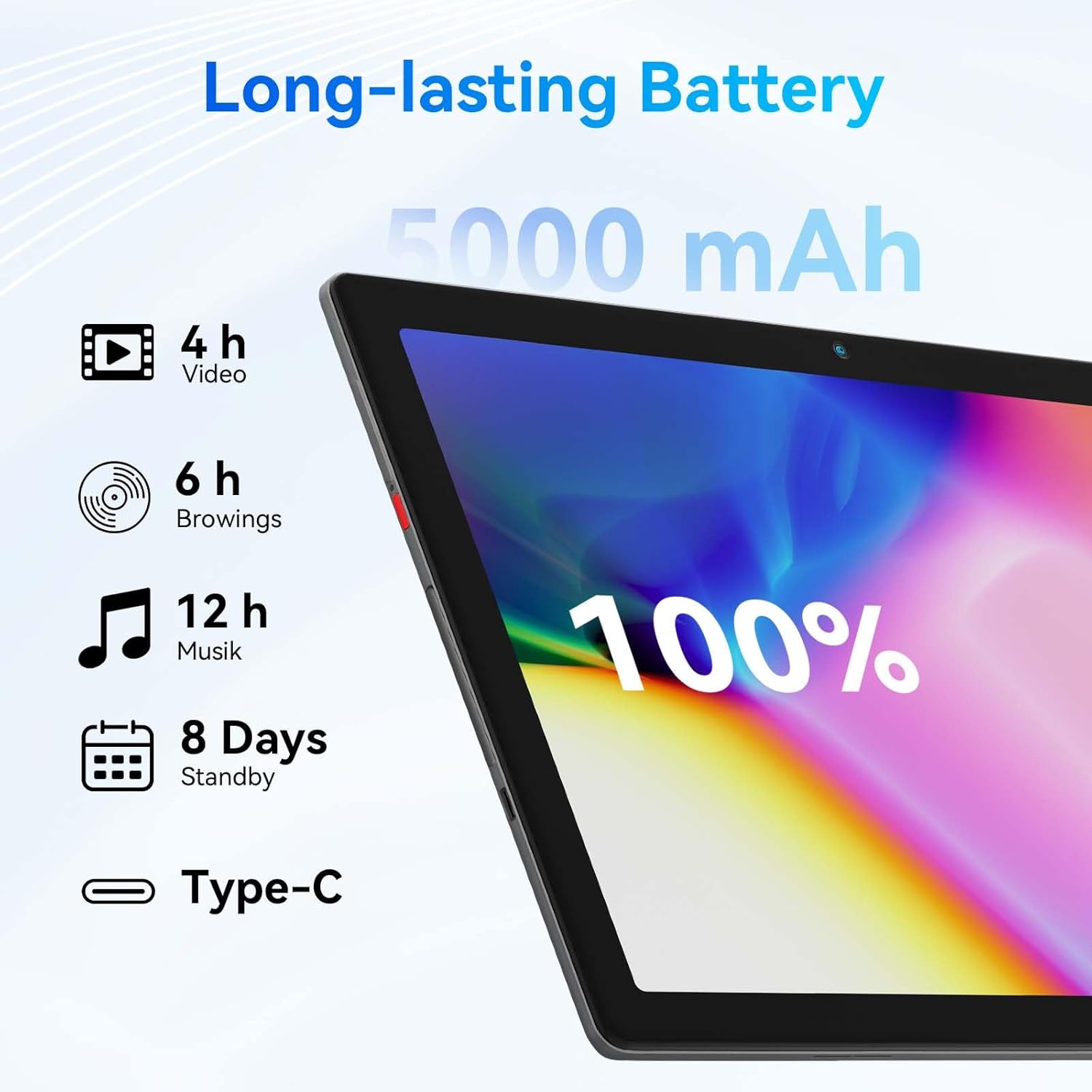
Also, the battery is rated at 5000 mAh and is described as delivering up to 5 hours of battery life with a low-power processor. In practice, actual runtime depends heavily on brightness, Wi-Fi use, and what you’re doing—so it may not always hit the “up to” figure.
Connectivity and cameras
Connectivity is fairly standard, but that’s often what you want in a tablet you’ll use every day: Bluetooth 5.2 and Wi‑Fi 802.11 b/g/n are included. The spec claims improved network performance and wider compatibility, which is good if you’ll connect to headphones/speakers and rely on home Wi‑Fi.
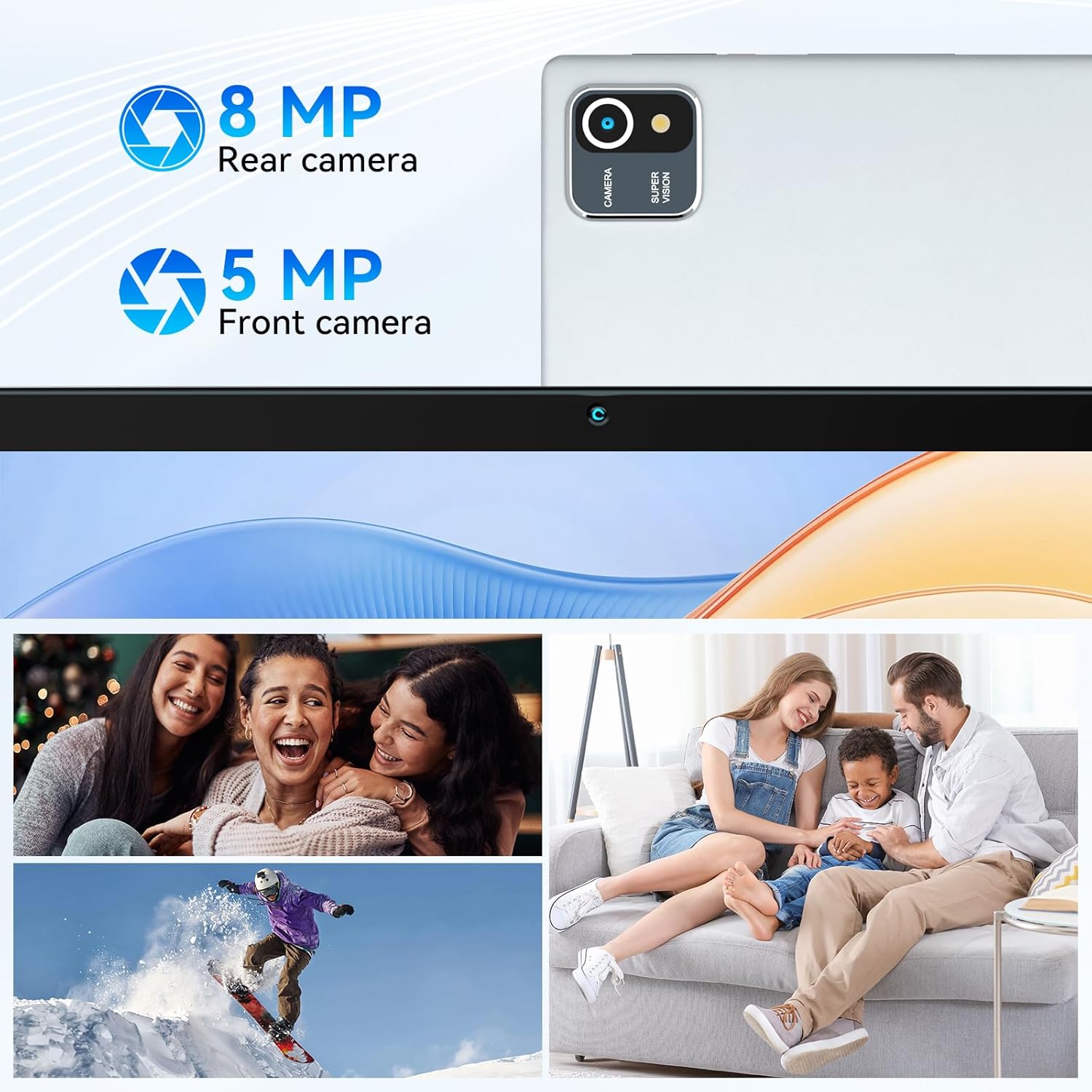
For photos and video calls, there are dual HD cameras: a 5-megapixel front camera and an 8-megapixel rear camera. If your main need is casual video calls and occasional snapshots, those numbers are at least in the “usable” range. If you’re after sharper, more detailed photography (or you’re filming lots of video), it’s the kind of camera setup that can be fine, but it isn’t positioned as a serious content-creation device.
Who it suits (and who should think twice)
It’s a good fit if you want a 10.1-inch Android tablet for everyday media and browsing, especially where storage expansion matters and you’d like a family-friendly approach thanks to the included time tracking.
It also makes sense if you prefer a tablet that’s light enough to move around the house. At 540 grams and 8 mm thick, it doesn’t feel like a heavy chore to pick up for short sessions.
It’s not the best choice if you’re trying to run demanding apps smoothly for long stretches, or if battery life is a top requirement in the “always away from the charger” sense. You may find the “up to 5 hours” claim won’t match your real usage patterns, depending on brightness and tasks.
Worth considering if you’re choosing between buying a tablet for light, regular use versus going for a more performance-focused model. The Hakaug is clearly built for practical consumption rather than pushing high-end performance.
What to check before you buy
Because the specification notes expansion up to 128GB (SD card not included), it’s worth planning for whether you’ll need an SD card straight away. Similarly, the time tracking feature is aimed at managing tablet usage, but you’ll want to confirm how it works in the Android experience you’re getting (for example, whether it matches how you want to set limits for different apps).
Also, double-check whether 1280x800 resolution is enough for your viewing habits. Many people are fine with it for streaming and browsing, but if you’re used to sharper screens, it’s worth thinking about the difference.
Is it worth it?
The Hakaug 10-inch Android 13 tablet is worth considering if you want a lightweight, everyday tablet with a sensible screen size, expandable storage support, and a clear “time tracking” angle for family use. For watching content, browsing, and general app use, it looks like a practical buy.
However, it might not suit you if you need consistently strong performance for heavier apps, or if you expect the tablet to deliver the best possible battery life in real, high-usage conditions. On paper it’s a decent value proposition, but it stays in the practical lane rather than competing with high-end tablets.
Quick FAQ
Does it come with Android 13?
Yes—it's described as running Android 13.
How much RAM does it have?
It’s listed as 6GB RAM, described as 2GB physical plus 4GB virtual.
Can I expand the storage?
Yes, it supports expansion up to 128GB via an SD card, but the SD card isn’t included.
Is there a time tracking feature?
The product description states it includes time tracking to help manage tablet usage and apps, aimed at addressing parents’ concerns.
What battery life should I expect?
The specification claims up to 5 hours, but real-world runtime will depend on how you use it.