

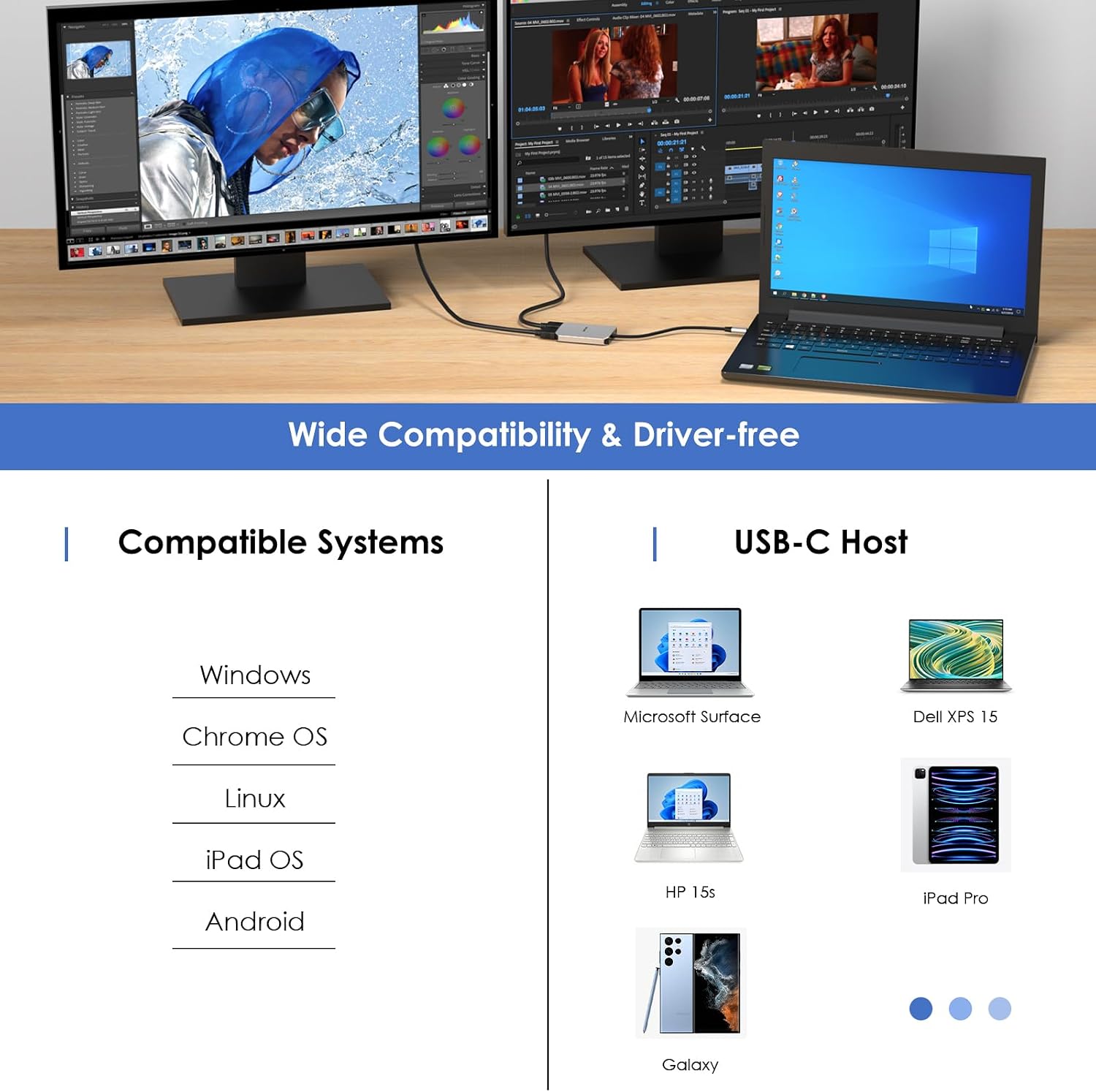
WAVLINK Dual USB-C to Dual HDMI Adapter (Dual 4K@60Hz with 100W Power Delivery) for Dell XPS, HP, Lenovo & Thunderbolt 3/4 laptops
Reviews
Price
Product description
What it is and why you might want it
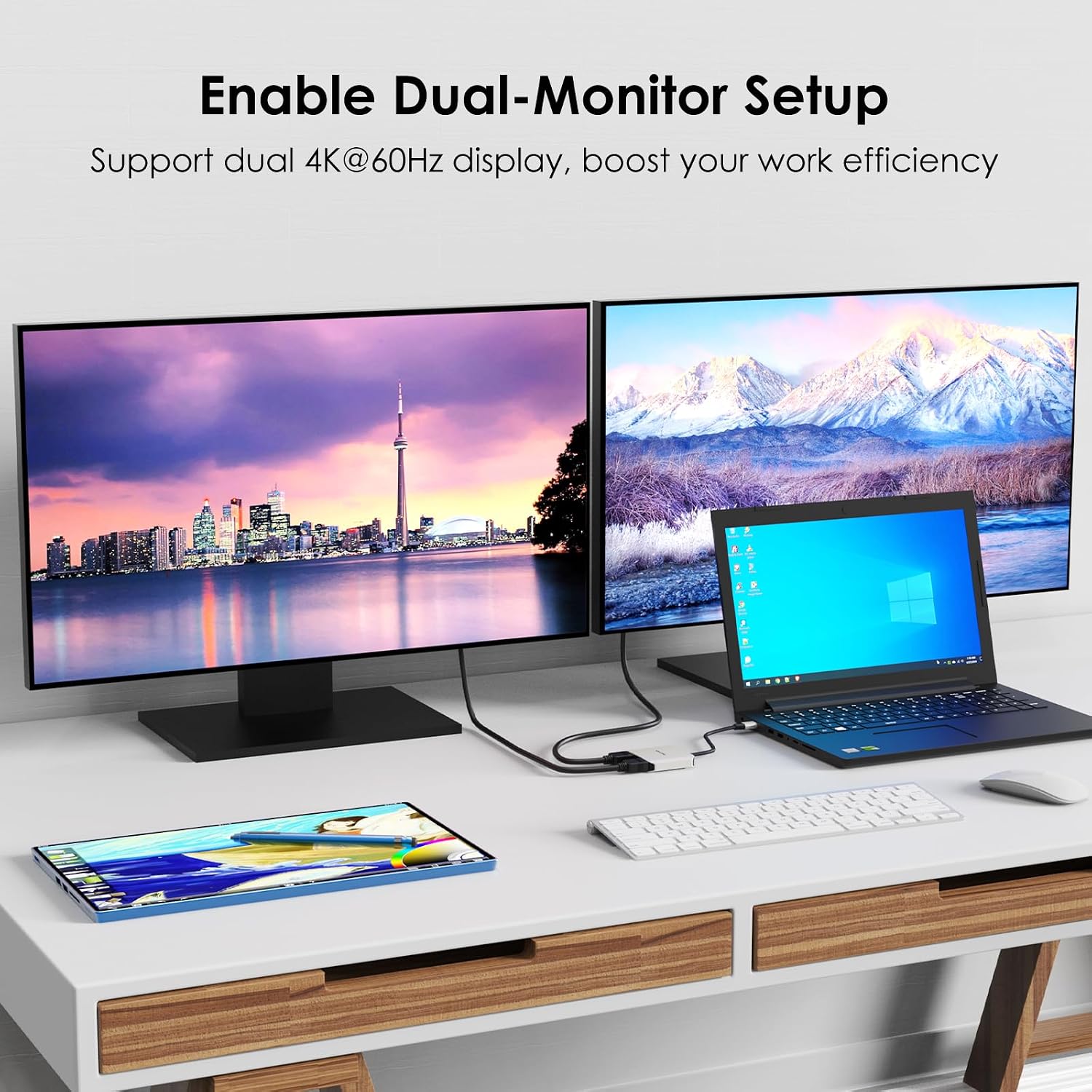
The WAVLINK Dual USB C to Dual HDMI Adapter is designed for one specific job: turning a compatible USB-C/Thunderbolt 3 or 4 laptop connection into dual HDMI outputs for running two external displays. If you’re working from a desk, joining meetings, doing analysis, or just prefer a wider setup for multitasking, this is the kind of add-on that can make a single-laptop setup feel more like a workstation.
On paper, it targets people who need smooth, high-resolution video rather than basic mirroring. The adapter is also meant to simplify power too, with USB Power Delivery (PD) support so your laptop can keep charging while you’re using the monitors.
There is a catch with “high” resolutions and refresh rates though: dual-screen capabilities depend on what your laptop’s USB-C port can actually provide, and on whether the host supports the stated DP/DSC requirements. It’s worth checking before buying, otherwise you might not get the top-end output you were hoping for.
Key takeaways (the practical stuff)
The headline features here are straightforward:
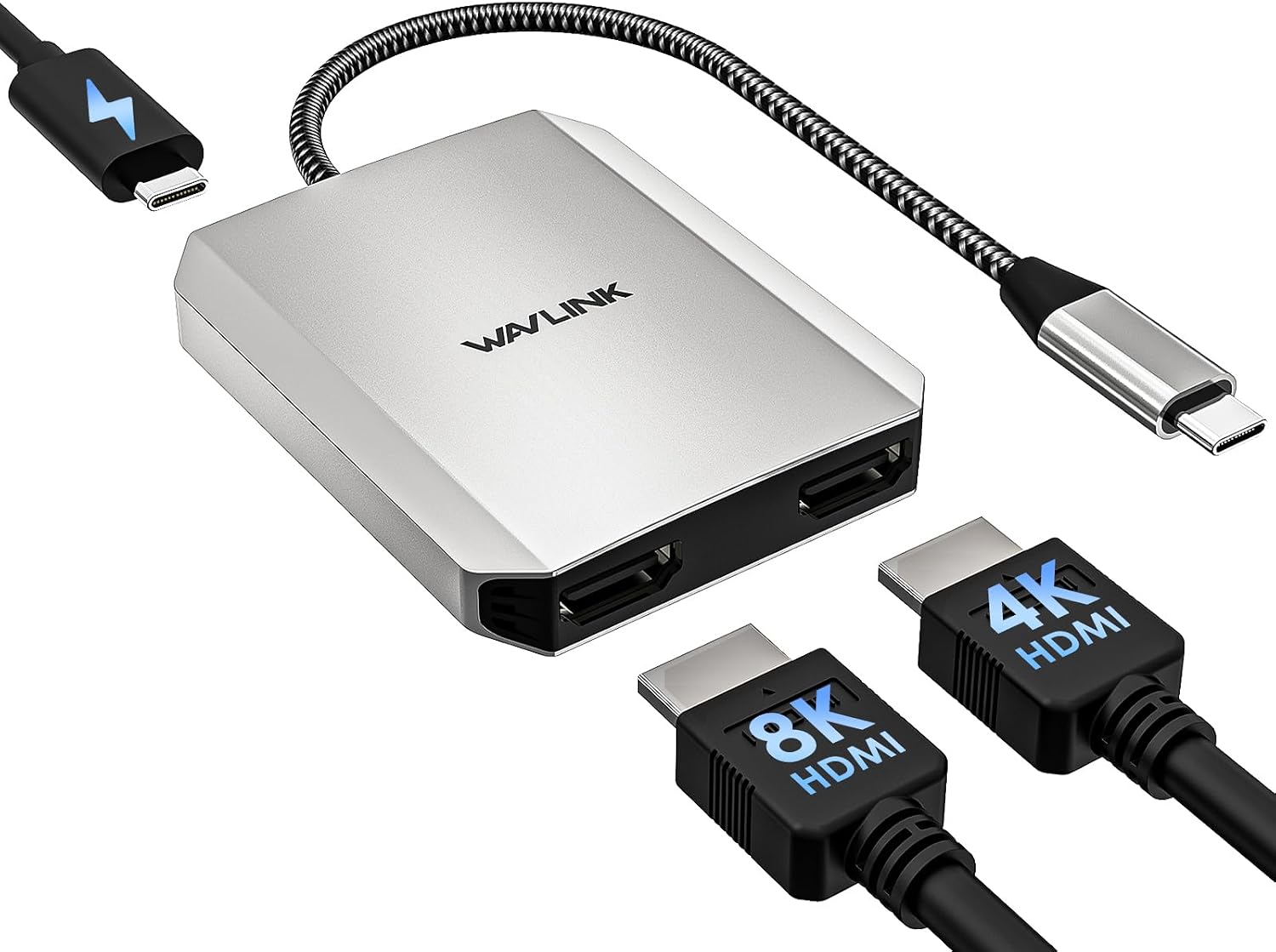
- Dual HDMI output for expanding two displays from one USB-C/Thunderbolt port
- Support for high-resolution modes (the listing mentions 4K up to 60Hz)
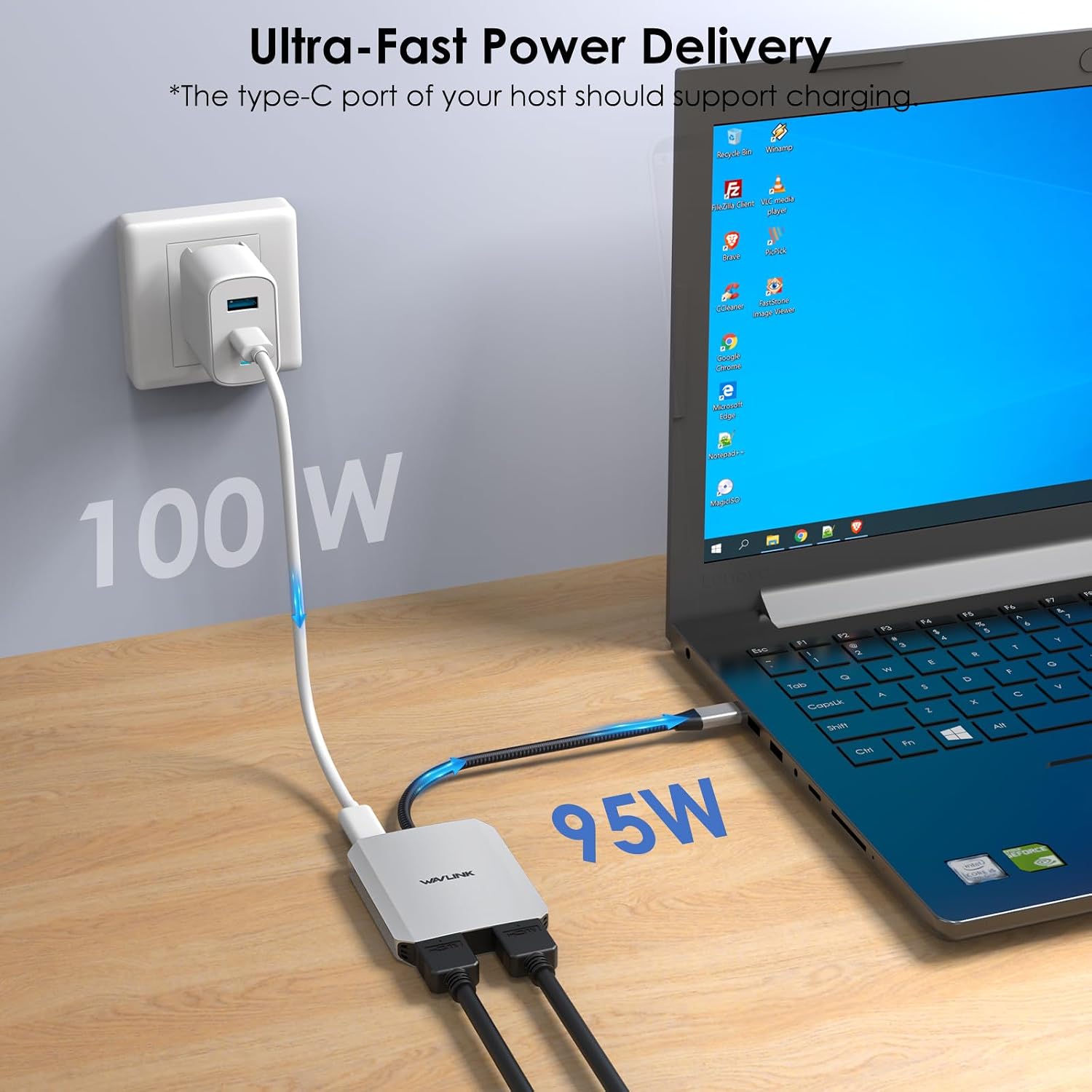
- Power Delivery pass-through for charging the laptop while the monitors are connected (up to the stated 100W PD in)
- A “no drivers” approach, described as plug-and-play across a range of systems
If your laptop already supports video output over USB-C (and you’re using a Thunderbolt 3/4 capable machine when needed), the experience tends to be as simple as plugging in and using your displays. For day-to-day use, that matters: no faffing with installations, just getting to work.
Tech details that affect real-world output
This adapter is described as supporting dual HDMI and high refresh rates at certain resolutions. The listing also points out two important limitations:
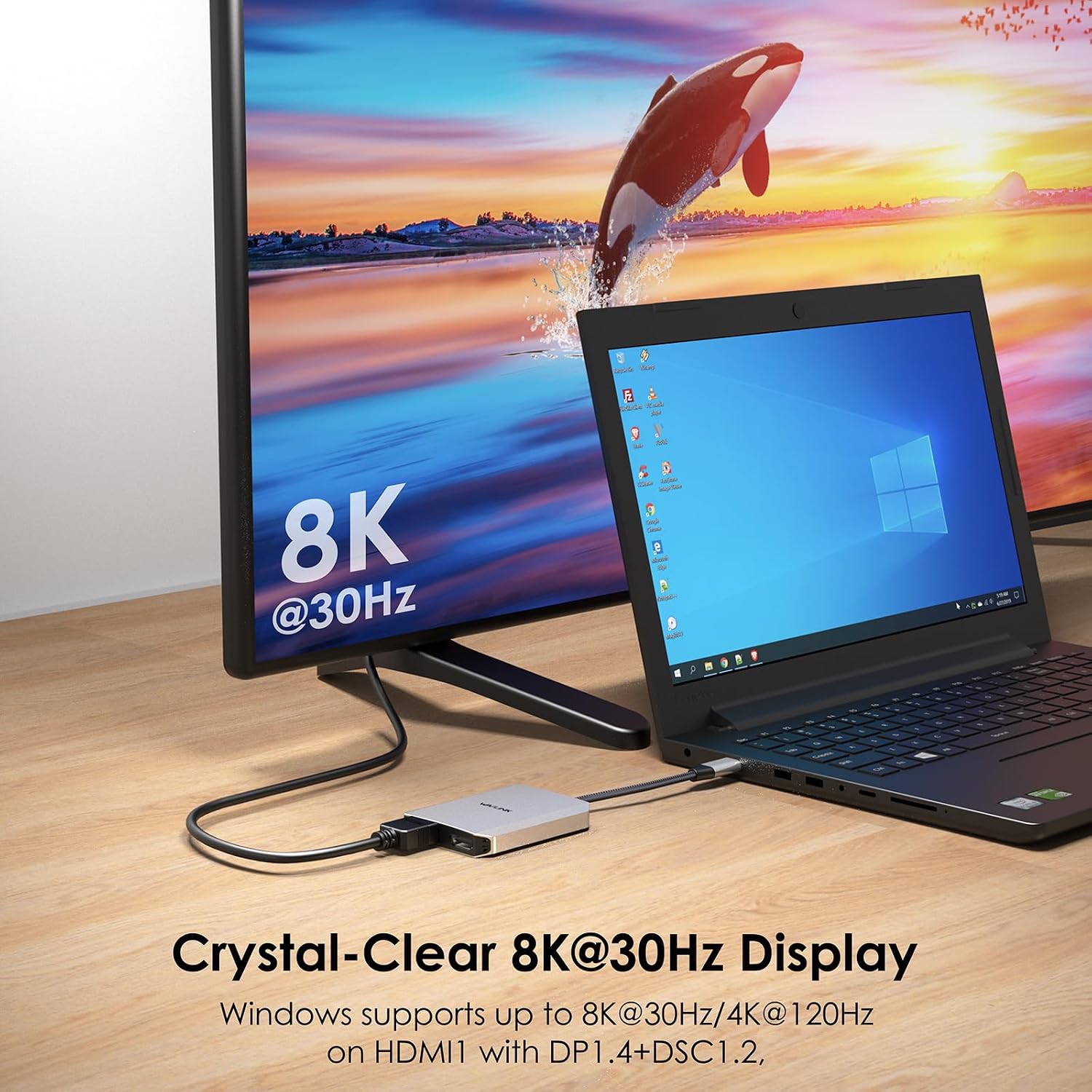
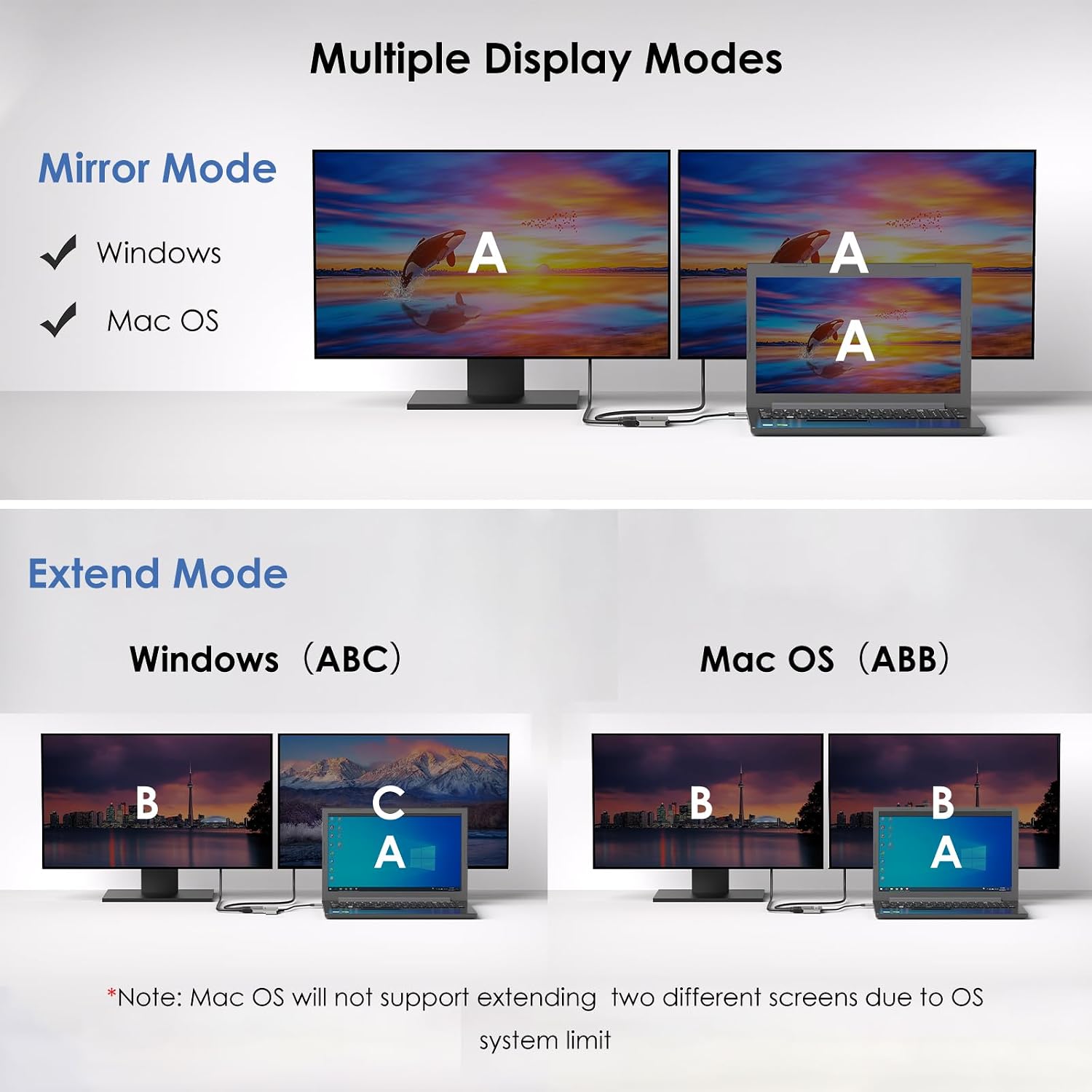
- The expansion mode is said to be usable to extend 2 screens only on Windows systems.
- For the high resolution to be achieved, the laptop should be compatible with “DP1.4+DSC1.2”. If it isn’t, the resolution may not be as high as mentioned.
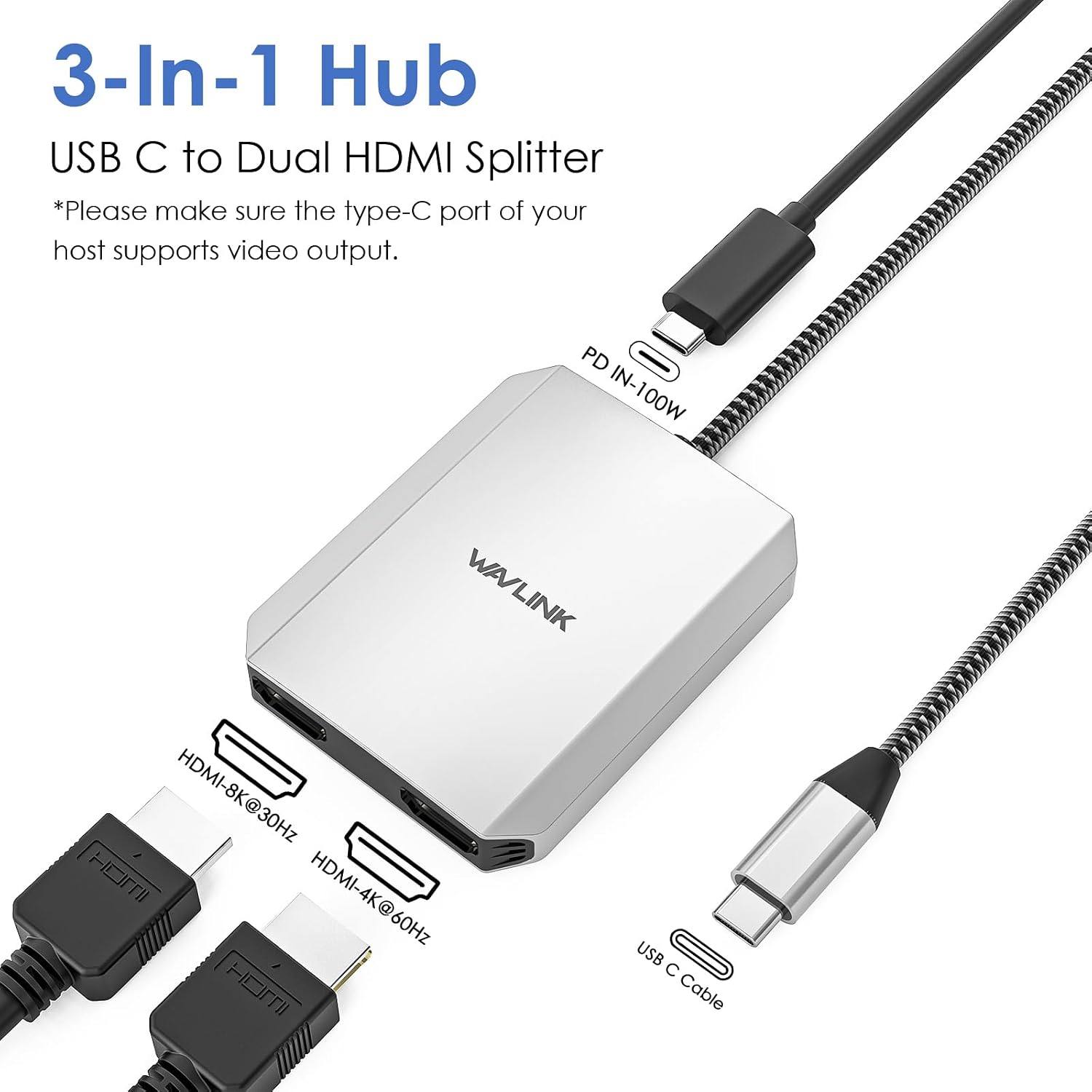
It also includes a durable aluminium housing, plus a nylon braided cable design intended to reduce wear and improve flexibility during everyday transport and cable movement.
There’s also a size and weight benefit for travel: it’s described as compact and lightweight, so it’s not likely to become dead weight in your bag.
What stands out in everyday use
Where this adapter fits well is when you want dual-screen productivity without changing your laptop. For example, you could set it up at home for spreadsheet work on one display and documentation or a video call window on the second, then keep switching contexts across the two screens without relying on a single cramped laptop panel.
The charging angle is also a practical plus. If your laptop supports PD over USB-C and you’re using the adapter for long sessions, having charging pass-through can reduce the “one more cable to manage” feeling and help avoid the awkward moment when the laptop battery drops while you’re on display.
That said, it may not suit everyone’s exact expectations. If your primary goal is the absolute highest refresh rate at the highest resolution in all scenarios, you’ll need your laptop’s port capabilities to line up.
Compatibility and requirements (don’t skip this bit)
The listing states broad compatibility for Windows 11/10/8.1/8/7, Chrome OS, Linux, iPad OS, Harmony OS, Android, and Thunderbolt 3/4.
However, the most important practical requirement is about the host’s video and power behaviour. The listing explicitly advises you to ensure:
- Your Type-C host port supports charging and video output
- Your laptop is compatible with DP1.4+DSC1.2 if you want the higher stated resolution performance
So even if the adapter is described as compatible across many systems, you should still treat the laptop port specs as the deciding factor for output quality.
Pros
- Dual HDMI outputs for expanding your laptop workspace
- High-resolution support is claimed, including dual 4K up to 60Hz in the listing
- Power Delivery pass-through (up to the stated 100W PD in) is intended to keep your laptop topped up while you work
- Plug-and-play approach is described, avoiding complicated driver installation
- Aluminium housing and nylon braided cable design for everyday durability
- Compact size and light weight make it easier to carry
Where it might not be a great match
This adapter can be a bit of a gamble if you don’t meet the laptop requirements.
It may not suit you if:
- You mainly rely on Windows? The listing says dual extended screen mode is usable to extend 2 screens only on Windows systems. If you’re planning to extend dual displays on another OS, you may find it less straightforward.
- Your laptop doesn’t support DP1.4+DSC1.2, because the resolution performance may end up below the most impressive numbers mentioned.
- You’re expecting a guaranteed “top spec” experience regardless of model and port. With adapters like this, performance depends heavily on the host’s USB-C/Thunderbolt implementation.
In the box / what you’re really buying
You’re buying the adapter itself—designed to connect your laptop’s USB-C/Thunderbolt port to two HDMI displays, with the added benefit of PD charging pass-through.
Given the notes in the listing, it’s the kind of accessory worth treating as a “solution for compatible laptops” rather than a universal magic dongle.
Is it worth it?
It’s worth buying the WAVLINK Dual USB C to Dual HDMI Adapter if you have a laptop with a compatible USB-C/Thunderbolt 3/4 port that supports video output (and ideally DP1.4+DSC1.2 for the higher resolution performance). In that situation, it can be a clean way to add a dual-monitor setup for work, meetings, and everyday multitasking—especially if PD charging pass-through matters to you.
You may want to skip it if you’re not on Windows for the extended dual-screen use-case, or if you’re not confident your laptop port supports the stated DP/DSC requirements. In those cases, you might end up with performance that doesn’t match the headline numbers.
As always with dual display adapters, the safest approach is to double-check your laptop’s USB-C video capability and PD charging support before you commit.
Mini FAQ
Will it work with any USB-C laptop?
Not automatically. The listing emphasises that your host Type-C port should support charging and video output, and that DP1.4+DSC1.2 compatibility affects the maximum resolution.
Do I need to install drivers?
The listing says there’s no complicated driver installation and that it’s described as plug-and-play, but the exact experience can still depend on your OS.
Can I extend two displays on non-Windows systems?
The listing specifically notes that the expansion mode can be used to extend 2 screens only on Windows systems, so non-Windows use may be more limited.
Does it charge the laptop while using the monitors?
It supports Power Delivery pass-through and is described as up to 100W PD in, but your laptop still needs to support charging over that USB-C connection.
Final thought: what should I check before buying?
Check that your laptop’s USB-C/Thunderbolt port supports video output, and verify the DP1.4+DSC1.2 requirement if you care about the highest resolution performance mentioned in the listing.