



RIIEYOCA 2.5mm TRRS to RCA adapter 0.2m 📷

Description:
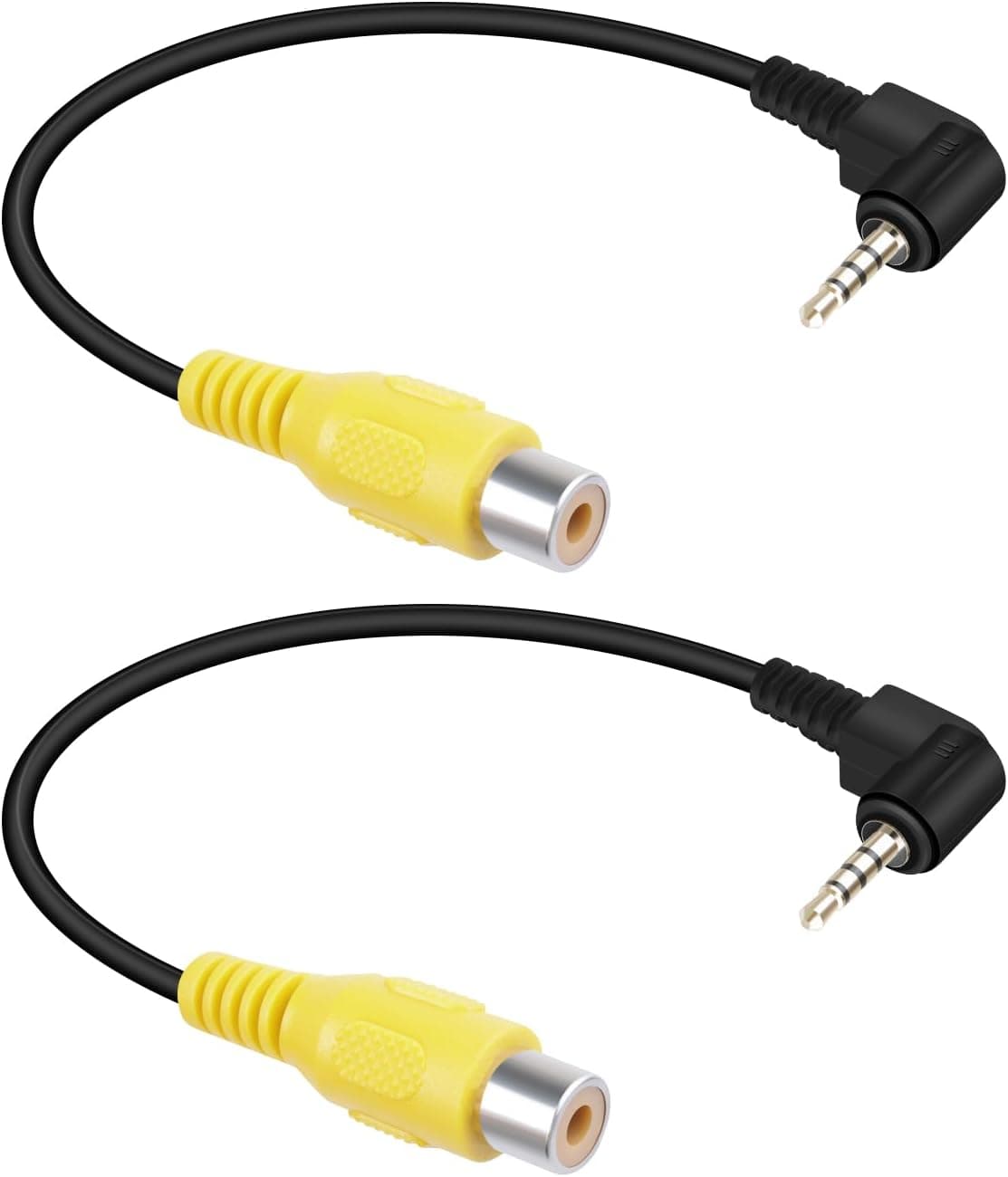
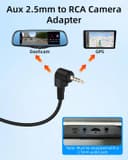
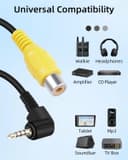
This compact adapter cable converts a 2.5mm TRRS aux plug to RCA sockets for integrating rear view cameras or AV devices into car systems. It is aimed at short interconnections where space is limited, offering a 90 degree right-angle plug to reduce strain and improve fit in dashboard or navigator installations. The cable can be used with a car backup camera or GPS navigator and works well when a short, neat connection is required.
Key Points
The cable's short length keeps connections tidy and reduces excess cable in tight vehicle spaces. The right-angle 2.5mm plug helps when the socket is recessed or located close to other connectors, making installation easier and less awkward. It supports standard AV signals through the RCA female ends, allowing a camera feed to reach a display without complex wiring. Note that this is an adapter cable only and does not convert signal types beyond physical connection, according to the manufacturer. 🔌
Technical Specifications
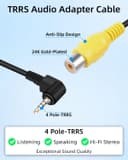
- Name: RIIEYOCA Aux 2.5mm to RCA Cable,90 Degree Right Angle 2.5mm TRRS Male to RCA Female AV-in Video Adapter Cord (0.2m/2Pack)
- Connector A: 2.5mm TRRS male
- Connector B: RCA female (AV-in)
- Length: 0.2 m
- Orientation: 90 degree right-angle plug
- Pack: 2 pieces
Usage Recommendations
For the cleanest result, place the cable so the right-angle plug faces away from other wiring, which minimises bending and wear. If your camera or display uses composite video, connect the yellow RCA to the video input and the red/white as required for audio, although many rear cameras only transmit video. In vehicles with limited access behind the head unit, the compact length and angled plug make temporary testing and permanent routing simpler. Also consider that the short 0.2 metre length may not reach devices spaced further apart, so measure beforehand to ensure compatibility. 📏
Practical Notes
Compatibility depends on the pinout of the 2.5mm TRRS jack used by the device, as different manufacturers assign signals differently. If the image does not appear after connection, check the pin configuration of both camera and monitor rather than assuming a fault with the cable. Additionally, this adapter does not supply power, so the camera must have its own power source or be powered via the original harness. ⚠️.
