

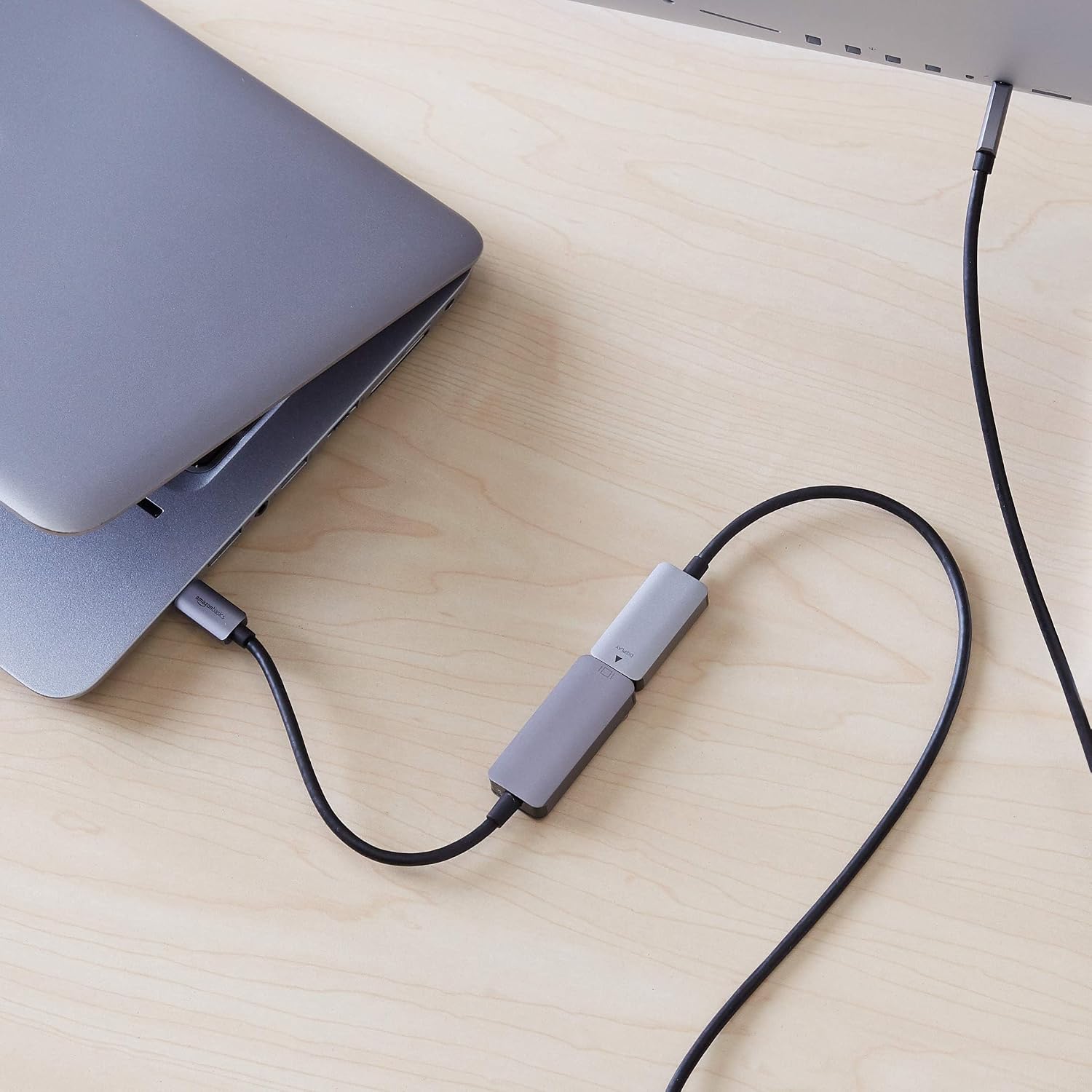
Amazon Basics Aluminum USB-C (Source) to DisplayPort Adapter (4K@60Hz) – Thunderbolt 3 Compatible
Product description
What it is and what it does
This is a simple, aluminium-bodied USB-C to DisplayPort adapter designed to send video and audio from a USB-C-enabled device to a DisplayPort monitor, TV or projector. On paper it supports 4K at 60Hz, which should deliver clear images and smooth motion for most office tasks, media viewing and light creative work.
The essentials
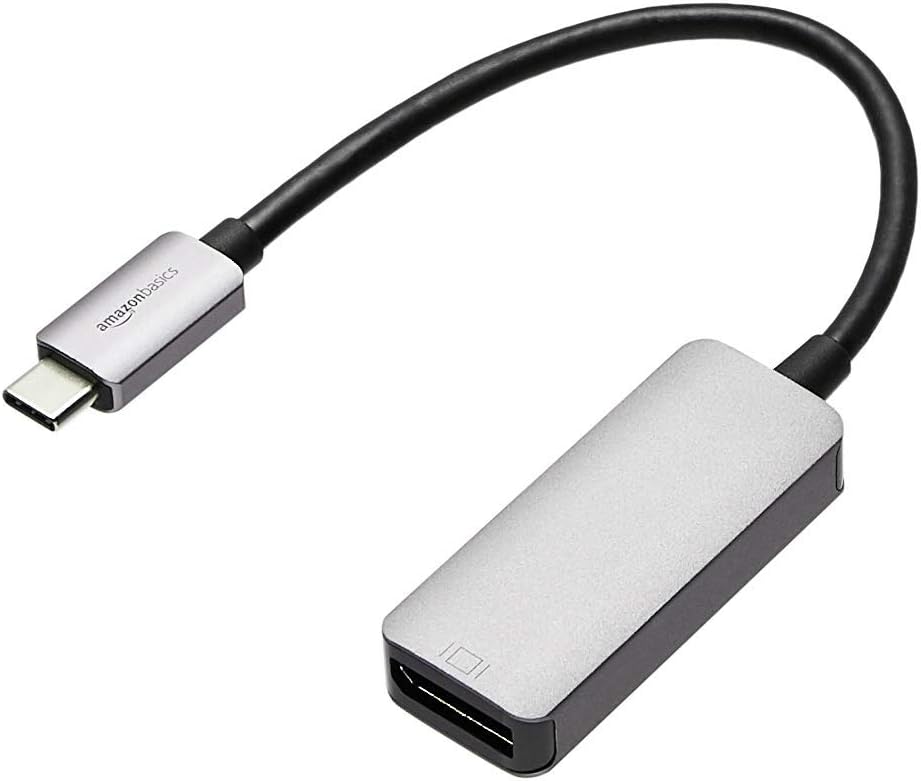
Connecting a laptop or other USB-C device to a DP-enabled display is the core use case. It’s a straightforward plug-and-play solution that doesn’t require extra drivers. It relies on the host’s DP 1.2 Alt Mode to transmit video over USB-C, and it’s compatible with Thunderbolt 3 devices, which broadens the potential hardware you can use with it.
What stands out
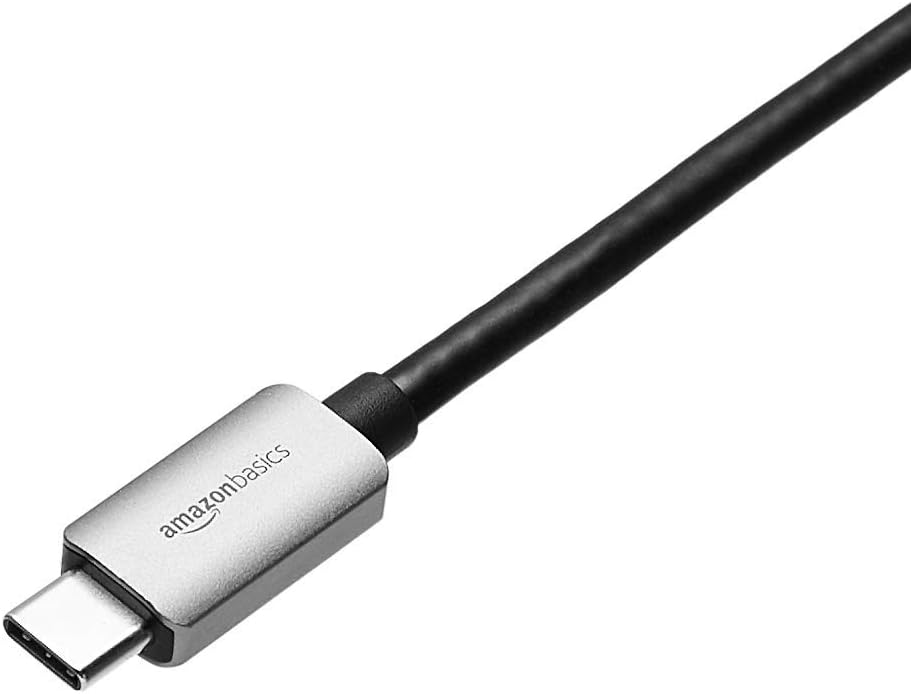
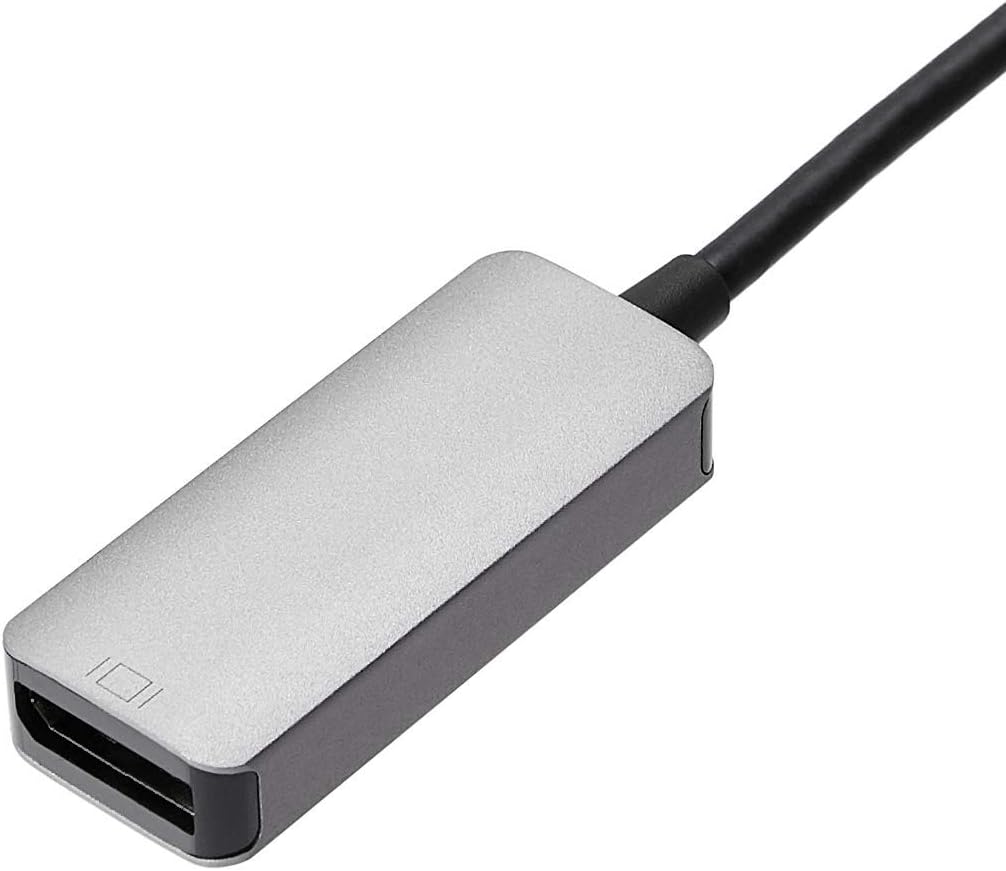
The adapter uses aluminium housing with a space-grey finish, which gives it a durable feel and a low-profile look on a desk. It’s designed to be unidirectional, so it’s specifically for output to a DisplayPort display rather than for other directions of signal flow. If you prioritise a clean, slim form factor and a simple setup, this is a sensible option to consider.
Who it’s for
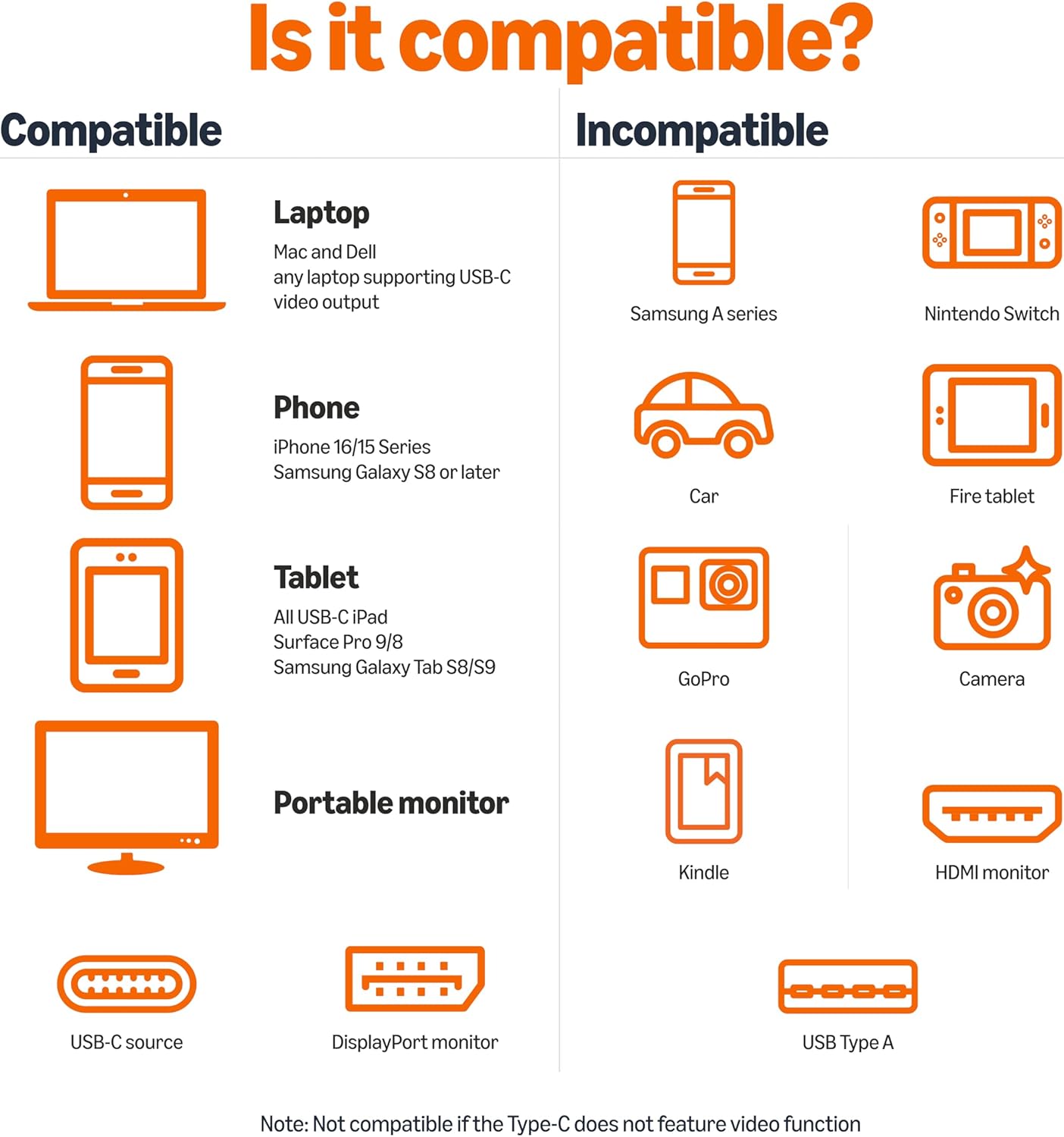
This is likely a good fit for individuals who have a USB-C laptop or mobile device and an external DisplayPort monitor, TV or projector, especially when the goal is to mirror or extend the screen at up to 4K. It may appeal to Mac users with compatible ports, Windows users with compatible USB-C Alt Mode, and those using Thunderbolt 3 devices that require a straightforward DP output.
When it makes sense to buy
If your setup relies on a single, reliable DisplayPort output from a USB-C source and you want minimal fuss with no extra software, this adapter can be a practical choice. It may not be perfect if you need multi-monitor daisy-chaining, or if your USB-C port does not support DP Alt Mode, in which case you’ll encounter video not displaying as expected.
What to check before buying
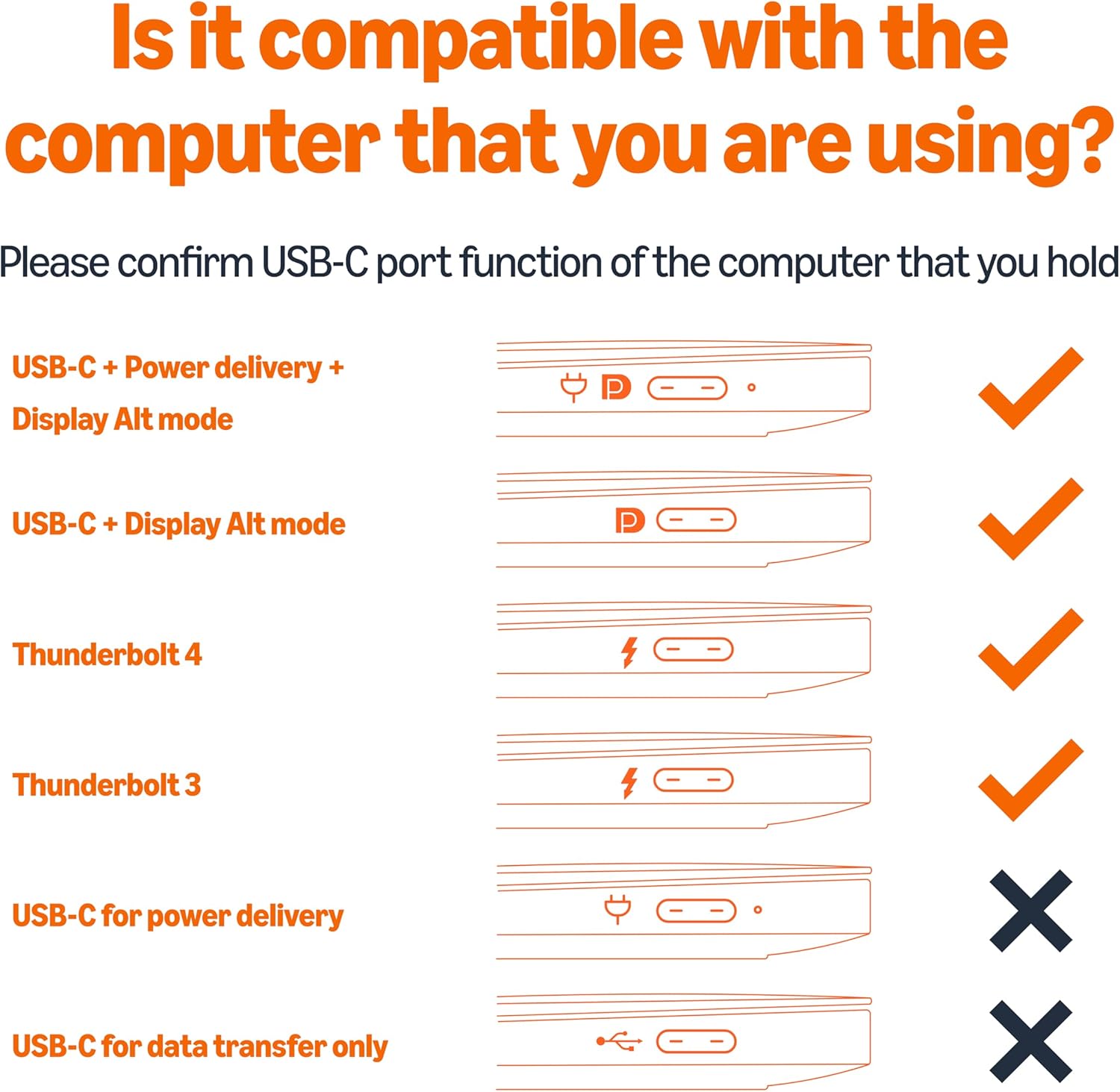
- Confirm your USB-C port supports DP 1.2 Alt Mode, otherwise video output over USB-C may not work.
- Verify your DisplayPort monitor can handle 4K at 60Hz, some cheaper displays or cables struggle with higher refresh rates at full resolution.
- Consider how the adapter will sit on your desk, the aluminium build helps with durability but the cable-free end can be a minor snag if you move devices a lot.
Tech specs
- Name: amazon Basics Aluminum Uni-Directional USB-C (Source) to DisplayPort (Display) Adapter
- Type: USB-C to DisplayPort adapter
- Max Resolution: 4K (3840x2160) at 60Hz
- Compatibility: Thunderbolt 3 compatible, requires DP 1.2 Alt Mode on host for video over USB-C
- Material: Aluminium
- Colour: Space grey
FAQ
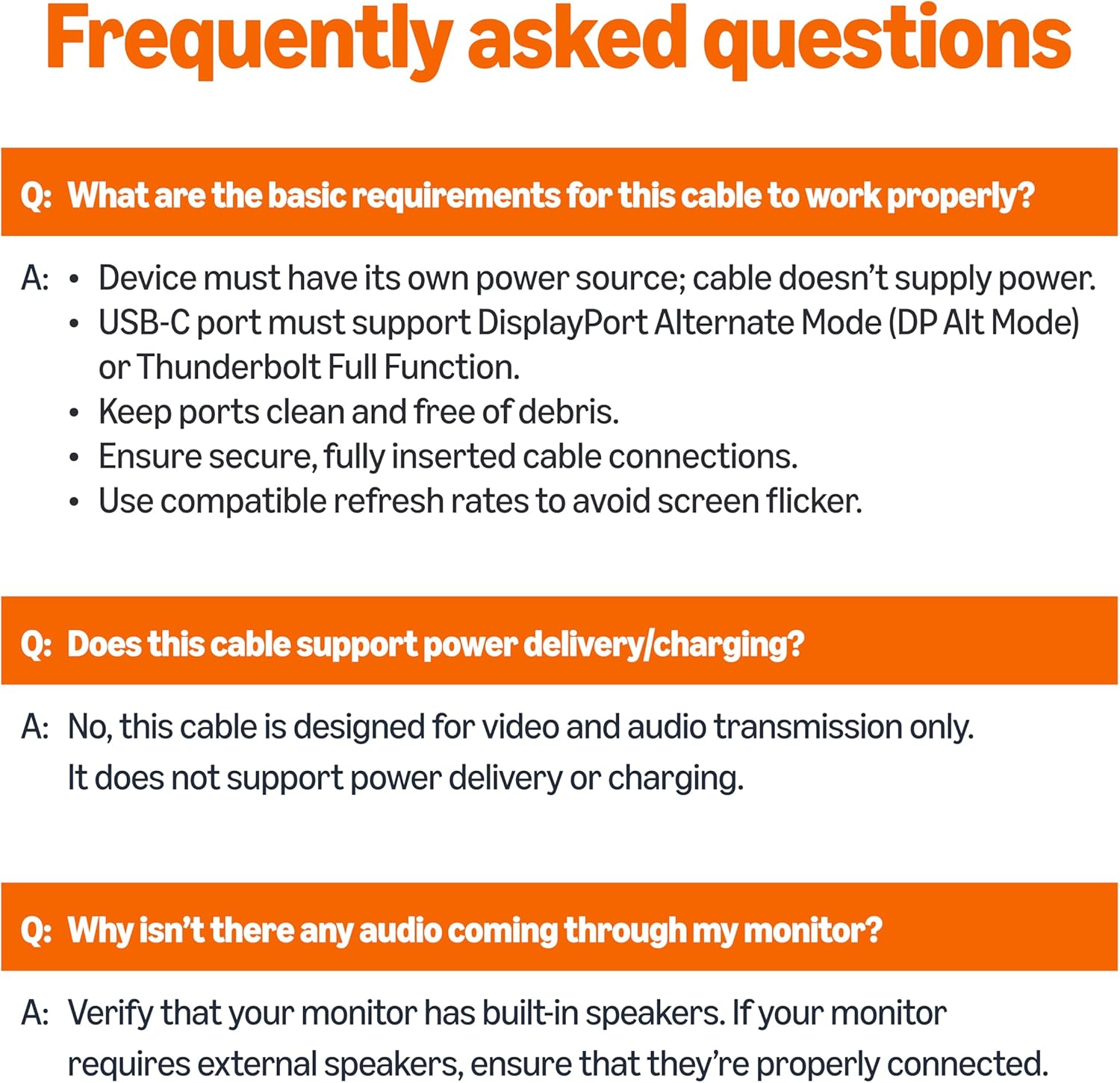
- Do I need drivers? No, it’s plug-and-play.
- Will this work with all USB-C ports? Not all USB-C ports support DP Alt Mode, check your device specifications.
- Is it suitable for gaming at 4K? It supports 4K at 60Hz, but performance also depends on the host device and display capabilities.
Is it worth it?
Worth considering if you need a straightforward, durable USB-C to DisplayPort connection with 4K at 60Hz and you value a clean, compact design. If you require multi-monitor setups or your USB-C port lacks DP Alt Mode, you may want to explore other options or confirm compatibility first.