

MEKO Pencil for iPad 13 minute charging
Product description
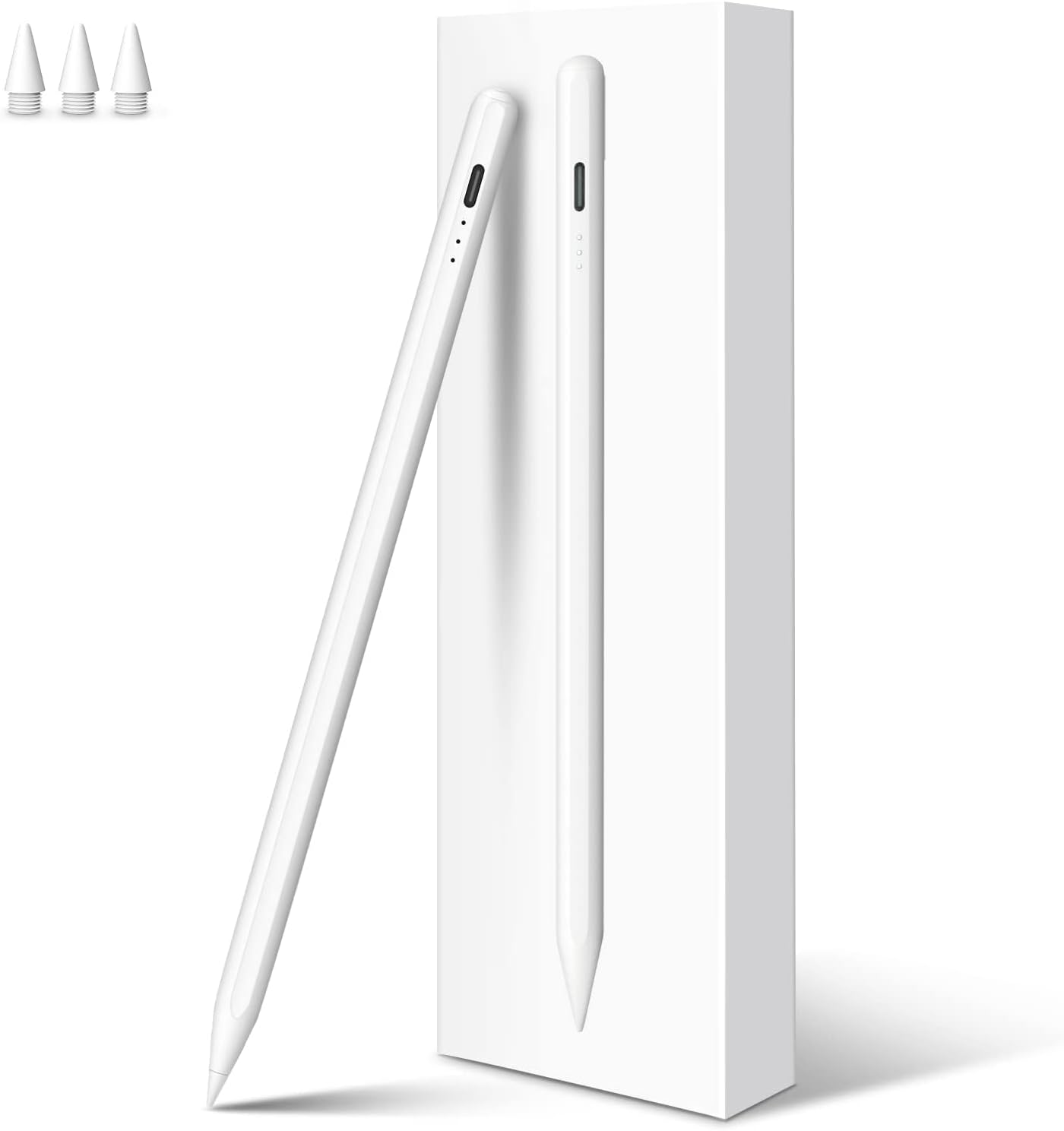
A reliable stylus is the difference between quick notes and fiddly tapping, and the MEKO Pencil for iPad 2018-2025 is designed to make everyday writing and drawing feel straightforward. It combines fast charging with practical features such as palm rejection and tilt sensitivity, so you can keep your hand comfortable while you sketch, annotate, or draft on-screen. If you use a compatible Apple iPad across 2018 to 2025 generations, this stylus is positioned as a like-for-like alternative for note taking and creative work, supported by a replacement tip set and a 12 month manufacturer warranty. ✍️
What matters most day to day is responsiveness, control and battery routine, and this pencil focuses on those essentials without adding complexity. With type C charging included, it is built for regular use rather than long charging waits, and the LED indicators help you track charge status. There is also an automatic shutdown after inactivity, which can reduce unnecessary power drain when you forget to put it down. 😊
Key points
This MEKO pencil is a stylus pen option for iPad models within the 2018 to 2025 compatibility range listed by the manufacturer. It uses tilt sensitivity to vary line thickness based on the angle, which can be helpful when you want more natural looking strokes for sketching or handwriting. A palm rejection function supports a more relaxed hand position, so you can rest your palm on the screen while you write without triggering unwanted marks.
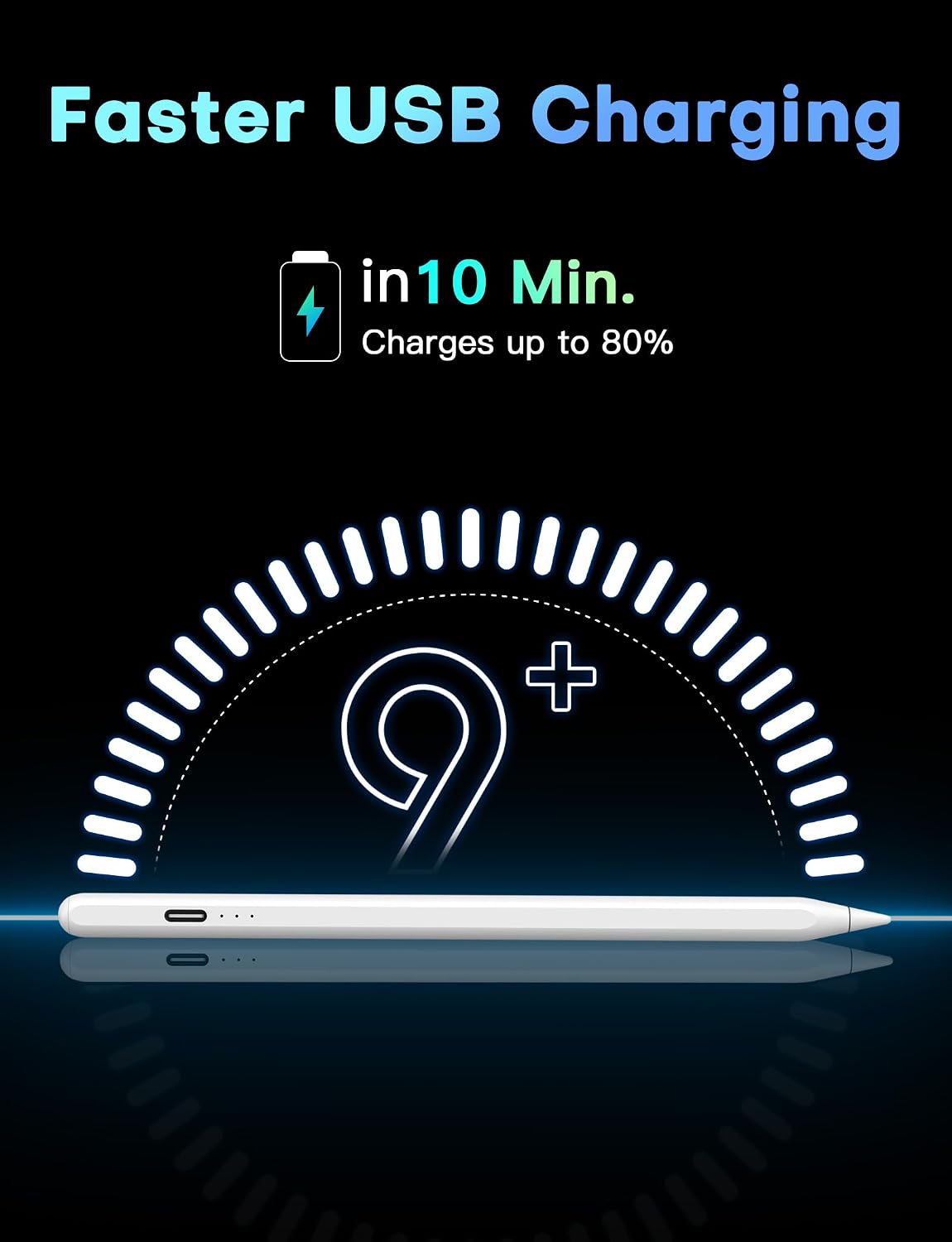
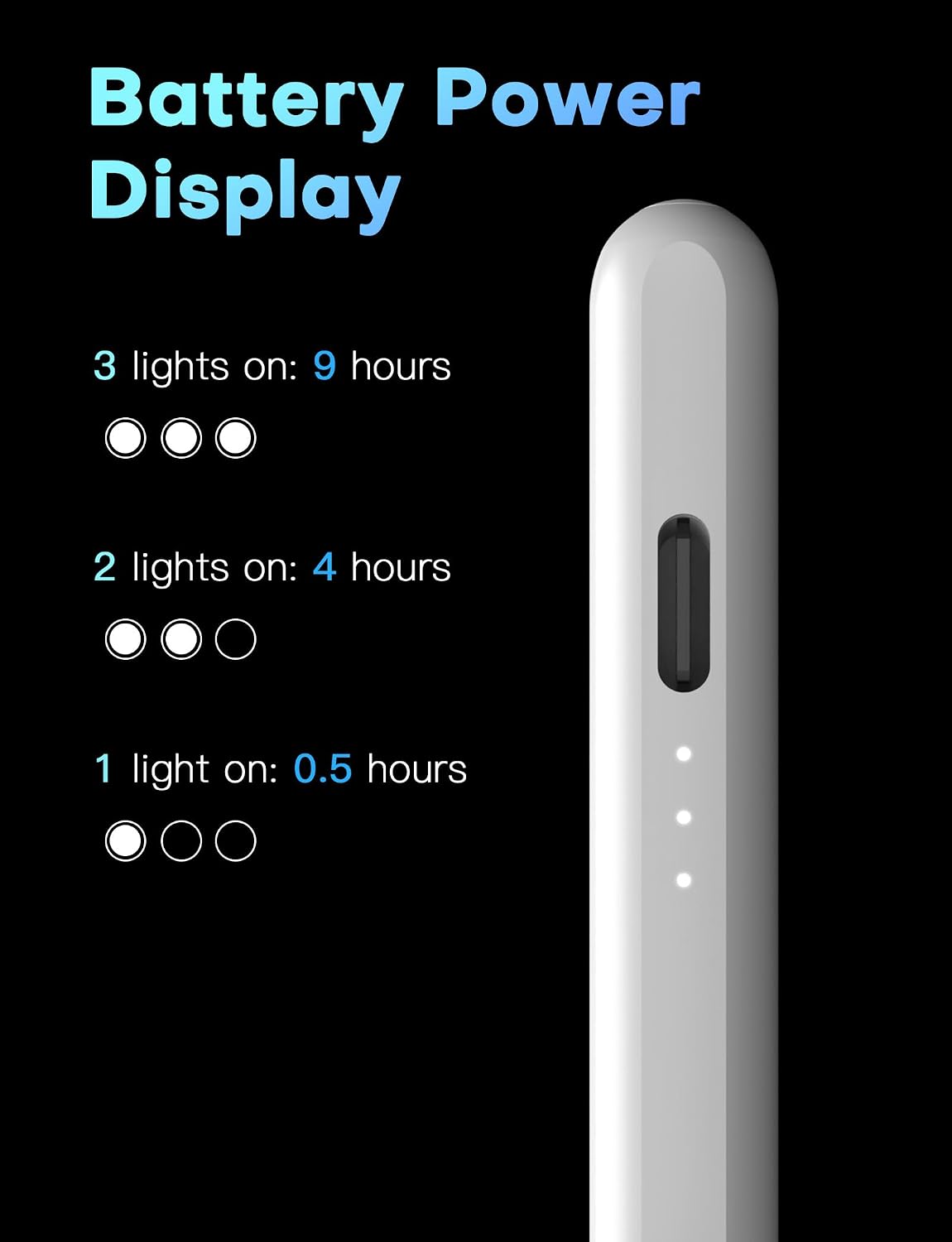
Battery handling is also part of the experience, with claims of a full charge in 13 minutes and up to 9 hours of continuous use, according to the manufacturer. Three LED indicators display battery level with reasonable accuracy, and there is an inactivity sleep behaviour that helps conserve energy. In practical terms, this means you are less likely to lose creative momentum to charging gaps, especially if you keep a short charge routine in your bag.
There is one practical limit to be aware of, the manufacturer notes that matte or paper feel screen protectors can accelerate wear of the pen tip. If you use a smooth glass protector or no protector, that guidance may be easier to follow. For artists and professionals working across annotation, drawing and illustration, the idea is consistent control with a durable tip.
Tech specs
- Name: MEKO Pencil for iPad 2018-2025
- Type: Stylus pen
- Format: Type C charging cable
- Battery charging time: 13 minutes for full charge
- Continuous use: 9 hours
- Auto shutdown: After 10 minutes of inactivity
- Tip size: 1.5 mm durable pencil tip
Benefits
The headline benefit is fast top up charging, which helps when you need to use your iPad on short notice. According to the manufacturer, the stylus charges fully in about 13 minutes, and it supports up to 9 hours of continuous use. That combination is useful for commuting, study sessions and creative planning where you may not have time for lengthy charging.
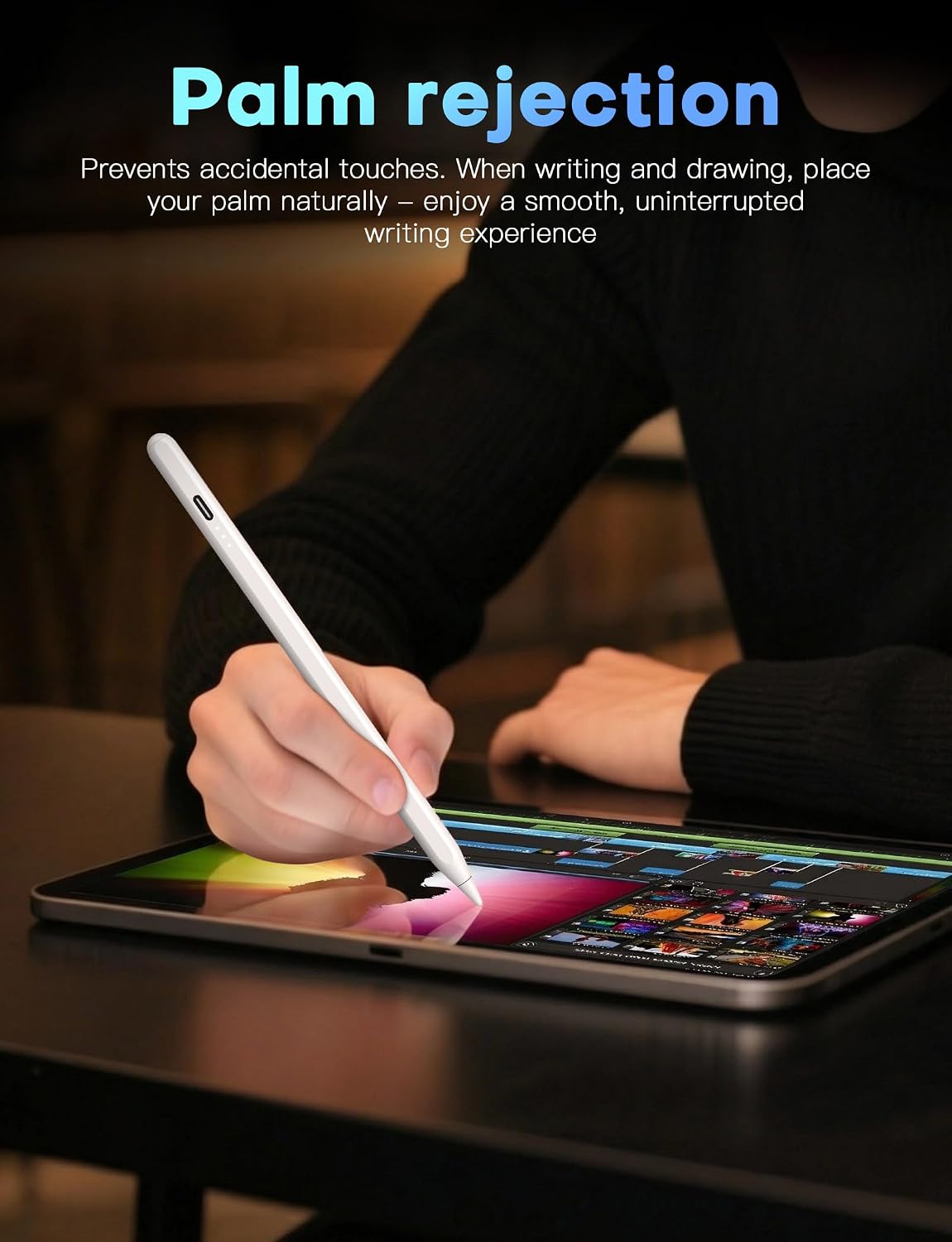
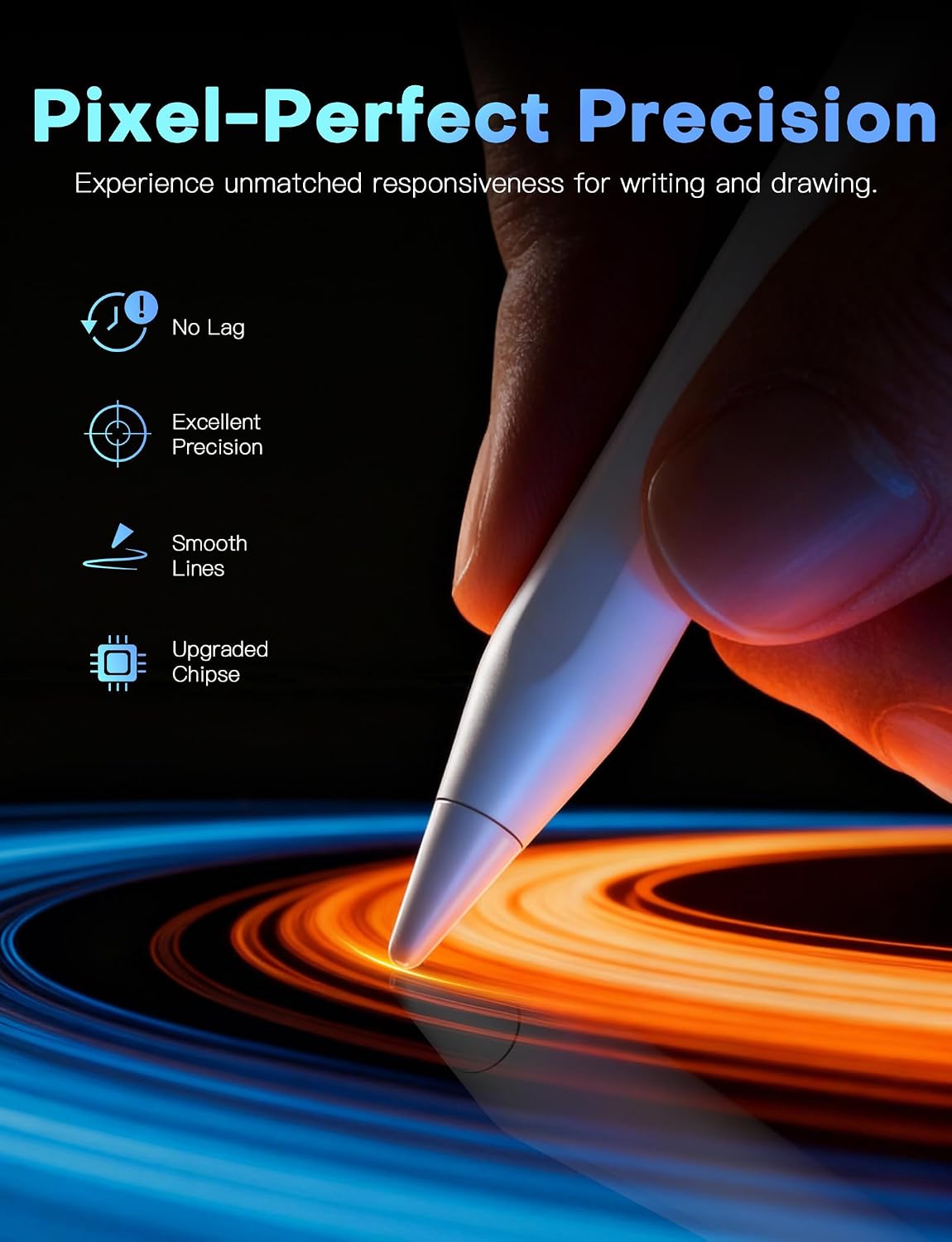
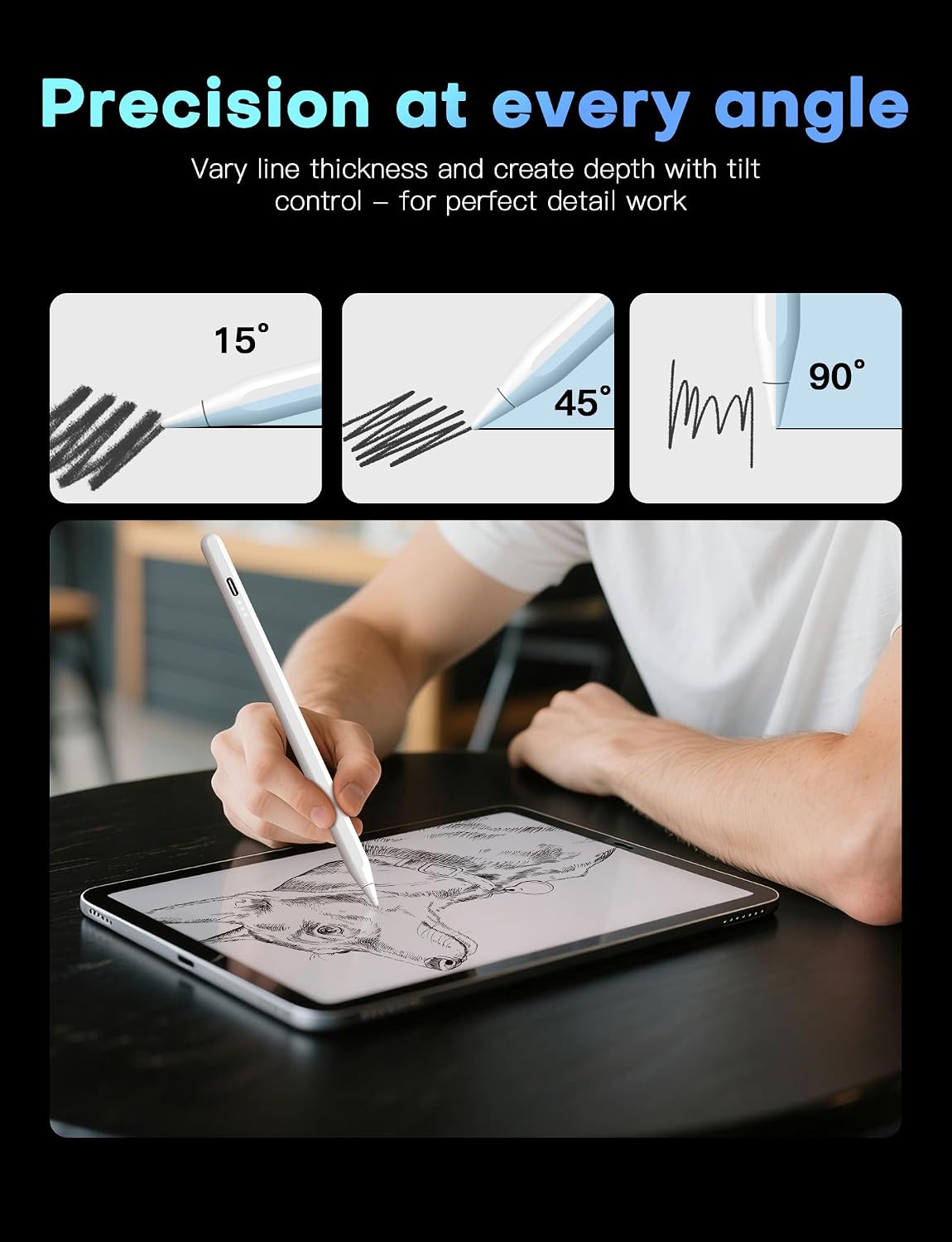
Control and comfort are addressed through palm rejection and tilt sensitivity, which are two features that commonly affect whether a stylus feels effortless. Palm rejection means you can rest your hand on the iPad while writing or drawing without leaving stray marks, which reduces the need to hover your hand. Tilt sensitivity detects subtle changes in angle, allowing lines of different thicknesses, making sketching and illustration feel more expressive than a flat line tool.
The tip and response also matter for day to day accuracy, and the pencil includes a 1.5 mm durable tip designed for controlled detail. The manufacturer also states it shows you where the tip will touch down on the display, aiming for a more natural writing and drawing experience. If you want to go beyond quick notes and keep consistent output, the inclusion of three replacement tips helps you maintain performance over time.
What’s included
The box includes 1 iPad pencil, 1 type C charging cable and 3 replacement tips. That means you are not only starting with a usable stylus, but you also have spare tips ready if you use it regularly or notice wear over time. The manufacturer also provides a 12 month manufacturer warranty, which can be reassuring if the stylus does not perform as expected.
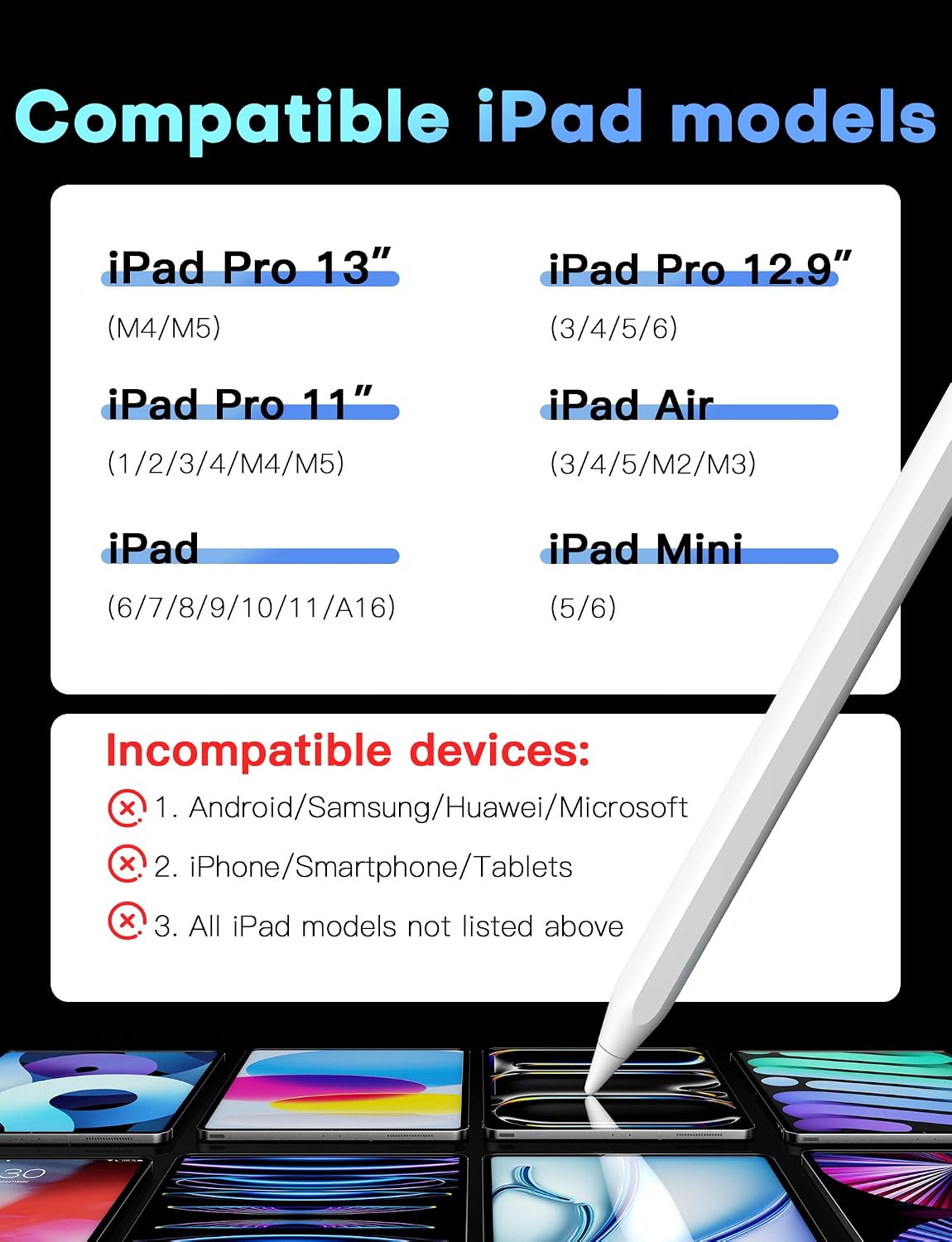
Compatibility is important, and the manufacturer states this stylus is only compatible with iPad models matching the Apple Pencil 2nd generation iPad list, covering specific iPad Pro, iPad Air, iPad and iPad Mini generations listed by year and size. The magnetic adsorption feature is also limited to certain models within that range, so checking your exact iPad model and size is worth doing before purchase. It can also help to follow the troubleshooting step if the pencil does not work after turning it on by turning off Bluetooth or disconnecting any old Apple Pencil connection in your iPad settings.
Usage tips
It makes sense to charge the pencil before a session if you want predictable performance from the start. The LED indicators are designed to show battery level with reasonable accuracy, and the pencil includes an inactivity sleep mode that flashes during the last minute of that period. Automatic shutdown after 10 minutes of inactivity is designed to save energy if you forget to switch it off.
For best writing feel, consider your screen protector choice, since the manufacturer advises not to use matte or paper feel screen protectors because they can accelerate tip wear. The tilt and palm rejection features rely on the stylus tracking correctly, so using the pencil as intended and keeping the iPad screen clean can help maintain consistent performance. If you ever need to re connect, the manufacturer suggests disconnecting the Bluetooth connection between your iPad and Apple Pencil via iPad settings.
It’s a good fit if you want a comfortable palm resting experience, different line thickness through tilt sensitivity, and a fast charging routine for regular note taking and drawing. It might not be a great match if your iPad model falls outside the specific 2018 to 2025 compatibility list, or if you rely on a matte or paper feel screen protector that the manufacturer says could wear the tip faster.