

Norton VPN Standard 2026 for 1 Device: Practical, straightforward online protection
Product description
What it is
Norton VPN Standard 2026 is a straightforward virtual private network designed for a single device over a 12‑month period, with automatic renewal and activation emailed to you. It markets itself as an easy way to keep online activity safer by routing traffic through an encrypted tunnel and by automatically connecting to the fastest country and city-level locations.
What it’s trying to solve
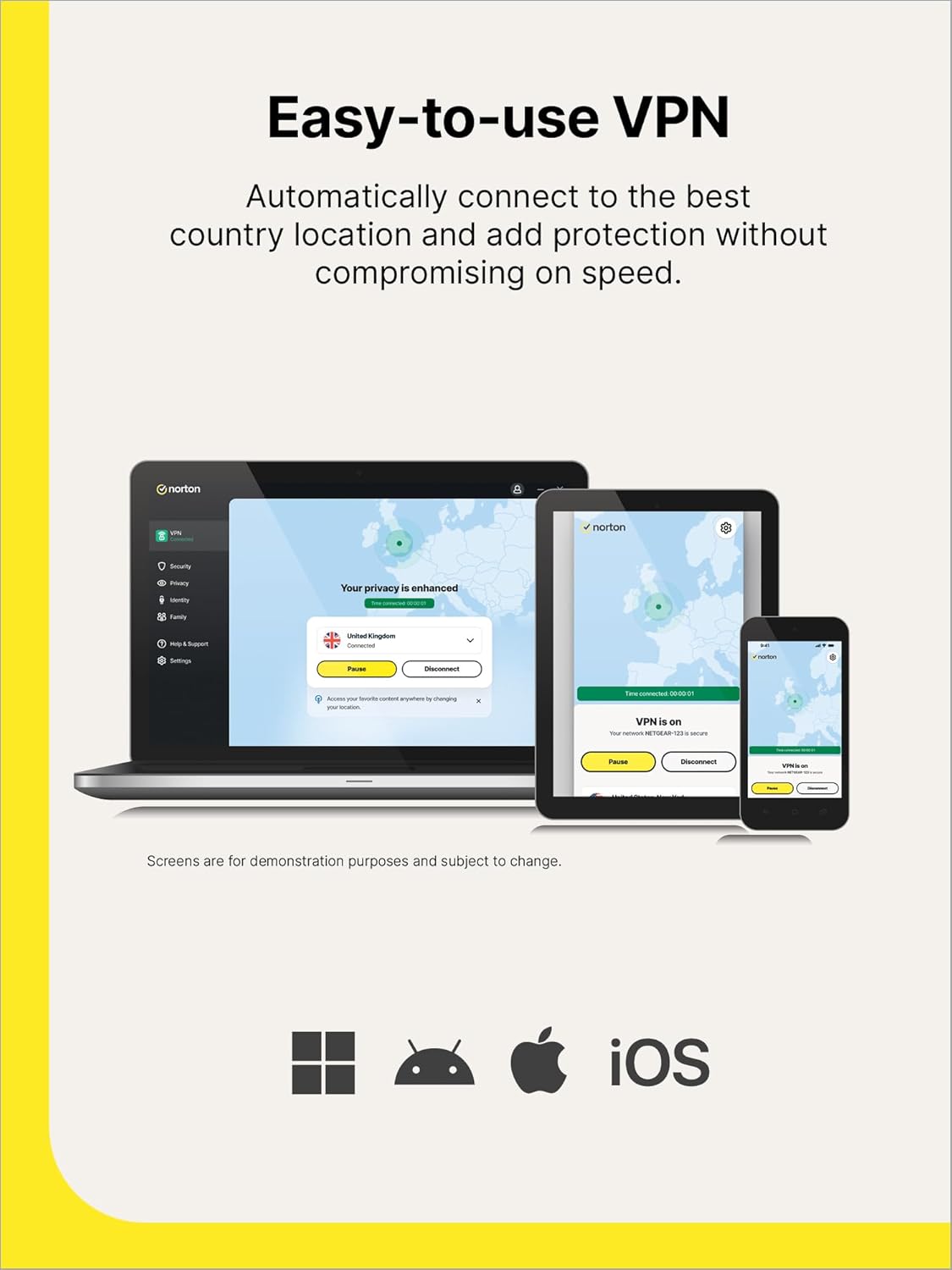
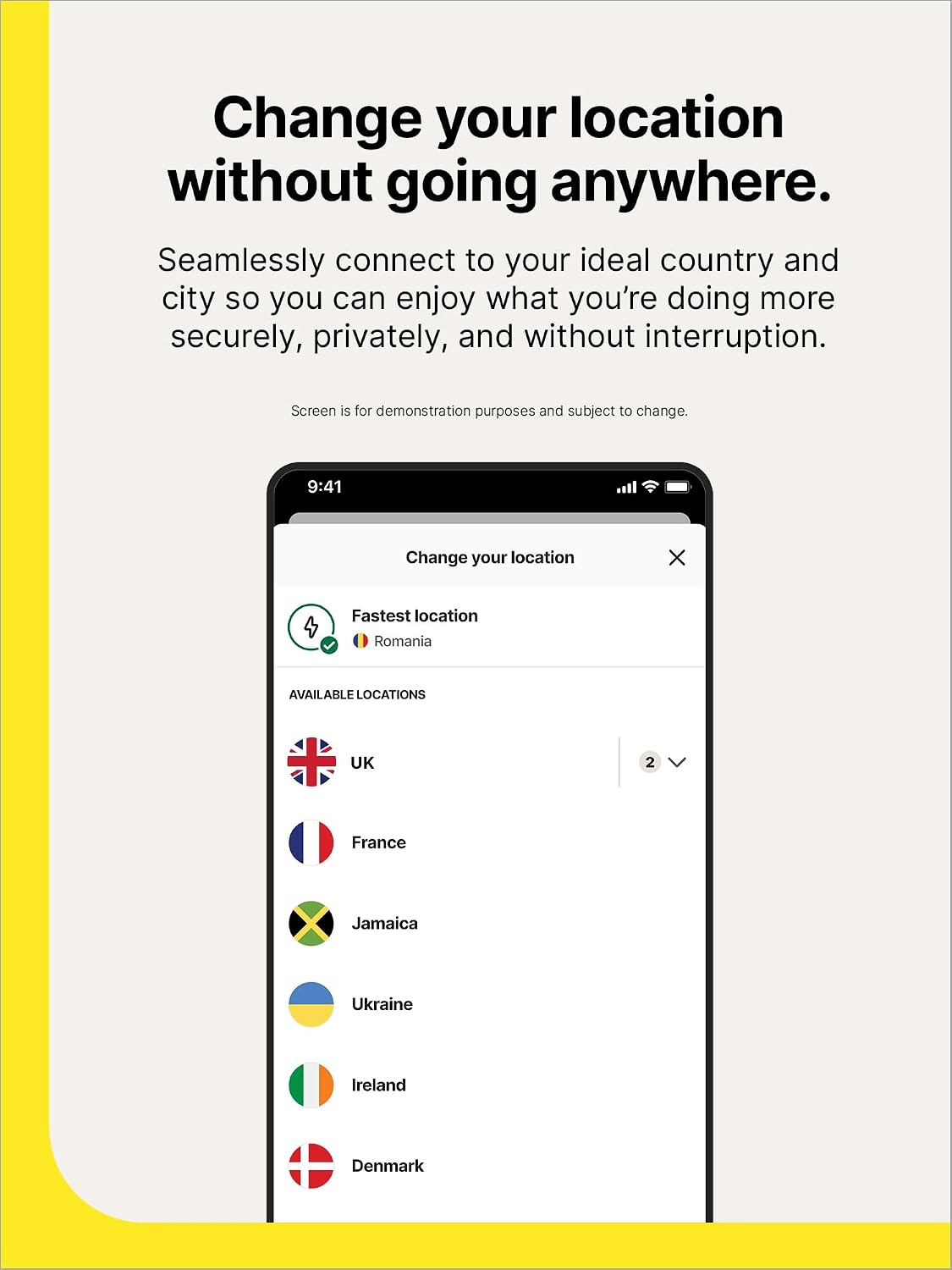
If you want to browse with more privacy and want to reduce tracking while online, this VPN aims to provide a simple, non-intrusive solution that won’t noticeably slow down your connection. It also offers the ability to change virtual location with a click, which can help with streaming content from different regions and accessing devices on a home network.
What stands out in use
On the surface, the emphasis is on ease of use: automatic connection to fast servers, encrypted traffic, and a streamlined activation flow via email. The ability to access devices like smart TVs or printers on a home network while the VPN is active could be convenient for households with multiple smart devices.
Pros
- Clear value proposition for casual or time‑pressed users who want a “set it and forget it” VPN.
- Automatic connection to the fastest available server can reduce manual tuning.
- Streaming flexibility by allowing virtual location changes for content access.
- Supports home network use, enabling device reachability on the local network while connected through the VPN.
Cons and limitations

- It covers only 1 device, which makes it less flexible if you have multiple machines or mobile devices.
- The activation relies on a saved payment method in Norton account, and the model is a prepaid subscription that renews automatically—some users may prefer manual control.
- The description notes bypassing VPN on the local network in some scenarios, this can reduce protection in certain setups if not understood.
- As with many consumer VPNs, performance can vary by server load and location. If you prioritise ultra‑low latency for gaming, the experience may differ city by city.
Who it’s for
This option suits individuals who want a simple, low‑friction privacy tool for a single device, who value easy streaming access to content from different regions, and who don’t need a multi‑device licence. It’s reasonable for a user who already has other devices covered by different security setups or who mainly uses a laptop or desktop at home.
Who it isn’t for
If you need protection across several devices (phones, tablets, laptops) or require advanced features (split tunnelling, multi‑region protections, dedicated IP), you’ll likely want a higher tier or a multi‑device plan. If you’re sensitive to ongoing auto renewal charges, the prepaid model with automatic renewal may feel less flexible.
When it makes sense to buy
Consider this if you want a straightforward, no‑fuss VPN with simple activation and a clear use case for streaming or privacy on a single device. It can be a sensible choice as an add‑on to existing security setups or for someone who is comfortable with a standard, single‑device licence.
When to walk away
If you foresee needing VPN protection on more than one device, or you want more granular control over server selection and features, this option may feel constraining. Also, if you prefer to avoid automatic renewals or want to purchase a longer fixed term, you might want to compare renewals or alternative plans.

What to review before buying
- Confirm you’re comfortable with a 1‑device licence for 12 months and automatic renewal.
- Check how activation is delivered by email and what it requires in your Norton account to operate.
- Consider your streaming needs and whether changing virtual locations will meet them in your region.
- Be aware of any local network considerations where you use other devices on the same network.
Practical use case
Imagine you’re working from home and want to stream a show from another country during your lunch break. You can switch the VPN location with a click, and the encrypted tunnel should help keep your connection private while you relax. If you also have a smart TV in the living room, you may want to check how the VPN interacts with that device when accessed through your home router.
FAQ
- How many devices can Norton VPN Standard 2026 protect at once? It covers 1 device.
- Do I need to pay every year again after renewal? Yes, it’s a 1‑year subscription with automatic renewal, subject to your saved payment method.
- Can I use it for streaming from different regions? The service advertises location changes by a click to support streaming, though results can vary by content and region.
Final verdict
Final verdict: worth considering if you want a simple, single‑device VPN with easy activation and predictable pricing, and you’re already okay with an auto‑renewing model. It’s a practical choice for straightforward privacy and streaming needs, but not the best fit if you require multi‑device protection or advanced features.