

LxTek PGI-580 XXL & CLI-581 XXL compatible ink cartridges (6-pack) for Canon Pixma TS and TS-series
Product description
If you’re running a Canon Pixma that takes PGI-580/CLI-581 XXL inks, this 6-pack from LxTek is designed to keep your printing ticking over without paying for original cartridges. It’s a compatible (not original) set, so it can make sense when you want decent yields and a straightforward replenishment plan for everyday documents and occasional photo work.
That said, “compatible” depends a lot on your printer model and how you manage ink levels. Get the cartridge codes and your specific Pixma model right first—otherwise you’ll just end up troubleshooting instead of printing.
What these cartridges are for
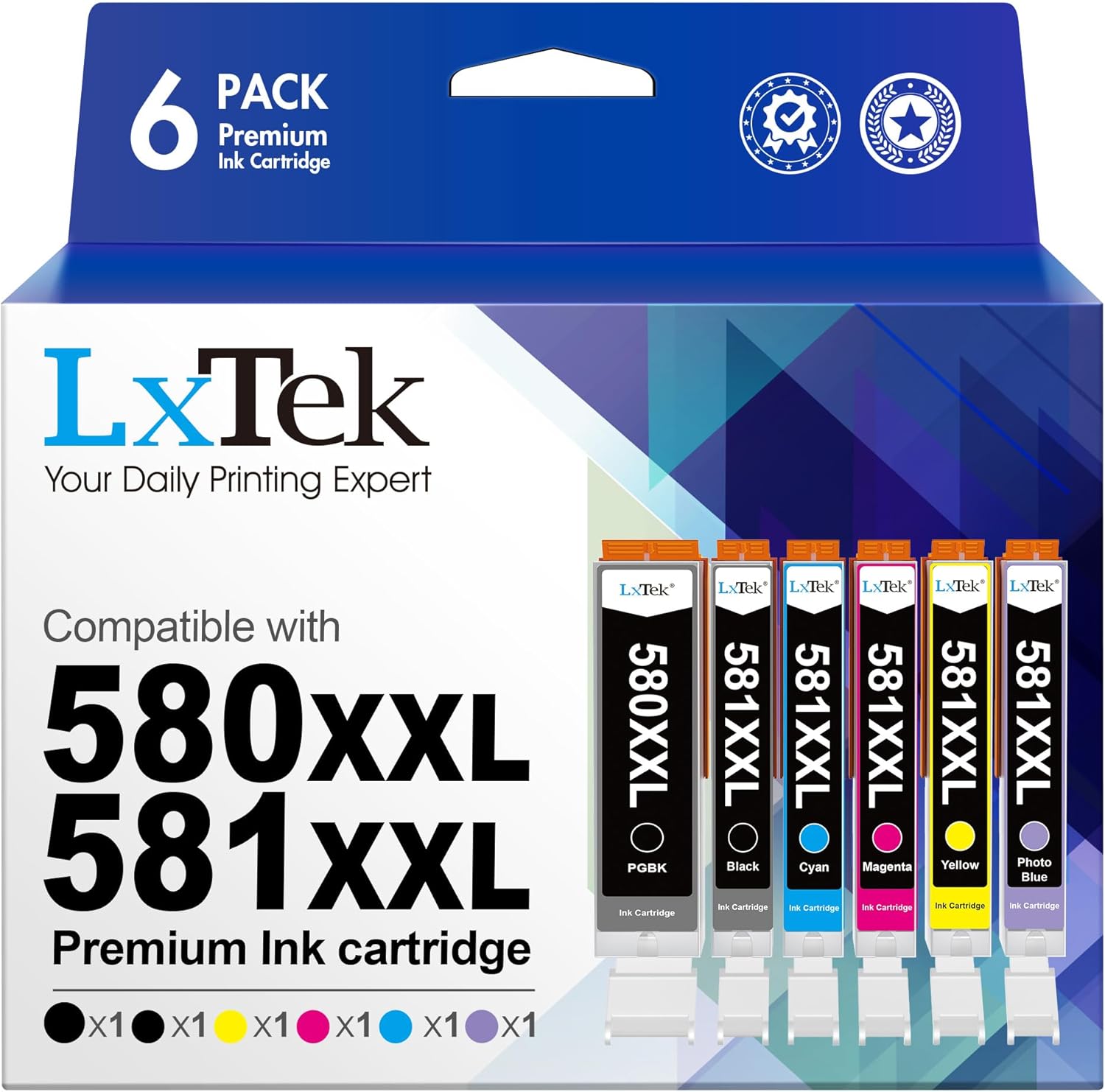
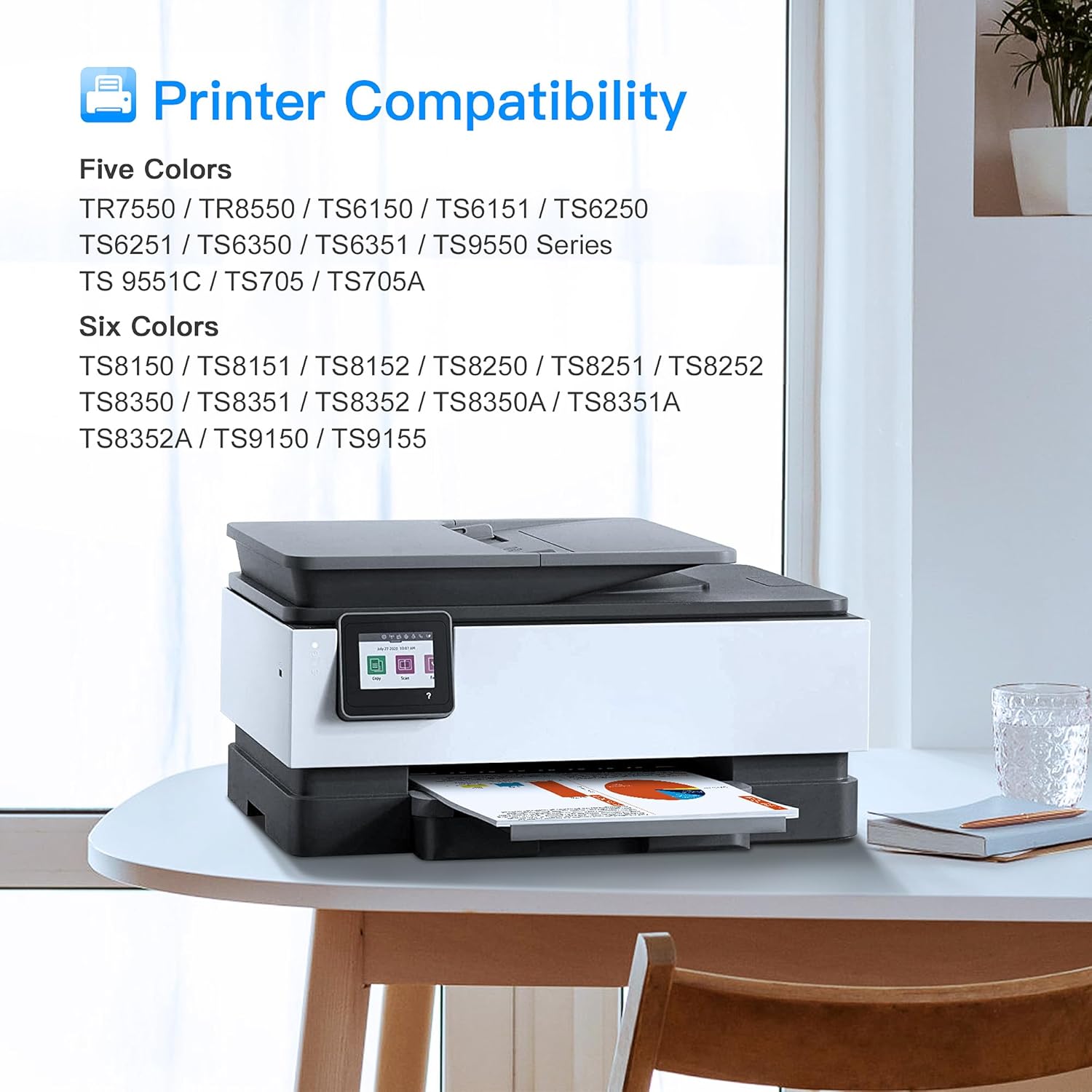
This is a compatible ink cartridge pack built around Canon PGI-580 XXL and CLI-581 XXL codes. In the description, the pack is positioned for Canon Pixma TS-series printers such as the TS8150/TS8151/TS8152, TS8250/TS8251/TS8252, TS8350/TS8350a, TS9150/TS9155 and a few others listed.
If your printer uses these codes, the practical idea is simple: you replace the black and colour tanks as you go, rather than buying individual cartridges over and over. The XXL angle matters because, on paper, it’s meant for longer runs between refills.
Key points you’ll notice day to day
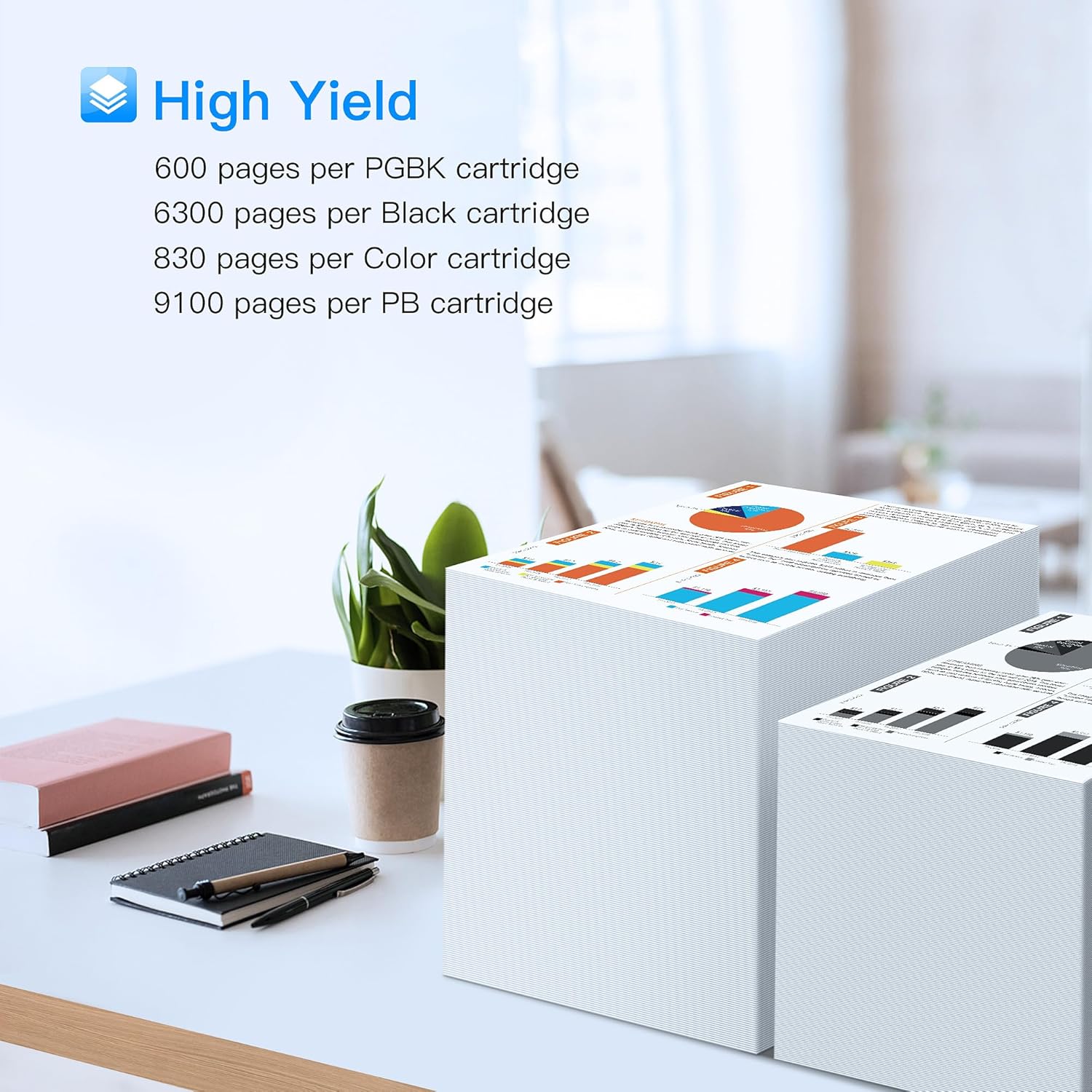
The standout feature is the yield information provided for each cartridge in the set. Over time, that’s usually what determines whether an “ink deal” really is a deal.
For the black inks, the description states: - 581 XXL colour ink cartridge: 830 pages (at 5% coverage of A4) - 580 XXL PGBK black: 4590 pages (at 5% coverage of A4) - 581 XXL black: 600 pages (at 5% coverage of A4)
You should treat these as estimates based on A4 coverage, not a guarantee of your exact results. Real-world page counts vary a lot with how often you print photos, how “heavy” your text looks, and your printer’s own behaviour.
There’s also an emphasis on multiple colours in the pack, including a Photo Blue cartridge, which is relevant if you sometimes print images and want smoother colour handling rather than relying purely on standard colour inks.
What you get in the 6-pack
The pack contents are listed as follows (packing may vary): - PGI-580XXL (1x) - PGBK Black (1x) - CLI-581XXL Yellow (1x) - CLI-581XXL Cyan (1x) - CLI-581XXL Magenta (1x) - CLI-581XXL Photo Blue (1x)
In other words, it’s not just a “black + one colour” bundle—it’s built to cover the core colour set, so you can swap what’s needed and keep printing without hunting for missing cartridges.
Where it shines (and where it can fall short)
On the plus side, a compatible 6-pack is often a good fit if you want consistency across sessions: your printer is already set up for PGI-580/CLI-581 XXL inks, and you want a bulk replacement approach that reduces frequent order headaches.
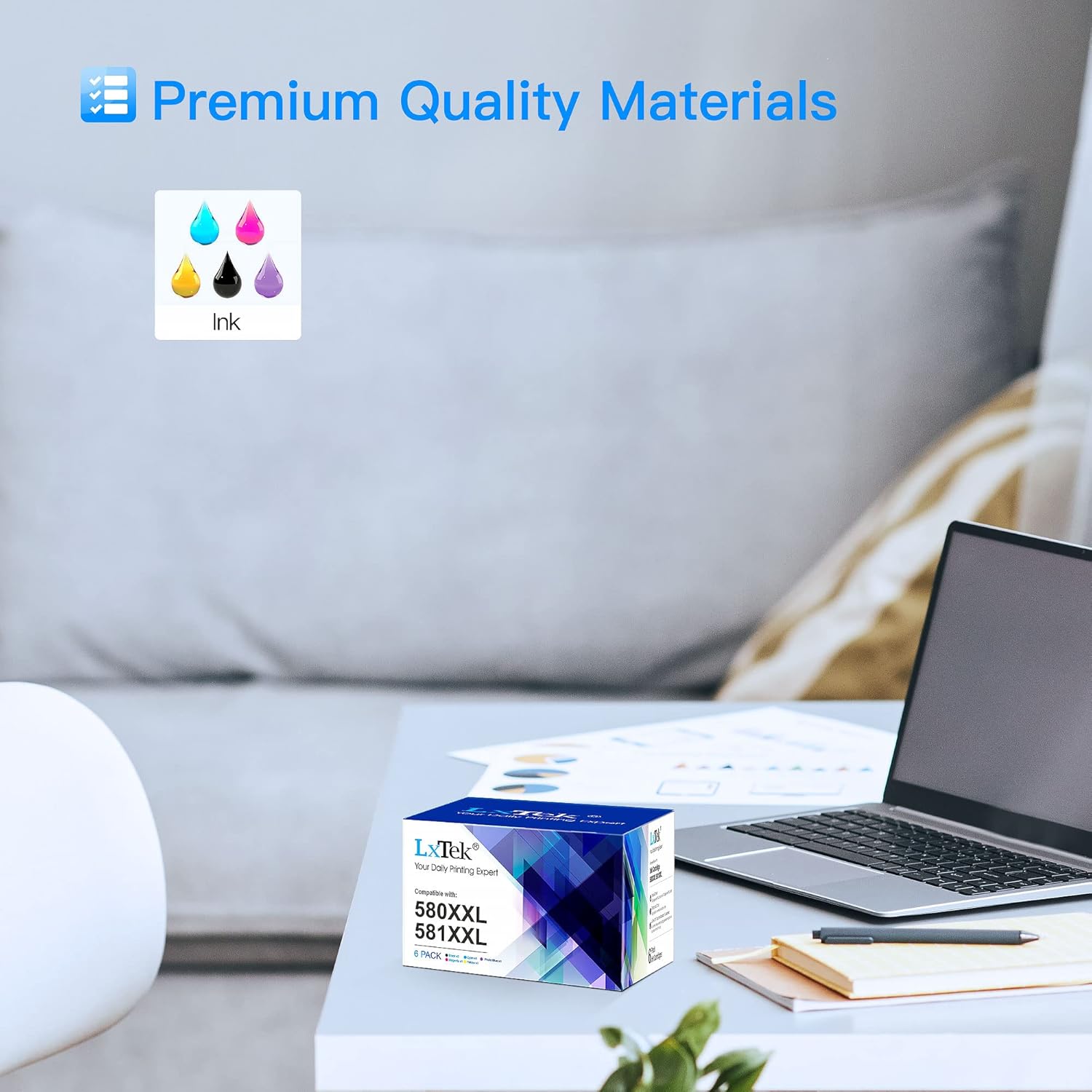

On the other hand, you may want to skip this if: - your printer model isn’t in the compatible list shown in the description - you only need one or two colours (a smaller, single-cartridge purchase might be more sensible) - you expect every print to match the “original” look exactly—compatible inks can be close, but output can depend on printer settings and paper.
Also, there’s no mention of guarantees, proprietary chip support, or warranty terms here—so it’s worth checking your printer’s requirements and being realistic about compatibility risk.
Installation and everyday use tips
Before you open the pack, double-check your printer’s ink slot and the cartridge codes it displays (PGI-580XXL and CLI-581XXL). Once installed, a sensible pattern is to replace cartridges in the same batch you notice dropping quality—don’t wait for prints to look faint or streaky.
A practical example: if you print a mix of school documents and the occasional family photo, you’d typically go through black and colours at different speeds. With this pack, you can top up Photo Blue and the standard colours in one go, then keep black replacements as you hit lower ink levels.
Final verdict
Worth considering if you own a compatible Canon Pixma TS model from the list and you prefer XXL-style cartridges for fewer refills. The provided page-yield estimates and the inclusion of Photo Blue make this a more rounded bundle for mixed printing.
It’s not the best choice if you’re unsure your printer truly uses PGI-580/CLI-581 XXL cartridges, or if you only need a single colour replacement. In those cases, a smaller purchase can save you from paying for cartridges you won’t use right away.