


HALLOLUX 560XL Black Ink Cartridges (2-Pack) for Canon TS5350/TS7450 Series
Product description
What it is
HALLOLUX 560XL is a two-pack of black ink cartridges designed as replacements for Canon 560XL/PG-560XL and related models. The set promises a higher page yield and consistent print quality for everyday home printing.
Who it’s for
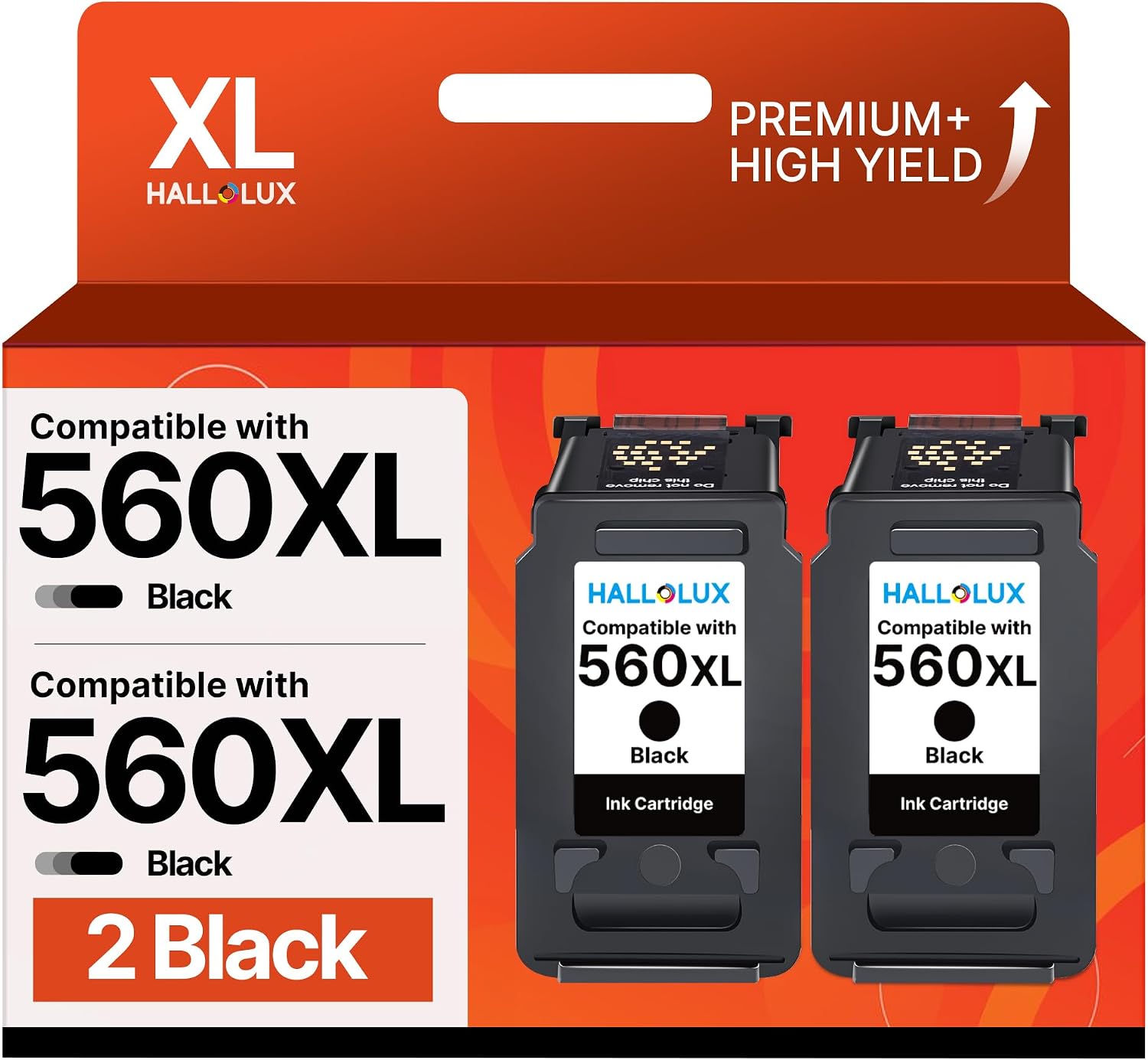
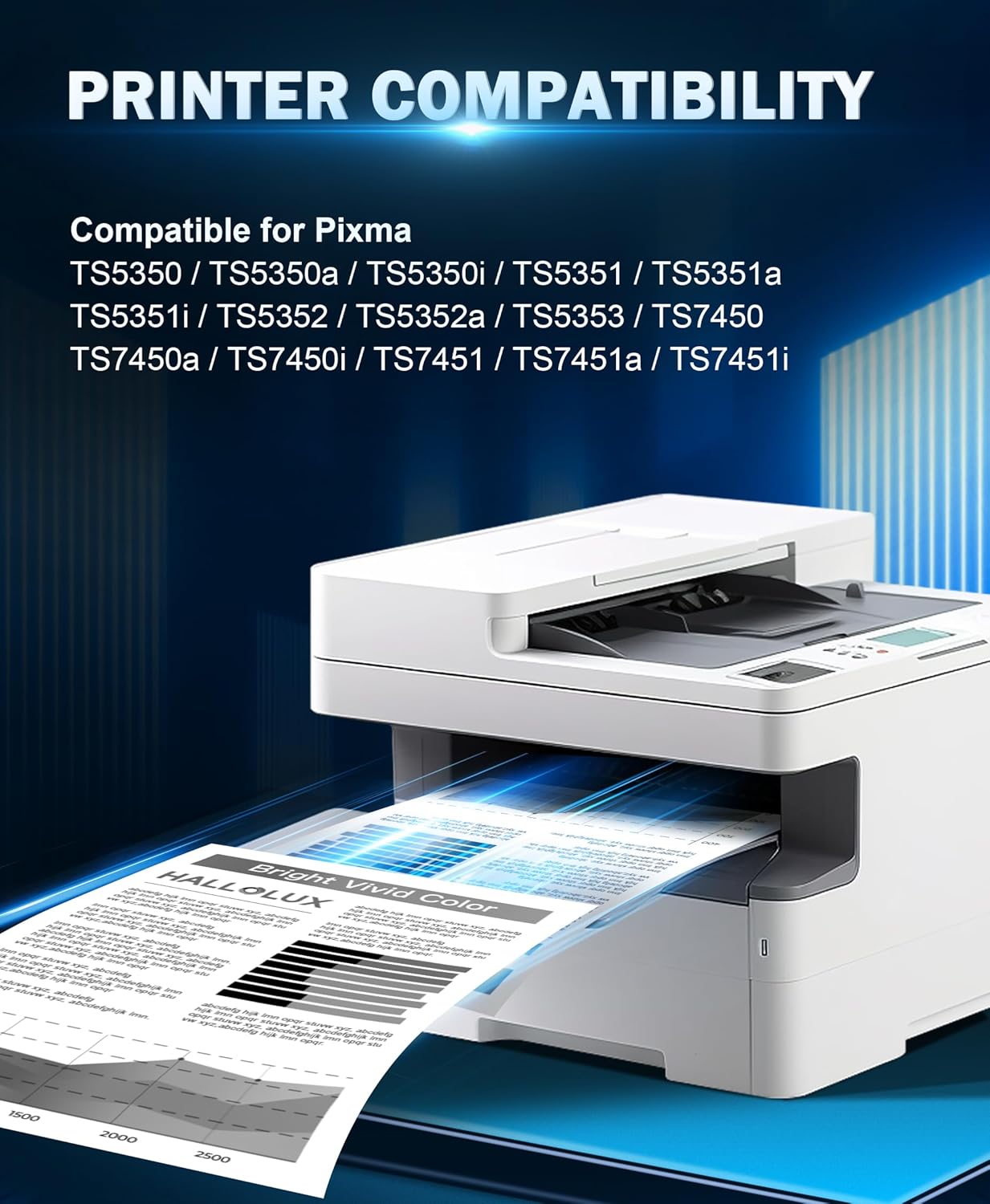
If you routinely print text documents or mixed-media pages on Canon Pixma devices such as TS5350, TS5300, TS5351, TS7450, TS7451, TS5352 and TS5353, this pair can be convenient for replacing worn cartridges without halting your workflow. It may suit households or small offices that value cost-per-page alongside dependable results.
What to expect on paper
Each 560XL cartridge is marketed to deliver up to around 750 pages at 5% coverage on A4. The claim highlights bright colours and clearer prints, backed by HALLOLUX ink designed for daily use. The packaging may vary, and the kit includes two black cartridges plus a user guide.
How it performs in practice
On the page, the emphasis is on longevity and solid text reproduction. For day-to-day tasks—home documents, school worksheets or internal prints—the ink should produce legible results with stable solid blacks. However, as with any non-original replacement, occasional variations in density or tonal consistency can occur, especially across different printers or paper types.
Pros and what stands out

- High page yield per cartridge supports longer print runs between replacements.
- Clear print quality with noticeable brightness and contrast for text.
- Two-pack offers value for money and reduces the frequency of shopping for replacements.
- Compatibility with a broad subset of Canon Pixma/T series models means fewer compatibility headaches in multiple devices.
Cons and limitations
- This is a third-party replacement, which may produce different results compared with original Canon inks, depending on printer firmware and paper.
- Exact page yield can vary with content complexity and print settings, real-world results may diverge from 750 pages per cartridge.
- The availability of the exact packaging and included materials may vary, as noted in the product description.

Which alternatives might suit you better
If you prioritise guaranteed colour accuracy and original-brand compatibility, genuine Canon cartridges could be preferable. If you’re trying to minimise upfront cost and you’re comfortable with third-party inks, HALLOLUX 560XL represents a practical option for routine black printing.
What to check before buying

- Confirm your Canon model compatibility matches the list (TS5350, TS5300, TS5351, TS7450, TS7451, TS5352, TS5353).
- Consider your typical print volume, two cartridges reduce replacement frequency, but the per-page cost depends on actual yield.
- Be mindful of any firmware prompts or cartridge recognition issues that sometimes accompany third-party inks.
- Verify that you’re purchasing the 2-pack of black 560XL cartridges to match your printer’s needs.
Practical usage example
Imagine you’re preparing a week's worth of homework sheets for a student and need clean, readable black text. Replacing with HALLOLUX 560XL two-pack, you’ll likely get solid, everyday-print results for documents and worksheets, with fewer interruptions for cartridge swaps if you’re printing in moderate volumes.

Decision time
Final verdict
It makes sense if you prioritise higher page yield and cost-conscious ongoing printing for Canon TS-series printers, and you’re comfortable with a third-party ink option. Not ideal if exact colour reproduction or guaranteed compatibility with every firmware update is non-negotiable.
Quick FAQ
- How many cartridges are in the box? Two black HALLOLUX 560XL cartridges (plus a user guide).
- What printers is it compatible with? Canon Pixma TS5350, TS5300, TS5351, TS7450, TS7451, TS5352, TS5353.
- What is the claimed page yield? About 750 pages per cartridge at 5% coverage on A4.
- Is this official Canon ink? No, it is a HALLOLUX replacement ink.
Is there anything else to know?
This option prioritises value and daily usability. If you print heavily or require exact-colour reproduction for photos, you may want to compare with original or specialised inks. In any case, keep an eye on print quality after installation and run a nozzle check if your prints begin to look inconsistent.