

GPC Image 203X Toner Cartridges – 4‑Pack for HP Color LaserJet Pro M254/M281 Series (Black, Cyan, Yellow, Magenta)
Product description
What this is and who it’s for
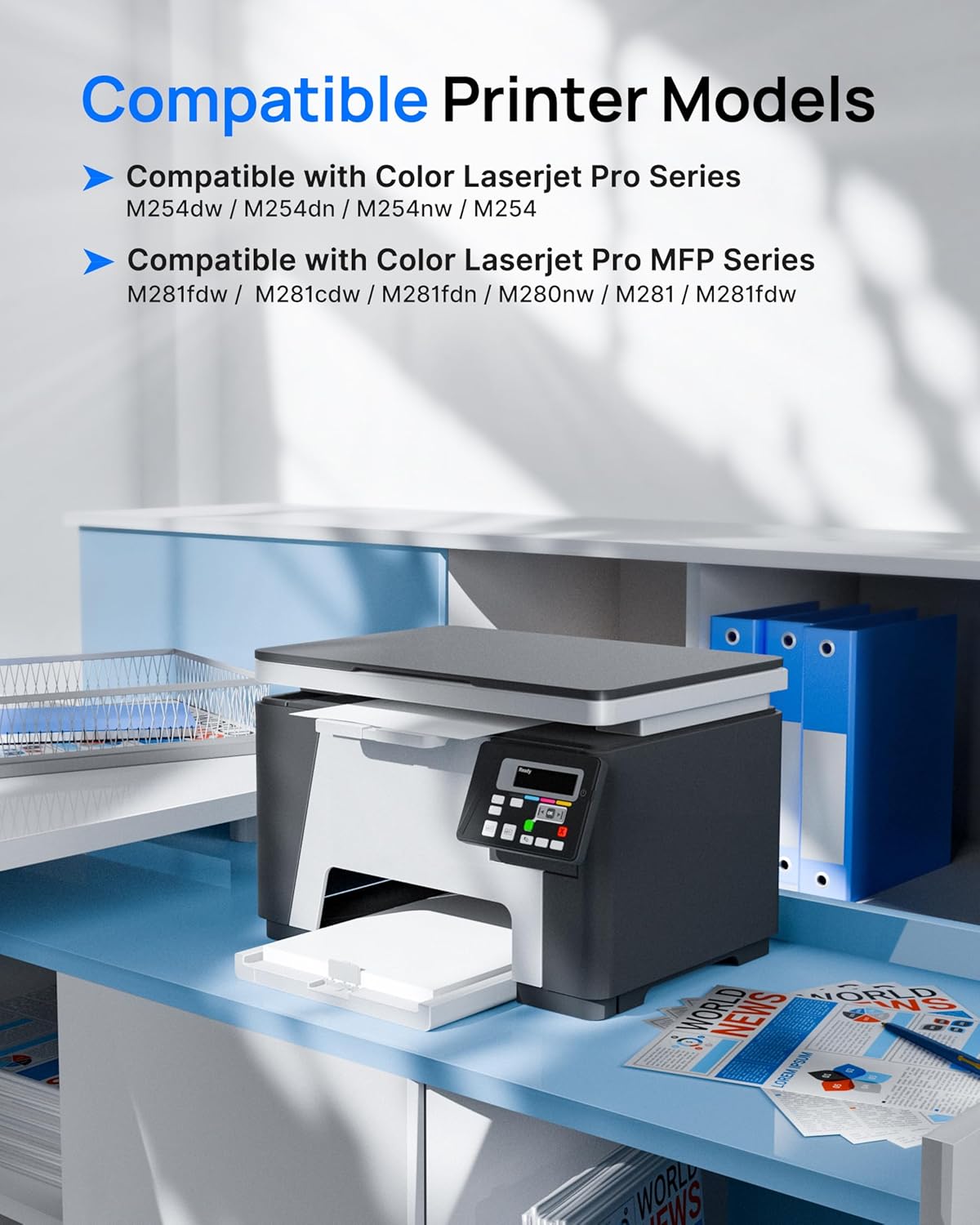
GPC Image 203X Toner Cartridges are a 4‑pack replacement set designed for HP Color LaserJet Pro printers, including models such as M254dw, M254dn, M254nw, M281fdw, M281cdw, M281fdn, M280nw and related variants. It’s aimed at users looking to maintain steady colour printing without using OEM supplies, while keeping a lid on running costs.
Compatibility and page yield on paper
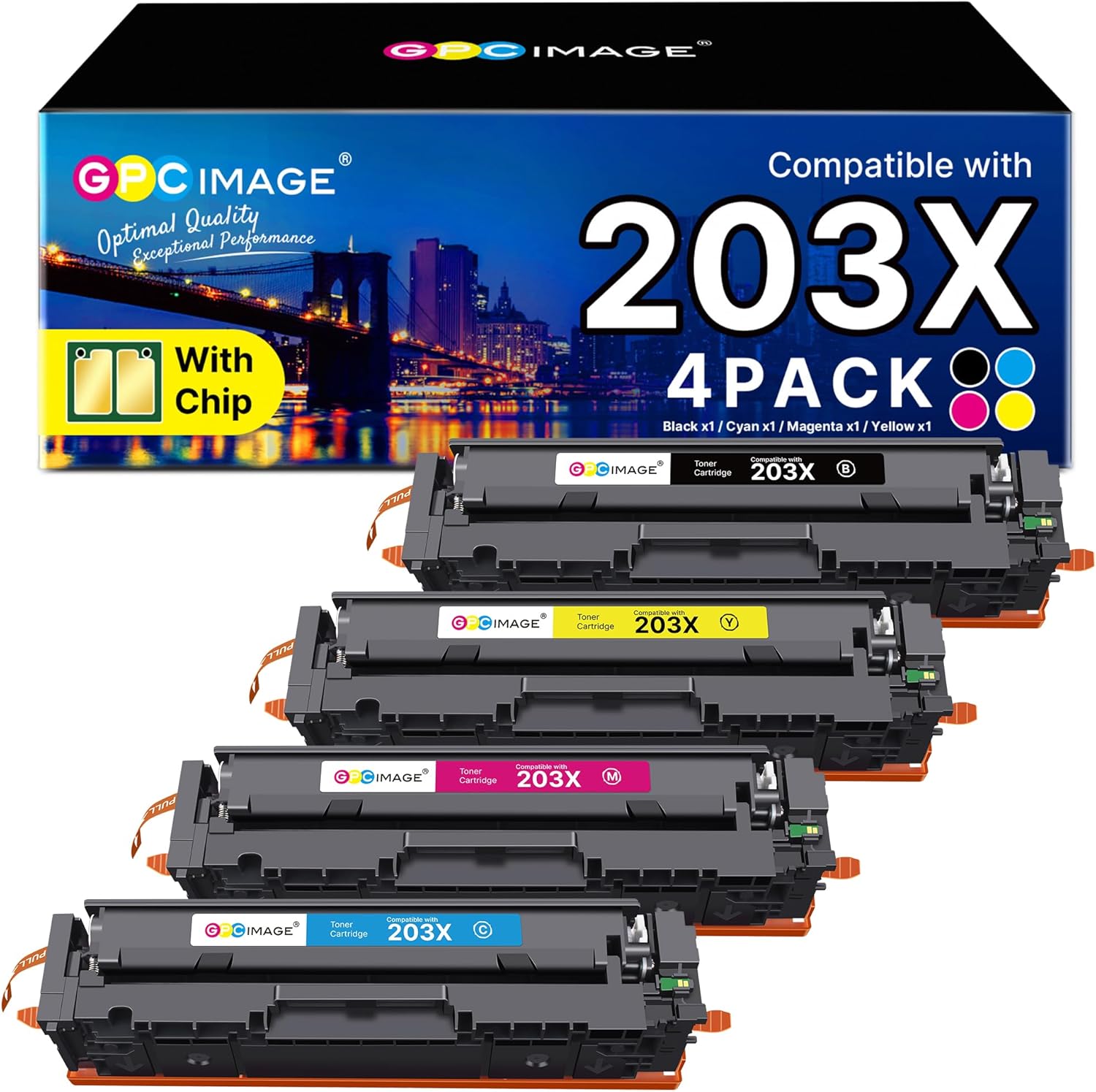
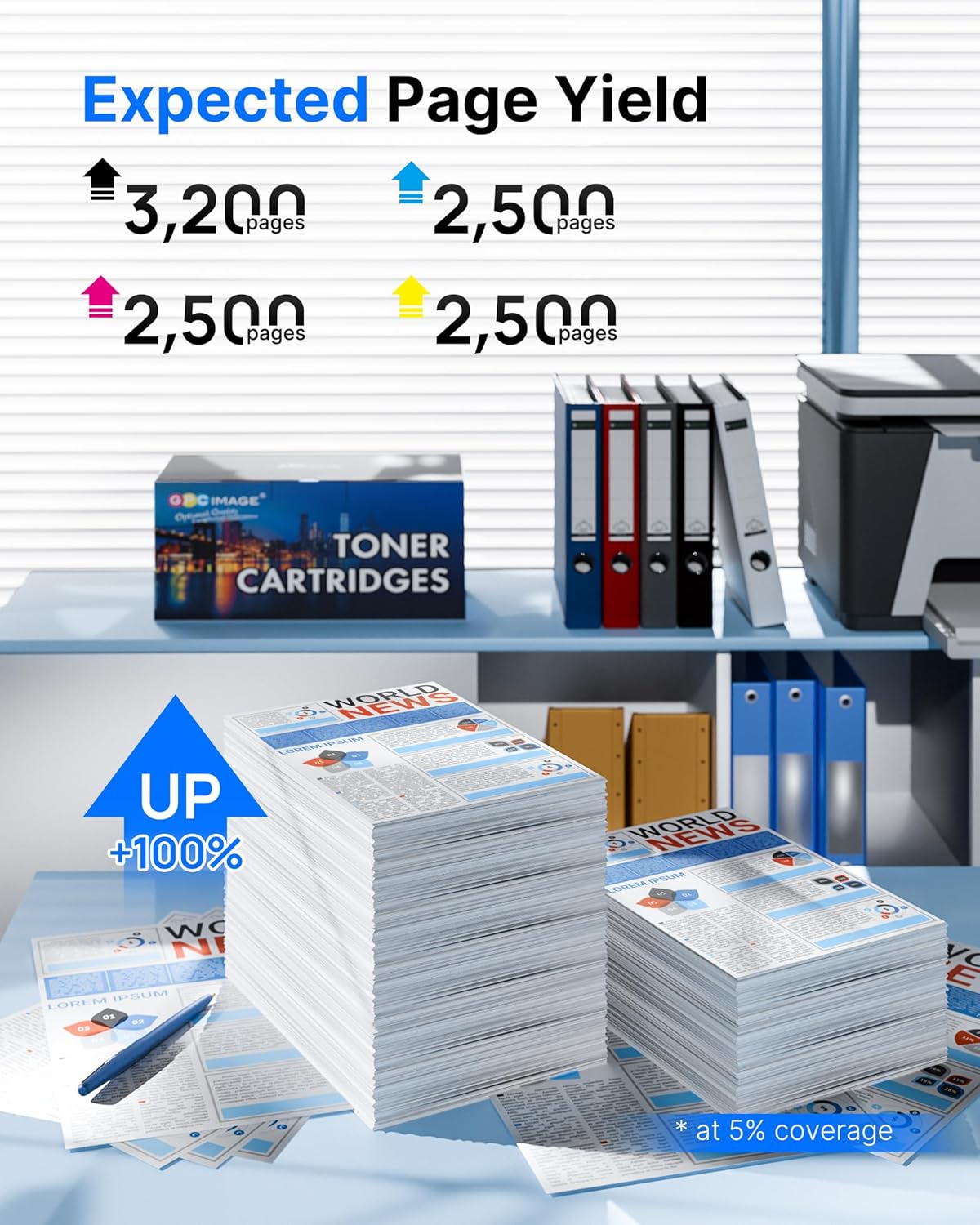
On the page yield, the black 203X CF540X cartridge is rated at around 3,200 pages, while the colour CF541X CF542X CF543X cartridges are around 2,500 pages each (at 5% A4 coverage). Packaging may vary, but the set includes one cartridge of each colour plus black to cover typical colour printing workflows.
The good and where it might fall short
On the plus side, this 4‑pack aligns with the printers listed in the input and provides a cost‑aware alternative to original HP toners. It’s convenient to have all four colours in one purchase, which can simplify budgeting for colour documents and images. A potential limitation to note is that print yield figures are machine‑matched estimates, real world results can vary with print density, colour usage and environmental factors.
Who this is best for
It suits small offices or home offices that print a mix of text and graphics and want to manage running costs without swapping between multiple supplier listings. If you regularly print high‑volume colour graphics, you may want to compare yield expectations against your typical usage to ensure this solution meets your needs.
When it makes sense to buy
Consider this 4‑pack when you’re running low on one or more colours and you prefer a single, predictable supply source. It’s sensible if you mainly print standard documents with occasional colour accents and want to avoid frequent reorders.

When to pause or look for alternatives
If your printing is heavily skewed towards very high colour saturation or detailed graphics, or if you require extremely tight colour matching to original HP hues, you might want to evaluate OEM options or test a single colour cartridge first.
What to review before you buy
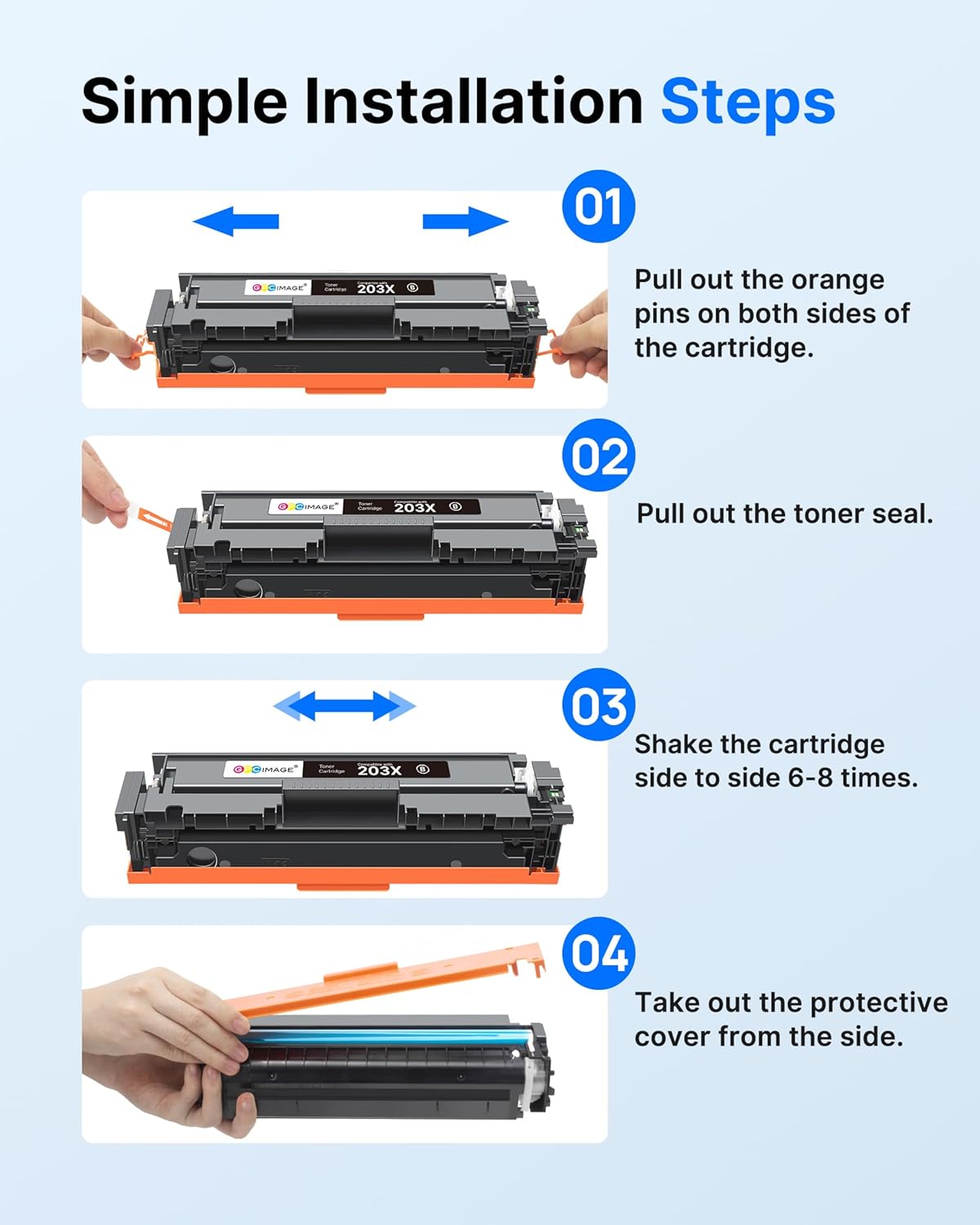
- Confirm your printer model compatibility with the HP 203X family and the specific M254/M281 variants listed.
- Check your typical page composition to see if the stated yields align with your monthly colour printing volume.
- Consider whether you value a single 4‑colour pack for convenience versus buying colours individually.
Practical use note
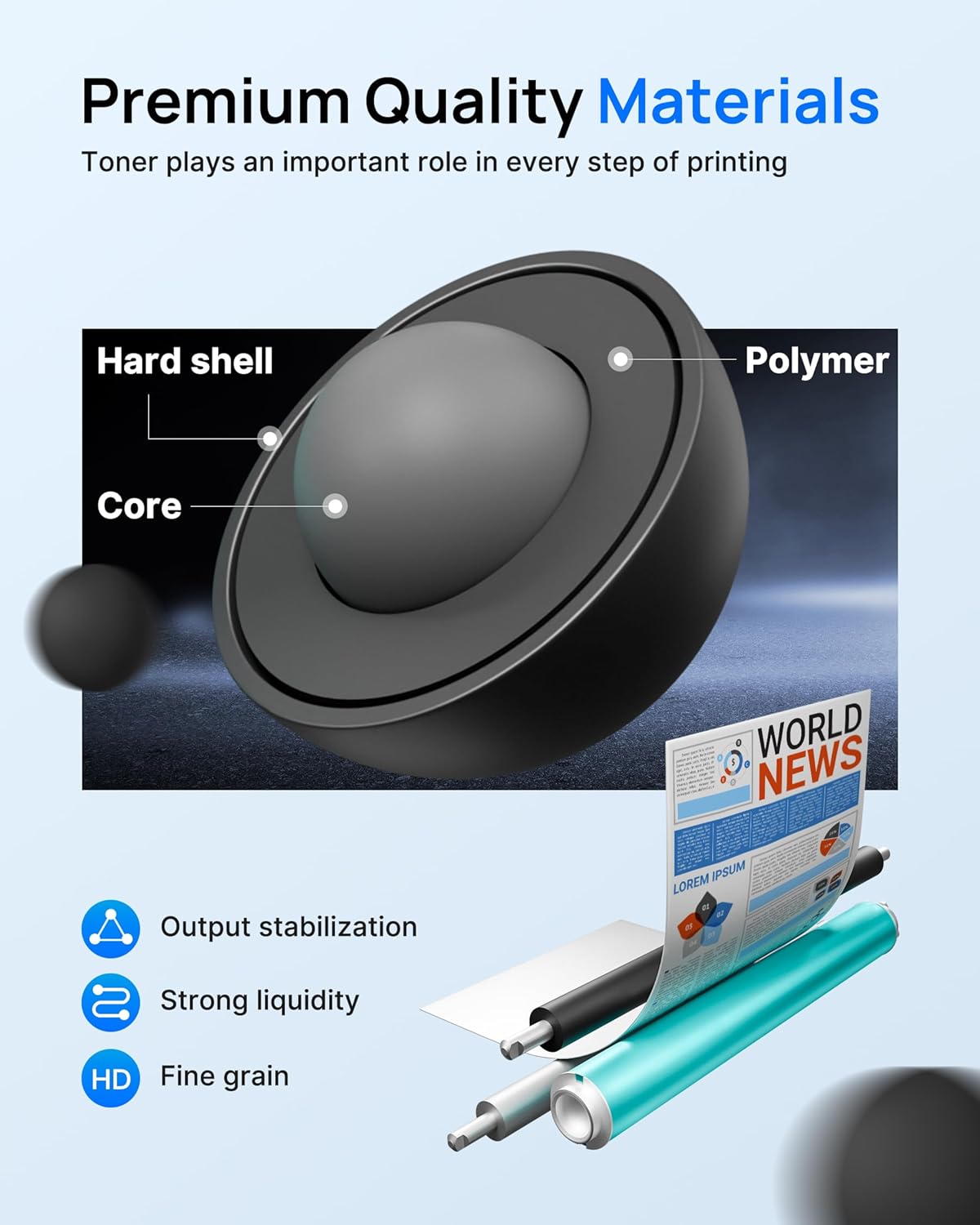
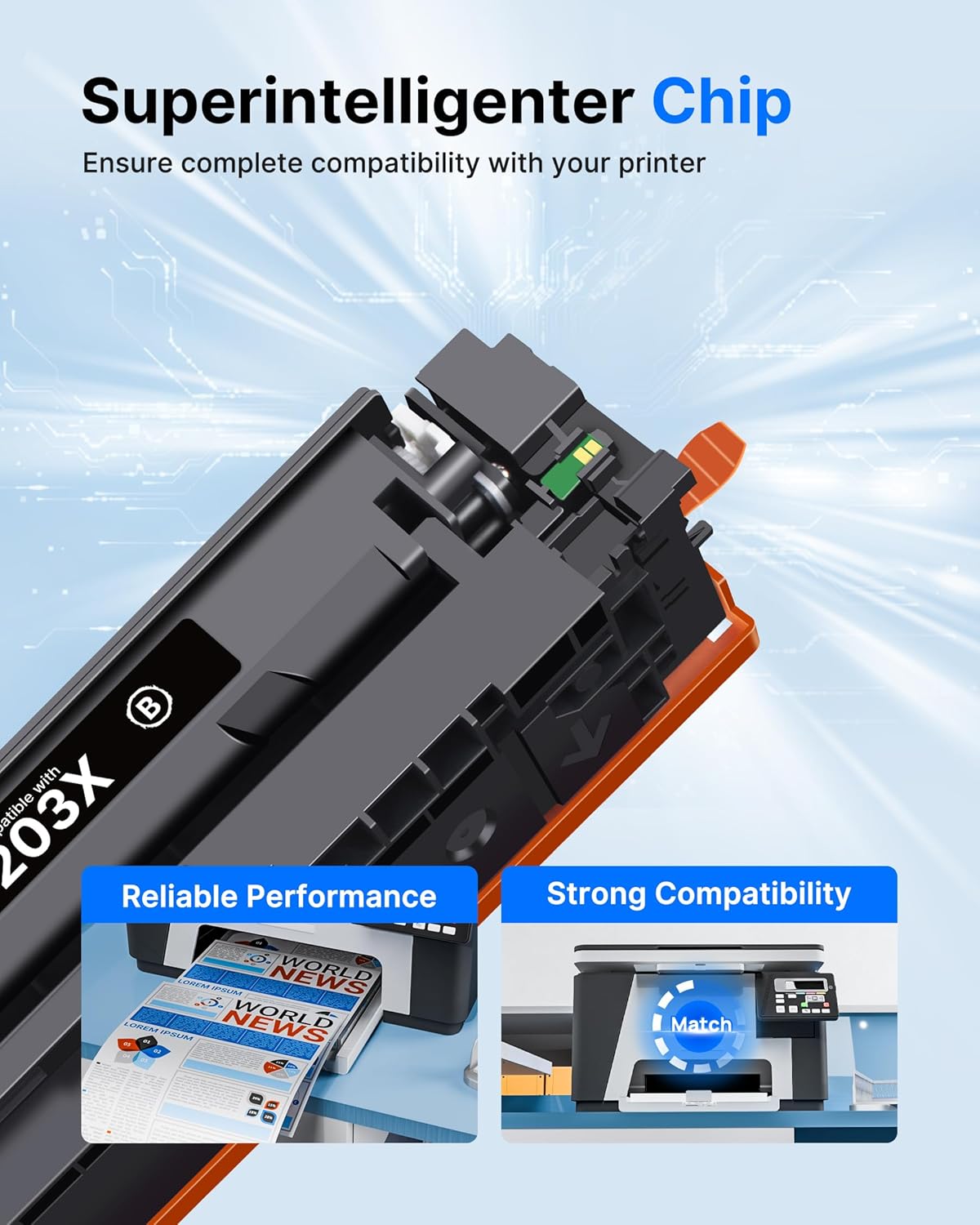
In day‑to‑day use, you’ll notice the convenience of having a full set ready for standard colour print jobs, such as presentations or marketing materials. Realistically, the prints will be vivid for general use, but exact colour reproduction can differ from OEM toners depending on the printer firmware and media.
Final verdict
Is it worth it?
Worth considering if you prioritise cost per page and want a straight‑forward, all‑in‑one colour refill option for compatible HP Colour LaserJet Pro models. It may not suit ultra‑precision colour requirements or very high‑volume colour work, but for typical office tasks it provides a practical balance of value and practicality.
FAQ
- Will this work exactly like OEM 203X cartridges? It’s designed for compatibility with the listed HP models, but it’s a compatible alternative rather than an original HP cartridge. Results can vary slightly in colour matching and longevity.
- How many pages can I expect from each colour cartridge? Black around 3,200 pages, cyan, magenta and yellow around 2,500 pages each, based on 5% A4 coverage.
- Should I replace all four colours at once? Replacing the set together can simplify maintenance and budgeting, but you can stagger orders as colours run low depending on your printing mix.