


DOUBLE D LC426 ink cartridges (8 pack) for Brother LC426 / LC426XL – compatible inks for MFC-J4335DW to J4540DW
Product description
If you’re refilling a Brother inkjet and want to keep the running cost sensible, these DOUBLE D LC426 ink cartridges in an 8-pack are built for that day-to-day reality. The set covers both black and colour, so you’re not left swapping half the range at different times.
That said, it’s still worth being a bit careful with compatible cartridges: they can be a good value, but the “last mile” experience (like ink-level reporting) may not match genuine cartridges exactly. On paper, this pack is aimed at reliable printing with a known set of Brother MFC-J models.
What it is and why you’d buy it
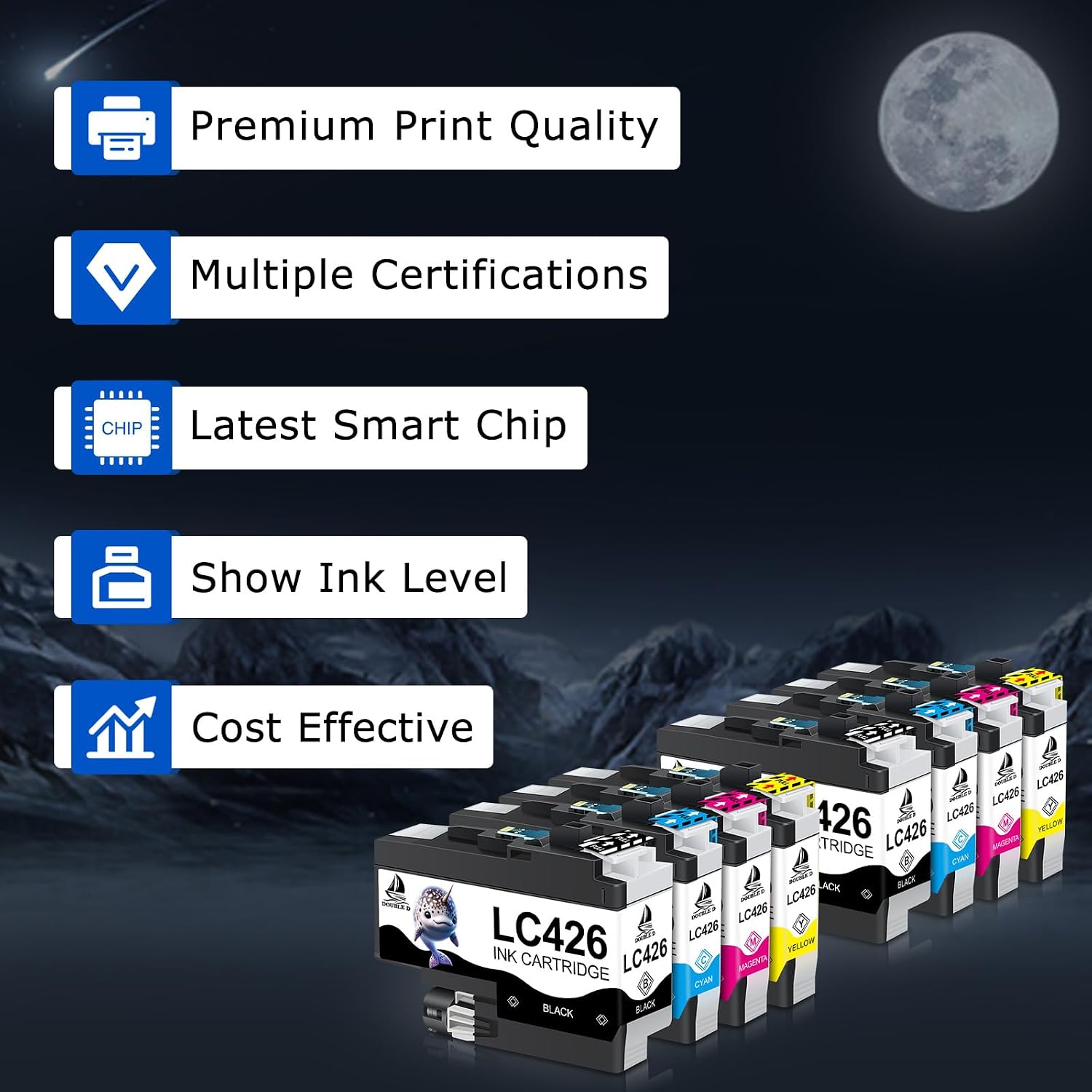
These are replacement ink cartridges for Brother’s LC426 range, sold as an 8-pack containing 2x black (LC426BK) and 2x each of cyan, magenta and yellow (LC426C/LC426M/LC426Y). The idea is simple: you get a full set of colours plus black for a consistent refilling routine.
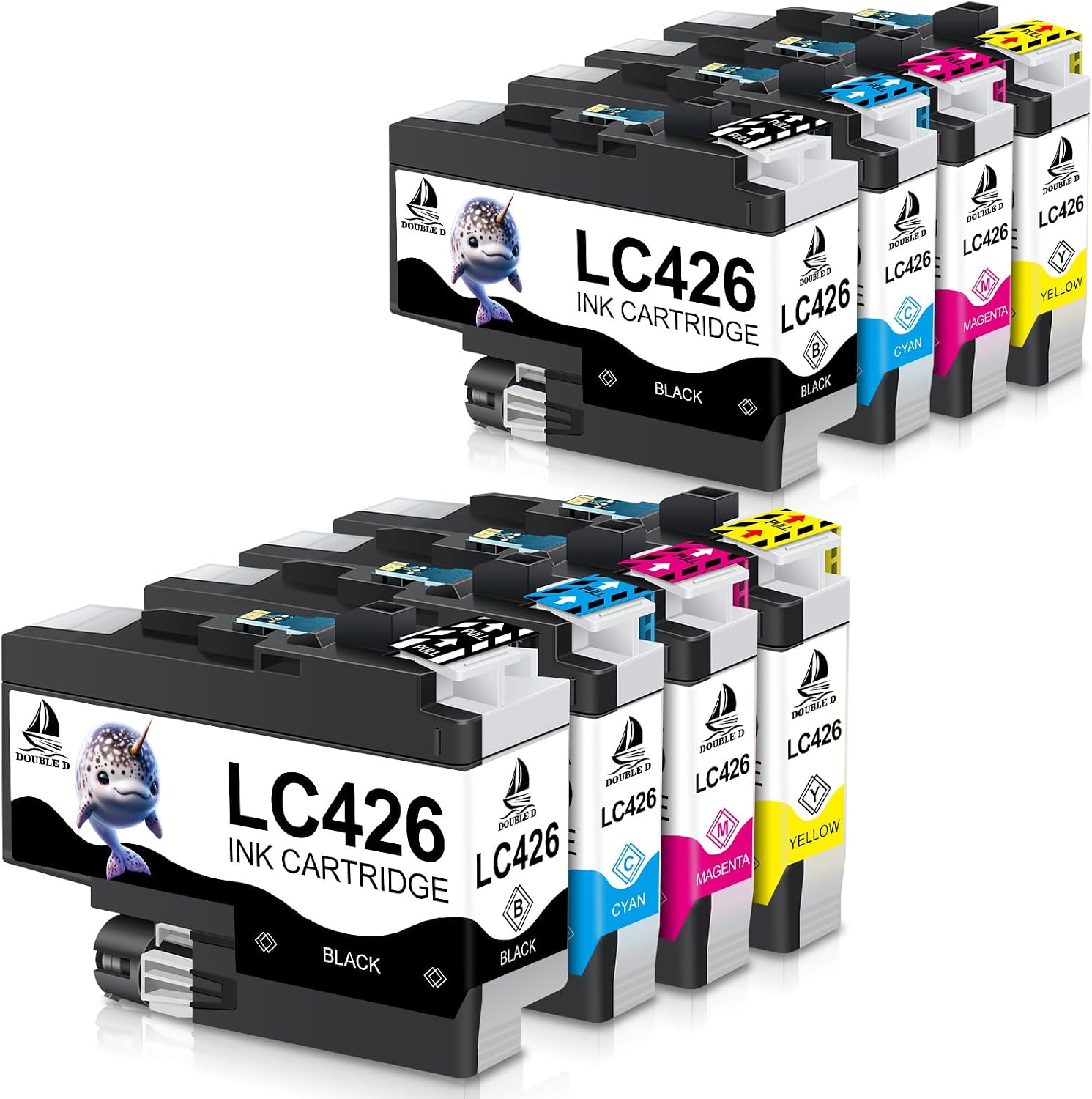
In practical terms, it suits people who print mixed documents at home or in a small office—think school pages, letters, and colour-friendly print jobs—without wanting to keep hunting for individual cartridges.
Compatibility and model match (worth checking first)
The listing specifies compatibility with Brother ink cartridge LC426 (and mentions LC426XL/LC 426 XL in the product framing) and targets these printers: MFC-J4335DW, MFC-J4340DW, MFC-J4535DW and MFC-J4540DW.
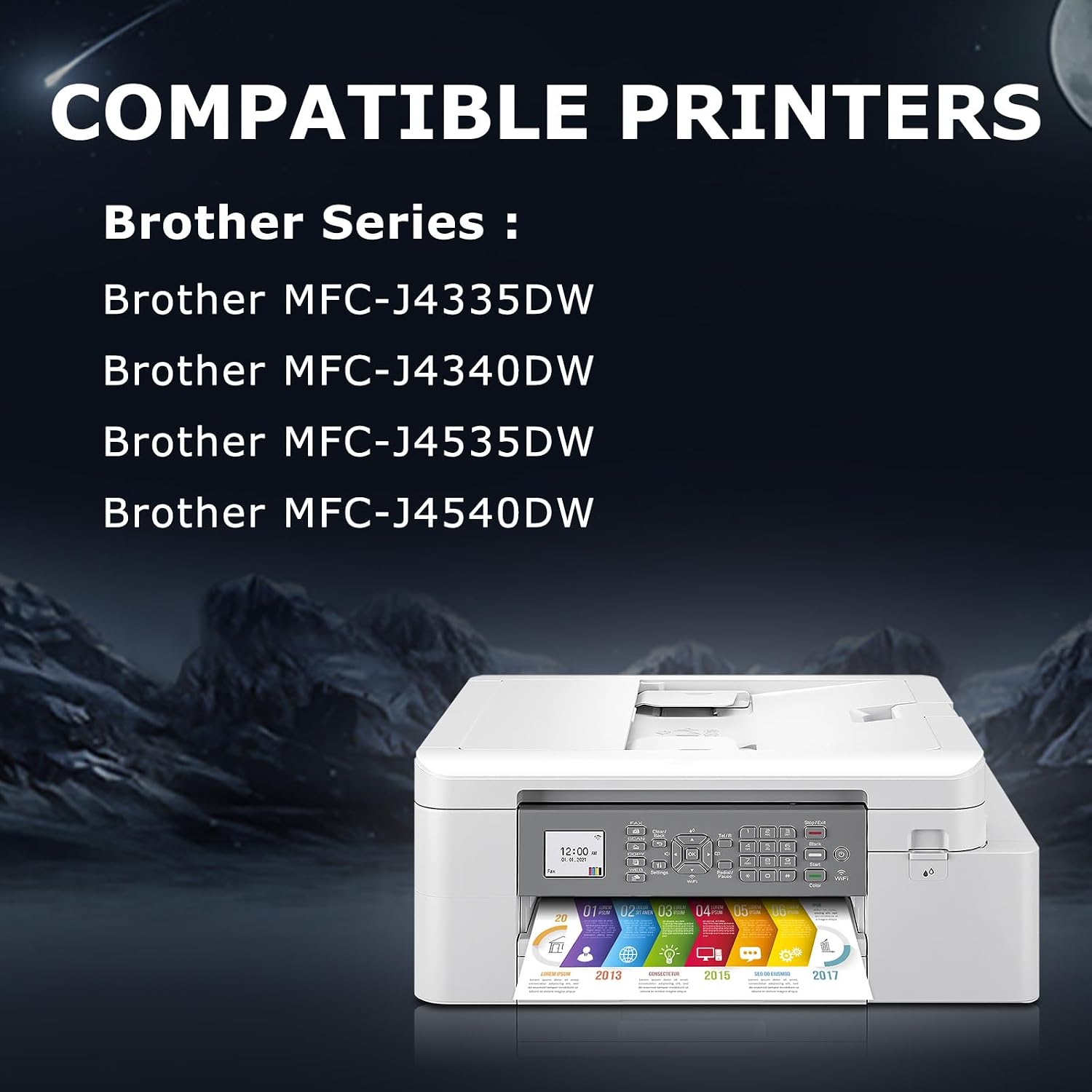
It’s a good fit if you own one of those models and you specifically need LC426-type replacements. It might not suit you if you have a different Brother printer model, even if it uses “similar” ink—ink compatibility can be stricter than it looks.
Key takeaways from the spec claims
The pack is positioned around reliability and consistency. It states that the cartridges are strictly tested with quality control processes and manufactured in a facility with ISO9001, ISO14001, RoHS, REACH and STMC certifications.
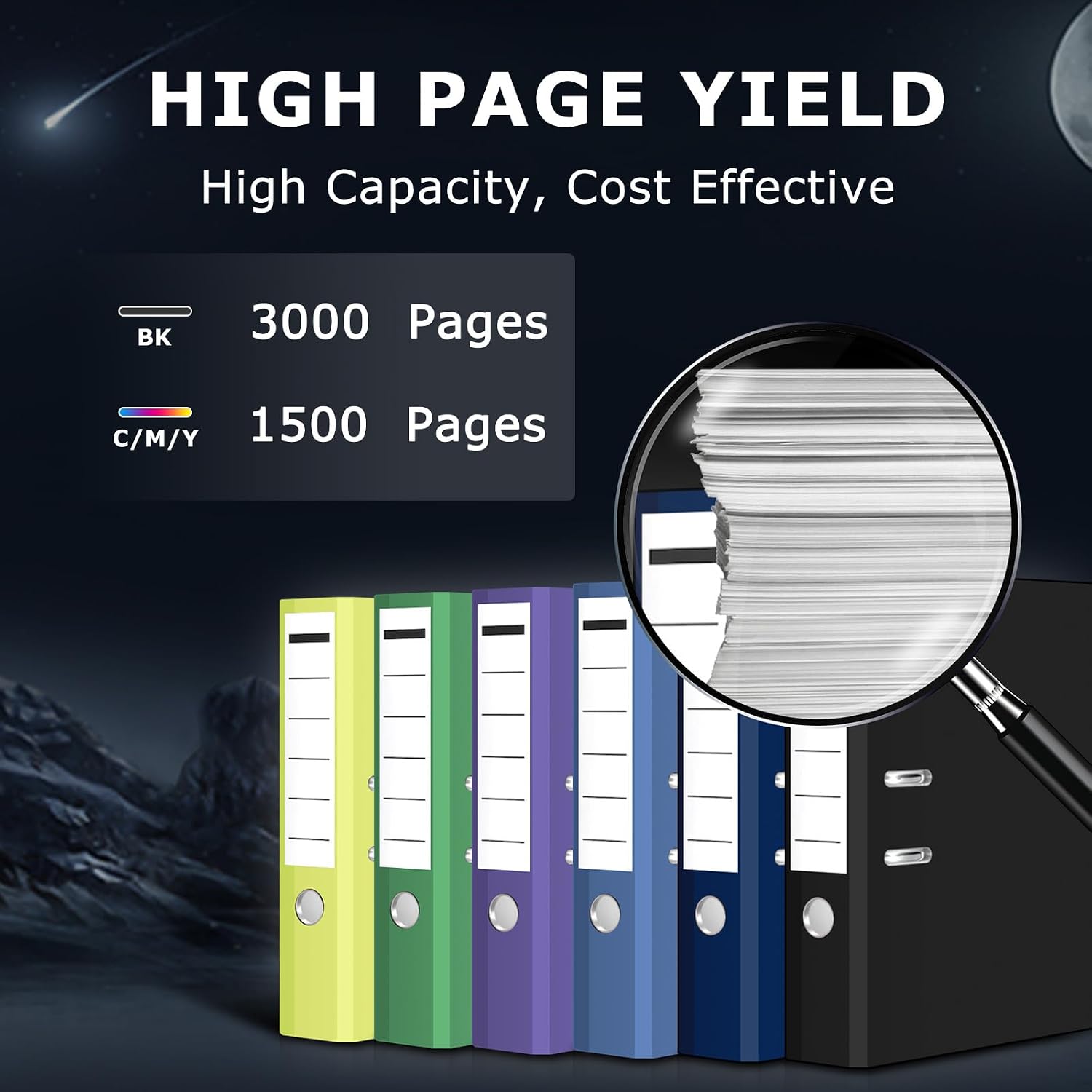
In terms of page yield (approximate), the claim is up to 3000 pages for the black cartridge (LC426BK) and up to 1500 pages per colour cartridge (LC426Y/LC426M/LC426C) at 5% coverage on A4 paper.
A quick reality check: page yield numbers always depend on how you print (text-heavy vs. colour graphics), so treat these as a baseline rather than a guarantee.
What you get in the box
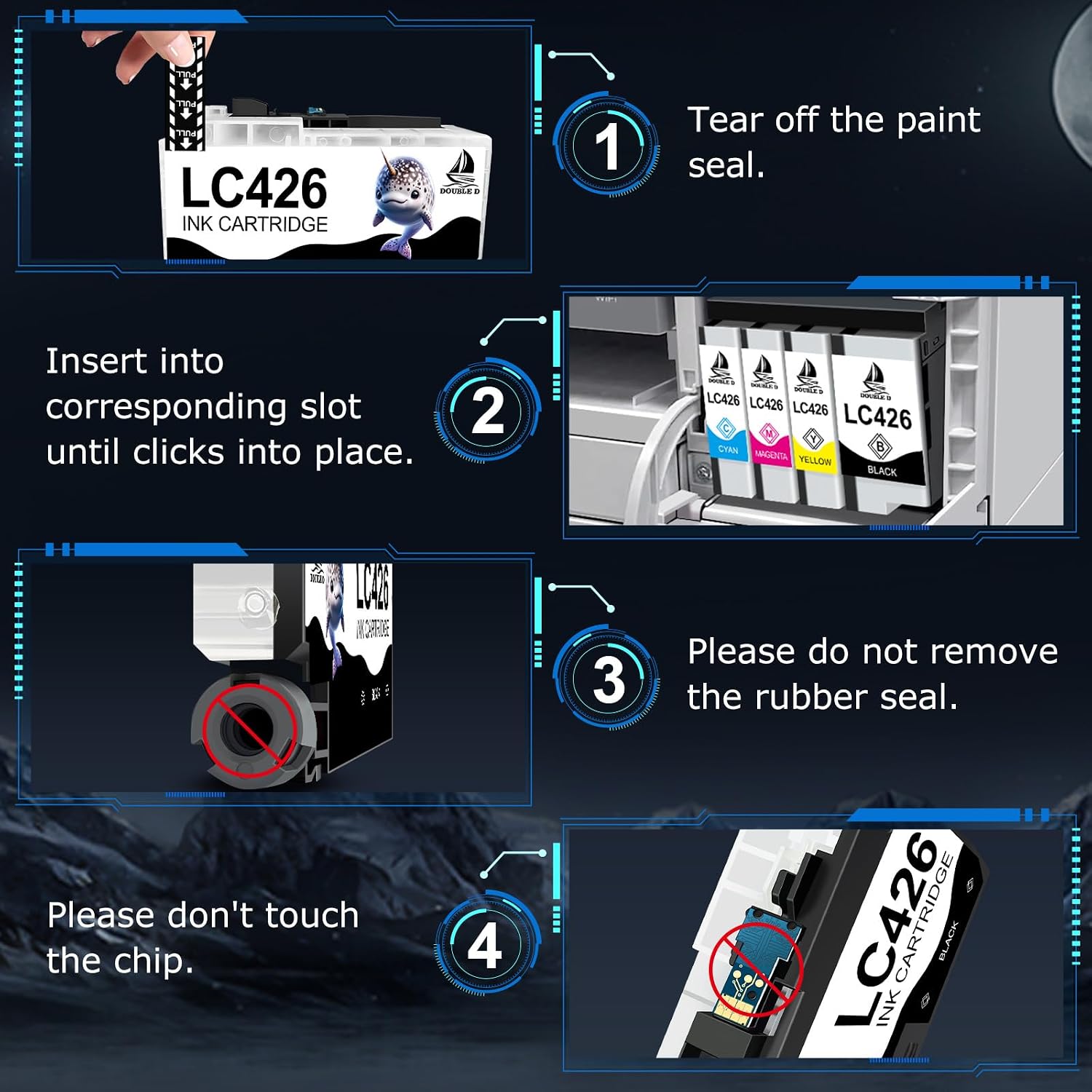
The 8-pack includes: - 2x black LC426 ink cartridges - 2x cyan LC426 ink cartridges - 2x magenta LC426 ink cartridges - 2x yellow LC426 ink cartridges - user-friendly instructions - biodegradable gloves for a cleaner installation
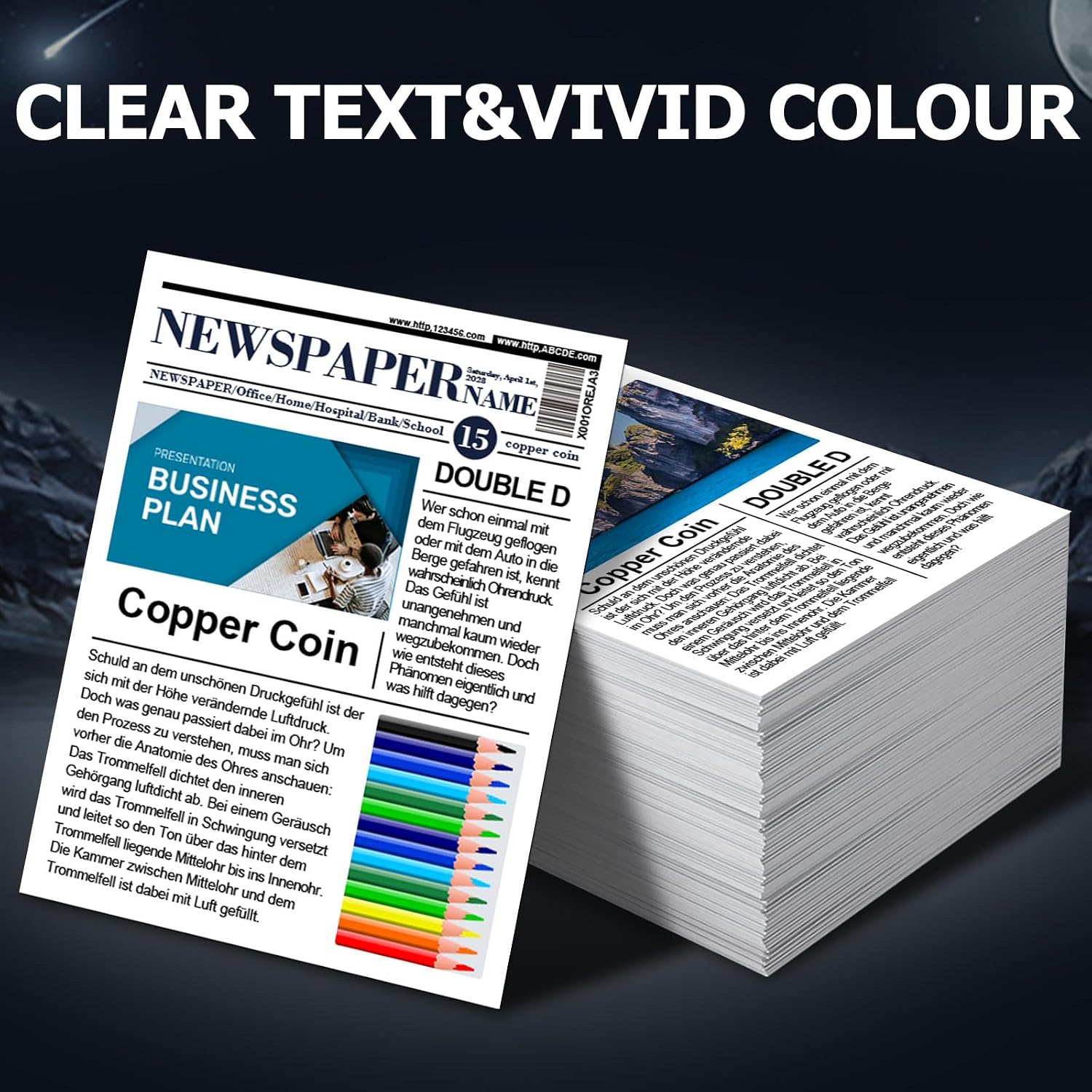
If you prefer having everything to hand for a full round of refills, this bundled approach is convenient. If you only need one colour or you’re halfway through a cartridge cycle, buying a smaller quantity might be less wasteful.
What stands out in everyday use
The listing suggests a smooth functional experience and “strict inspection” before dispatch, which is encouraging for compatibility-focused purchases.
One detail to keep in mind: the manufacturer notes that it’s normal if your printer’s ink level screen shows a “?” after inserting compatible cartridges. Their advice is to disregard that display and keep printing, and to check ink level on the computer connected to your printer instead.
That’s a small annoyance potential—more about reporting than printing—but it’s still something you’ll want to know before you rely on the printer’s ink indicator.
Example: if you install the colour set and your printer shows the “?” mark, you may still get fully usable prints. For peace of mind, check the ink status from your computer connection rather than trusting the screen indicator.
Where it may fall short (and who should avoid it)
This isn’t the best choice if you strongly depend on the printer’s on-screen ink-level readings behaving exactly as they would with genuine cartridges. The “?” behaviour is flagged as normal for these compatible inks.
It may also be less appealing if you only print occasionally and prefer to replace cartridges one-by-one—this 8-pack is aimed at people who want coverage for multiple refills.
Getting the most from this 8-pack
Before buying, double-check: - your printer model matches the ones listed (MFC-J4335DW, J4340DW, J4535DW or J4540DW) - you’re happy buying an all-in-one black + colour set - you can live with the possibility of ink-level display quirks (using the connected computer ink info as suggested)
If you do regular home printing or small office work, the main value here is having the full set ready so you’re not delaying jobs while waiting for single cartridges.
Should you buy it?
It makes sense if you’ve got a Brother MFC-J4335DW / J4340DW / J4535DW / J4540DW and you want a compatible LC426 ink bundle that includes black and all three colours, with page yield claims positioned for decent run times.
You may want to skip it if you’re buying purely based on the ink level indicator display, or if you only need one cartridge rather than an 8-pack set. On balance, this is a sensible value-for-money option for routine printing, as long as you’re comfortable with the note about ink-level screen behaviour and you’ve confirmed the model compatibility.