

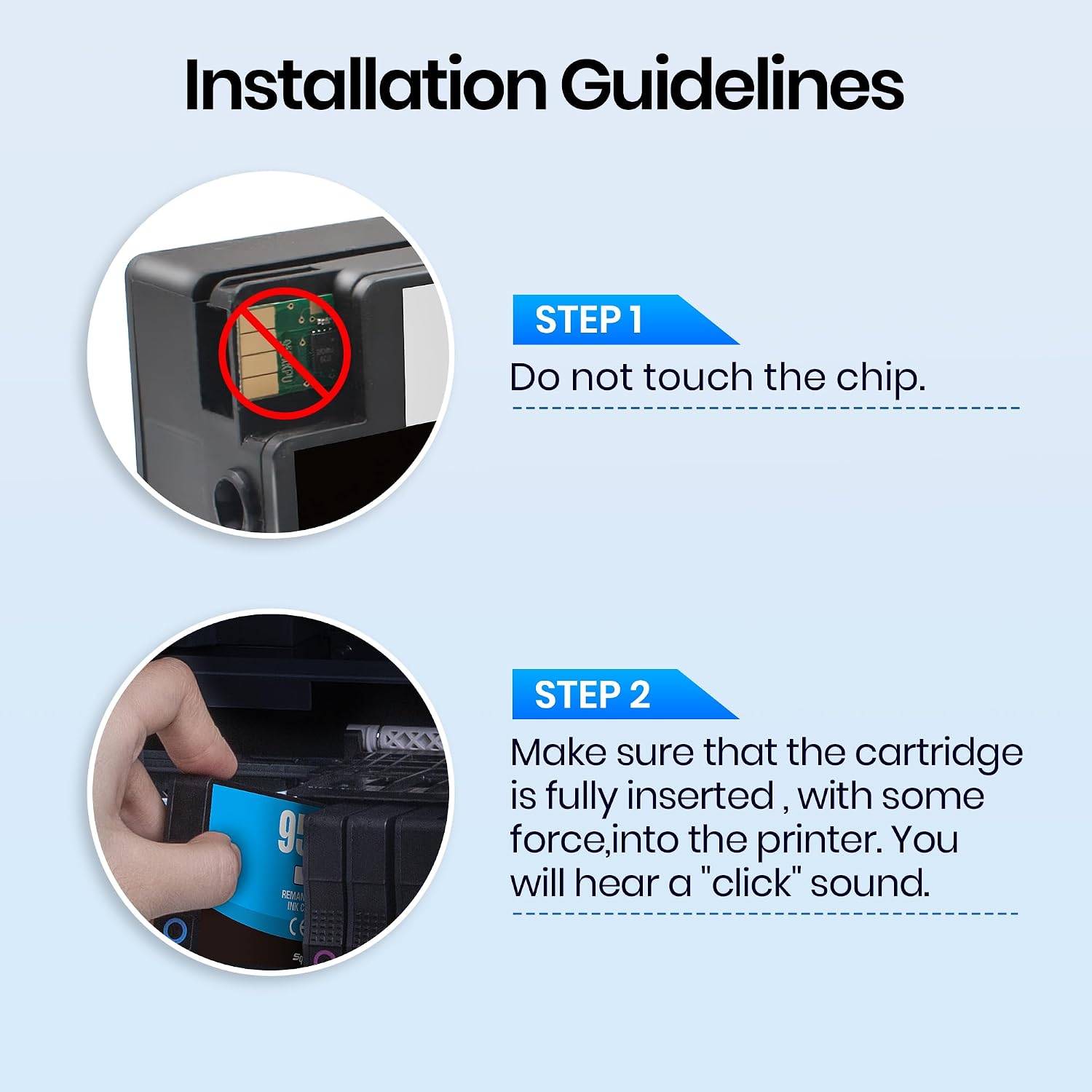
Gureef 953XL Ink Cartridges Multipack (Black, Cyan, Magenta, Yellow) for HP OfficeJet Pro series
Product description
What it is
Gureef’s 953XL Ink Cartridges Multipack is a four‑colour set designed to work with a wide range of HP OfficeJet Pro printers. The pack includes black, cyan, magenta and yellow inks, each built to the 953XL capacity. On paper, these cartridges emphasise high compatibility and a relatively lower cost-per‑page, making them appealing for households and small offices looking to keep printing costs predictable.
How it performs on paper
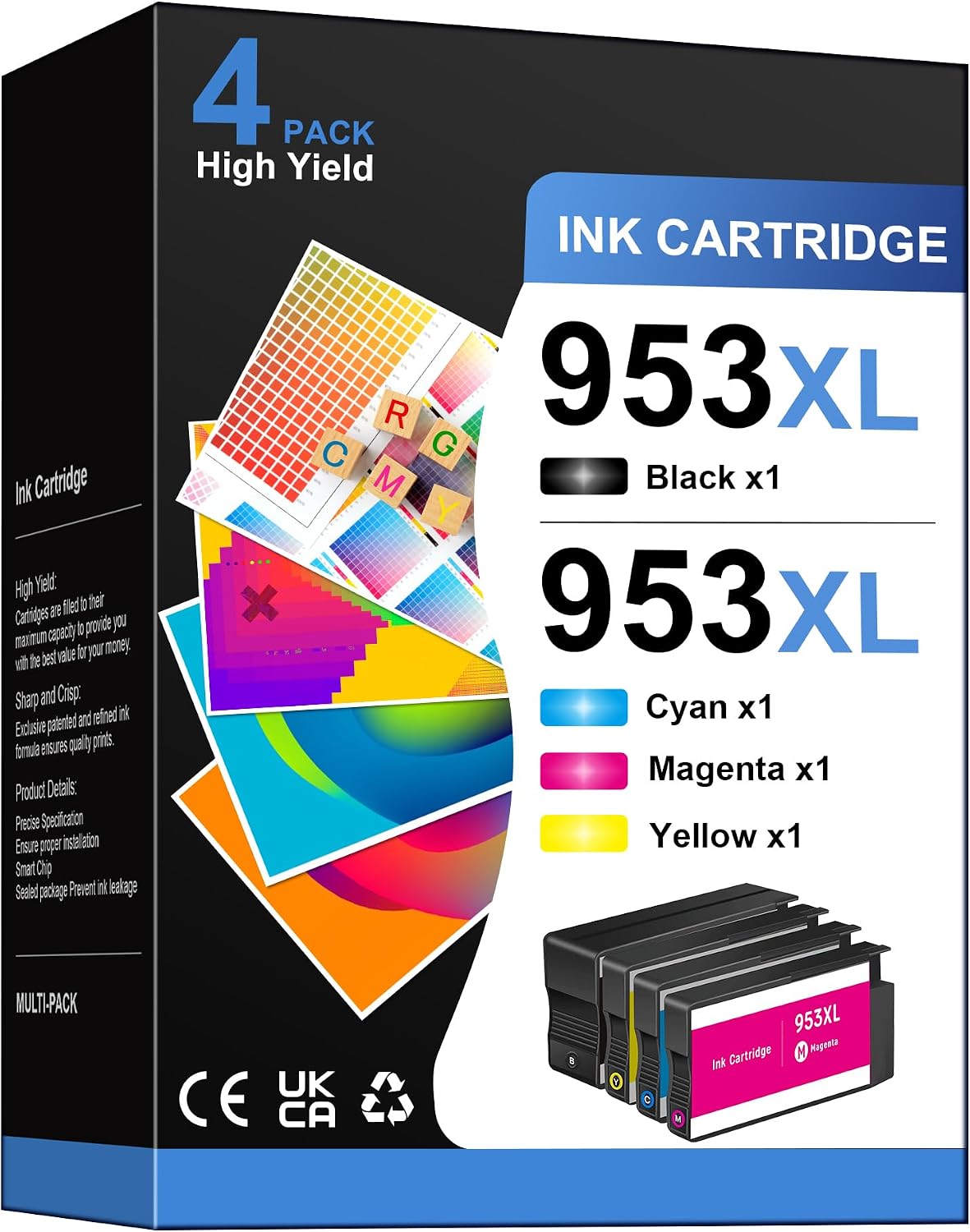
The black 953XL cartridge is rated for about 2000 pages at 5% coverage on A4, while each colour cartridge is rated for roughly 1600 pages under the same test conditions. These figures suggest a reasonable balance between price and output, especially for typical home printing of homework, documents and light photos. Real-world results will vary with page coverage, image density and printing settings, but the claim gives a useful baseline for budgeting ink use.
What stands out
On the drawing board, the main strengths are high compatibility with multiple HP OfficeJet Pro models and a four‑colour mix in one pack, which reduces the chance of mismatched colours mid‑project. The packaging also signals regular quality checks and a support line to assist if you encounter issues, which can be reassuring if you’re moving away from OEM cartridges.
The practical caveats
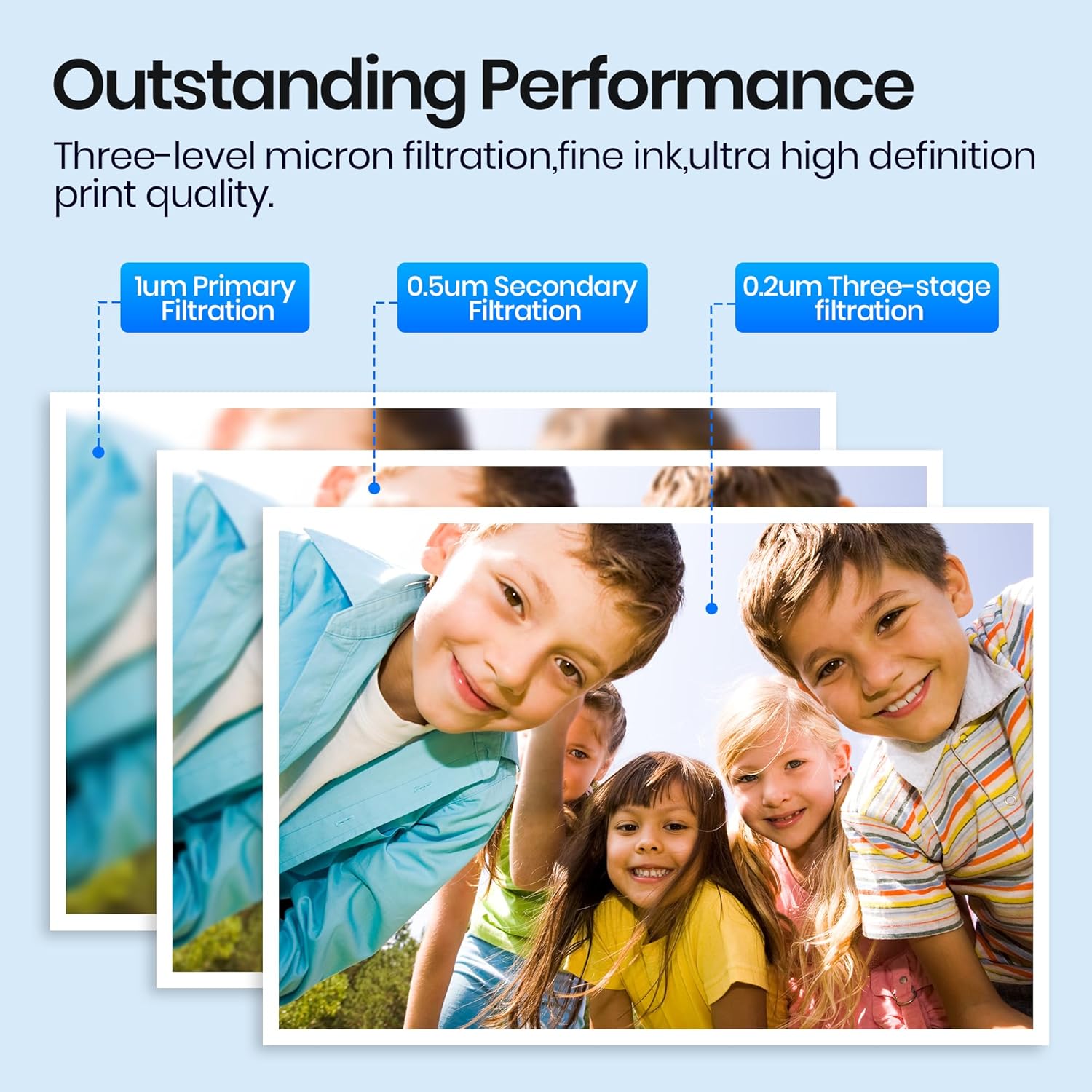
If you prioritise absolutely consistent photo colour accuracy or high‑volume graphics work, it’s worth noting that third‑party inks can behave differently from factory cartridges in some printers. The supplier highlights rigorous pre‑ship testing, but your own colour reproduction may vary, particularly with glossy photos or complex graphics. Also, while the page yields are strong for the price point, the longevity of print savings depends heavily on your typical print mix and duty cycles.
Who it’s for
This multipack is well suited to families, students or small offices that print a mix of documents and light‑to‑moderate colour work. It’s a sensible choice if you want a ready‑to‑use four‑colour solution without hunting for individual cartridges and you’re using compatible HP OfficeJet Pro models.
Who it isn’t ideal for
If your printing is dominated by high‑volume colour graphics, deep saturation photos or heavy banner prints, you might discover the performance differences compared with OEM inks become more noticeable. In such cases, you could explore official HP cartridges or higher‑end alternatives that prioritise colour accuracy and longevity.
When it makes sense to buy
Consider this pack when you’re planning a bulk print season, need to refresh all four colours at once, or want to simplify procurement with a single compatible solution. If you’re already satisfied with your printer’s output and ink cost, it’s worth comparing local pricing and potential cashback offers before purchasing.
Before you buy it
Check your printer’s compatibility list against the model range cited by the supplier to avoid surprises. Also, verify whether your printing needs are predominantly text or mixed colour documents, as yield varies by content. If you frequently replace cartridges mid‑cycle, a 4‑pack like this can reduce downtime and stock management.
Everyday use and a practical example
For a household producing homework, invoices and casual photo prints, this pack can cover all four channels in one go. A typical usage scenario might involve printing a set of colour graphs for a school project, followed by a few pages of black text and a handful of family photos on weekends. In such cases, you’ll likely appreciate the ready availability of all four colours without needing to reorder separately.

Tech snapshot (brief and readable)
- Four cartridges: Black, Cyan, Magenta, Yellow
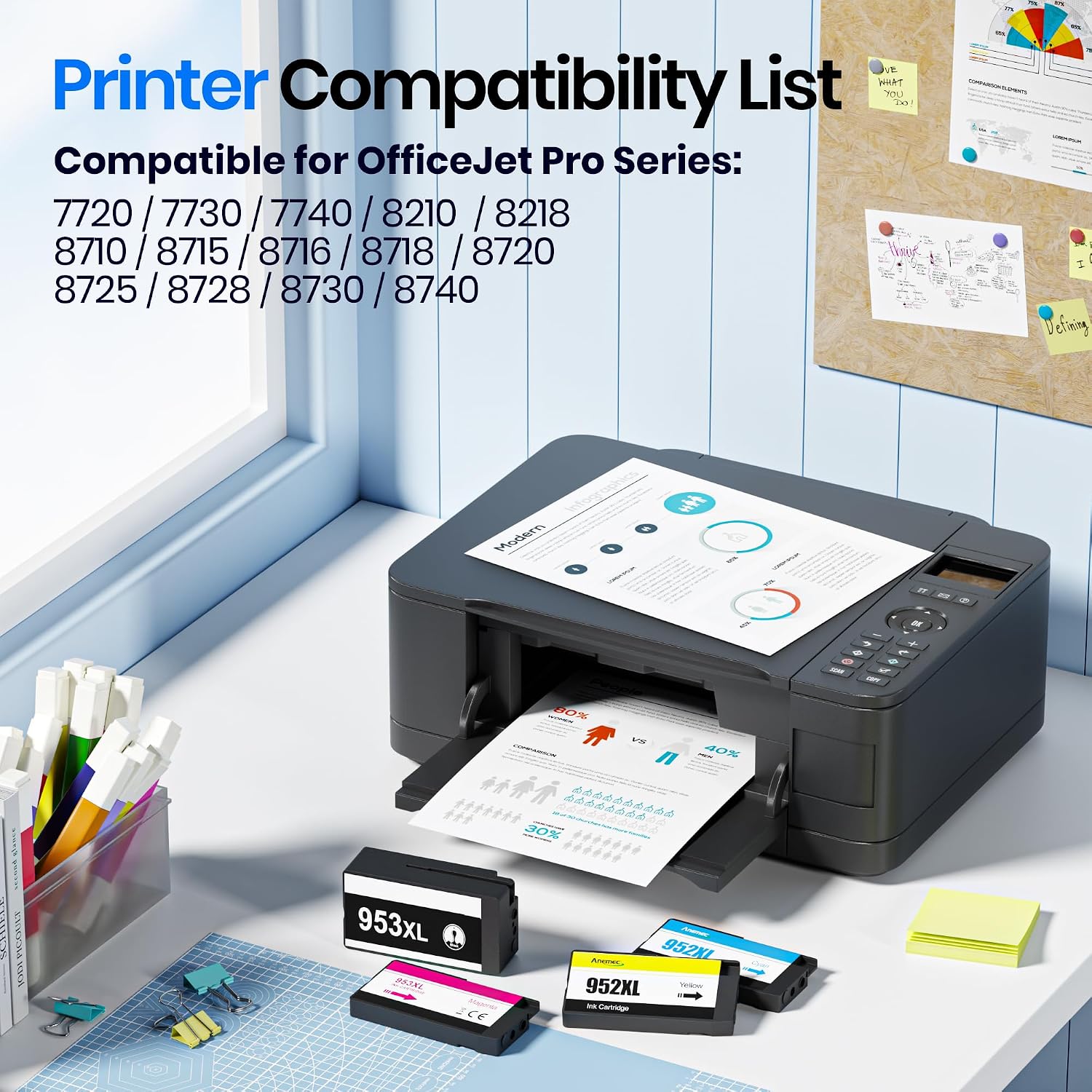
- High compatibility with HP OfficeJet Pro 7720, 7740, 8710, 8715, 8720, 8730, 8210, 8716, 8719, 7730, 8218, 8718, 8725, 8728, 8740 (as listed)
- Approximate yields: Black ~2000 pages, Colour ~1600 pages per cartridge at 5% coverage on A4
- Pack contents: 1 x 953XL black, 1 x 953XL cyan, 1 x 953XL magenta, 1 x 953XL yellow
- Support: Pre‑ship testing and accessible technical support
Is it worth it?
A solid pick if you prioritise convenience and price per page for a mixed printing routine. It may not be the best fit if you require top‑tier colour accuracy for professional photos or high‑volume business graphics. If your printing needs sit somewhere in the middle, this four‑colour pack offers a practical balance between cost, readiness and compatibility.
FAQ (quick answers)
- Q: Will these cartridges work with my HP OfficeJet Pro printer? A: They are designed for a broad range of OfficeJet Pro models, check the exact compatibility list before purchasing.
- Q: Do the yields reflect real‑world printing? A: The stated figures are standard test yields at 5% coverage, actual results depend on content and print settings.
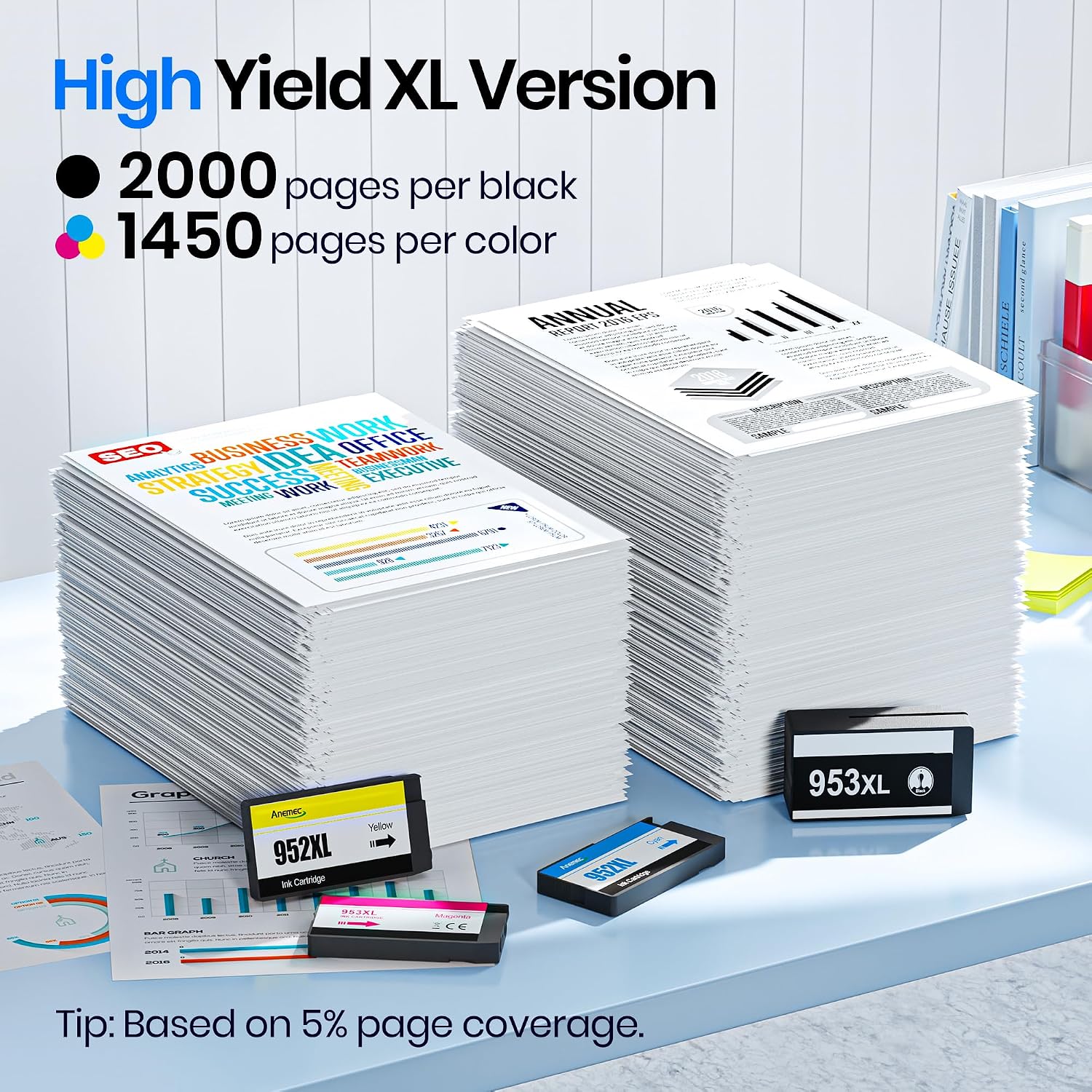
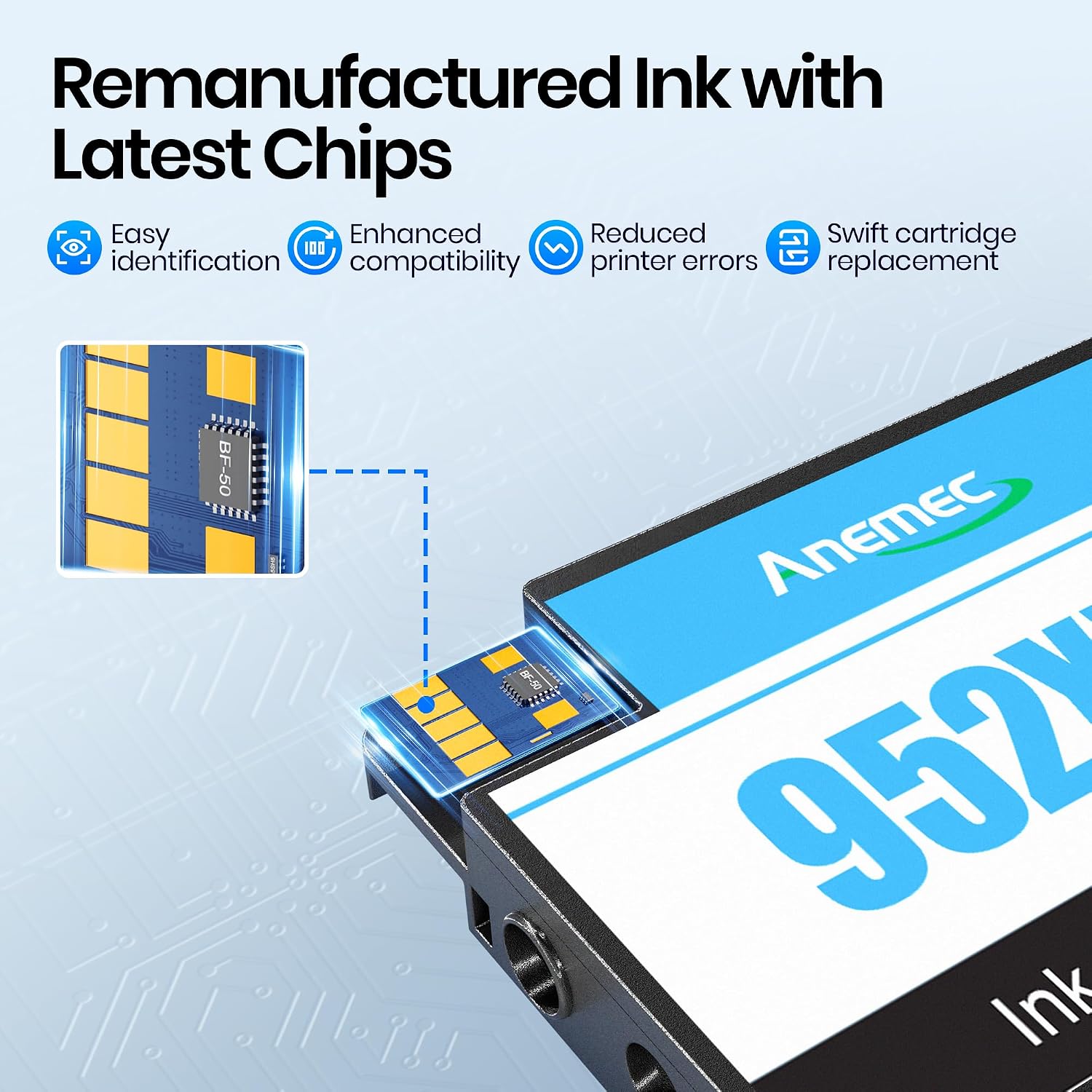
- Q: Are these cartridges easy to install? A: They are designed with the latest chips for reliable detection, but installation experiences can vary by printer firmware.
Final verdict
If you want a straightforward, four‑colour compatible pack that covers most home and small‑office printing needs, this Gureef 953XL multipack is worth considering. It keeps procurement simple and offers reasonable yields, while not pretending to be premium photo‑quality ink. Weigh your typical print load and colour needs, and this kit can be a sensible, value‑focused choice.