

Logitech G Saitek PRO Flight Yoke System with throttle quadrant (USB) – PC black
Product description
The essentials
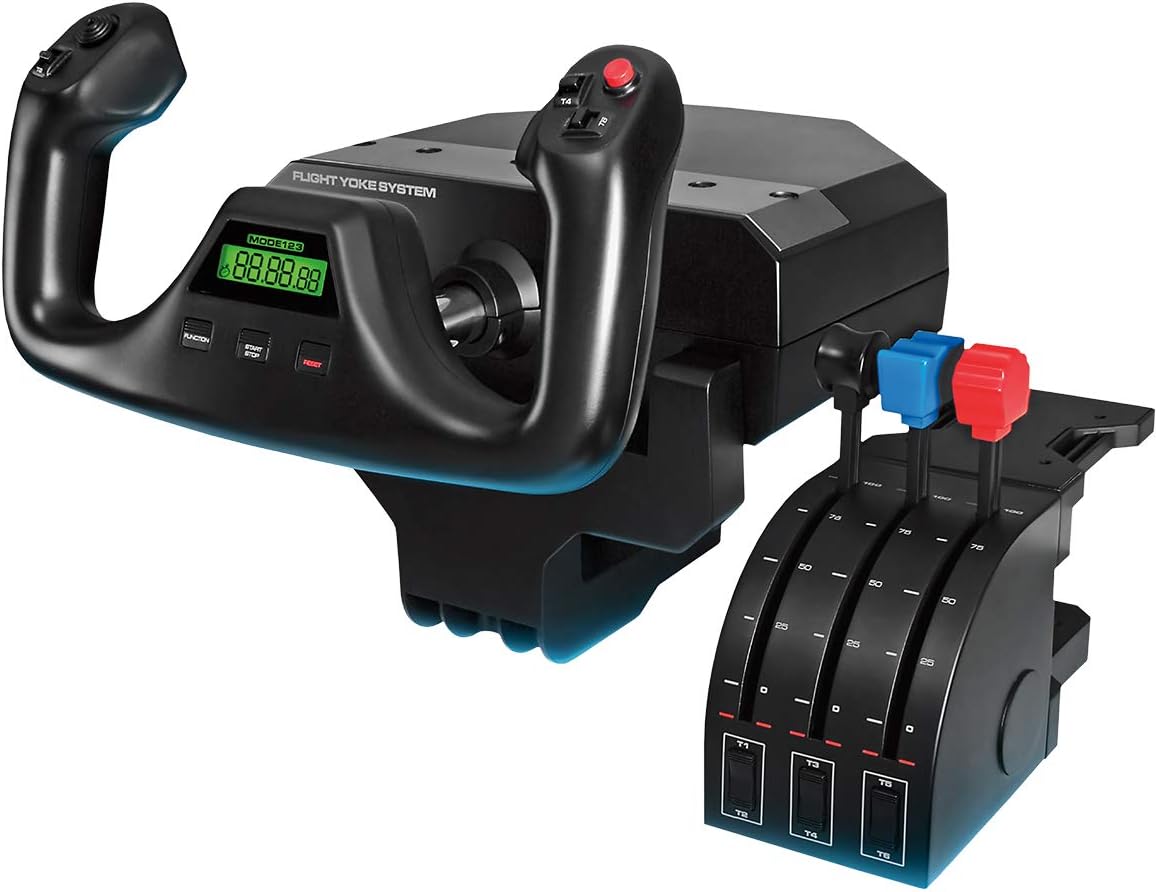
If you’re serious about flight simulation on PC, a yoke-and-throttle setup can feel a lot more “like flying” than using a twist stick or controller. The Logitech G Saitek PRO Flight Yoke System is built around that idea: a flight yoke with smooth, predictable movement paired with a throttle quadrant you can tune to your own setup.
On paper, it comes across as a middle-to-upper tier sim accessory rather than a budget plug-in. The stainless steel shaft and precision bearings are there to support consistent control feel, and the control mapping options are designed for people who actually want to configure and save profiles. That’s also where the main limitation sits: if you just want something simple for casual sessions, you may find this a bit too involved.
What it’s for (and what you’ll notice)
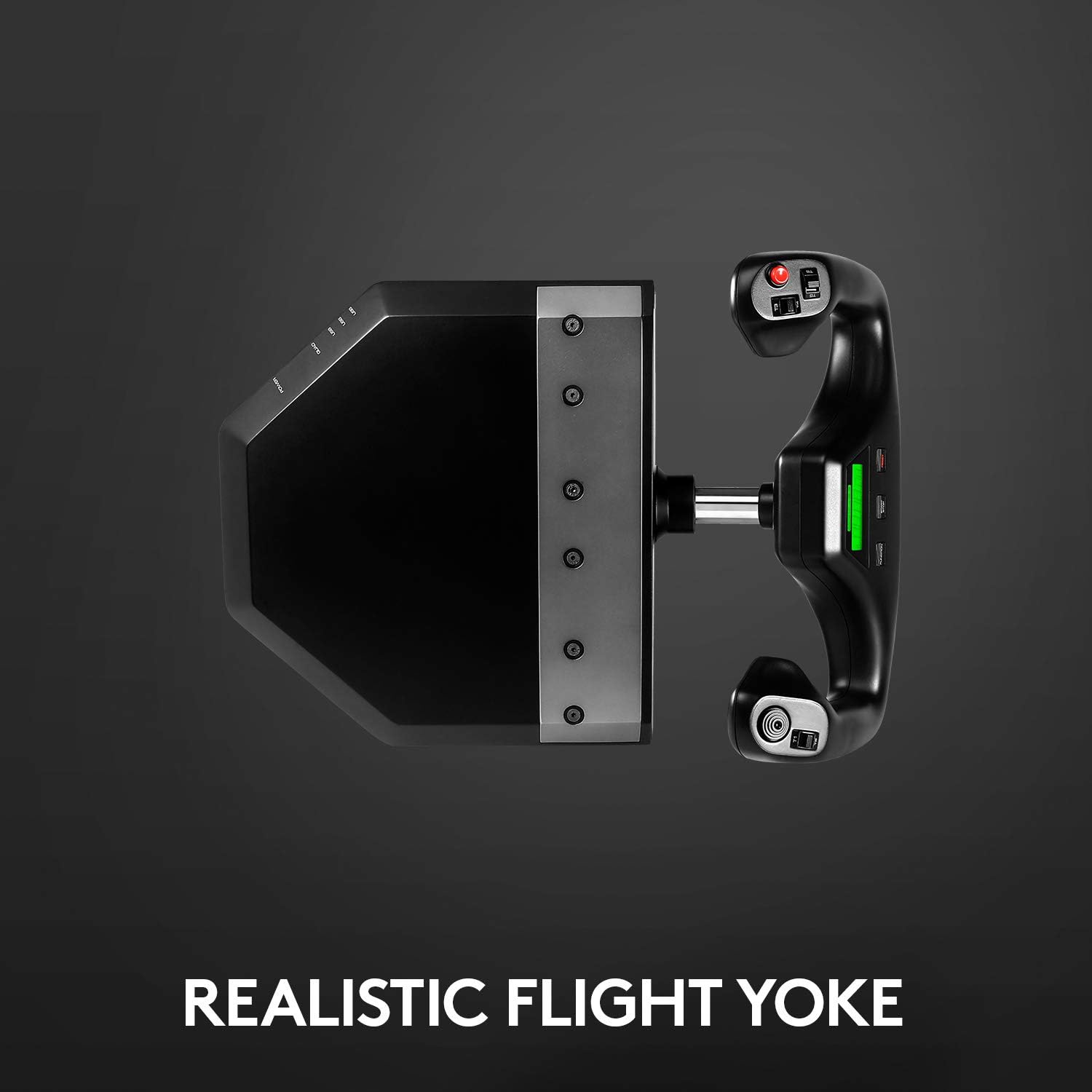
The core job here is controlling elevator and aileron inputs via the yoke, while the throttle quadrant handles the power side of things. The manufacturer positions the system as “pro-grade”, and the steel shaft with precision bearings is the kind of detail that usually matters for day-to-day smoothness. In practical terms, you can expect the kind of movement that’s easier to place precisely when you’re lining up approaches or keeping control during turns.
A concrete example: imagine you’re flying a short hop and switching between take-off, climb, and cruise settings. With saved profiles cycling via the three-position switch, you can pre-plan your control assignments so you’re not reaching for menus mid-flight. It’s not the same as an aircraft-specific rig, but it’s the kind of quality-of-life feature that makes longer sessions feel less fiddly.
Key features that matter for buying decisions
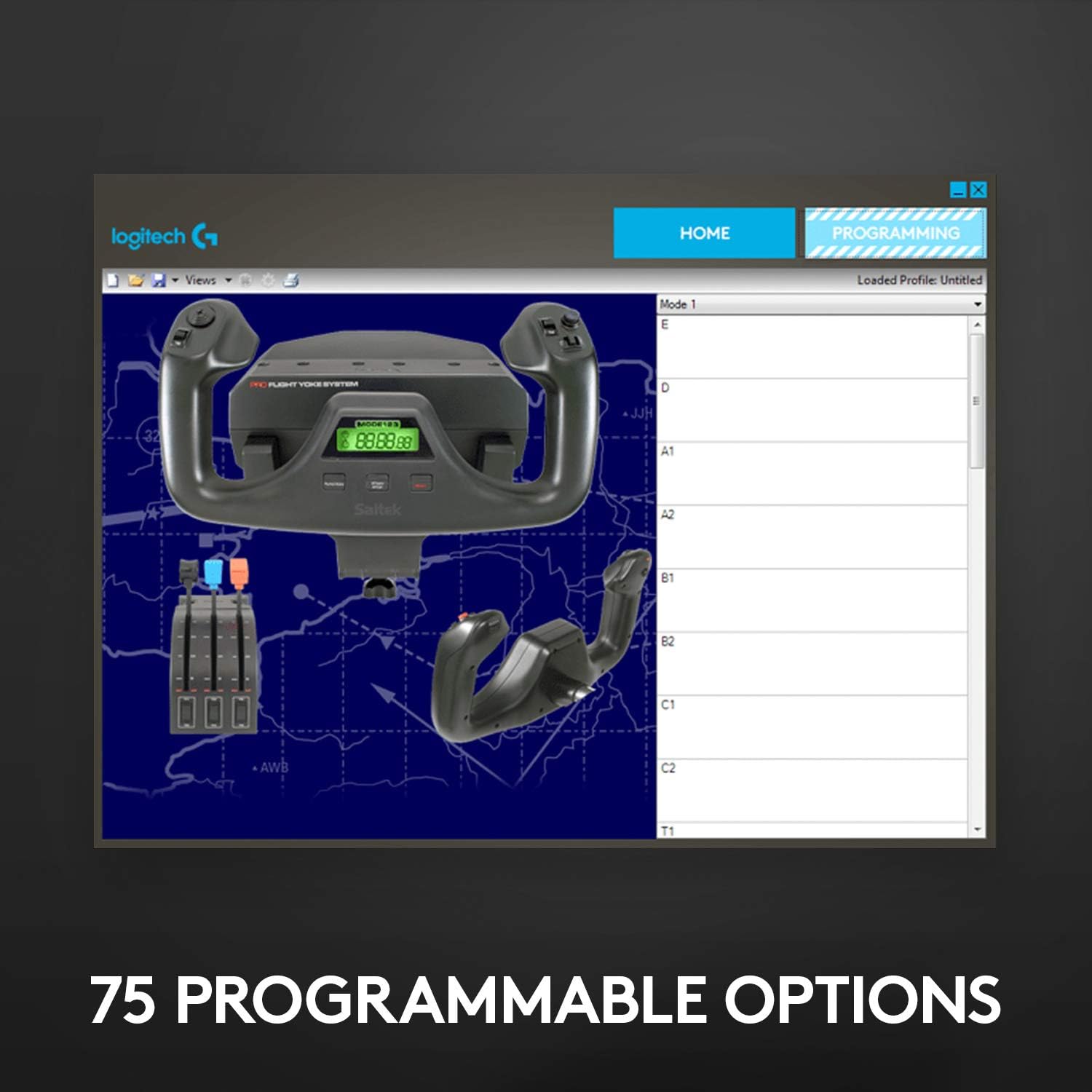
The system bundles a fair amount of programmable control. You get 25 buttons plus a three-position switch for cycling through saved profiles. For many sim pilots, that’s the difference between “this works” and “this stays in my setup”.
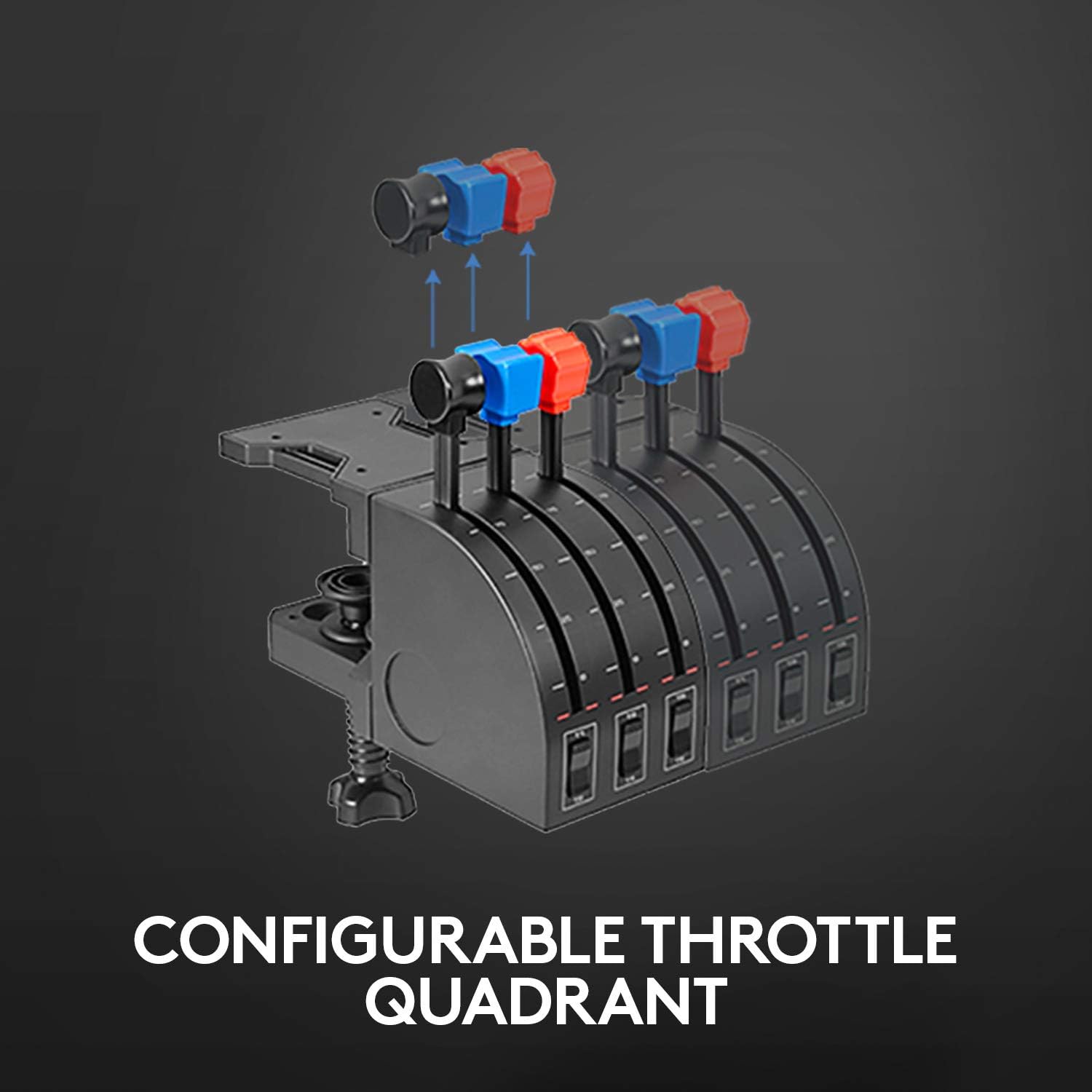
The throttle quadrant also stands out because it includes detachable and programmable knobs. That gives you a way to tailor your controls rather than being stuck with a fixed layout.
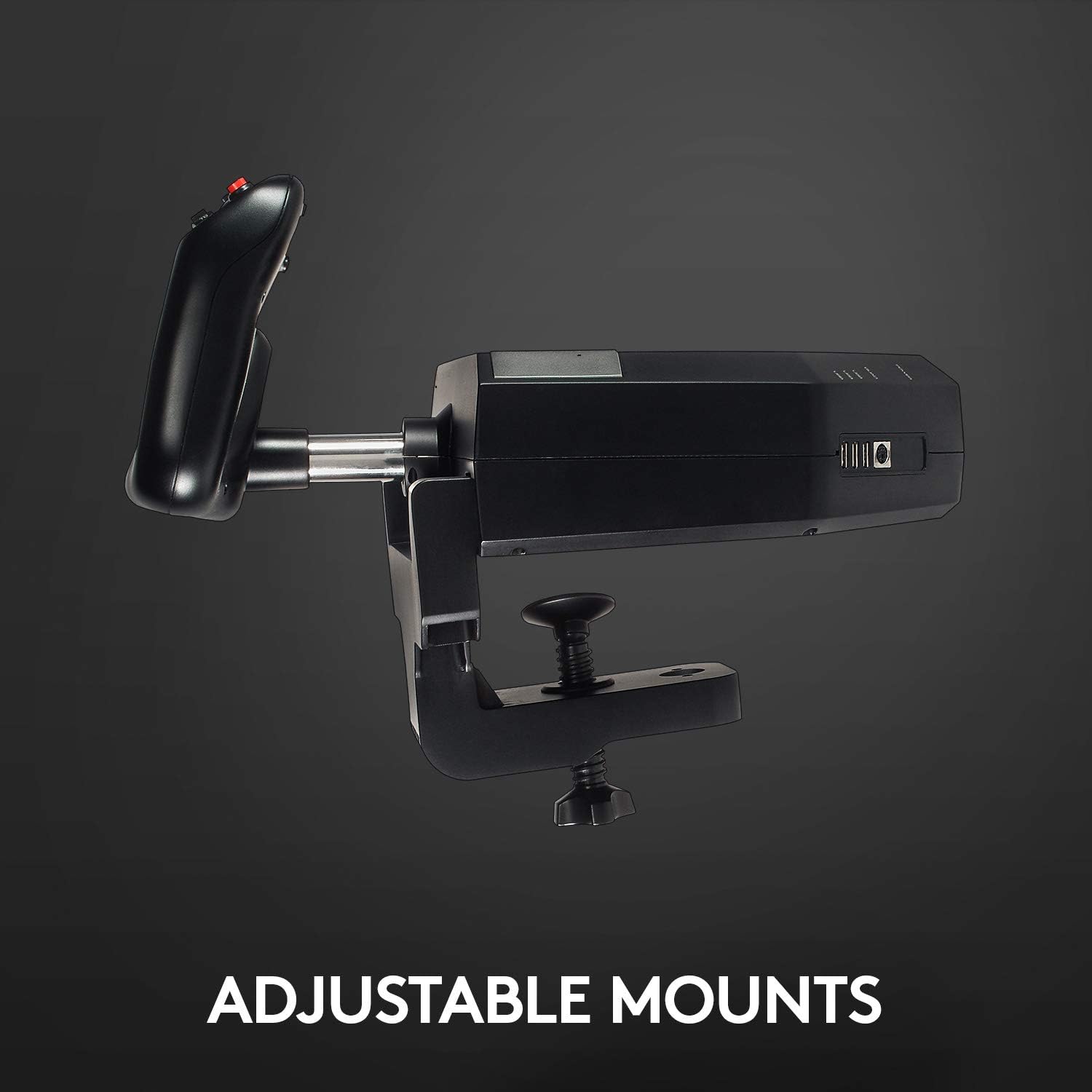
There’s also the question of stability: the adjustable mounting clamps are meant to suit different desktop layouts and keep the rig from shifting during use. However, you’ll still want to take your desk layout seriously—mounting is often where yoke systems make or break the experience.
Compatibility and requirements (worth checking)
This flight yoke system is described as working with FSX – Flight Simulator X, X-Plane 10 and Prepar3D 2.2, via USB on PC. That’s a decent spread across popular “classic” PC sim platforms.
Worth noting though: the description doesn’t say anything about other simulator versions or newer platforms. So if your sim isn’t among those listed, you’ll want to double-check compatibility before buying.
Tech specs (as far as the listing says)
- Name: Logitech G Saitek PRO Flight Yoke System
- Type: Flight simulation yoke and throttle quadrant
- Format: USB
- Material: Stainless steel shaft (precision bearings referenced)
- Modes: 3 modes
- Programmable controls: 75
- Buttons: 25 buttons
Where it shines, and where it may fall short
If you like to tinker—assigning controls, saving profiles, and using detachable knobs for custom throttle behaviour—this system looks well matched to that style of play. It’s also a good fit if you want a control surface that feels more solid and predictable, thanks to the steel shaft and bearing-based movement.
It may not be a great match if you mainly fly with a setup you rarely configure, or if space and mounting effort are a concern. A yoke system demands desk real estate and proper clamping, it’s not the kind of accessory you can ignore. Also, “works with” is limited to the simulators named in the description, so you’ll want to align your current sim choice first.
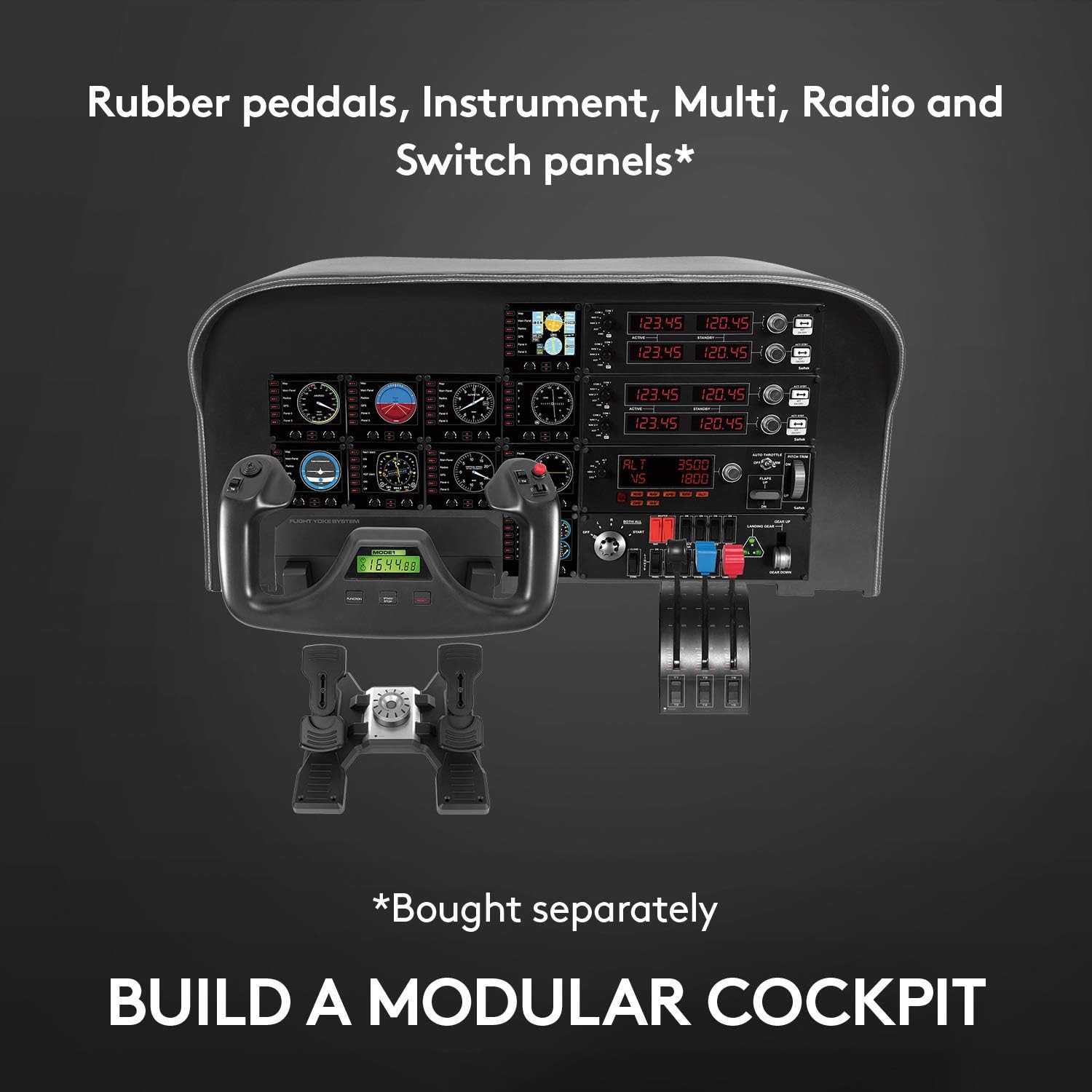
It’s a solid pick if you’re moving beyond basic controls and want more hands-on fidelity. But it can feel like overkill if you’re only dipping into flight sims.
How to decide if it’s the right buy
When it makes sense
It’s a good fit if you fly on PC using FSX – Flight Simulator X, X-Plane 10, or Prepar3D 2.2, and you’re the type to map controls and save profiles. It suits you if you want a throttle quadrant with programmable, detachable knobs and you care about smooth yoke movement.
It’s also a sensible choice if you have a desktop setup that can support secure, adjustable mounting clamps—because stability matters.
When it might not be for you
It might not suit you if your simulator isn’t one of the ones listed, or if you want a low-effort accessory that takes minutes, not setup time. Better avoided if desk space is tight or you can’t mount and secure the unit confidently.
Quick FAQ
Is the throttle quadrant configurable?

Yes—according to the description, the throttle quadrant includes detachable and programmable knobs for customised use.
How many programmable controls are included?
The listing states 75 programmable controls, alongside 25 buttons and a three-position switch for cycling saved profiles.
Which PC flight simulators does it mention?
FSX – Flight Simulator X, X-Plane 10, and Prepar3D 2.2 are specifically referenced.
Does it connect via USB?
Yes, it’s described as USB for PC.
Final verdict
Worth considering if you want a durable, steel-shaft yoke with a real throttle quadrant and enough programmable controls to build a setup you can grow with. You may want to skip it if you don’t plan to configure profiles, if your simulator isn’t one of the listed platforms, or if you’re not comfortable with desk mounting and adjustment.