

Logitech MK470 Slim Wireless Keyboard & Mouse Combo for Windows (UK Layout)
Product description
What is it and who is it for
The Logitech MK470 Slim is a compact, wireless keyboard and mouse combo designed for Windows PCs and laptops. It aims to maximise desk space without compromising typing comfort or productivity. If you’re short on room but still want a complete keyboard-and-mouse setup, this duo could be worth considering, especially for a clean, modern workspace.
Design and build quality
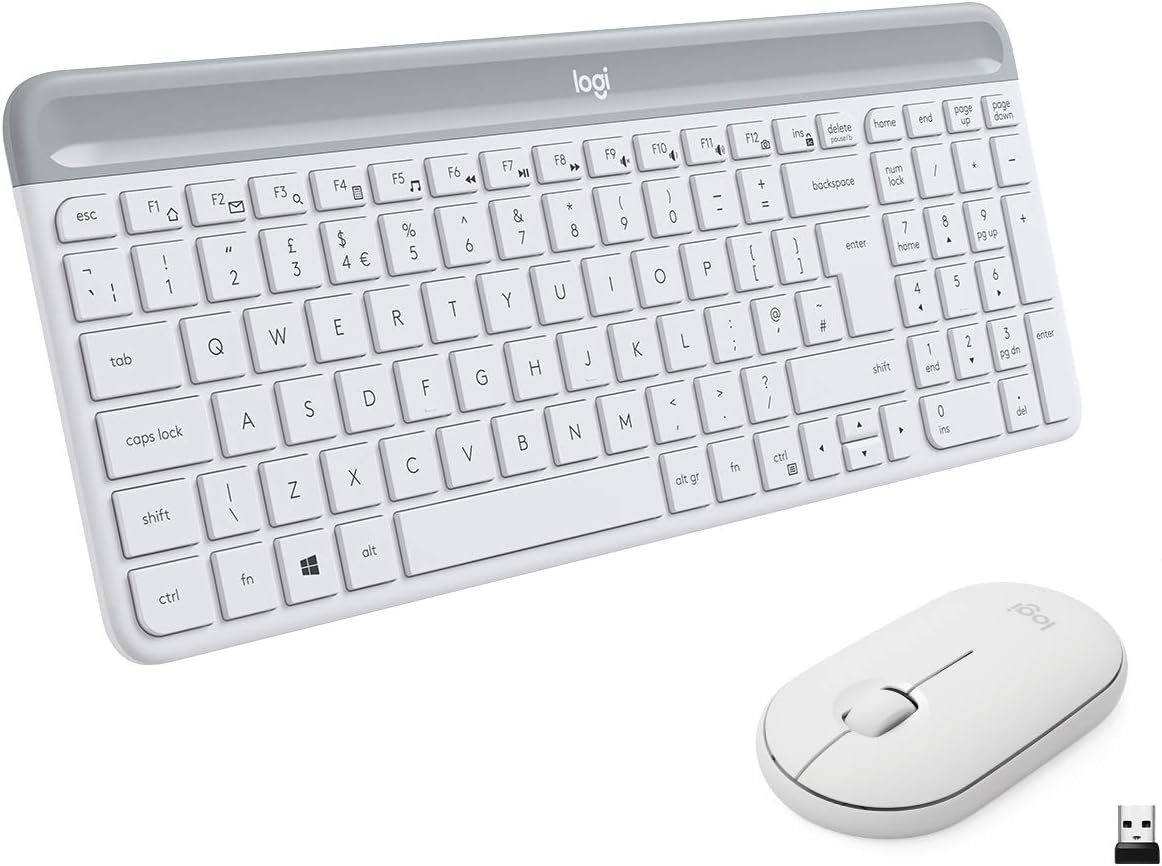
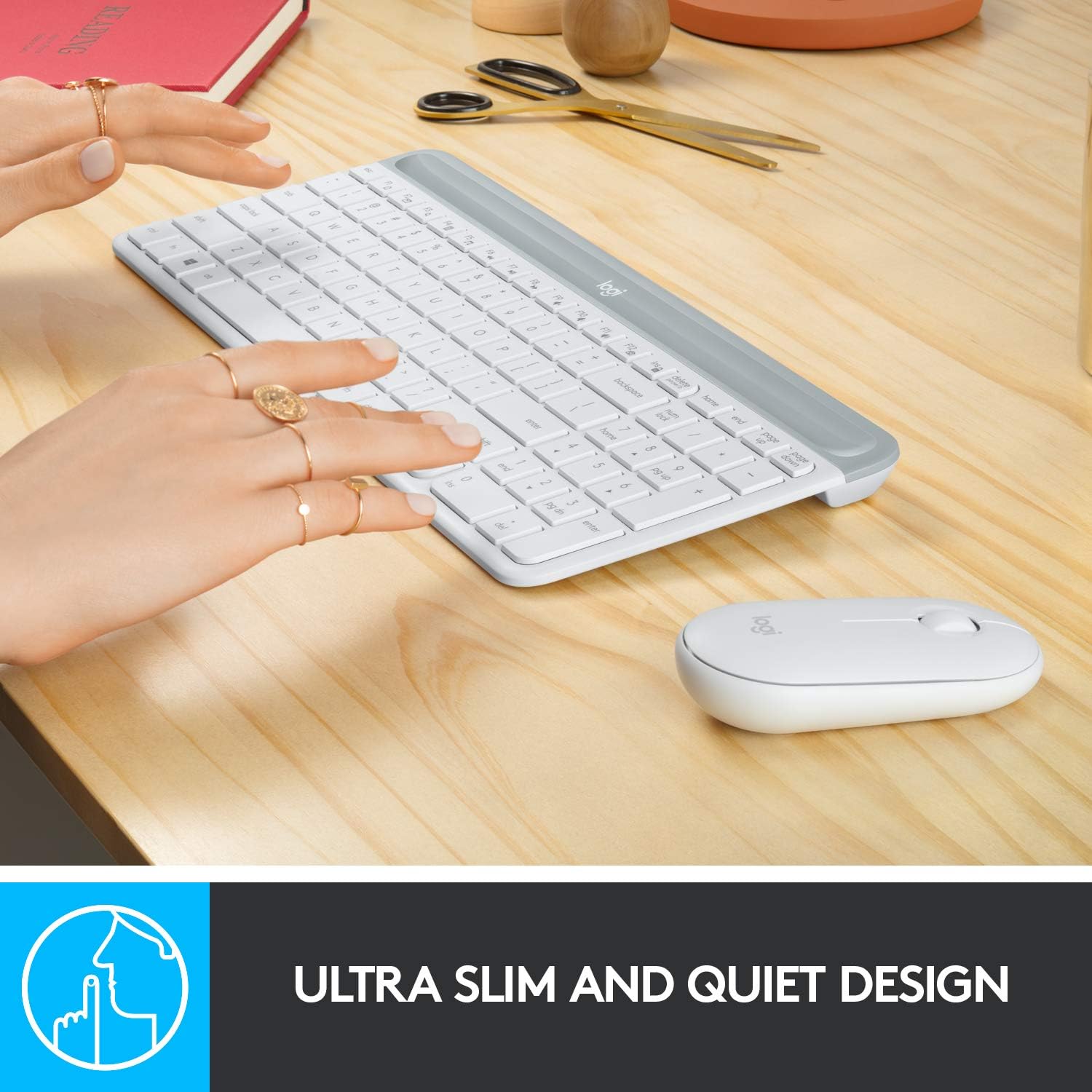
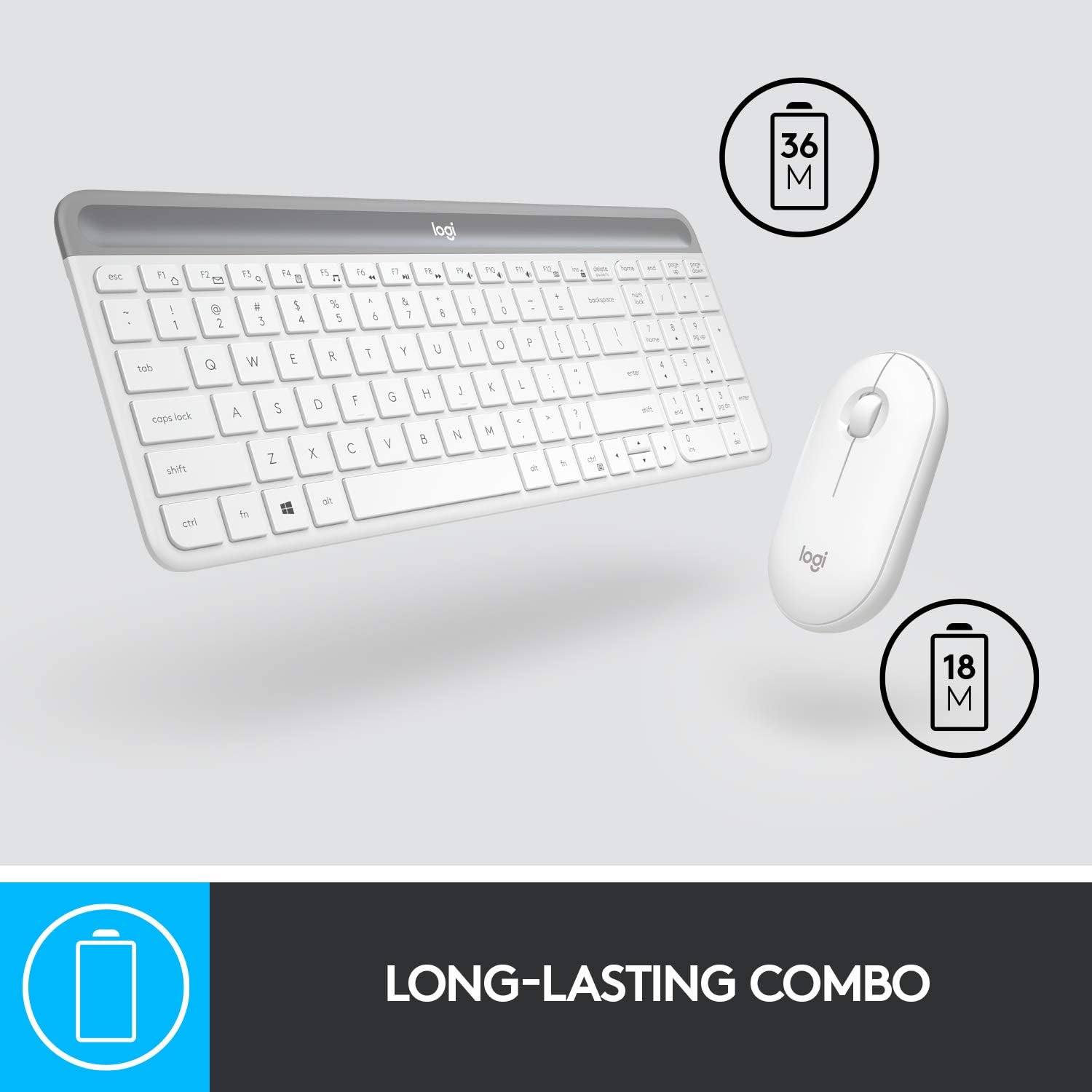
On the surface, the set leans into a slim, contemporary aesthetic. The keyboard features ultra-thin keys with scissor switches for a sleeker profile, while the mouse adopts a low-profile, ambidextrous shape. The compact form helps reduce clutter and makes it a practical choice for smaller desks or portable use. The white finish offers a tidy, minimalist look, though it’s worth noting that white finishes can be more prone to visible fingerprints with heavy daily use.
Comfort and typing feel
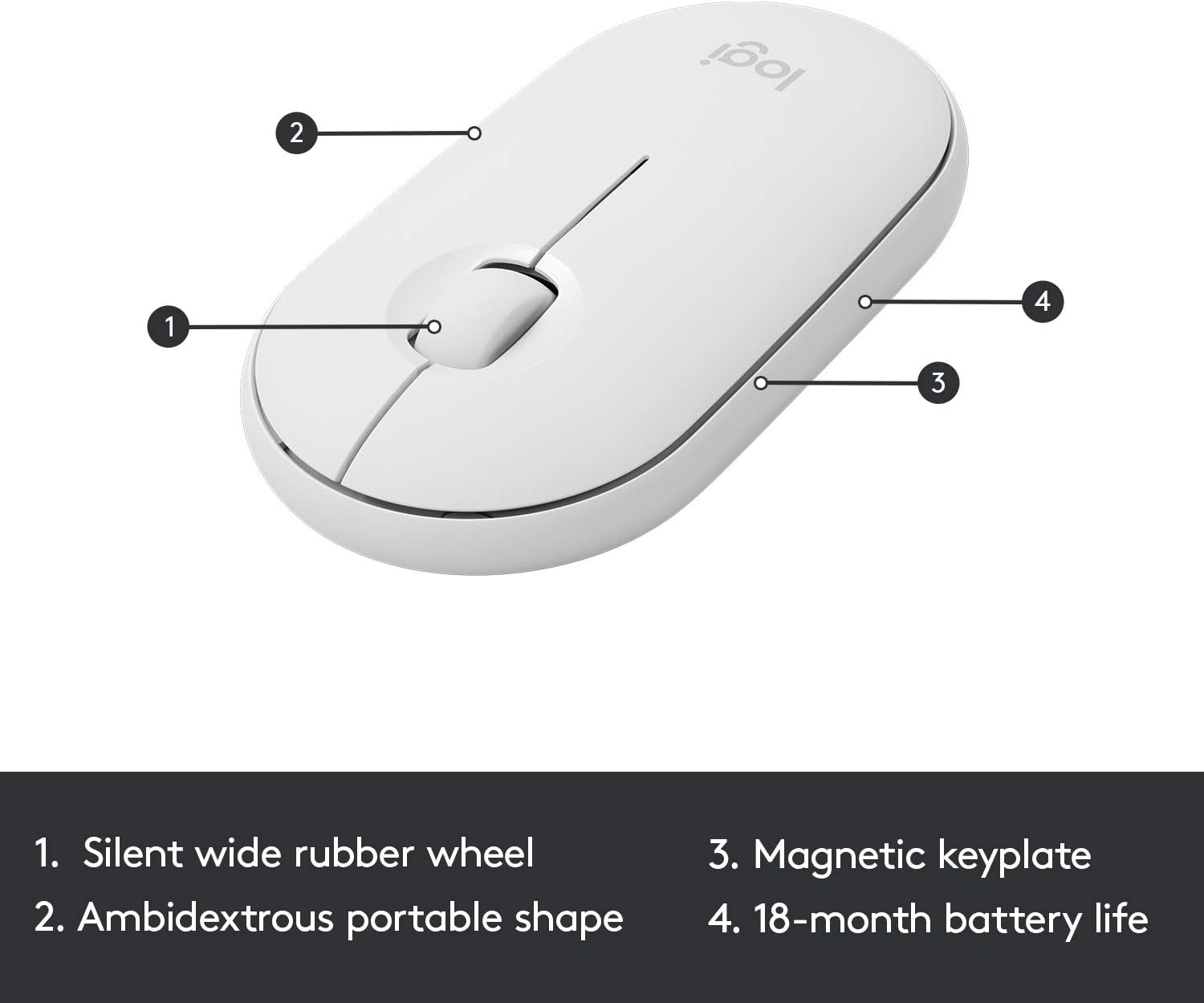
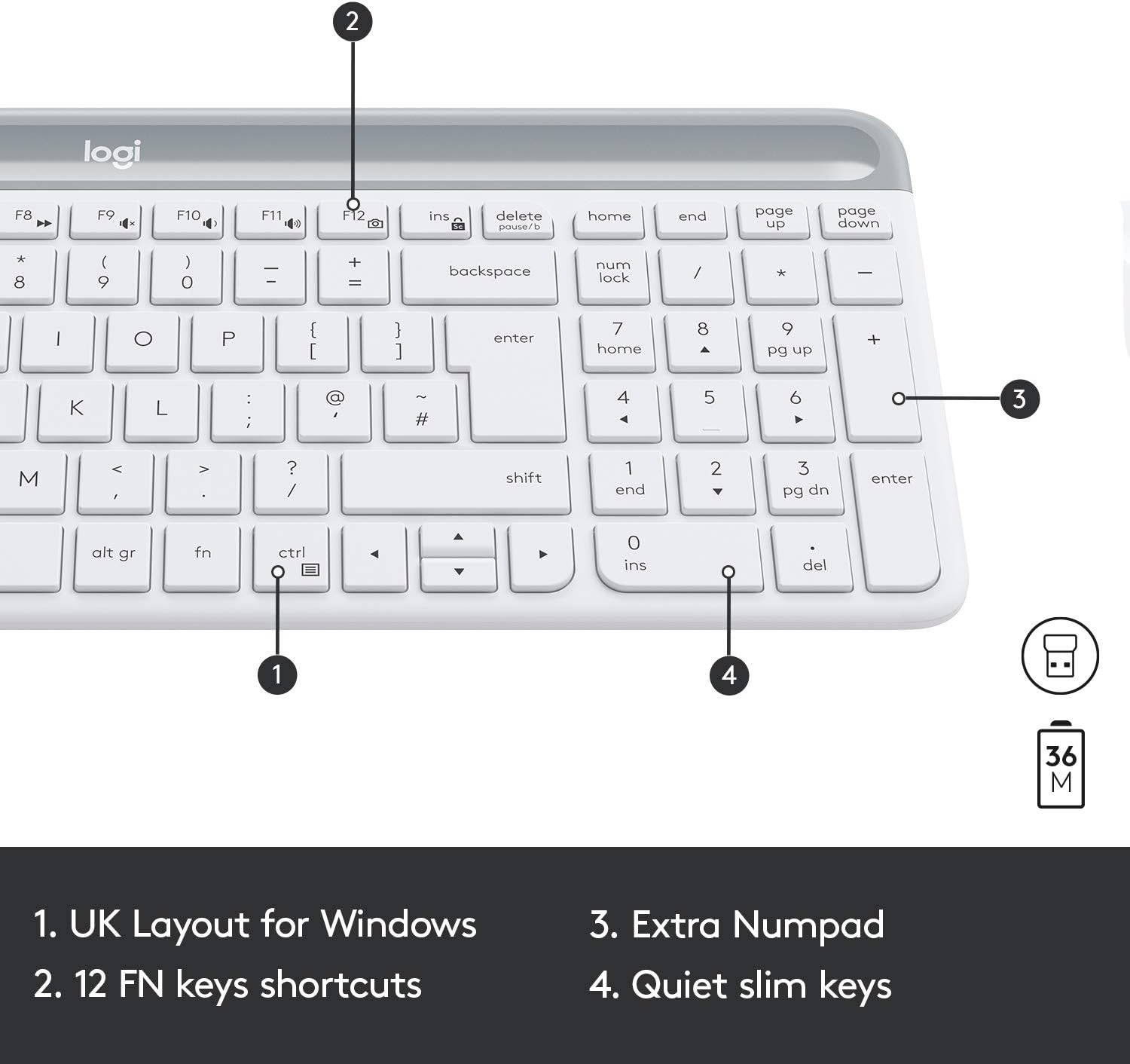
Typing on the keyboard feels akin to a laptop-like experience: light, smooth, and quiet. The keys have a low travel distance, which some users favour for quick, efficient typing sessions. The mouse is described as whisper-quiet with a wide rubber scroll wheel and an optical sensor at 1000 DPI. The overall experience aims to be unobtrusive in shared spaces, but as with any compact set, the tactile feedback and key size might take a short adjustment period if you’re switching from a full-size layout.

Wireless reliability and setup
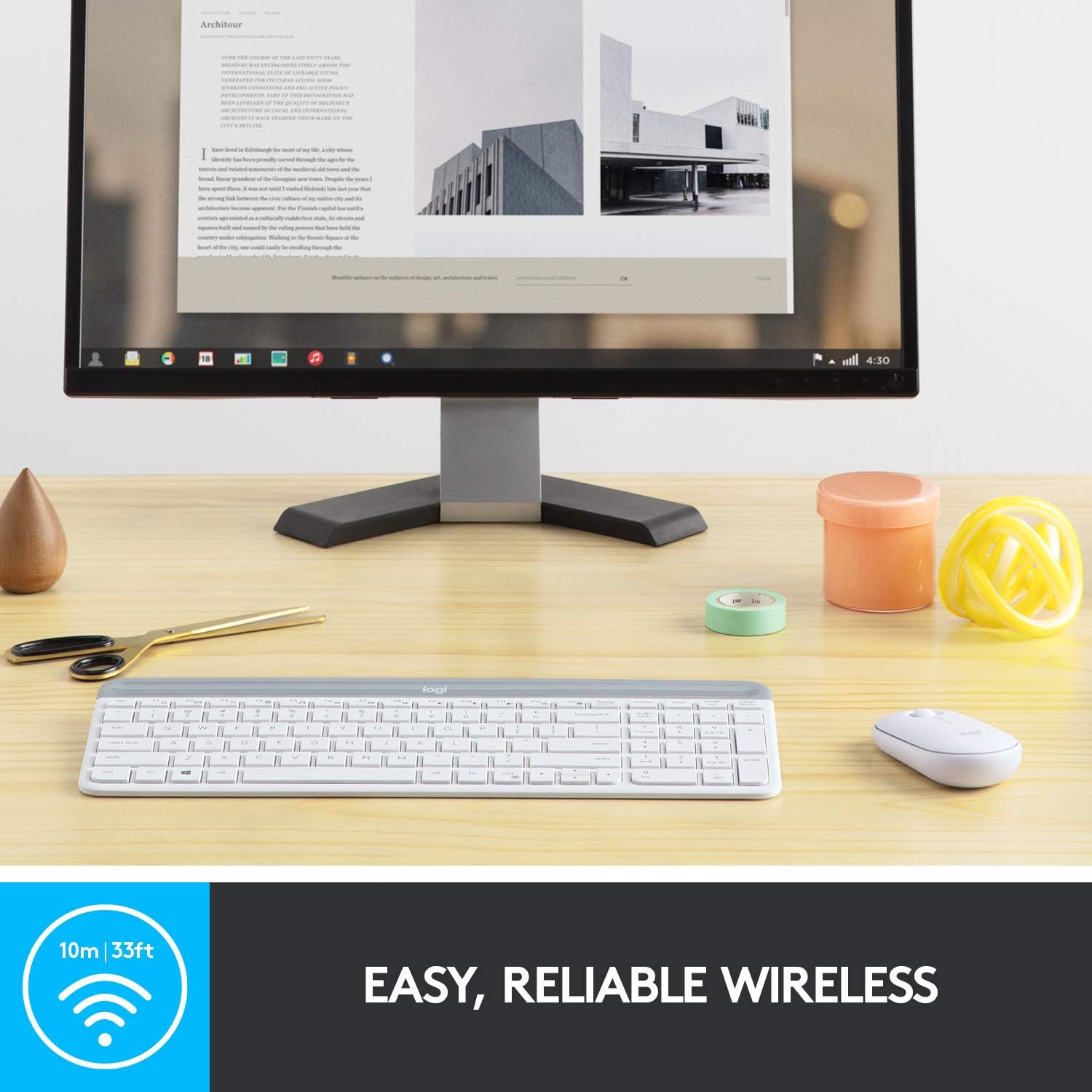
Connectivity is via a 2.4GHz wireless USB Unifying receiver, designed to offer a stable link up to 10 metres in typical home or office environments. Plug-and-play is straightforward: simply insert the receiver into a USB port and start using. The USB connector for the mouse is located inside its battery compartment, which is handy for travel and storage but means you’ll need to take the mouse apart slightly if you want immediate access to the receiver.
Battery life and power saving
The keyboard and mouse are marketed with long battery life in mind: up to 36 months for the keyboard and 18 months for the mouse, thanks to a battery-saving auto-sleep feature. In real-world use, longevity like this is nice to have, especially for a low-maintenance setup, but it’s sensible to check what kind of batteries are required and consider recharge cycles if you rely on it heavily for daily work.
Keyboard layout and compatibility
The layout is Windows-optimised, with all the essential keys and 12FN shortcuts tucked into a compact footprint. It should work well with Windows PCs and laptops, including Surface devices. If your workflow relies on a numeric keypad, note the keyboard’s compact design preserves a number pad along with the rest of the keys, which helps with data entry without expanding the footprint.
Who it’s for and who might skip it
This combo suits users who prioritise a tidy, space-saving desk without sacrificing function. It’s a sensible option for small home offices, students, or anyone who travels with a compact setup. If you require a traditional full-size keyboard with a separate numeric keypad or need a more robust, gaming-oriented input, this may not be the best match.
Practical usage scenarios
Picture typing reports on a small desk, or setting up a laptop at a coffee shop with a dedicated, quiet input pair. The whisper-quiet nature and low-profile design make it easier to work in shared spaces without drawing attention to your keyboard chatter. The ambidextrous mouse is convenient for both left- and right-handed use, though some users may prefer a heavier or differently shaped mouse for extended sessions.
What to check before buying
- Confirm your device supports the Unifying receiver or has available USB-A ports for plug-and-play.
- Consider desk space: the compact design helps, but you’ll want to ensure the keyboard’s smaller keycaps won’t slow you down if you touch-type for hours.
- Battery considerations: check which batteries the keyboard and mouse use and whether you’re comfortable with auto-sleep duty cycles.
- Noise expectations: while the mouse and keyboard are marketed as whisper-quiet, real-world sound levels can vary with typing style.
Comparison in context
If you’re weighing this against larger or more feature-rich sets, the MK470 offers a straightforward, space-efficient alternative focused on daily productivity rather than multimedia shortcuts or gaming performance. It’s more about value-for-money and a clean desk presence than trying to compete with premium, feature-packed options.
FAQ (quick answers)
- Is the keyboard compatible with macOS? It’s described for Windows, so macOS use may be limited to basic input, some shortcuts may not map as expected.
- Can I use the mouse independently from the keyboard? Yes, the mouse can be used on its own, connected via the same Unifying receiver.
- How long does a typical set last between battery changes? Battery life is pitched as 36 months for the keyboard and 18 months for the mouse under typical use, real-world results vary with usage and sleep settings.
Should you buy it?
Is it worth it?
It makes sense if you need a compact, quiet, reliable Windows-focused input duo and value long battery life with simple plug-and-play setup. If desk space is at a premium and you don’t require a full‑size keyboard or gaming features, this combo can help keep your workspace tidy and ergonomic. It might not be the best option if you demand a more substantial typing feel, a numeric keypad, or a design outside a white, ultra-thin aesthetic.