

llano USB Type C to HDMI Cable (4K@60Hz, 100W PD) for iPhone, MacBook, iPad and USB-C devices — 1.5m
Product description
The essentials for a USB-C to HDMI lead
If you need a straightforward way to mirror your USB-C device onto an HDMI screen, this llano USB Type C to HDMI Cable is built for that job. On paper, it’s a one-way Type C to HDMI setup for video and audio, so it’s aimed at common “plug it in and watch/work on a bigger display” moments rather than anything complicated.
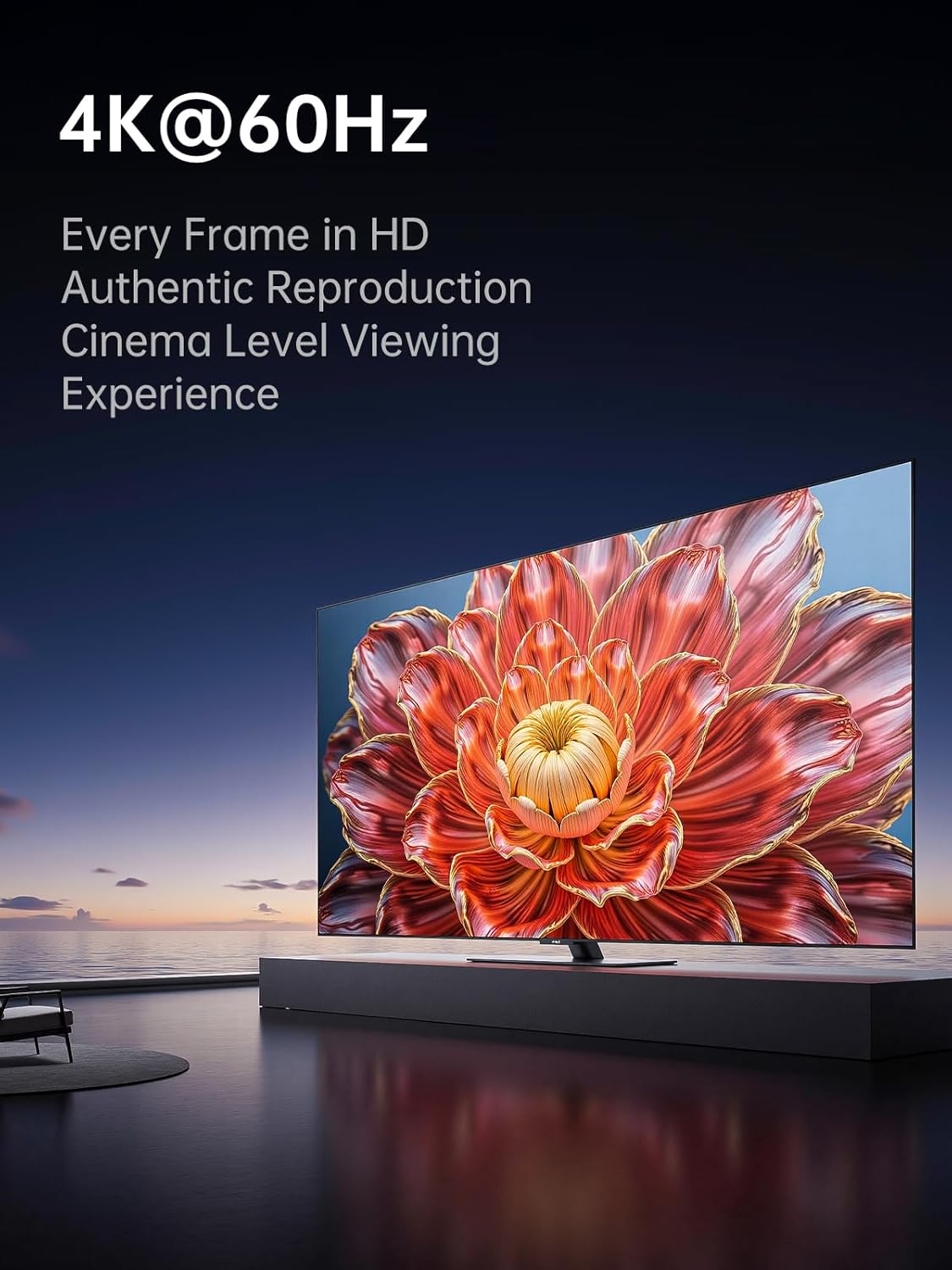
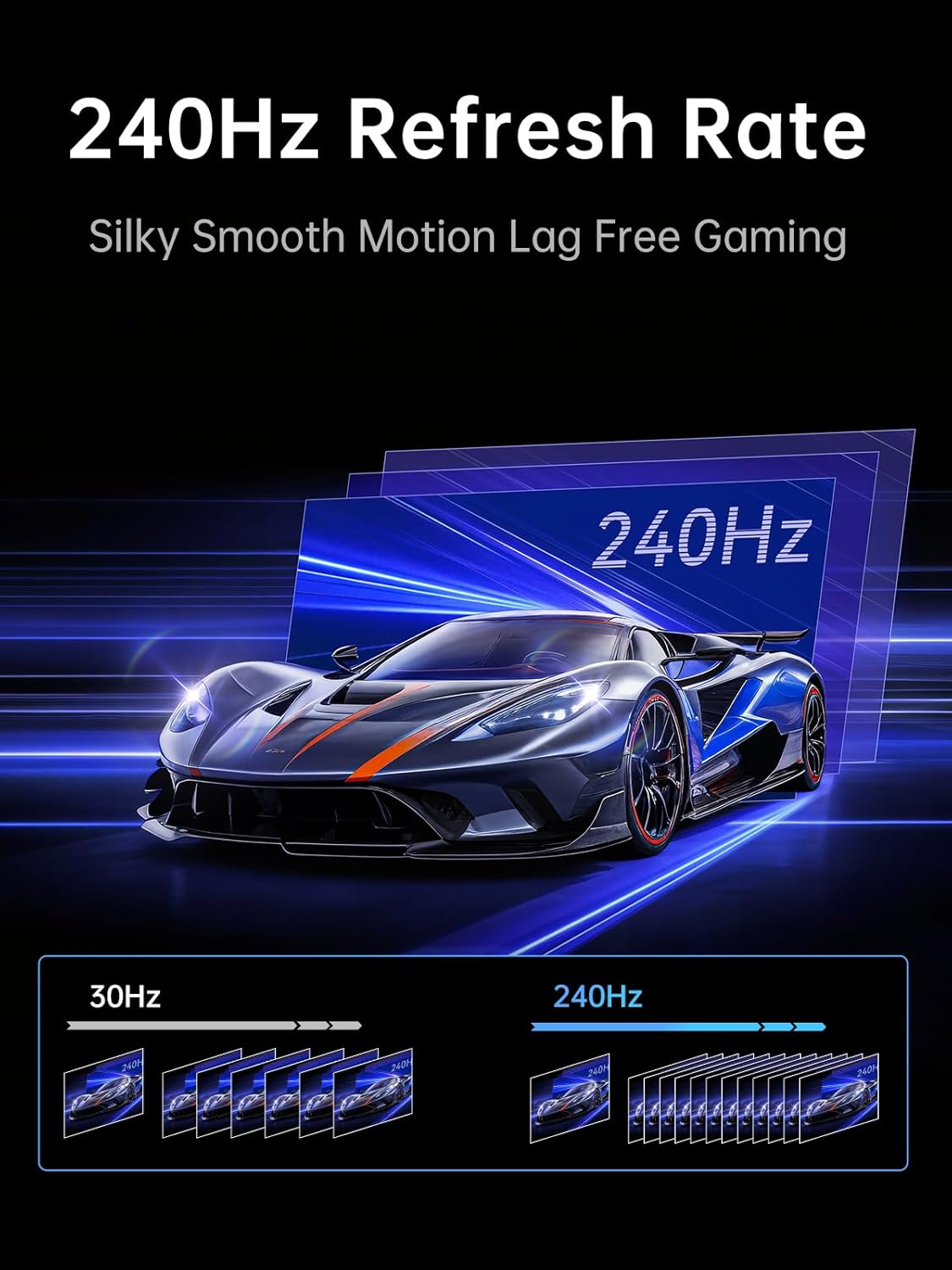
It also brings a few headline specs that matter if you care about smooth visuals: up to 4K@60Hz for higher-resolution output, plus support for very high refresh rate modes (listed as 2K@240Hz / 144Hz / 120Hz). You’re also getting HDR support, and it’s paired with a 100W PD charging port so you can keep a laptop or phone topped up while you mirror.
That combination—screen mirroring plus power—can be genuinely useful at home, in the office, or when you’re using a projector. Still, it’s worth being realistic: the higher refresh-rate figures are spec-stated, and performance can depend on what your specific device and HDMI display can actually output.
What you actually get: video, audio, HDR and one-way mirroring
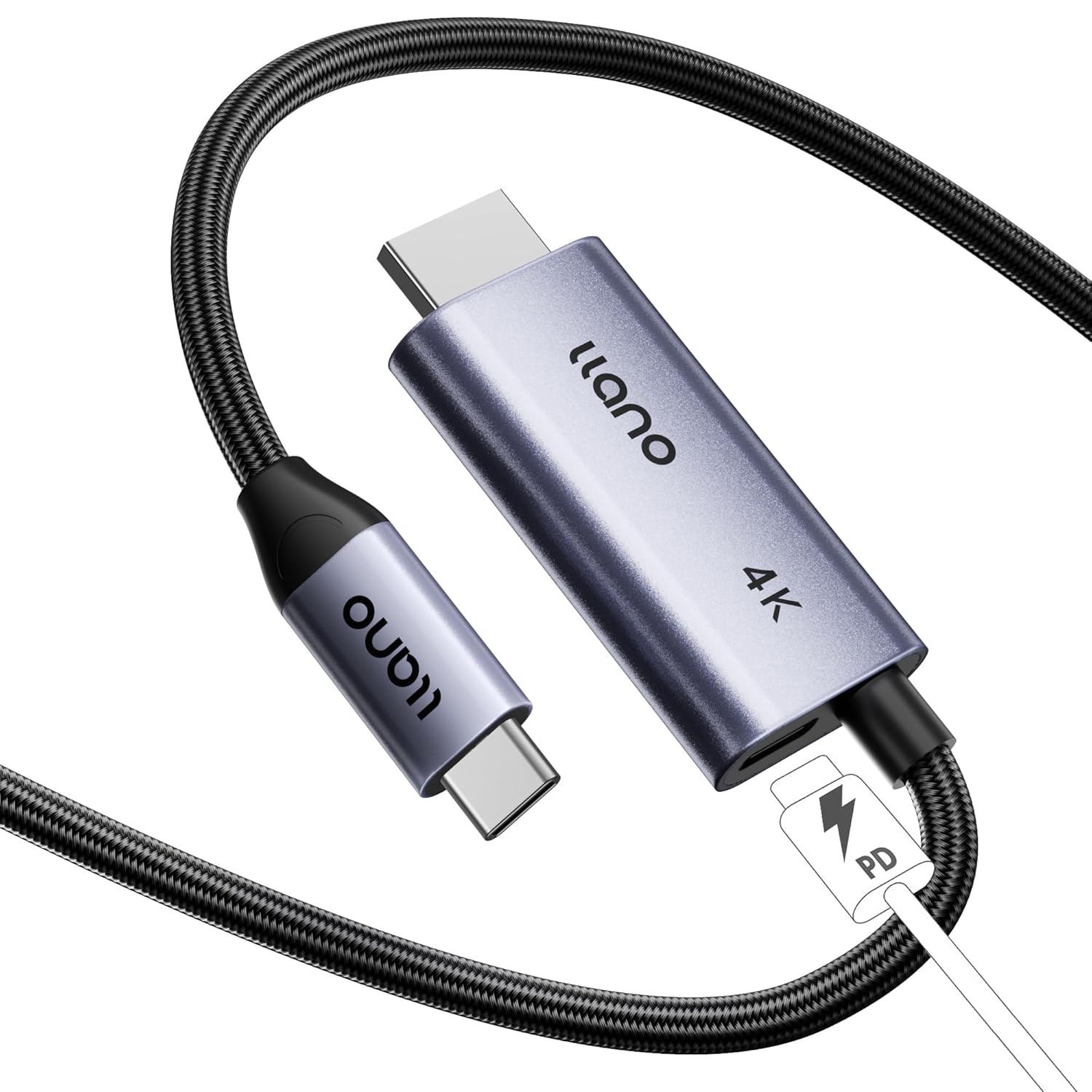
This cable is designed to transmit video and audio from a USB-C device to an HDMI display. The key point is that it’s one-way transmission (USB-C to HDMI), so it won’t behave like a bidirectional dock. If your goal is to send a signal to a TV, monitor, or projector, that’s exactly the direction this lead is made for.
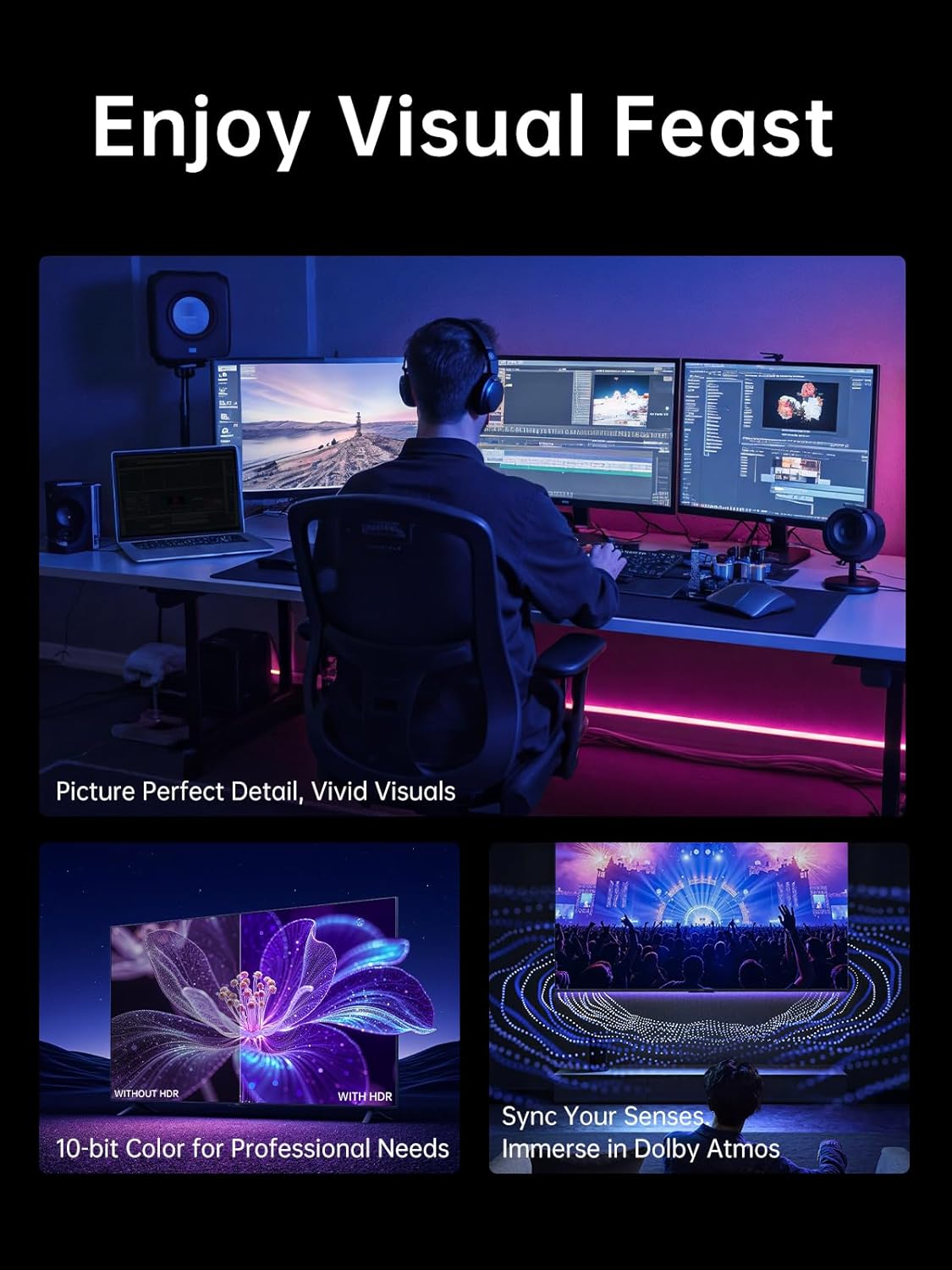
For visuals, it supports up to 4K@60Hz UHD, and it also lists support for HDR and ultra-high refresh rate options. In everyday terms, this is the sort of lead you’d consider if you want a more “complete” experience—think presentations on a monitor, watching films on a TV with improved picture output, or playing on a larger screen without dropping down to basic output.
There’s also mention of Dolby Atmos compatibility. That’s a plus if your setup supports it, but as with any audio feature, it’s something to confirm through your source device and the display/audio chain you’re using.
Power without unplugging: the 100W PD angle
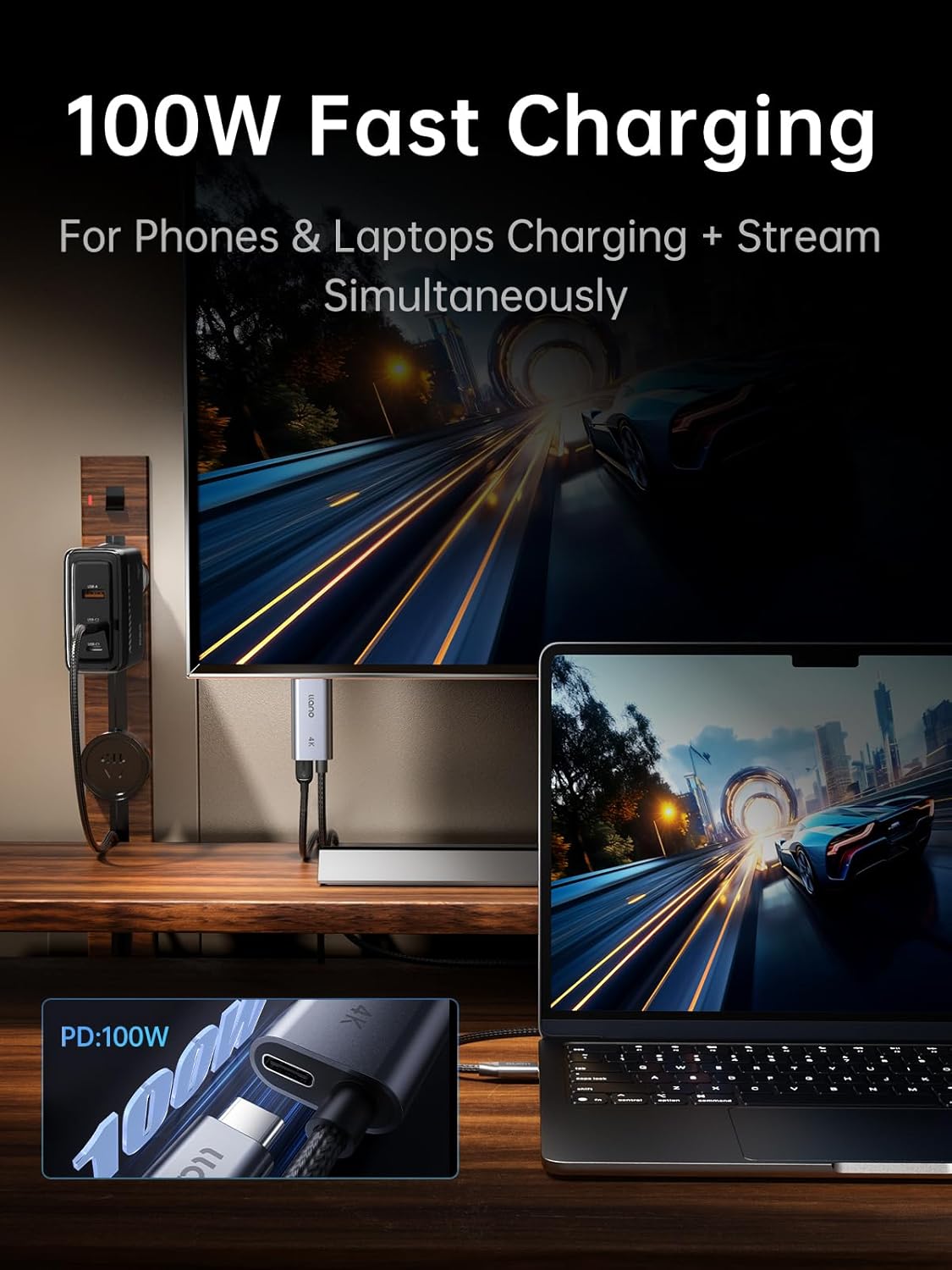
The included 100W PD charging support is a big part of why people pick this kind of cable over a simple USB-C to HDMI adapter. The idea is simple: you can mirror your screen while also charging your device, which helps avoid the “battery warning interrupts your session” problem.
One practical scenario: if you’re working at a desk and running your MacBook or iPad to an HDMI monitor, the ability to keep charging via PD can make the whole setup feel less fiddly—one cable for video/audio plus power. For mobile use, it can also be handy when you’re relying on a phone or tablet for media while connected to a TV.
Worth noting: the cable includes the PD port, but it still needs a compatible USB-C power source and a device that supports the charging behaviour you expect.
Build and reliability: plug-and-play with shielding and heat control
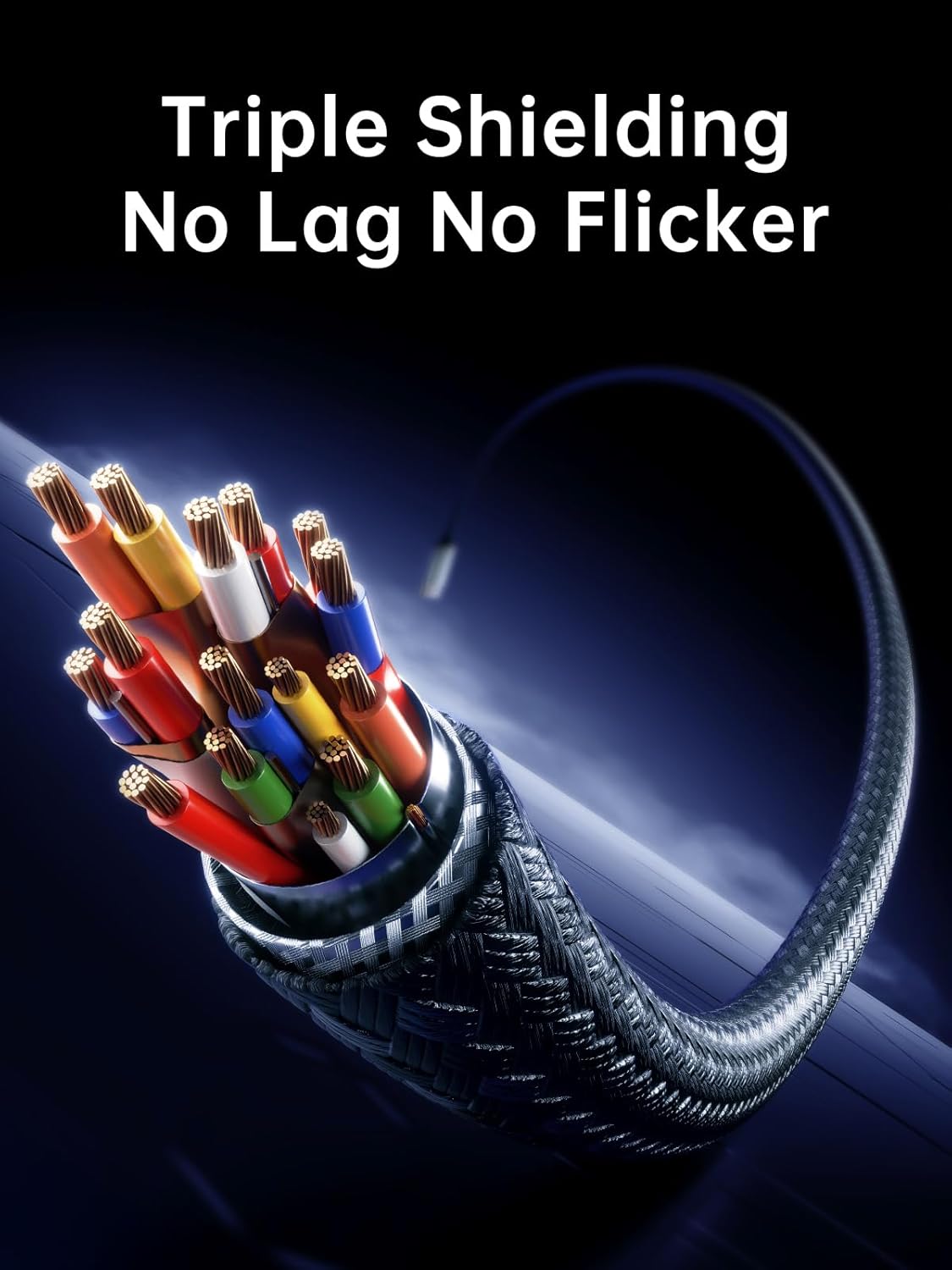
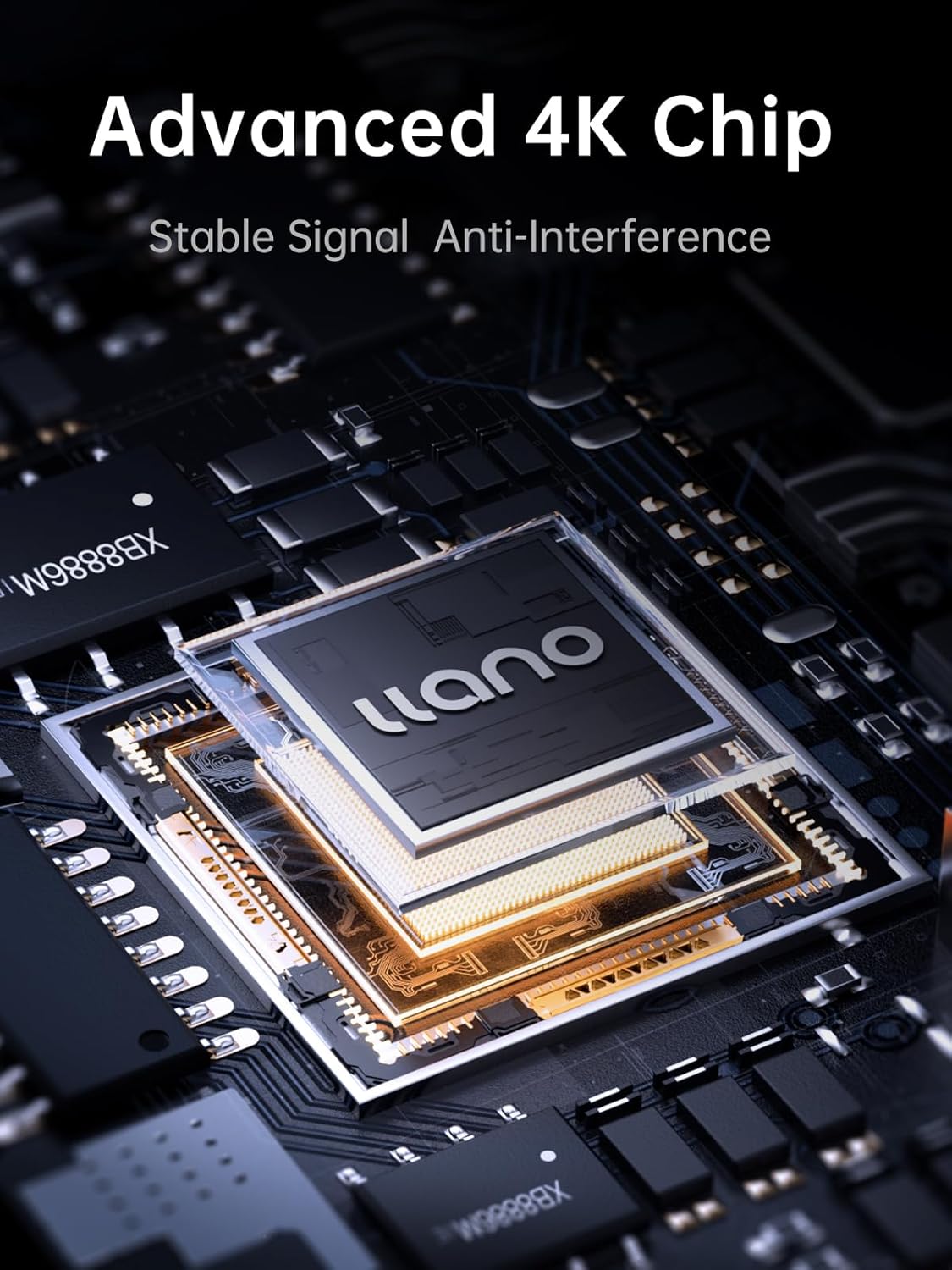
llano positions this as a plug-and-play lead, and it’s also described with “advanced 4K chip” and internal triple shielding. The intent behind that, on paper, is better synchronisation between audio and video, plus improved resistance to interference.
It’s also housed in an aluminium casing for heat dissipation, which suggests it’s meant for longer sessions rather than quick, occasional use.
If you’re buying this to leave connected in a home office or to use regularly with a laptop, those details matter more than you might think. Cheap leads can work for a while, but when you’re moving between devices and displays, stability becomes the real selling point.
Where it makes sense (and where it may not)
It’s a good fit if you want a USB-C to HDMI lead that covers the common checklist: screen mirroring to HDMI displays, audio included, HDR support, and a PD charging port so your device can stay powered during use.
You may want to skip it if your setup requires anything beyond one-way mirroring, or if you’re expecting it to function like a full two-way adapter/docking solution. Also, if your priority is the absolute highest refresh rate numbers, you’ll want to double-check your specific USB-C device’s output capabilities and your monitor/TV’s supported HDMI modes—spec claims don’t always translate directly to every combination.
Key compatibility notes to check before buying
The listing is aimed at a wide range of USB-C devices and specifically mentions connections for iPhone (series referenced), MacBook models, iPad Pro models, and even a Switch scenario. In practice, the most important thing to confirm is that your USB-C device supports video output over USB-C and supports the charging/pass-through behaviour you’re expecting.
Because the cable is one-way Type C to HDMI, it’s also worth confirming your destination display actually has an HDMI input that supports the resolution/refresh rate you care about.
Is it worth it?
A buying verdict comes down to what you’re trying to achieve. If you want one cable to mirror your USB-C device to an HDMI TV/monitor/projector—with audio, HDR support, and the convenience of 100W PD charging—this llano cable ticks a lot of boxes for everyday use. The aluminium build and shielding claims also point to a lead designed for regular plugging in and longer sessions.
It might not be the best choice if you need bidirectional functionality, or if you’re chasing the very top refresh-rate modes without checking that your device and display can actually run them together. Like most “spec-heavy” cables, the real-world result depends on compatibility.
Quick FAQ
Is this cable two-way or one-way?
It’s designed for one-way transmission from USB-C to HDMI, so it won’t send signals back from HDMI to USB-C.
Does it carry audio as well as video?
Yes. The cable is described as transmitting both video and audio signals to HDMI displays.
Can it charge while mirroring?
The cable supports 100W PD fast charging and is described as supporting simultaneous charging and screen mirroring.
Will it definitely run 4K@60Hz or the highest refresh rates?
The listing supports up to 4K@60Hz and lists ultra-high refresh rate support. However, your actual output will depend on what your USB-C device and HDMI display support.
What devices is it meant for?
It’s aimed at USB-C devices that can output video to HDMI. The listing specifically references iPhone (series mentioned), MacBook, iPad Pro models and a Switch scenario.