

DGYBDFC USB‑C to Dual HDMI Adapter (Dual 2 Monitors, up to 4K@60Hz) for MacBook & Laptops
Product description
What it is and why people buy it
If you want to run two HDMI monitors from a single USB‑C (Thunderbolt) port, a USB‑C to Dual HDMI adapter like this DGYBDFC model is the kind of add‑on that can save a lot of hassle. It’s designed to take one USB‑C video-capable port and split it into two HDMI outputs, so you can use a laptop setup for office work, meeting presentations, or gaming and entertainment where having a wider view matters.
On Windows, the bigger headline is flexibility: it can be set up for extended display (separate desktop space across both screens) or mirrored display (same image on both). On macOS, the situation is less generous: it only supports mirror mode, not true extension to two different screens. That limitation is not a small footnote, it changes whether the adapter feels genuinely useful or slightly disappointing depending on what you’re trying to achieve.
The essentials: what you can expect
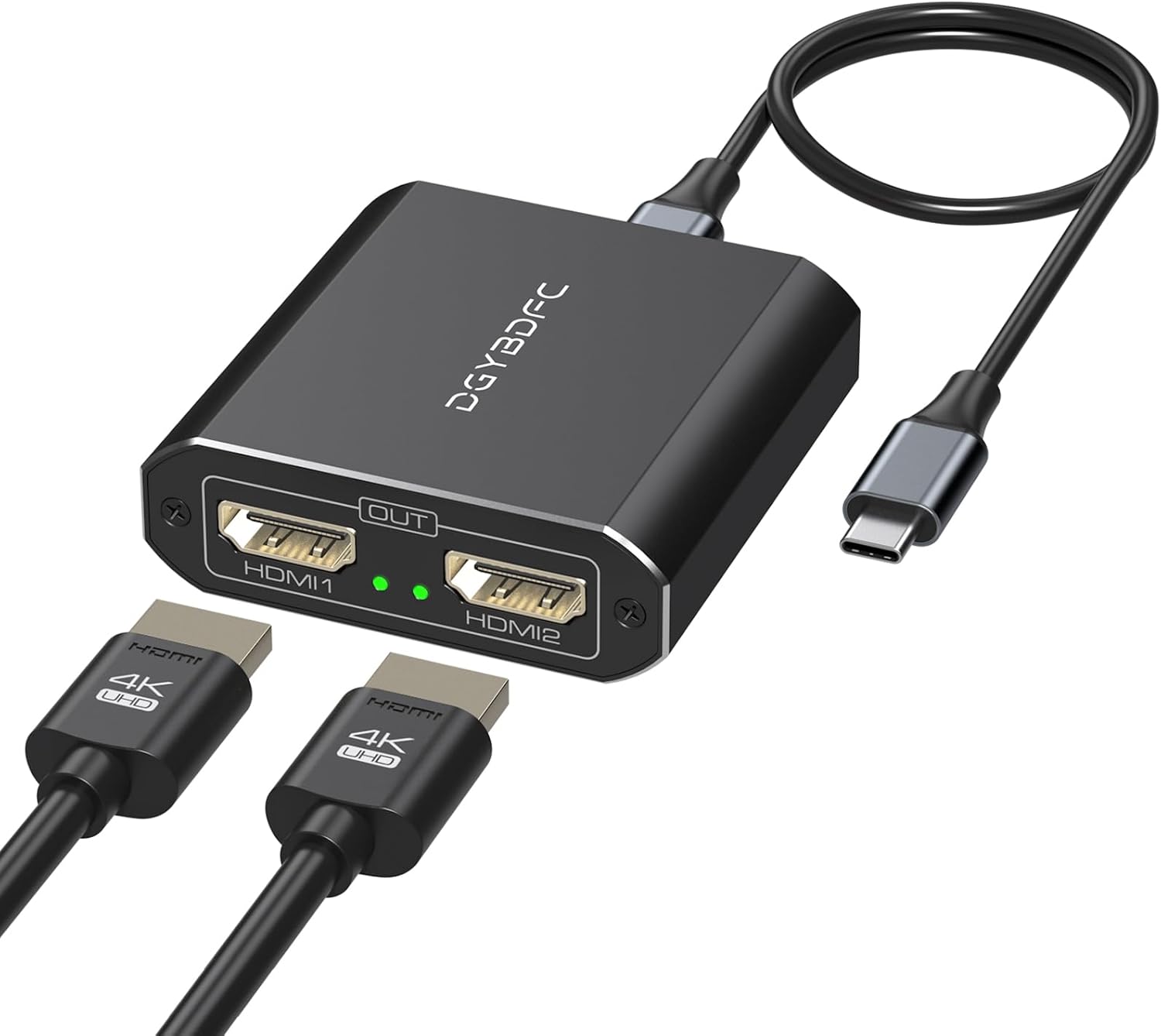
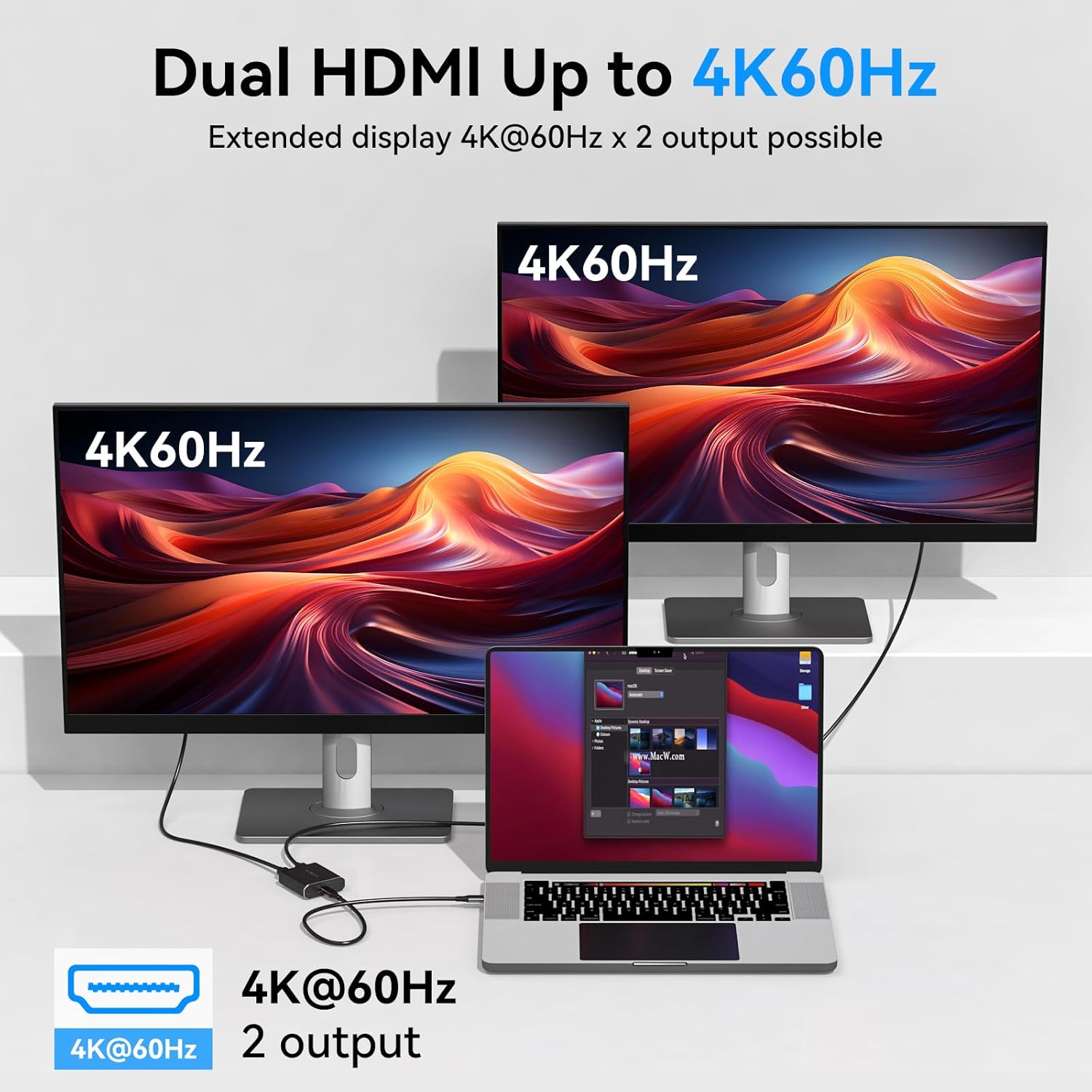
On paper, this adapter supports resolutions up to 4K@60Hz in both extended and mirrored modes. In real-world terms, that “up to” depends on your whole chain: your laptop/port, the adapter, and the monitors/cables you use. The manufacturer also points out that you should use HDMI 2.0 (or better) cables, and that the output will only be 4K60Hz if every device involved supports it.
It’s also positioned as a plug-and-play setup: no driver or external power supply is required, as long as your USB‑C port supports DP Alt Mode. If there’s no sound when you connect it, the guidance is to change the “Default Audio Output Device” in your system preferences.
Quick micro-example: if you’re working from home and want one monitor for spreadsheets and another for email/chat, Windows extended mode is the route that typically makes this feel worthwhile. If you’re on macOS and hoped for two separate desktops, you may have to rethink your workflow since mirror mode is the supported option.
Key features that matter in daily use
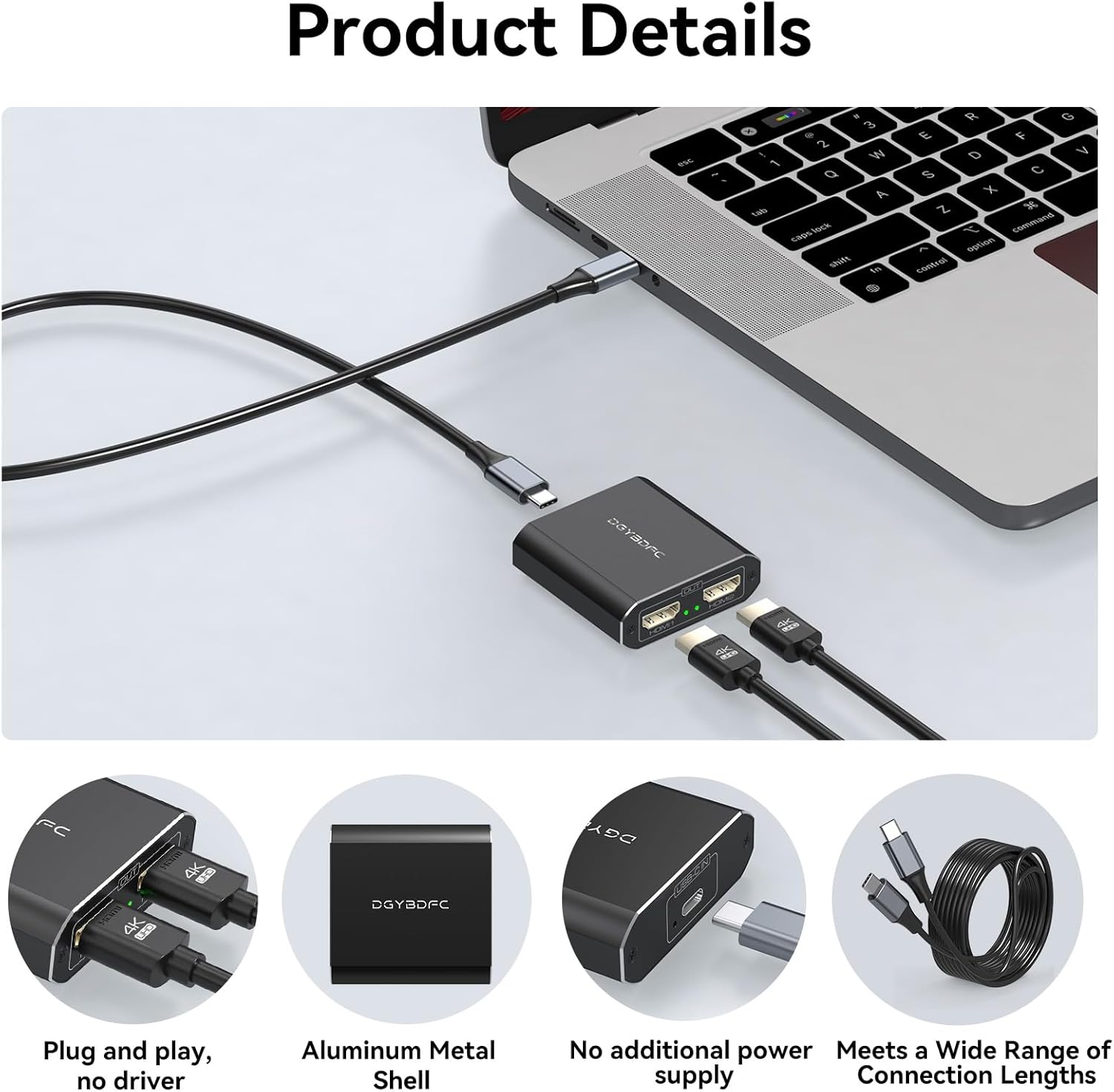
What stands out here is the intent to keep things simple and tidy. The package includes a 3.3ft USB‑C to USB‑C cable, and it’s described as allowing you to route the adapter under your desk or hide it out of the way. That won’t affect performance, but it can make the setup feel less cluttered—useful if you regularly plug/unplug for work.
Another practical point: the Type‑C cable and adapter are separate, so you can choose a different cable length if you need more reach. That’s often overlooked, but it matters if your desk layout doesn’t match the included cable.
What to know about compatibility (this is the big one)
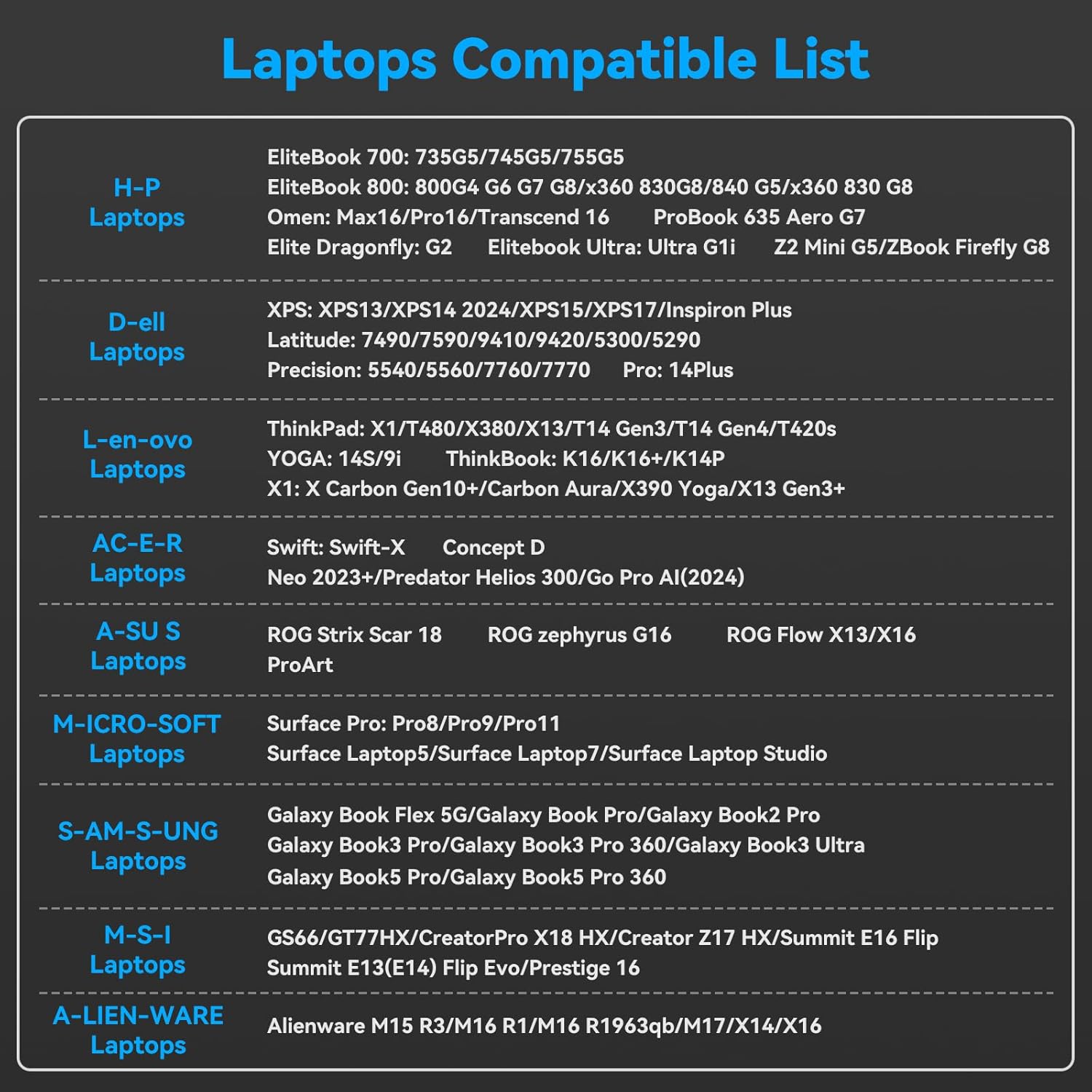
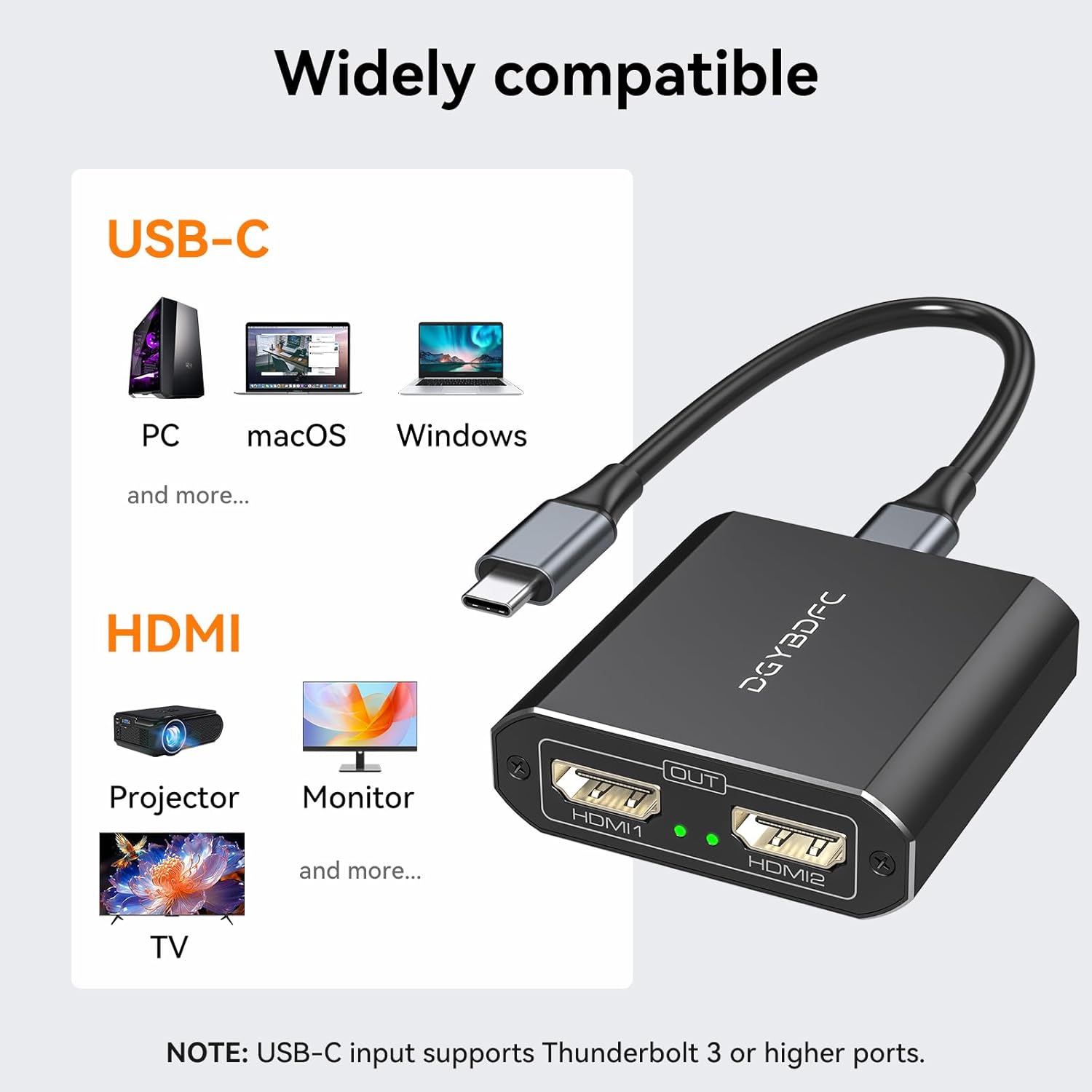
This adapter isn’t universal for every USB‑C port. It explicitly requires that your laptop’s USB‑C port supports DP Alt Mode, or that you use a laptop with Thunderbolt 3/4/5 ports. Without that capability, the adapter simply won’t behave as intended.
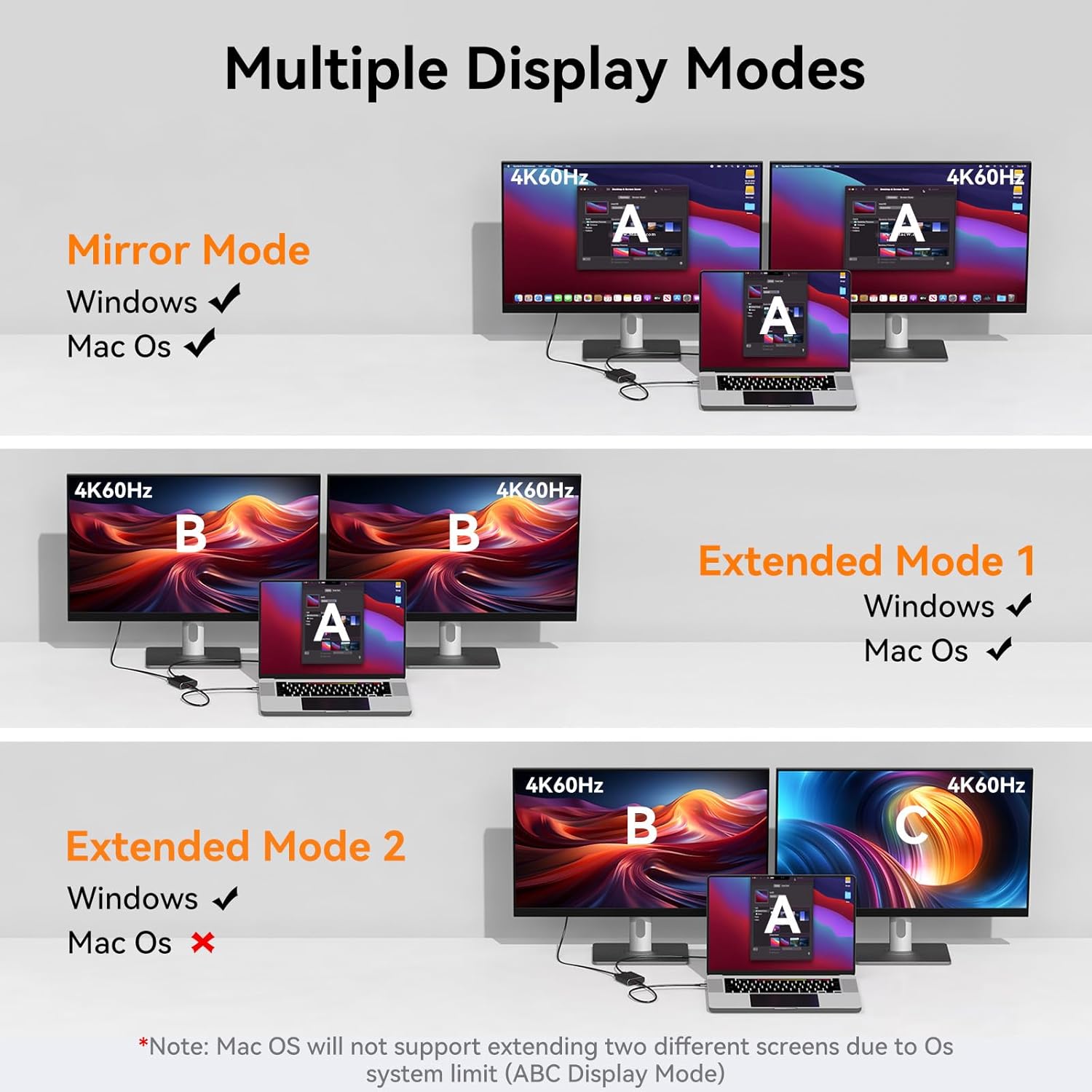
The listing also notes macOS support in SST mode and mirror-only output. For extended desktop use, extended mode needs Windows support and also MST capability from the graphics/card side.
It also suggests checking the compatible laptop series in the product description images, because compatibility can depend on the specific model and port. If you’re considering a laptop you didn’t see mentioned, the safest approach is to verify your USB‑C port supports video output/DP Alt Mode before buying.
Where it shines vs where it can fall short
It’s a sensible pick if you’re on Windows and you want a straightforward way to add two HDMI monitors from one USB‑C/Thunderbolt port—particularly for office tasks, presentations, and multi-screen entertainment.
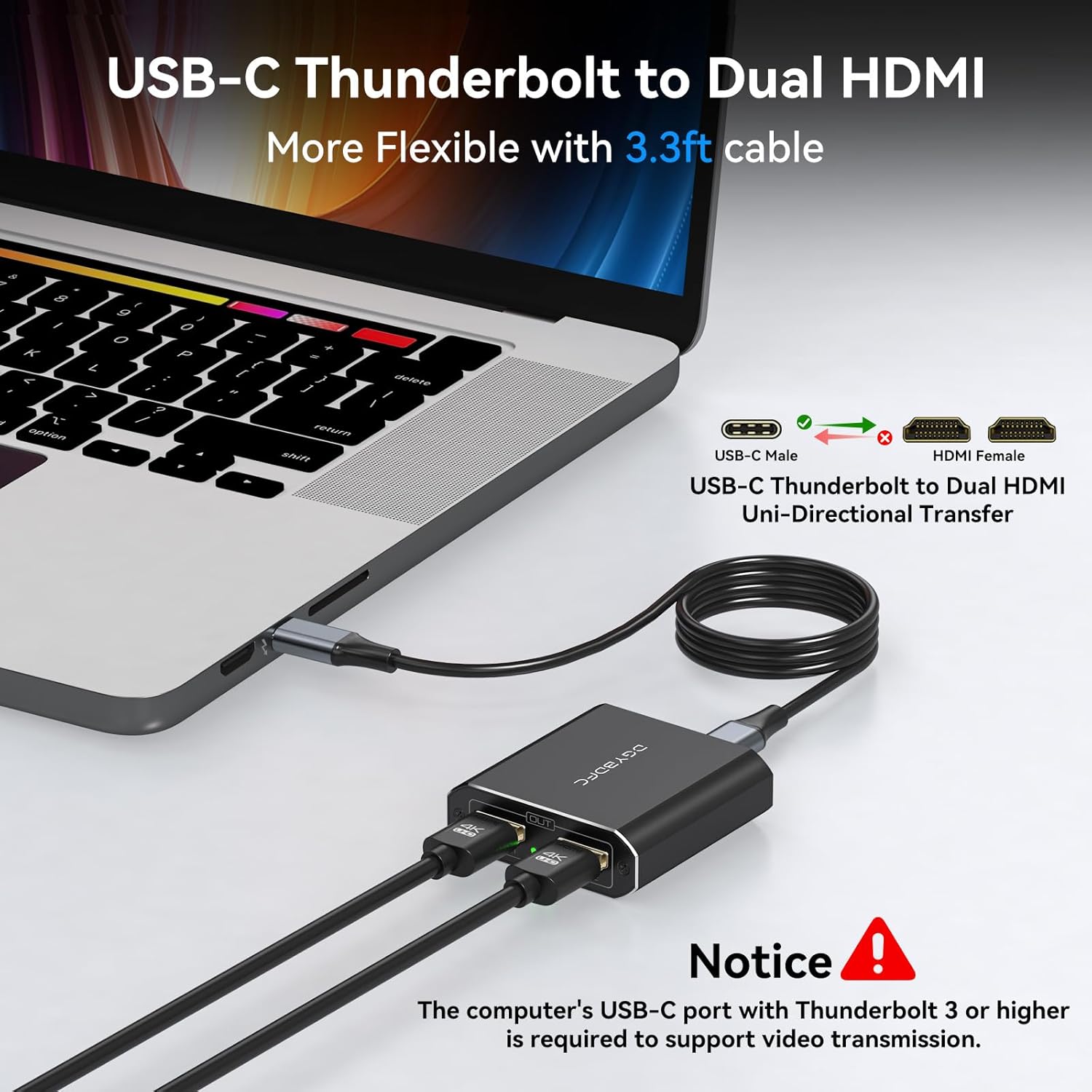
However, it may not suit you if: - You’re using macOS and your goal is an extended workspace across two independent screens. - Your laptop’s USB‑C port doesn’t support DP Alt Mode (or you’re not on a Thunderbolt 3/4/5-equipped model). - You’re expecting guaranteed 4K@60Hz regardless of your monitors/cables—4K60Hz only applies if the full setup supports it, and the guidance warns against using intermediate devices between the computer and adapter.
Finally, the “plug and play” promise only holds if the underlying port/graphics features line up. Otherwise, you can end up with partial functionality or the need to adjust settings.
Tech specs
- Type: USB‑C to Dual HDMI adapter (1 in, 2 out)
- Resolution support: up to 4K@60Hz
- Output modes: Windows supports extended and mirrored, macOS supports mirror mode
- Cable included: 3.3ft USB‑C to USB‑C cable
- Power: no external power supply needed
- Drivers: no driver required (where supported by the device)
Is it worth it?
This DGYBDFC USB‑C to Dual HDMI adapter is worth considering if you’re on Windows, your USB‑C port supports DP Alt Mode (or you’re on Thunderbolt), and you want two HDMI screens from one connection—especially for work setups that benefit from extended desktop.
You should probably skip it if you’re using macOS and need two different screens (not mirror). It may also be a frustrating buy if you haven’t confirmed your laptop port can do DP Alt Mode video output, or if you’re assuming 4K@60Hz will work without matching compatible HDMI 2.0-or-better cables and compatible devices.
Worth doing before you order: check that your USB‑C port supports video output/DP Alt Mode, then decide whether you can live with mirror mode on macOS or you’re definitely using Windows for extended display.
Mini FAQ
Will it extend two different screens on macOS?
No. The guidance says macOS only supports mirror mode, not extended output to two different screens.
Do I need a driver or external power?
The adapter is described as plug and play with no driver required and no external power supply.
What if I get no sound?
The listing advises changing the “Default Audio Output Device” in your system preferences.
Does it support 4K@60Hz for both monitors?
It supports up to 4K@60Hz, but only if all devices in the chain support 4K60Hz and you use HDMI 2.0 (or better) cables.