

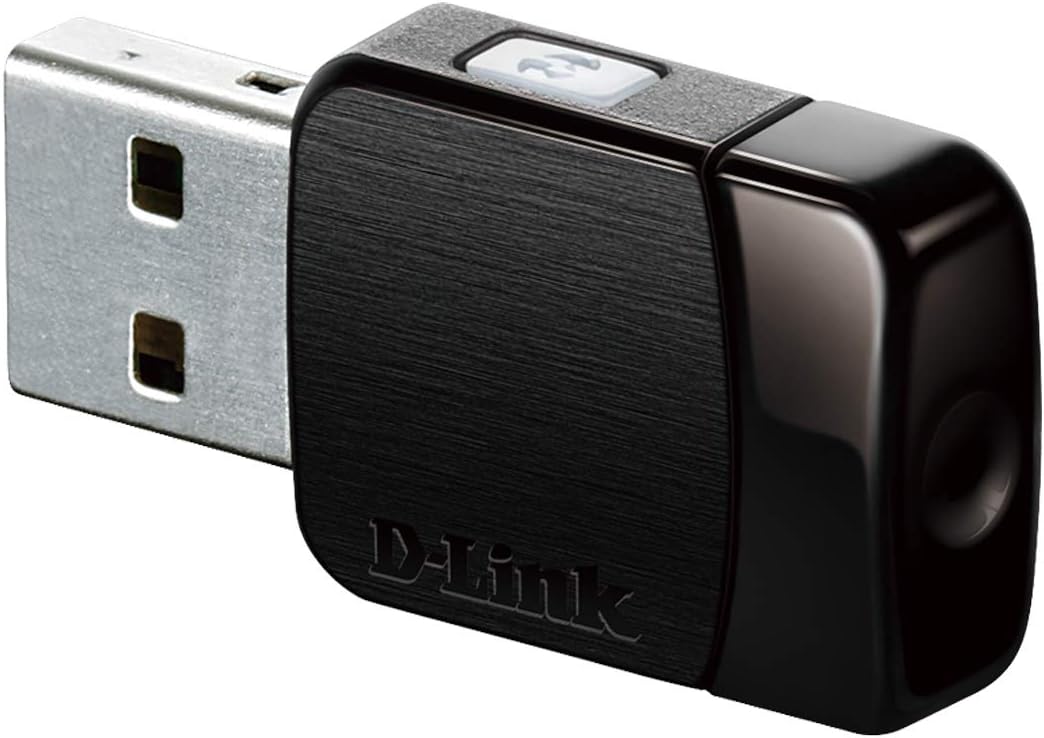
D-Link DWA-182 Wireless AC USB Adapter (AC1300, MU-MIMO, dual band) for Windows, Mac & Linux
Product description
The essentials
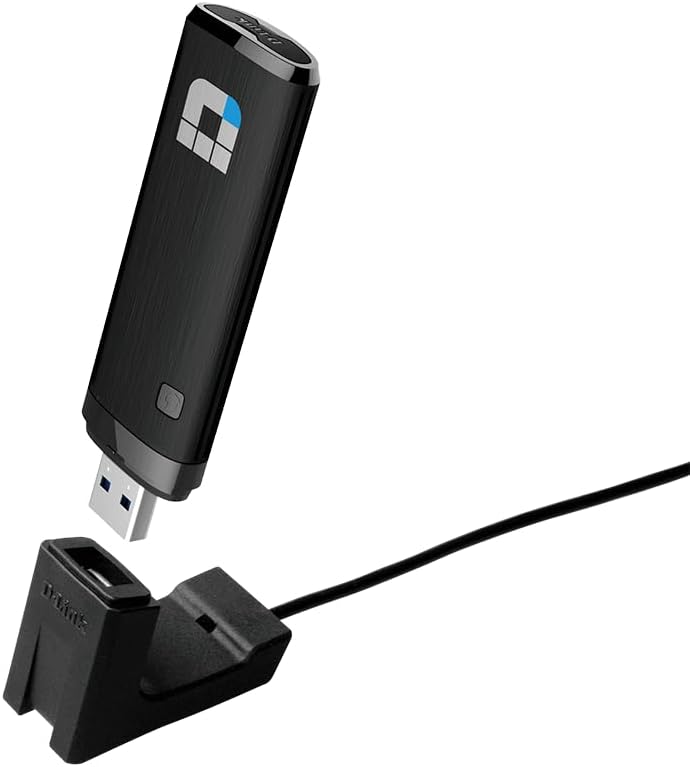
If you want to add or improve Wi‑Fi on a desktop or notebook without changing the whole computer setup, a USB Wi‑Fi adapter is often the quickest route. The D-Link DWA-182 is a dual‑band Wireless AC USB adapter aimed at people who want decent speeds over both 2.4 GHz and 5 GHz, and who prefer something ultra portable over internal cards.
On paper, the DWA-182 leans into Wireless AC (802.11ac) with MU‑MIMO, so it’s designed for modern home networks rather than purely basic browsing. It also supports a “plug in and go” style installation through an available USB port, which is exactly the sort of thing you tend to appreciate when you’re dealing with a slow or missing Wi‑Fi connection.
Where it fits in real life
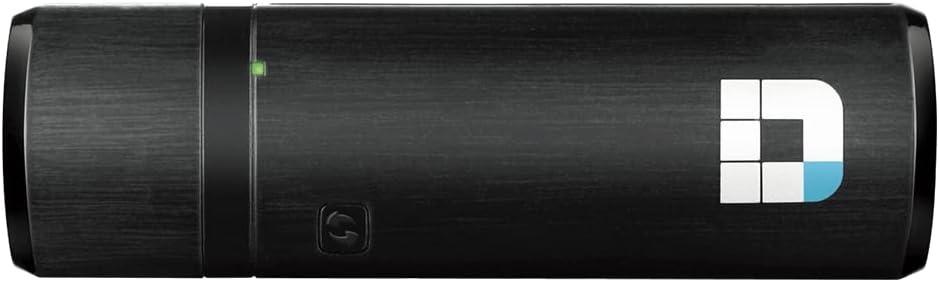
This adapter is the sort of everyday upgrade you’d use when:
- Your laptop lacks a strong Wi‑Fi signal in certain rooms
- A desktop doesn’t have Wi‑Fi built in
- You want a temporary setup for a second PC (or for a spare)
The dual‑band angle matters because 5 GHz is typically used when you want faster, more responsive connections indoors, while 2.4 GHz can be the go-to when range and wall penetration are more important. In practice, the best band is the one that matches your situation at the desk.
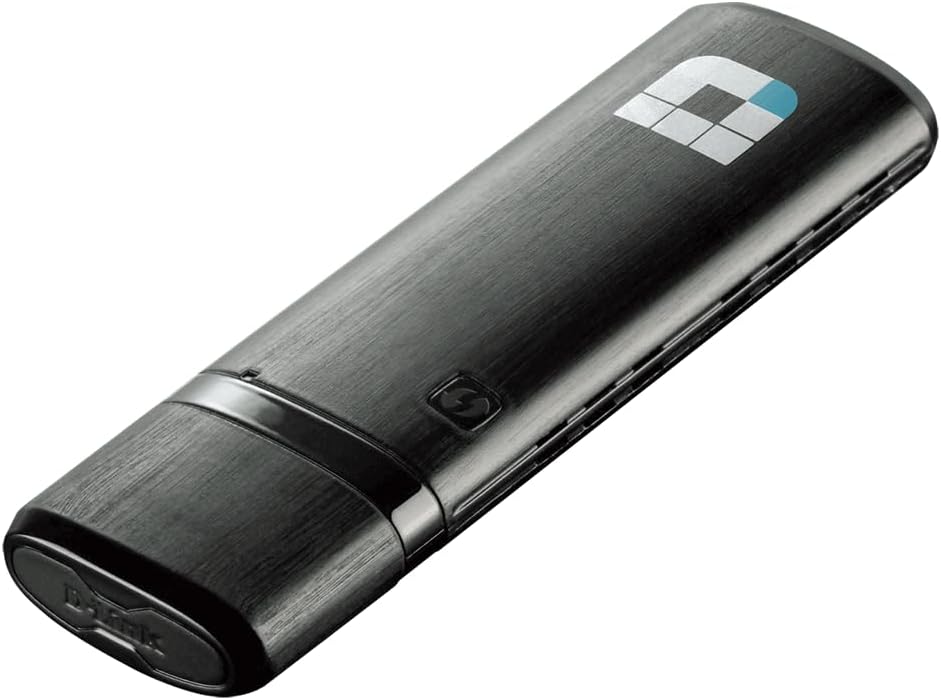
One micro-example: plug the DWA-182 into a USB port on your notebook, connect to your home network, then switch to a 5 GHz network when you’re working at your desk. You’re essentially giving the computer a more “direct” Wi‑Fi path for speed-sensitive tasks, while still keeping 2.4 GHz as the fallback.
What stands out (and what to be cautious about)
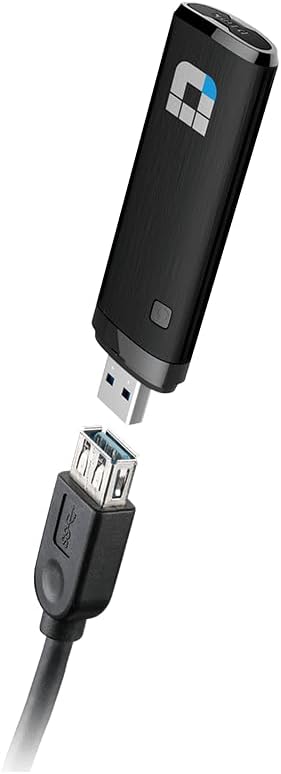
The headline features here are Wireless AC (802.11ac), AC1300 class performance, MU‑MIMO support, and dual band (2.4 GHz + 5 GHz). There’s also a useful behaviour described: when connected to a compatible USB 3.0 device and using the 5 GHz band, it can switch to USB 3.0 mode to help you reach the highest possible data transfer rates and make the most of the Wireless AC Wave 2 standard.
That “USB 3.0 mode” detail is worth paying attention to. If you plug it into a USB 2.0 port, don’t be surprised if the performance ceiling is lower than what you’d see with USB 3.0. It’s not a deal-breaker, but it is a limitation to keep in mind.
Specs you’ll actually care about
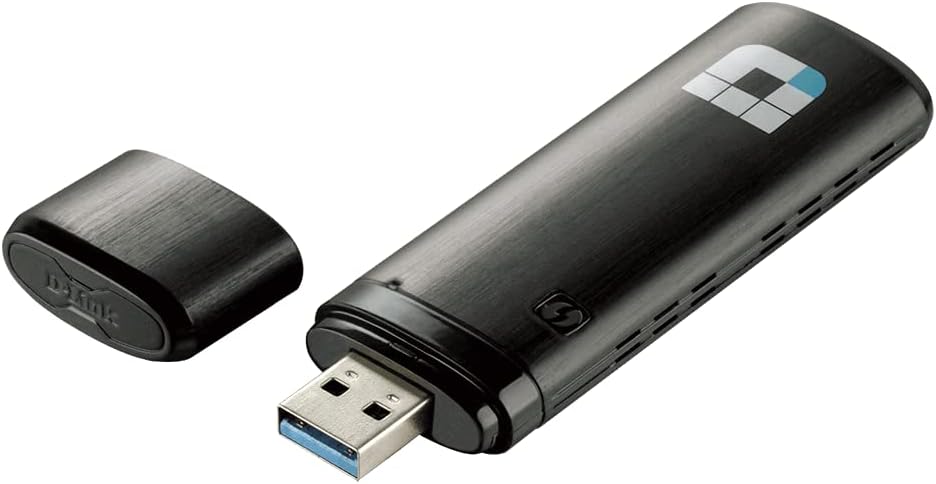
This is a USB Wi‑Fi adapter designed for desktop and notebook computers. It supports secure Wi‑Fi network access over both 2.4 GHz and 5 GHz bands.
On operating systems, the information provided lists support for Windows 10/8/7/Vista/XP/2000, and Mac OS X 10.5–10.13. It also states compatibility with Linux, though no specific distribution range is mentioned in the information you’ve provided.
Because you’re buying for compatibility, it’s sensible to double-check your exact setup (especially your OS version and which USB ports you’re using). You want fewer surprises after the first plug-in.
Quick questions before you buy
Is it suitable for both desktops and laptops?
Yes. The adapter is described as working with desktop and notebook computers via an available USB port.
Does it support both 2.4 GHz and 5 GHz?
Yes. It connects over 2.4 GHz or 5 GHz bands, which is handy if your router coverage varies across rooms.
Will it get the best speeds on any USB port?
Not necessarily. The information says it switches to USB 3.0 mode when connected to a compatible USB 3.0 device and using the 5 GHz band, so USB 3.0 support is key if you’re chasing the top end.
Does it work with my computer’s operating system?
It’s listed for Windows versions from Windows 10 down to XP/2000, and for Mac OS X 10.5–10.13. Linux compatibility is mentioned, but the exact range isn’t detailed here.
Final verdict
When it makes sense
It’s a solid pick if you’re after a compact way to bring Wireless AC Wi‑Fi to a computer, especially if you have (or can use) a USB 3.0 port and want to benefit from dual band performance at home.
When it may not be the best match
It may not suit you if you’re planning to rely on USB 2.0 ports and expect top speeds, or if you need very specific Linux compatibility and want distribution-level clarity. If you’re somewhere between “needs basic Wi‑Fi” and “wants the absolute fastest possible”, it could feel more like a capable middle-ground than a specialist high-end solution.
Should you buy it?
Worth considering if your main goal is to add or improve Wi‑Fi on a desktop/laptop quickly, while keeping the option to use 5 GHz and MU‑MIMO on a compatible network. If you’re buying for convenience and daily reliability, this is the type of adapter that fits the bill—just make sure your USB port and OS situation match what it’s intended to work with.