


LAUNCH X431 PAD VII J2534 Reprogramming Tool (ECU online coding & topology map scanner)
Reviews
Price
Product description
The essentials
The LAUNCH X431 PAD VII is a specialist diagnostic tablet built for ECU coding and reprogramming jobs, not just “read and clear” fault codes. On paper, it sits in the high-capability end of the market because it combines guided functions, topology mapping, and support for multiple programming approaches (including J2534-style workflows mentioned in the product description). If you’re doing the kind of work where coding, module configuration, and some form of calibration/initialisation are part of the day, it’s the sort of tool you buy to reduce time spent on fiddly, manual tasks.
That said, it’s also the kind of device where buyers should be honest about their needs. If your work doesn’t involve ECU programming, or you only need occasional diagnostics, you may find this more involved than you’ll actually use.
What you’ll notice in everyday use
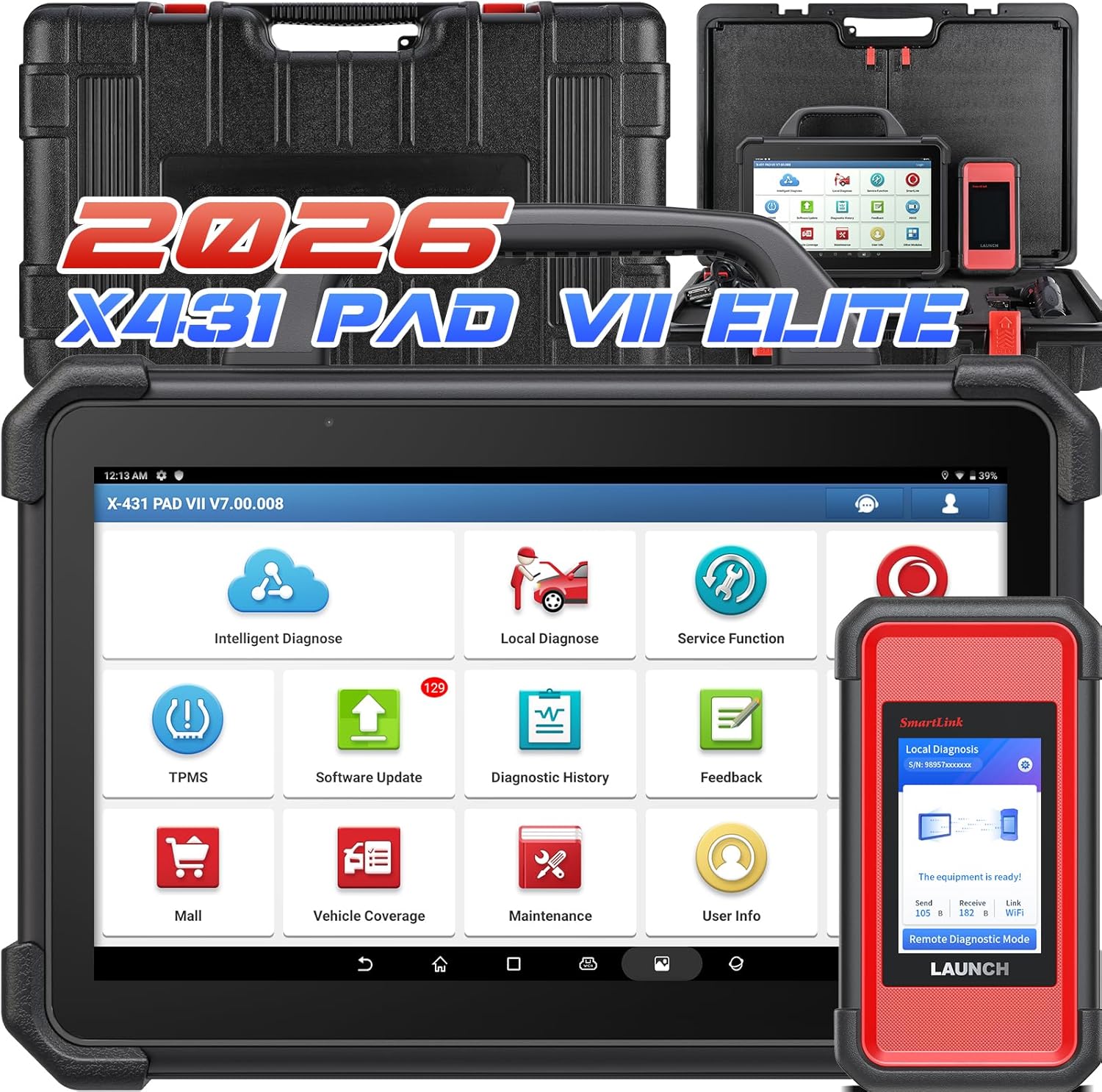
A big selling angle in the PAD VII description is how it tries to make complex procedures feel more step-by-step. Guided functions are referenced throughout, and there’s also mention of “AUTOVIN” type information and routing you to the right vehicle information page without heavy manual selection. In practical terms, that’s the difference between guessing your way through menus and following an on-screen process while you’re working.
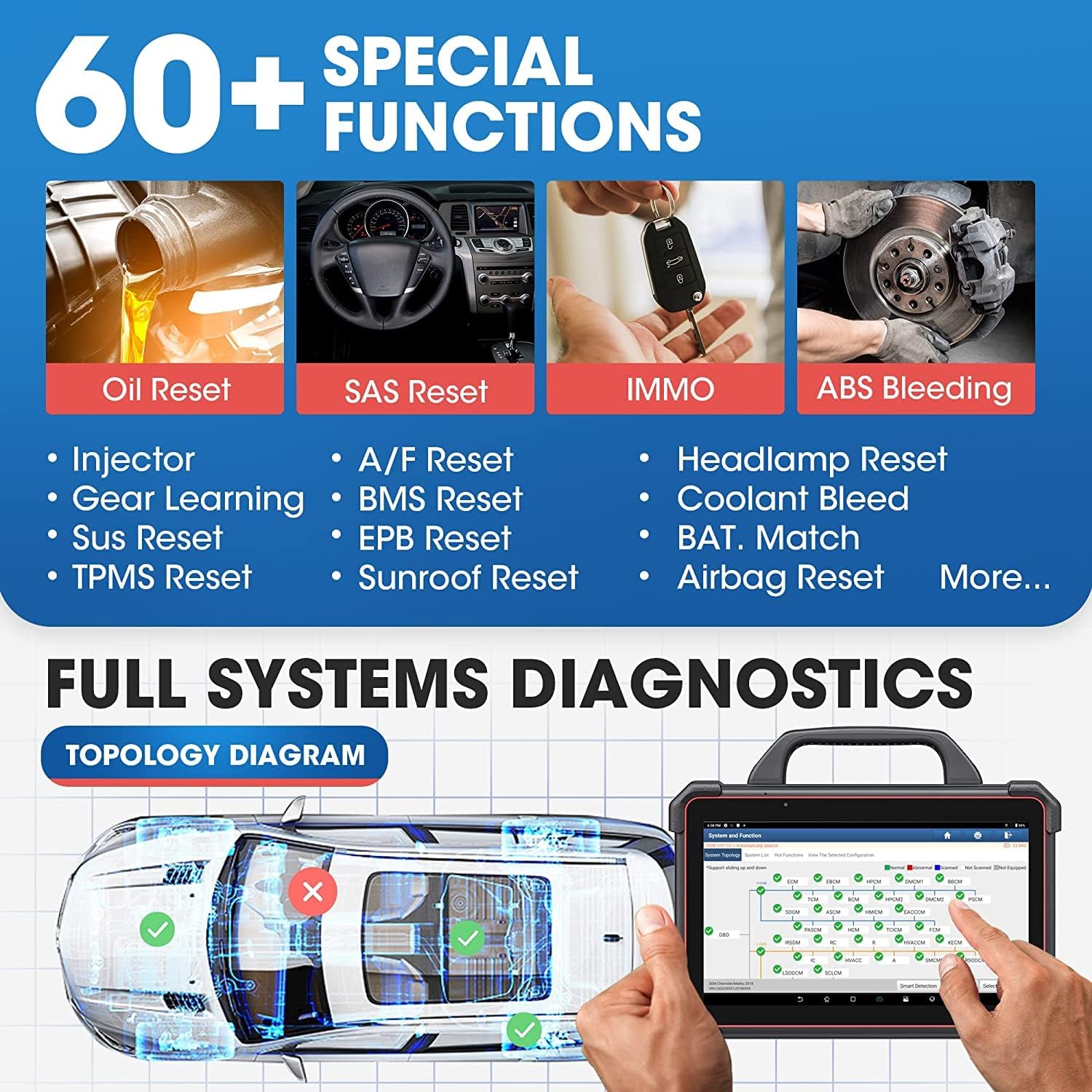
The topology map concept is another area that could be genuinely useful in the workshop. The description frames it as a way to visually check system communication status and related DTC information. If you’ve ever chased an intermittent communication fault across modules, a visual overview can help you narrow down where the problem is hanging out.
One more detail that feels aimed at real workshop troubleshooting is the mention of DLC pin detection to spot voltages and supported protocol types, which can make connection/protocol issues easier to diagnose.
Key features that matter for coding and reprogramming
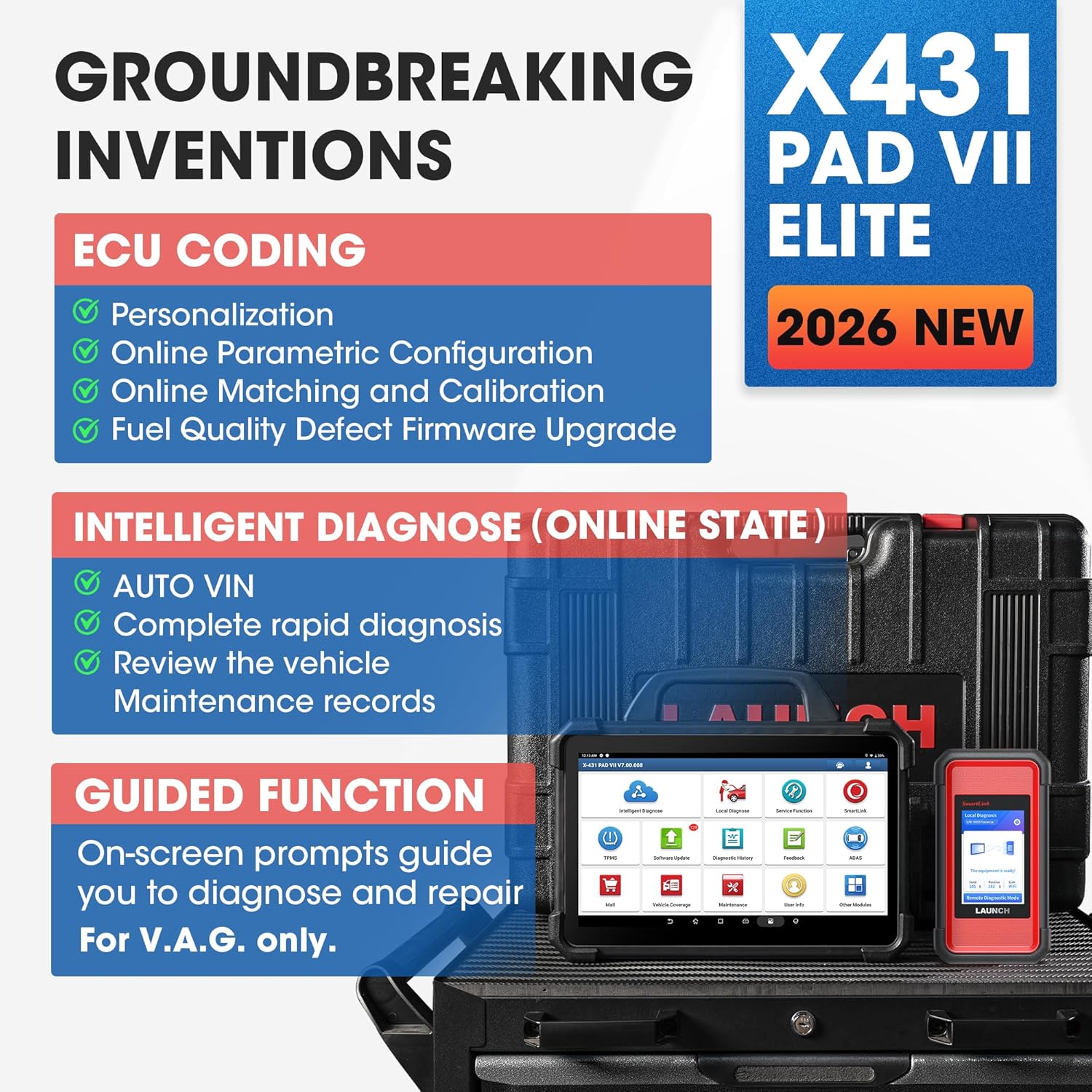
This tool is positioned around ECU backup/restore and coding/reprogramming workflows across 30+ car makes, with the description also claiming very wide global coverage (stated as 99,99% world coverage of vehicles). It also mentions both online and offline programming, plus different approaches like retrofit and ECU upgrades—so it’s not only about changing parameters, but also about updating behaviour after hardware or firmware-related work.
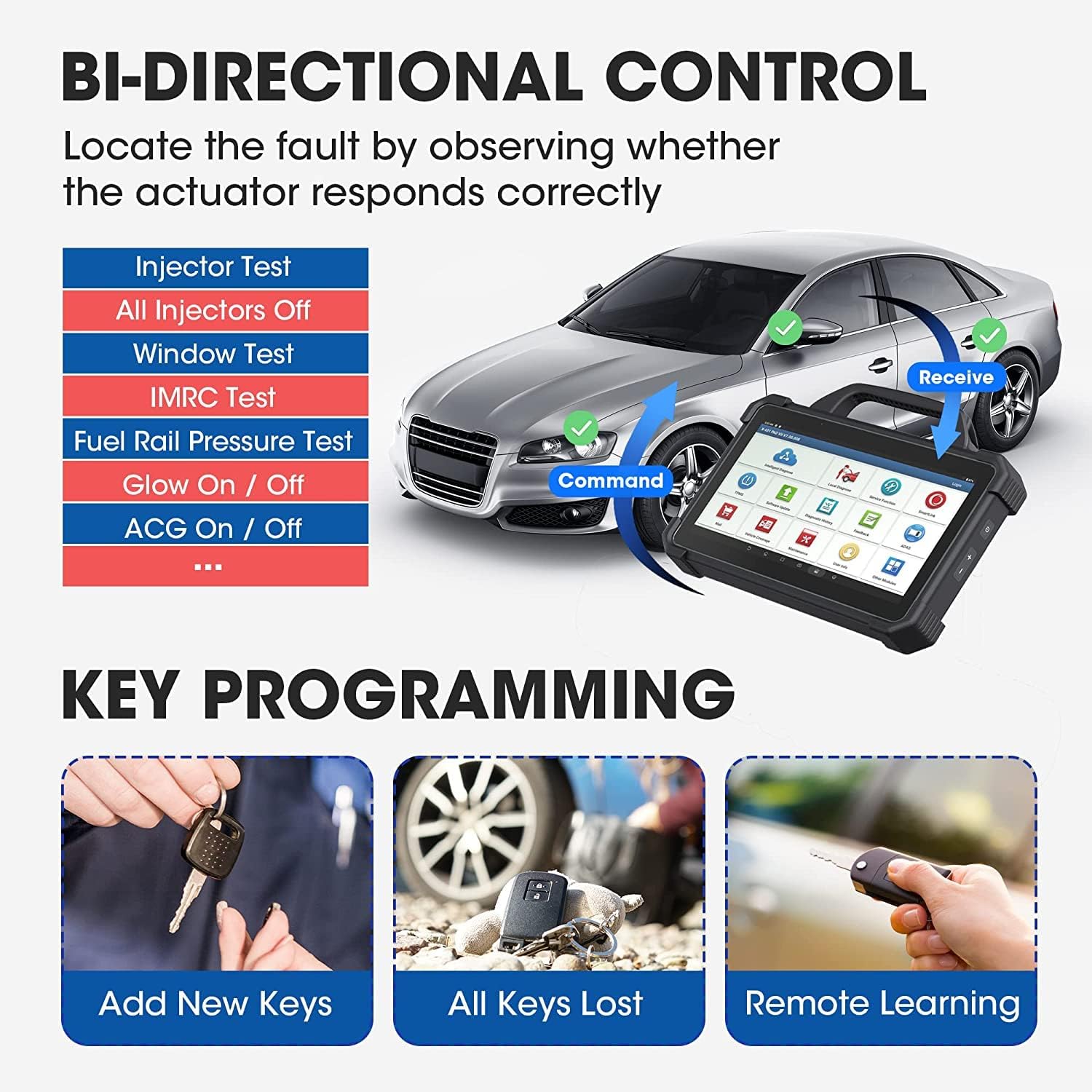
The “bidirectional control” and “60+ services” language suggests you’re meant to do more than just observe. Specific service examples listed include Oil Reset, ABS Bleeding, Injector Coding, and AdBlue Reset. Those are the sort of jobs that often come up even when you’re not strictly doing deep ECU work every day.
If you expect to handle tasks that rely on structured diagnostic workflows, it’s worth noting that the tool description explicitly calls out multiple protocols (including J2534, RP1210/D-PDU, Do-IP, and CANFD). However, since the exact vehicle coverage per protocol isn’t provided here, it’s sensible to check your specific vehicles are covered before you rely on it as your sole programming solution.
Tech specs
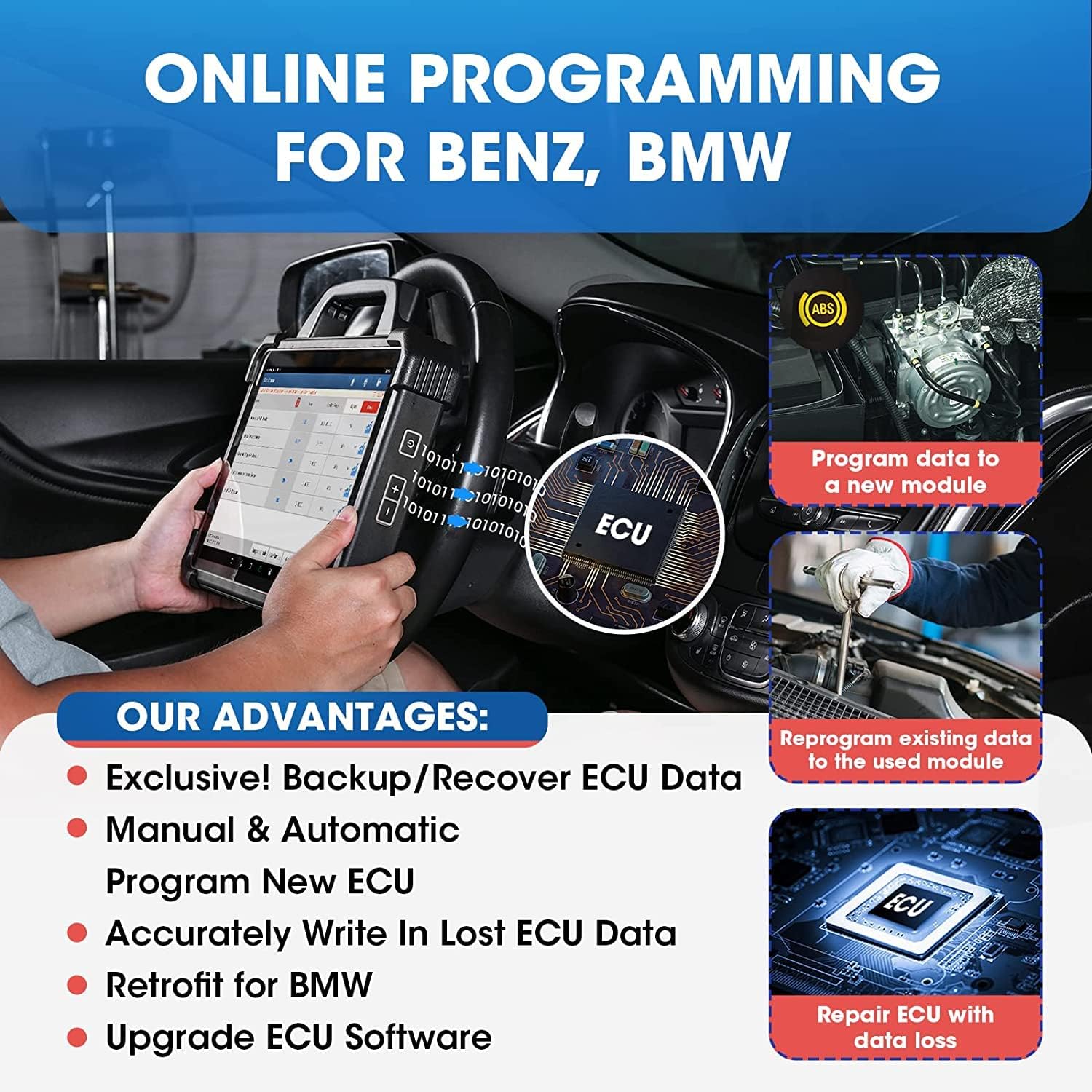
- Name: LAUNCH X431 PAD VII
- Type: J2534 reprogramming / ECU online coding diagnostic scanner (tablet-based)
- Processor: Octa-core 2,0GHz
- Memory: 8GB RAM + 256G ROM
- Display: 13,3-inch touch screen
- OS: Android 9.0
- Connectivity: 2.4G/5GHz Wi‑Fi, wireless programming support mentioned
- Durability: IP65 (water protection referenced)
- Tablet stand angle: adjustable from 0 to 180°
Limitations and who should be careful
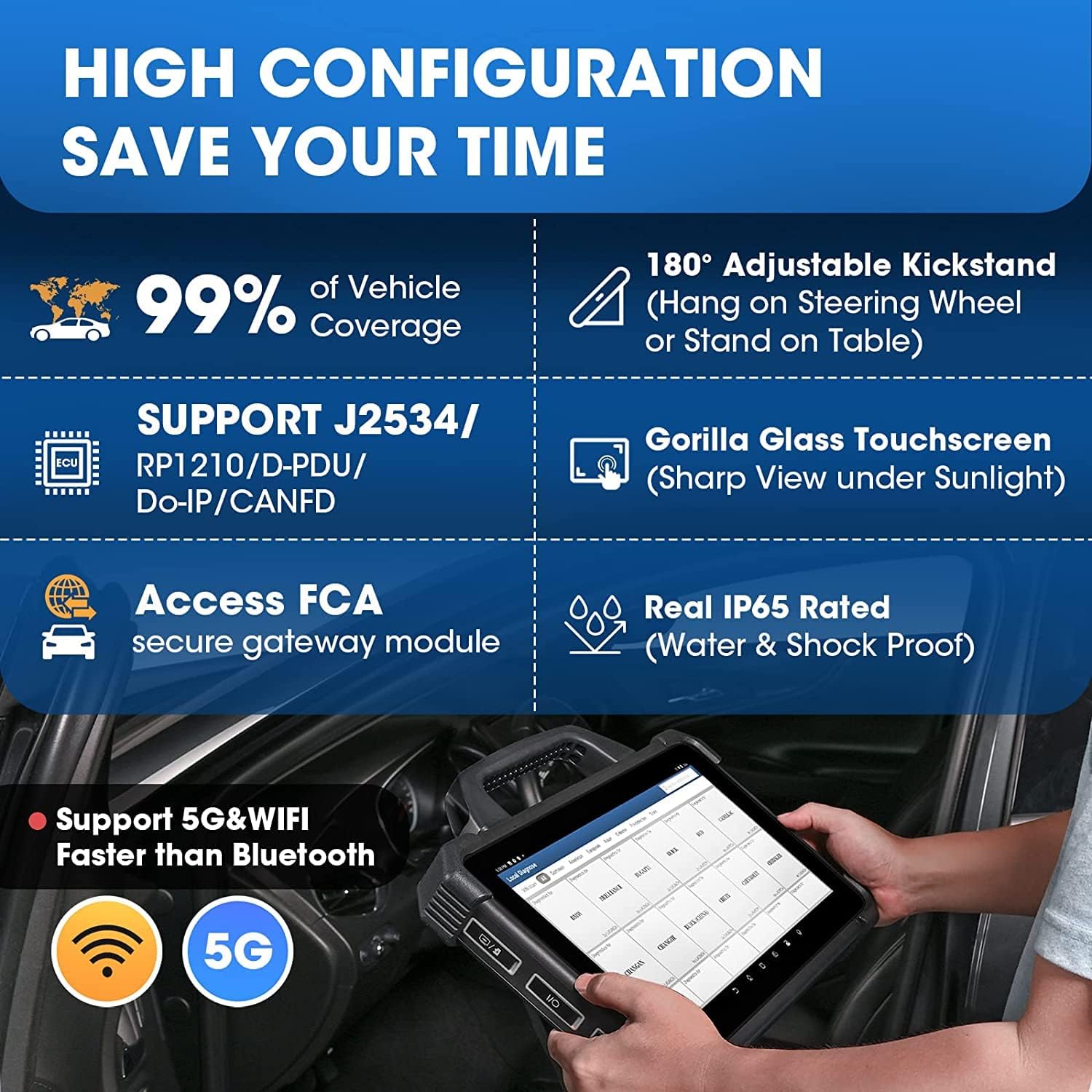
This is a lot of tool for someone who only needs basic diagnostics. The PAD VII description is packed with coding, services, topology mapping, and guided procedures, plus add-on modules (sold separately) for extra capabilities like an oscilloscope, sensor work, battery tests, and other inspection tools. If you won’t use those features, the cost and complexity may not feel justified.
Another practical limitation to keep in mind: some of the most “wow” capabilities are tied to coverage and protocol support across many makes. The description states broad coverage, but it doesn’t list your exact vehicle list here. If your workshop focuses on a narrow set of brands/models, it’s smart to verify that those specific jobs and protocols are supported rather than assuming everything will work the same way.
Is it worth it?
Worth considering if you regularly handle ECU-related coding and reprogramming tasks, want guided procedures to reduce time spent navigating, and would benefit from visual topology mapping and bidirectional-style service capability. It also makes sense if you’re the sort of workshop that benefits from having a single, tablet-based workflow for diagnostics and programming—especially where both online and offline programming approaches are relevant.
Not the best choice if your needs are mostly fault code reading and clearing, or if you only do ECU work rarely. In that scenario, a simpler diagnostic tool may be easier to live with day-to-day. It might also not be a great match if you can’t confirm that your key vehicles are covered for the programming protocols and services you rely on.
Mini FAQ
Does the PAD VII only do diagnostics?
No—based on the description it’s built around ECU programming/reprogramming (including backup/restore) and more advanced services, not just reading and clearing DTCs.
What does topology mapping do, in plain terms?
The description frames it as visually checking DTCs and communication status across the system, which can help you pinpoint where a module or network issue sits.
Is it suitable for workshop use every day?
The tablet design details mentioned (IP65 protection and a 13,3-inch touchscreen with adjustable stand) suggest it’s intended for frequent use in a working environment, not just desk-based checking.
Do I need extra modules?
The description says additional modules are supported but sold separately for deeper inspection and calibration features, so you may want them only if your workflow needs that depth.
What should I verify before buying?
Confirm the vehicles you work on are supported for the programming/coding services and the protocols mentioned (J2534/RP1210-variant/Do-IP/CANFD), since vehicle-by-vehicle coverage details aren’t listed in the information provided.