


VDIAGTOOL VD30 Pro OBD2 scanner for live data
Product description
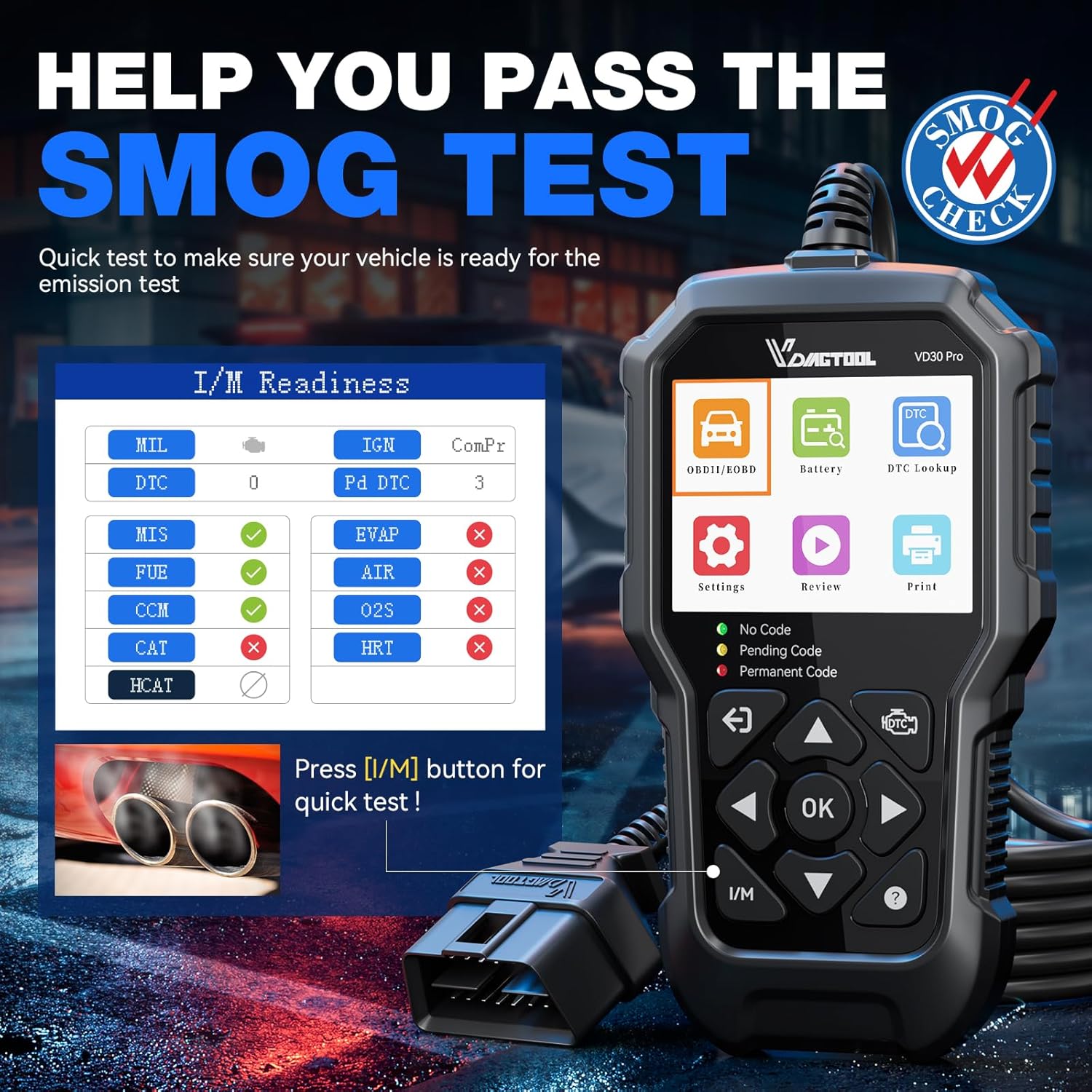
This compact car diagnostic reader brings essential OBD-II functions to the garage or home workshop, allowing quick checks of engine faults, live data and I/M readiness with minimal setup. The VDIAGTOOL VD30 Pro focuses on readable results and one‑click operations, so you can identify check engine light causes and view sensor information conveniently while working on modern EOBD vehicles.
Key Points
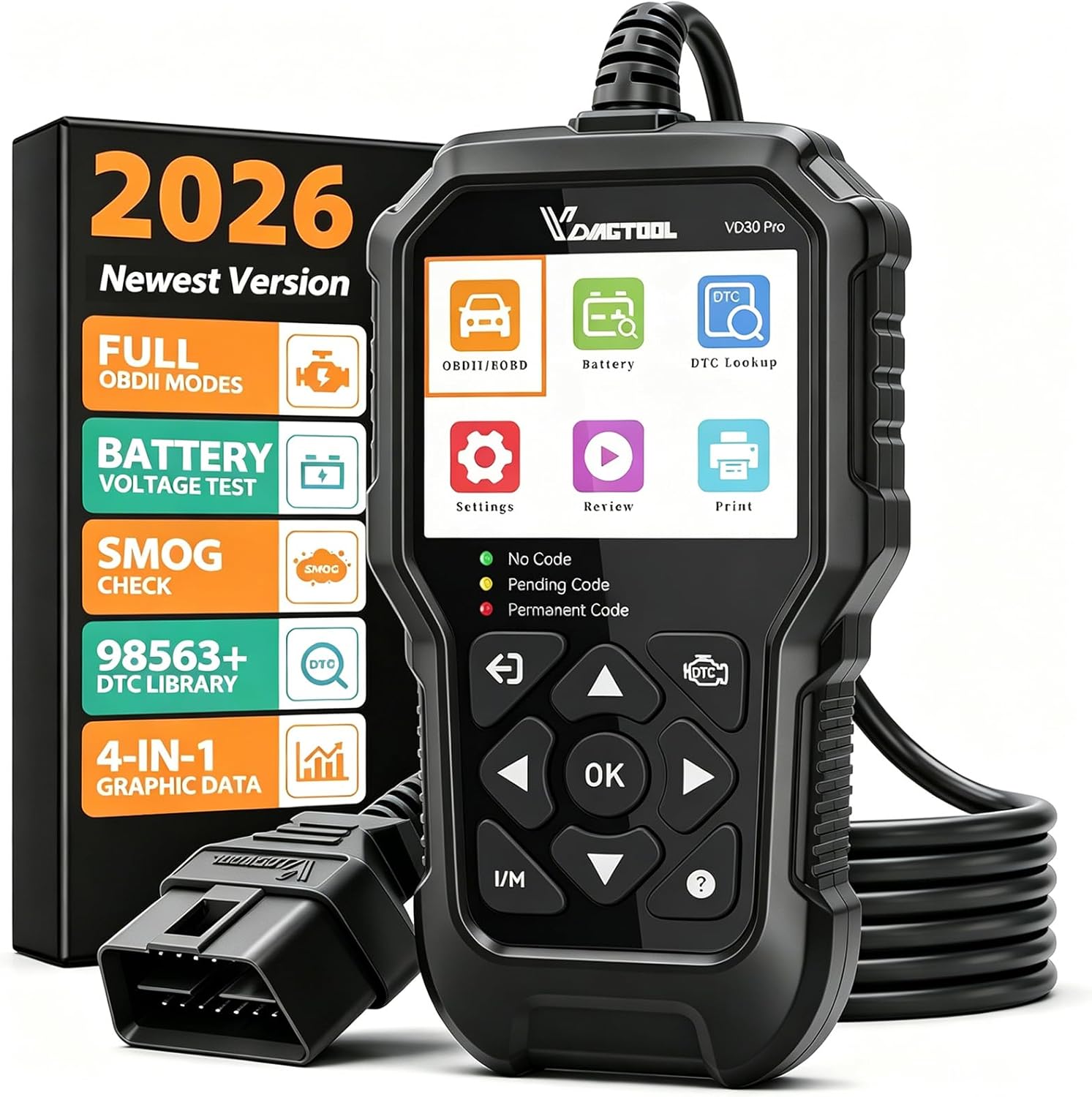
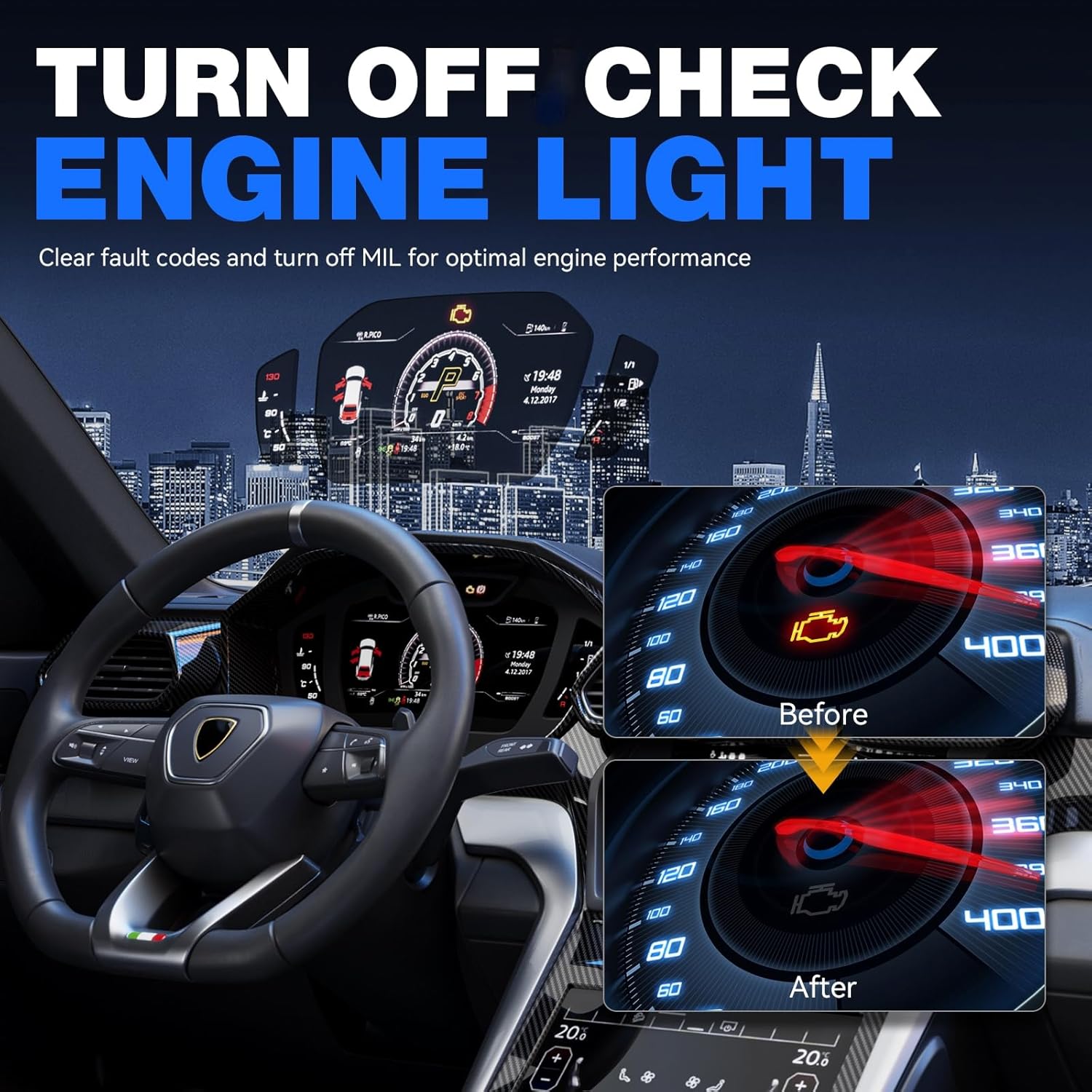
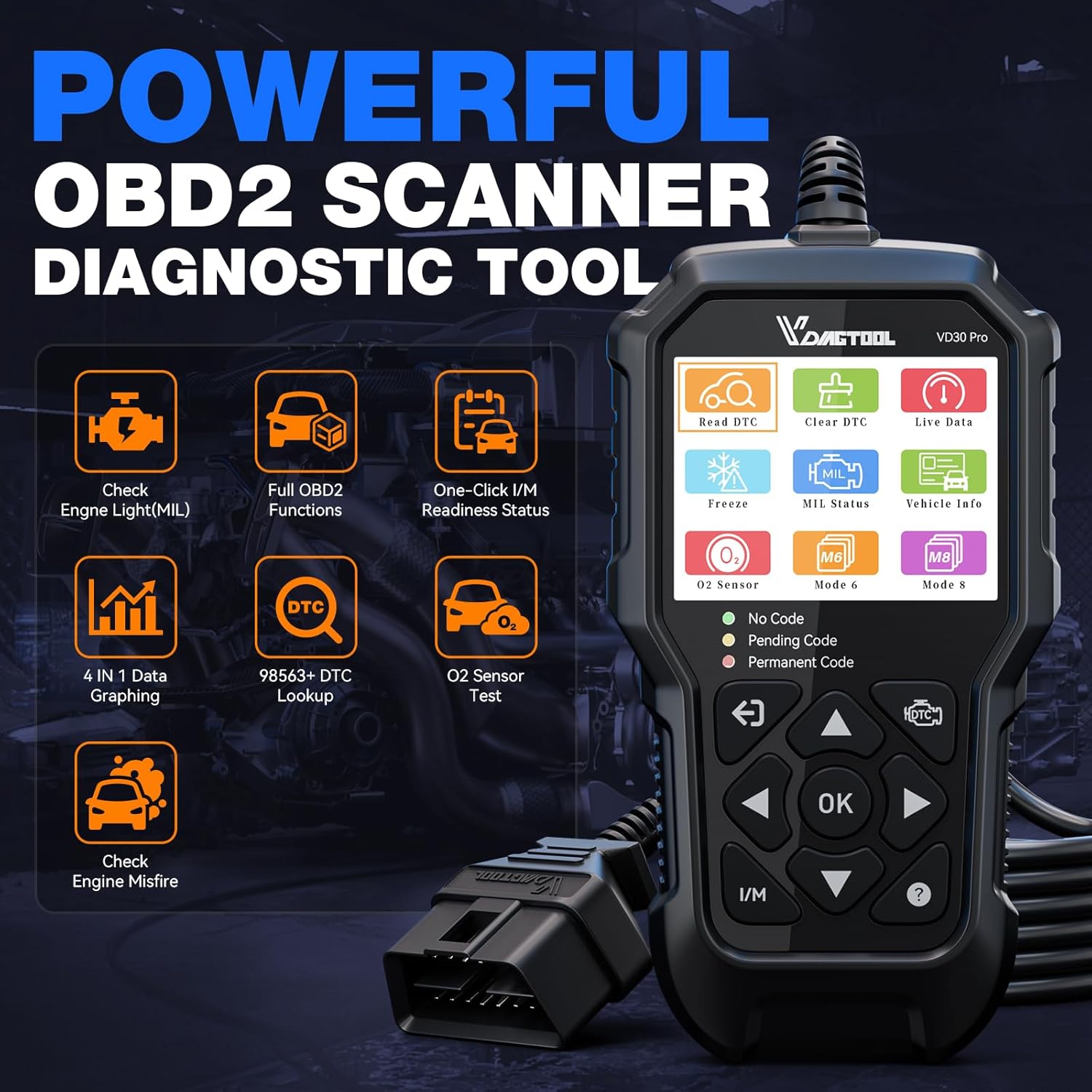
The scanner reads and clears engine fault codes and displays live data with a four-in-one graph view, which helps track parameters over time. It includes a dedicated one-touch I/M readiness check for emissions monitoring, a useful feature when preparing for an MOT or verifying monitor status after repairs. The unit also offers on‑screen freeze frame data, O2 sensor tests and component tests, making fault tracing more straightforward for DIYers and technicians. 😊
Technical Specifications
- Name: VDIAGTOOL VD30 Pro
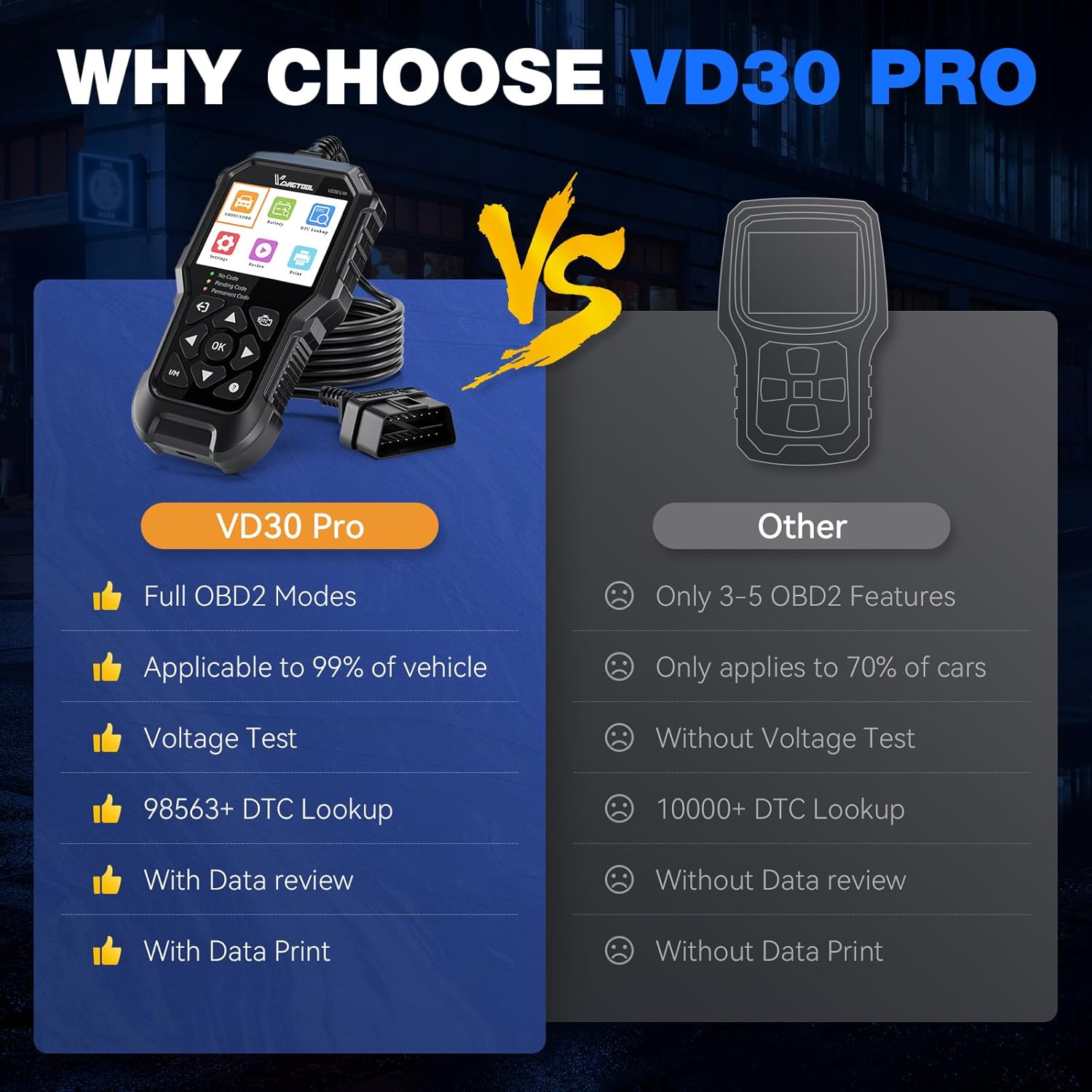
- Supported protocols: All standard OBDII/EOBD protocols
- Functions: Read/erase codes, live data, I/M readiness, freeze frame
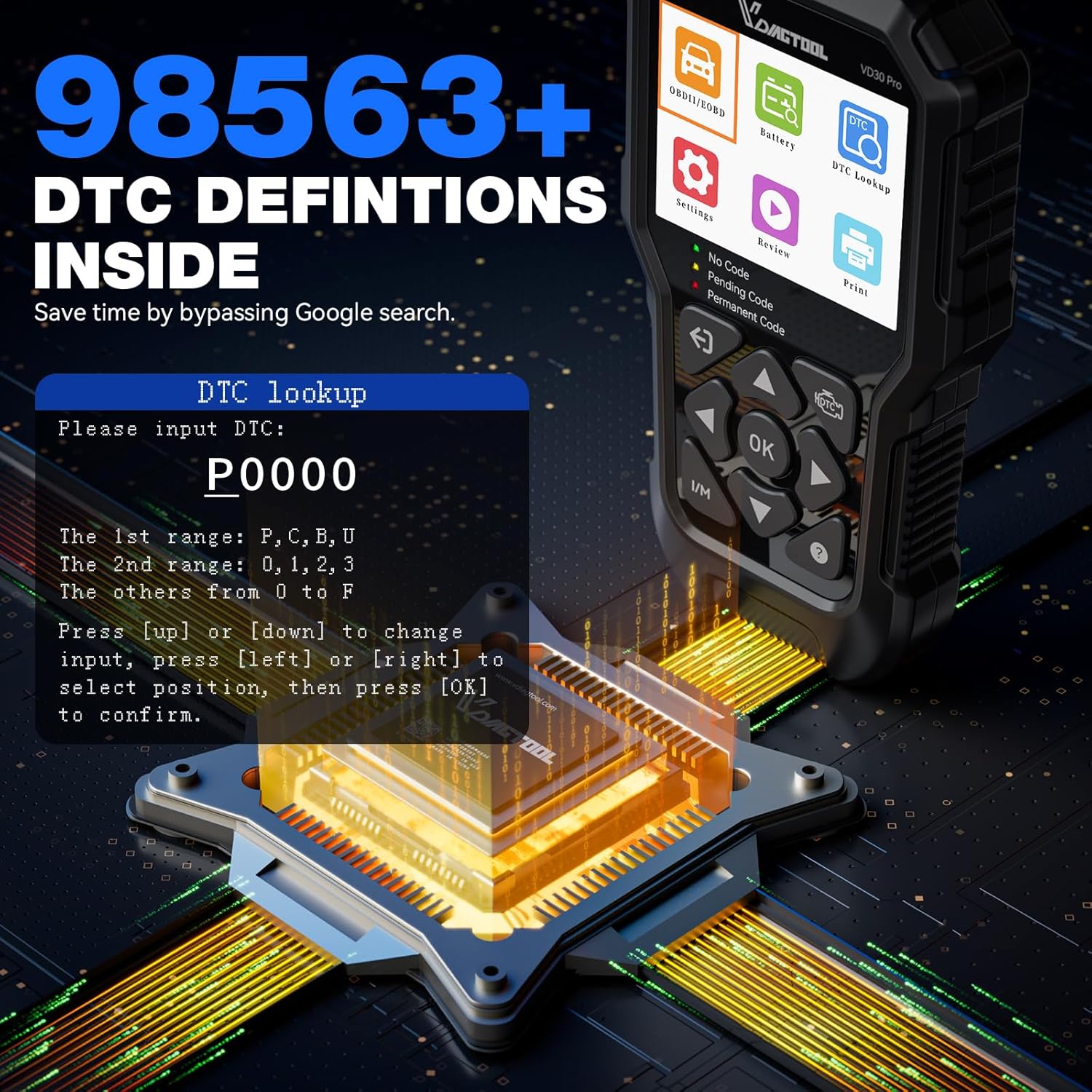
- DTC library: Over 98,000 definitions in plain English
- Connectivity: USB for updates and PC reporting
Benefits
Clear text feedback replaces cryptic LEDs and tiny displays found on some basic readers, so users receive actionable information rather than colour codes. The built-in DTC explanations remove much of the guesswork when a P0XXX code appears, and the voltage readout helps avoid battery-related surprises during diagnostics. According to the manufacturer, the VD30 Pro ships ready to use and receives free lifetime updates via Windows, which extends the device’s practical lifetime. ⚙️
Usage Recommendations
Start by plugging the reader into the car’s OBD-II port and selecting the Scan option to retrieve stored or pending codes. Use the live data graphs to compare sensor behaviour before and after repairs, and employ the playback and print functions on a connected PC to produce clear service reports for a mechanic or personal records. For emissions checks, press the dedicated I/M key to view monitor status on a single screen without navigating submenus.
Practical Notes
The VD30 Pro is built with a reinforced housing and an enhanced processor to withstand garage conditions, however it does not diagnose systems such as ABS, SRS, TPMS or airbags. Consider that TPMS reset and advanced module functions are beyond its scope, so for those needs a more specialised scan tool would be required. The manufacturer states a three-year warranty and offers 24/7 technical support plus lifetime software updates via the included USB cable, which can be helpful for keeping definitions current. 📋