

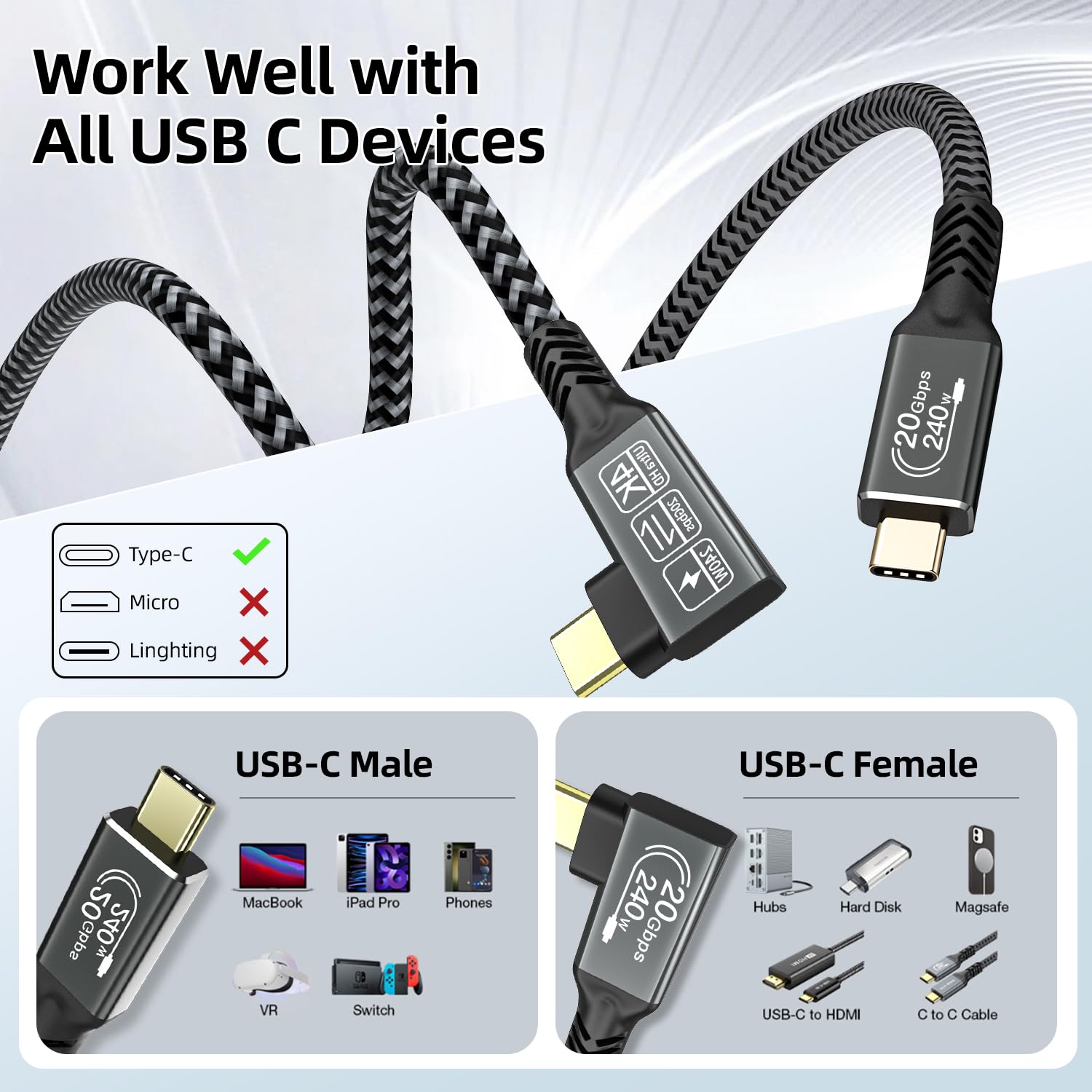
CAKOBLE 3m USB-C cable (90-degree) – 20Gbps, 240W PD 3.1, 4K/144Hz & up to 5K/60Hz for USB-C monitors
Product description
What it is and why people buy it
This CAKOBLE USB-C cable is designed for everyday desk setups where one lead needs to do more than one job. On paper, it combines high-speed data transfer with power delivery (up to 240W) and USB-C display output, all in a 90-degree right-angle shape that’s meant to sit more neatly behind a laptop or monitor.
A 3m cable length also points to a practical use case: you can keep your hub/charger/dock a bit further away, then route the connection without awkward bends. If you’re tired of cables stressing ports at the back of your laptop or you want a cleaner setup for a USB-C screen, this kind of “one cable for everything” approach is the main attraction.
That said, it’s not magic. The video features depend on the connected device supporting the required video mode (the listing notes DP support), so it’s worth checking compatibility before you commit.
The essentials (quick overview)
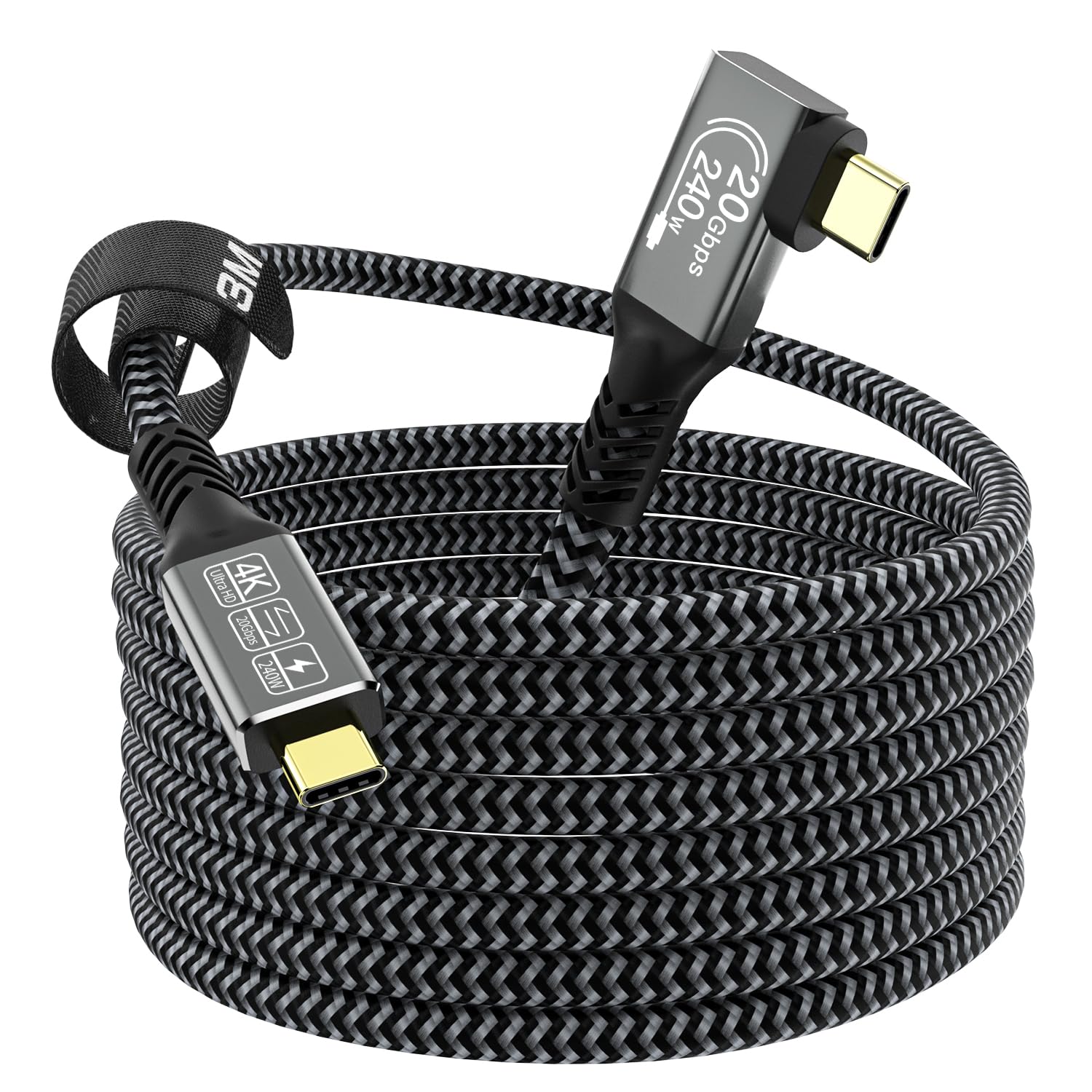
The headline specs are straightforward: up to 20Gbps data transfer (USB 3.2 Gen 2), up to 240W fast charging using PD 3.1, and video output for USB-C monitors up to 5K/60Hz (with other listed resolutions like 4K/60Hz and 2K/165Hz). It also includes an E-mark chip, plus a nickel-plated connector and an aluminium housing, with a nylon braided jacket aimed at reducing tangles.
One small but important detail: the cable is described as an “angled” 90-degree USB-C to USB-C cable. In real-world use, this can make a noticeable difference to cable management—less strain on the port and fewer clearance problems when devices sit close to walls or monitors.
Where it shines in daily use
For most buyers, the value is in how it simplifies connectivity.
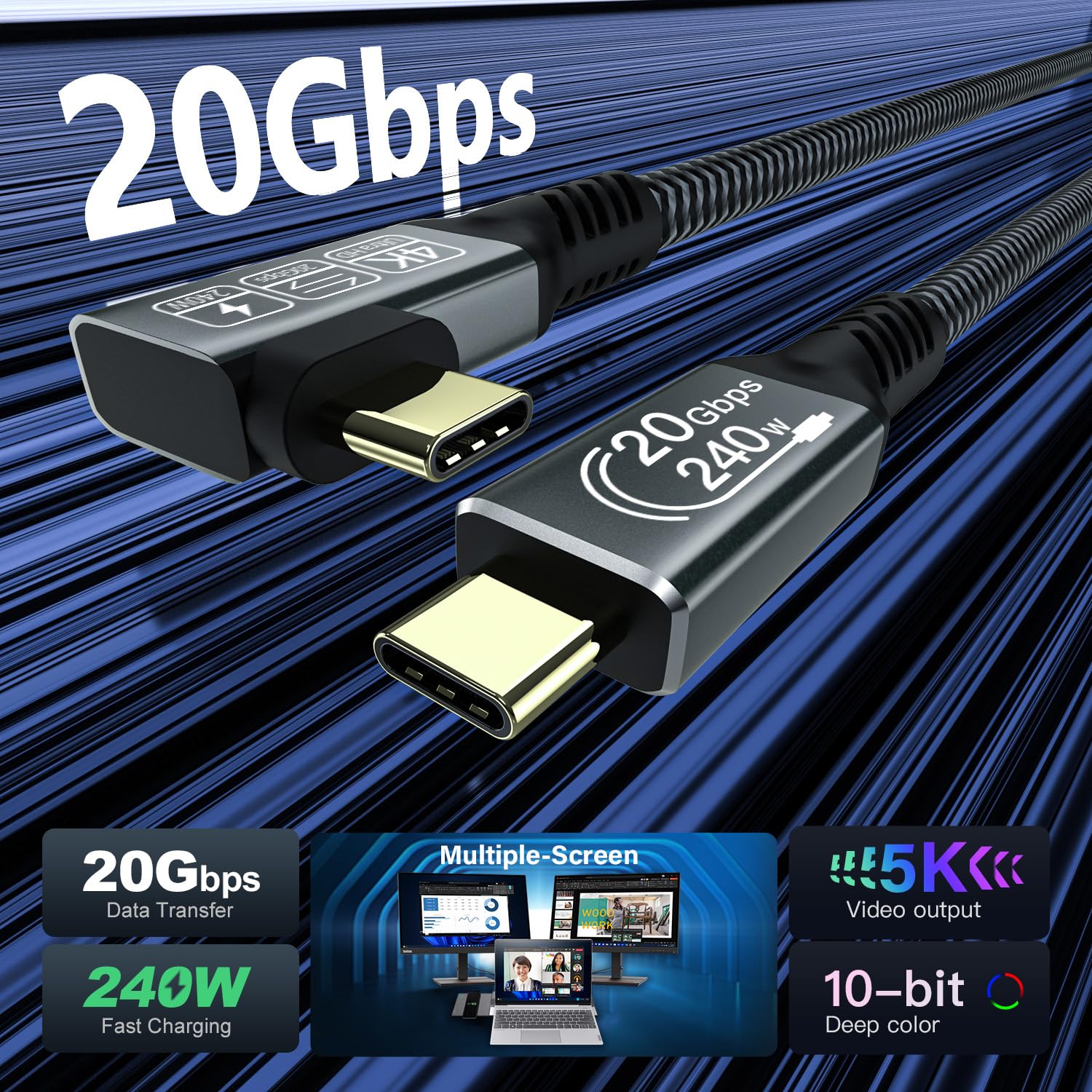
- Charging and data at the same time: The listing claims you can run power delivery and data transfer together. That’s particularly handy if you’re frequently plugging in a phone, external drive, or doing file transfers while keeping your laptop topped up.
- A cleaner desk angle: The right-angle connector tends to be more forgiving when you’re using a laptop in a tight setup, or when the cable needs to turn immediately into a monitor or docking area.
- USB-C display output: If your laptop and monitor both support USB-C video (and the cable’s DP-related video capability), it can act as the single link for “picture plus power plus everything else” style setups.
A practical example: imagine connecting a MacBook-style laptop to a USB-C monitor across the desk. With a straight cable, you might end up fighting clearance behind the screen. With a 90-degree connector, the lead can sit flatter, and your charging/data path stays tidy while you work.
What you need to watch before buying
This cable looks like a strong “do-it-all” lead, but there are a couple of places where buyers commonly get caught out.
First, video output depends on device support. The listing explicitly notes that the video function requires a device with a USB-C port and supports DP. If your laptop or monitor doesn’t support the necessary DP/USB-C display mode, you may get charging and data but not the screen output.
Second, the advertised video refresh rates and resolution figures (such as 4K/144Hz and up to 5K/60Hz) are best treated as “supported when the whole chain allows it”. Display performance can be limited by your laptop’s output capabilities, the monitor’s input settings, and the specific cable/port pairing.
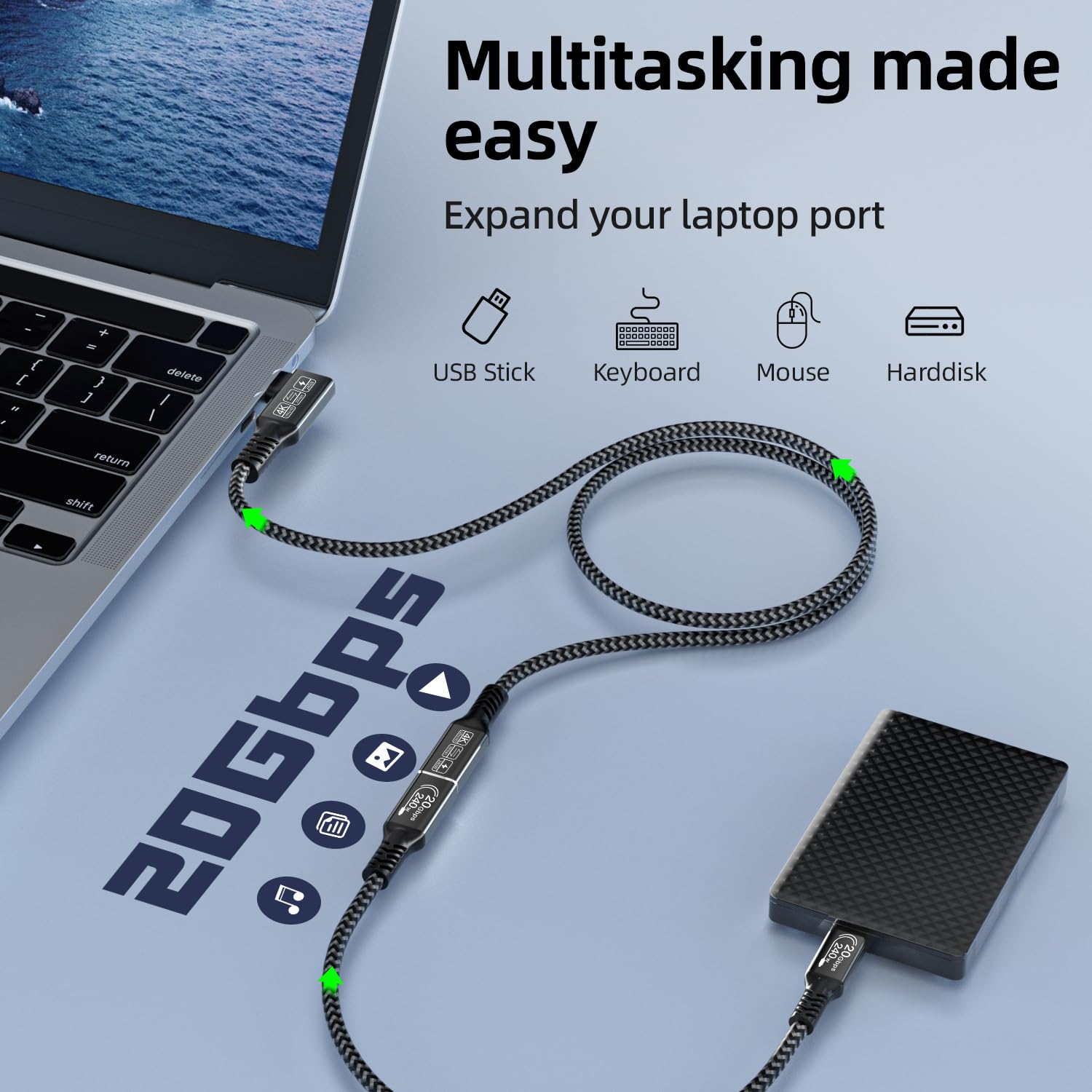
Finally, while it’s rated for up to 240W PD, you should still ensure your charger and device are actually compatible with that power level and PD negotiation in the way you expect.
Tech details that matter (without turning it into a spec sheet)
What stands out technically is the combination of USB 3.2 Gen 2-class speed and PD 3.1-class charging.
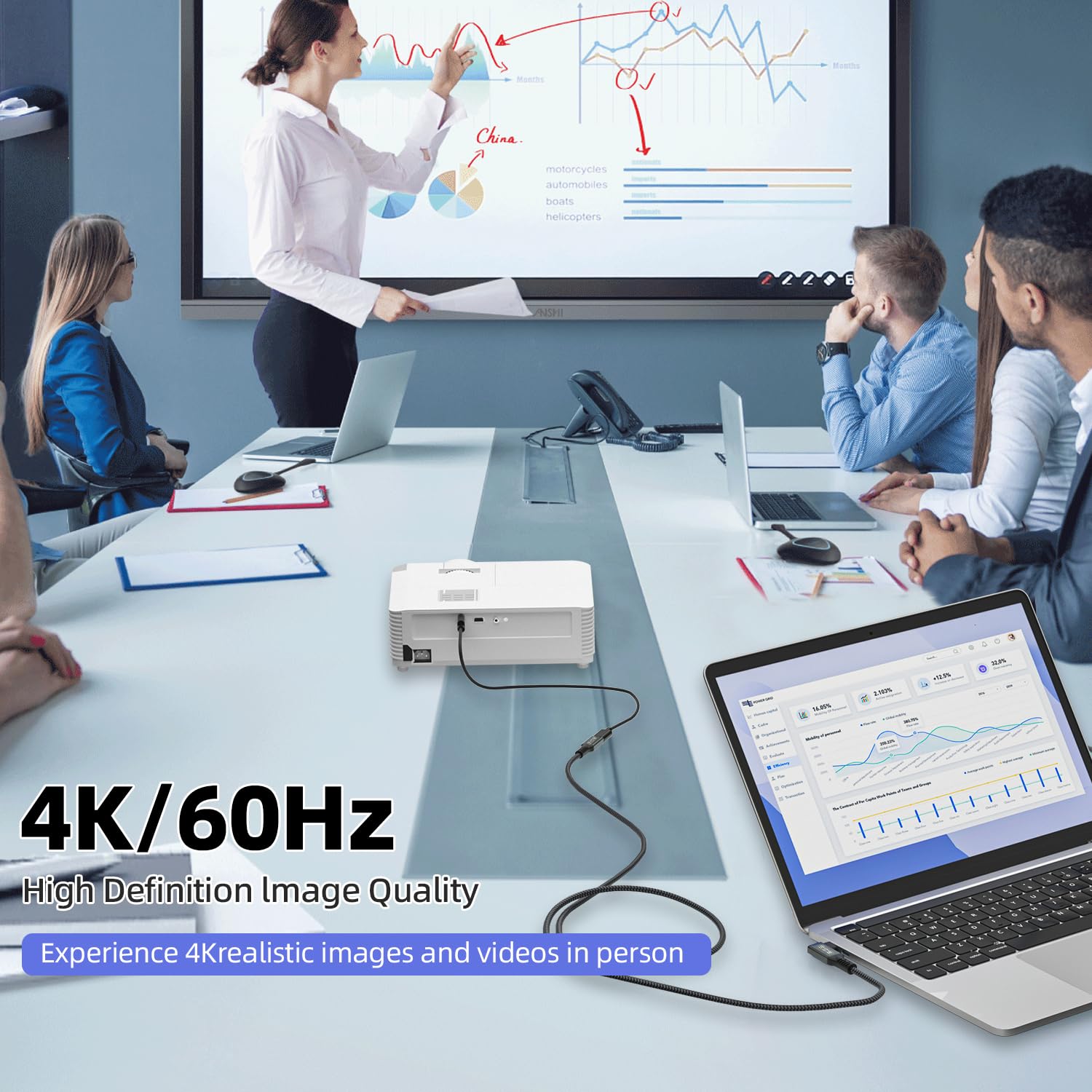
- Data transfer: The listing claims up to 20Gbps for USB 3.2 Gen 2.
- Power delivery: Up to 240W via PD 3.1 (listed as 48V/5A) with support for multiple power levels.
- Video output: Supports USB-C monitor output with claims up to 5K/60Hz, plus other listed modes.
- Build and protection: It includes an E-mark chip (for protection/efficiency claims), and the physical build is described as nickel-plated with an aluminium housing and a nylon braided jacket.
If you’re mainly buying for file transfers to SSDs or external drives, the 20Gbps claim is the key reason this cable exists. If you’re buying mainly for monitor use, the DP requirement is the one to verify.
Pros and limits (the honest buying take)
What you’ll likely notice: the 90-degree connector is genuinely practical if you’re dealing with limited space. The braided jacket and described shielding/protection should help with everyday handling, and the idea of one cable handling charging, data, and video is the whole point.
Where it may not be the best match: if your devices don’t support USB-C video with DP, this could end up being “great for power and data” but not the monitor cable you hoped for. Also, for people who only need basic charging or occasional transfers, this is more capability than you strictly need.
It’s not automatically a bad buy—just make sure you’re buying for the use case it’s built around.
Is it worth it?
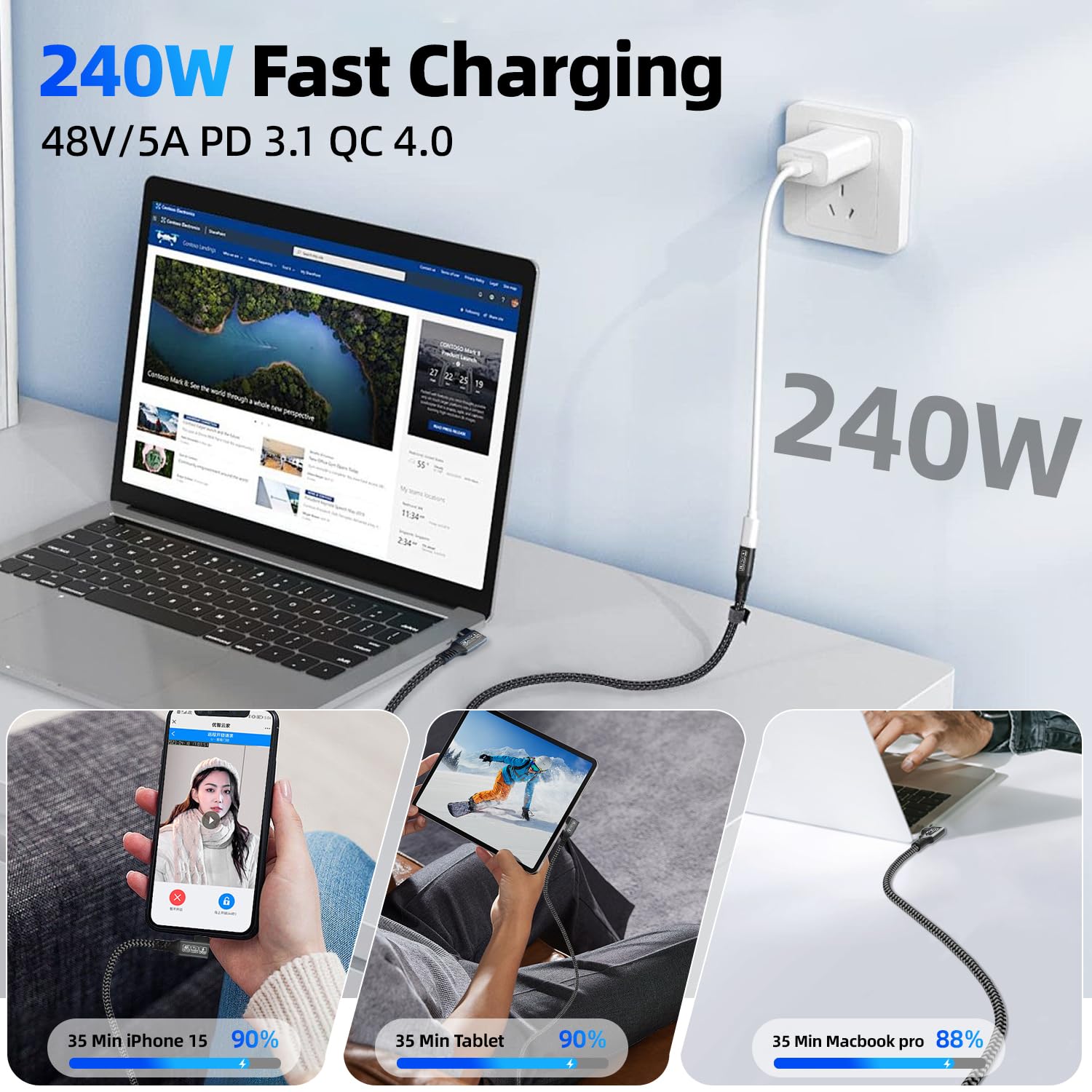
It makes sense if you want a single 3m USB-C cable that can handle charging (up to 240W via PD 3.1), fast data transfer (up to 20Gbps), and potentially USB-C monitor output—especially if the right-angle shape will help your setup.
You may want to skip it if your main goal is simple charging with no need for video/data speeds, or if you’re not confident your laptop and monitor support USB-C video in a way that aligns with DP.

Worth considering if you’re building a neat workstation: laptop on a stand, monitor close by, and you’d rather not constantly re-route cables to avoid stress on the port.
Mini FAQ
Compatibility checks
Does the cable support monitor output? It’s listed as supporting video output up to 5K/60Hz and other modes, but the listing notes the video function requires a USB-C device that supports DP.
Charging and data
Can it charge and transfer data at the same time? The listing says it can deliver fast charging (up to 240W) while supporting data transfer.
Is 3m likely to be too long?
If your desk is compact, 3m can create slack. If you need distance from the power source/dock to your laptop or monitor, that length can be useful.
Will I get the advertised refresh rates?
Those figures depend on the connected devices and their supported output modes. Treat them as possible outcomes when the whole setup supports it.
What’s the right-angle connector for?
It helps manage space and can reduce strain on the USB-C port by changing the cable’s exit angle—useful when ports face into tight gaps.