

CAKOBLE USB-C to USB-C 0.5m cable (USB 3.2 Gen 2, 20Gbps, 100W, 4K@60Hz support)
Product description
The essentials
A short USB-C to USB-C cable like this CAKOBLE model is meant for two things at once: faster-than-basic USB data transfer and quicker charging when your devices support it. The listing frames it around USB 3.2 Gen 2 (up to 20Gbps) plus up to 100W fast charging, with an extra bonus if you also need video output. In practice, that means it can be a handy one-cable solution for laptop users who move files often and want the option to charge and (on supported setups) mirror to a display.
That said, it’s not “magic”. The video feature depends on your devices supporting USB-C with DP Alt mode, and fast charging depends on the charger and device handshakes as well. So it’s a solid spec sheet if you’re already in the USB-C ecosystem, but it may disappoint if you’re expecting it to work everywhere without compatibility checks.
Key features that matter in day-to-day use
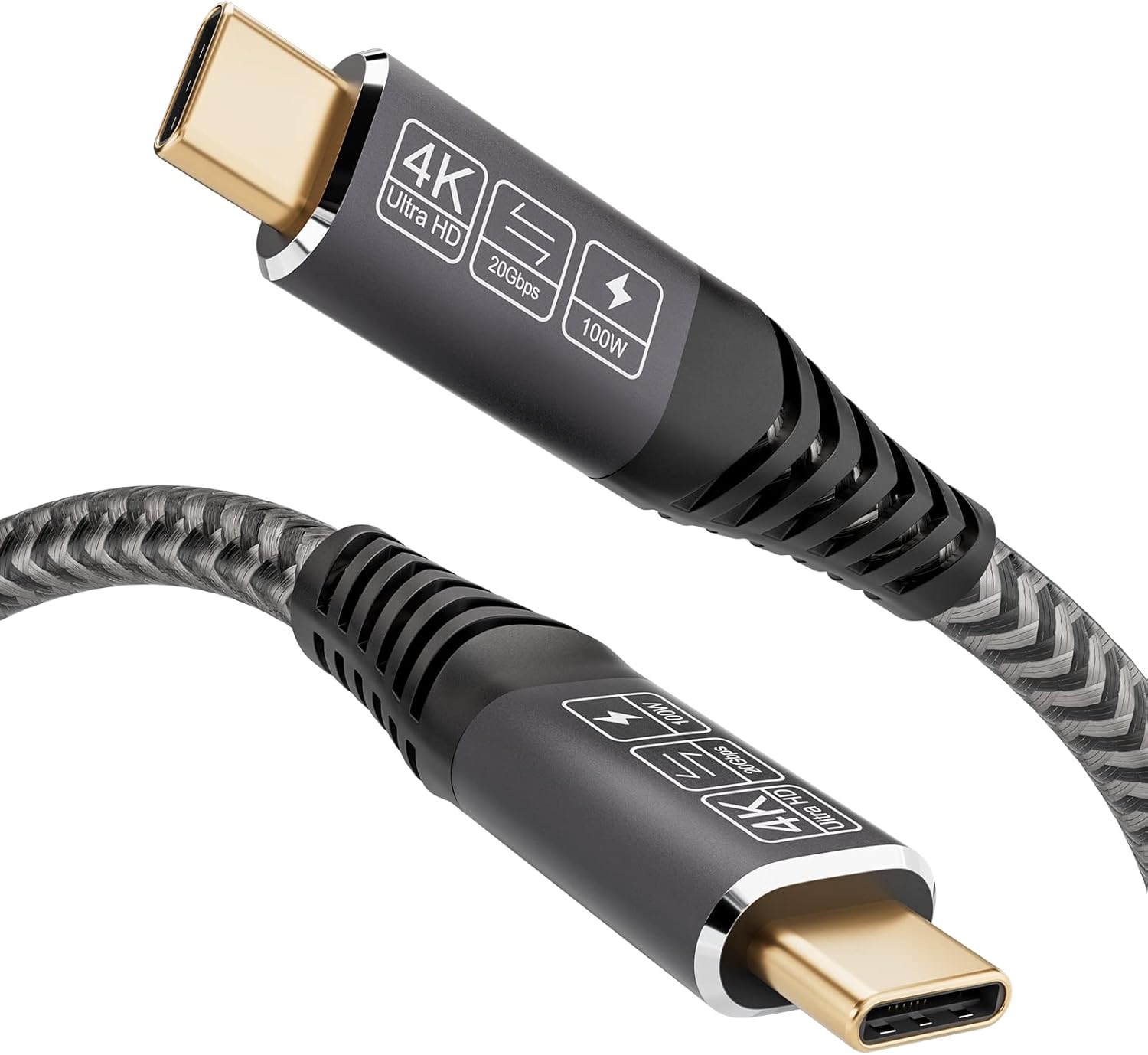
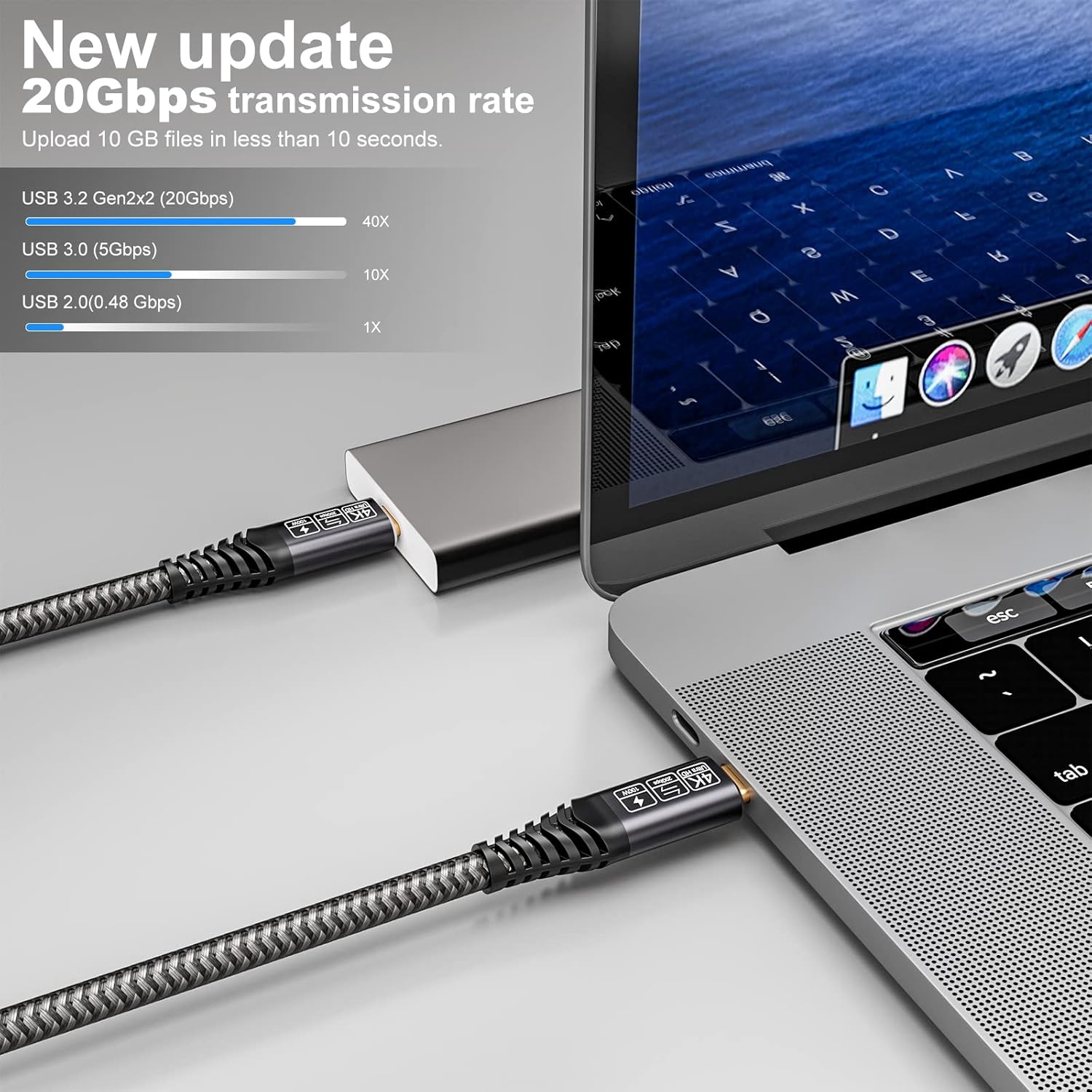
The standout promise here is 20Gbps data transmission under USB 3.2 Gen 2. If you connect an external SSD/HDD via USB-C, higher transfer speeds can be the difference between waiting and getting on with your work. The cable is also described as being USB-IF certified by the manufacturer’s claim, which is worth considering if you’ve previously had generic cables that felt inconsistent.
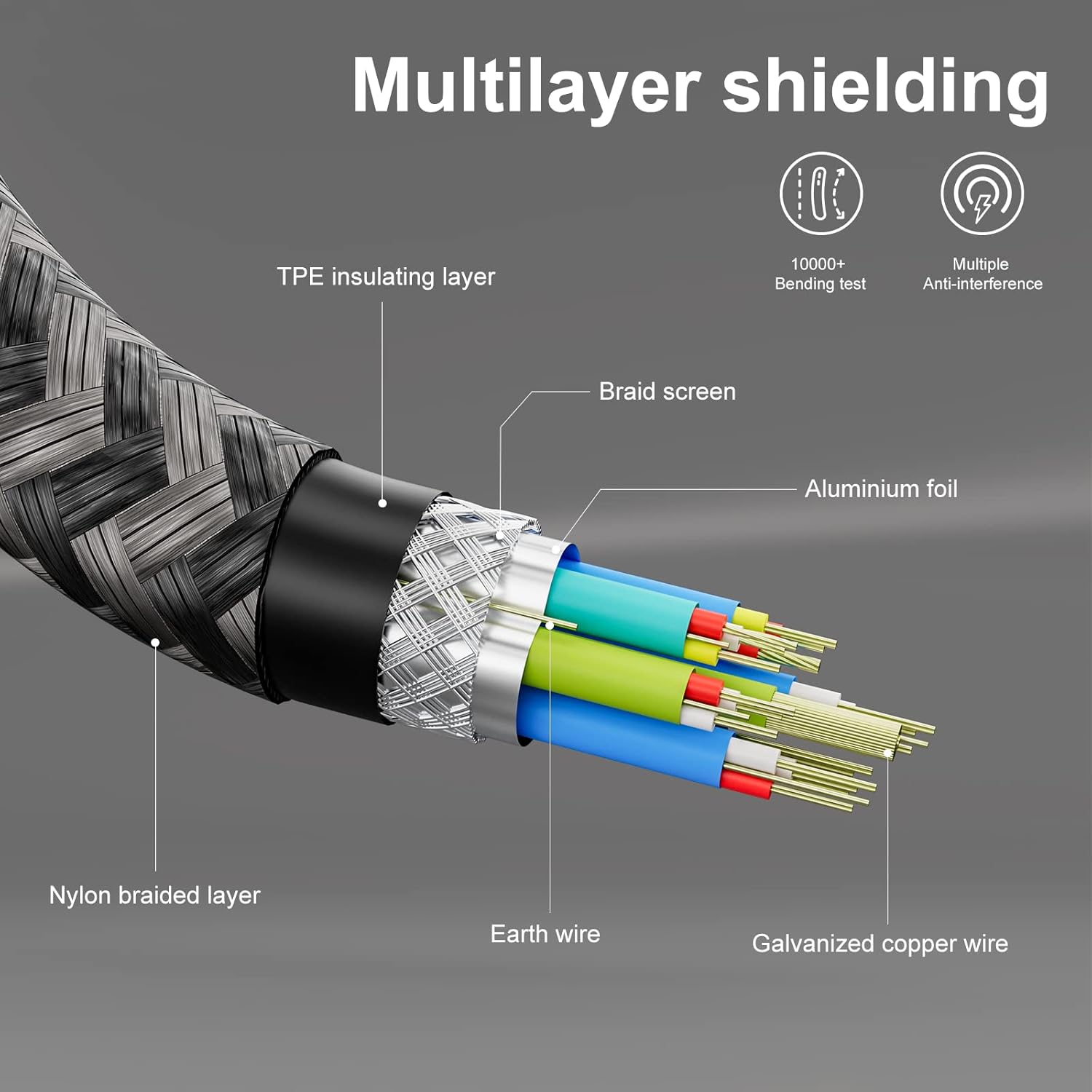
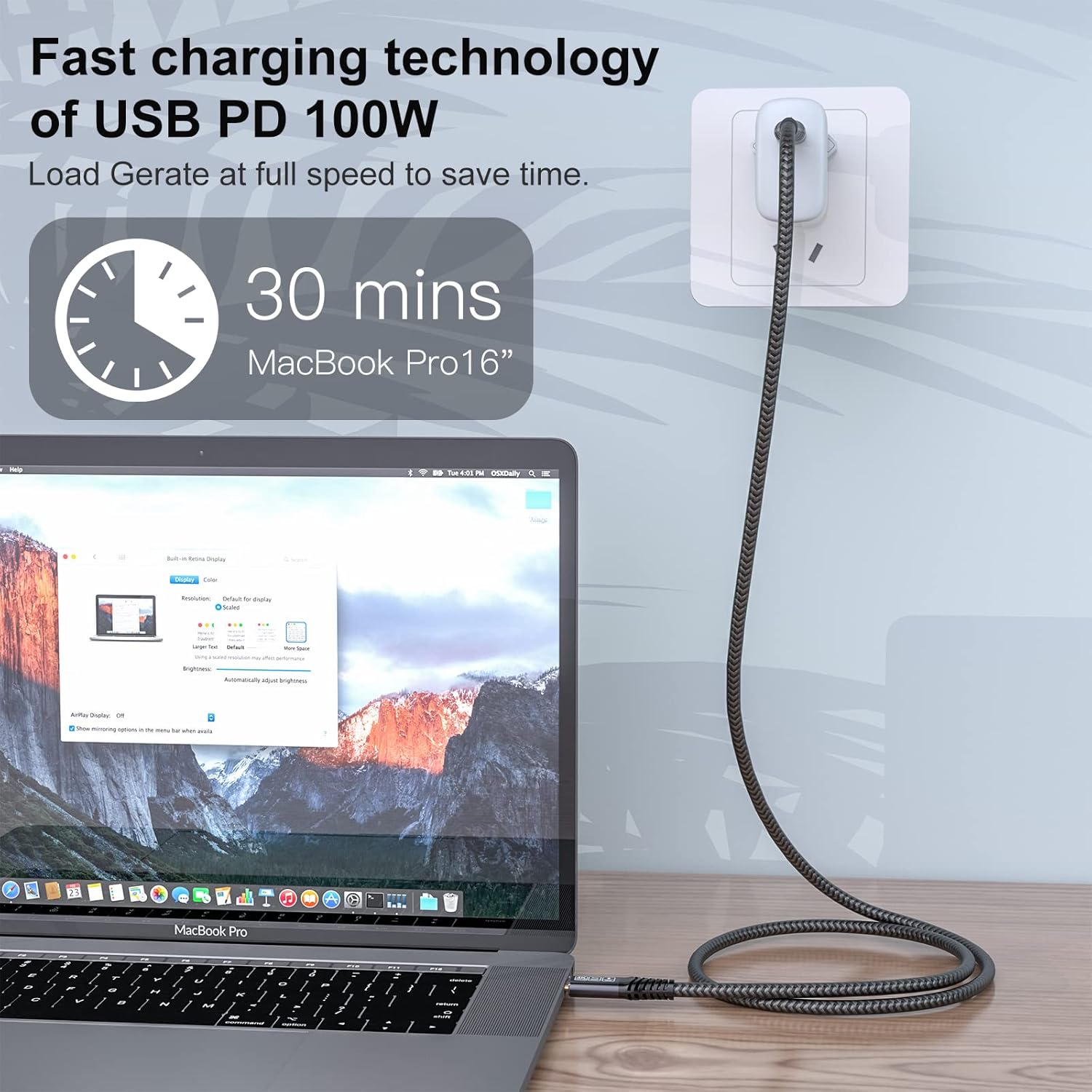
On charging, the listing targets 100W / 20V 5A fast charging. It also states the cable includes built-in “wisnertech chips” to handle the current (20V 5A) and to reduce losses during operation. There’s also mention of specific fast-charge standards support (Qualcomm QC 3.0/4.0+, Huawei SCP/FCP, Samsung AFC), which is useful for compatibility expectations—though the real-world speed still depends heavily on what your charger and device agree on.
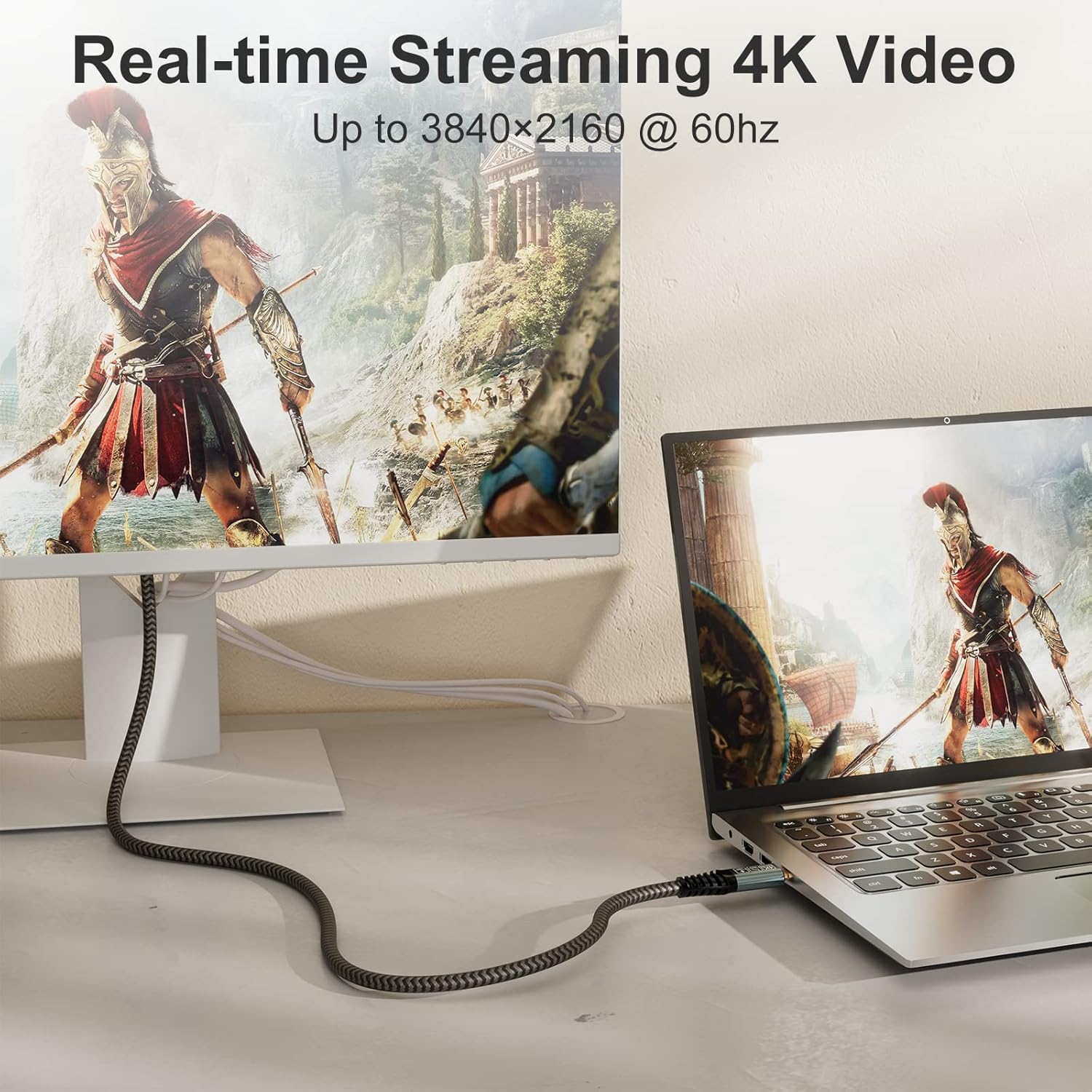
A third layer is 4K video output, with support up to 4K@60Hz (and also higher options listed like 2K@165Hz). The listing is clear that video requires the right device behaviour: a USB-C port that supports DP Alt mode.
What you’ll notice day to day
This cable is only 0.5m, which is both a strength and a limitation.
On the plus side, it’s great for tight desk setups: charging a laptop from a nearby outlet, keeping the cable tidy behind a monitor, or connecting a small external drive without excess slack. For commuters too, a shorter run can feel more controlled in a bag.
The limitation is obvious: if your plug socket is across the room, you’ll likely wish you had something longer. Also, if you’re setting up for display output, the short length may restrict placement—unless your dock or adapter sits close to your laptop.
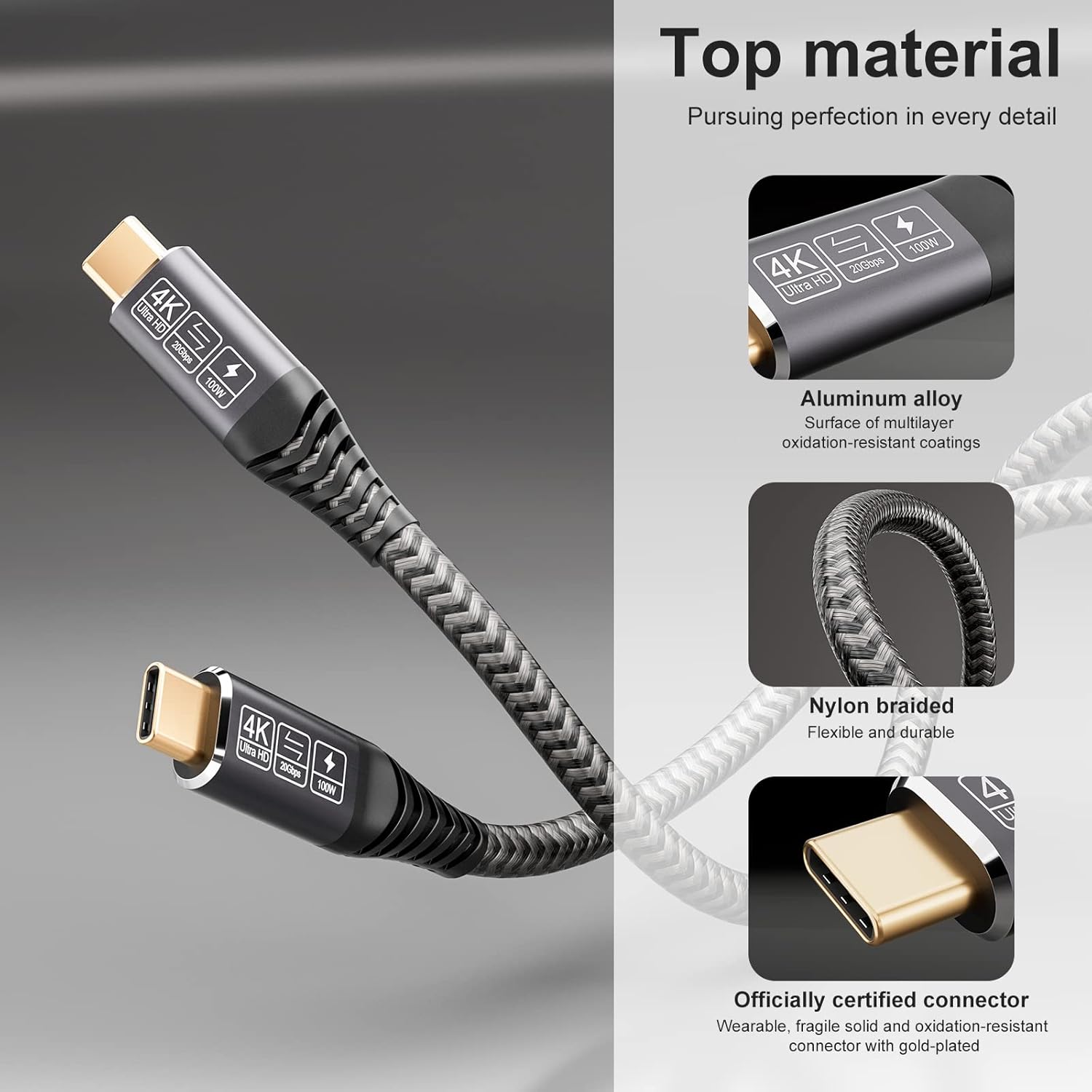
In terms of build, the connectors are nickel-plated, the housing is aluminium, and the jacket is nylon braided. The listing positions this as durable, more resistant to tangling, and better suited to frequent plugging/unplugging.
Compatibility notes (where it can get a bit picky)
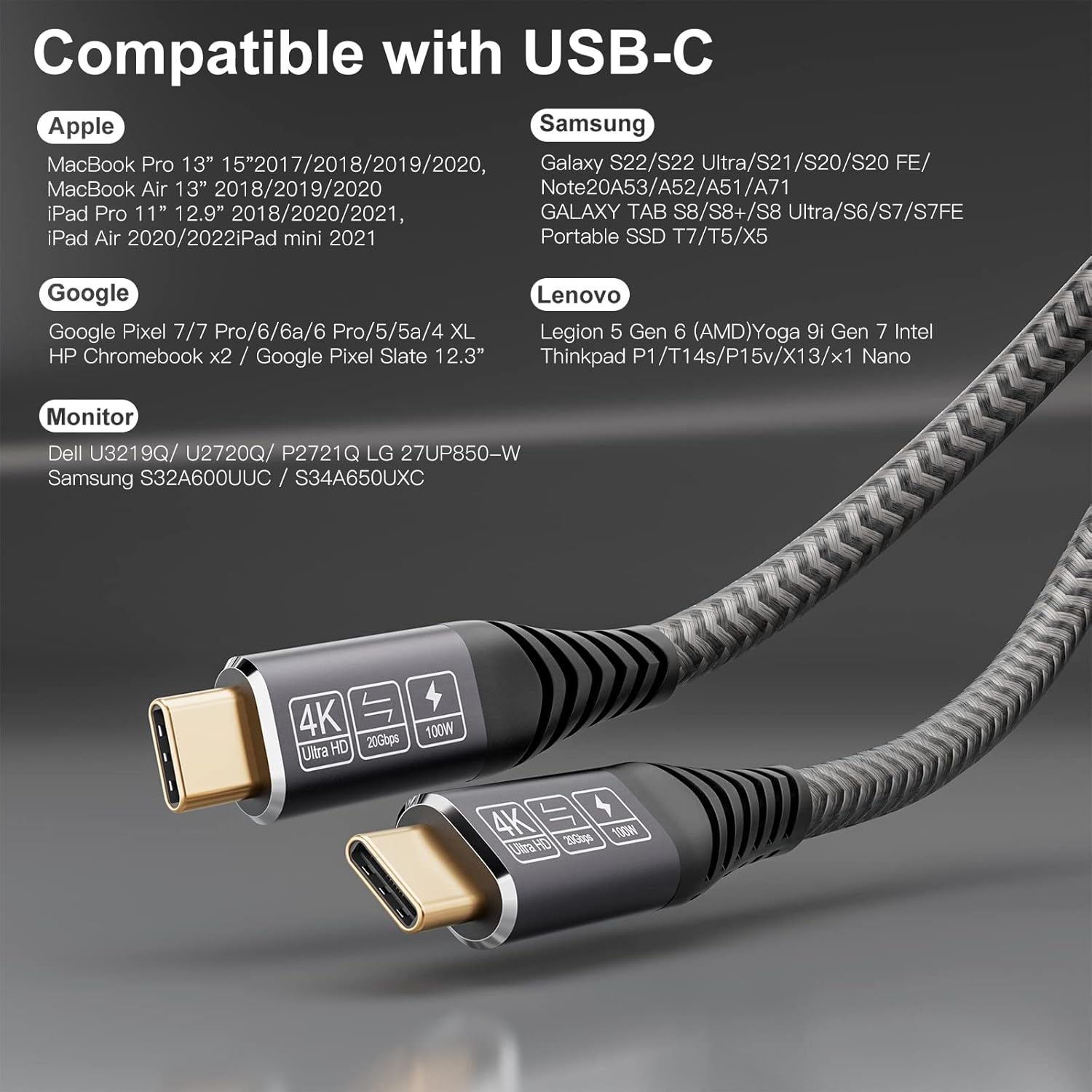
The cable is described as “universal compatibility” for a variety of laptops and mobile devices, including (as listed) MacBook Pro models, Samsung Galaxy devices, Huawei devices, and several others. That’s encouraging on paper.
However, it’s still worth being practical about the features:
- Charging speed: the cable can support up to 100W, but you only get fast charging if your charger and device support the same high-power profile.
- Video output: the listing explicitly notes you need a USB-C device that supports DP Alt mode. If your USB-C port doesn’t support it, the video claims won’t apply.
It’s not a deal-breaker, but it does mean you should confirm your device’s USB-C video capability before assuming you can plug and play.
Tech specs (from the product listing)
- Name: CAKOBLE Cable USB C To USB C 0.5M
- Type: USB-C to USB-C charging/data cable
- Format: USB 3.2 Gen 2
- Capacity: up to 100W (20V/5A)
- Data transmission: up to 20Gbps
- Video support: up to 4K@60Hz (also mentions 2K@165Hz)
- Charging-related support: Qualcomm QC 3.0/4.0+, Huawei SCP/FCP, Samsung AFC (as stated)
- Connector/build: nickel-plated connector, aluminium housing, nylon braided jacket
- Video requirement: USB-C port must support DP Alt mode (per listing)
Pros and cons to weigh up
What stands out - USB 3.2 Gen 2 positioning with up to 20Gbps, useful if you move large files. - Up to 100W fast charging support, which suits power-hungry laptops. - Video output option (up to 4K@60Hz), but only when DP Alt mode is available. - Braided nylon jacket and aluminium housing, which feels more “lived-in” friendly than flimsy budget cables.
Where you might want to think twice - The 0.5m length is convenient on a desk, but can be awkward if your charging point is far away. - Video output depends on DP Alt mode support—if you don’t have that on your device, you’re buying a charging/data cable, not a display cable.
Who it’s for (and who should probably skip it)
It makes sense if you want one compact USB-C cable for everyday laptop use: charging near your desk, quick file transfers to an SSD, and the occasional “hook up a monitor” moment when your equipment supports it.
It may not suit you if you: - need a long cable run (this one is short by design), - expect guaranteed video output from any USB-C port (DP Alt mode support is required), - only care about basic charging and don’t plan to take advantage of higher-speed data.
Mini FAQ
Does this cable support fast charging? The listing states it supports up to 100W with 20V/5A and references multiple fast-charge standards. Actual charging speed depends on your charger and device support.
Will it work as a monitor/TV display cable? Only if your USB-C port supports DP Alt mode. The listing explicitly says video output requires compatible devices.
How fast is the data transfer meant to be? It’s claimed up to 20Gbps under USB 3.2 Gen 2.
Is it durable for daily use? The product description mentions an aluminium housing, nickel-plated connectors, and a nylon braided jacket designed to be durable and less prone to tangling.
Is it worth it?
Worth considering if you’re shopping for a short USB-C to USB-C cable that can handle high-speed data transfers (up to 20Gbps), fast charging up to the stated 100W, and optional 4K video output where DP Alt mode is supported. It’s the kind of cable that fits well into a laptop-centric setup where you plug in often and want one lead to do multiple jobs.
It might not be a great match if you need a longer cable, or if you’re buying specifically for video output but aren’t sure your device’s USB-C port supports DP Alt mode. In those cases, you may end up paying for capabilities you can’t actually use.