

KIWI design H4 Halo Comfort Head Strap for Quest 3
Product description
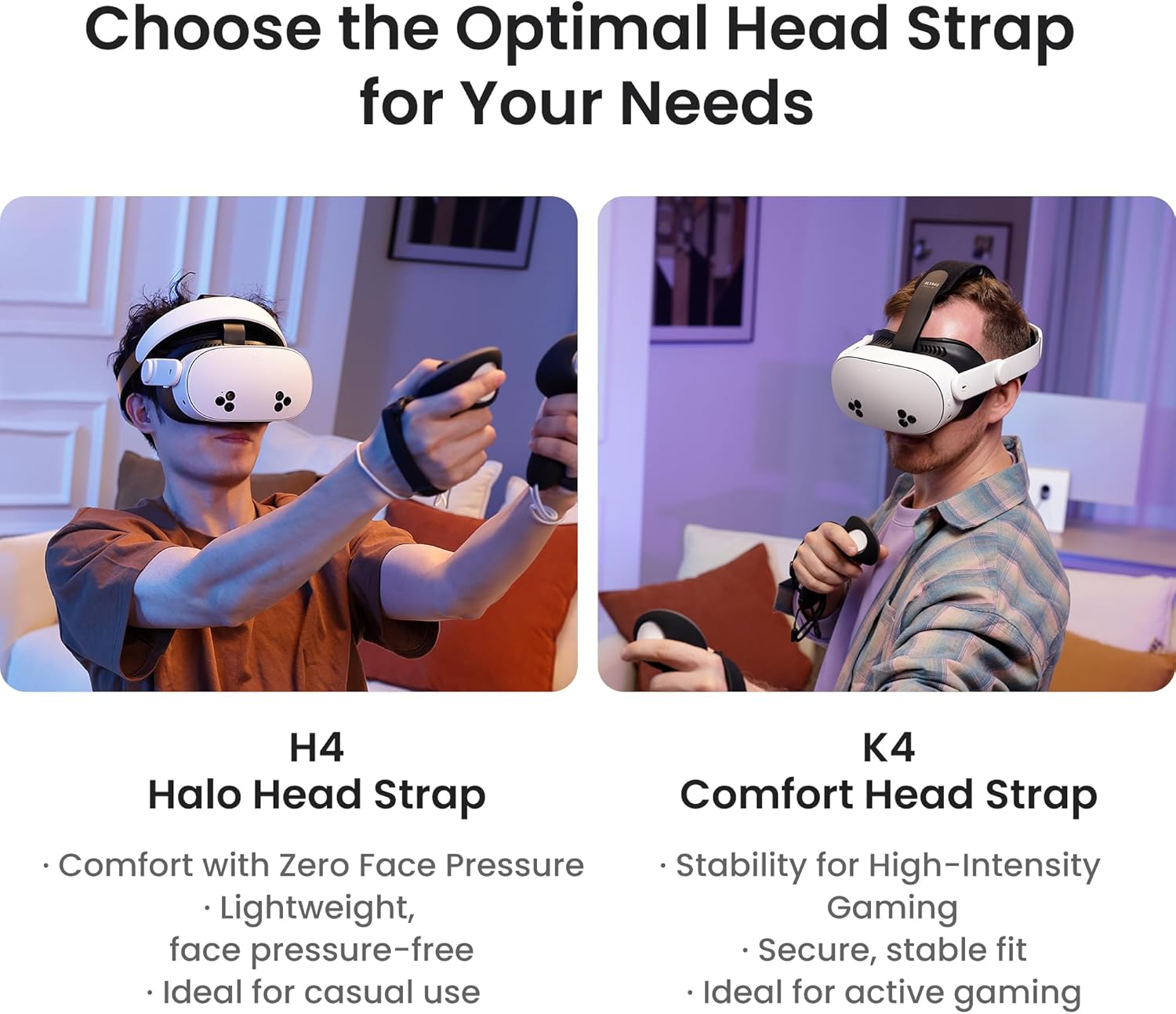
This halo comfort head strap upgrades the fit of Meta Quest 3 and Quest 3S headsets, redistributing weight to reduce facial pressure and make longer VR sessions more comfortable. It is built for viewers and gamers who want a more balanced fit and easier adjustment during use, and it can help improve immersion by aligning the headset for a clearer view. (halo head strap for Meta Quest 3)
Key Points
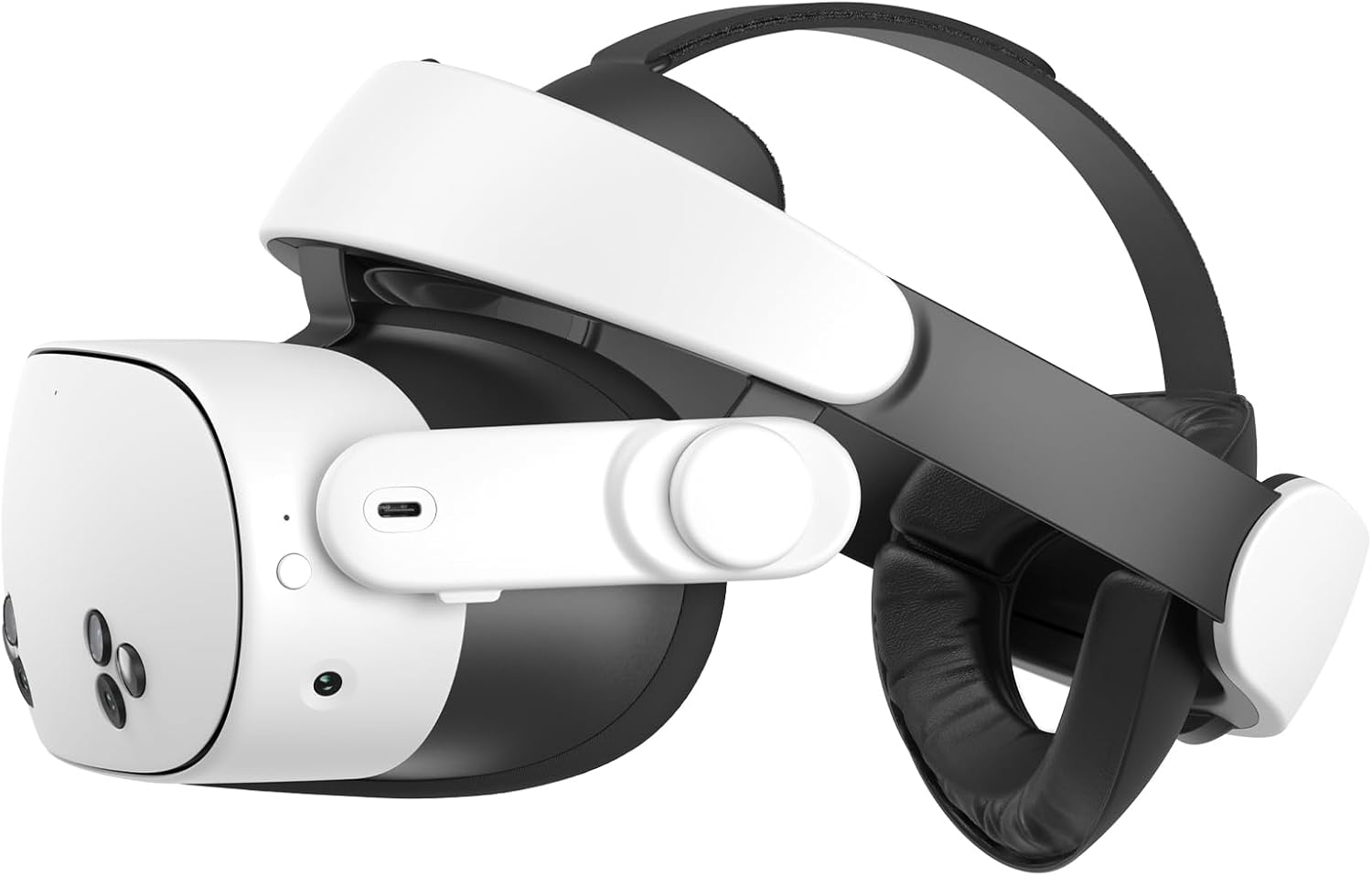
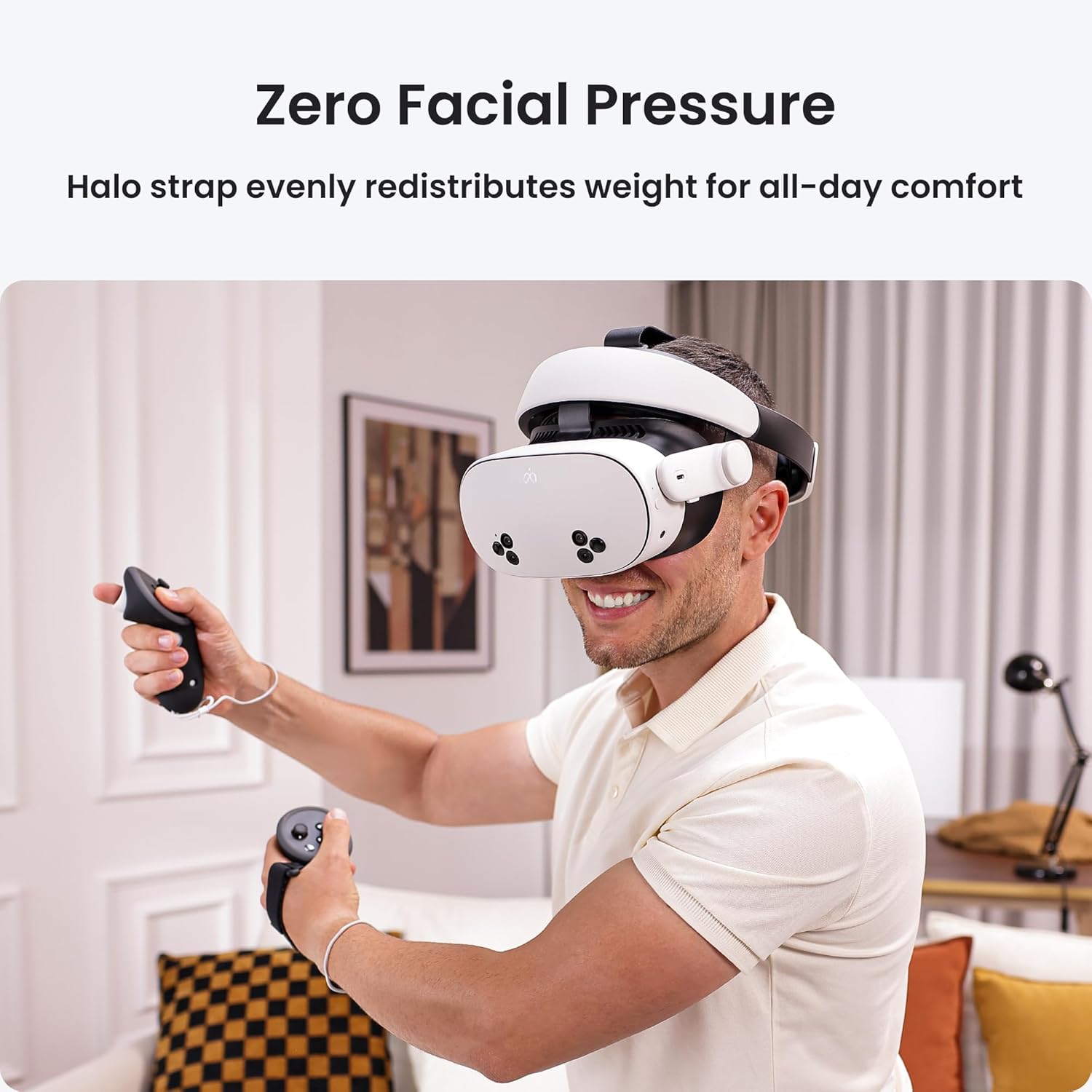
The front headrest adapts to the forehead and spreads the headset's weight away from the face for reduced pressure. This means less facial contact during extended sessions and the option to use the headset without the facial interface. Zero Facial Pressure is particularly useful when watching films or playing games for long periods.
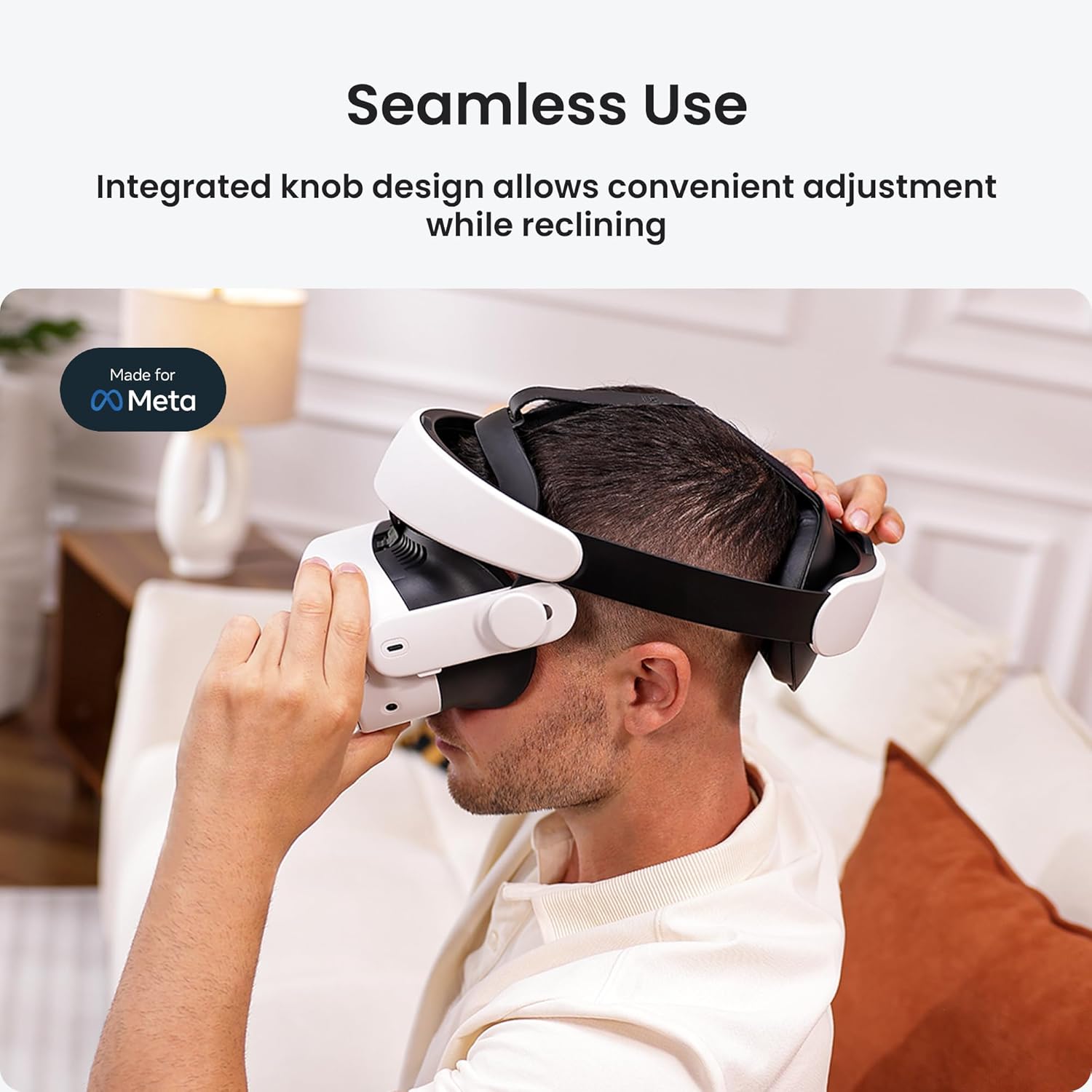
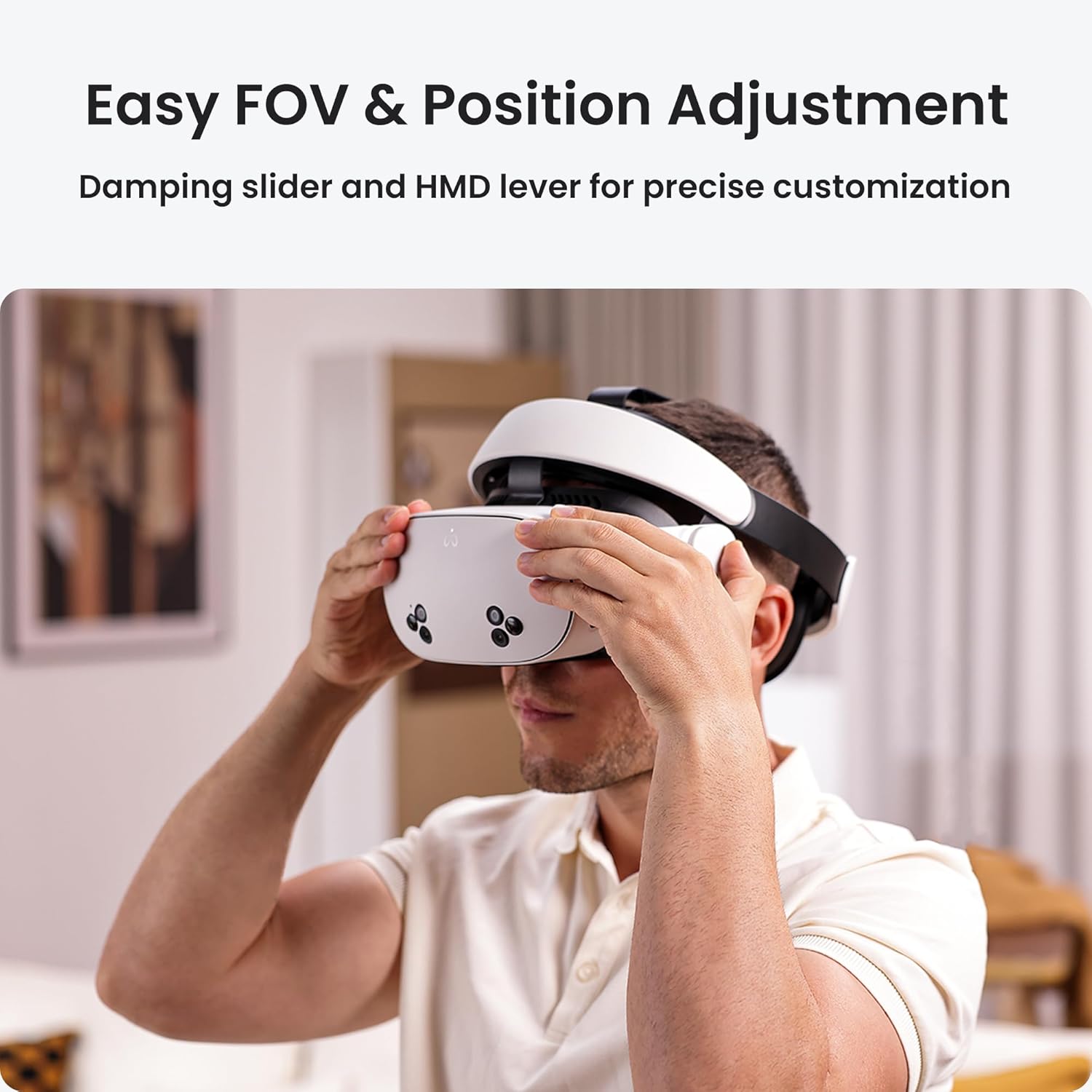
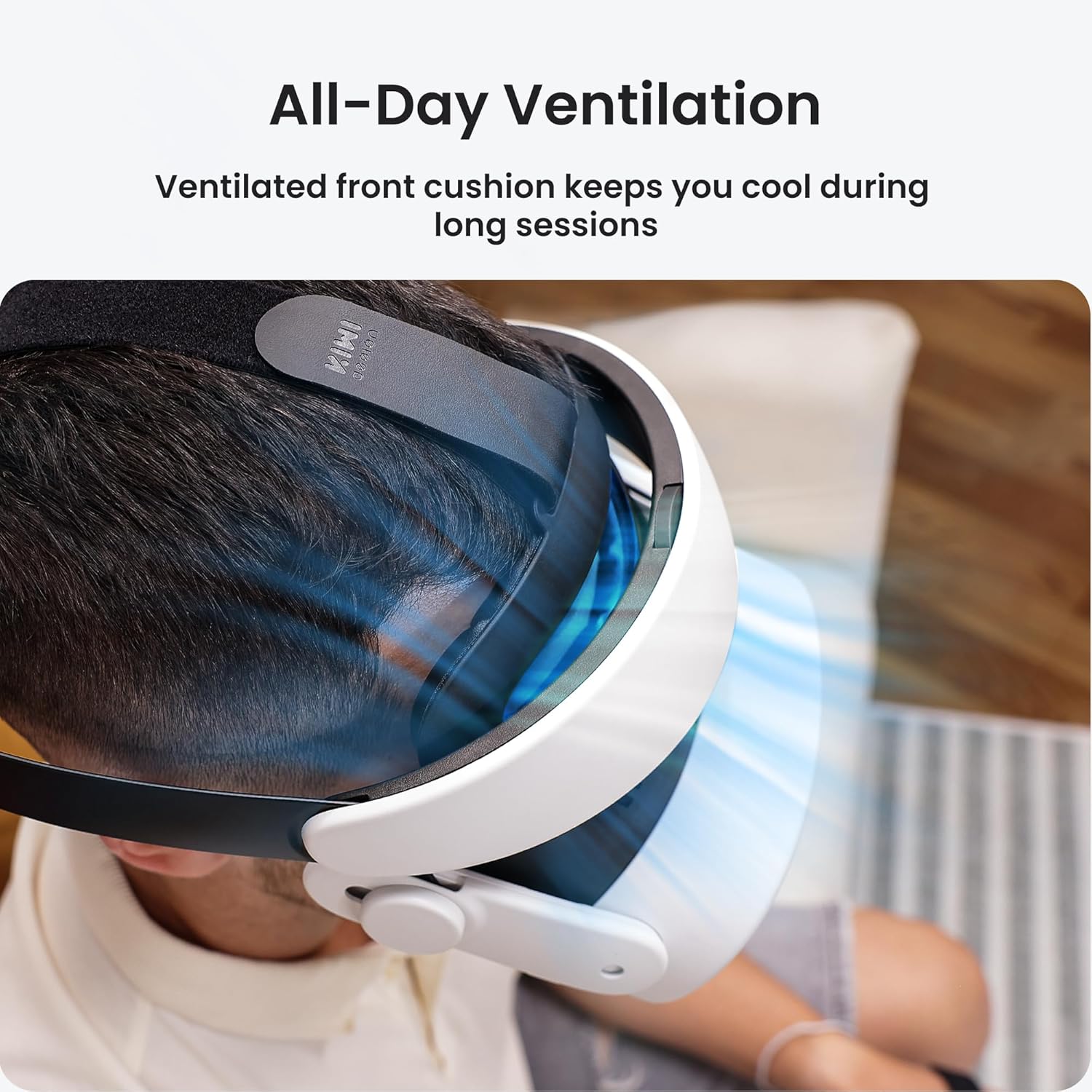
Adjustment is versatile with front-to-back sliding for field of view changes and a lever knob for up-and-down alignment. The elastic side straps, adjustable top strap and soft rear cushion allow a secure fit for a range of head sizes, which is handy when sharing the device between adults and children. All-Day Ventilation helps keep skin cool thanks to a self-adaptive fore cushion with ventilation channels, reducing sweat during intense play. 🎮
Consider that precise fit and comfort depend on individual head shape and headset configuration, according to the manufacturer. The strap improves lying-down comfort through a smoothing adjustment knob, but it does add a modest amount of mass to the headset assembly.
Technical Specifications
- Name: KIWI design H4 Halo Comfort Head Strap
- Compatibility: Meta Quest 3, Quest 3S
- Adjustment options: front-to-back sliding, up-and-down lever knob, elastic side straps, top strap
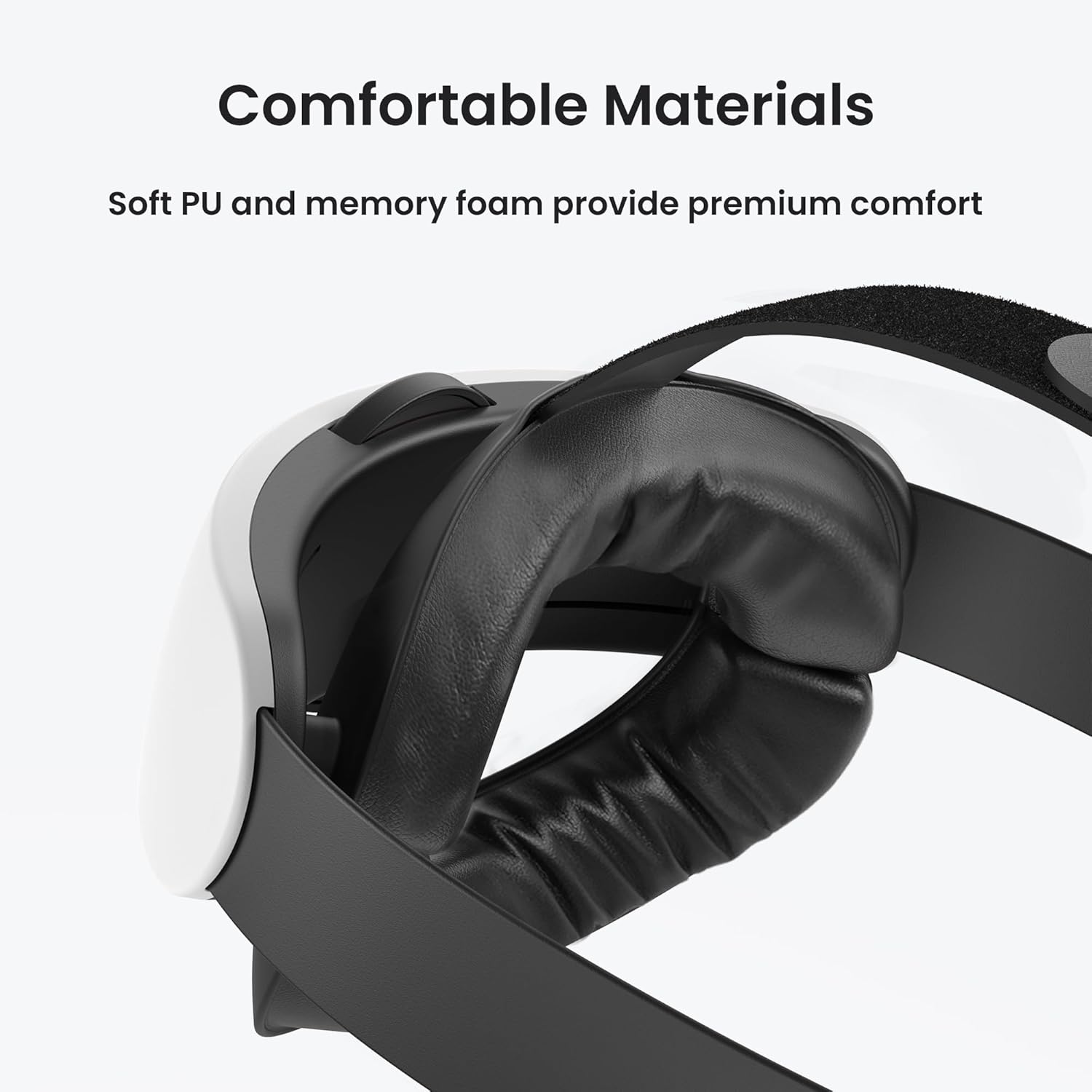
- Main materials: soft rear cushion, self-adaptive fore cushion with ventilation
- Colour: black (as supplied)
Usage Recommendations
For movie nights, start by loosening the side and top straps and then slide the front headrest to set the field of view. Tighten the lever knob to fine-tune vertical alignment and adjust the rear cushion for stability. When you switch between users, release the elastic straps and re-centre the cushion to maintain comfort for different head sizes. 🛋️
For longer gaming sessions try small incremental adjustments rather than large ones to find the best balance of pressure and image clarity. The ventilation design helps during active play, though you may still feel warmth during very long periods of use, so brief breaks are advisable. 🎧.