

KingOne Pencil for Apple iPad (2018–2026): Fast Charging, Palm Rejection and Magnetic Attachment
Product description
What it is
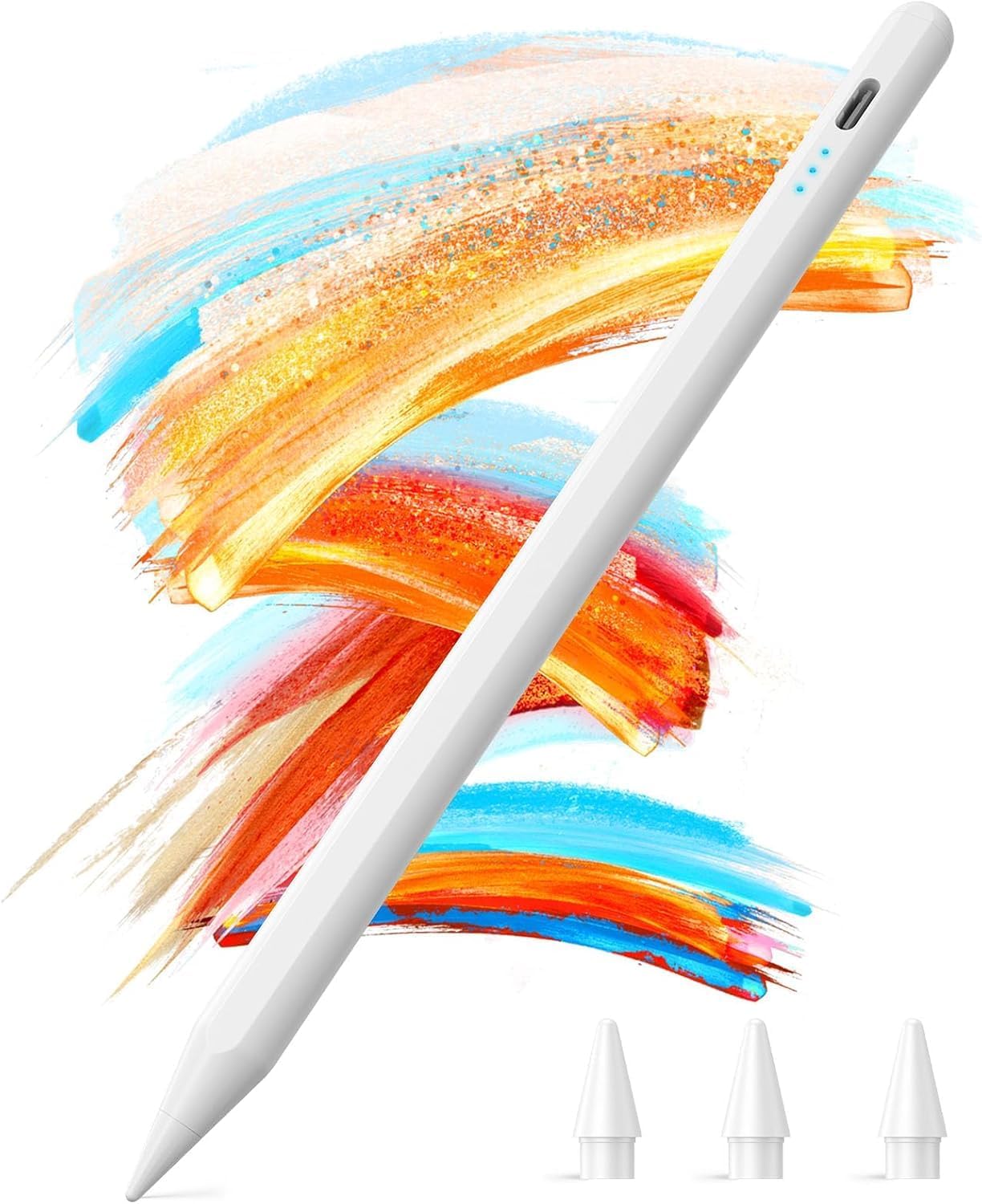
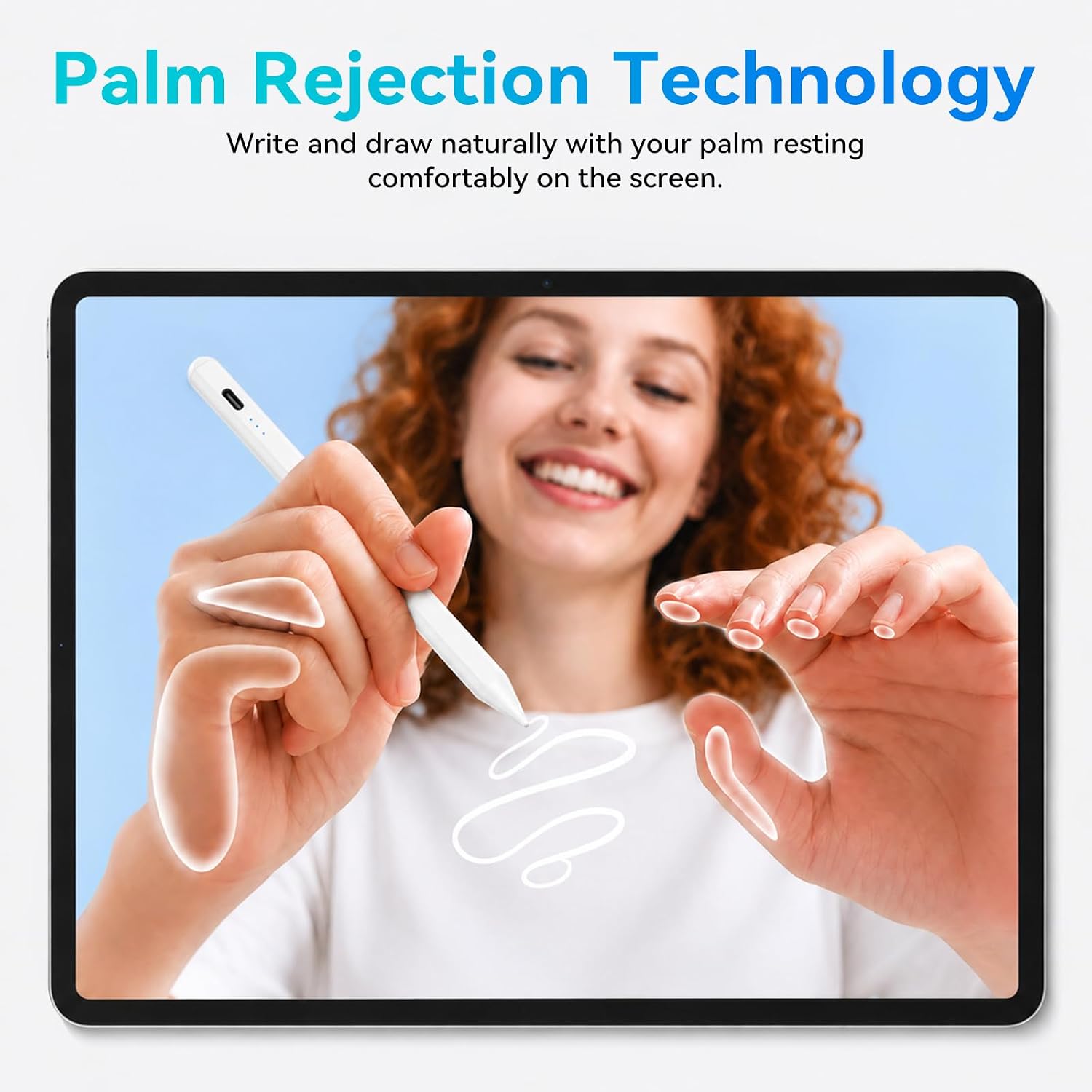
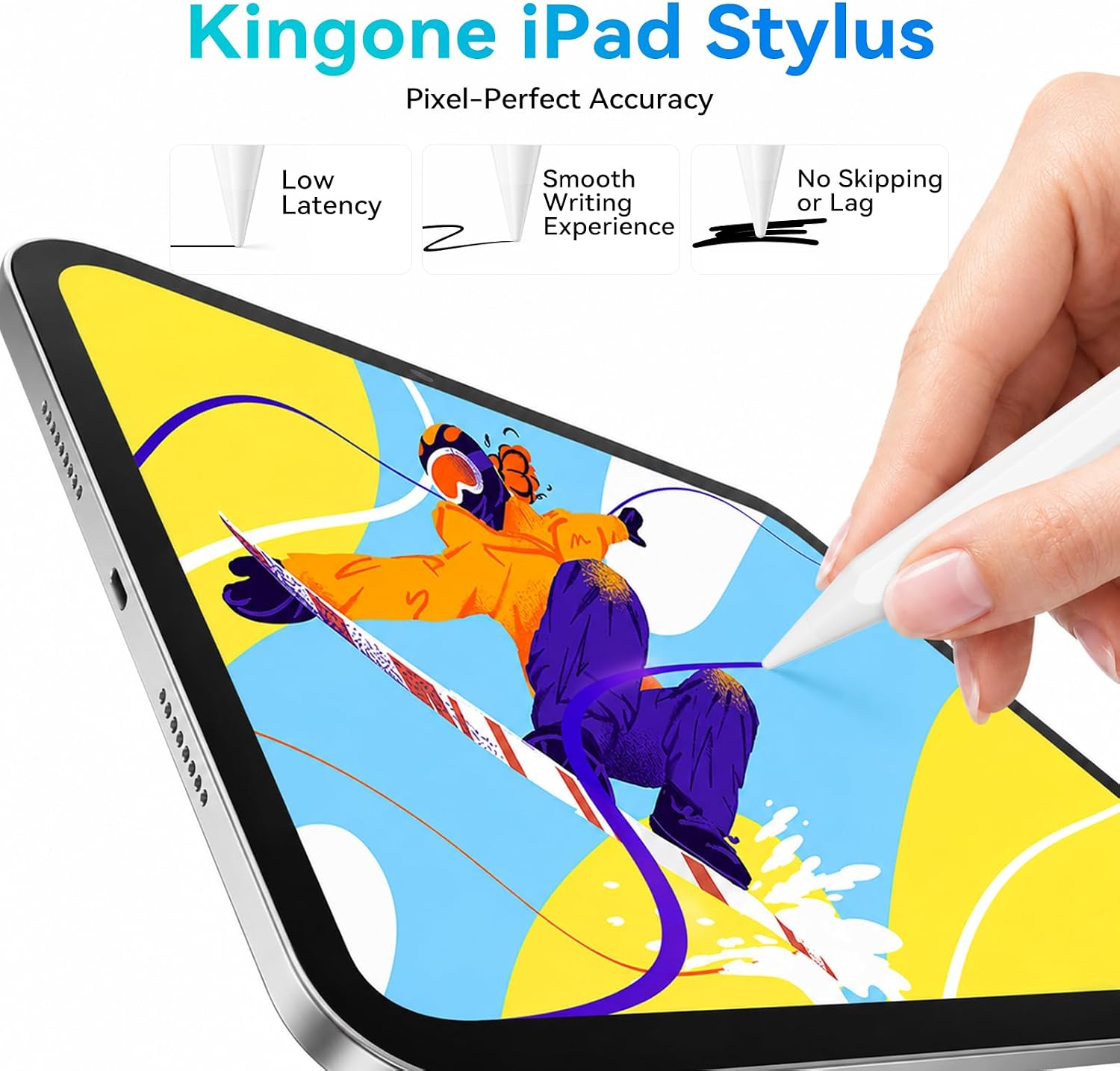
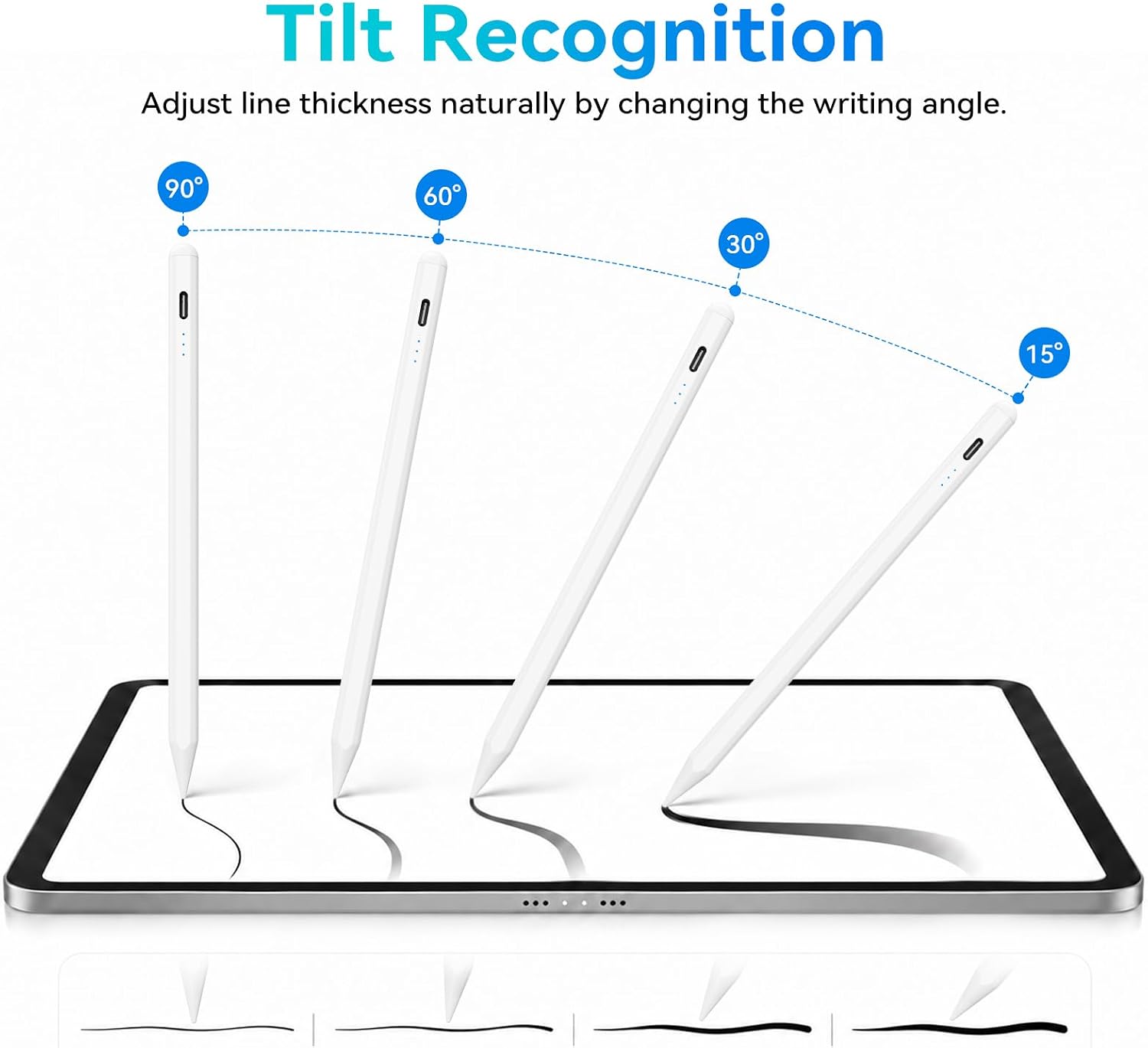
The KingOne stylus is a dedicated pencil designed for a wide range of iPad models from 2018 onward. It works without Bluetooth, relying on tilt recognition and a fine 1.5 mm tip to deliver precise lines for drawing, note‑taking and light design work. It also features palm rejection and a magnetic mechanism to keep the pen in place when not in use.
How it performs
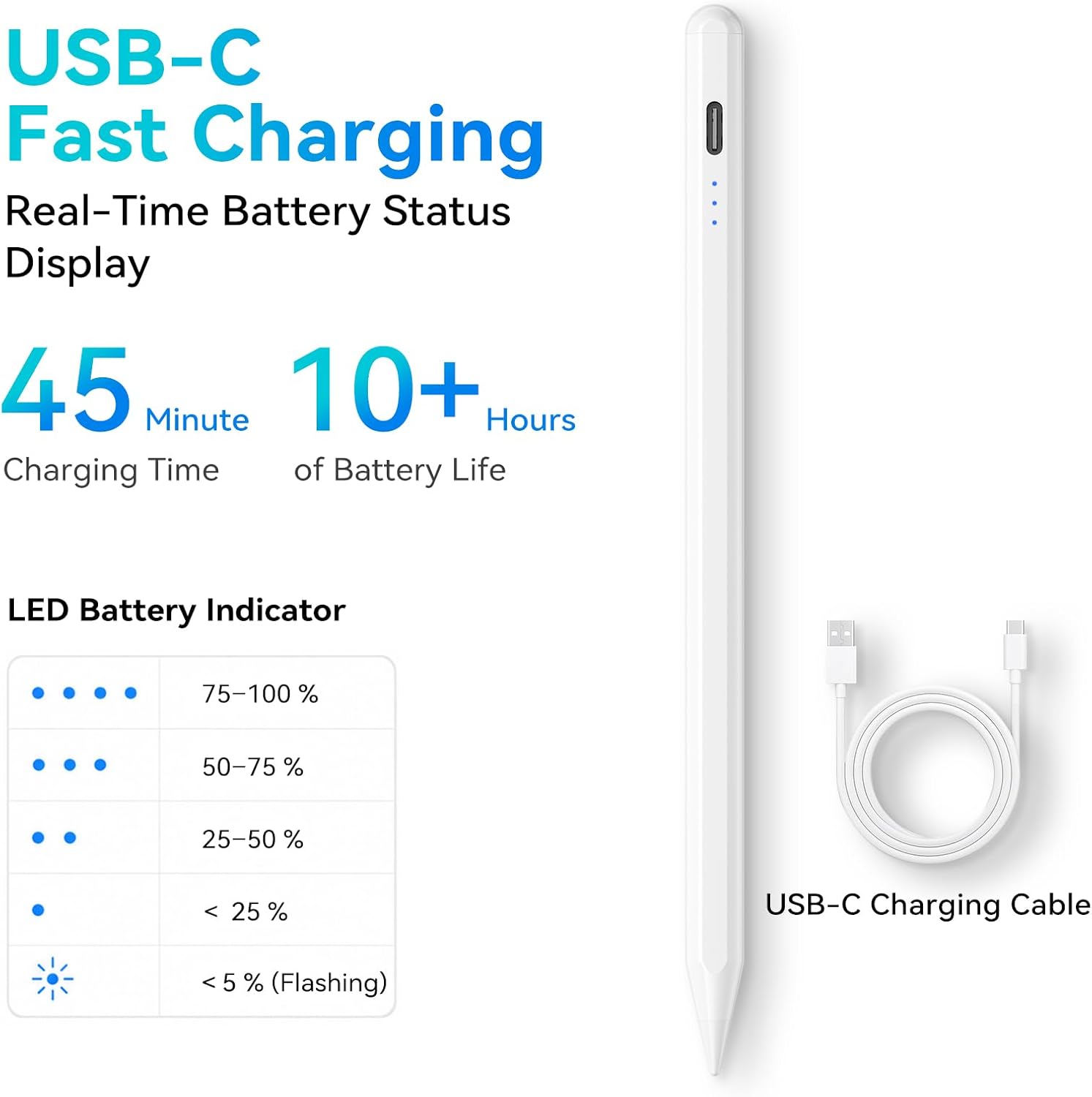
On paper, the standout feature is rapid charging: a 45‑minute top‑up can provide up to 10 hours of uninterrupted use. A small caveat is that the device auto shuts off after 90 minutes of inactivity, so you’ll want to switch it off manually if you’re done for the day to conserve the battery. The tip and chassis are built for responsive control, with tilt sensitivity enabling variable line width for sketching and shading. It’s worth noting that the tilt is recognised for line variation, while there is no pressure sensitivity—so it’s best suited to quick sketches and note‑taking rather than pressure‑driven illustration.
What stands out
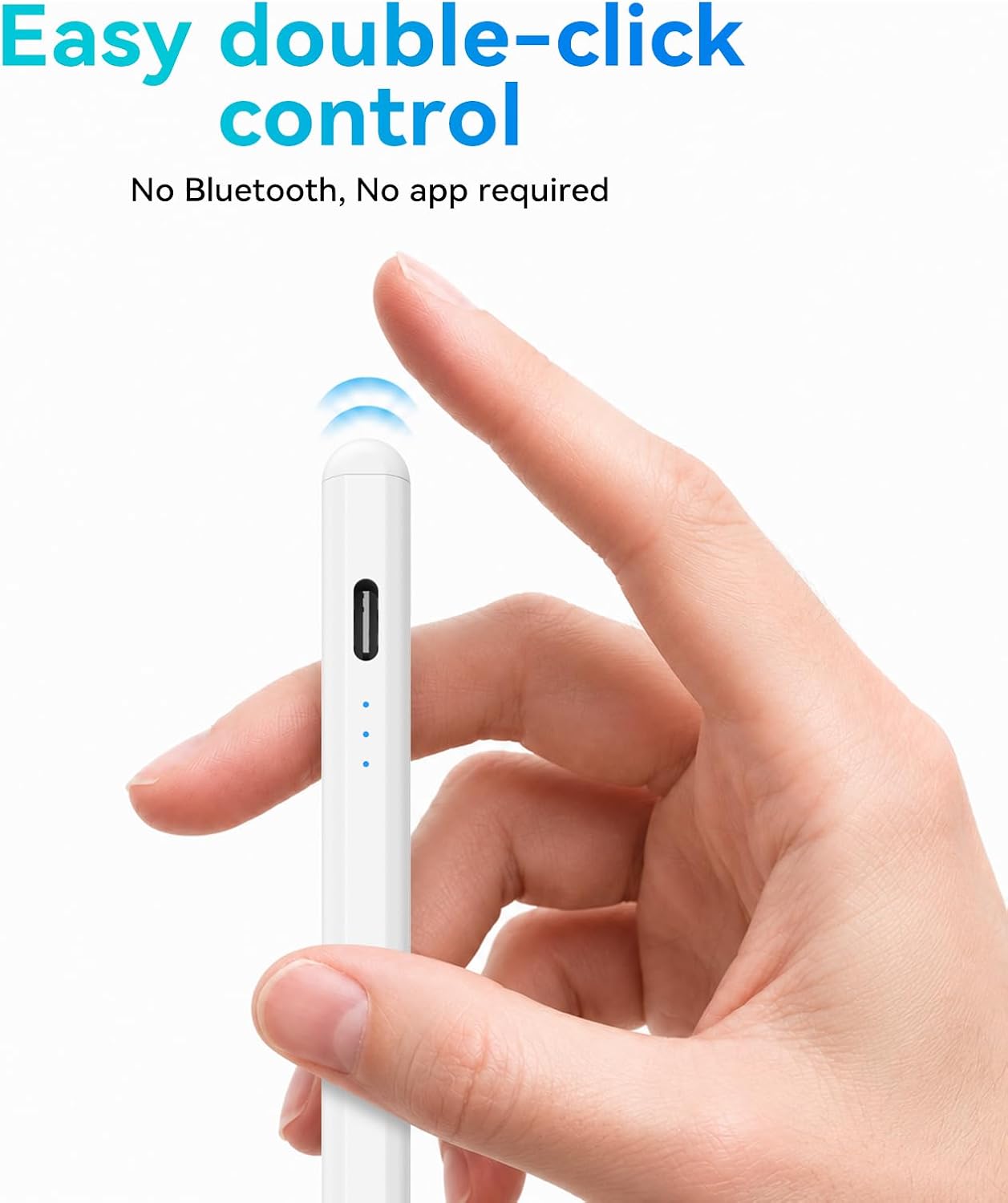
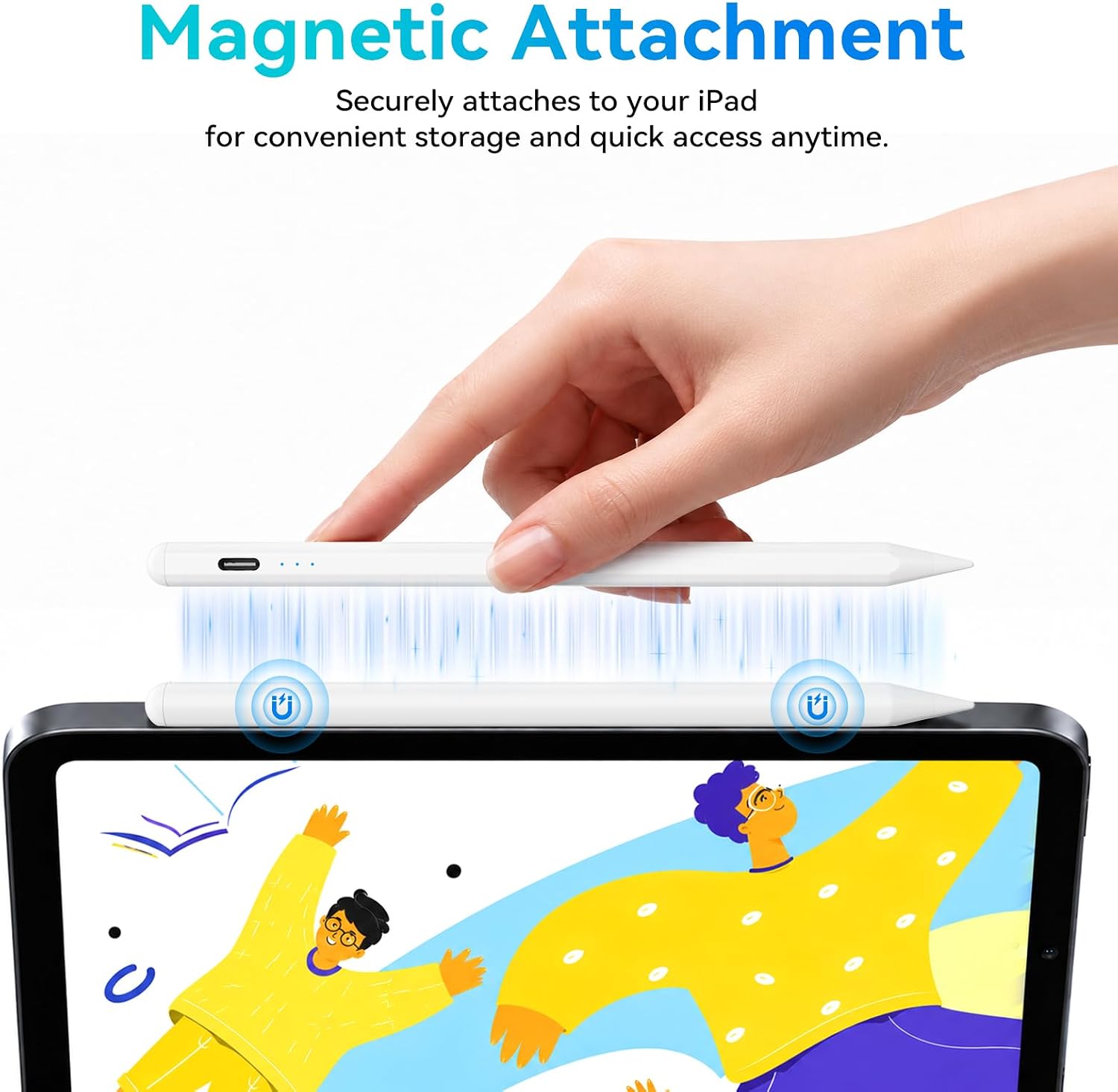
The absence of a Bluetooth pairing requirement simplifies setup and reduces potential compatibility issues. Magnetic attachment helps the stylus stay put on the go, and palm rejection makes long writing sessions more comfortable, including for left‑handed users. The kit includes extra tips and a USB‑C charging cable, which adds value beyond the basic stylus.
Who it’s for
If you prioritise a tool that’s straightforward to use with a broad iPad range from 2018 onwards, and you want a pen that charges quickly and stays attached, this KingOne model could fit well. It’s particularly practical for students, casual artists, jotters and professionals who do quick ideation, diagramming or annotating documents.
Who it isn’t for
This stylus isn’t the best fit if you rely on pressure sensitivity for nuanced artwork or if you use pre‑2018 iPad models. It also won’t replace a dedicated drawing tablet for heavy graphic design work, where true pressure and tilt systems are often valued more highly.
When it makes sense to buy
Consider this model if you want a low‑friction setup that’s easy to start using right away, and you’d benefit from a fast charge cycle and convenient magnetic storage. It’s a sensible option when you need a reliable note‑taking companion or occasional drawing tool that can travel light between home, office, or campus.
What to check before buying
- Confirm your iPad model and generation align with the compatible list (2018 models and newer, across iPad Pro, Air, Mini and standard iPad lines).
- Expect tilt for line variation but not pressure sensitivity, plan for quick sketches rather than detailed brushwork.
- Review charging habits: remember to switch off after use to extend battery life, since auto shut‑off occurs after 90 minutes of use.
How it compares to other approaches
If you already use a non‑bluetooth stylus or value plug‑and‑play simplicity, this model can be appealing. For users wanting true pressure sensitivity or a more feature‑dense experience, a higher tier stylus with pressure support might be preferable. In daily use, the combination of palm rejection, quick charging and magnetic attachment offers practicality for on‑the‑go tasks without extra pairing steps.
Is it worth it?
Final verdict: Worth considering if you prioritise quick charging, easy setup and consistent palm rejection in an iPad‑friendly form factor. It may fall short for heavy illustrators who rely on pressure sensitivity and more nuanced stroke control, or for those with older iPads outside the compatibility range.
FAQ
- Does it require Bluetooth pairing? No, it operates without Bluetooth.
- How long does the battery last after a full charge? Up to 10 hours of continuous use, with a 45‑minute fast charge.
- Is there pressure sensitivity? No, tilt sensitivity is supported, but not pressure sensitivity.
- Can left‑handed users use palm rejection effectively? Yes, palm rejection is designed to support natural resting of the hand during writing.