

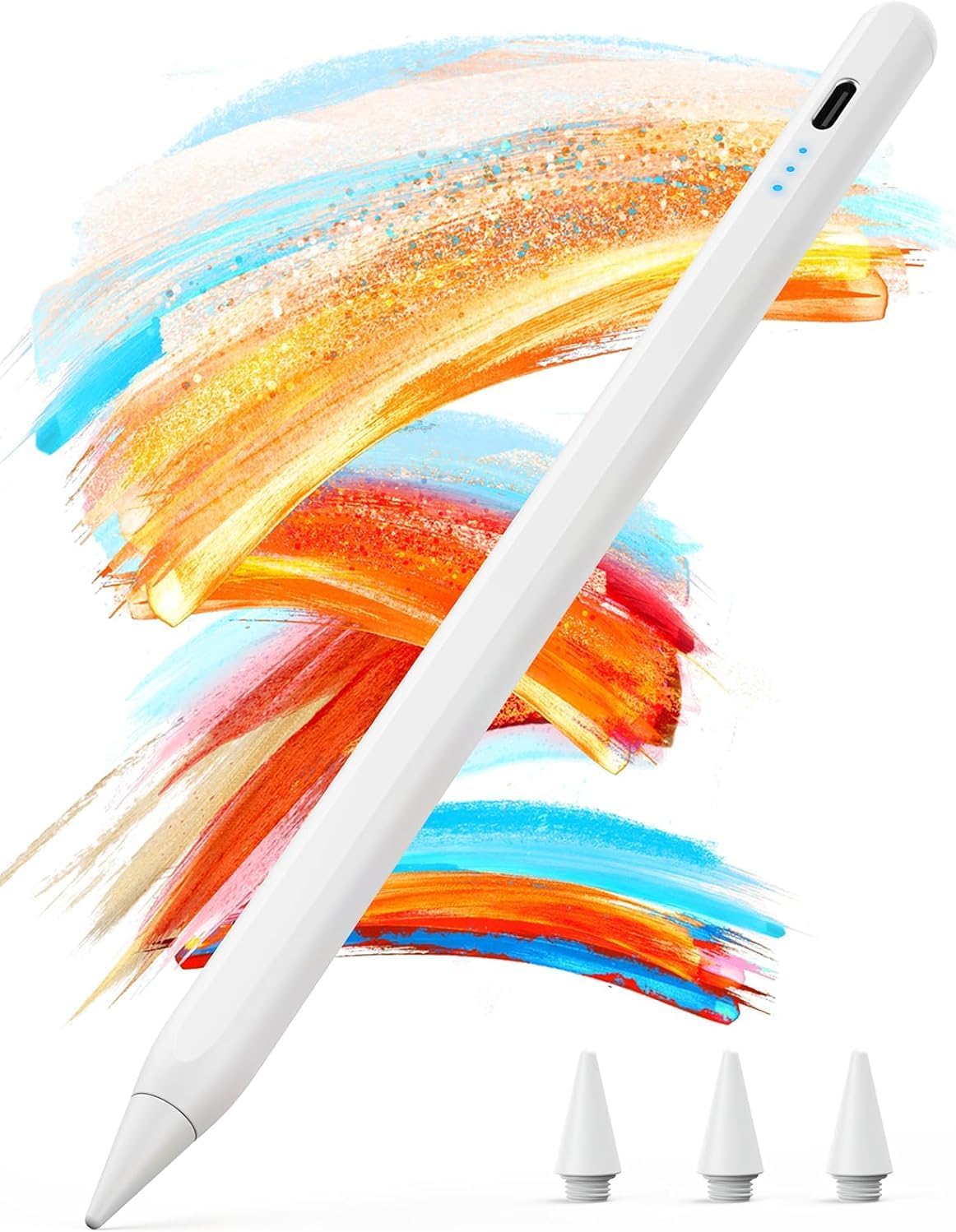
Kingone Apple iPad Pencil Stylus Pen
Product description
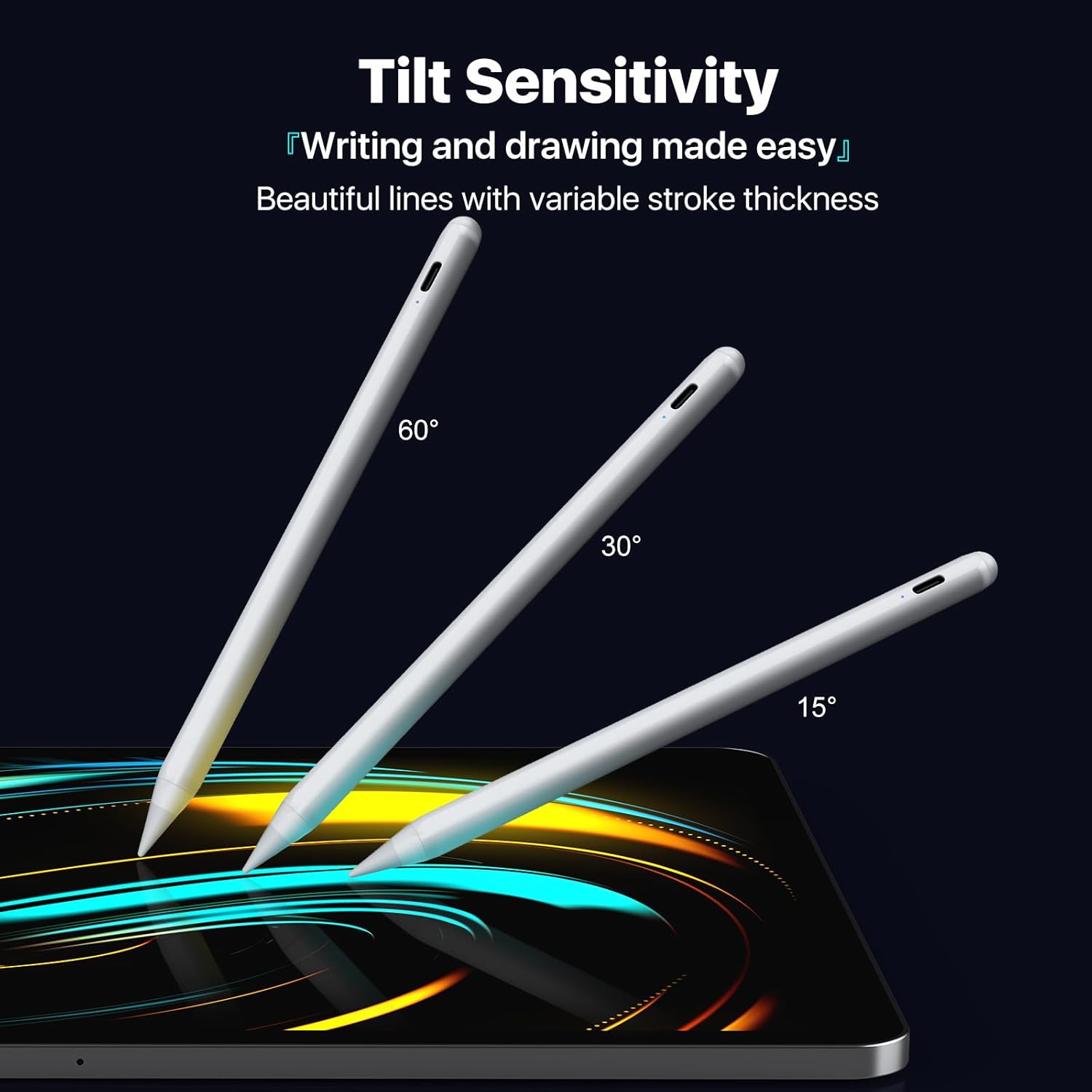
A stylus pen makes iPad note taking and sketching feel far more natural, especially when you want fine control without switching apps or tools. This Kingone pencil is built for iPad models from 2018 onwards, pairing fast charging with palm rejection so you can write in a more confident, natural way. It also supports tilt sensitivity for line variation, which is helpful for detailed drawings and more expressive handwriting. ⚡✍️
If you use your iPad for study, work, or creative sessions, you will likely appreciate the practical features that reduce interruptions, like the automatic sleep mode and quick top ups. It is also designed to attach securely using magnets, which makes it simpler to keep the stylus on-hand when you are moving between rooms or commuting. When you want a stylus that responds smoothly and stays out of your way, this is the kind of accessory that fits into everyday routines.
Key points
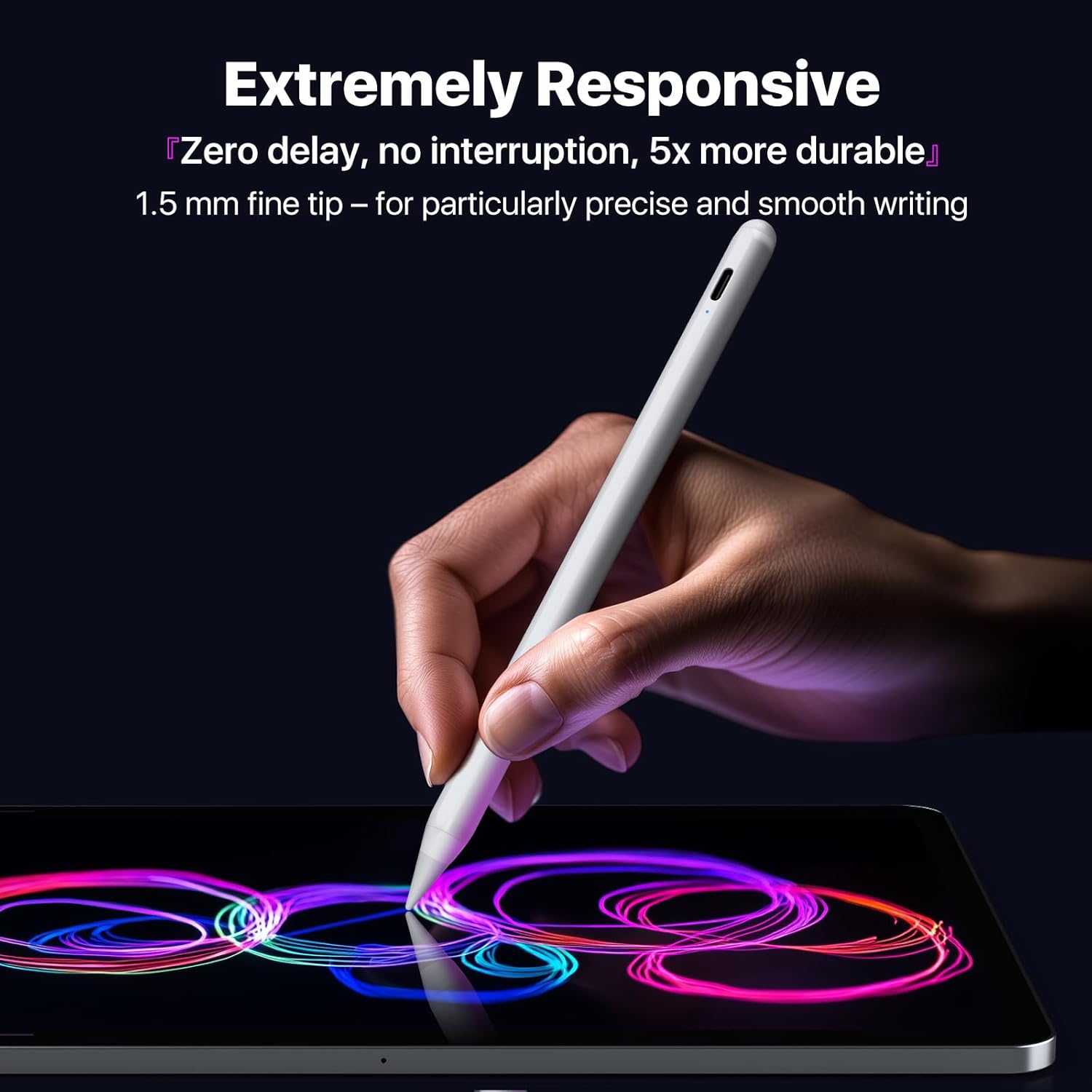
With the Kingone pencil for iPad, the focus is on day to day usability. Tilt sensitivity helps you create different line thickness by simply changing the angle of the stylus, which can be useful for more detailed work such as technical drawings or expressive colouring. The ultra fine 1.5 mm tip is designed to support precise input, so your marks feel controlled rather than scratchy. 🖊️
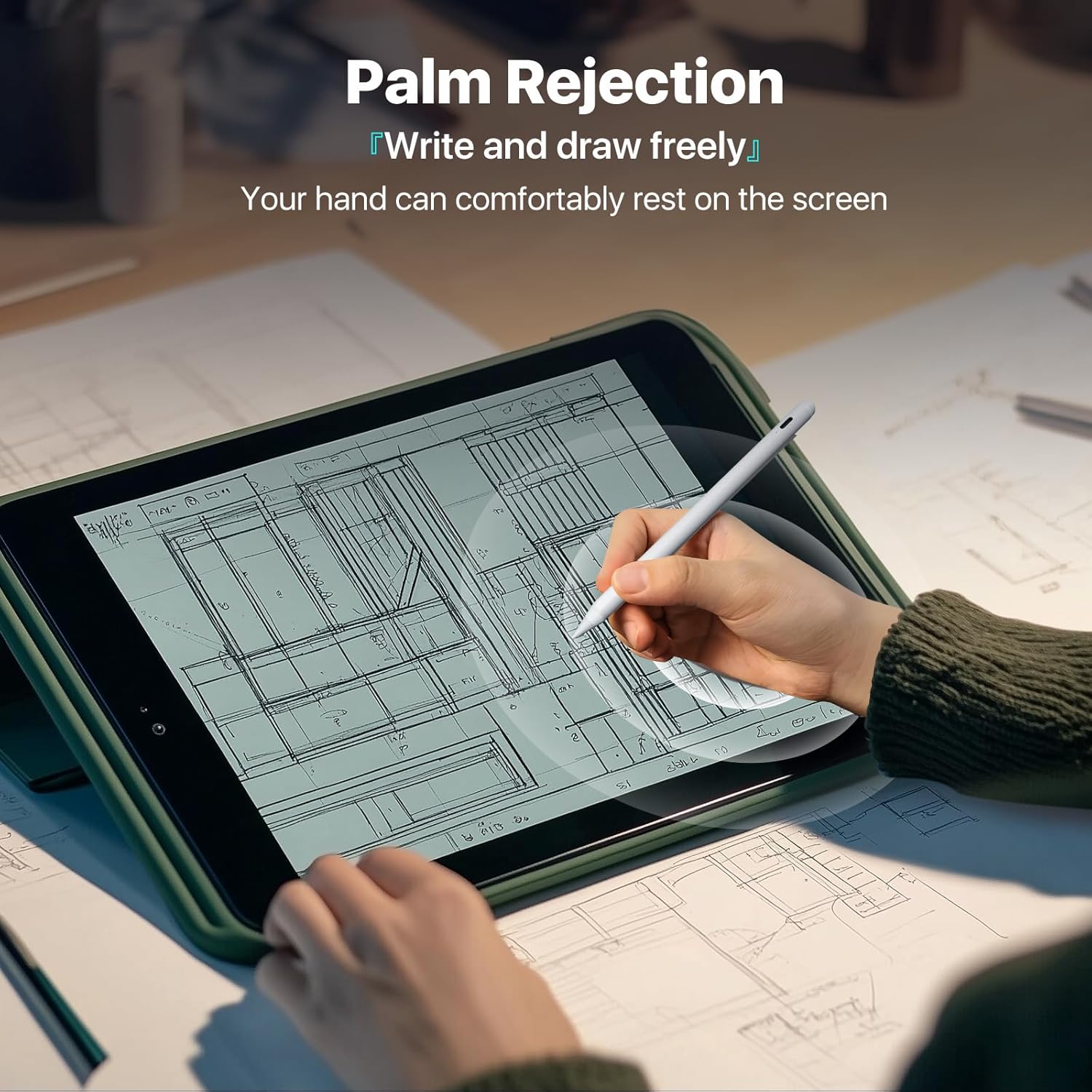
Palm rejection is another key advantage for longer writing sessions. Instead of the screen interpreting your hand as input, the stylus is intended to let you rest your palm more naturally while you write. That means fewer accidental marks, which is especially useful during meetings, lectures, or when you are filling in notes quickly.
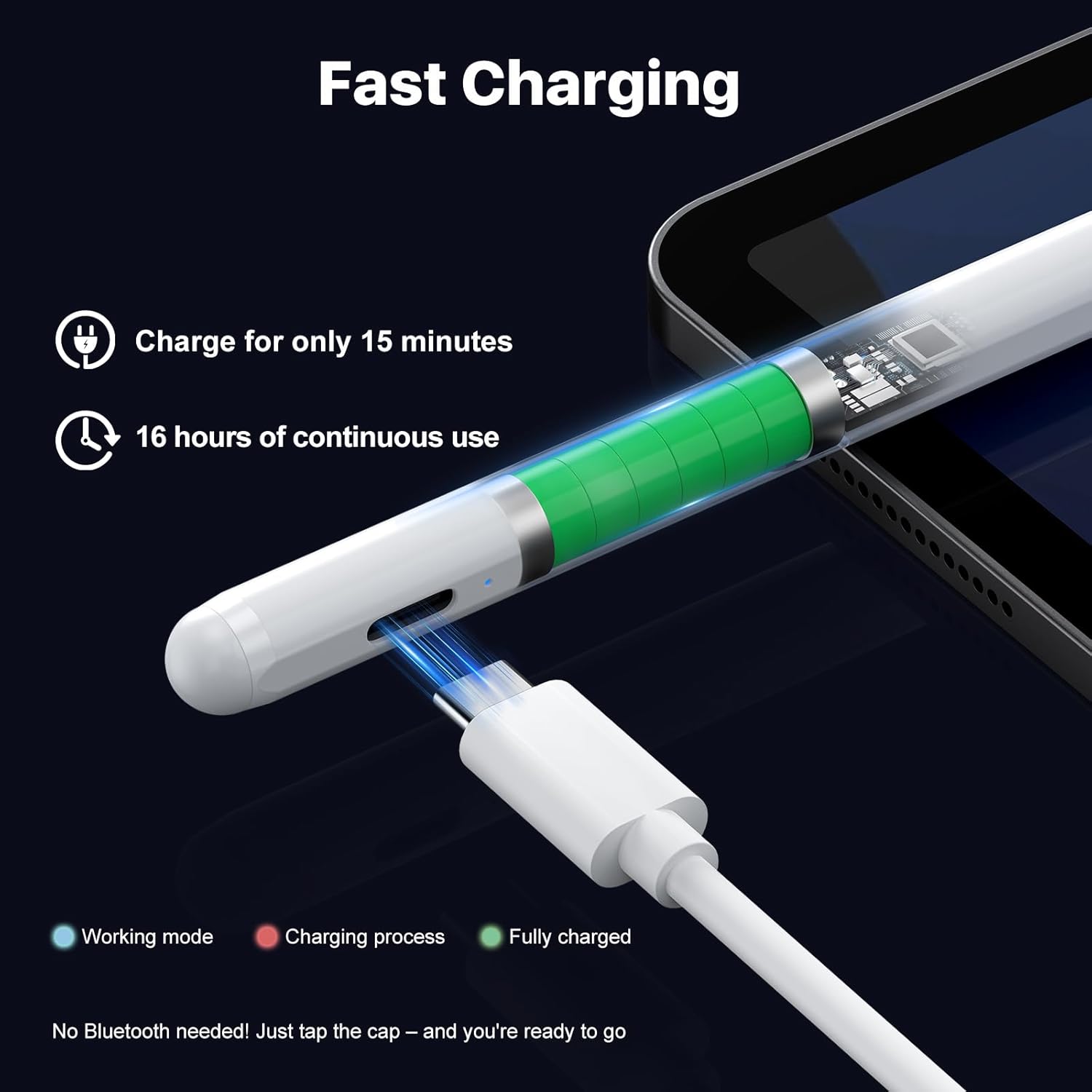
Power management has also been considered. The pen includes an automatic sleep mode after 10 minutes of inactivity, helping conserve battery life during gaps in use. According to the manufacturer, you can charge for 15 minutes to get up to 16 hours of continuous use, which can be a real time saver when you forget to top up.
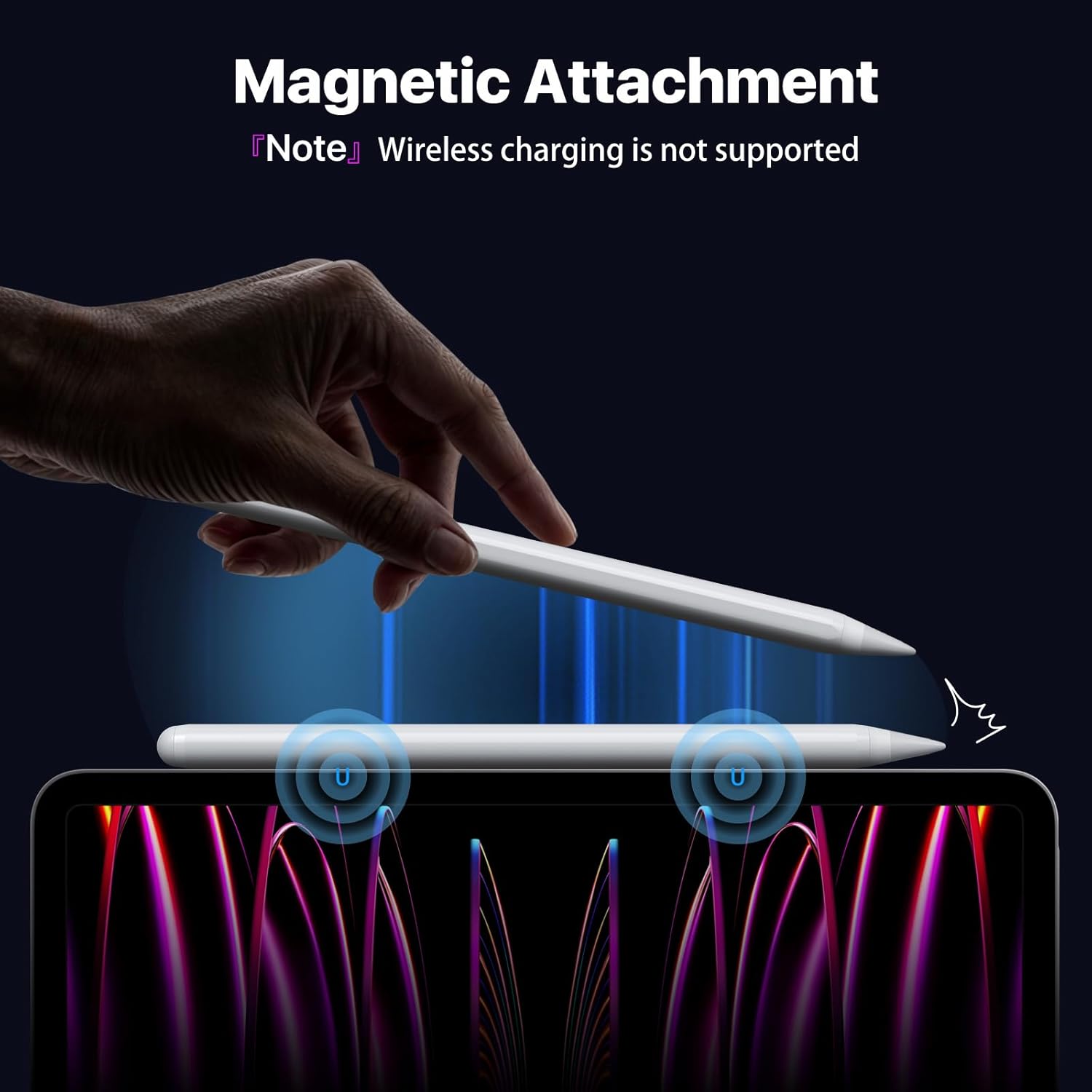
There is also a magnetic attachment approach for stable keeping. The dual magnet system is designed to secure the stylus to compatible tablets, and the kit includes a charging cable so you can stay ready without needing a separate charging accessory. Do note that it requires compatible iPad models and does not work with iPhones, Android devices, or Microsoft devices.
Tech specs
- Name: Kingone pencil for Apple iPad 2018-2025
- Type: Stylus pen with tilt sensitivity
- Format: 1.5 mm ultra fine tip
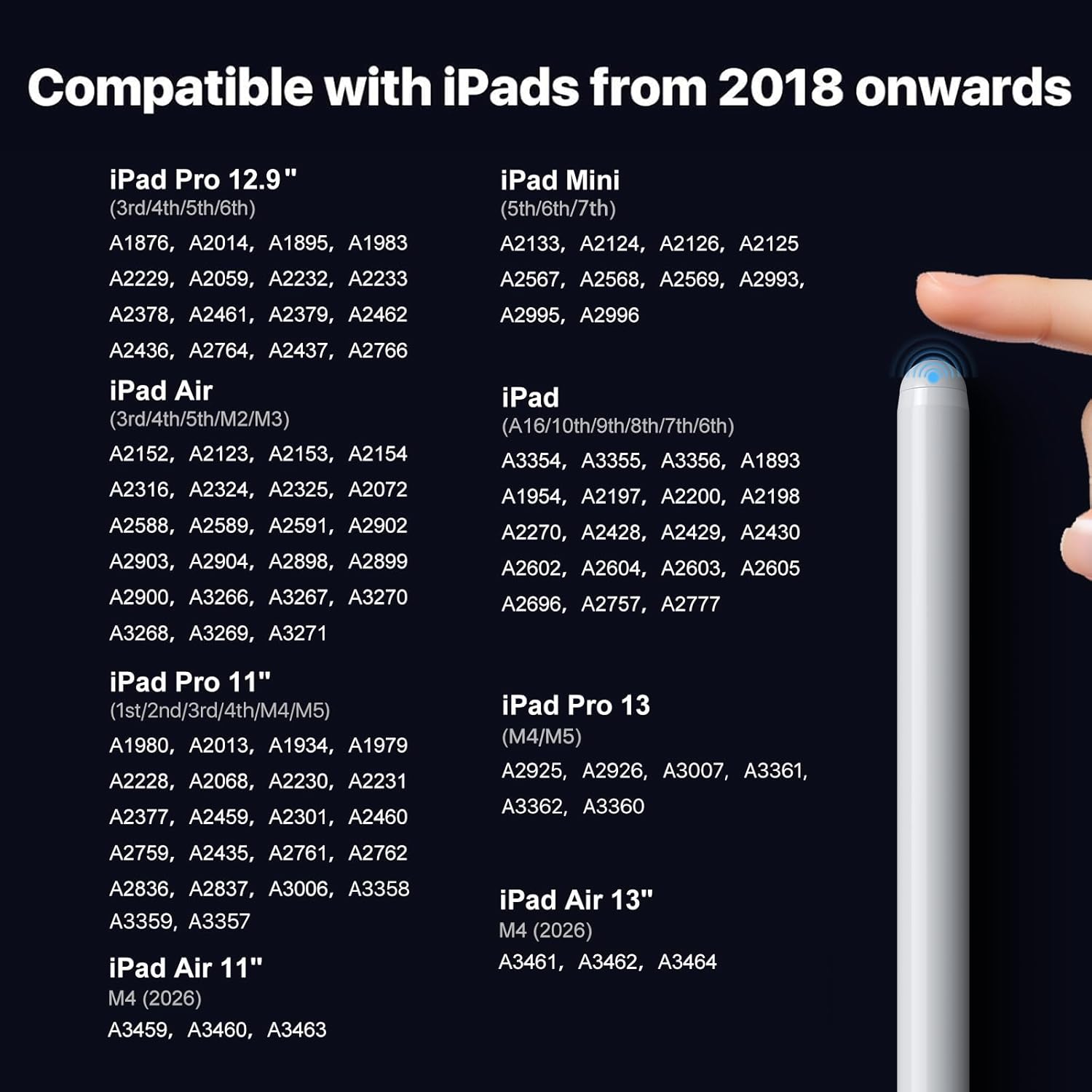
- Compatibility: iPad models from 2018 onwards including iPad Pro 11 and 13 and iPad Air and iPad Mini listed by the manufacturer
- Charging: 15 minutes of charging for up to 16 hours continuous use, according to the manufacturer
- Power saving: automatic sleep mode after 10 minutes of inactivity
- Tip replacements: includes 3 replacement tips and a USB C charging cable
What stands out
A smooth writing experience is often about more than raw compatibility, and this stylus aims to handle the practical friction points. Tilt recognition is intended to respond to your hand angle in real time, so line thickness changes as you tilt the stylus rather than requiring extra gestures. This makes it easier to move between fine, careful strokes and broader, softer marks during sketching and handwriting.
Palm rejection helps reduce accidental inputs, particularly when you prefer a natural resting position. If you have ever had to keep your hand hovering to avoid typos, that is exactly the sort of frustration this feature is meant to address. It is also described as being suitable for left handed users.
Magnetic adsorption is designed to make the stylus easier to store and grab during everyday use. According to the product description, it attaches securely without wireless charging, which can be helpful if you want a simpler setup. It is also useful for scenarios like working in a cafe, attending classes, or staying productive at home.
The kit is designed around replacements and charging convenience. You get the stylus with a durable ceramic tip, plus three replacement tips so you can continue writing without delay. There is also a USB C charging cable included, so you can keep charging simple with existing cables.
What it works with
It’s not a universal iPad stylus, so checking compatibility first is important. The manufacturer states it is designed for the 2018 iPad series and newer, and it does not work with models prior to 2018. It is also stated that it will not work with iPhones, Android devices, or Microsoft devices.
Compatibility listed includes iPad Pro 11 inch and 13 inch models, and iPad Pro 12.9 inch models from the relevant generations shown in the product description. It also covers iPad Air 11 inch and 13 inch models with the listed generations, plus iPad Air 10.9 inch models from the listed generations. For smaller screens, the description includes iPad Mini models in the listed generations.
It makes sense if your iPad is within the specified 2018 to 2025 range and you want tilt based line variation and palm rejection in one stylus. It may not be a great match if your device is older than the manufacturer supported range or if you are trying to use it with a non iPad device.