

Kindle Scribe (2022 release) 16 GB with 10.2-inch Paperwhite display and Premium Pen
Reviews
Product description
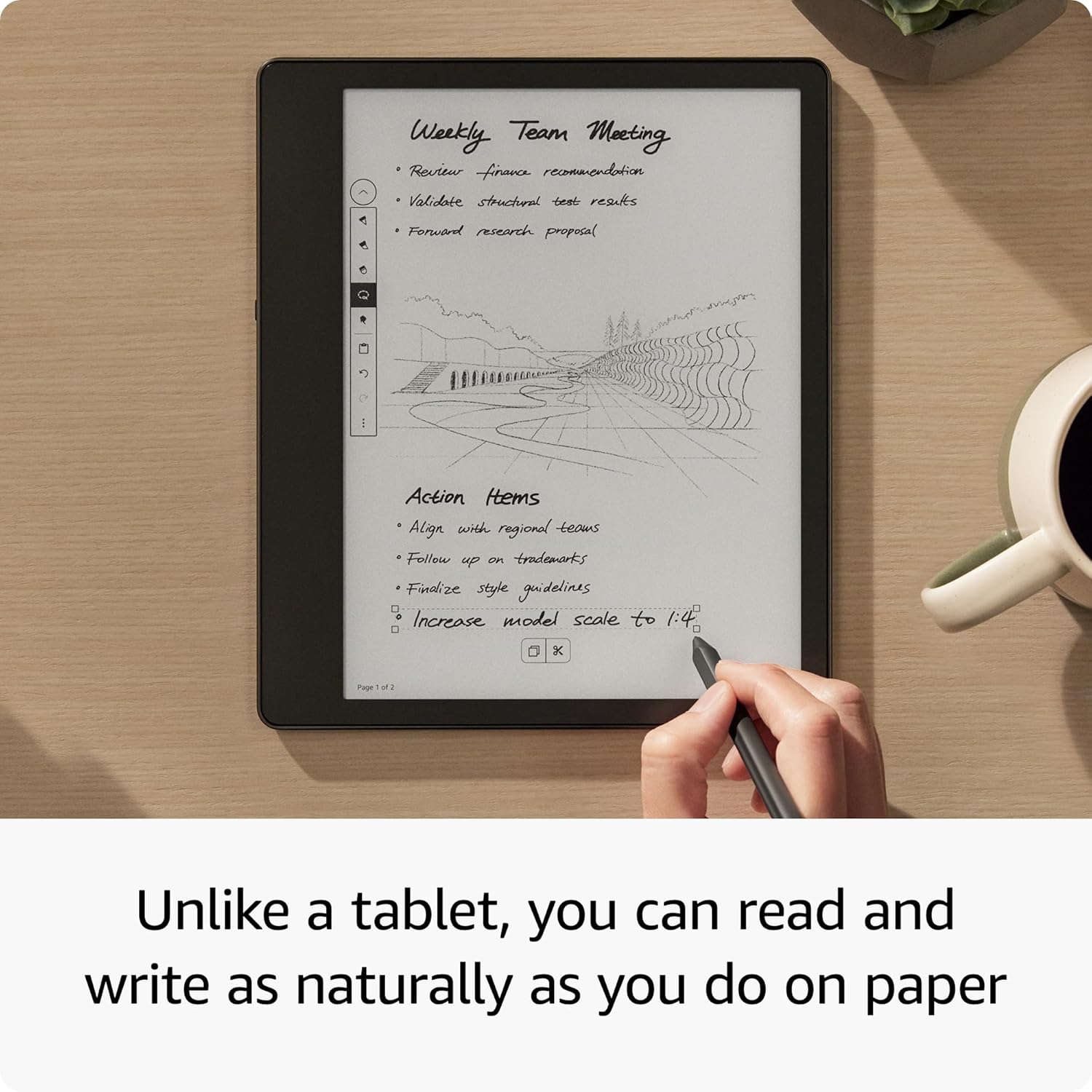
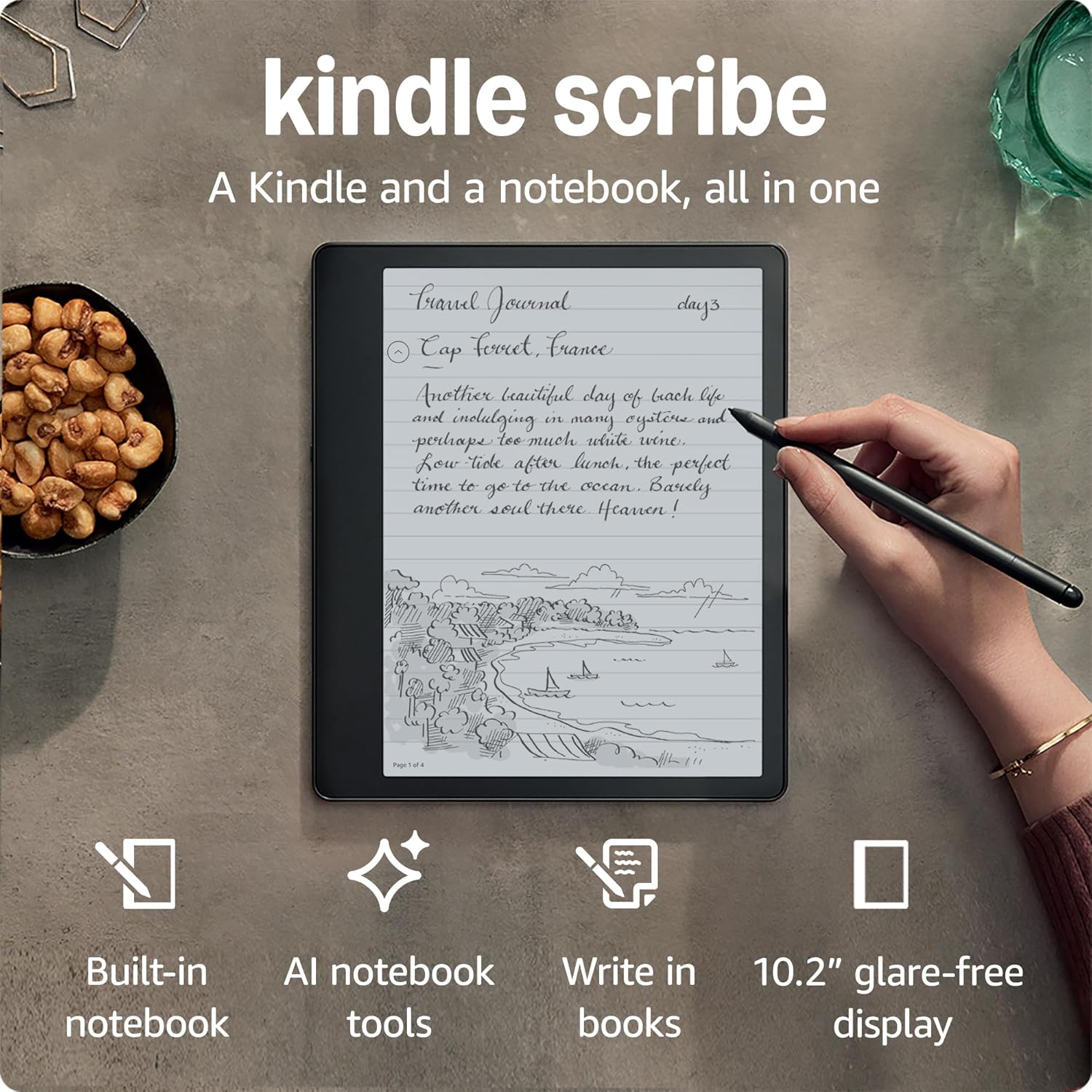
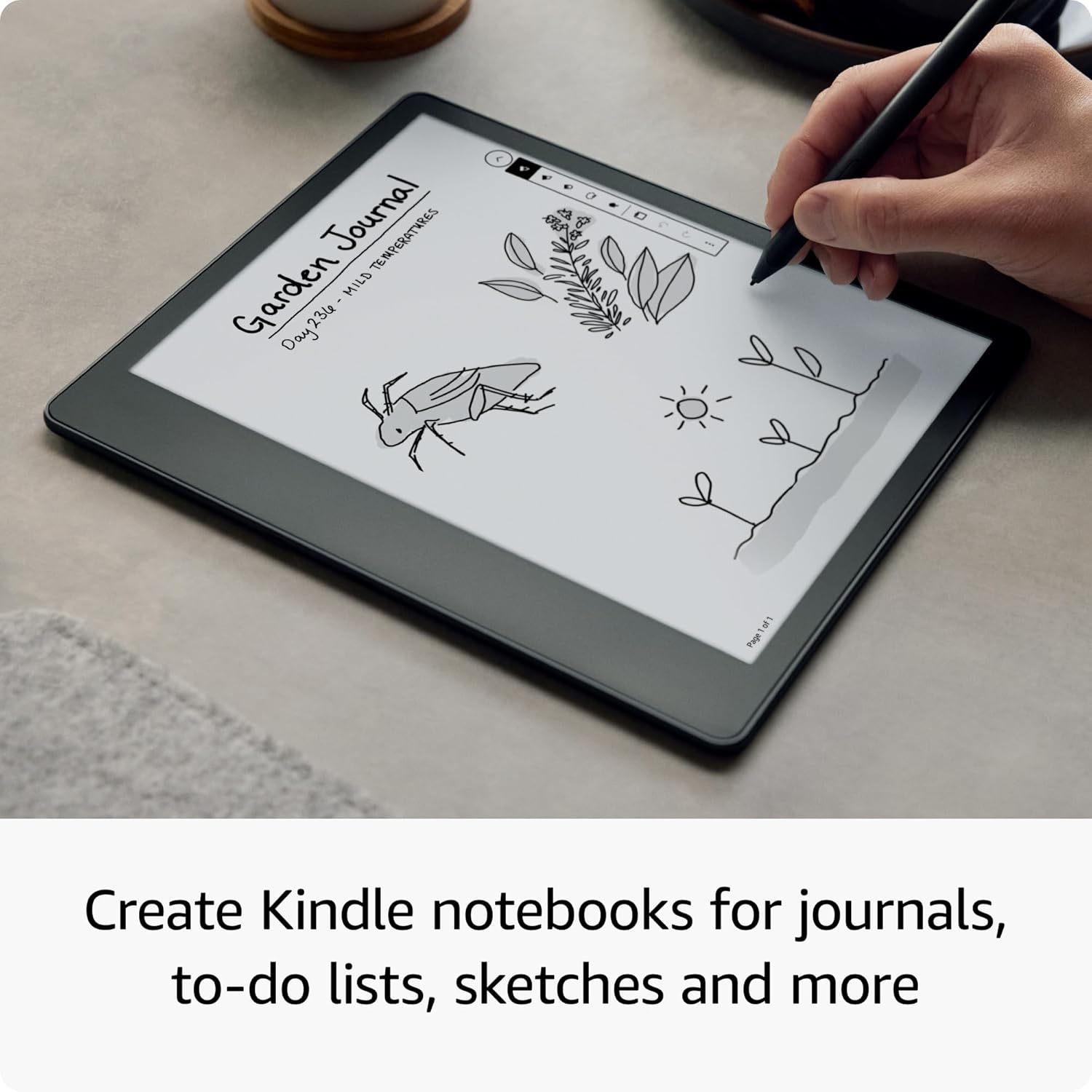
If you want one device for both reading and writing, the Kindle Scribe (2022 release) is the rare Kindle that goes beyond ebooks. It’s designed as a combined e-reader and digital notebook, so you can jot ideas straight onto the page while you read, and also use a separate notebook for journalling, meeting notes and quick sketches.
That “all in one” concept is the main draw. It’s not trying to be a tablet replacement, and it won’t suit everyone—but for focused reading, note-taking and tidy digital capture, it can be genuinely practical.
The essentials
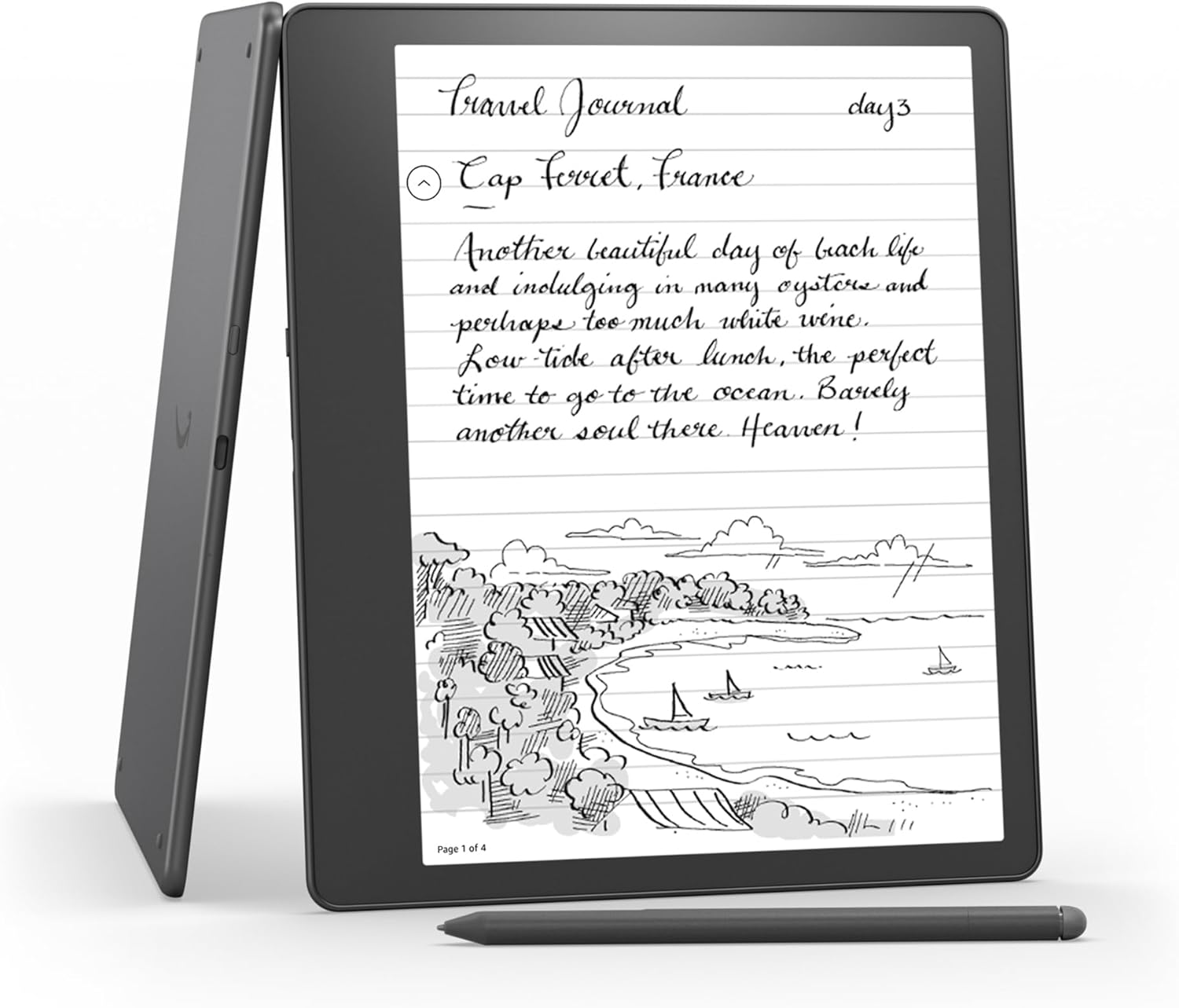
Kindle Scribe pairs a 10.2-inch Paperwhite display (300 ppi) with a built-in digital notebook experience. You can write down thoughts alongside what you’re reading, or keep separate Kindle notebooks for things like journaling, meeting notes and sketching.
A standout angle here is how your notes can be dealt with later: you can view your notebooks in the Kindle app, export to PDF, or convert to text and send to your contacts. If you like the idea of notes that are readable later (rather than just trapped on the device), that workflow matters.
What you’ll notice day to day
On paper (and on screen), this model is built around writing that feels close to pen-on-paper. The Active Canvas feature creates space for your notes when you start writing on the page, and you can expand margins to add more or collapse them to return to the original layout.
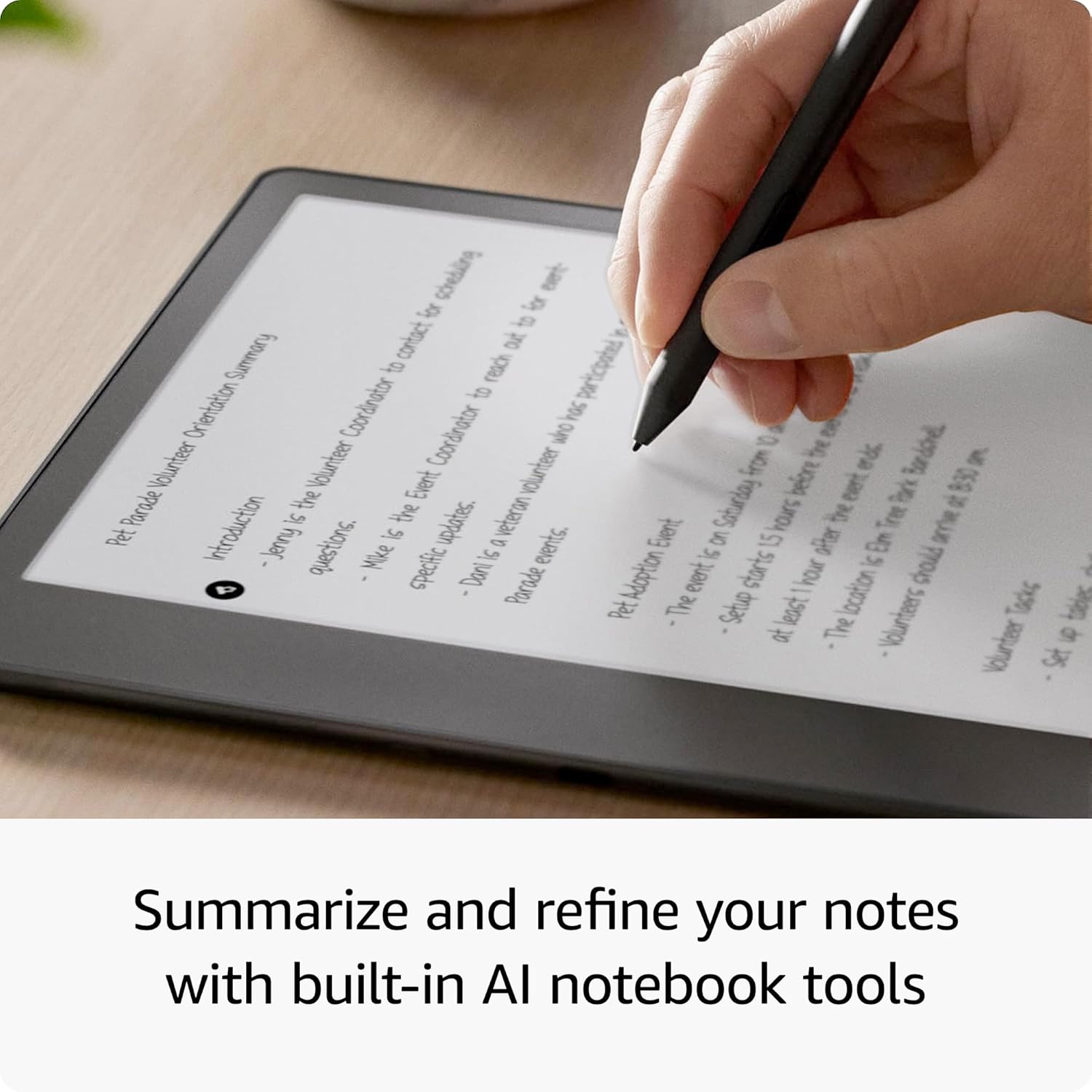
It also includes built-in notebook summarisation tools, plus the ability to refine and summarise what you’ve written with its AI notebook features. So it’s not only about recording thoughts—it’s about turning them into something easier to reuse.
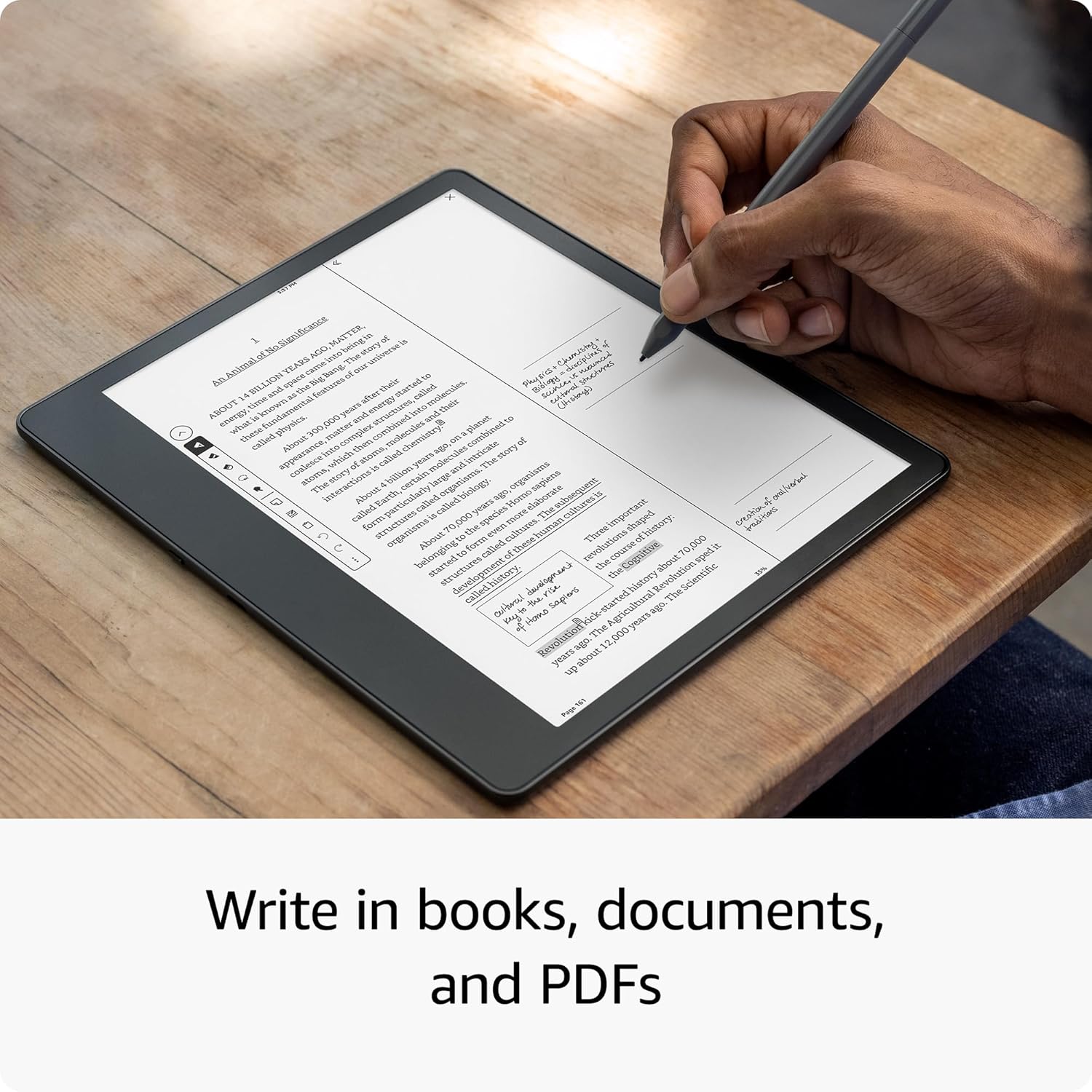
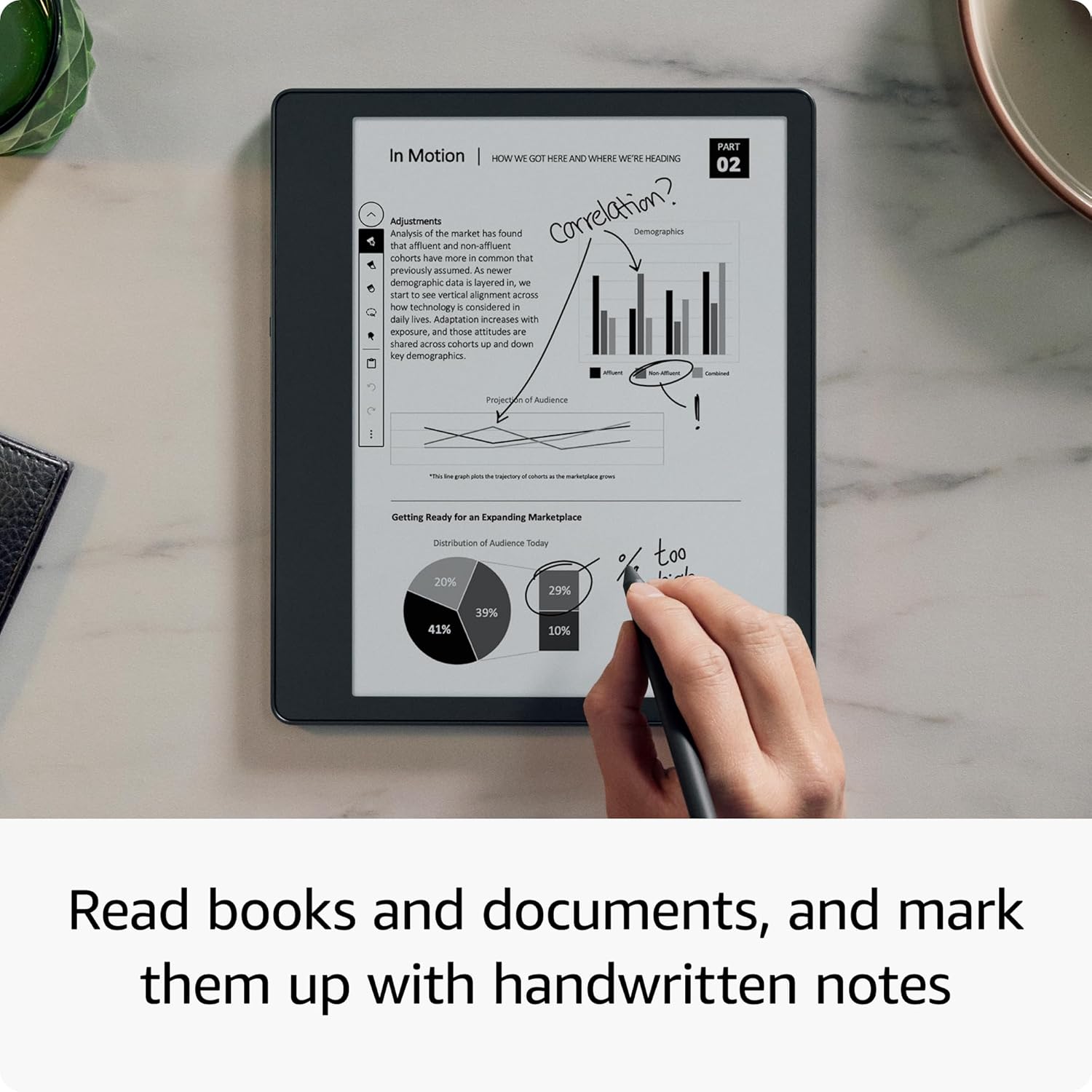
One more practical touch: you can annotate PDFs and review documents digitally, including marking up PDF files and creating sticky notes in compatible Microsoft Word documents and other compatible documents. That makes it more than a “reading with doodles” device.
And for everyday comfort, the display uses an adjustable warm light and an auto-adjusting front light, with larger font options. So it’s positioned as a day-or-night reading and writing tool, rather than something you only tolerate in certain lighting.
Key specifications
- Name: Kindle Scribe (2022 release) - 16 GB
- Display: 10.2-inch 300 ppi glare-free Paperwhite display
Where it shines (and where it may not)
This is a strong fit if you regularly read longform content and also keep adding handwritten-style notes—meeting takeaways, book reflections, lesson notes, or ideas you don’t want to lose. The ability to write “as inspiration strikes” and then summarise or export your notes gives it a workflow that feels more complete than a basic e-reader.
It also makes sense if you’re the type of person who wants digital notes that you can revisit on the Kindle app, export to PDF, or convert to text to share. That export/summarise capability is the difference between “fun to write on” and “actually useful after the fact”.
That said, it may not be the best choice if you’re expecting a full tablet experience. The device is designed around reading and writing on an e-ink style display, so if you need fast app switching, heavy creative work, or video-first features, this will likely feel limited compared with more general-purpose devices.
Also worth bearing in mind: this is a 16 GB model, so how much content you plan to store locally may influence your experience. The real question is whether you’re happy to manage content via the app/external sharing route described.
Getting the most from it
A simple example: you’re reading a book for research, you spot a quote you want to remember, and you start writing directly on the page. Active Canvas opens up a writing space, then later you can expand margins if you need more room for that thought. When you’re done, you can summarise and refine your notes using the built-in AI notebook tools, then export to PDF or convert to text if you need to send it to colleagues.
If you use Microsoft Word documents or PDFs for work or study, the digital annotation support and sticky notes in compatible documents can also streamline how you review materials.
One practical limitation to keep in mind: summarisation and refining relies on the built-in notebook tools, so if you prefer fully manual note handling with zero AI involvement, you’ll want to check how that fits your preferences.
Is it worth it?
A solid pick if you want a single device for comfortable reading and handwritten-style note-taking, especially when you need a follow-up path—viewing notebooks on the Kindle app, exporting to PDF, or converting notes to text to share.
You may want to skip it if you’re after a general tablet-style workflow, need lots of storage with no management strategy, or expect extremely fast, multi-app performance. In that case, an e-reader-only approach or a more traditional note-taking device might suit you better.
Ultimately, the Kindle Scribe is best viewed as a focused reading-and-writing tool with a clever notebook workflow, not as a jack-of-all-trades.
FAQ
Can I use the notebook alongside reading?
Yes. You can read and write down thoughts either in books (writing directly onto the page) or in a separate notebook.
What can I do with my notes later?
You can view notebooks on the Kindle app, export to PDF, or convert to text and send to your contacts.
Does it support PDFs and document notes?
It’s designed to annotate and mark up PDF files digitally, and it supports creating sticky notes in Microsoft Word and other compatible documents.
Is it comfortable to read and write in different lighting?
It includes an adjustable warm light and an auto-adjusting front light, plus options for larger font sizes.
Is it good for long sessions?
The battery life is described as the longest on any Kindle, with months of battery life for reading and weeks for writing (charging via USB-C).