


iDsonix USB 3.0 Hub with 180cm Cable — 4-Port Ultra Slim Extension for Laptop, PC and Mac
Reviews
Price
Product description
What it is and what it solves
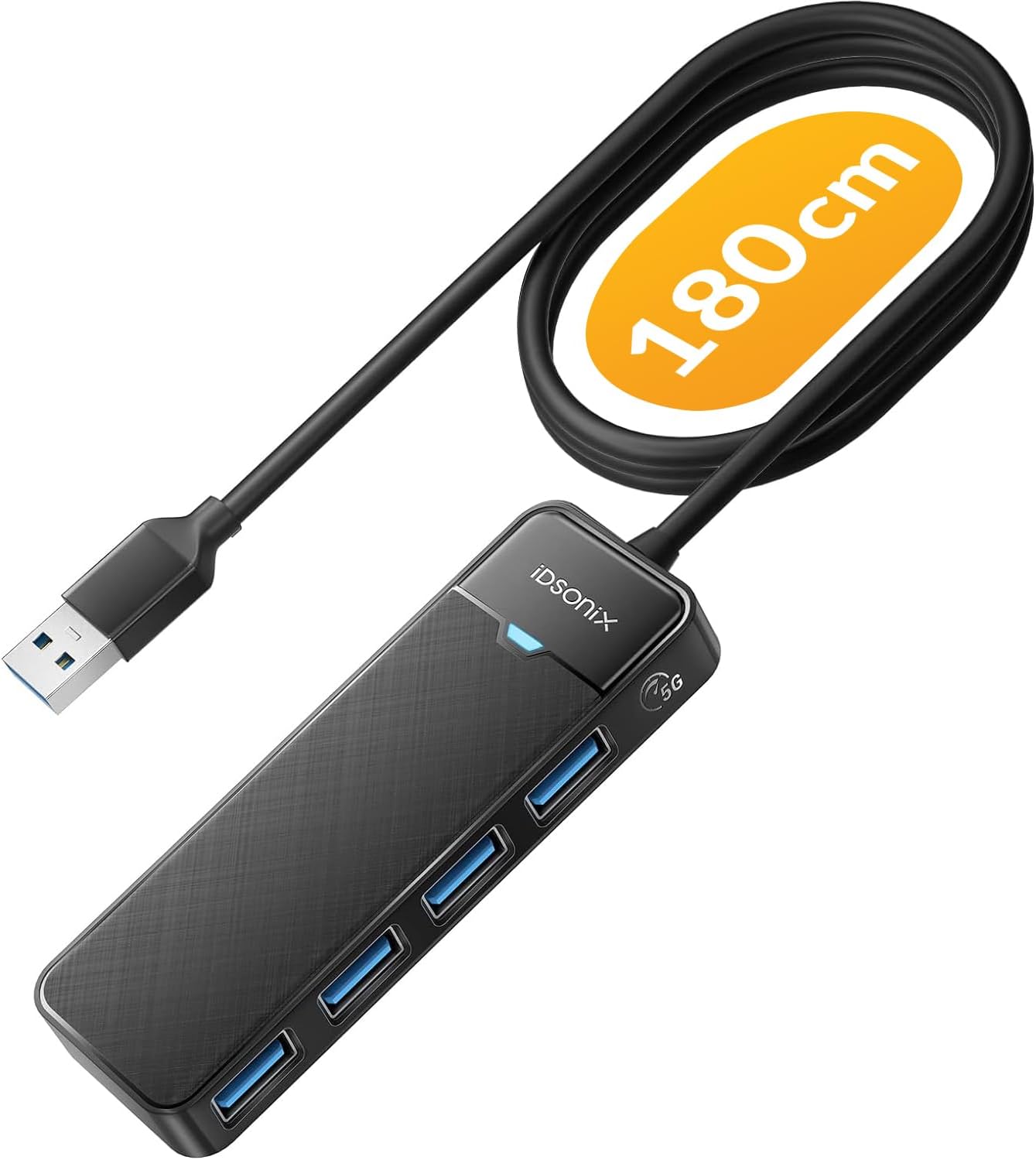
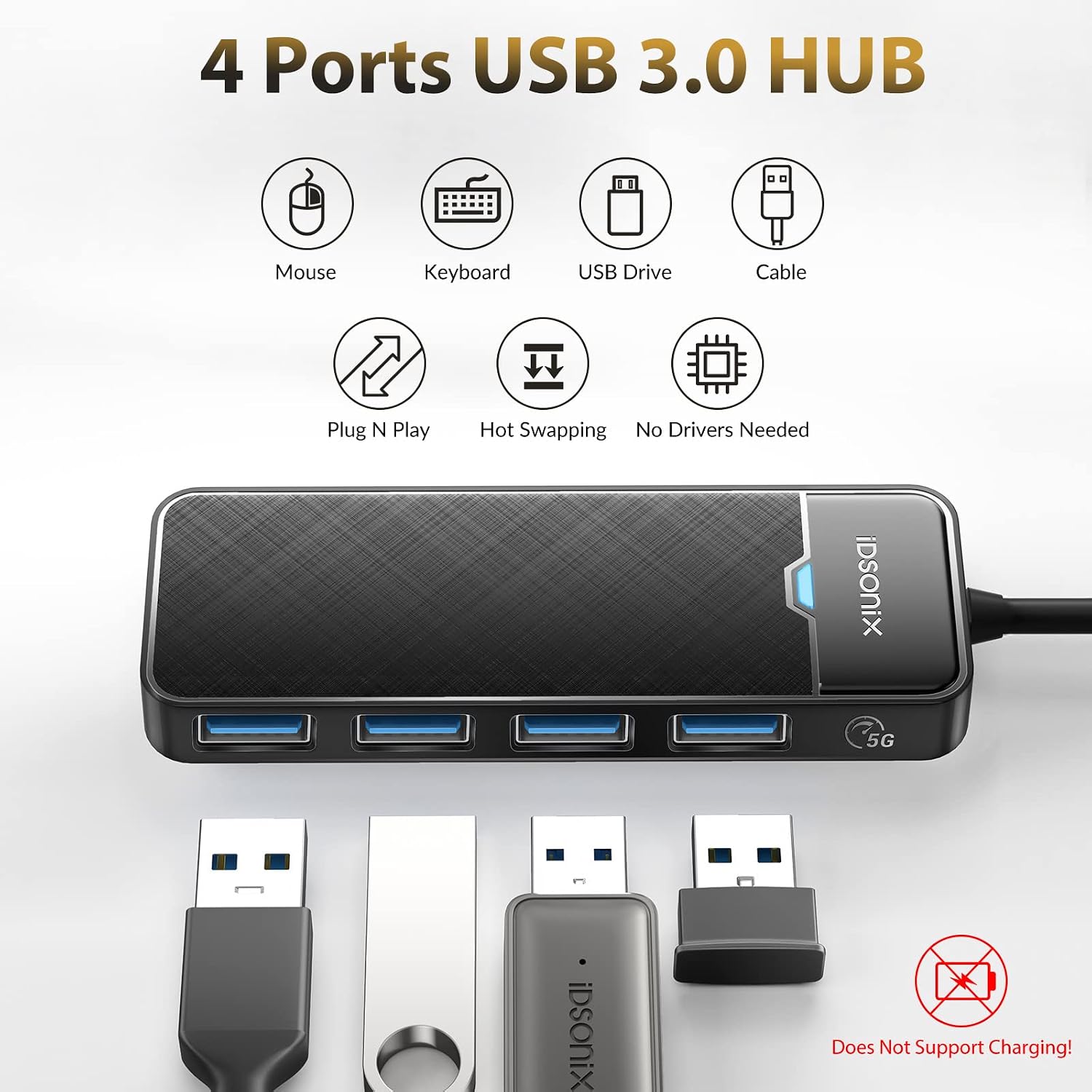
The iDsonix USB 3.0 hub is a compact four-port splitter designed to expand the number of USB connections from a single USB 3.0 port. With a long 180 cm cable, it aims to place peripherals where you need them—handy for desks, living rooms, or shared workspaces. It’s plug-and-play, so you don’t need extra drivers, and the light indicator helps you confirm activity at a glance.
How fast and compatible it is
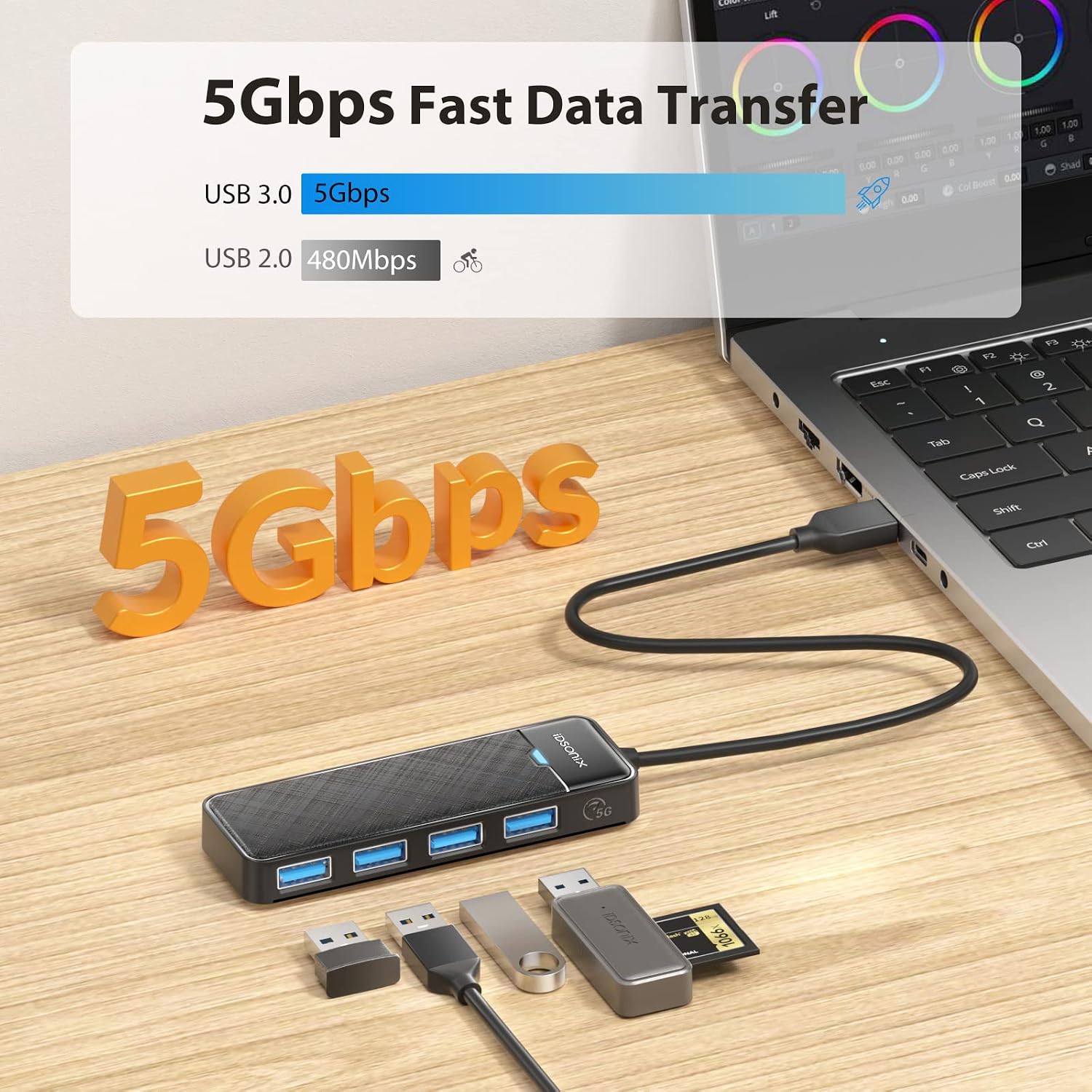
Built on a USB 3.0 core, it targets up to 5 Gbps theoretical speeds, which translates to practical throughput that’s suitable for everyday transfers and peripheral use. It remains backwards compatible with USB 2.0 and 1.1, so older devices can still connect, albeit without USB 3.0 speeds.
What you get and how it’s built
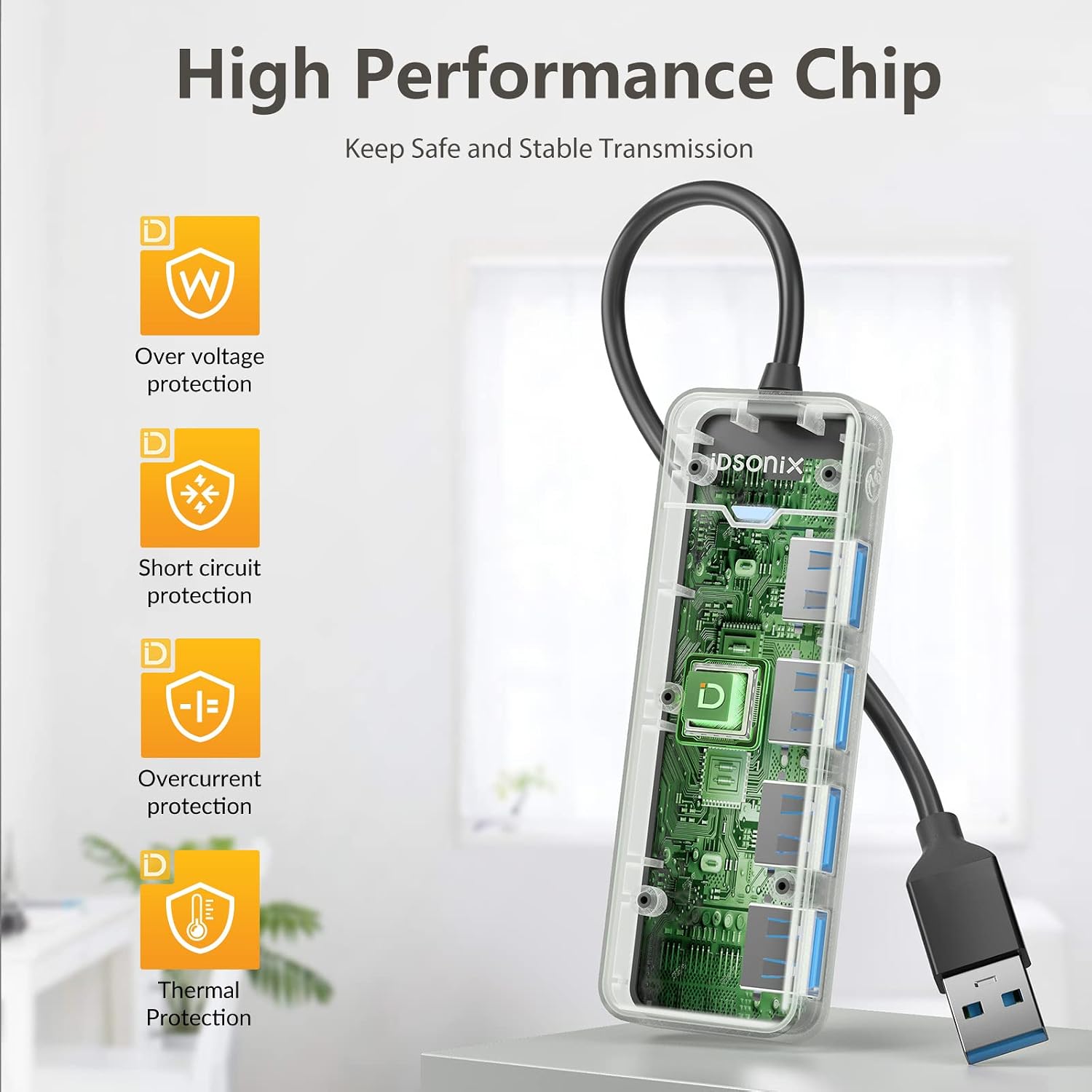
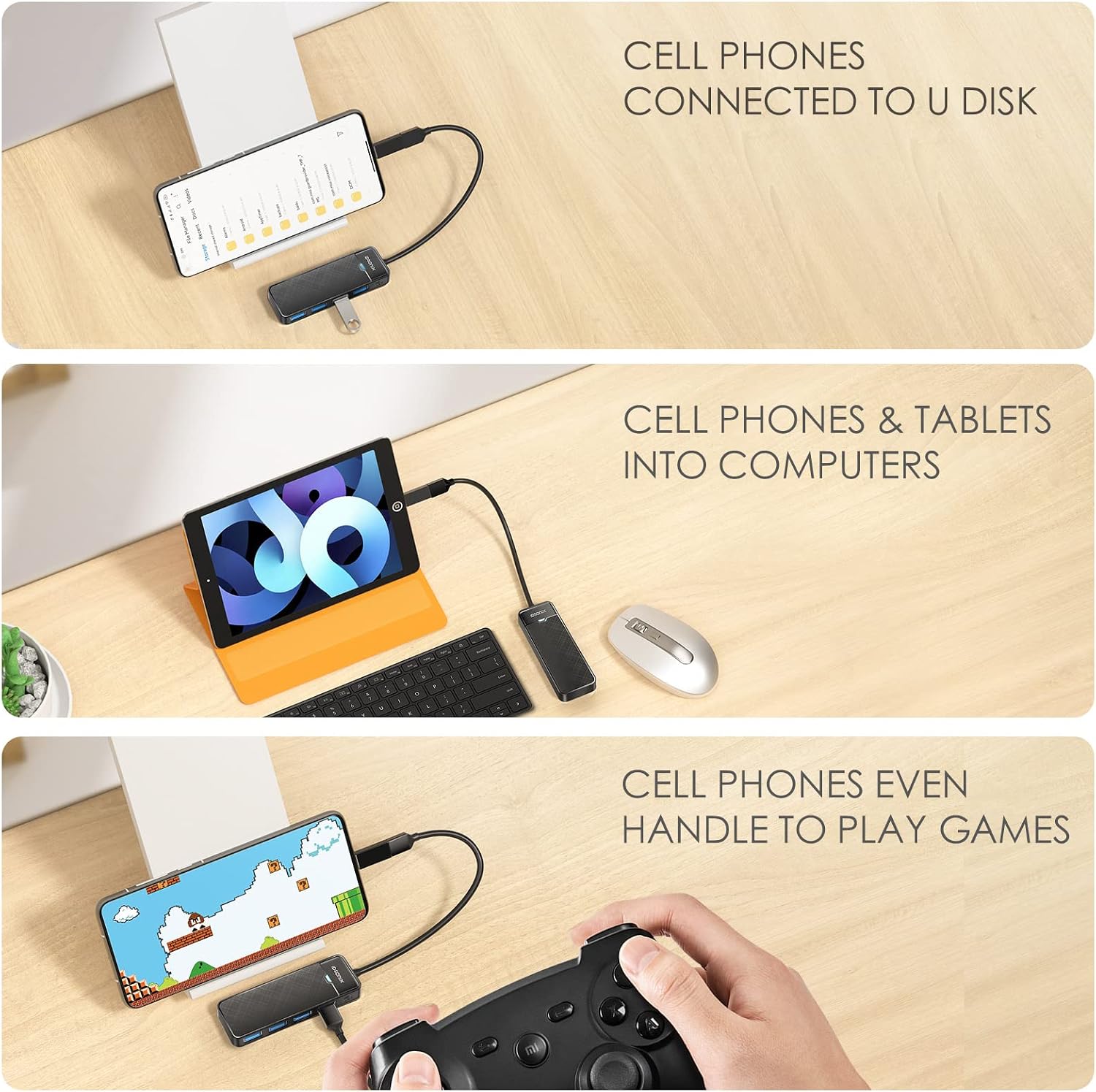
This is a 4-port hub that converts a single USB 3.0 input into four ports for devices like keyboards, mice, flash drives, printers, or external hard drives. There’s no need for software installation, just plug in and start using. Each port includes overcurrent protection to guard connected devices against faults.
Strengths you’ll notice in daily use
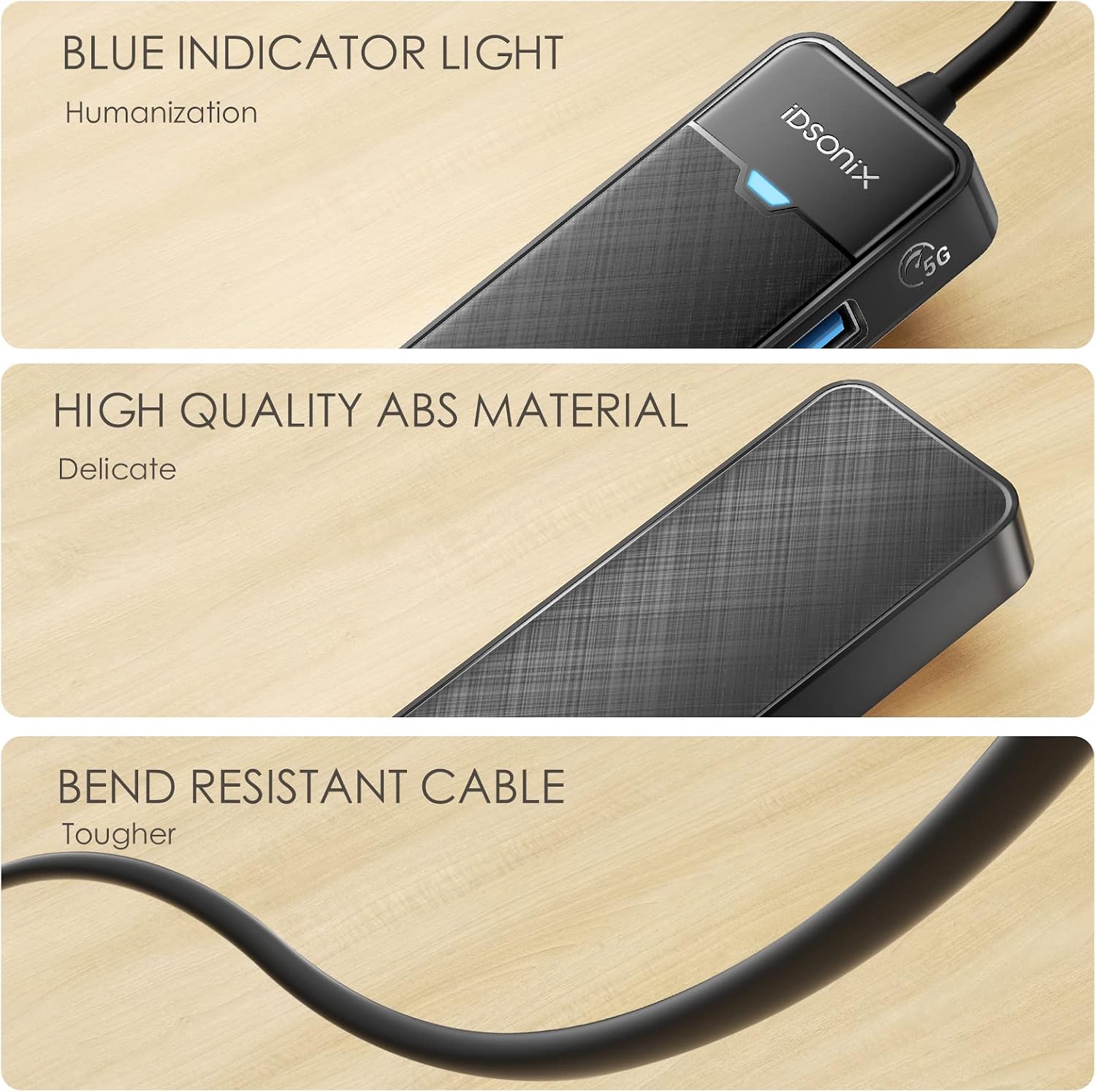
The 180 cm cable offers flexibility: you can position the hub in a convenient spot away from your laptop or PC while keeping everything tethered neatly. The light indicator is useful when you’re juggling several peripherals or working in low-light conditions. The iron core benefit is that you can share a single USB 3.0 port among multiple devices without real-time performance tuning.
Limitations and caveats
If you prioritise ultra-high-speed transfers, you may find real-world speeds depend on the connected devices and the main USB port’s own capabilities. While USB 3.0 is robust, some desktop or laptop USB controllers vary in performance, and hubs don’t magically increase the speed of every device. It’s also a four-port hub, so if you routinely run high-bandwidth devices simultaneously (e.g., multiple external SSDs) you might still hit bandwidth sharing limits.
Who it’s for
This hub is well suited for people who need extra USB ports without adding bulk, particularly where a longer cable helps reach a convenient spot—think compact offices, dorm rooms, or coffee-table setups. It’s also a sensible choice if you regularly connect a mix of input devices and storage peripherals to a single computer.
Who it isn’t ideal for
If you rely on maximum possible throughput for several high-speed devices at once, you may want to consider higher-end hubs or dedicated PCIe/Thunderbolt solutions that prioritise sustained performance. For those with only USB 2.0 devices, the speed advantage is limited by the devices themselves rather than the hub.
When it makes sense to buy
If you need a simple, reliable multiport extension with a decent reach and straightforward use, this hub offers a pragmatic balance of flexibility and protection. It’s a good match when you want to keep clutter down and don’t require extra drivers or complex setup.
What to check before buying
- Confirm your main USB port supports USB 3.0 to realise the listed speeds.
- Consider how many devices you’ll connect at once and whether four ports meet your needs.
- Be aware that performance can be affected by the overall USB controller and the power draw of connected devices, no external power is mentioned, so high-power devices may compete for bandwidth.
Practical usage example
Imagine you’re working from a laptop on a small desk. You plug in a wireless keyboard and mouse, a USB flash drive, and a compact external hard drive into the hub. The long cable keeps the hub within reach, while the indicator light confirms activity. You can move the hub to a spot with better airflow or cable management without re-plugging everything.
FAQ
- Do I need drivers for this hub? No, it’s plug-and-play.
- Will it power USB devices that require more than 900 mA? The base description mentions overcurrent protection but does not specify power delivery, consider whether your devices require bus power beyond what a USB 3.0 port can provide.
- Is it compatible with Windows, macOS and Android? Yes, it’s stated as compatible with Windows, Mac OS and Android PC systems.
Is it worth it?
It makes sense if you value extra ports and a flexible placement thanks to the extended cable, provided you’re not chasing maximum sustained throughput for demanding workloads. For light to moderate peripheral use, it offers a practical, no-fuss extension with protective features.