

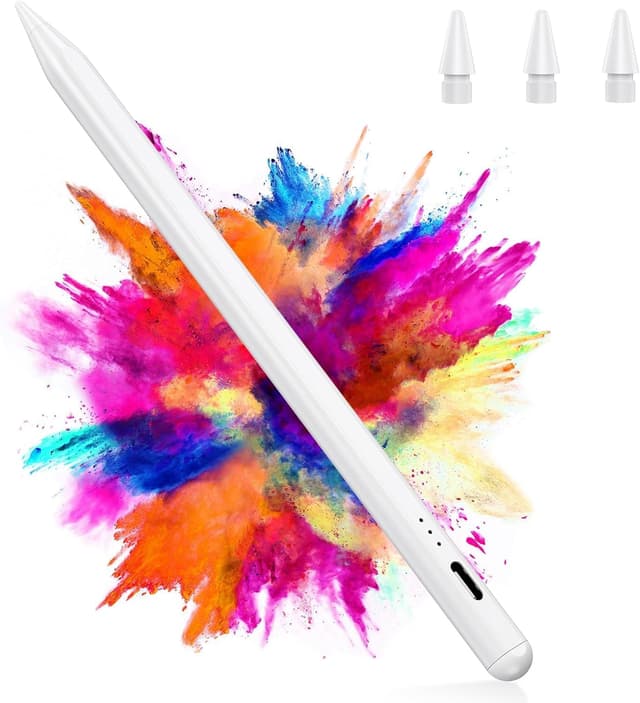
Pencil for iPad 2018–2025 stylus with 15-minute fast charging, palm rejection & tilt sensitivity
Product description
If you sketch, annotate documents, or just want a better way to take notes on your iPad, the right stylus can make the whole experience feel more natural. This Pencil for iPad 2018–2025 is pitched as an on-the-go option thanks to fast charging, plus it adds features like tilt sensitivity and palm rejection for more controlled drawing and less accidental screen marks.
That said, it’s not a universal “magic wand” for every iPad scenario. Compatibility is tied to specific models, and the charging method has a caveat worth knowing up front.
Quick overview
On paper, this stylus focuses on three everyday priorities: staying powered up (fast charging), writing/drawing with fewer mistakes (palm rejection), and getting more expressive lines (tilt sensitivity). You also get extra replacement tips in the box, which matters more than people think if you use the stylus frequently.
A practical example: if you’re commuting and taking quick notes in the morning, a 15-minute top-up can keep you going. Then during downtime, tilt sensitivity helps when you’re shading in lighter and darker strokes, instead of everything looking the same thickness.
Key features that matter in use
The most noticeable benefits are the combination of control and convenience.
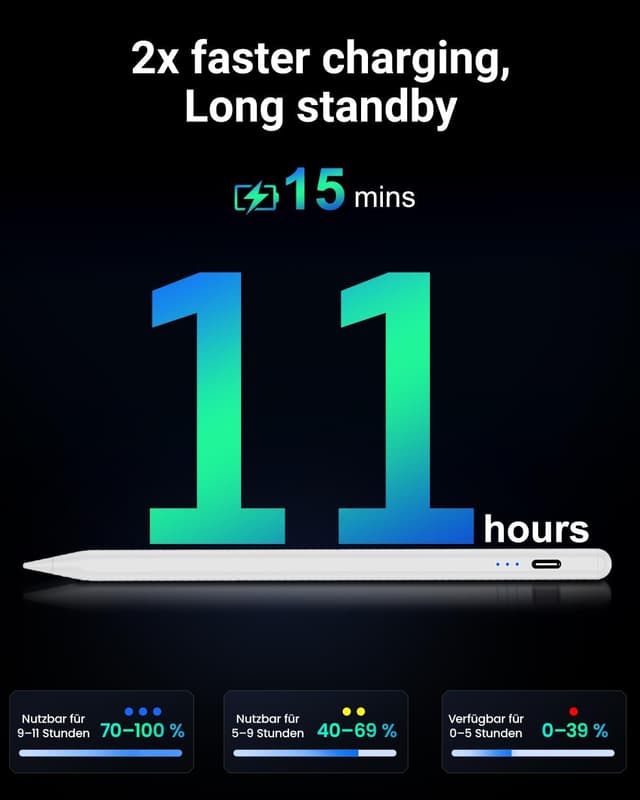
- 15 minutes fast charging: the pencil is described as powering up in 15 minutes, and it’s also listed with 11 hours of battery life on a single charge. If your charging habits are more “grab it when you remember” than “always keep it topped up”, this is the kind of feature you’ll actually appreciate.
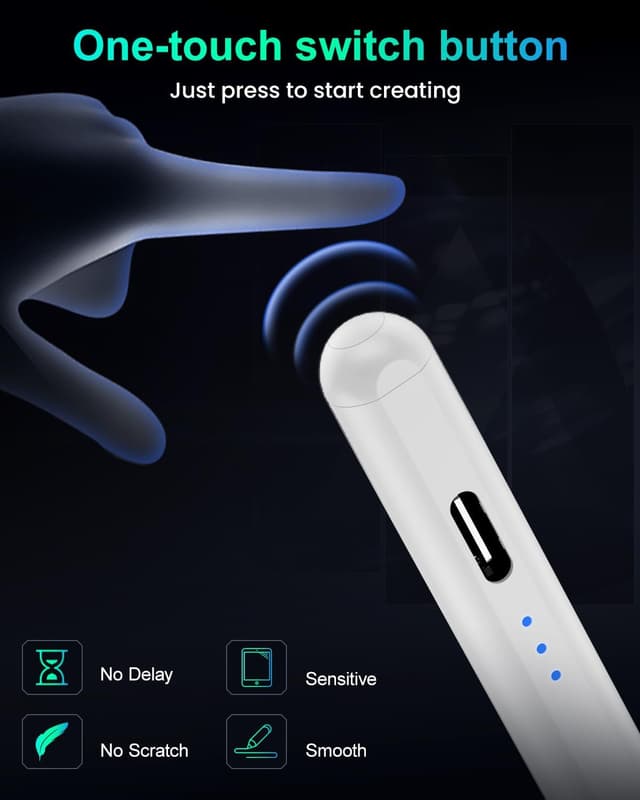
- No Bluetooth pairing: you “simply tap the top” to switch it on/off for instant connectivity, so you’re not likely to get stuck in a setup loop.
- Palm rejection: you can rest your hand on the screen while writing or drawing without worrying as much about accidental touches. That tends to feel more like natural note-taking than hovering your hand.
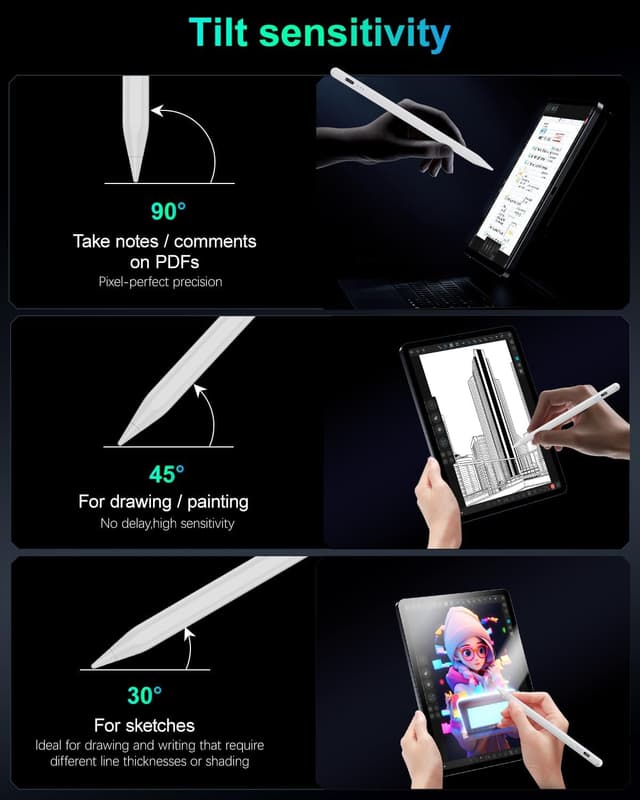
- Tilt sensitivity: changing the angle is designed to affect line width and shading, mimicking a more traditional pencil feel. It’s particularly useful for sketches where you want depth rather than a flat, uniform line.
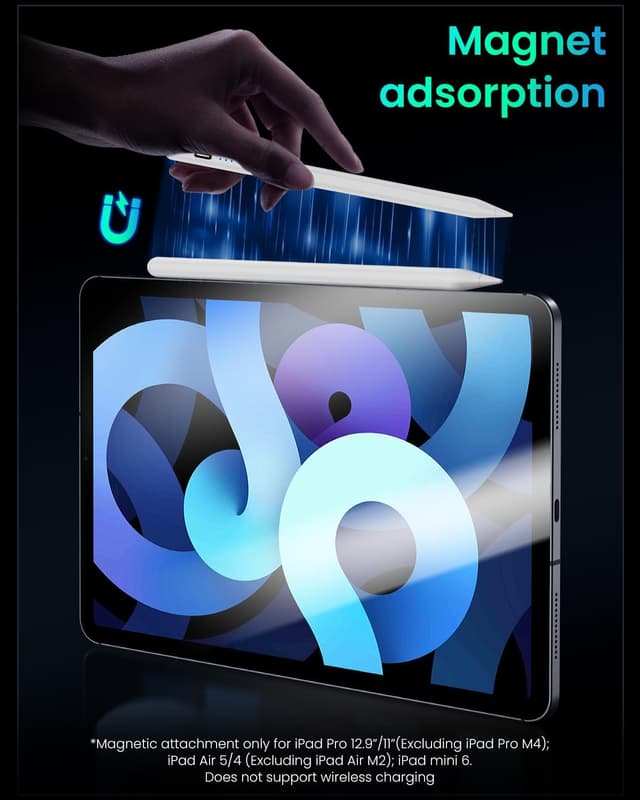
- Magnetic adsorption (with built-in magnets): it’s described as having two built-in magnets so you can attach it securely to compatible iPads for easier carrying.
One important limitation: wireless charging is not supported, and magnetic adsorption is only suitable for certain models as stated in the compatibility notes.
Compatibility & requirements
This Pencil is advertised as compatible with iPads from 2018 to 2025, covering several iPad Pro, iPad Air, iPad (6th/7th/8th/9th/10th/11th gen) and iPad mini (5th/6th/7th gen) generations listed in the description.
However, there’s a separate nuance: magnetic adsorption is only suitable for specific models. The input states magnetic attachment works for: - iPad Pro 12.9-inch (3rd/4th/5th gen) - iPad Pro 11-inch (1st/2nd/3rd/4th gen) - iPad Air (4th and 5th gen) - iPad mini 6 - iPad 10
So if your priority is “snap-and-stow” magnet attachment, it’s worth double-checking your exact iPad model rather than relying only on the general compatibility line.
What you’ll notice day to day
Where this stylus makes the most sense is in regular, mixed use: notes for work or school, quick edits on documents, and casual sketching.
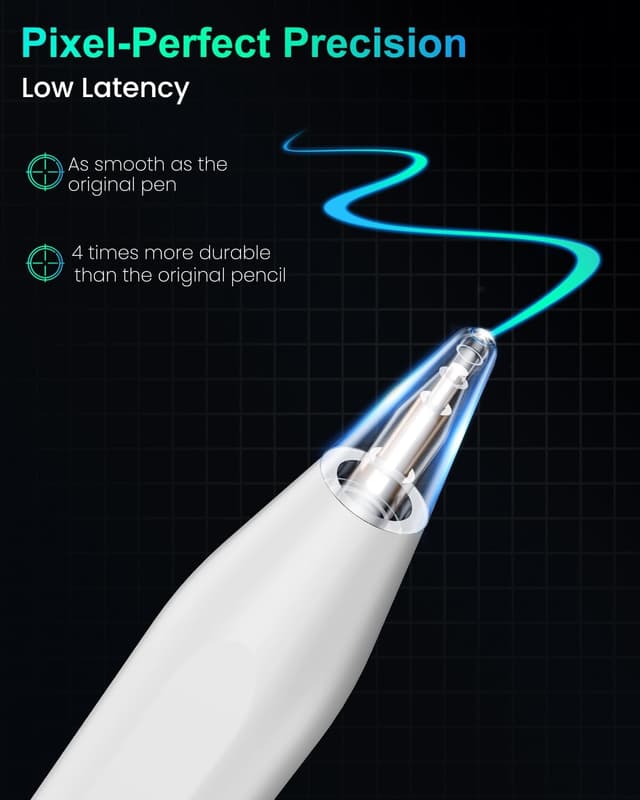
The included tips also play into day-to-day value. The pencil comes with three replacement tips made from durable polymer materials, and the description claims they’re 2.5 times stronger than original tips after a durability test. Even if you’re not testing strength yourself, replacement tips are a simple “future-proofing” move—because wear is inevitable with frequent drawing.
The tips are described as 1.5mm precision tips, which should suit detailed work better than chunky ends.
The trade-off is that, from the information provided, this is positioned as a feature-rich everyday stylus rather than a high-end tool aimed at users who expect the absolute top-tier latency/feel you might see in more premium categories. If you’re very particular, you may want to sanity-check whether the feel meets your expectations in person—because descriptions can only go so far.
Pros
- Fast charging with a stated 15-minute power-up and 11-hour battery life (single charge)
- Palm rejection for more natural writing without constant “hand hovering”
- Tilt sensitivity for shading and varied line widths
- Replacement tips included (useful for heavy users)
- No Bluetooth pairing described, on/off via tapping
What to watch before buying
There are a couple of details that can change how good the experience feels.
- Wireless charging isn’t supported. If you planned to rely on a wireless charging case or pad workflow, this may not fit your routine.
- Magnetic adsorption is model-specific. If your iPad isn’t in the stated magnetic list, you may still use the stylus, but you should expect attachment behaviour to be different.
- Precision line work depends on the tip. The stylus is described with 1.5mm precision tips, which sounds right for detailed lines, but if you prefer broader strokes, you might find it less flexible than a thicker-tipped stylus.
Mini FAQ
Does it need Bluetooth pairing?
The description says no Bluetooth pairing is needed, you tap the top to switch on/off for instant connectivity.
How long does it last on a charge?
It’s listed as 11 hours of battery life on a single charge.
Can I leave my hand on the screen while writing?
Palm rejection is included, designed to let you rest your hand comfortably while reducing accidental touches.
Is wireless charging supported?
No—wireless charging is not supported, based on the notes provided.
Will it magnetically attach to my iPad?
It supports magnetic adsorption, but only for the specific models listed in the compatibility information.
Final verdict
This Pencil for iPad 2018–2025 makes sense if you want a stylus that’s easy to start using, supports tilt shading, reduces accidental touches via palm rejection, and includes spare tips—plus you like the idea of topping up quickly before you head out.
It’s not the best match if you specifically need wireless charging, or if magnetic attachment convenience is central and your iPad model isn’t one of the ones named for magnetic adsorption. If you’re buying for a compatible iPad and you’re mainly after everyday note-taking and sketching, it looks like a solid, practical pick—just make sure your exact model lines up with the compatibility notes before you commit.