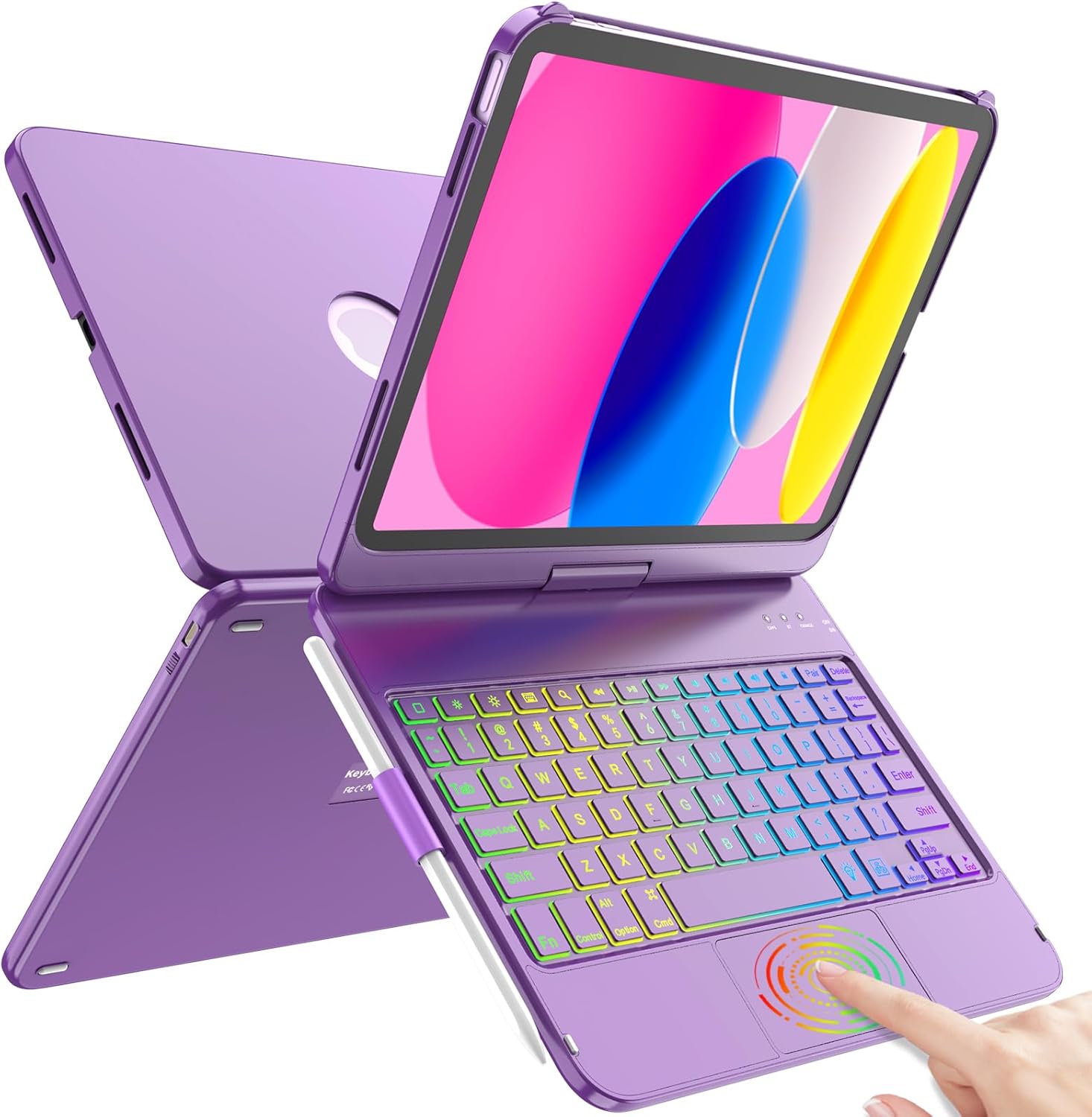
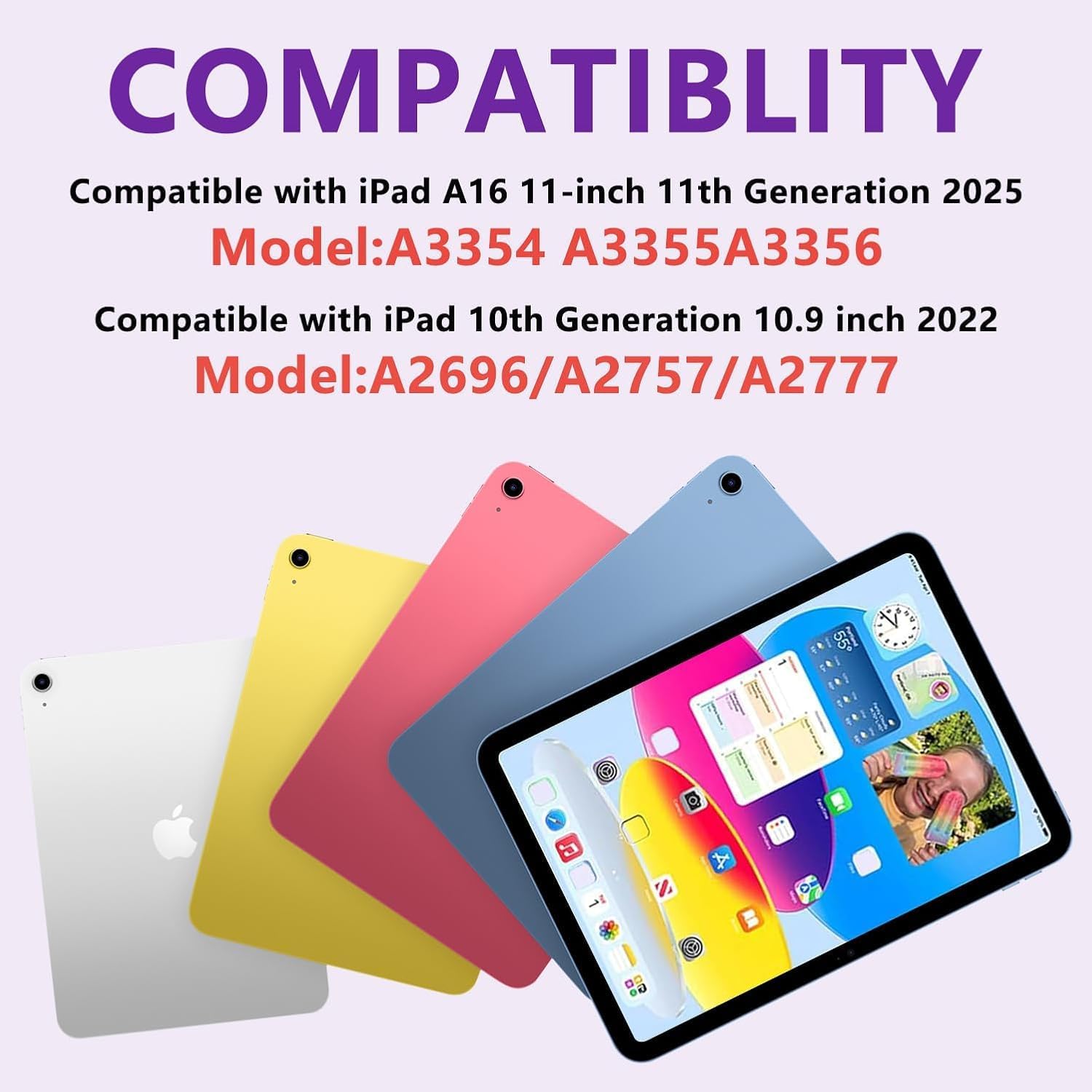
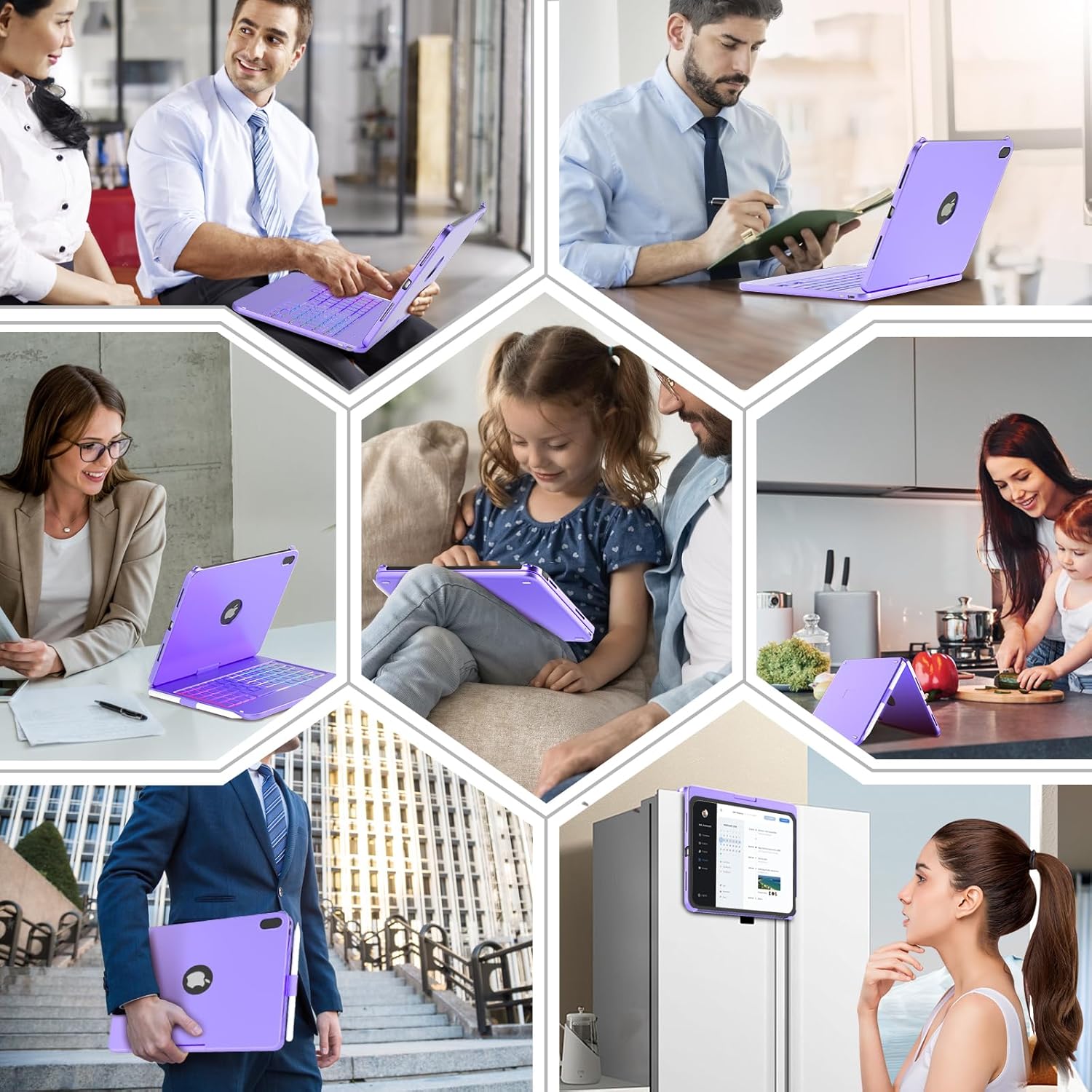
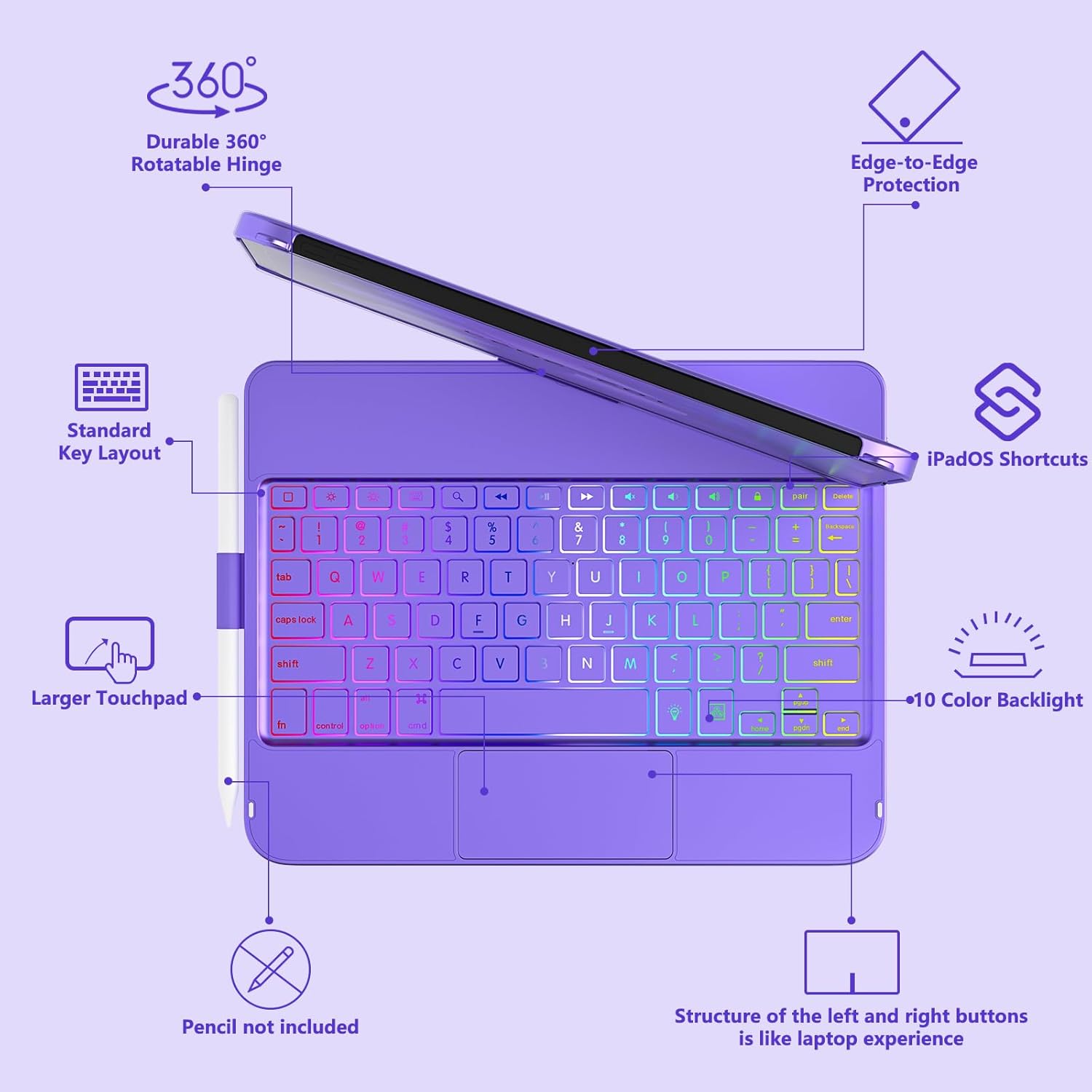
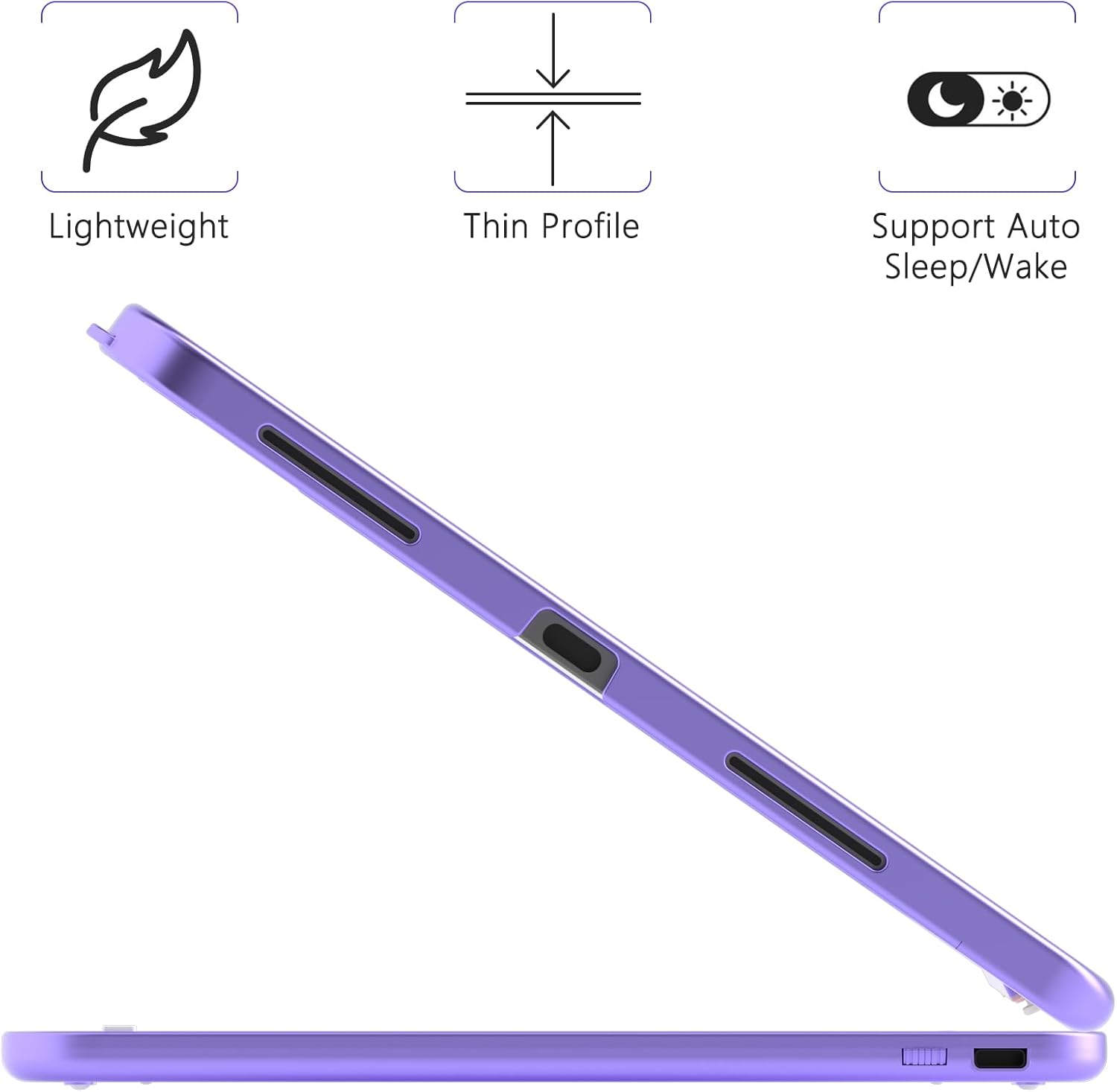
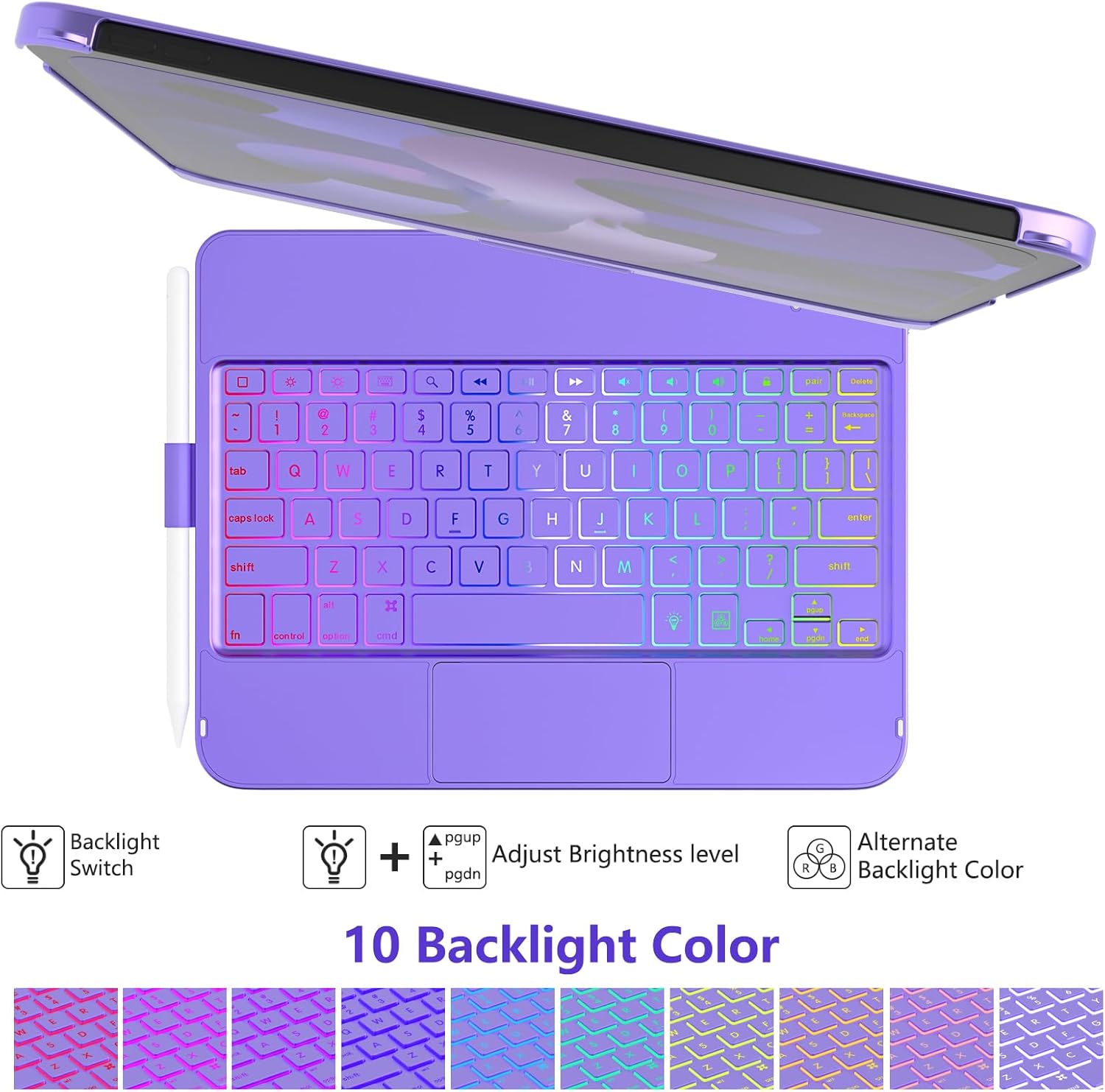
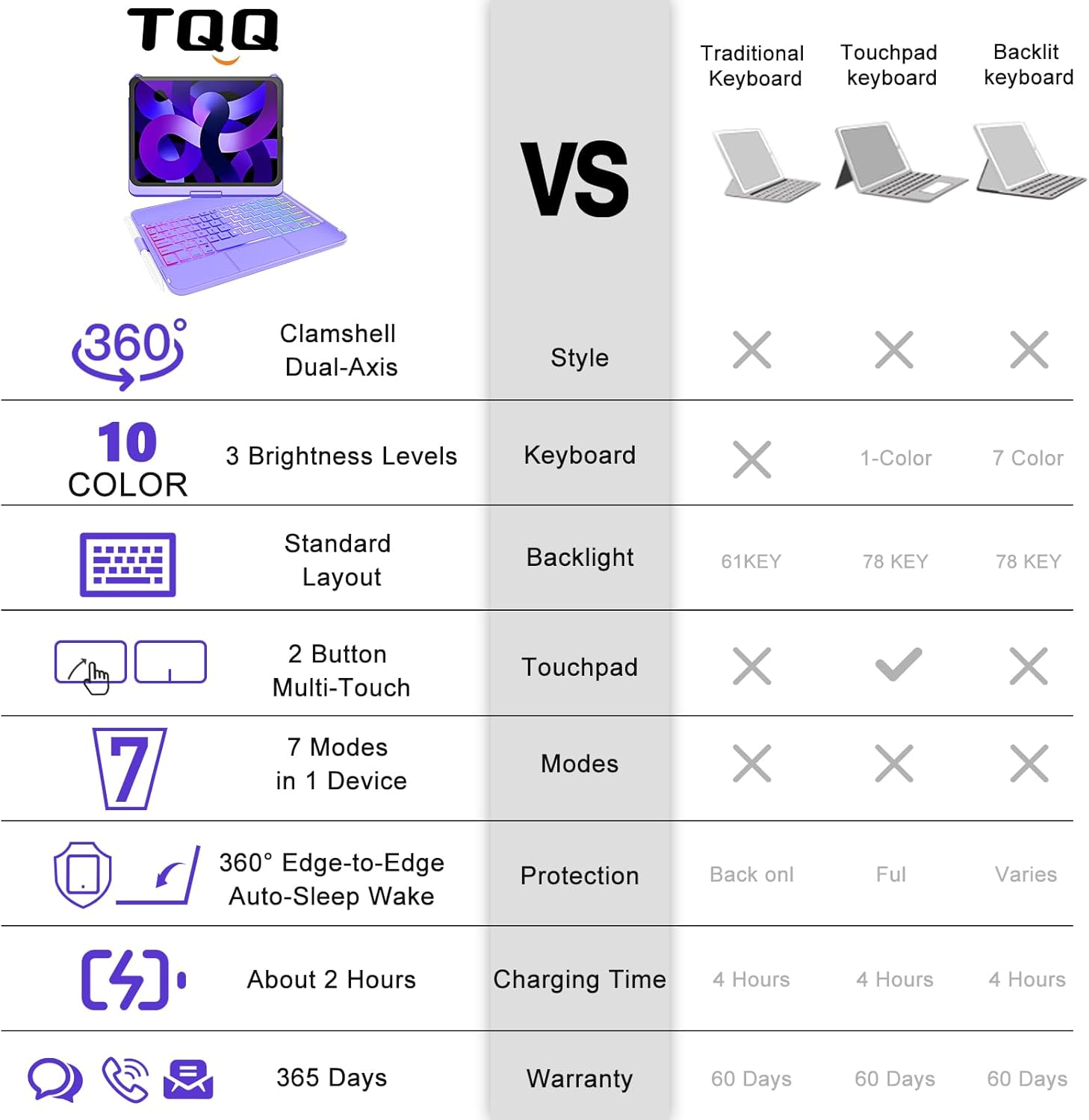
What it is and what it’s for\nThe TQQ Touchpad Keyboard Case is designed for the New iPad A16 11th Generation (11 inch, 2025) and the iPad 10th Generation (10.9 inch, 2022). It combines a protective hard-shell with a full keyboard and a multi-touch trackpad, aiming to turn the iPad into a more capable productivity device. If you’re looking to edit documents, browse efficiently, or present with speed, this case offers a laptop-like feel while keeping iPad portability. On paper, it provides a practical balance between protection and usability for everyday tasks.\n\n## Key features at a glance\nThe case supports 360° rotation and 180° flip, so you can switch between typing, watching, FaceTime, or reading with ease. The keyboard is designed to be slim and light, which helps keep the overall setup easy to carry around. A distinctive element is the laser-etched key design that allows an adjustable 10‑colour RGB LED backlight, offering some visibility in varied lighting. There’s also a row of iPadOS shortcuts on the keyboard intended to give quick access to media controls, brightness, and volume. The build emphasises a premium hard-shell for side protection with precise cutouts for ports, speakers, microphone and cameras.\n\n## How it uses a trackpad to improve productivity\nThe multi-gesture trackpad is presented as a way to navigate the iPad with greater speed for document editing, web browsing, and presentation work. If you value a more “on‑screen” workflow, the trackpad could reduce reliance on touch inputs and expose a different interaction style. It’s worth noting that the experience depends on how you use the iPadOS gestures in daily work.\n\n## Realistic pros and what might hold you back\nOn the plus side, the combination of a keyboard, backlit keys, and a trackpad offers a more desktop-like experience in a compact form. The auto sleep/wake feature is a practical touch for conserving battery life when you open or close the cover. However, as a non‑spec sheet product description, it’s worth noting that everyday performance hinges on subjective fit: some users may find the keyboard layout or key travel not quite identical to a laptop, and the RGB backlight, while pleasant, is not a substitute for high‑brightness clarity in bright environments.\n\n## Who it suits\nThis case appears most suitable for iPad users who want a portable productivity setup without moving to a separate laptop. If you prioritise a combined keyboard and trackpad solution for on‑the‑go work, travel notes, or video calls, it could be a sensible upgrade from a standard case. It may appeal to students, remote workers, and casual creators who want quick access to keyboard shortcuts and a more laptop‑like workflow.\n\n## Who might want to look elsewhere\nIf you rely on the iPad in a more traditional touch‑heavy way, or if you need a case with a specific form factor that isn’t aligned with the 11th Gen 2025 or 10th Gen 2022 sizes, this might not be the perfect fit. Likewise, if you require a highly tactile laptop‑style keyboard with very journey‑level key travel, there could be better options for a purely typing‑oriented experience.\n\n## What to check before buying\nConfirm that your device matches the stated compatibility: iPad A16 11th Gen 11 inch (2025) and iPad 10th Gen 10.9 inch (2022). Check the cutouts to ensure full access to ports, sensors, speakers, microphone and cameras. Consider how important the 360° rotation and 180° flip are for your use cases, and whether you’ll benefit from the 10‑colour RGB backlight during low‑light work.\n\n## Practical use scenario\nPicture yourself juggling a document in split view, with your right hand typing on the keys while your left swipes on the trackpad to navigate. When you start a video call, you can rotate the iPad to a more comfortable angle, then flip back when you’re done.\n\n## Quick verdict: is it worth it for you?\nYou’ll like it if you want a portable, protection‑plus‑keyboard setup with a trackpad that enhances productivity on the iPad. It makes sense if the goal is to reduce device swapping between tablet and laptop during daily tasks. You may want to skip it if you prioritise a pure touch experience or if you need a keyboard with a travel and feel closer to a traditional laptop.\n\n## FAQ (practical answers)\n- Does the keyboard support all iPadOS shortcuts? It includes a full row of shortcuts, but actual access may vary by app and iPadOS version.\n- Is the trackpad responsive in all apps? Trackpad support on iPadOS is good in many core apps, but the experience can vary by app and gesture support.\n- Will the case affect charging or access to ports? Precise cutouts are claimed to allow full access to ports, sensors, speakers, microphones and cameras.\n