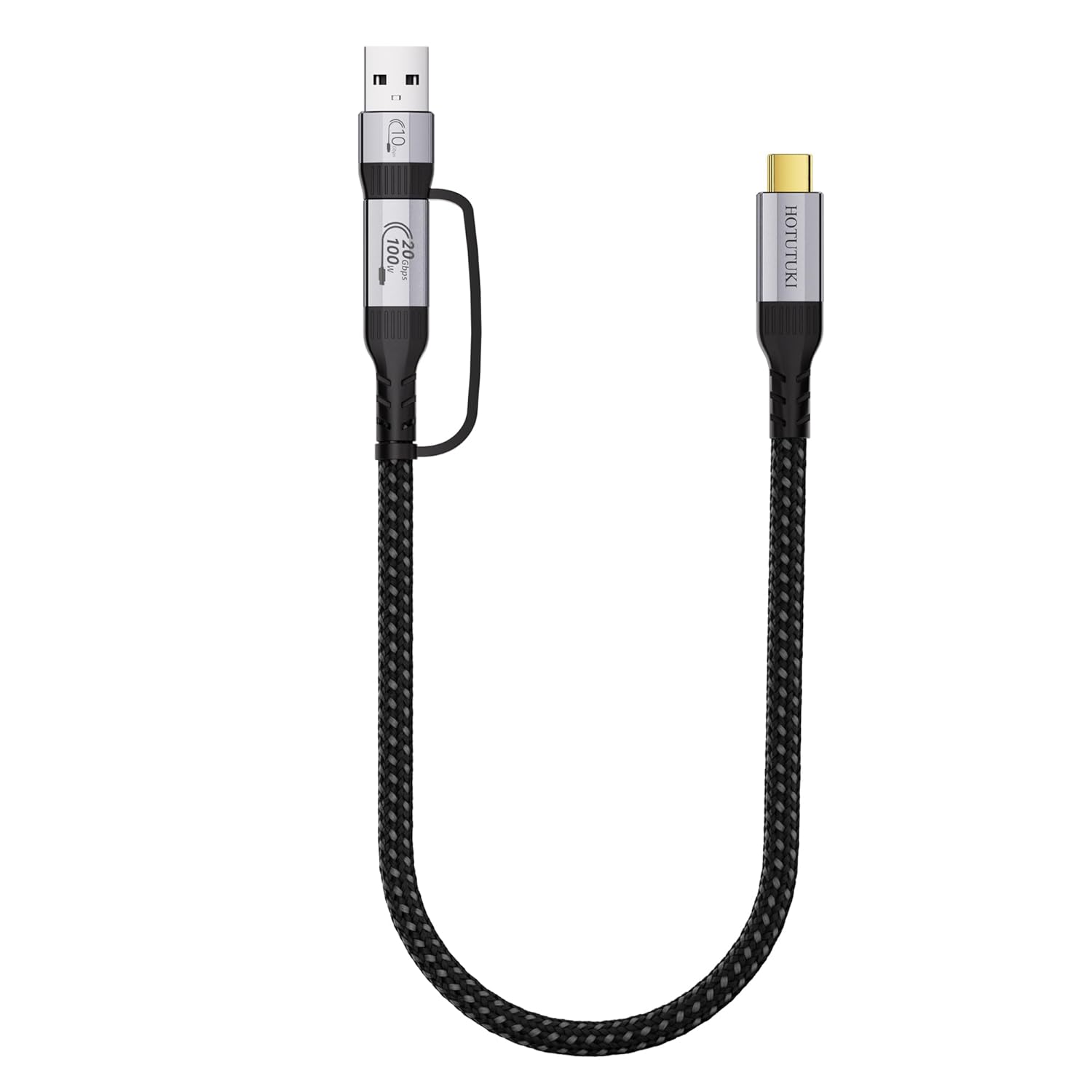
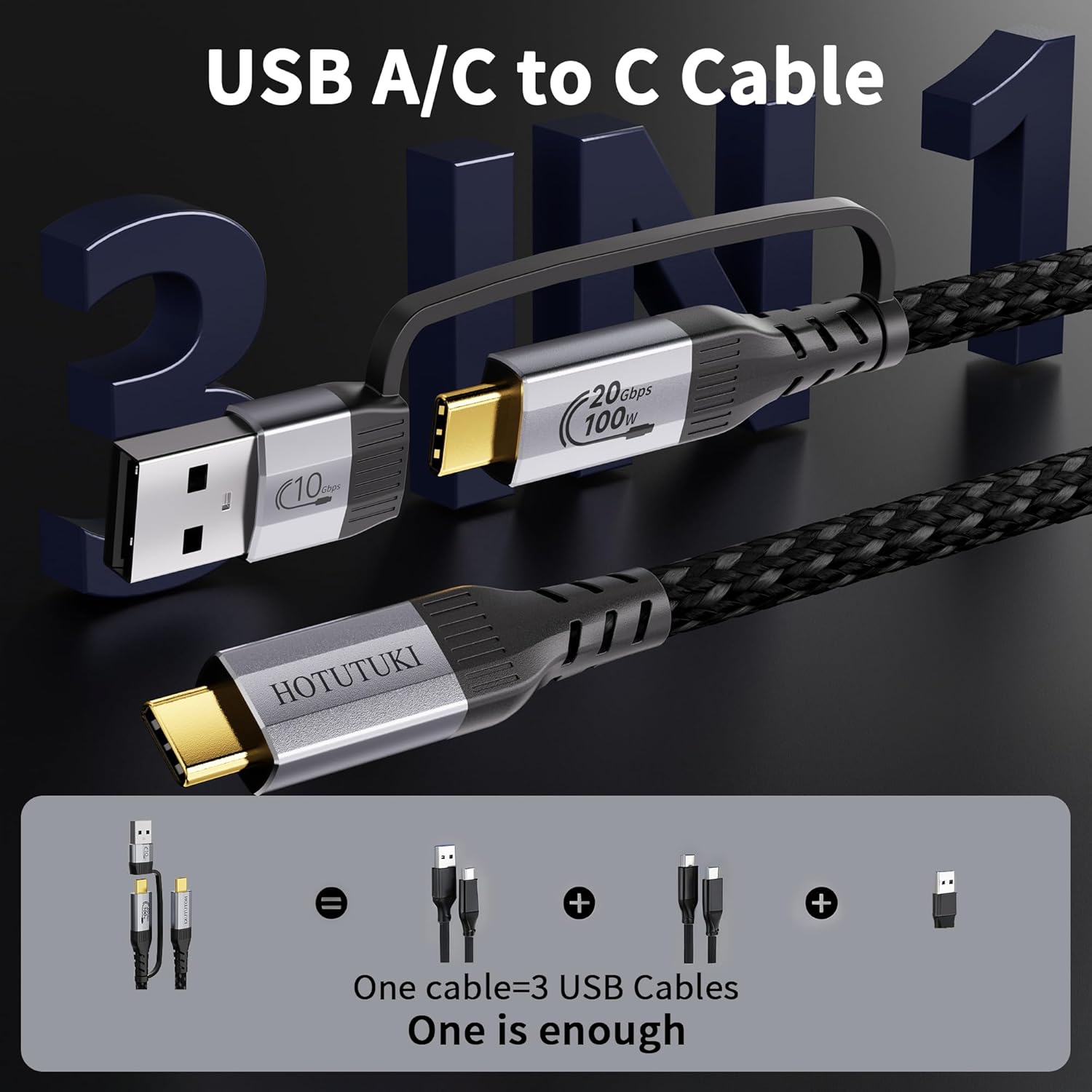
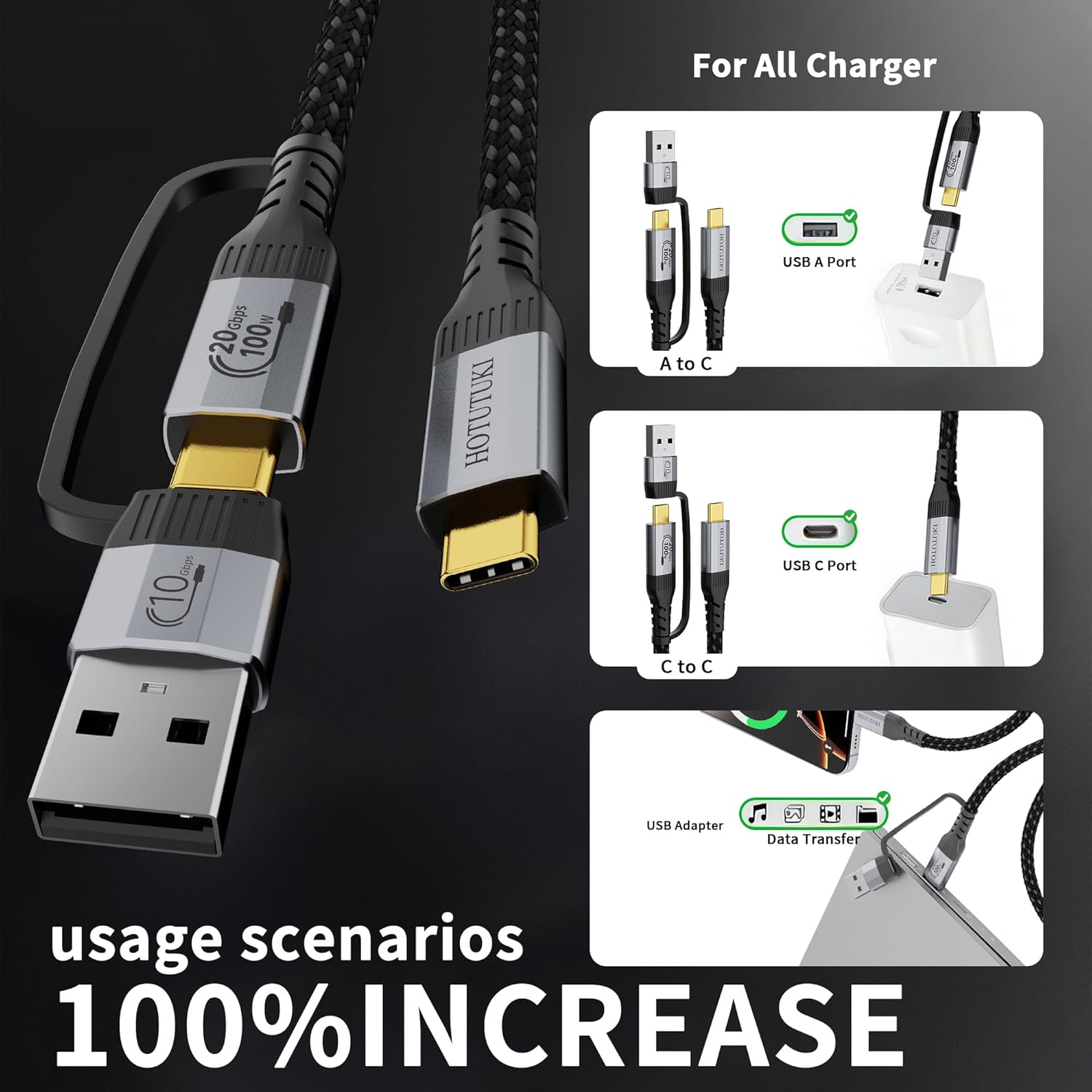
What it is and what problem it solves\nThis HOTUTUKI cable is marketed as a 2-in-1 USB solution designed to replace multiple cables with one flexible option. By including a detachable USB-A to USB-C adapter, it can function as both a USB-A to USB-C charging/data cable and a USB-C to USB-C data/charging lead. The idea is handy for people who juggle older chargers, car ports or devices with USB-A ports alongside newer USB-C ports. On paper, it aims to cover a wide range of daily scenarios without the need to keep an extra adapter in your bag.\n\n## Speed, power and video capabilities\nThe core USB-C to USB-C part is framed as a high-speed option, offering up to 20Gbps data transfer and support for 4K@60Hz video output, plus Power Delivery for up to 100W charging. That combination is relevant for connecting modern laptops, tablets or phones to monitors, docks and high-wattage adapters. When using the included USB-A adaptor, the data transfer drops to 10Gbps and charging tops out around 60W, which reflects the typical bridge role of USB-A in legacy setups. Do note that video output and the 100W charging are not supported in USB-A mode.\n\n## Build and durability\nDurability is emphasised with a nylon-braided jacket, aluminium connectors and reinforced strain relief, suggesting resilience for daily use at home, in the office or on the move. The 30cm length is compact enough to reduce desk clutter while still offering flexibility for desk setups, car dashboards or bag-side charging.\n\n## Who it’s for and who it isn’t perfect for\nIf you prioritise universal compatibility in a single cable — especially if you frequently switch between USB-C to USB-C devices and older USB-A accessories — this 2-in-1 approach can simplify gear. It’s likely more appealing for those who value a tidy kit over fabricating multiple cables. On the other hand, if you rely on true USB-C video or ultra-fast charging in USB-A mode, you’ll need to use the appropriate mode and accept its limits. It may not be the best option if you require 8K output consistently or want maximum USB-A performance from every scenario.\n\n## Practical use and real-world notes\nIn everyday use, you could employ the USB-C to USB-C path to drive a modern laptop to a dock or monitor with high data throughput and 100W power delivery. In a car or with an older charger, you might connect via the USB-A adapter for dependable data transfer up to 10Gbps and charging around 60W. A single cable can reduce the need to juggle multiple adapters, but keep expectations aligned with each mode’s capabilities.\n\n## What to check before buying\n- Length needs: 30cm is short and will influence how you route cables on a desk or in a bag. If you require more reach, consider the same model in longer lengths.\n- Device compatibility: while broadly compatible with USB-C hosts and peripherals, verify that your critical use case (e.g., high-wattage charging or 4K60 video) aligns with USB-C mode only.\n- Purpose fit: if your setup often relies on USB-A ports for data transfer or charging, the adapter’s performance should be weighed against direct USB-C cables.\n\n## Decision point: what it means in practice\nFinal verdict: a practical, space-saving solution for mixed USB environments. It makes sense if you want a single cable that covers USB-C to USB-C needs while offering a bridge for legacy USB-A devices. It may not replace dedicated USB-C cables when you demand maximum performance across all modes all the time.\n\n## Quick-use example\nImagine working on a laptop with a USB-C dock and occasionally needing to connect a USB-A flash drive or power bank. Hook the detachable adapter to the USB-C lead for USB-A compatibility, then detach when you’re wiring a modern USB-C-only setup. It’s a small flexibility that reduces gear clutter.\n\n## FAQ (practical answers based on available data)\n- Does it support 8K video? The description notes 8K video output in the all-in-one claim, but the explicit USB-C to USB-C path is specified for 4K@60Hz, if 8K is critical, verify with the seller.\n- Can I use it for high-wattage charging on USB-C devices? Yes, up to 100W in USB-C mode.\n- Is the USB-A mode suitable for heavy data transfers? It offers up to 10Gbps for USB-C data via the adapter, with up to 60W charging.