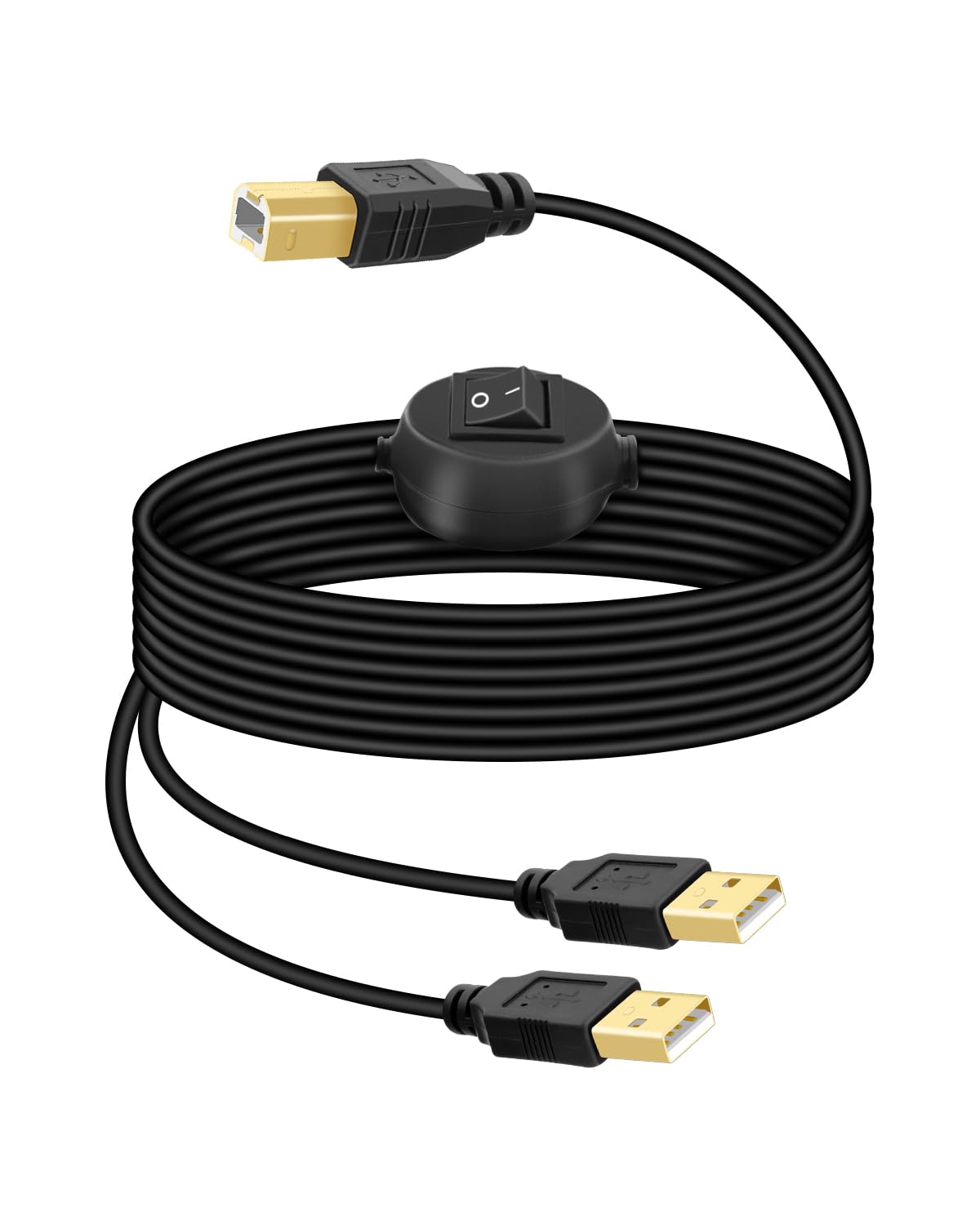
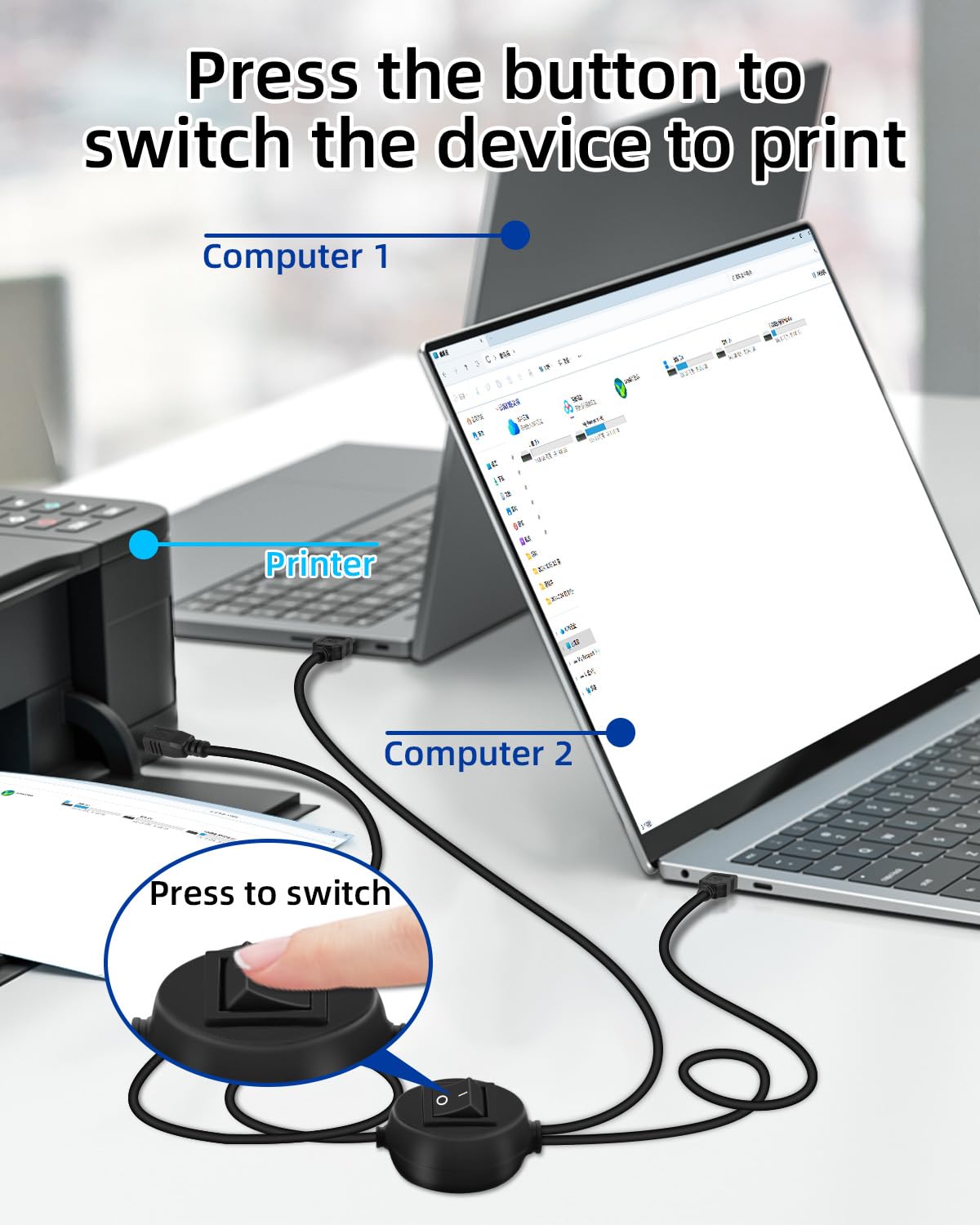
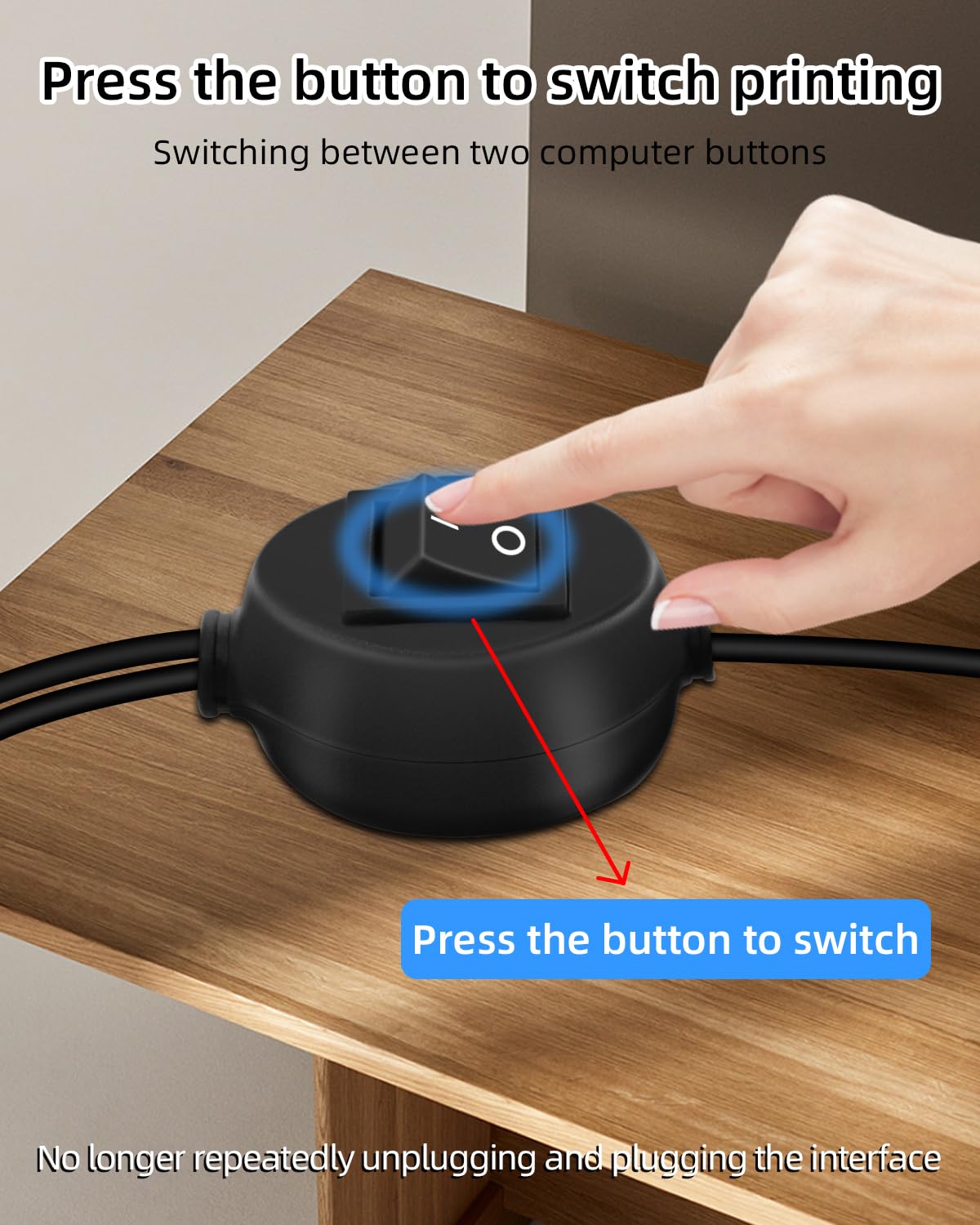
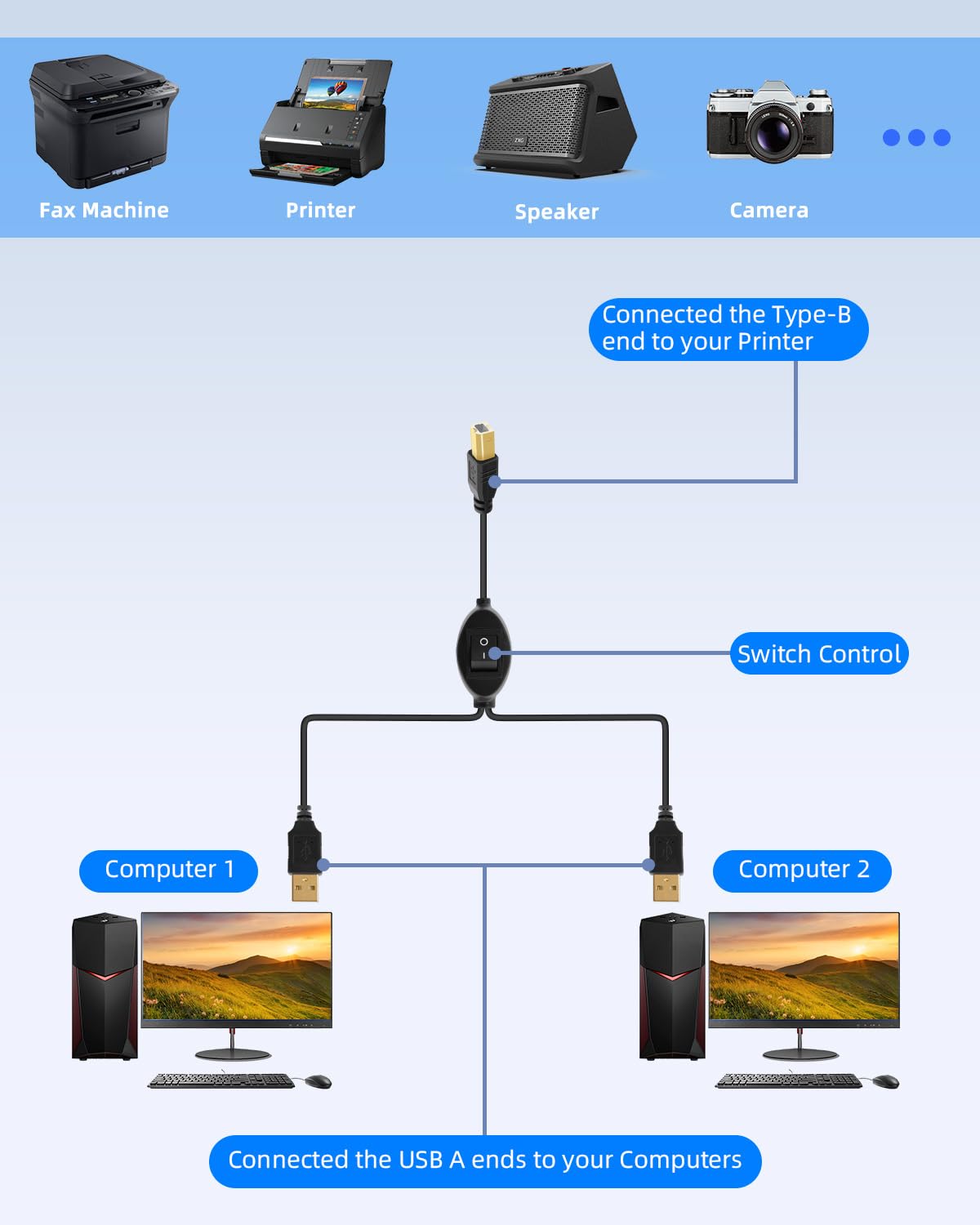
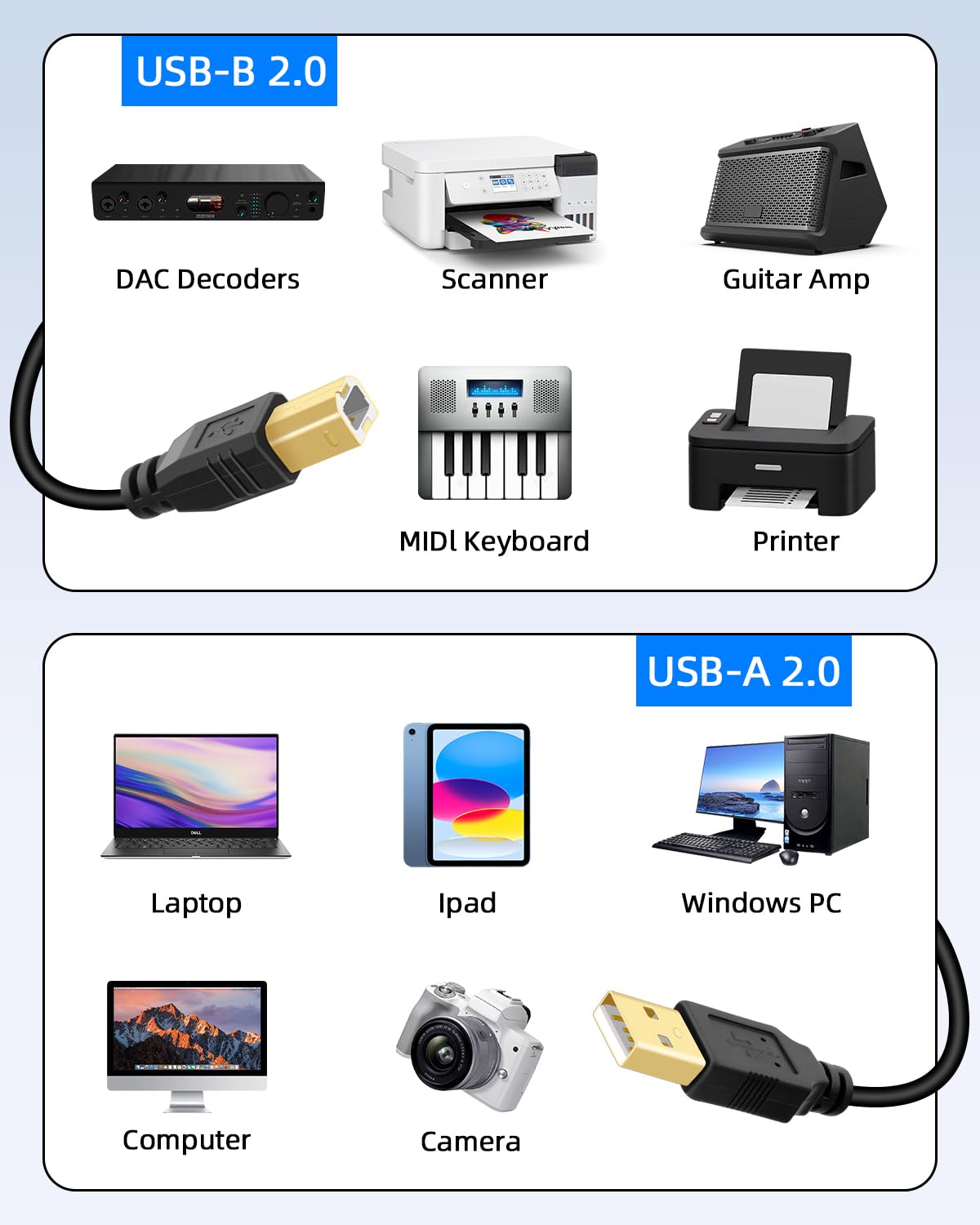
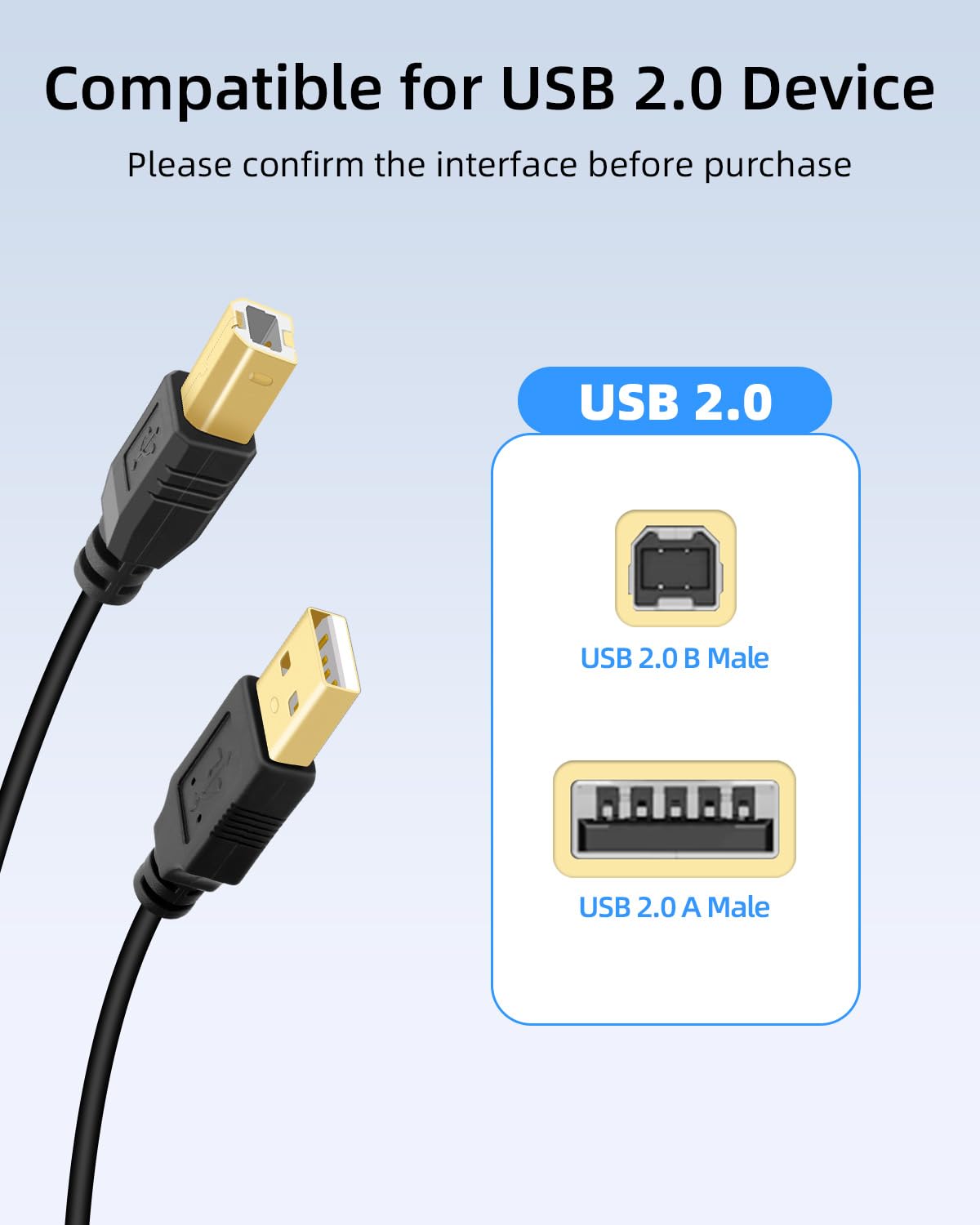
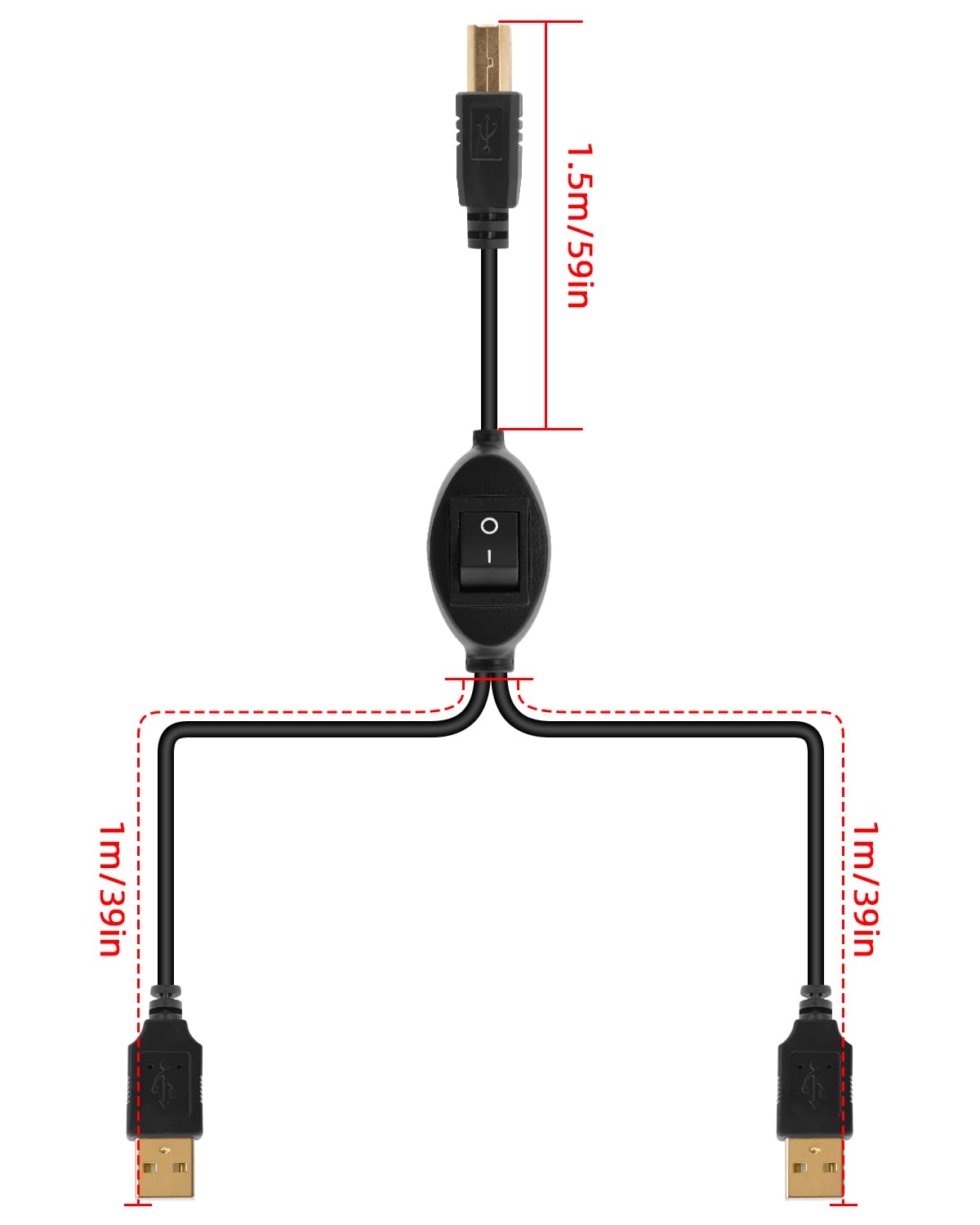
What it is and what it solves\nThe RIIEYOCA 4.5m Printer USB Cable is a 2-in-1 shared USB connection designed to link a printer, fax or scanner to two computers. It includes a toggle switch so you can switch between devices without unplugging cables. On paper, this aims to reduce downtime and wear from repeated plug‑unplug cycles, while keeping two machines able to access the same peripheral. The cable is plug-and-play, with no extra power or drivers required, which can simplify setup in modest office environments or home offices.\n\n## How it’s laid out\nThis particular setup combines a 2.5m USB‑A lead and a 2m USB‑B lead, giving you extra length to accommodate desks and placement of devices. The mention of a “2-in-1 out” arrangement means you connect the shared peripheral to two systems and flip the switch to choose which computer uses it at any given moment. Note the two units cannot be used simultaneously, so it’s a manual switch rather than a true multi‑way hub.\n\n## What stands out in everyday use\nIf you frequently switch a printer or scanner between two PCs, this cable offers a straightforward workaround to avoid crawling under desks or chasing loose connectors. The lack of required drivers means fewer software hassles, which can be appealing in mixed-device setups or when you’re prioritising a calm, uncluttered workspace.\n\n## Potential limitations and caveats\nIt’s important to remember the switch is manual, you’ll need to flip it to switch from one computer to the other. This isn’t a “hot” two‑user shared device, so workflows that demand immediate, seamless access from both systems won’t be suited to this solution. Also, the product description doesn’t specify printer models or OS compatibility, so it’s prudent to confirm that your printer or scanner is compatible with USB‑A to USB‑B connections in a shared‑peripheral arrangement.\n\n## Who it’s for\nThis cable is likely to appeal to small offices, home offices, or teaching environments where a single printer/scanner is shared between two computers and where downtime for cable swapping is a concern. It’s also useful for conference rooms or classrooms where one device is used by different presenters across different machines at different times.\n\n## Who it isn’t for\nIf you need truly simultaneous access from two computers, or if you rely on USB‑C devices and adapters, this solution may fall short. If you require a robust, high‑duty‑cycle setup or automatic switching, you might prefer more advanced sharing options.\n\n## When to buy and when to hold off\nConsider this cable if you primarily need a simple, reliable way to share a printer or scanner between two PCs without software configuration and without extra power needs. If your environment demands constant, rapid switching or if you’re expanding to multiple devices, you may want to evaluate alternative sharing approaches or higher‑capacity hardware.\n\n## What to check before purchasing\nDouble‑check that your printer or scanner can work with a USB‑A to USB‑B sharing cable and that you’re comfortable with manual switch control. Measure the space to ensure the 4.5m total length fits your desk layout and that the longer runs won’t introduce dose‑dependent signal issues for your specific device.\n\n## Quick comparison in context\nCompared with a dedicated multi‑port or networked sharing solution, this cable keeps things simple and inexpensive. It fits smaller setups where software or network routing would be overkill, but may be less compelling in environments requiring robust uptime or more flexible sharing among several devices.\n\n## FAQ (practical answers you can rely on)\n- Do two PCs share the device at the same time? No, you must switch using the toggle.\n- Is a driver needed? No, it’s described as plug and play.\n- Can I use it with any printer or scanner? The description doesn’t specify models or OS compatibility, so check compatibility with your device.\n- What about cable length? The setup mixes 2.5m USB‑A and 2m USB‑B leads to total 4.5m, which helps reach distant desks.\n- Is power required? No external power is mentioned.\n\n## Final buying decision\nIs it worth it? It’s worth considering if your workflow involves two computers sharing a single printer or scanner and you value a simple, low‑installation solution without software or power needs. If you prioritise seamless, simultaneous access or advanced switching capabilities, you might look for alternatives.