

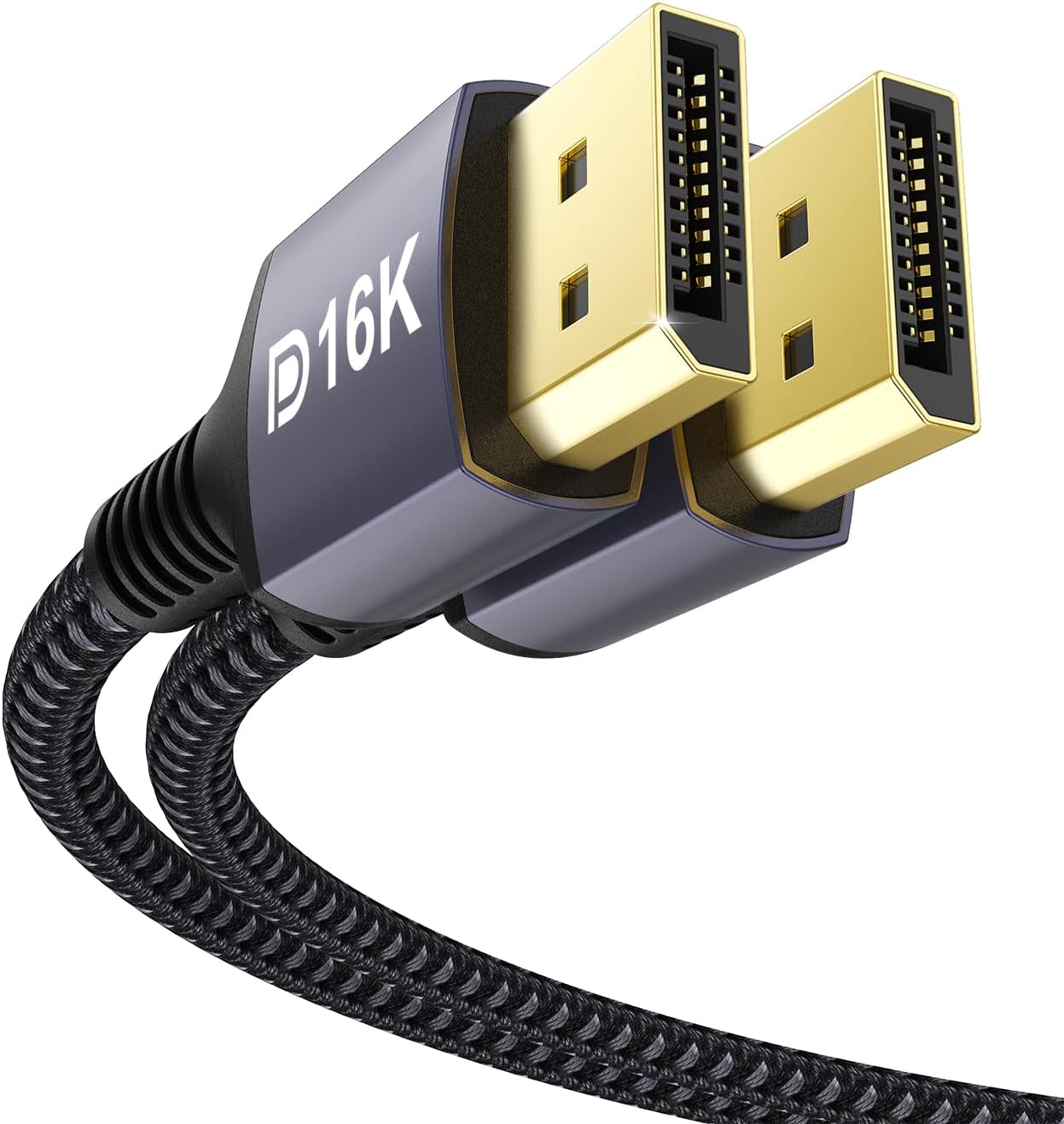
Stouchi DisplayPort Cable 2.1/2.0 DP2.1 – 10m
Product description
What it is
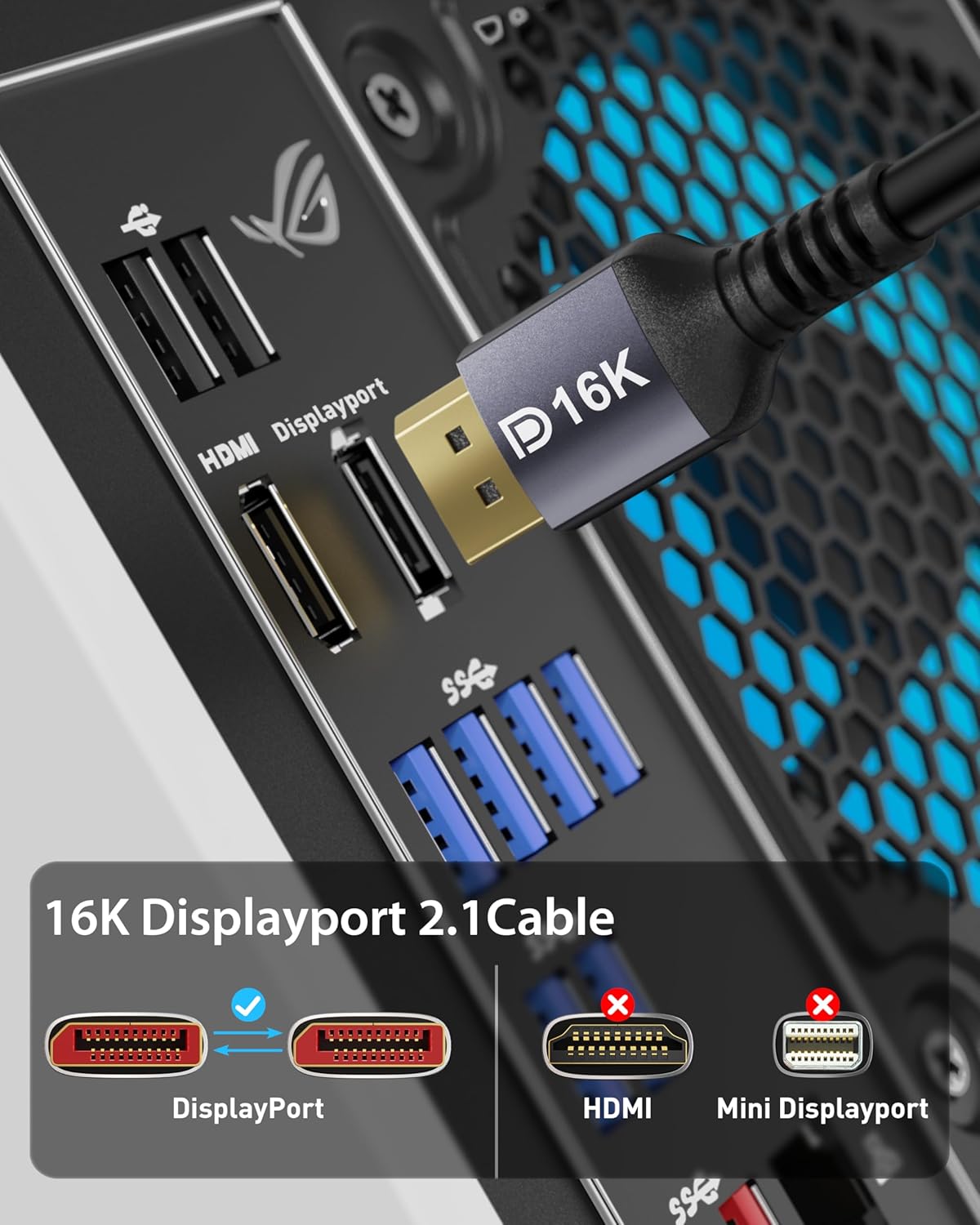
The Stouchi DisplayPort Cable is a long (10m) tether aimed at delivering high-definition video and audio between a PC or console and a compatible monitor or TV. It supports DisplayPort 2.1 and 2.0 specifications, with a stated bandwidth of up to 80Gbps, and is designed to handle ultra-high resolutions and refresh rates. The cable is described as backward compatible with older DisplayPort versions, which broadens its potential uses in setups that involve mixed hardware.
Why it matters
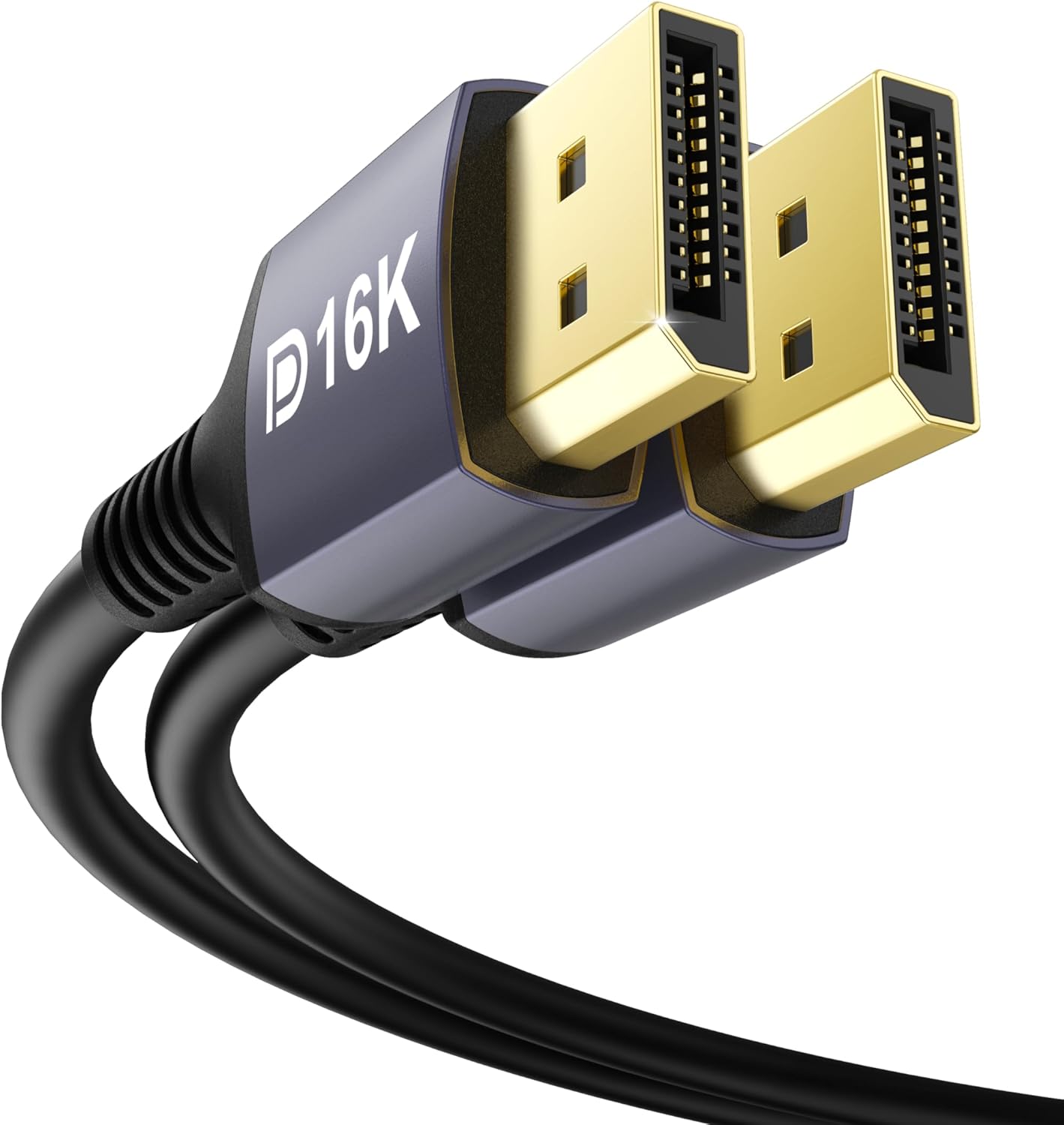
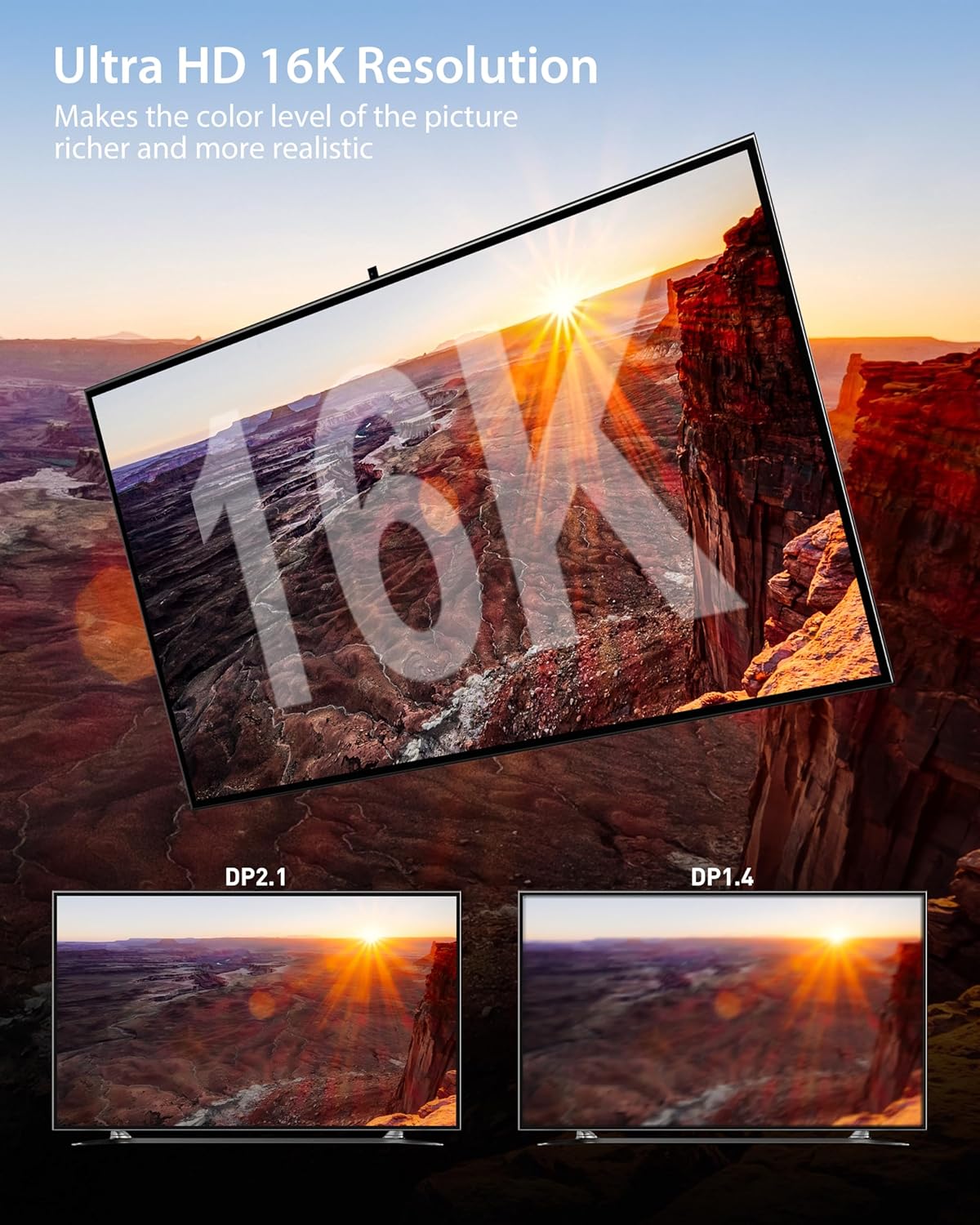
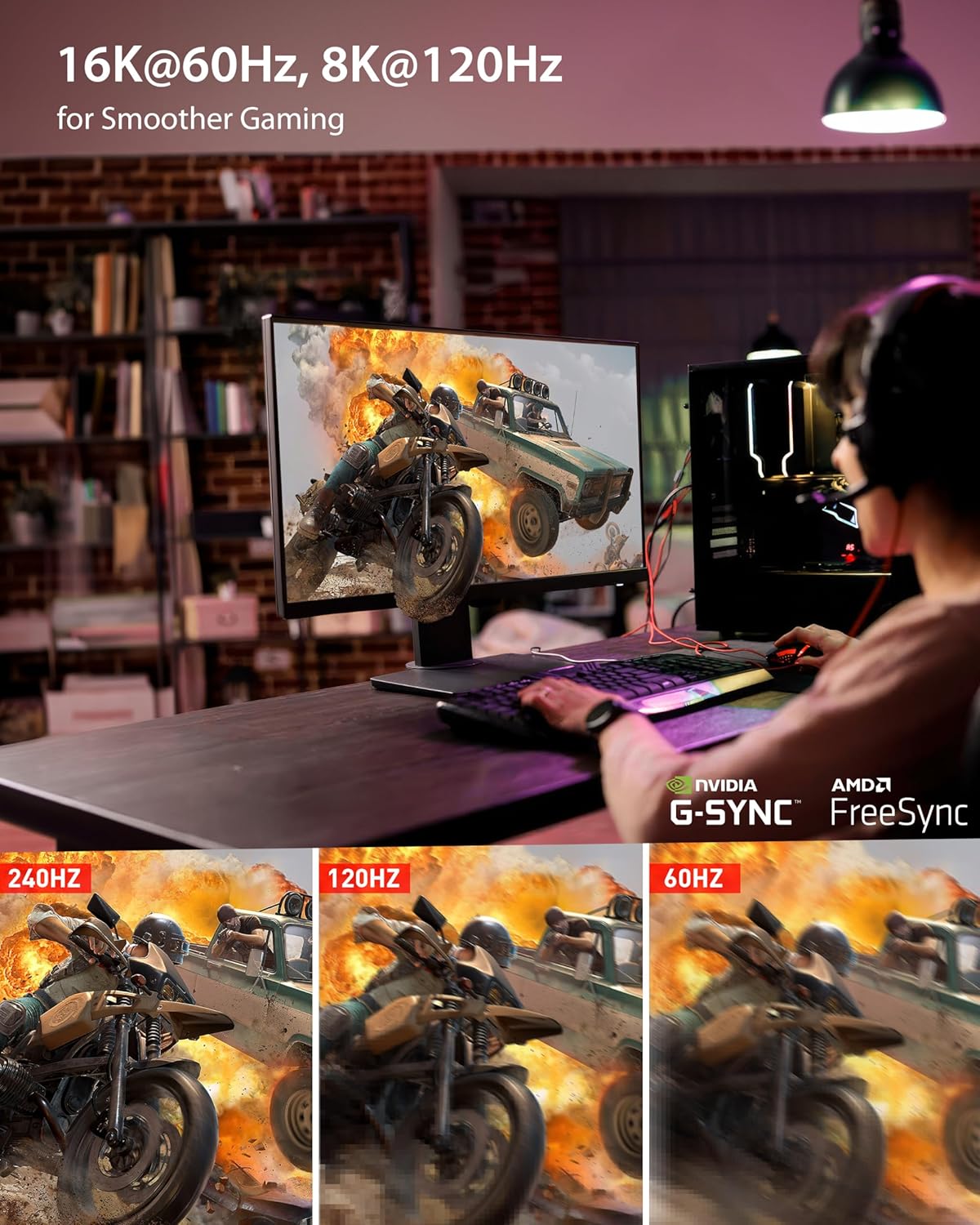
For gaming, creative work, or multi‑screen setups, a cable that can carry very high bandwidth reduces the risk of bottlenecks when you push for higher resolutions and faster refresh rates. If you’re aiming for 16K at 60Hz or 8K at 120Hz, this kind of capability is what enables smooth, high‑fidelity output. The inclusion of features like FreeSync and G‑Sync compatibility also matters for tearing-free gameplay, particularly if you’re pairing with a variable refresh rate display.
What stands out
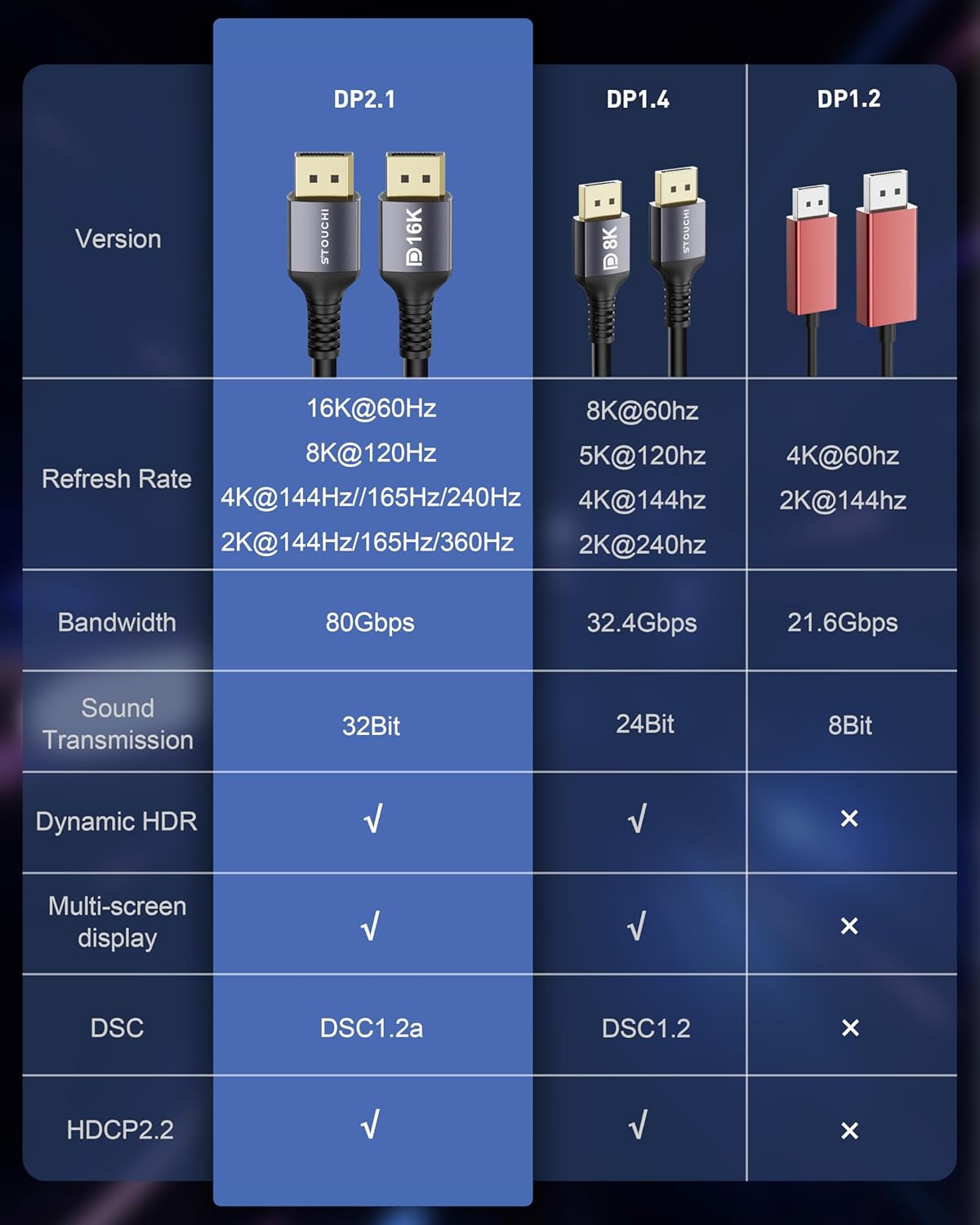
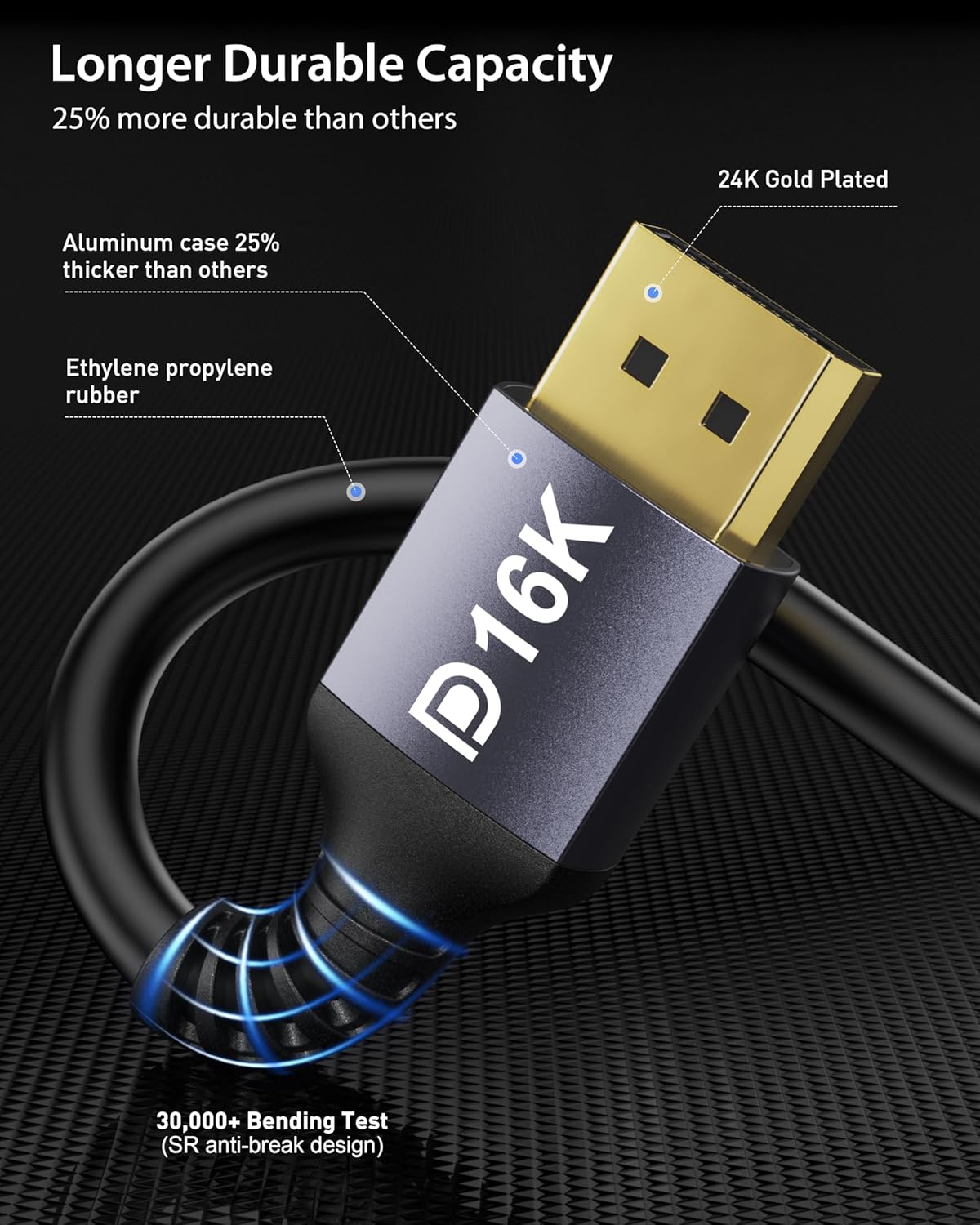
On paper, the main strengths are the very high potential bandwidth (80Gbps) and the range of supported resolutions and refresh rates, from 4K up to 16K, plus the long 10‑metre length. The triple‑layer shielding and 28AWG tinned copper construction are noted as contributing to stable signal transmission, which can be important for longer runs. The cable’s compatibility with DSC for compressed video and HDR support adds to its versatility in more demanding video pipelines.
Practical use cases
If you’re building a high-end gaming or content‑creation workstation, and you need a single cable to run between a PC and a monitor at long distance, this option could be convenient. It may suit setups where cables need to traverse rooms or desks without compromising signal integrity. It’s also worth considering if you have a display that benefits from FreeSync or G‑Sync, and you want to keep a single, long tether rather than multiple shorter cables.
Who it’s for
- Gamers and creators needing long reach without sacrificing high bandwidth.
- Users with displays capable of high refresh rates and high resolutions who value compatibility with FreeSync/ G‑Sync.
- Setups where a single, long DisplayPort cable reduces splicing or switching between multiple cables.
Who it isn’t the best option for
- If your monitor and GPU only support lower bandwidth profiles or shorter cable lengths, you may not gain the claimed advantages.
- For modest rigs or compact desks, a 10m run can introduce practical challenges (layout, charging, clutter) and higher cost relative to shorter, simpler options.
- If you don’t require 16K or extremely high refresh rates, a shorter, potentially cheaper DP cable might fit better.
What to check before buying
- Ensure your GPU and monitor both support DisplayPort 2.1 or at least 2.0 to realise the higher bandwidth and refresh-rate capabilities.
- Confirm that your setup can physically accommodate a 10m cable and that the extra length won’t introduce excessive slack or EMI concerns in your environment.
- Consider whether you need DSC (Display Stream Compression) support and HDR handling for your content types.
How it compares to alternatives
This cable targets users who prioritise maximum bandwidth and long reach. In comparison to shorter, standard DP cables, it aims to preserve signal integrity over a longer distance. If you don’t need extreme resolutions or ultra‑high refresh rates, or your run is short, a lower‑cost shorter cable could be a more sensible choice.
Final decision
Final verdict
It makes sense if you need a long DP cable capable of high bandwidth and are running a high‑spec PC and display that can leverage 16K/8K output with smooth frame rates. Not the best choice if you’re constrained by space, budget, or if your hardware doesn’t push those peak resolutions or refresh rates.
FAQ
- Is 16K at 60Hz realistically achievable with this cable? It’s advertised to support 16K@60Hz, but actual results depend on the entire system chain (GPU, monitor, DSC/HDR settings).
- Does it work with DisplayPort 1.4 or older devices? Yes, it’s backward compatible with DP 2.0, 1.4, 1.3, 1.2, though some features may not be available at older standards.
- Is 10m a practical length for gaming setups? For many desks, 10m is convenient, but it can introduce routing challenges and potential signal loss if the hardware isn’t able to take full advantage of the bandwidth.