

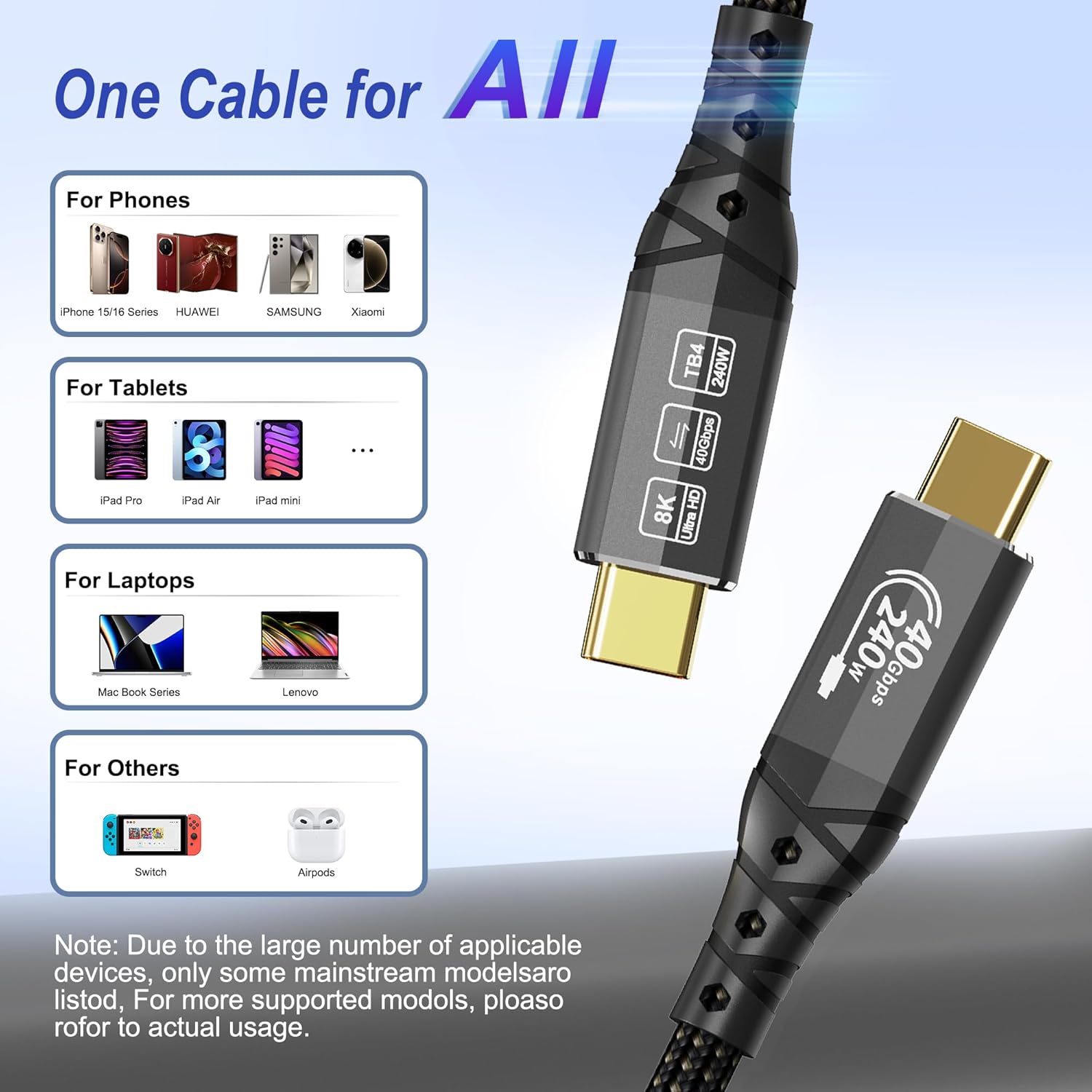
ZIKNYDO USB4/Thunderbolt 4 Cable (0.5m) — 40Gbps, up to 8K video and 240W charging
Product description
The essentials
This ZIKNYDO USB4 for Thunderbolt 4 cable is a short 0.5m USB‑C to USB‑C link built for people who want one cable to do more than one job. On paper it covers high‑speed data sync up to 40Gbps, video output up to 8K, plus fast charging via PD 3.1 up to 240W.
The main idea is convenience: fewer leads on the desk, and less time swapping cables when you’re moving between a laptop, SSD, or a docking setup. For day-to-day use, that can be genuinely handy—think plugging in once to charge your laptop, connect external storage, and drive a monitor without a second cable spaghetti situation.
It’s not perfect for every scenario though. Because it’s a Thunderbolt/USB4‑class cable, it’s best if your devices actually support the relevant capabilities, otherwise you’ll end up using it as a more basic USB‑C cable.
What it’s for (and where it fits best)
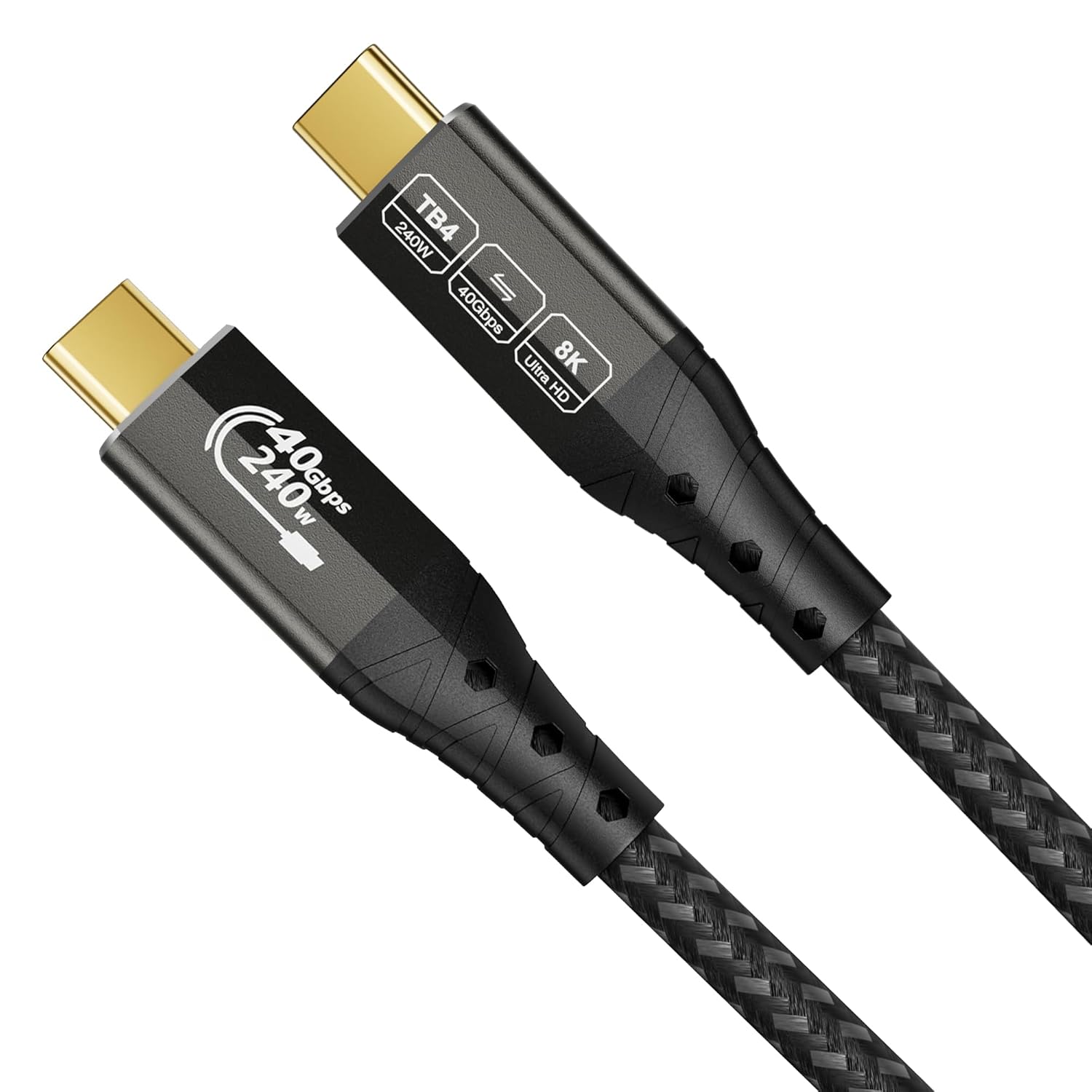
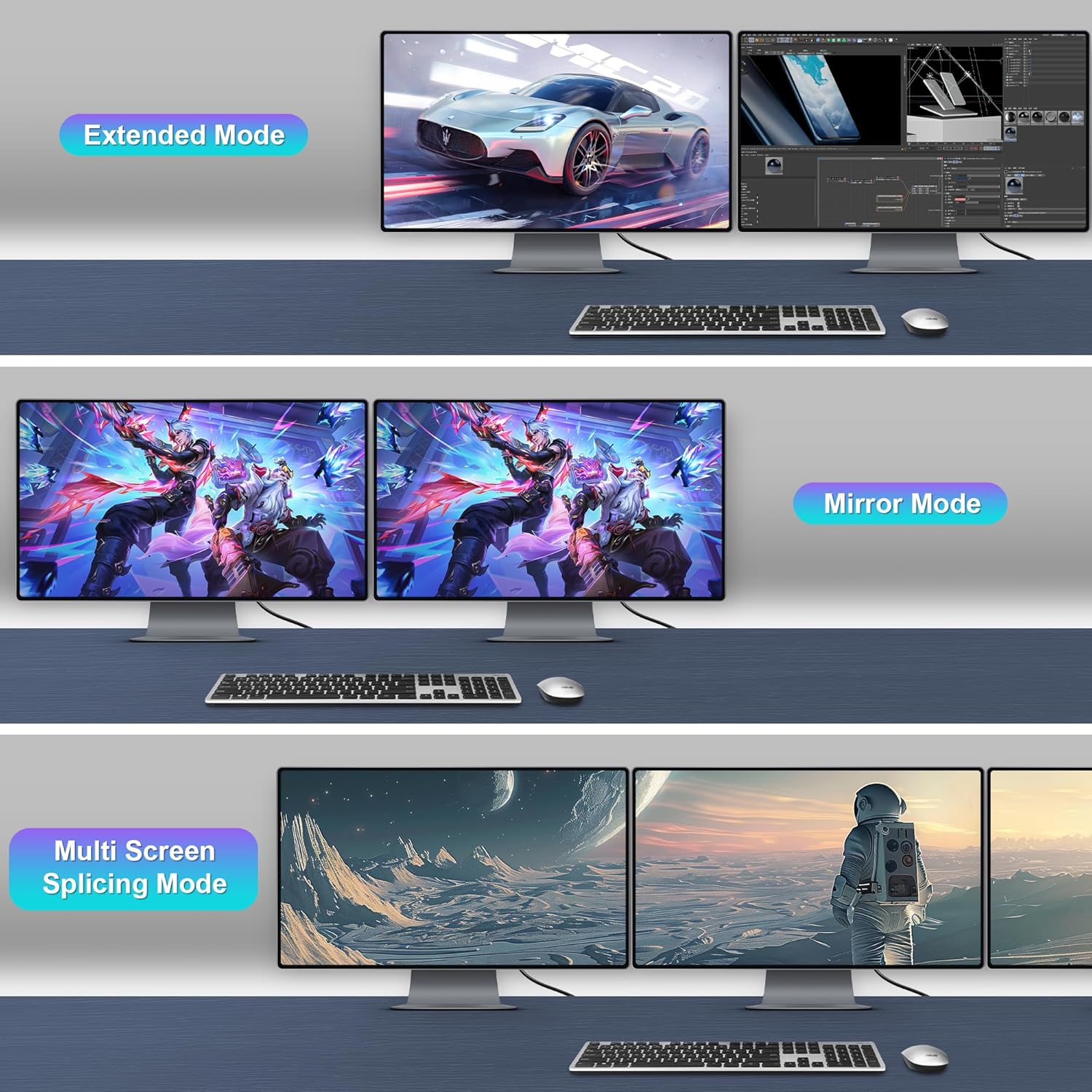
If you regularly connect a MacBook or laptop to a docking station, monitor(s), and external drives, this cable is aimed at that “one cable does it all” workflow. The included video support and MST daisy chaining are especially relevant if you’re working in a multi‑screen environment and want smoother, multi-display setups.
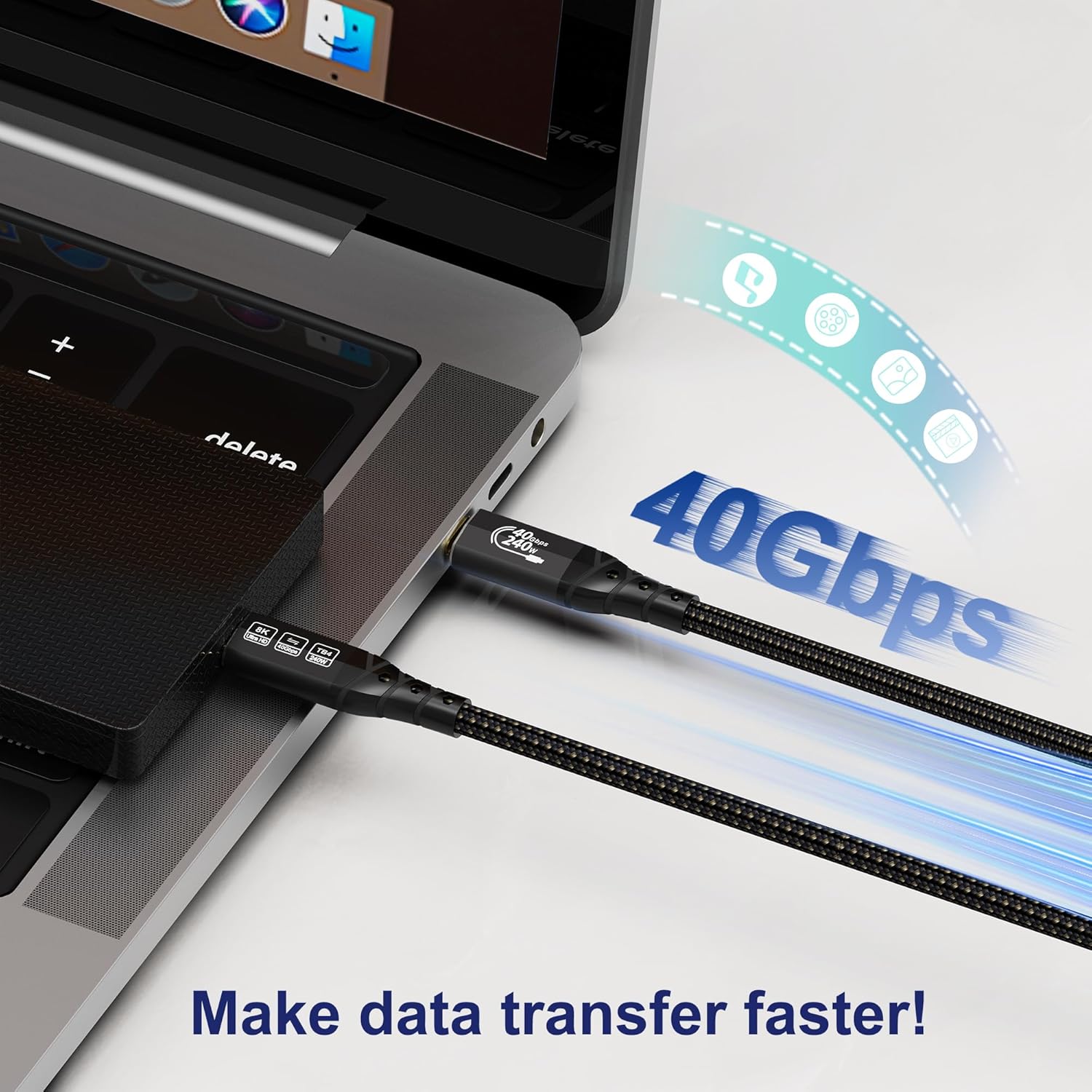
It also suits people who want faster file transfer for large backups. The description claims it can move a 10GB file in about 5 seconds, which is positioned as around four times quicker than USB 3.2—useful if you routinely shuffle large project folders or drive images.
A practical example: you could connect your laptop to an external display and an SSD at the same time, then start a backup without waiting around and without re-cabling every time you switch tasks.
Key performance points
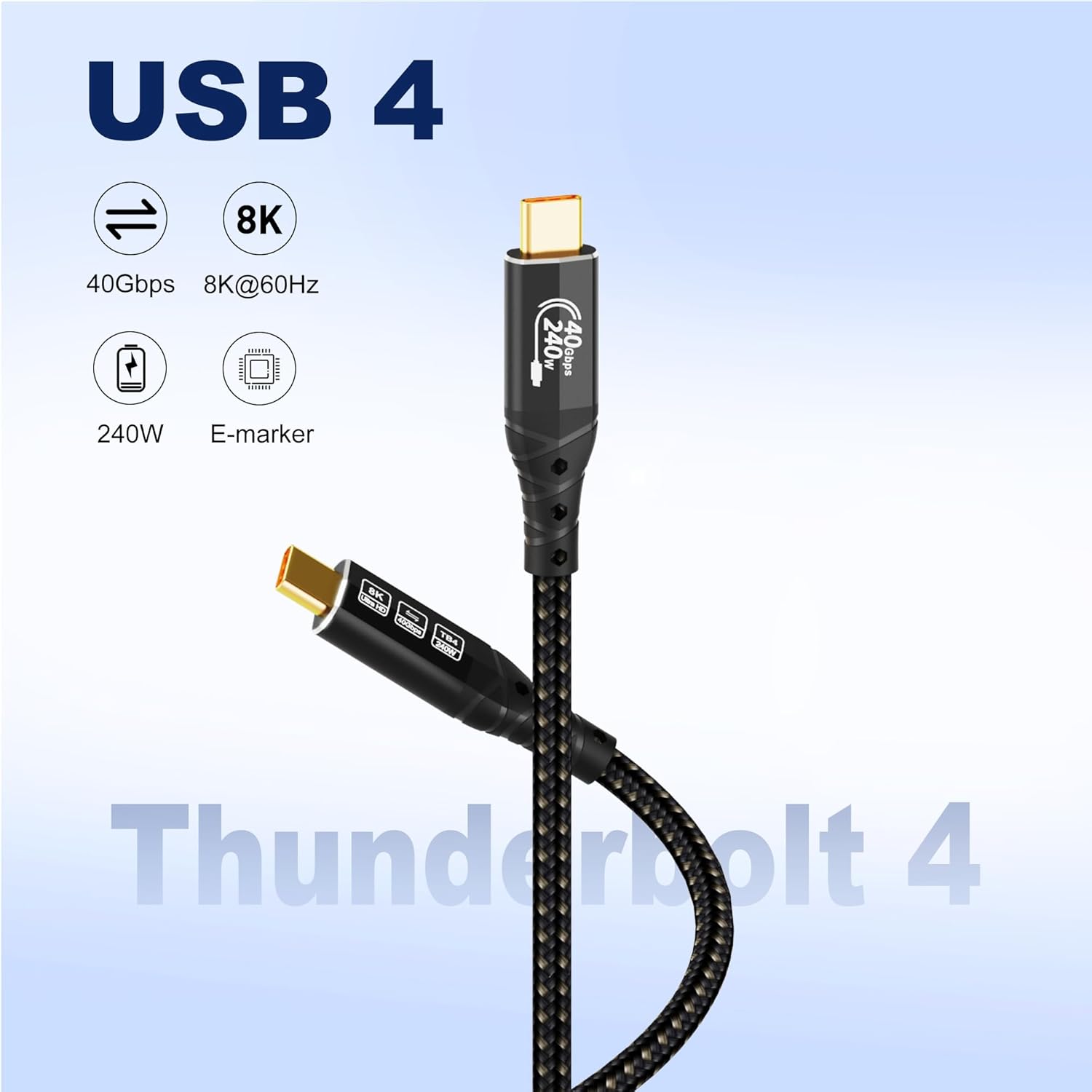
The standout features here are the headline capabilities for data, display, and charging:
- 40Gbps data transfer for high bandwidth needs, designed for quicker sync and backups.
- Video output up to 8K and support for MST daisy chaining, aimed at multi‑screen office and pro-style setups.
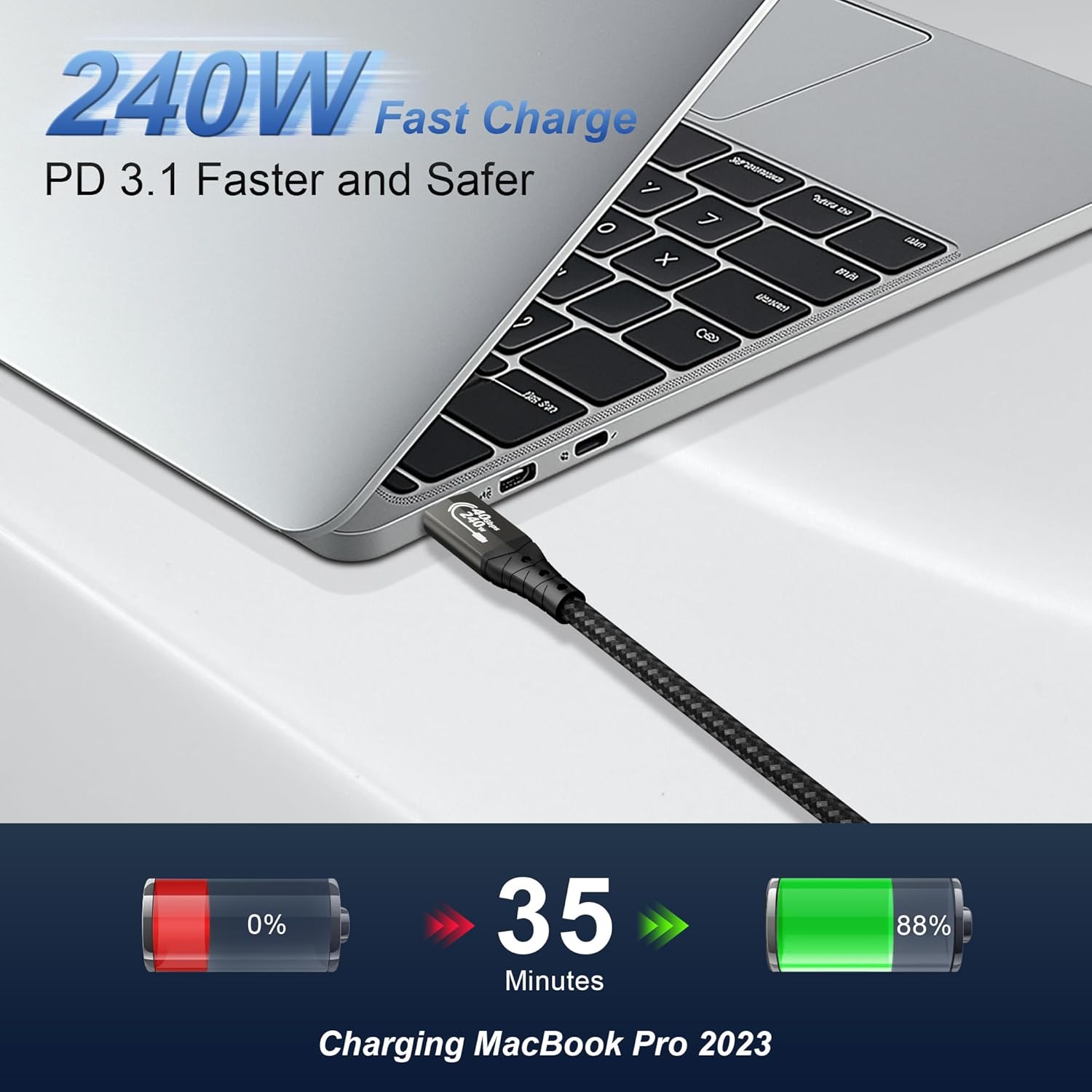
- 240W fast charging (PD 3.1) with a 5A high current claim, so it’s intended for powering laptops and other compatible peripherals through the same cable.
Worth noting: real-world performance will depend heavily on what both your source device and destination devices support. The cable can be capable, but the rest of the chain (ports, docks, monitors, and SSD enclosures) still matters.
Charging and power delivery reality check
The charging story is one of the most convincing parts of this cable: it supports PD 3.1 up to 240W and mentions 5A high current. If you’re using a compatible laptop charger or docking setup that expects that higher power, the payoff is fewer power bricks on the desk.
That said, it can be easy to misread what “240W” means. If the devices on either end don’t support the same PD profile or power levels, it won’t automatically charge at the maximum figure. In other words, it’s a good match if your equipment supports high-wattage USB‑C/Thunderbolt power delivery, it’s less exciting if you’re only using low-power peripherals.
Build quality and day-to-day durability
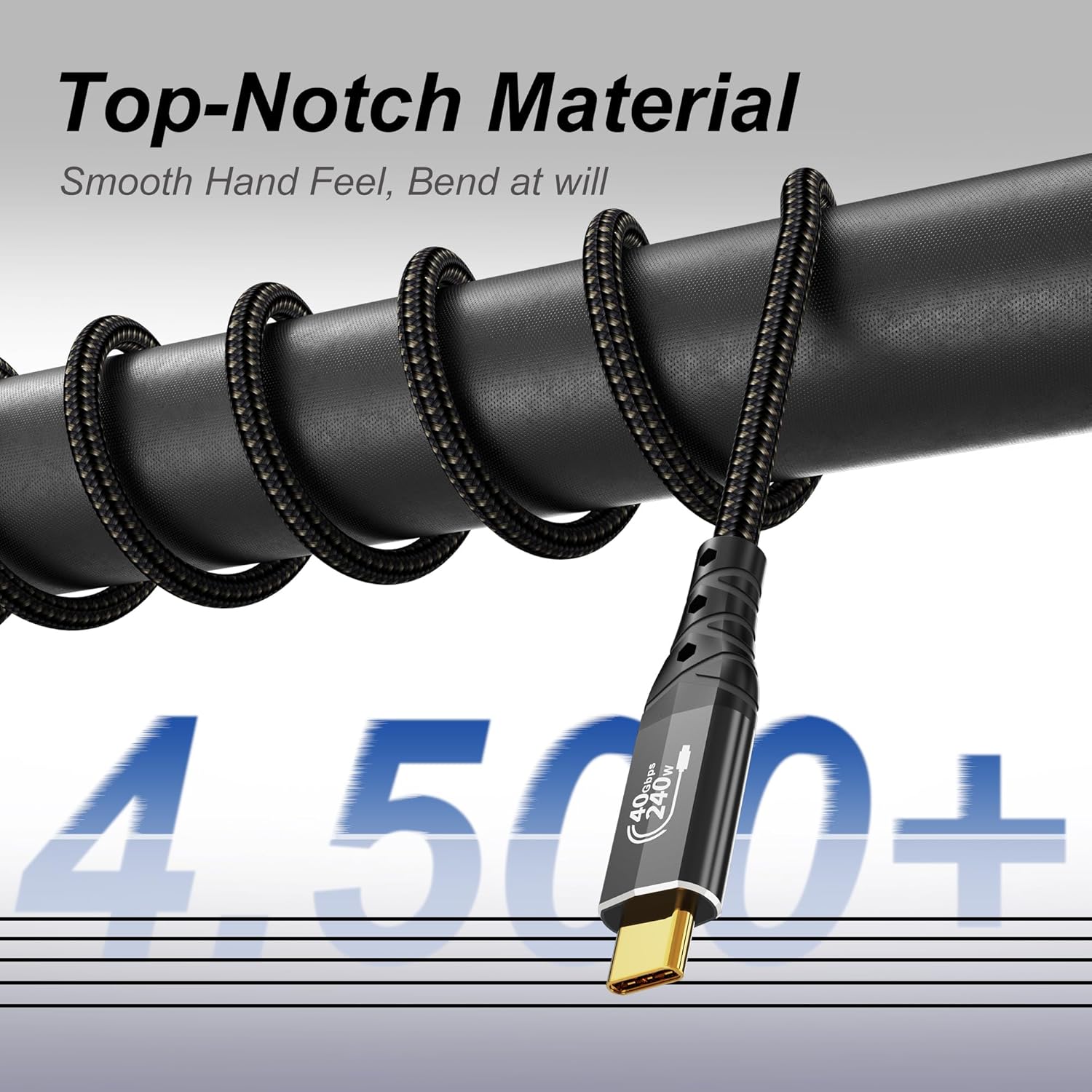
This cable is presented as tougher than the average slim USB‑C lead. The description states:
- A tensile steel wire core for mechanical strength.
- An aluminium shell for efficient heat dissipation.
- 24K gold-plated plugs to help resist oxidation.
- 48-strand braiding technology for improved tangle resistance and durability.
If you’re the type who bundles cables in a bag or keeps them permanently plugged in behind a desk, a braided design and stronger strain relief approach can matter more than people expect.
Compatibility and device fit
It uses USB‑C to USB‑C and is described as upward compatible with Thunderbolt 5, and downward compatible with Thunderbolt 3, USB 3.2, USB 3.1, USB 3.0, and USB 2.0.
For buyers, the practical takeaway is this: you can plug it into a wider range of USB‑C capable devices, but you should only expect Thunderbolt 4/USB4 speeds, 8K output, and high-watt charging if the ports on your laptop, dock, or monitor actually support those features.
Also, the length is 0.5m (1.6FT). That’s great for a tidy desk run between laptop and dock, but it may feel short if you need more reach across a room or around a larger setup.
Tech specs
- Type: USB4 for Thunderbolt 4 cable (USB‑C to USB‑C)
- Length: 0.5m (1.6FT)
- Data transfer: up to 40Gbps
- Video support: up to 8K resolution, supports MST daisy chaining
- Charging support: PD 3.1 up to 240W, 5A high current
Is it worth it?
Buy it if you want a compact Thunderbolt/USB4‑class cable that can cover data, display, and laptop charging in one go—especially for a docked multi‑screen workflow. It also makes sense if your setup benefits from high bandwidth transfers for large files and backups.
Skip it if your devices are mostly basic USB‑C (where you’re unlikely to use Thunderbolt‑level speeds or video features), or if you need a longer cable than 0.5m. And if you’re expecting “240W” charging to automatically apply to every device, keep expectations grounded—charging speed and wattage depend on what your connected equipment supports.
Mini FAQ
Will this cable work with older Thunderbolt or USB-C devices?
It’s described as compatible downward with Thunderbolt 3 and various USB generations (up to USB 2.0). For full Thunderbolt 4/USB4 performance, you’ll still need compatible ports and equipment.
Can it drive multi-monitor setups?
The cable supports up to 8K output and mentions MST daisy chaining, which is relevant for multi-screen arrangements—assuming your monitor/dock chain supports it.
Does it charge laptops and peripherals at high power?
It supports PD 3.1 up to 240W with 5A high current, and it’s described as able to power other peripherals and support reverse charging. Maximum charging depends on the capabilities of the devices you connect.
How fast is data transfer in practice?
The description claims around 10GB in about 5 seconds and up to 40Gbps. Actual speed can vary based on the connected SSD, dock, and the devices’ supported throughput.
What’s included in the package?
The provided information doesn’t specify what’s in the box beyond the cable itself, so it’s worth checking the listing details before ordering.