

SABRENT USB Serial Cable (CB-FTDI) – USB to RS232 DB9 Converter
Reviews
Price
Product description
What it is and what it does
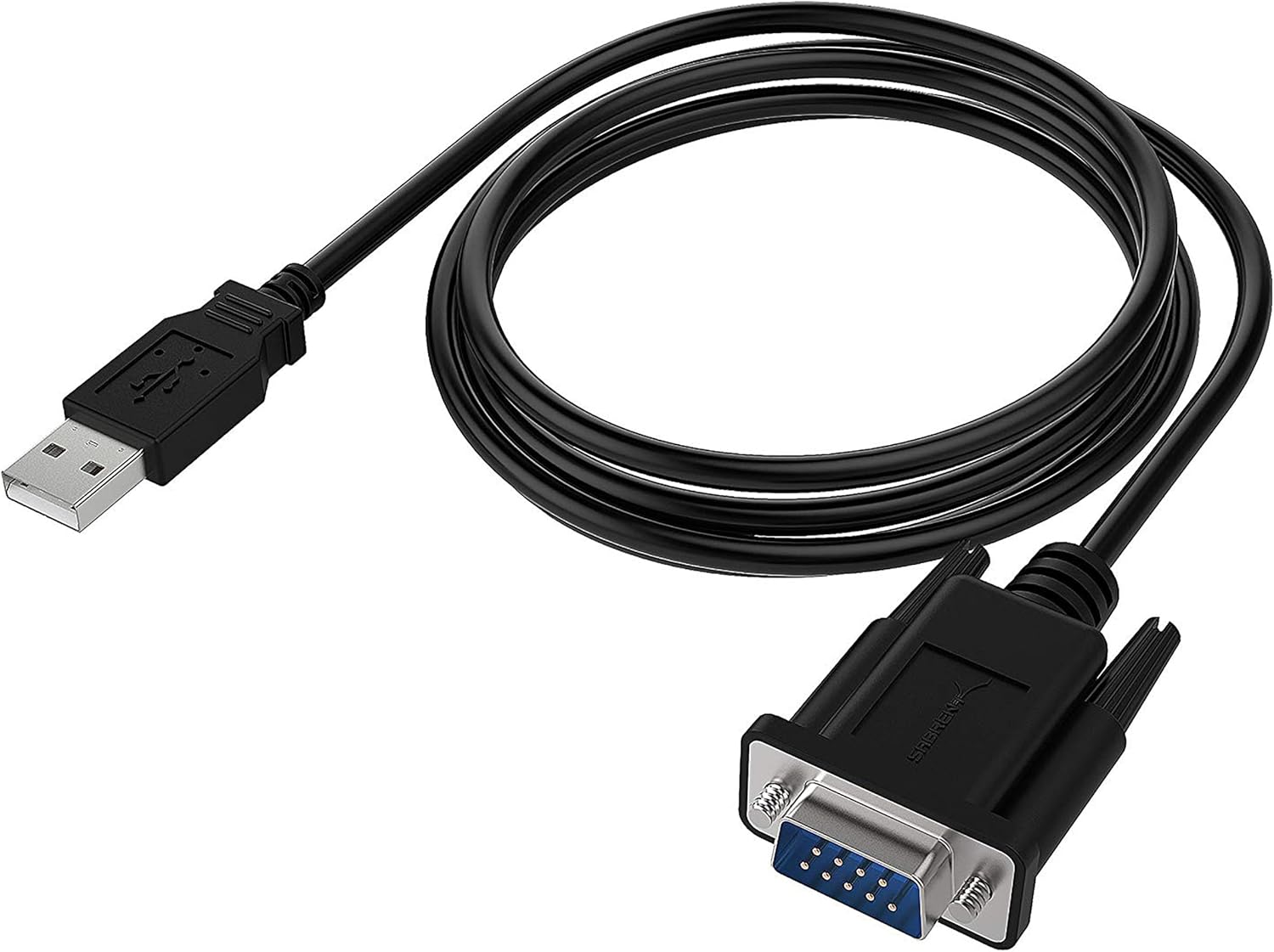
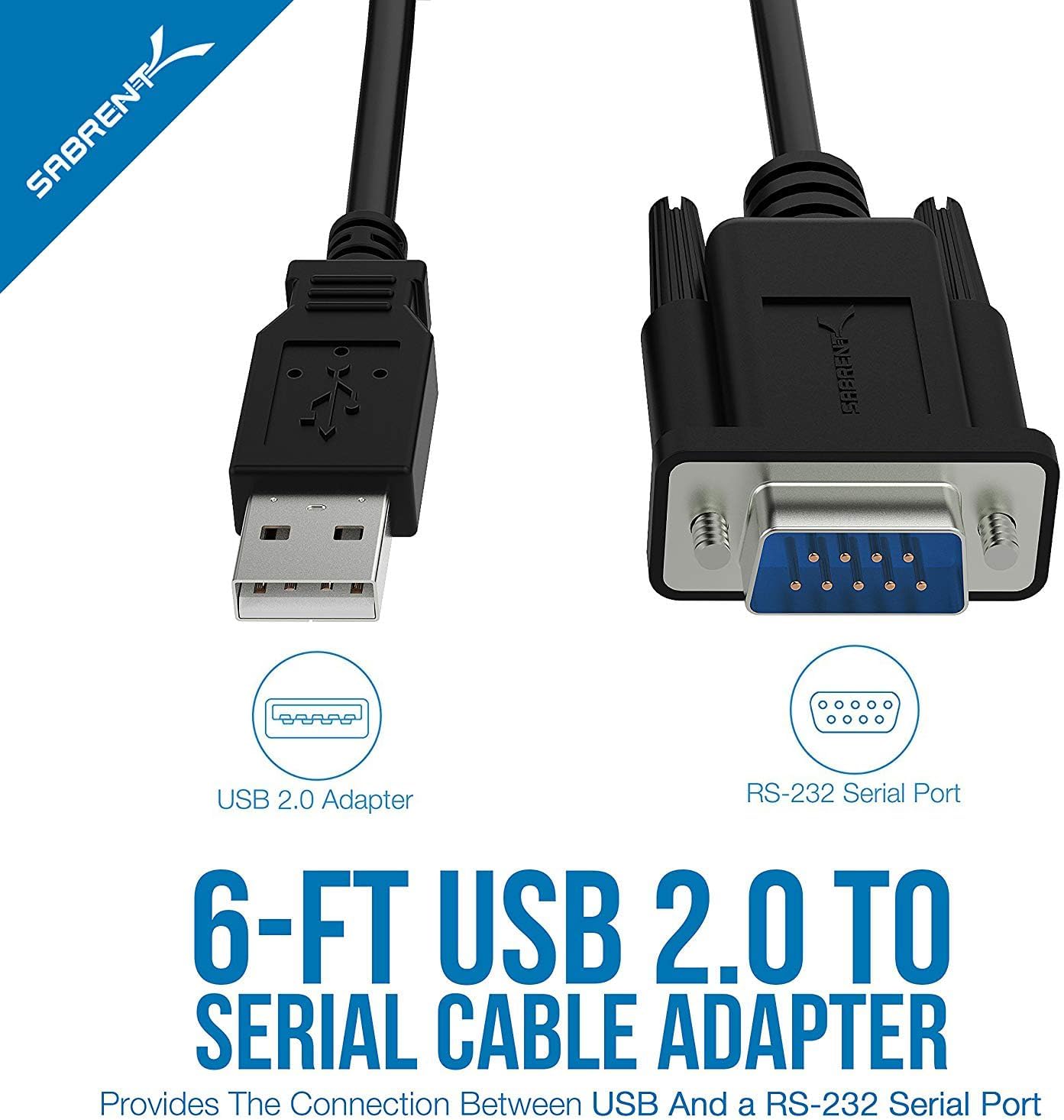
The SABRENT USB Serial Cable is a USB to RS232 DB9 adapter designed to connect a wide range of legacy serial devices to modern computers. With a DB9 male to USB interface, it enables simple, plug-and-play linkage for devices such as routers, switches, CNC machines, PLCs, printers, barcode scanners, ECG machines and more. The aim is to bridge old serial gear with current USB-equipped systems without needing to install expensive or bespoke interface hardware.
How it performs on paper
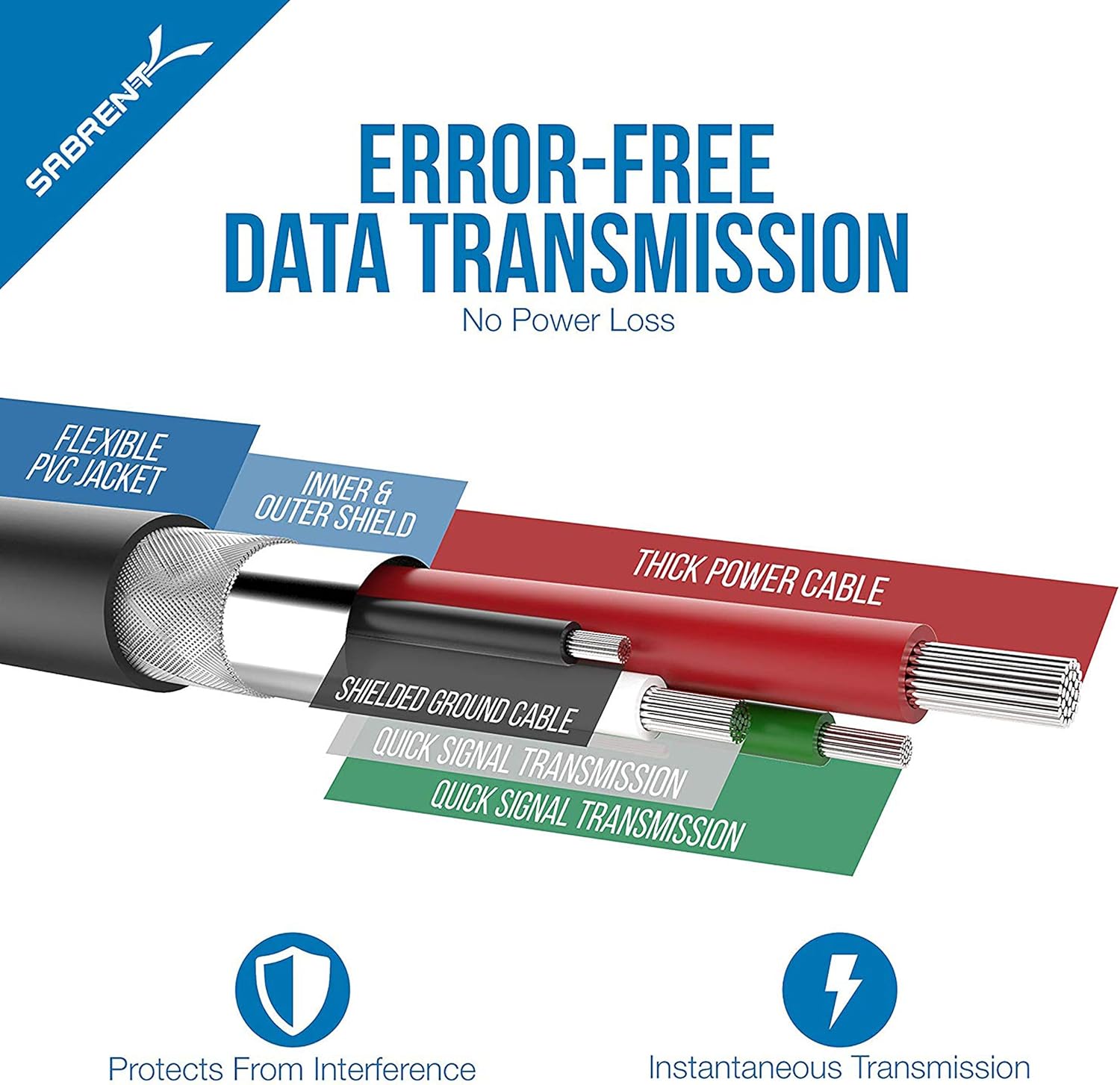
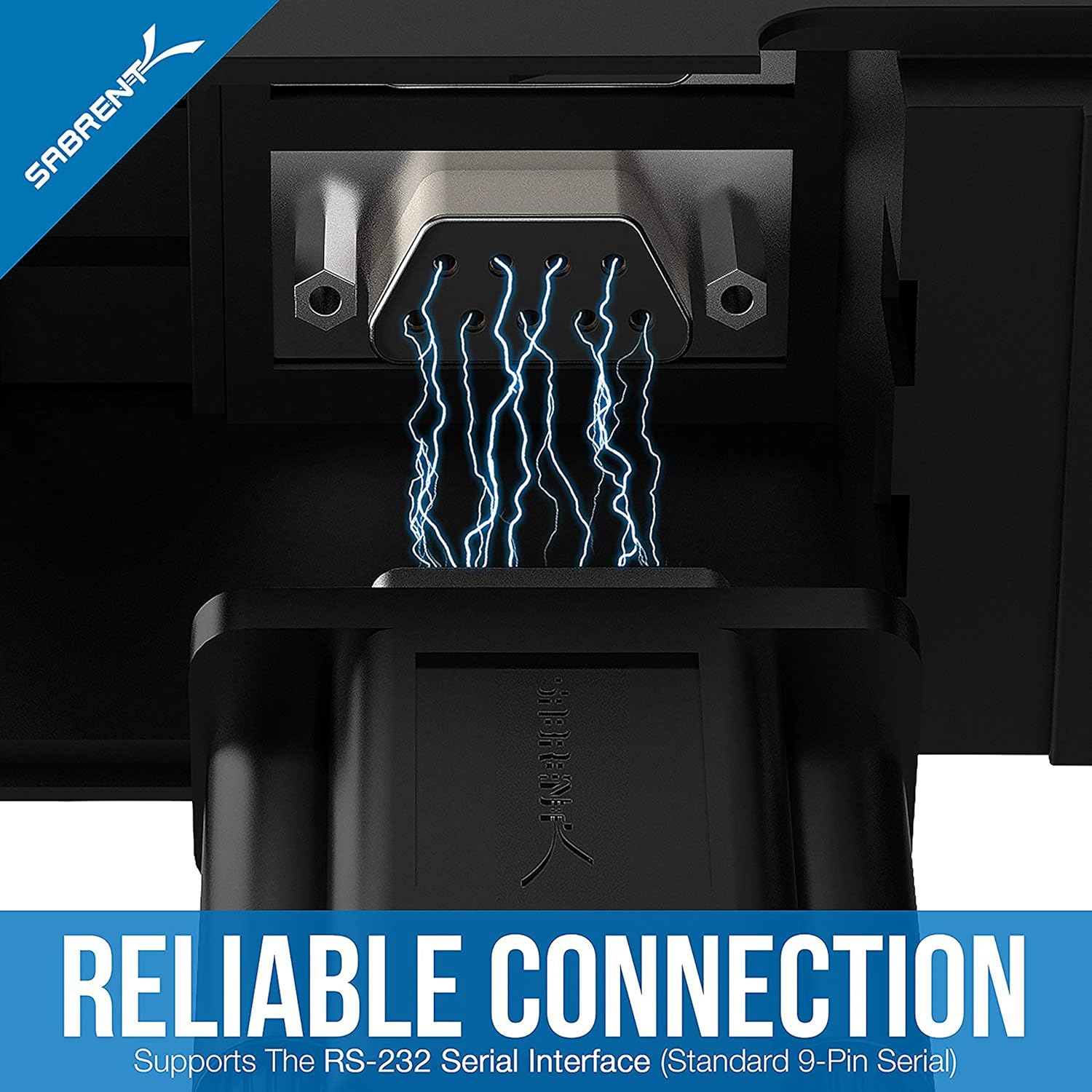
This adaptor is built around the FTDI chipset, a choice that is commonly associated with broad compatibility across many operating systems and devices. The cable features triple shielding, which helps resist interference and supports more reliable data transfer in environments with electrical noise. In practical terms, that means a steadier connection when you’re wiring up multiple devices in a telecommunications rack, workshop, or healthcare setting where legacy gear remains essential.
Pros: what stands out
- Wide compatibility courtesy of the FTDI chipset, aiding connections to a diverse set of serial devices.
- Real-world utility for common legacy gear like routers, switches and barcode scanners, plus industrial or lab equipment.
- Triple shielding offers better protection against interference, which can improve data integrity in noisy environments.
- Simple, “plug & play” approach that keeps setup straightforward for users who just need a reliable serial link to a modern PC or Mac.
What may hold it back
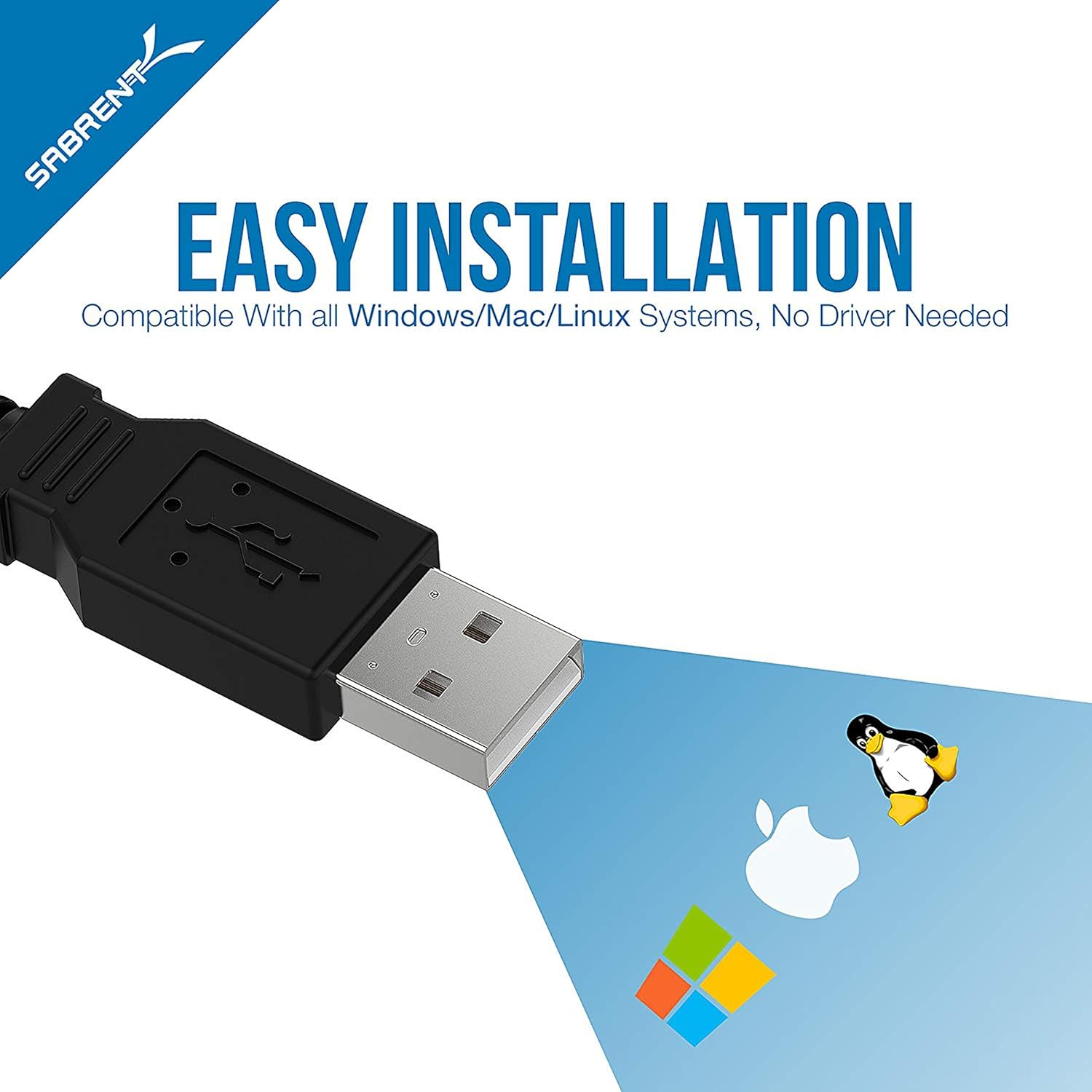
- The device is described in terms of broad compatibility but lacks explicit details about driver requirements beyond general OS support, users may encounter driver prompts or needs depending on their system year and configuration.
- While Windows and Mac OS X 10.6 are mentioned, higher or newer operating systems aren’t specified in the data provided, so potential users should verify compatibility with their exact OS version.
- As with any USB-to-serial adaptor, performance can be dependent on the host computer’s USB controller and available resources, and some very new or niche serial devices may require additional configuration.
Who it’s for
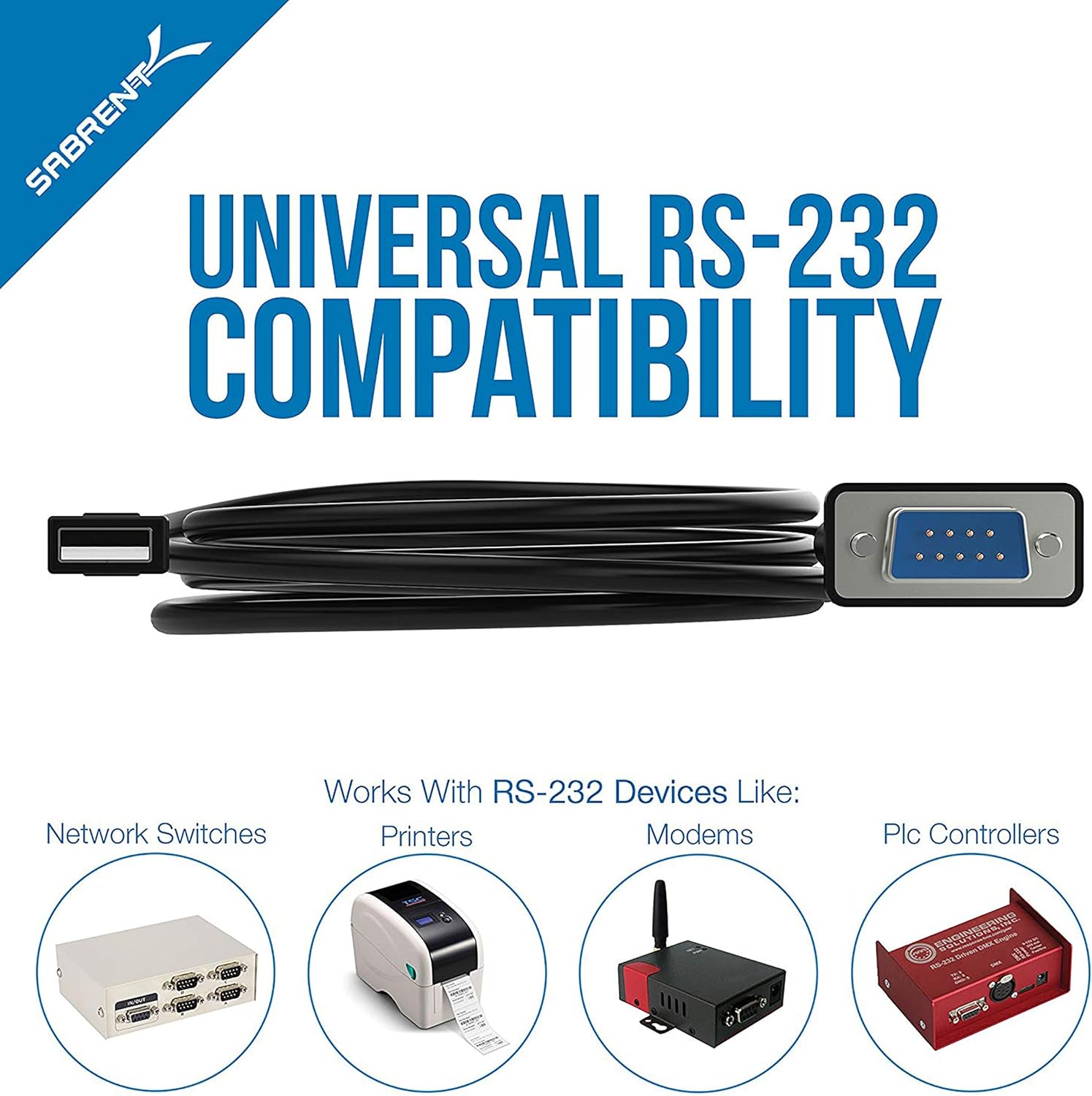
If you regularly work with legacy serial equipment—routers, switches, CNC machines, PLCs, printers, surveillance cameras, barcode systems, or medical devices—and you want a straightforward way to connect them to a modern computer, this SABRENT CB-FTDI adaptor offers a pragmatic option. It’s particularly sensible for small workshops, IT rooms, healthcare support desks or facilities where updating every piece of hardware isn’t feasible.
Who it isn’t ideal for
If your setup relies on USB-C only or you need native USB-C to RS232 without any adaptors, this solution may not fit. If you’re operating in a highly regulated environment that requires explicit driver certification for newer OS versions, you’ll want to confirm driver support before purchase.
When does it make sense to buy
- You have multiple legacy serial devices you need to pair with a modern computer.
- You prioritise a straightforward, plug-and-play connection with reasonable resistance to interference.
- You’re operating in an environment where sandwiched devices (routers, barcode scanners, serial printers) need reliable, consistent data transfer.
When to consider alternatives
If you expect to work primarily with USB-C systems or require documented compatibility with very new operating systems, or if you need features like physical DB9 gender switching built-in, you might explore other adapters. Also, if your workflow depends on higher-speed RS232 communication under strict regulatory or test conditions, verify that this solution fulfils those requirements.
Quick practical example
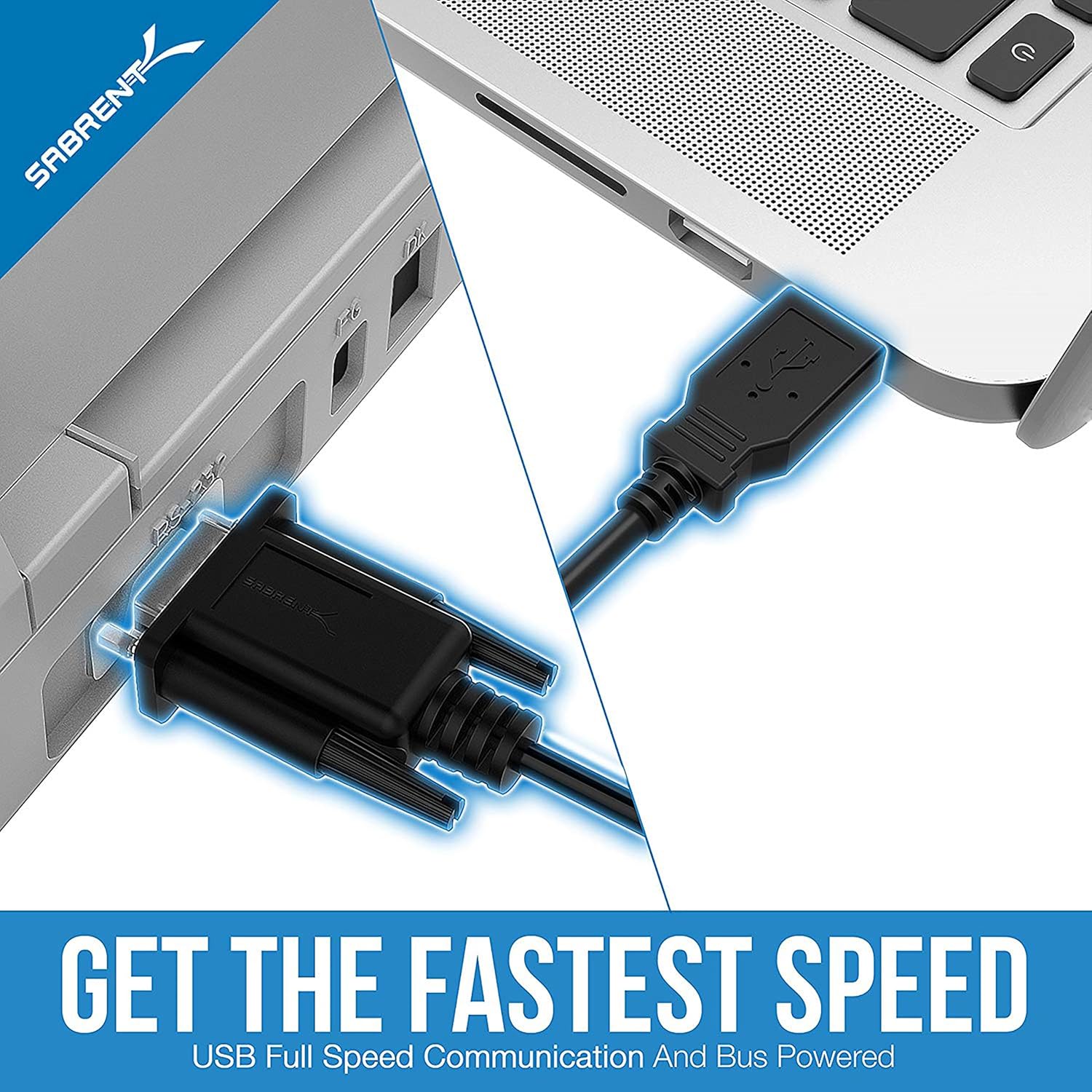
Imagine configuring a small data-collection station where a barcode scanner and a POS printer both log to a PC. The SABRENT USB Serial Cable lets you plug the barcode scanner into a USB port while the printer talks over RS232, avoiding the need for multiple hubs or dedicated serial cards. In everyday use, you’d simply connect the cable to your PC, connect the DB9 end to the serial device, and power up to start data transfer.
What to check before buying
- Confirm OS compatibility for your exact version beyond Windows and Mac OS X 10.6 as listed.
- Ensure the DB9 devices you plan to use are indeed RS232 compliant and expect a serial signal over USB via this adapter.
- Consider the environment: if you’re in a high-interference setting, the triple shielding is a helpful feature to note.
FAQ (based on available information)
- What does the FTDI chipset imply for compatibility? It suggests broad compatibility across many serial devices and operating systems, but exact driver needs can vary by OS and version.
- Is it easy to set up? The design emphasises a plug-and-play approach, in practice expect to connect, select the COM port on your computer, and start communicating.
- Will it work with modern macOS versions? The product description mentions Mac OS X 10.6, if you’re on a newer macOS, check for updated drivers or official SABRENT/FTDI guidance before purchasing.
Final decision
Is it worth it? Worth considering if you need a practical USB-to-DB9 serial bridge for common legacy devices and you value simplicity and interference resistance. It makes sense for mixed-use environments where a straightforward, affordable solution is preferable to installing internal serial cards. You may want to skip it if you require explicit compatibility with very new operating systems or USB-C‑centric setups, or if your devices demand more specialised serial performance than the adaptor can guarantee.