

Herfair 16K HDMI Cable (HDMI 2.2) Ultra High Speed Gold Plated 3m
Product description
The essentials
If you’re setting up a modern TV, games console and streaming box, the day-to-day frustration usually isn’t “specs” — it’s video dropouts, handshake issues, or the dreaded black screen when you change inputs. This Herfair 16K HDMI cable is aimed squarely at reducing that kind of hassle, using a mix of higher-speed claims and gold-plated connectors for a more reliable physical connection.
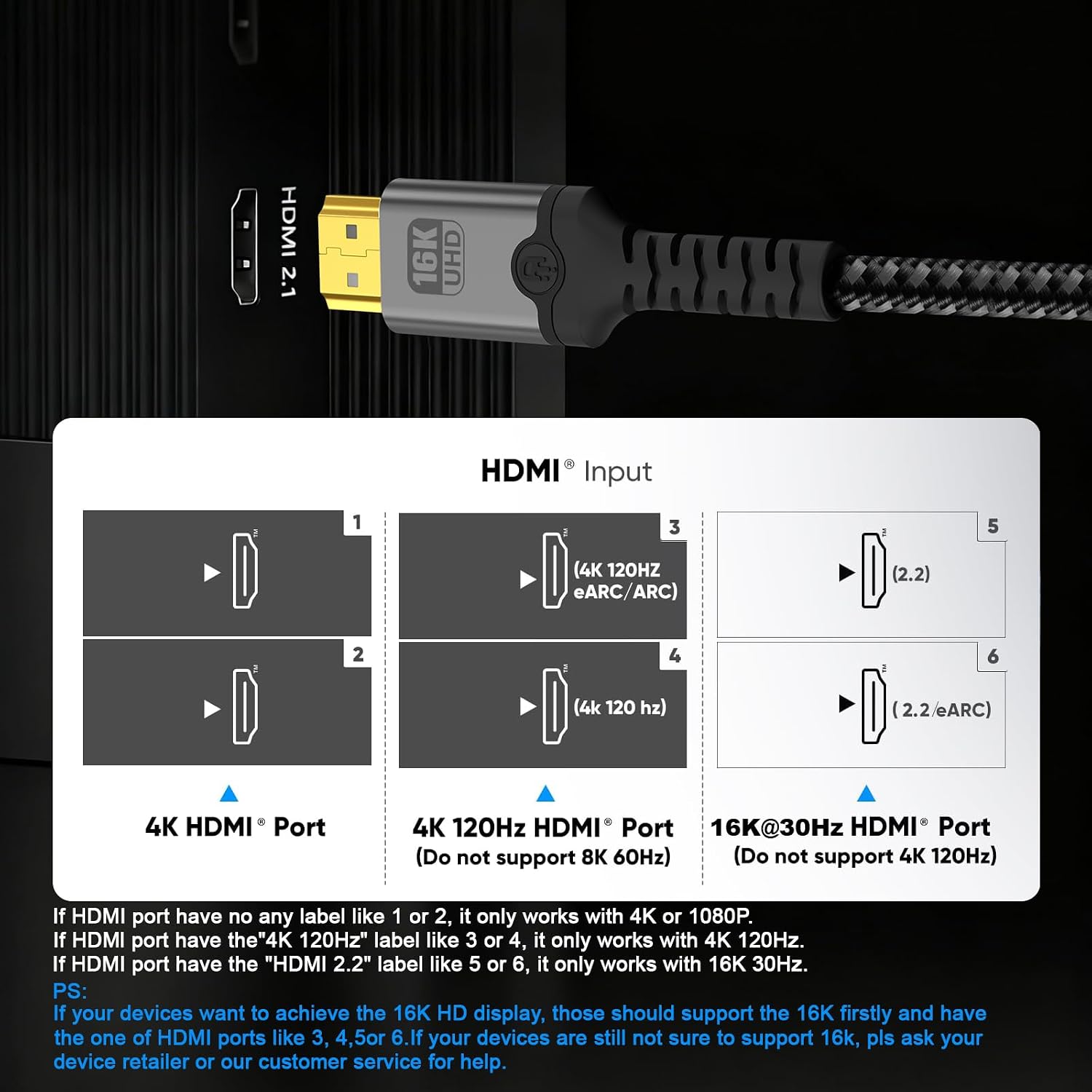
On paper, it’s built around HDMI 2.2 support and a “16K” marketing focus, alongside a set of feature mentions such as eARC, HDR10, HDCP 2.2/2.3, ARC audio return, and hot plugging. It also highlights mirror & extend modes and support for different resolutions (4K/2160p, 1440p, 1080p) with 3D listed.
That said, remember: HDMI cables are only as “good” as the match between your sources, TV and what you actually need. If your setup is basic and you’re not chasing higher refresh rates or advanced HDR/audio features, you may not notice a world of difference versus a decent standard cable.
Key features that matter in real life
What stands out here is the combo of connector design and shielding. The cable is described as having 24K gold plated connectors, plus an aluminium shell intended to protect the signal from interference. For home setups where cables run near power leads or in crowded media units, that kind of physical approach is practical.
It’s also presented as “plug and play” (no drivers), and includes Hot plugging in the feature list. In day-to-day terms, that’s the sort of thing that makes it easier when you’re swapping devices for testing or moving consoles between rooms.
A smaller but still useful angle: the connectors are described as moisture-proof and rust resistant. That’s not something you can easily verify after delivery, but as a longevity-oriented claim, it’s reasonable for a cable you’ll hopefully stop thinking about after installation.
What to know about the bandwidth claims
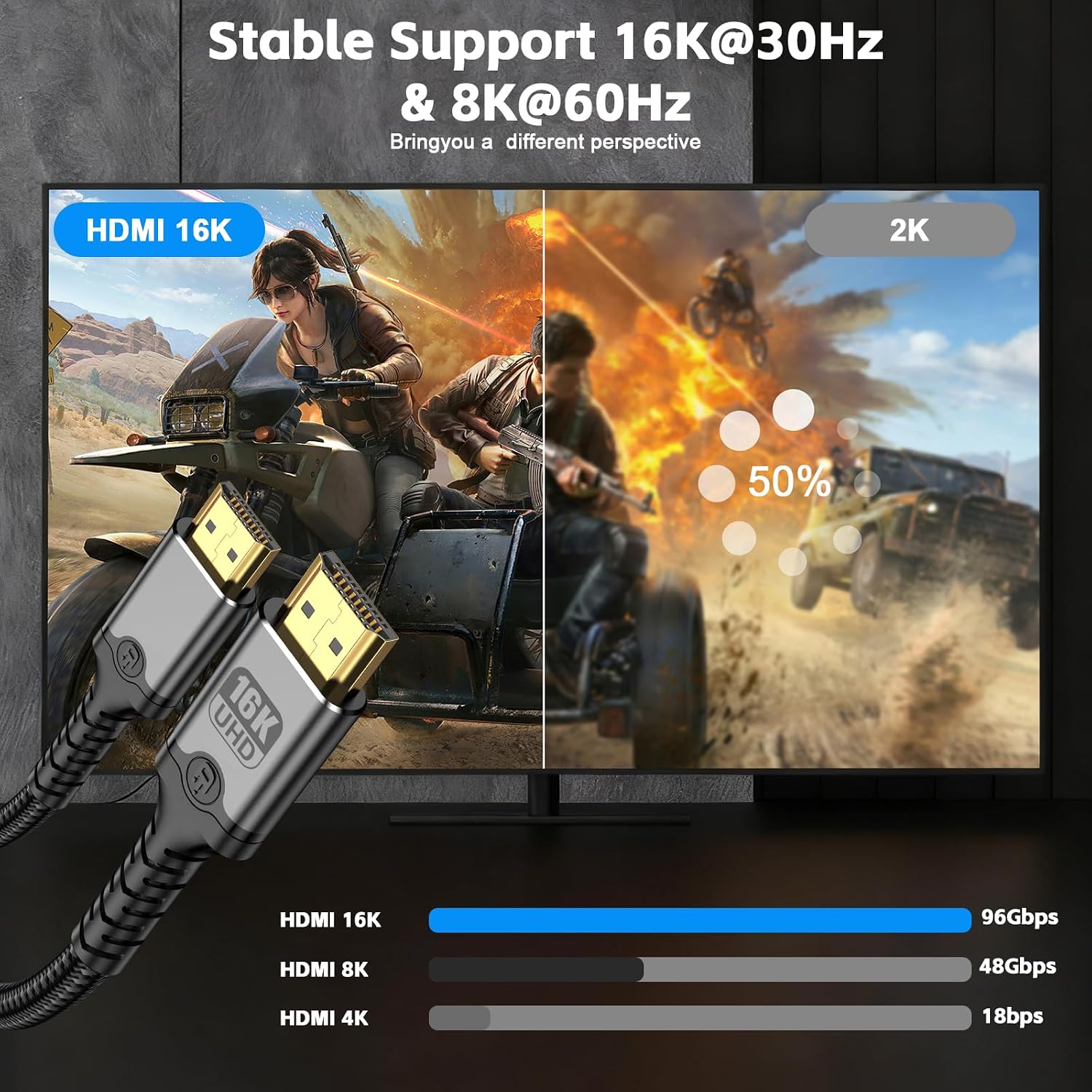
The listing mentions multiple capacity figures — including “High-speed data capacity 48Gbps” and an “up to 96Gbps with Ethernet” statement, alongside references to HDMI 2.2 b and HDR support.
In practice, bandwidth marketing can get confusing because what you experience depends on what your TV and source device support, as well as the exact signal being sent. So it’s best to treat these numbers as an indicator that the cable is intended for demanding setups, rather than a guarantee you’ll always hit the very top modes mentioned.
Also, you’ll notice the cable name includes a long list of mode claims such as 8K@60Hz, 8K@240Hz, 4K@480Hz and 16K@60Hz. If your equipment can’t output those signals, you won’t see them — but it can still be worthwhile if you’re buying once and want headroom.
Usage tips
A simple setup scenario: connect your PS5/PS4 to the HDMI input you use most, then plug a streaming device into another port. If you’re also using eARC for compatible soundbars or receivers, keep eARC on the correct TV output and make sure audio settings match the device capability. With this cable, the “hot plugging” mention is helpful if you ever need to re-seat a connector without powering everything down first.
If you’re routing the cable behind a TV stand, try not to bend it sharply near the connectors. The listing leans on connector stability and shell shielding, so gentle handling still helps the cable do its job.
Who it suits (and who might skip it)
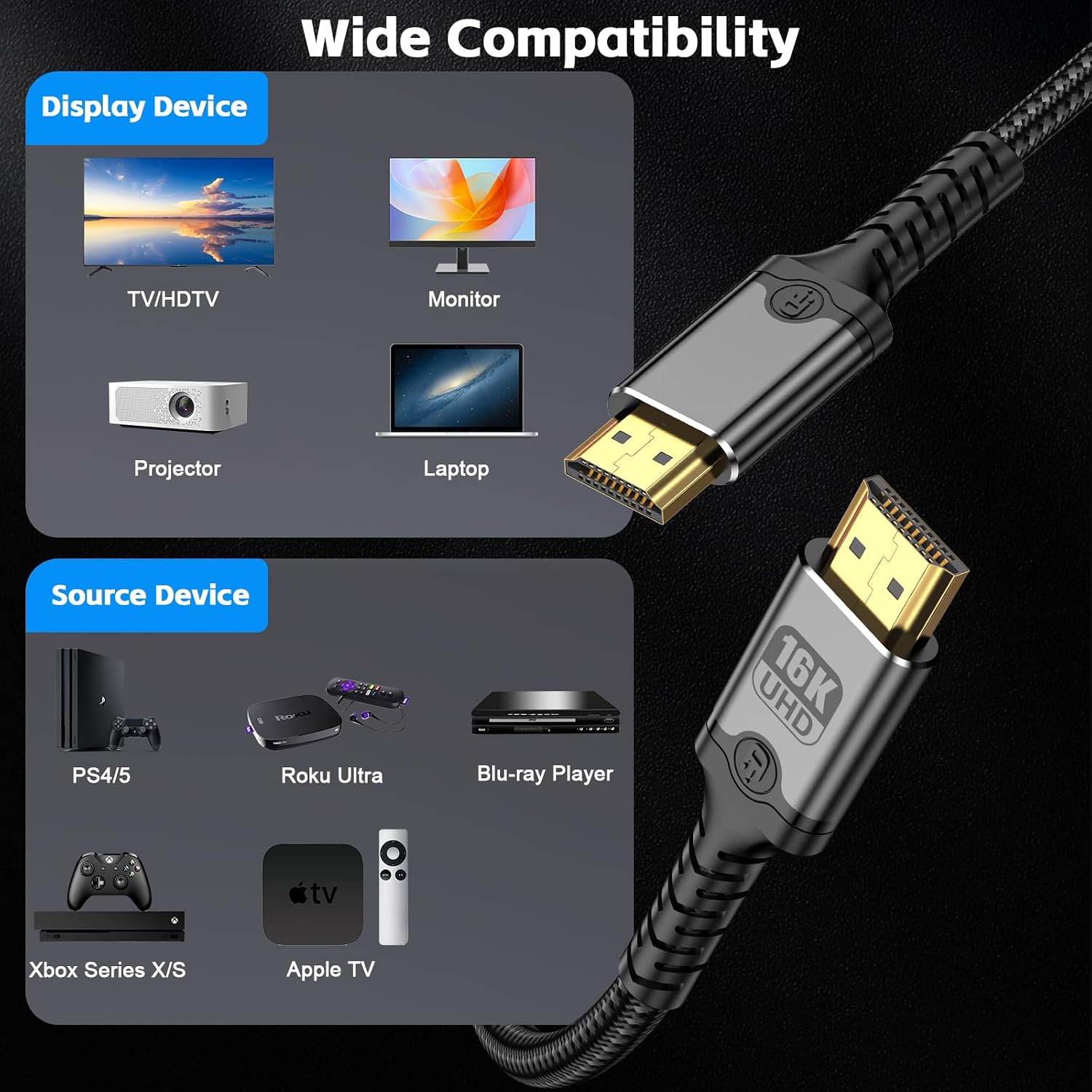
It’s a solid pick if you want a single HDMI cable for a mixed home setup — think console + TV + media players — and you care about avoiding typical reliability problems like frame drop or a flaky connection. The gold-plated connectors and the interference shielding approach fit that “install and forget” mindset.
It may not suit you if your goal is purely cost-saving for a basic 1080p setup with simple devices, where a standard HDMI lead would likely do the job just fine. Also, if you’re expecting magic beyond what your TV and sources can output, keep expectations grounded: the cable can’t create features your equipment doesn’t support.
Tech specs
- Type: HDMI cable (HDMI 2.2 standard)
- Format / features listed: HDR, eARC, ARC (Audio Return), HDCP 2.2/2.3, Dolby TrueHD 7.1 audio, 3D
- Data capacity (as stated): up to 48Gbps, also mentions up to 96Gbps with Ethernet
- Connector plating: 24K gold plated connectors
- Shell / build: robust aluminium shells for interference protection
- Length: 3m
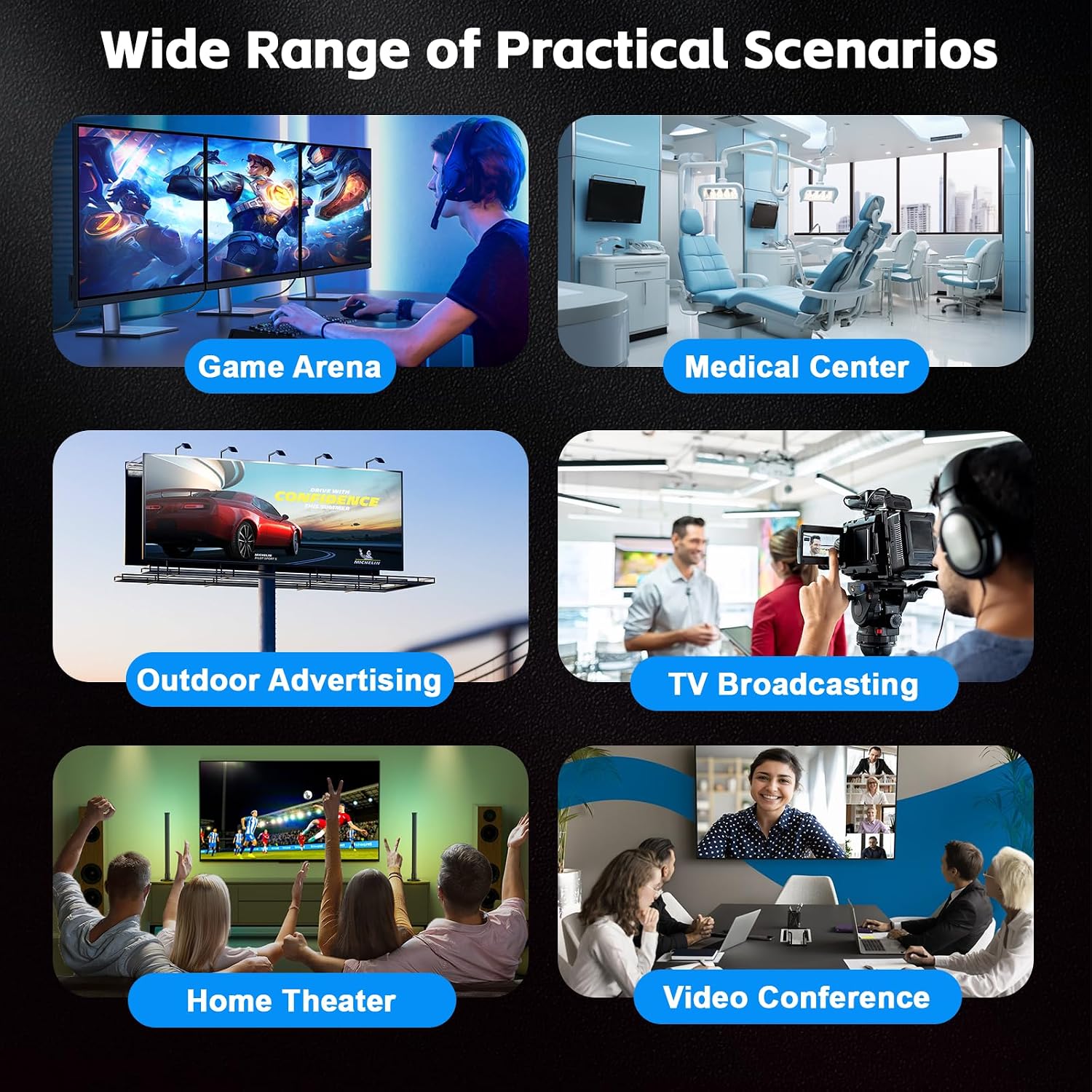
- Compatibility mentioned: PS5/PS4 and other HDMI-enabled devices such as TVs, CD/DVD/Blu-ray players, Fire TV, computers, monitors and projectors
- Hot plugging: listed as supported

Is it worth it?
Worth buying if your priority is a more dependable HDMI connection for a modern TV and console setup, particularly where eARC, HDR10 and HDCP support are relevant to your viewing and audio experience. The gold-plated connectors and interference-focused build are the right sort of practical features for keeping signals stable.
Skip it if you only need a short-term or budget-only replacement for a basic system, or if you’re buying without checking what your TV and devices actually support. In many homes, a cheaper lead can work — this one is more about providing headroom and stability for higher-end signals.
Mini FAQ

How do I know if I’ll benefit from the higher-end modes?
It mainly depends on what your TV and source devices can output. If your devices can’t send the claimed high refresh or resolution signals, you won’t unlock those modes, even with a high-spec cable.
Is it safe to plug in and change devices while powered?
The listing mentions hot plugging. As a rule, you’ll still want to handle connectors carefully and avoid rough movement when the system is running.
Does this cable support eARC and HDR?
eARC and HDR10 are listed as supported features, along with ARC audio return.
What should I check before buying?
First, confirm the cable length (this version is 3m). Then check that your TV/audio device and console support the features you care about, such as eARC and HDCP versions.
Can this replace multiple HDMI leads in one setup?
It’s described for connecting common home and office HDMI devices like TVs, players, consoles and computers, so one lead can cover a lot — just make sure the length suits where you’re placing it.