

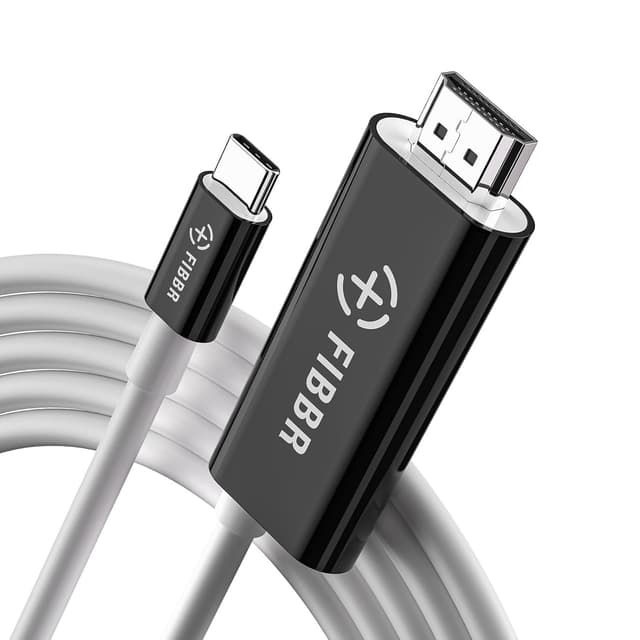
FIBBR USB-C to HDMI Cable (2m) with 4K@60Hz and 100W PD charging for MacBook, iPad, iPhone and more
Product description
The essentials (and why it’s a sensible one-cable setup)
If you’re juggling a laptop, a tablet and a phone, a USB-C to HDMI cable with built-in power delivery can make life a lot simpler. The FIBBR USB-C HDMI cable is designed for one job with two outputs: it carries video to an HDMI screen, and it’s also set up to charge your USB-C device while you’re using the display.
On paper, the appeal is straightforward. You get a 2m cable length for desk and living-room flexibility, support for 4K video at 60Hz, and plug-and-play behaviour so you’re not stuck installing drivers before you can watch, present, or game. Add in the 100W PD fast charging claim, and it’s aimed at people who don’t want to run a separate charger next to the dock.
That “one cable” idea is where it stands out. It’s not perfect for every situation, though—if your main priority is the most basic, cheapest HDMI connection possible, you may not need the charging portion at all.
Key features that matter in daily use
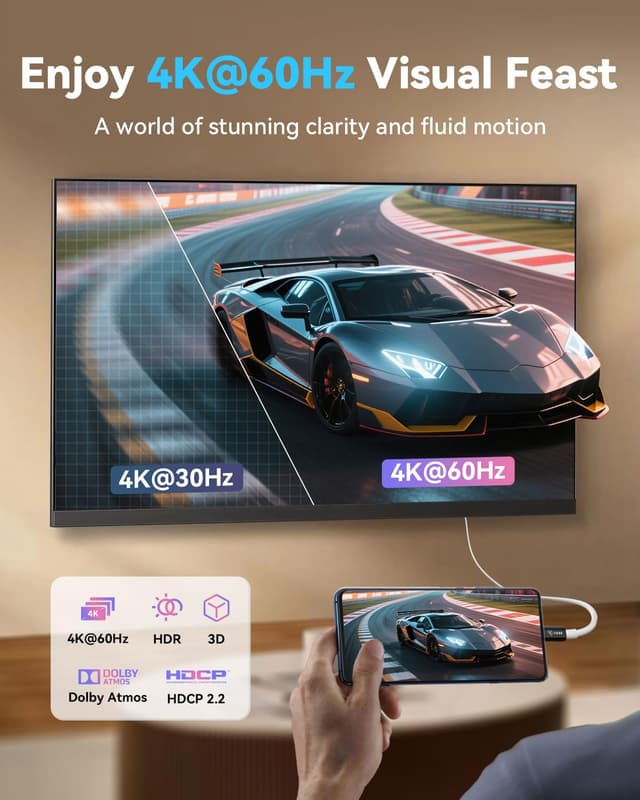
4K@60Hz video transmission
The cable is positioned for smooth high-resolution output, with a stated 60Hz frequency and compatibility with 4K video. In practical terms, this is the kind of spec you’d look for if you care about motion clarity when watching content, working with sharp interfaces, or mirroring to a bigger display.
Signal transmission plus 100W PD charging
The dual function isn’t just marketing wording here. The cable is described as supporting both signal transmission and USB-C charging, with a PD certified smart chip for stable voltage output. It also claims 100W PD fast charging, which is useful if you want your device to stay topped up during longer sessions—like using an external monitor at home, or running a game setup without constantly swapping power leads.
Plug and play, no driver needed
A big day-to-day win is the promise of plug-and-play operation without the need for a driver. That’s the difference between “it works right away” and “why is it blank again?”. If you’re the kind of person who just wants the cable to do its job the moment you plug it in, this feature is one to take seriously.
Designed for video-output USB-C / Thunderbolt
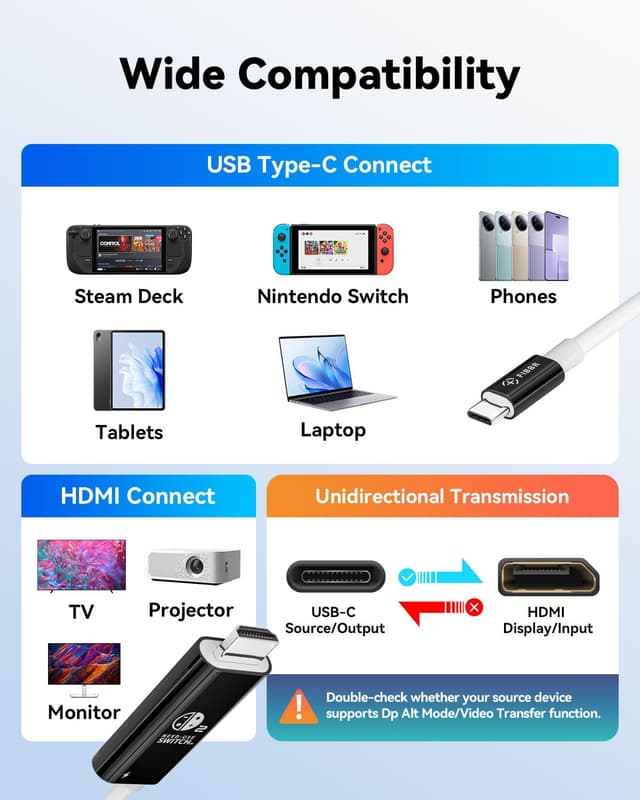
Compatibility is tied to devices with C-type ports that support video output capabilities, including Thunderbolt 3/4/5. That scope matters, because not every USB-C port can output video. If your device’s USB-C output isn’t supported, this is one of those cases where the cable can be perfectly built and still not do what you want.
What to know before you buy
It’s worth checking a couple of basics before ordering, because with USB-C to HDMI cables, compatibility details can be the difference between “instant setup” and “not detected”.
First, confirm your device has a USB-C port with video output capability (the listing specifically calls out this requirement, plus Thunderbolt 3/4/5 support). Second, if you’re relying on the charging side, you’ll want to make sure your device’s charging behaviour aligns with PD fast charging expectations.
Also, even though it claims mainstream compatibility (macOS, Windows, Android, and ChromeOS), real-world results can still depend on how your specific device handles video output and USB-C power delivery. It’s not always as clean as it sounds when you read it—so if you have a particular model you’re unsure about, it’s sensible to double-check it matches the listed “C-type ports with video output” idea.
Where it shines (and a realistic limitation)
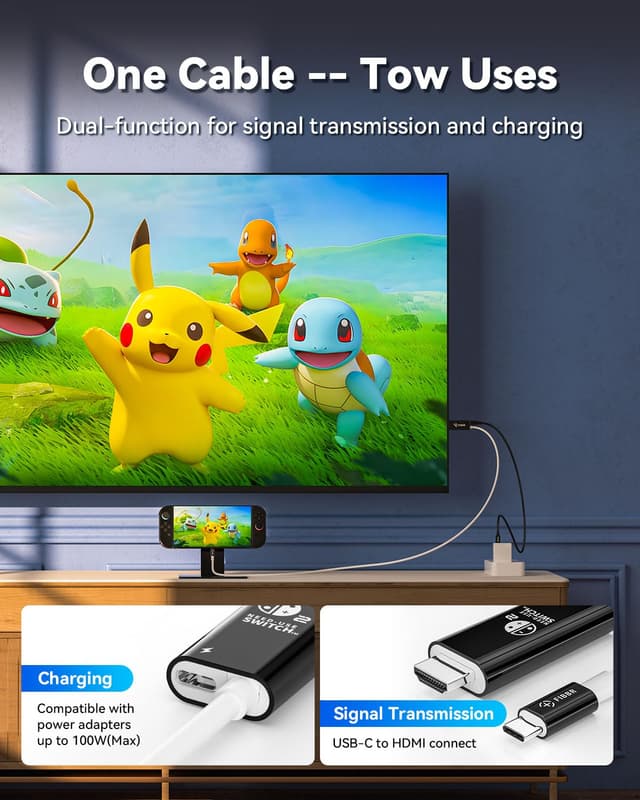
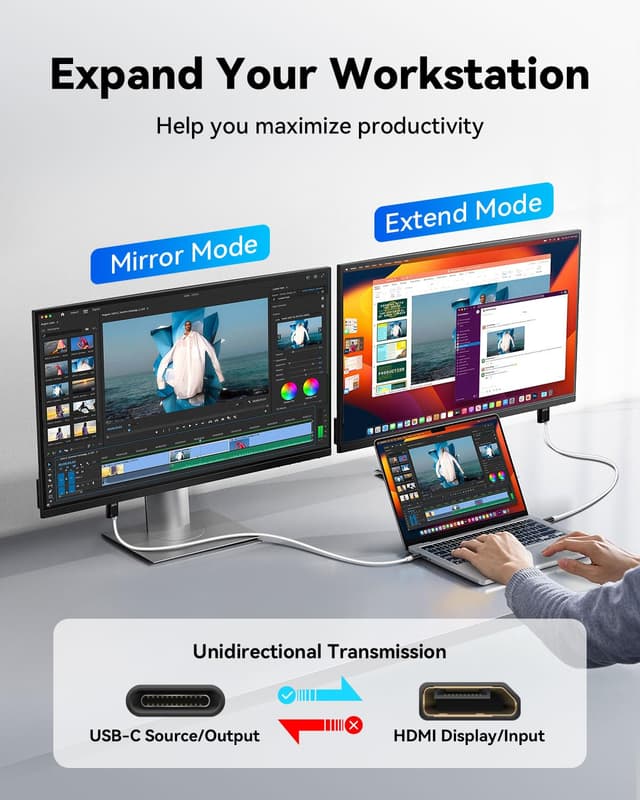
This cable makes the most sense if you want a tidy setup and you regularly connect to an HDMI display. For example, you might plug your laptop into a TV for an evening of gaming or streaming, while keeping charging running so you don’t end the session with a flat battery. The “no driver” angle also helps when you’re doing quick swaps between devices around the house.
Where it may feel less compelling is if you only ever need video output for short bursts, and you already have a charger permanently attached. In that scenario, the extra emphasis on charging (and the higher spec positioning) can be more than you actually need.
Compatibility & real-world devices mentioned
The listing highlights broad mainstream support and gives examples of devices with USB-C video capabilities. It specifically mentions compatibility with:
- macOS, Windows, Android, and ChromeOS
- USB-C ports with video output, including Thunderbolt 3/4/5
- Devices such as MacBook, iPad, iPhone (as part of the general description), and examples including Surface Book 3 / Surface Pro 7 / Surface Laptop 3, Galaxy S22/S21/S20, Note 20/10, and Chromebook
One thing to keep in mind: the key requirement is video-capable USB-C (or Thunderbolt) rather than “USB-C exists”. If your device’s USB-C port doesn’t support output, you won’t get the HDMI mirror.
Final verdict
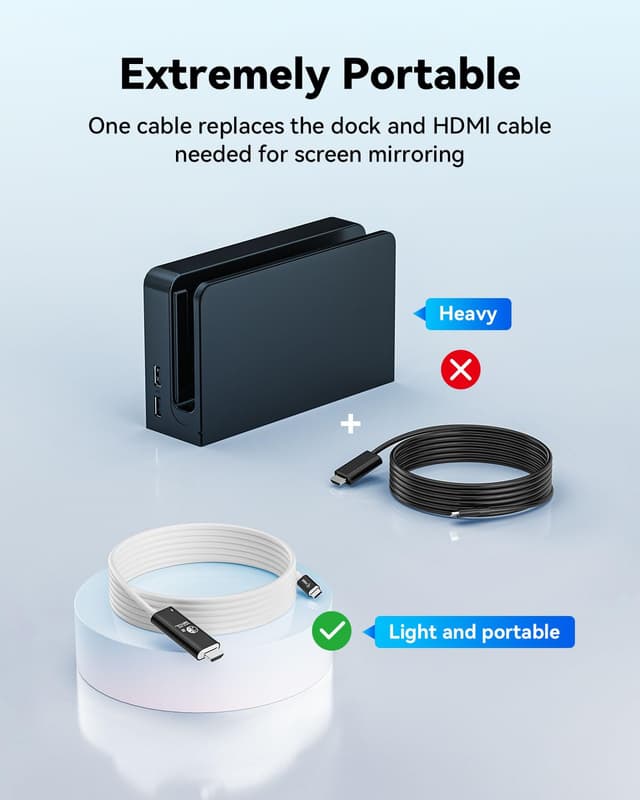
When it makes sense
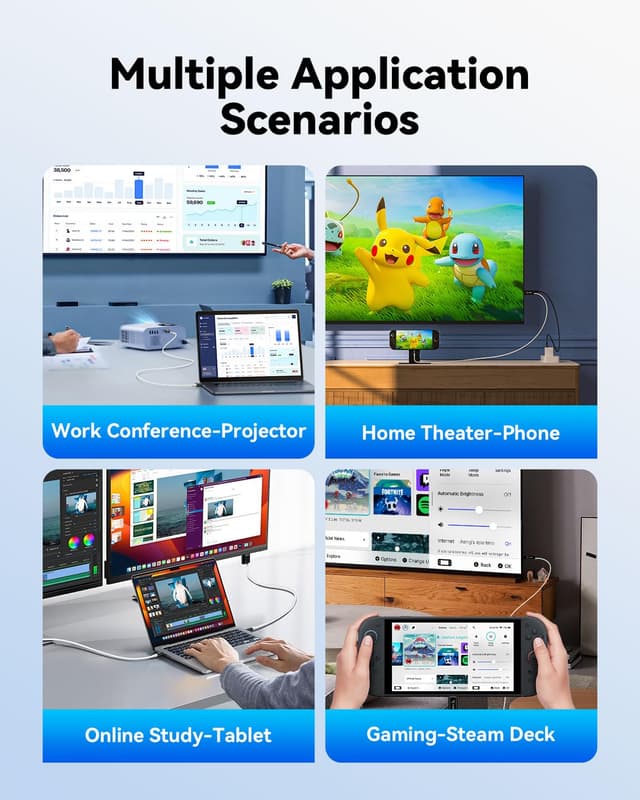
This is a solid pick if you want an HDMI connection from a USB-C device and you also prefer to charge through the same cable. It suits home office setups, desk mirroring, and mobile use where keeping cables to a minimum is genuinely useful.
When you might want to skip it
You may want to look elsewhere if:
- your USB-C port doesn’t support video output (you’d be buying the wrong type of connection)
- you only need occasional HDMI and don’t care about charging pass-through
- you’re expecting every device to behave identically regardless of its USB-C implementation
Mini FAQ
Questions buyers usually ask
Will this cable work with any USB-C port? No—this one is aimed at C-type ports with video output capabilities and mentions Thunderbolt 3/4/5 support.
Does it require drivers? The listing states it can achieve true plug and play operation without the need for a driver.
Does it charge while displaying to HDMI? Yes, it’s described as having dual functions: signal transmission and USB-C charging, with a claim of 100W PD fast charging.
What video quality and refresh rate is it built for? It’s marketed for 4K video with a 60Hz frequency.
Is it suitable for phones and tablets too? The description positions it for devices like iPad and iPhone, but the practical requirement remains that your device must support video output via its USB-C port.