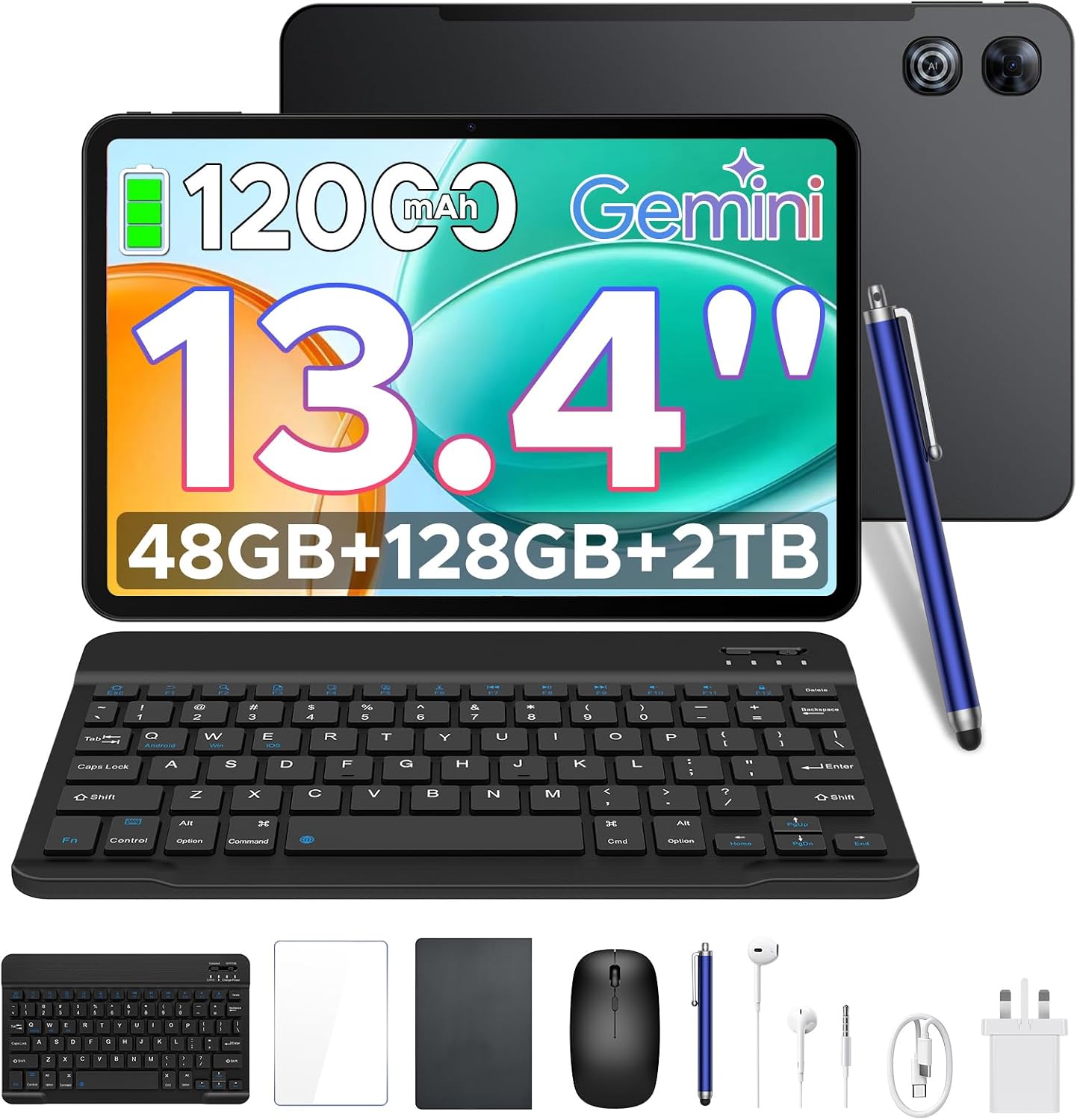
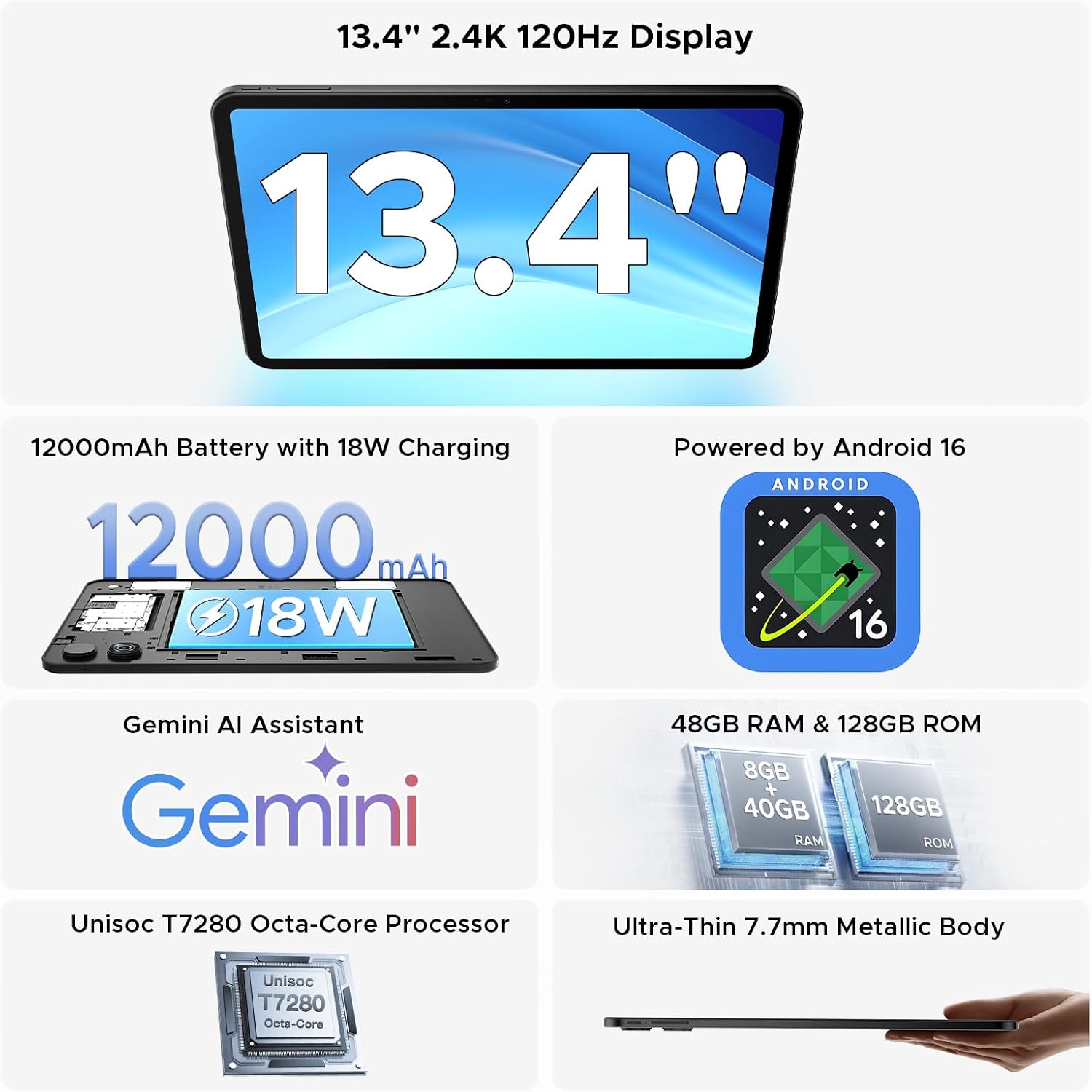
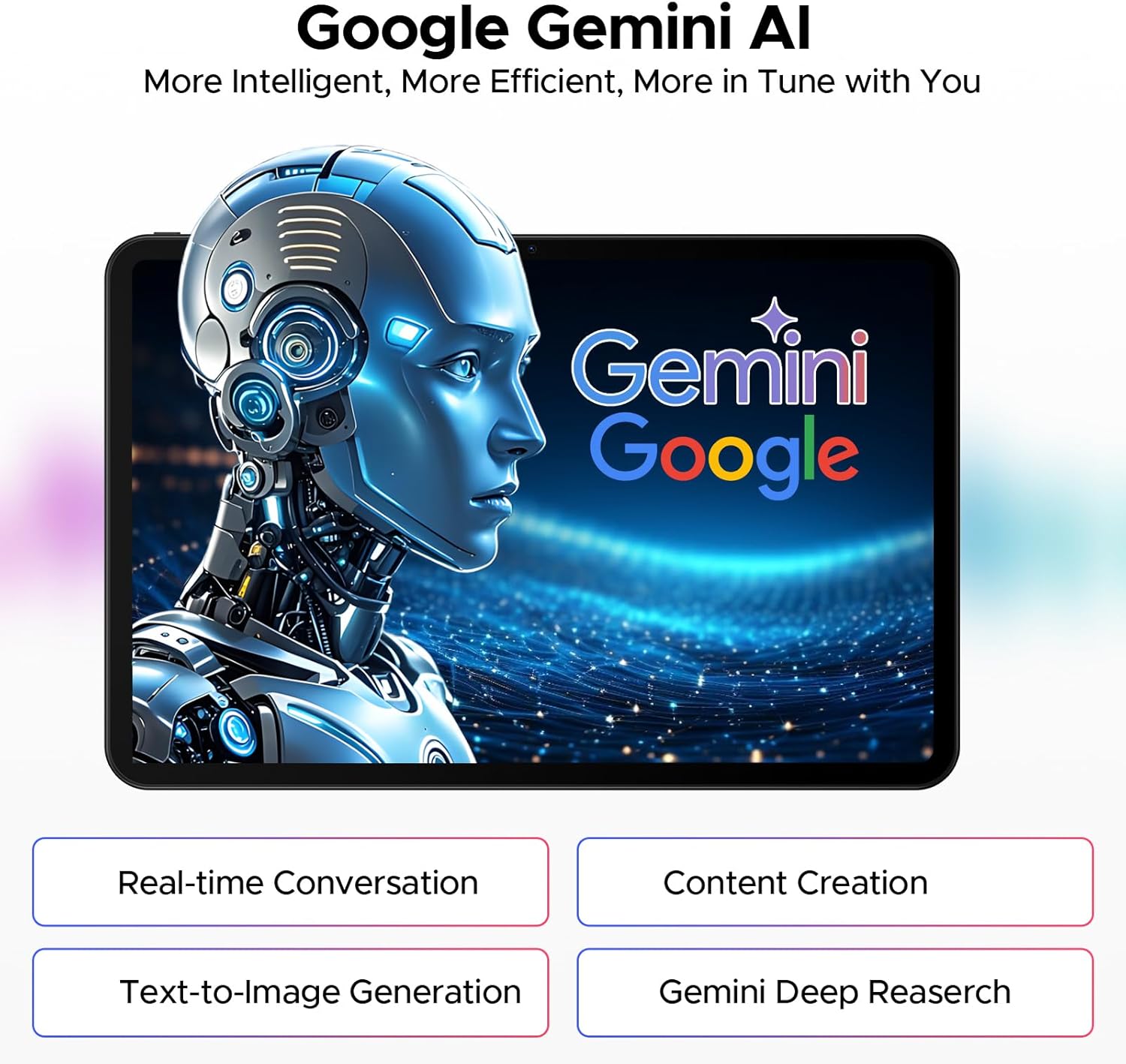
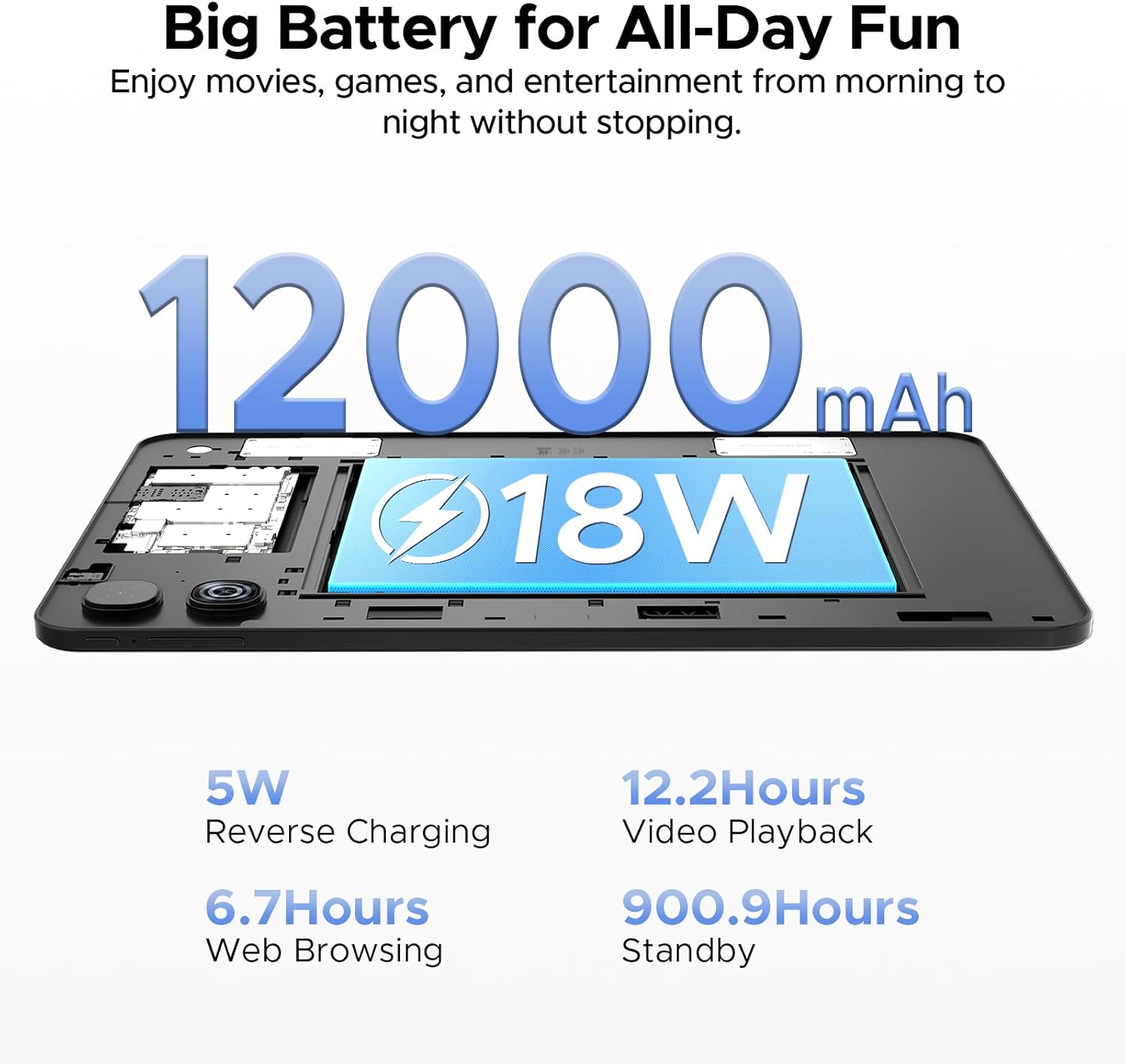
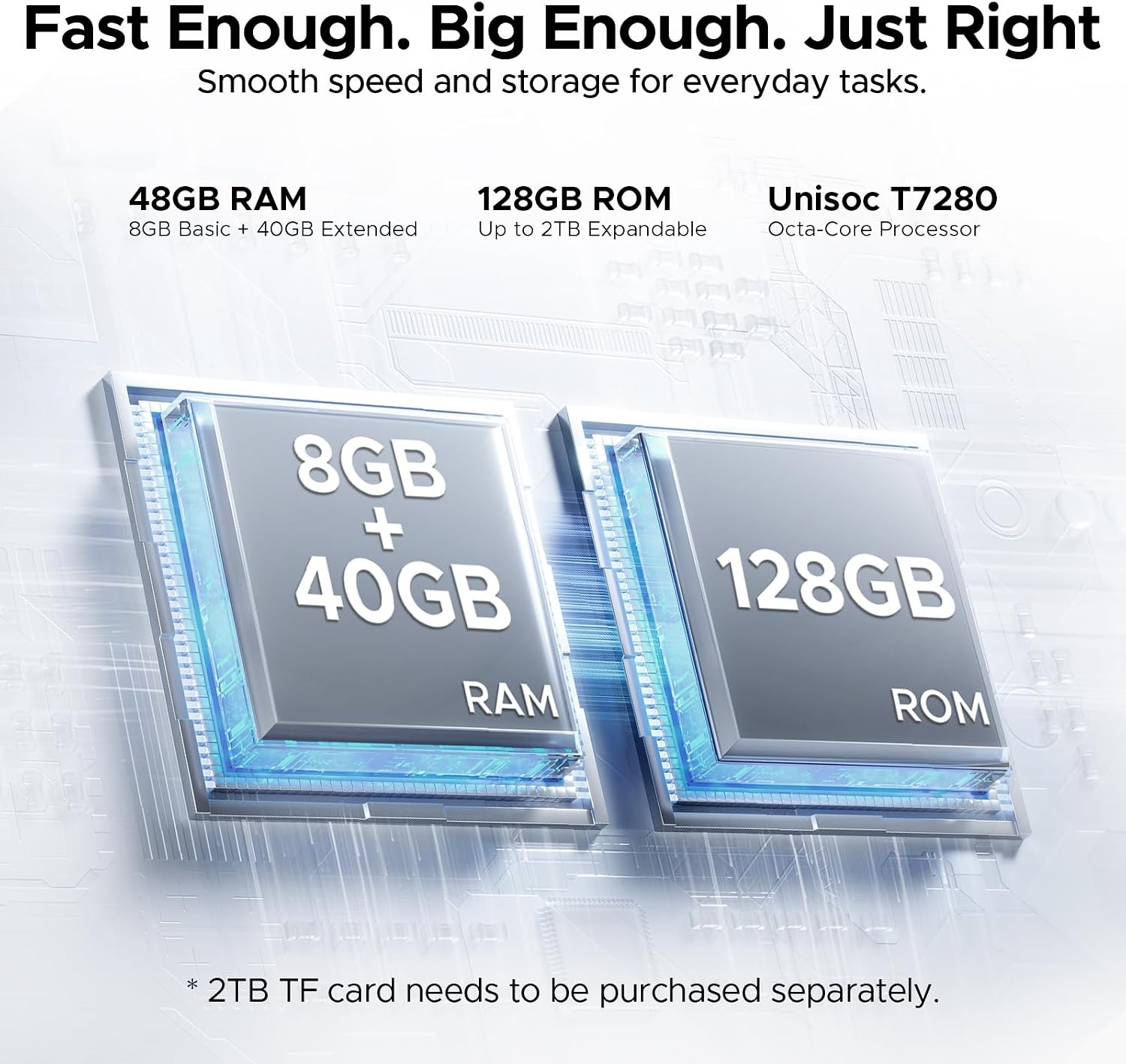
What it is and who it's for\nThe P13 Tablet is a large-screen Android tablet designed for both entertainment and productivity on the go. With a 13.4-inch display and a 120Hz refresh rate, it aims to deliver smooth visuals for games, videos and multi‑tasking. It’s built for folks who want a sizeable, versatile device that can run Android 16 and leverage Gemini AI for tasks like scheduling, ideas and quick answers. If you prioritise a big screen for better on‑screen editing, media consumption, or collaborative work with a keyboard, this model aims to offer a balanced option in the mid‑to‑upper range of Android tablets.\n\n## The display and design\nThe tablet uses a 13.4-inch IPS panel with a 1920x1200 resolution and a 120Hz refresh rate. The design is notably slim at 7.7mm, with a large screen‑to‑body ratio that favours immersion and readability. The expansive display supports split‑screen use, which can be handy for light multitasking when you’re away from a desk.\n\n## Performance and memory\nCore performance comes from an octa‑core UNISOC T7280 processor, paired with 48GB of RAM when including extended memory. Storage sits at 128GB UFS with the option to expand via a TF card. In practical terms, you’ll have space for apps, photos and documents, and enough headroom for casual gaming and everyday productivity tasks. Note that exact multitasking performance will depend on app load and background activity.\n\n## Battery life and charging\nA sizeable 12000mAh battery promises all‑day use for typical work, streaming and browsing scenarios. The inclusion of 18W fast charging helps reduce downtime, which is useful for short breaks during travel or busy days. If you rely on long sessions away from an outlet, expect the battery to cover substantial hours of video and light gaming, but remember real‑world endurance varies with brightness and workload.\n\n## Cameras and content streaming\nWith a 13MP rear camera and an 8MP front camera, the tablet supports video calls and casual photography. Widevine L1 certification means you can stream HD content on supported services. While cameras aren’t the primary selling point for a tablet of this type, they add practical value for quick document scanning or video conferencing.\n\n## Gemini AI and software\nRunning Android 16 with integrated Gemini AI, the P13 aims to provide smart assistance for scheduling, learning and creative tasks. The AI feature set can help speed up routine activities and spark ideas, though the extent of AI capabilities will depend on app integration and how you customise settings. It’s worth noting that heavy AI workloads may impact battery life and device temperatures if used aggressively for long periods.\n\n## What stands out and where it may fall short\nWhat stands out is the combination of a large, smooth display, substantial RAM/storage, and the potential productivity boost from Gemini AI. On the flip side, the Full HD+ (1920x1200) resolution, while sharp for a 13‑inch panel, isn’t 2K or 4K, so pixel density isn’t top‑tier compared with premium tablets. The 7.7mm chassis marks a slim profile, but use cases like keyboard and stylus input rely on accessory availability and fit, which can vary by market. If your needs lean heavily on high‑end photography, top‑tier displays, or aggressive mobile gaming, you may want to compare with devices in a higher category.\n\n## Who it’s for\nThis tablet suits those who want a sizeable screen for remote work, media consumption and occasional gaming, with practical AI assistance and reasonable storage today. It’s also a sensible option if you value a combined package that includes a keyboard, stylus and mouse for productivity and note‑taking on the move.\n\n## Who it isn’t the best option for\nIf you require a premium 2K/4K display, flagship camera setups, or the very newest high‑end GPU for demanding mobile games, this model may fall short of expectations. It’s more of a value‑oriented alternative in the larger‑screen Android space rather than a top‑tier powerhouse.\n\n## When it makes sense to buy\nConsider this if you want a big‑screen Android tablet with smart features and expandable storage at a sensible price, plus the convenience of a bundled keyboard and input devices. It’s particularly practical for students, remote workers or travellers who benefit from a broad, versatile device rather than a specialised gaming tablet.\n\n## Check before you buy\n- Confirm TF card compatibility and whether you’ll need extra storage for your apps and media.\n- Think about whether you’ll use the Gemini AI features frequently, as AI usage can influence battery life.\n- Check that the keyboard and stylus positioning suits your preferred setup, since accessory ergonomics vary by user.\n\n## Practical example of use\nImagine a long train journey where you need to annotate PDFs, draft emails and stream a movie in the evening. You can use split‑screen to take notes while watching a show, type up responses with the keyboard and switch to AI suggestions for better phrasing. The big display helps keep multiple tasks visible at once, reducing back‑and‑forth.\n\n## FAQ\n- How does Gemini AI assist me day‑to‑day? It’s designed to help with scheduling, brainstorming and quick questions, acting as a smart companion within the Android 16 environment.\n- Is the storage ample for apps and media? With 128GB of built‑in storage plus up to 40GB of extended memory, there’s a reasonable balance for apps, documents and multimedia.\n- Can I game on this tablet? It’s capable of casual to mid‑range gaming thanks to the octa‑core processor and 120Hz display, though extremely demanding titles may not run at ultra settings.\n