

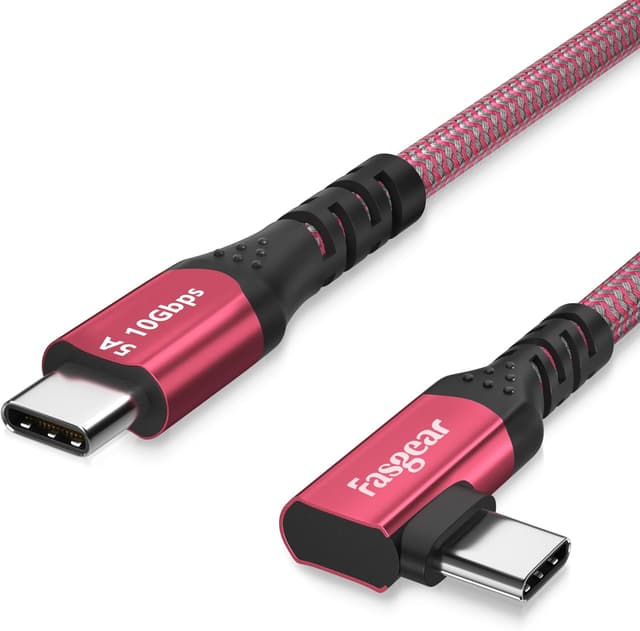
Fasgear 90 Degree USB-C to USB-C 3.1 Gen 2 Cable (10ft) 10Gbps, 100W PD, 4K@60Hz Video (White)
Product description
What this cable is for
A USB-C to USB-C cable is only “worth it” when it solves a real-world annoyance: awkward ports, tight spaces behind desks, or having to manage device positioning for charging and video. This Fasgear 90 Degree cable takes care of the first part with a 90-degree right-angle USB-C connector design. On paper, that bend should make plugging in much less fiddly—particularly for setups like VR headsets where clearance and cable management matter.
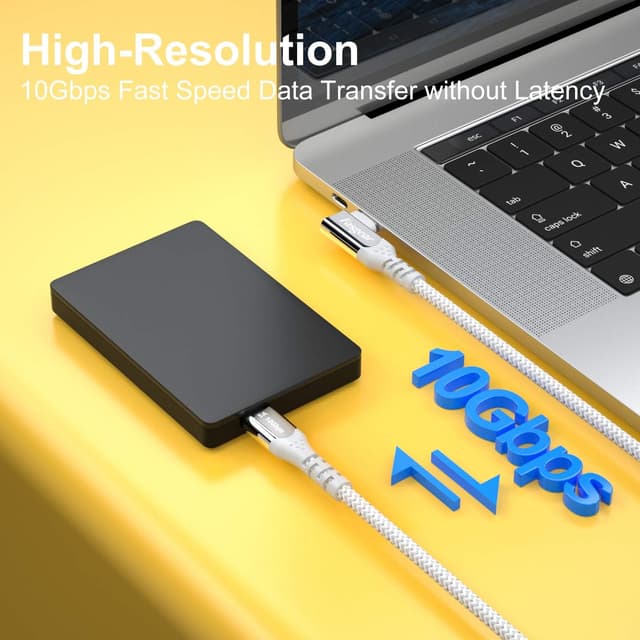
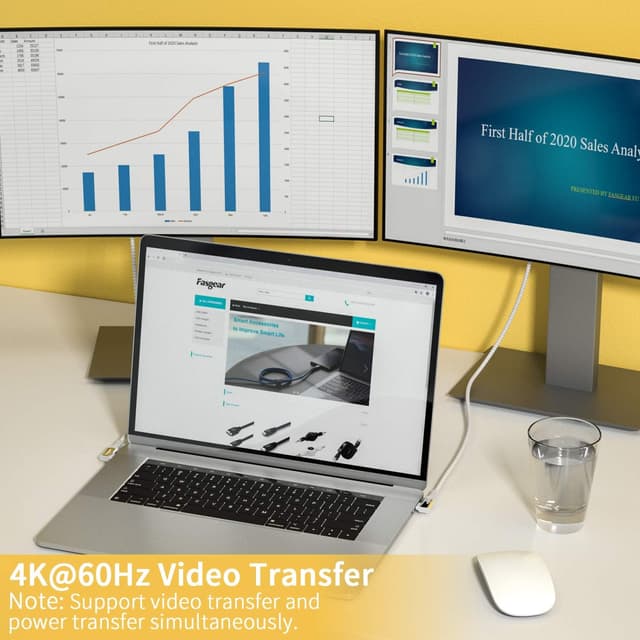
It’s also designed to do more than charge. The cable is specified as USB 3.1 Gen 2 with up to 10Gbps data transfer, plus 4K@60Hz video support and DisplayPort Alternate Mode (DP Alt Mode). So if you’re trying to keep one cable for both fast charging and media output, this is the type of spec set you’d look for.
That said, cables like this aren’t magic. A 90-degree connector can make things easier in one direction, but if your device port placement is the opposite way round, the benefit may feel smaller.
Key takeaways on performance and day-to-day use
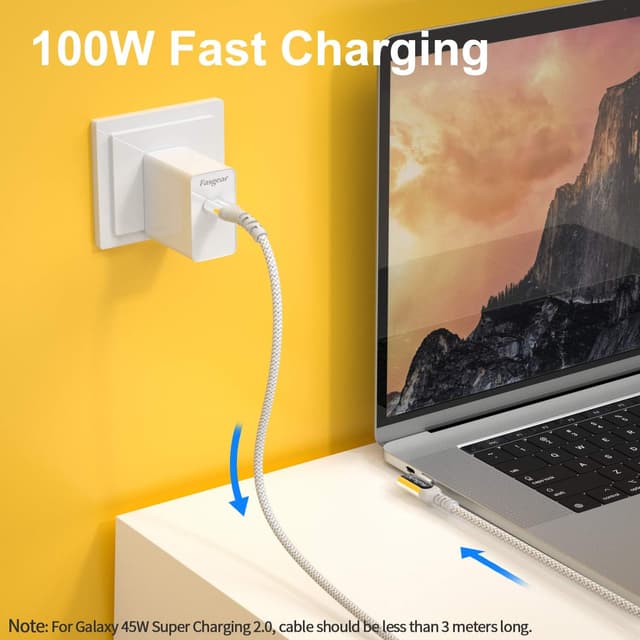
The headline features here are clear: 10Gbps data, 4K at 60Hz video, and USB PD up to 100W (20V 5A) using an E-Marker chip. The inclusion of the E-Marker is a big part of why this cable is pitched for higher-power charging rather than just low-watt “charge-only” use.
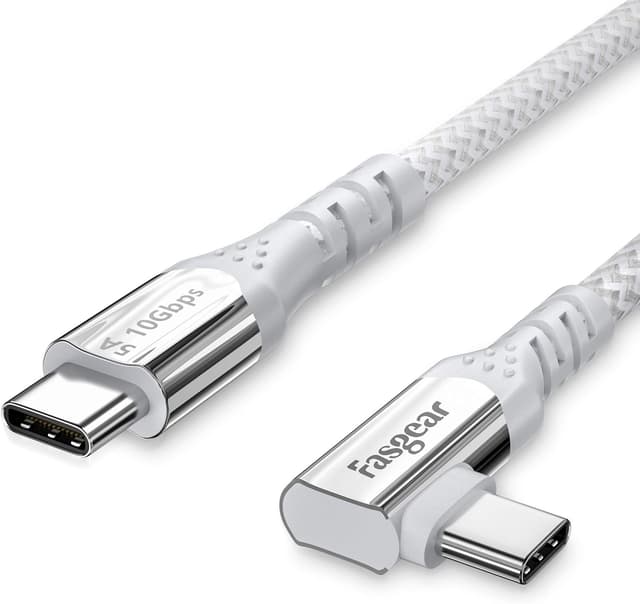
In practical terms, this means it’s better suited to people who want a single USB-C lead for more demanding setups—like a docking station connection or a gaming/PC desk where you’re often moving between power, data, and display.
Worth noting: the cable is described as “fully backwards compatible” with earlier USB versions (3.0, 2.0, 1.1 and 1.0). That’s reassuring if you’re not always dealing with the newest kit, although the exact speed you get will depend on what your device supports.
What stands out with the 90-degree connector
The 90-degree L design is the reason this cable exists, really. With the right-angle connector on one end, you can plug it into a headset or device in a way that reduces strain on the port and makes the cable route cleaner.
A micro example: imagine you’re using a VR headset and the port is on the side with little clearance. A straight cable can end up pressing awkwardly against the headset shell or forcing the headset to sit differently. With a right-angle connector, you can often keep the headset more comfortable while still reaching the PC.
The cable also uses an anti-tangle-free nylon braided design and overmoulded strain relief on both USB-C ends, which matters because the connector area is where cables tend to fail first.
Tech specs that matter when you’re choosing
Rather than drowning in jargon, focus on the parts that impact your use:
- Type: USB-C to USB-C cable, USB 3.1 Gen 2
- Cable length: 10ft (3M / 10FT is referenced in the description)
- Power delivery: up to 100W (20V 5A) via USB PD, with E-Marker IC chip
- Data transfer: up to 10Gbps (USB 3.1 Gen 2)
- Video: 4K@60Hz support and DisplayPort Alternate Mode (DP Alt Mode)
- Durability claim: can withstand at least 10,000 cycles of a 90-degree bend test
- Certifications mentioned: CE and RoHS, passed UL and REACH tests
If you’re selecting between simpler USB-C cables and a higher-spec one, these are the numbers you’d want to see for charging + display over the same lead.
Where it shines (and where it can fall short)
It’s a good fit if you want one USB-C cable for multiple jobs: charging with USB PD at up to 100W, fast data transfer for USB-C peripherals/external enclosures, and video output up to 4K@60Hz.
It may also be a sensible pick if you often connect to devices where the port is tight or the cable needs to sit neatly—VR headsets, Link/Rift-S games setups, docking stations, and similar desk or office arrangements.
However, it might not be a great match if your main requirement is ultra-cheap, simple charging with no need for 4K video or high data rates. In that case, you could end up paying for capability you won’t actually use. Also, although the cable is described as compatible with a wide range of USB-C devices, it can’t guarantee the full experience unless your specific laptop/phone/dock/headset supports the same USB-C features (power/data/video modes) at the level you expect.

Compatibility and what to double-check before buying
The product listing mentions compatibility with “latest USB-C phones and laptops”, including examples such as iPhone 15 series, MacBook, iPad Pro, Pixel devices, Samsung Galaxy models, and devices like Switch and tablets. It also calls out VR use (Link Virtual Reality / Rift-S games) and docking stations.
That’s helpful, but here’s the practical checklist before you rely on it as your only cable:
- Confirm your device supports USB-C to USB-C video over DisplayPort Alternate Mode if you care about 4K@60Hz.
- If you’re charging a higher-watt laptop, check that the laptop’s USB PD charging expectations align with a 20V 5A (100W) capable cable.
- For VR headsets, look at how the headset’s USB-C port is positioned, the 90-degree plug is meant to reduce strain and improve reach, but the layout still needs to suit the right-angle direction.
Pros
- Right-angle 90-degree USB-C connector design for tidier plugging and less port stress
- Supports USB PD fast charging up to 100W with an E-Marker chip
- USB 3.1 Gen 2 up to 10Gbps plus 4K@60Hz video support with DP Alt Mode
- Anti-tangle nylon braided construction and strain relief designed for frequent use
Cons
- Overkill if you only need basic, low-watt charging with no video/data requirements
- 90-degree cables can feel less helpful if your port layout doesn’t suit the bend direction
Is it worth it?
This Fasgear 90 Degree USB-C to USB-C 3.1 Gen 2 cable looks like a strong “do more with one lead” option. You’re getting a right-angle connector for easier physical setup, plus a spec mix aimed at charging (up to 100W with USB PD), data (10Gbps), and video (4K@60Hz via DP Alt Mode). For desk-based charging, docking station use, and VR-style setups where port access is awkward, it makes sense.

You might want to skip it if your needs are simpler than that—basic charging only, or you don’t care about high data/video performance. And as always with USB-C cables, the best experience depends on whether your device actually supports the same features (power and video modes) you’re expecting.
FAQ
Will this cable charge a laptop at up to 100W?
The cable is specified for USB PD fast charging up to 100W (20V 5A) using an E-Marker chip, so it’s designed for higher-power charging. Whether your particular laptop accepts that level will depend on the laptop’s USB PD charging support.
Does it support 4K video output?
Yes, it’s described as supporting full 4K@60Hz video resolution and DisplayPort Alternate Mode (DP Alt Mode). You’ll still need a device and setup that supports video over USB-C in that way.
Is it fast for data transfer?
It’s rated for USB 3.1 Gen 2 performance up to 10Gbps, which should be strong for USB-C external enclosures and similar uses—assuming the connected device supports those speeds.
What makes the 90-degree design useful?
The right-angle connector is meant to plug into devices and headsets more comfortably, especially where ports are close to the body or where a straight cable would put strain on the connector.
How durable is it?
The listing states it can withstand at least 10,000 cycles of a 90-degree bend test, and the build includes a nylon braided design with reinforced strain relief.