


AGFINEST USB4 Right Angle USB-C to USB-C Cable (up to 100W, 40Gbps, 8K60Hz) for Thunderbolt 3/4
Product description
The essentials
A right angle USB-C cable can feel like a small upgrade, but it’s often the difference between a tidy setup and constant fiddling. The AGFINEST USB4 USB‑C to USB‑C cable is designed for modern docks, screens and fast-charging needs, with support for Thunderbolt 3 and backward compatibility with USB 3.2/3.1/3.0 standards (according to the product description).
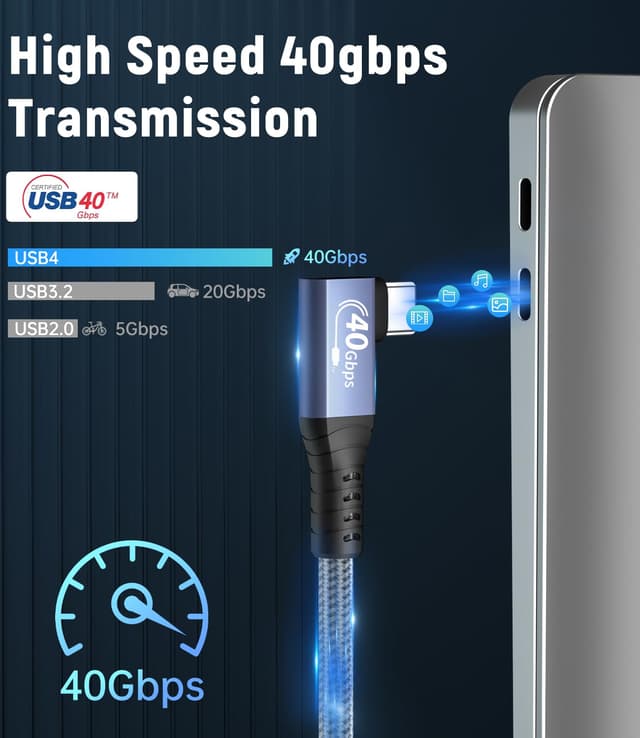
On paper, it aims to cover three big jobs in one: fast data transfers up to 40Gbps, high-power charging up to 100W, and video output up to 8K60Hz. The angled, “90 degree” design also targets cramped ports and reduces strain when you plug in on the side of a laptop or device.
That combo is useful if you regularly move between charging, file transfer and multimedia—though it’s worth noting that performance depends on the capabilities of your device and the way your setup is wired.
Key points

This cable is built around the USB4 spec for high-speed connectivity (up to 40Gbps) and high-power charging (up to 100W). It also leans into display use, claiming up to 8K60Hz support.
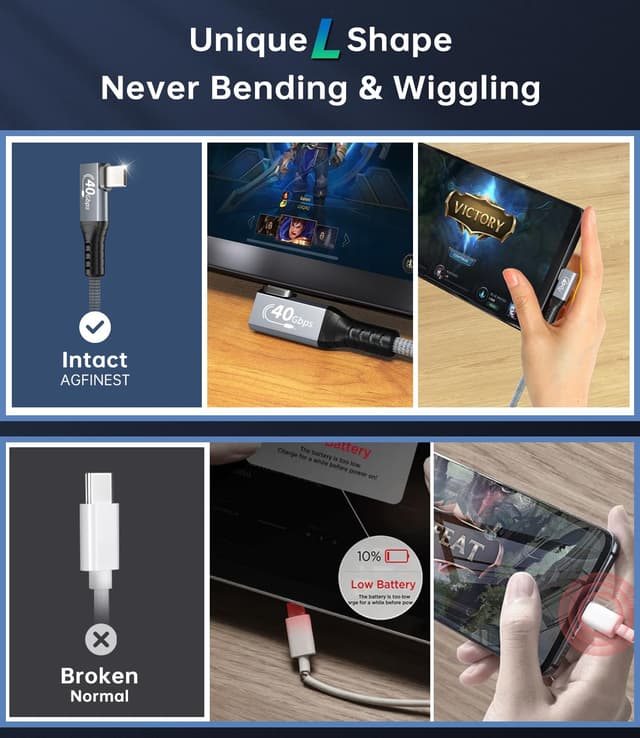
The right-angle connector is the practical twist: it should help keep the connection neat in tight spaces and make daily use less annoying, especially with ports that sit close to the body of your laptop or switch-like handheld.
If your main goal is a single USB‑C cable that can handle charging plus data plus screen output, it’s easy to see why you’d consider something like this. If you only ever charge slowly or only need basic data, this may be more capability than you strictly need.
Where it shines
A quick, realistic use case: imagine docking a laptop on a desk where the USB‑C port is tucked near the hinge or the edge. A straight cable can end up bending awkwardly or blocking other ports. With a right angle design, you typically get a cleaner line, less leverage on the connector, and it’s easier to leave cables plugged in without them snagging.
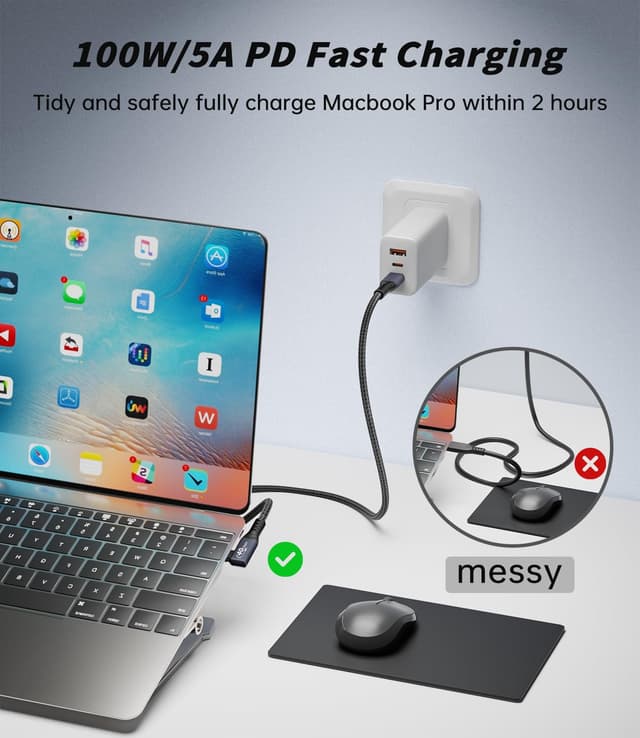
For file transfers, the 40Gbps headline is aimed at moving large files efficiently, assuming both the source device and the target support the same level of throughput. For charging, the description quotes 20V/5A support and 100W capacity—this is the kind of spec you look for if you want more than basic power delivery.
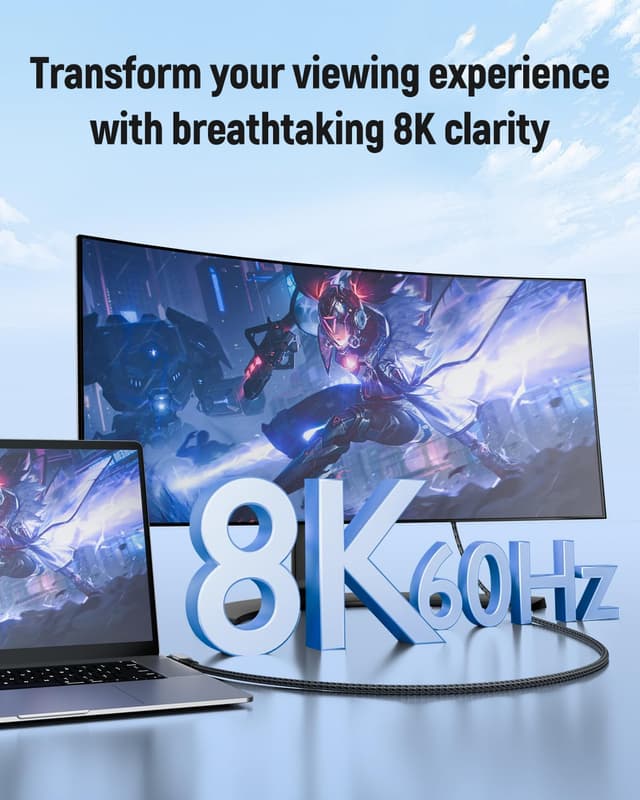
For media, the claimed 8K60Hz output is aimed at smoother high-resolution display use. Again, the actual result is only as good as what your laptop, screen or adapter can accept.
What to know before you buy
Double-check three things so you’re not disappointed:
- Your device support: the cable mentions Thunderbolt 3 compatibility and USB 3.2/3.1/3.0 backward compatibility, but your laptop/phone/switch dock still needs to support the relevant functions for charging and video.
- Video expectations: “up to 8K60Hz” is the kind of figure that’s rarely universal. It depends on the full chain (device + display path + any adapter involved).
- Cable length (and routing): the listing mentions a 2M option, but if you need a different length or specific routing around your desk setup, it’s worth checking the exact variant you’re buying.
Also, angled cables are great when space is tight, but they can be a bit fiddly if your setup needs a completely flat clearance path.
Tech specs
- Type: USB-C to USB-C right angle cable (90 degree)
- Name: AGFINEST USB4 Cable
- Format: USB4-compatible
- Data transfer: up to 40Gbps
- Charging capacity: up to 100W
- Charging support: 20V/5A
- Display support: up to 8K60Hz
- Compatibility: Thunderbolt 3, backward compatible with USB3.2/USB3.1/USB3.0
- Use case fit: charging, data transfer, and display via USB-C
Who it’s for (and who should skip it)
This is a solid pick if you want one USB‑C cable that can realistically cover day-to-day charging plus fast data transfer, with video output support included in the mix. It also makes more sense if your current cables are awkward to connect because of tight port placement, because the right-angle design is specifically meant to reduce strain and help routing.
It may not suit you if you only need a basic charging cable or you don’t care about high-speed data/display. In those cases, a simpler USB‑C cable can do the job with less cost—this one is designed to reach higher specs, not just get you connected.
Final verdict
Is it worth it? If you’re building a compact setup where ports are tight and you want a single USB‑C lead for charging and connectivity, the AGFINEST USB4 right angle cable is worth considering based on its stated USB4, up to 40Gbps, up to 100W, and up to 8K60Hz support.
You might want to skip it if your devices don’t support the same performance tier, or if your setup doesn’t benefit from the angled connector. In practice, the right angle helps most on the desk and in close-to-chassis ports—so if that’s your reality, it earns its place.

Mini FAQ
Does this cable work with Thunderbolt 3?
The description says it is designed for compatibility with Thunderbolt 3, with backward compatibility for USB 3.2/3.1/3.0.
Will I get 40Gbps data transfer?
It’s rated for up to 40Gbps under USB4 standards, but the real speed depends on whether your connected devices support the same throughput.
Can it charge at 100W?
The cable claims 100W capacity and 20V/5A support, so it’s aimed at high-power USB‑C charging for compatible devices.
Is the 8K60Hz display claim always achievable?
It’s listed as “up to 8K60Hz”. Whether you reach that depends on your device and the display connection path.
Is a right angle cable actually better?
For cramped ports, it usually makes plugging in easier and can reduce connector strain compared with a straight lead. If you have plenty of clearance, the advantage may be smaller.