

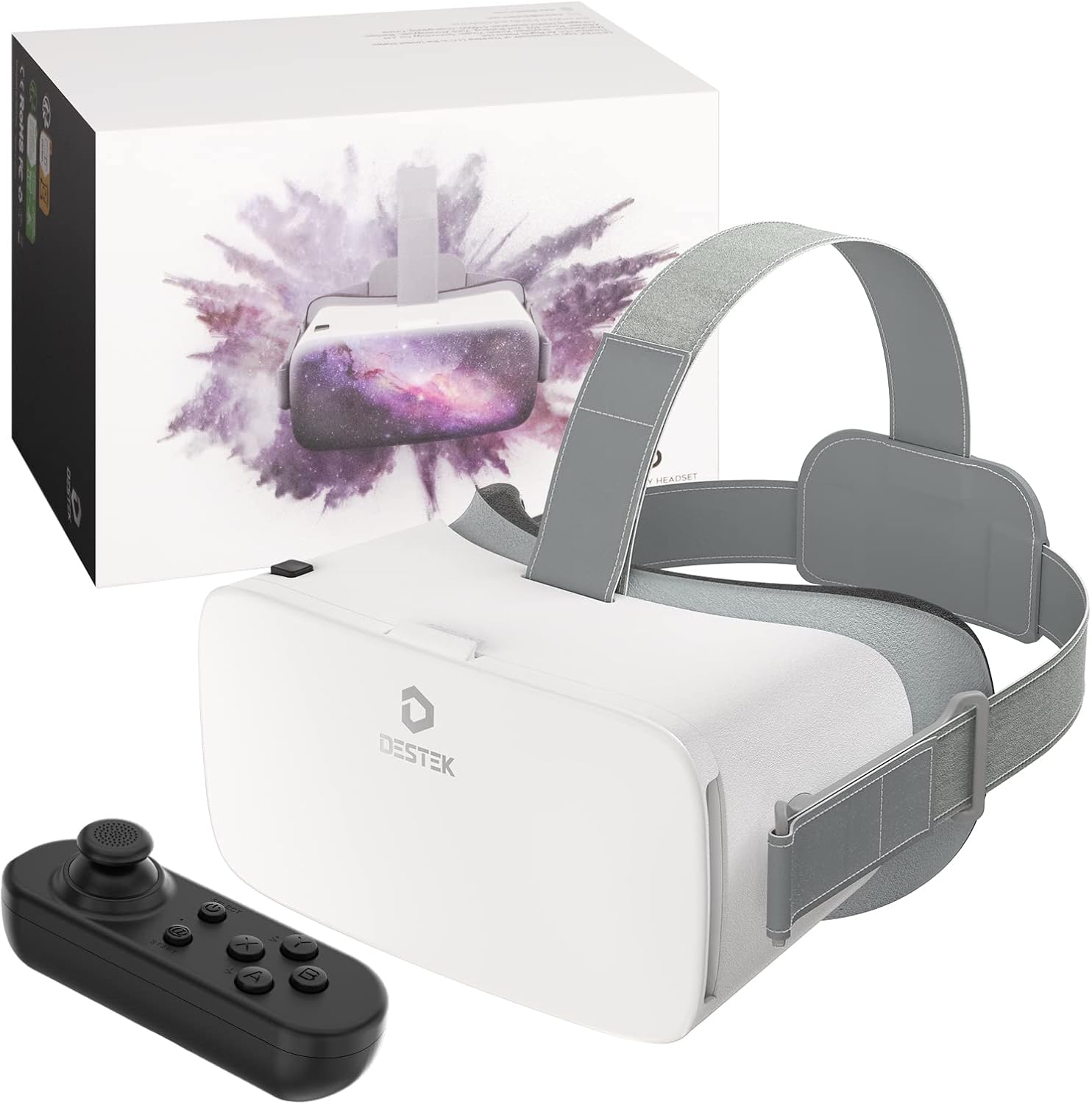
DESTEK V5 VR Headset for Phone with Bluetooth Remote Controller (Anti-Blue HD Lenses) – White
Product description
What it is and what it’s for
The DESTEK V5 is a phone-based VR headset kit aimed at beginners and family use, with a Bluetooth remote controller included. The premise is simple: slot your compatible iPhone or Android handset into the headset, then explore a ready-made library of “premium” VR apps, plus use the remote for more than just looking around.
On paper, it’s positioned as an entry-level VR starter set rather than a “serious” headset replacement. That matters because the experience you’ll get depends heavily on your phone’s sensors and screen size/shape, as well as how well you match the headset to the kinds of VR content you plan to use (games, educational apps for kids, and video/cinema-style viewing).
It’s also worth flagging that the manufacturer asks you to check the actual VR headset experience video in the images or A+ content before buying. That’s a sensible warning for this category—VR can look very different in marketing clips versus real-world use.
Key features you’ll actually notice
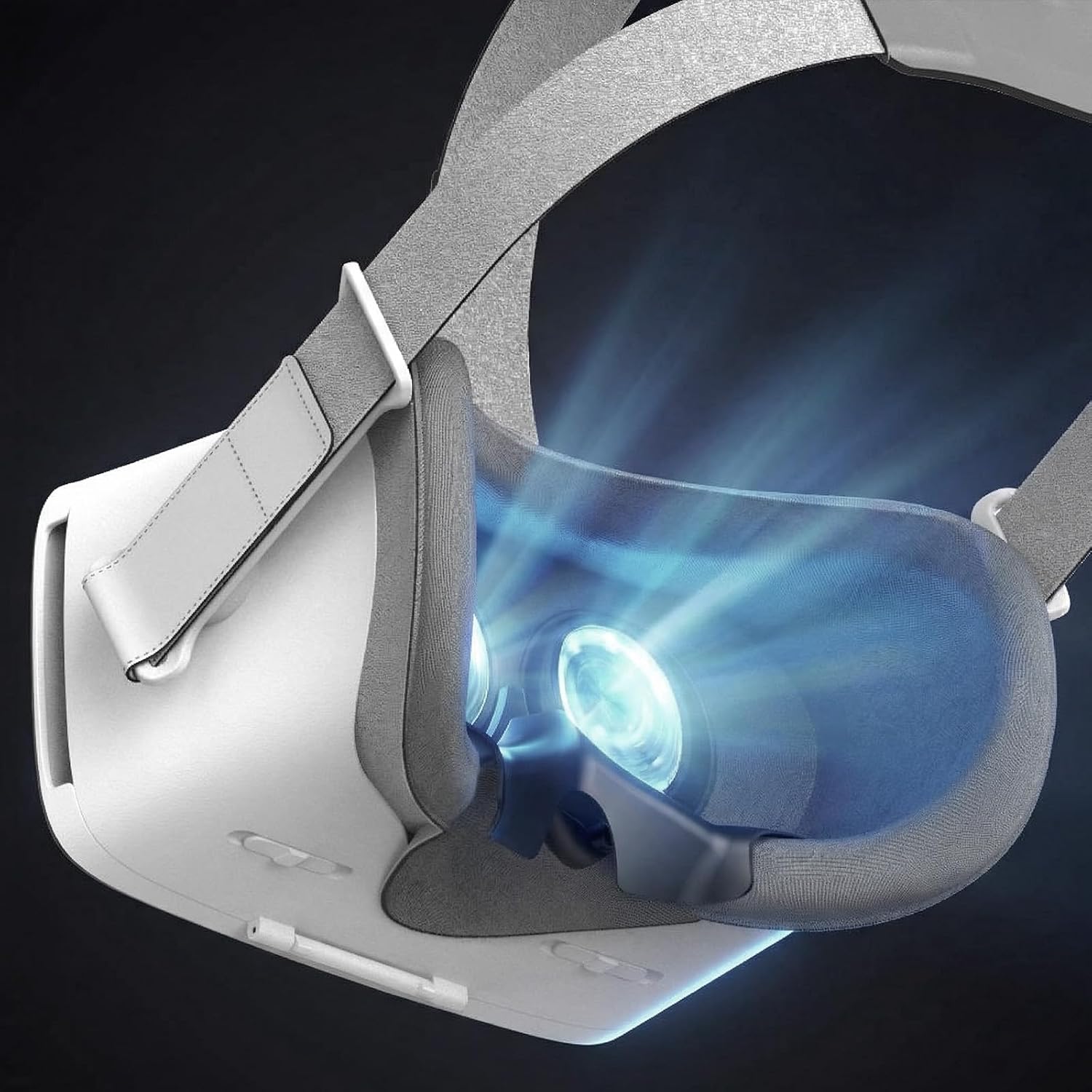
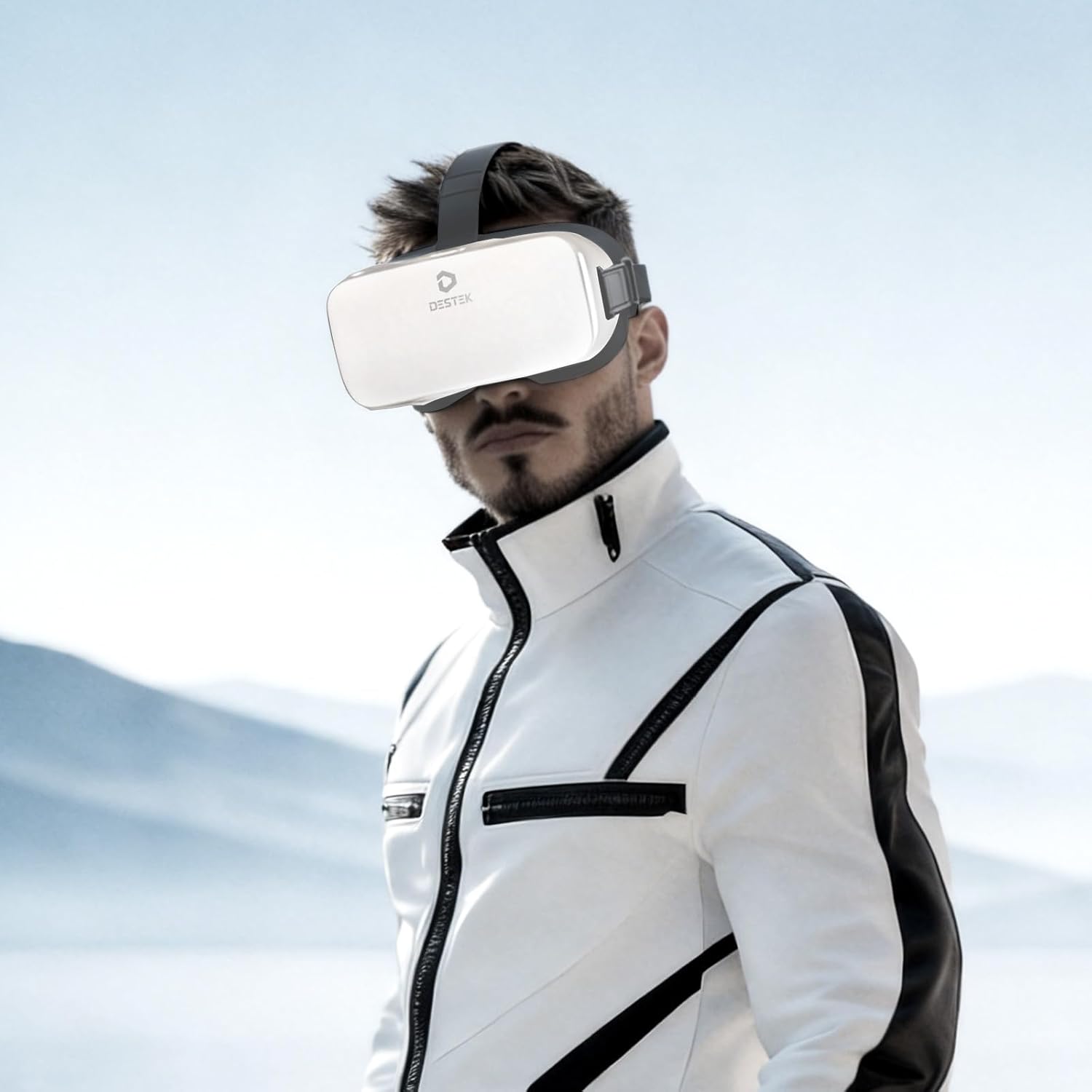
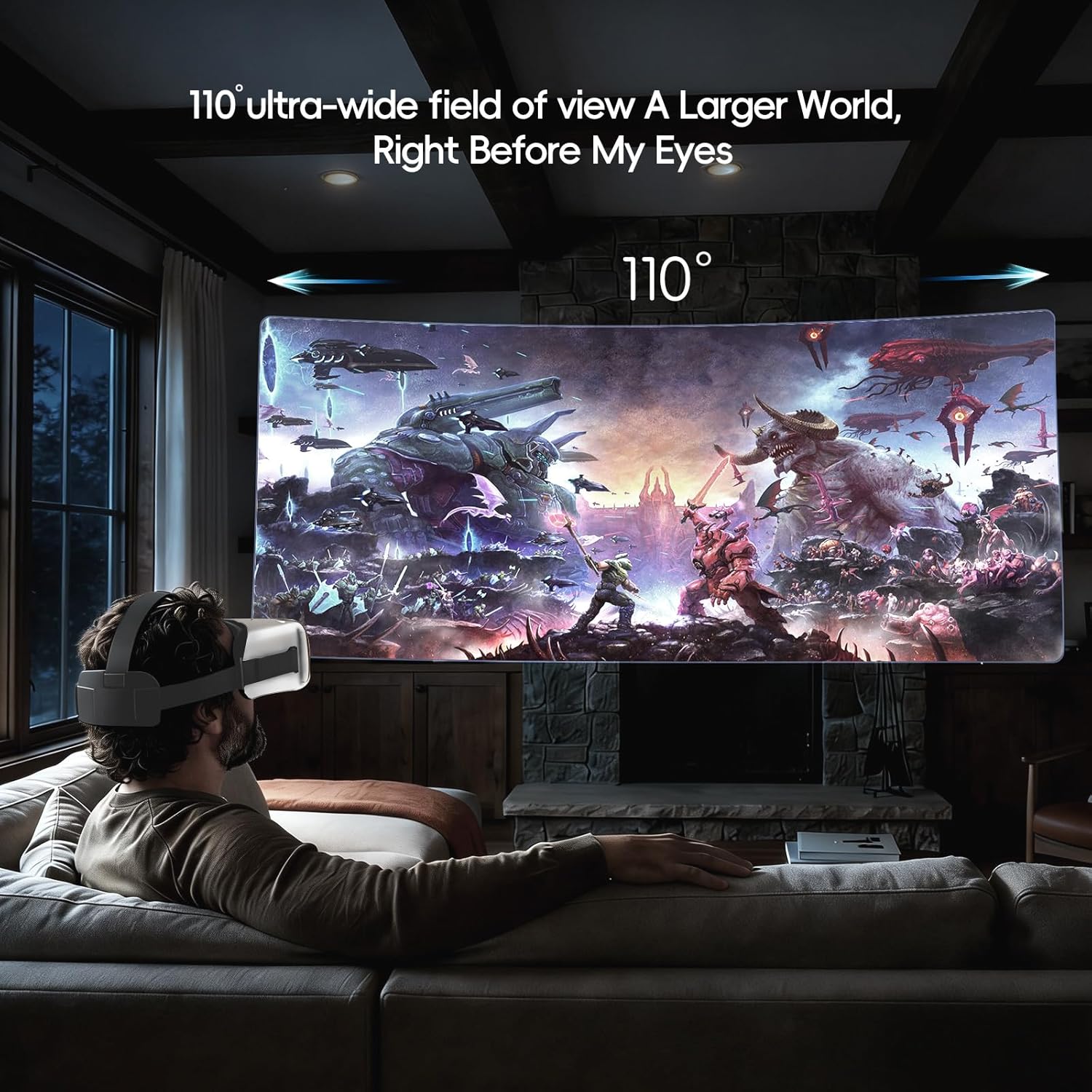
A big part of the appeal here is “instant access” to apps, along with a wide viewing field. The headset is described as offering a 110° ultra-wide view, turning your phone into a more immersive personal viewing screen for movies, videos, and gaming.
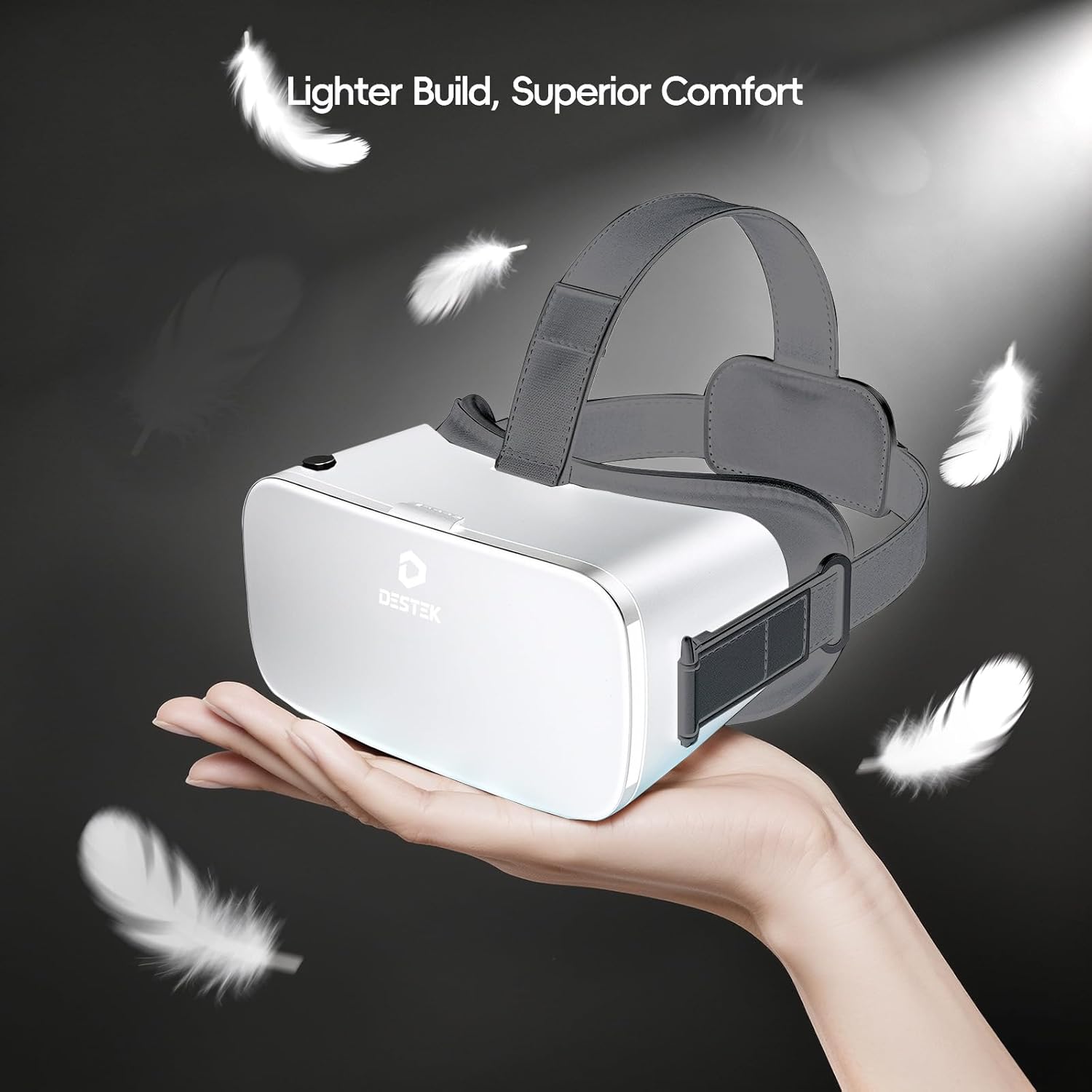
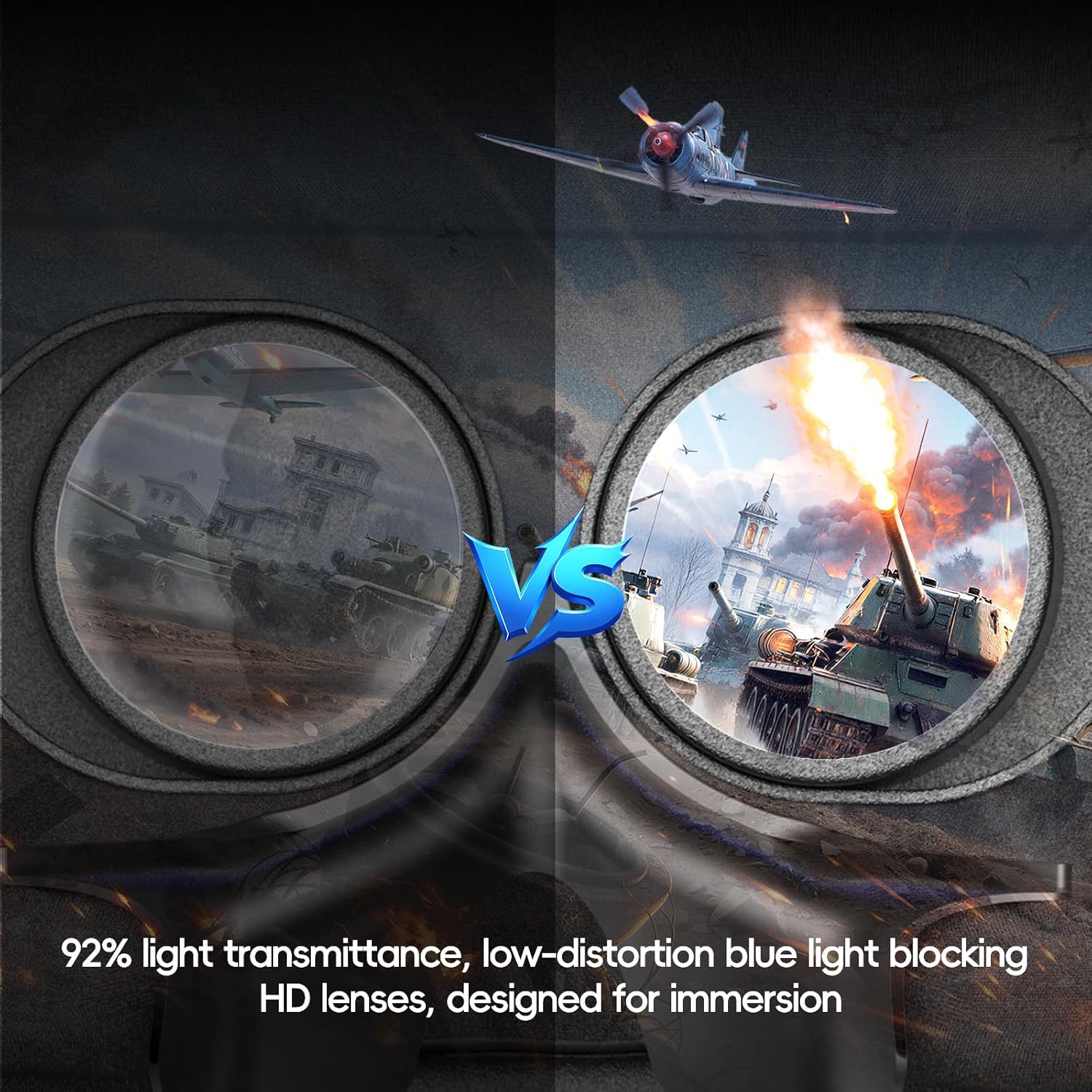
The eye-care angle is another noticeable inclusion: the lenses are anti-blue and described as HD, with a lightweight, breathable design meant to keep things comfortable over longer sessions. This won’t stop every person getting tired eyes or feeling warm, but it’s the kind of consideration that can make family VR less awkward.
Then there’s the Bluetooth controller. It’s marketed as easy and versatile, letting you steer, swing/interact (for example described as steering wheel and sword-style use), or act like a remote within specific VR apps.
Bluetooth controller reality check (iOS vs Android)
This is the section to read carefully before you buy.
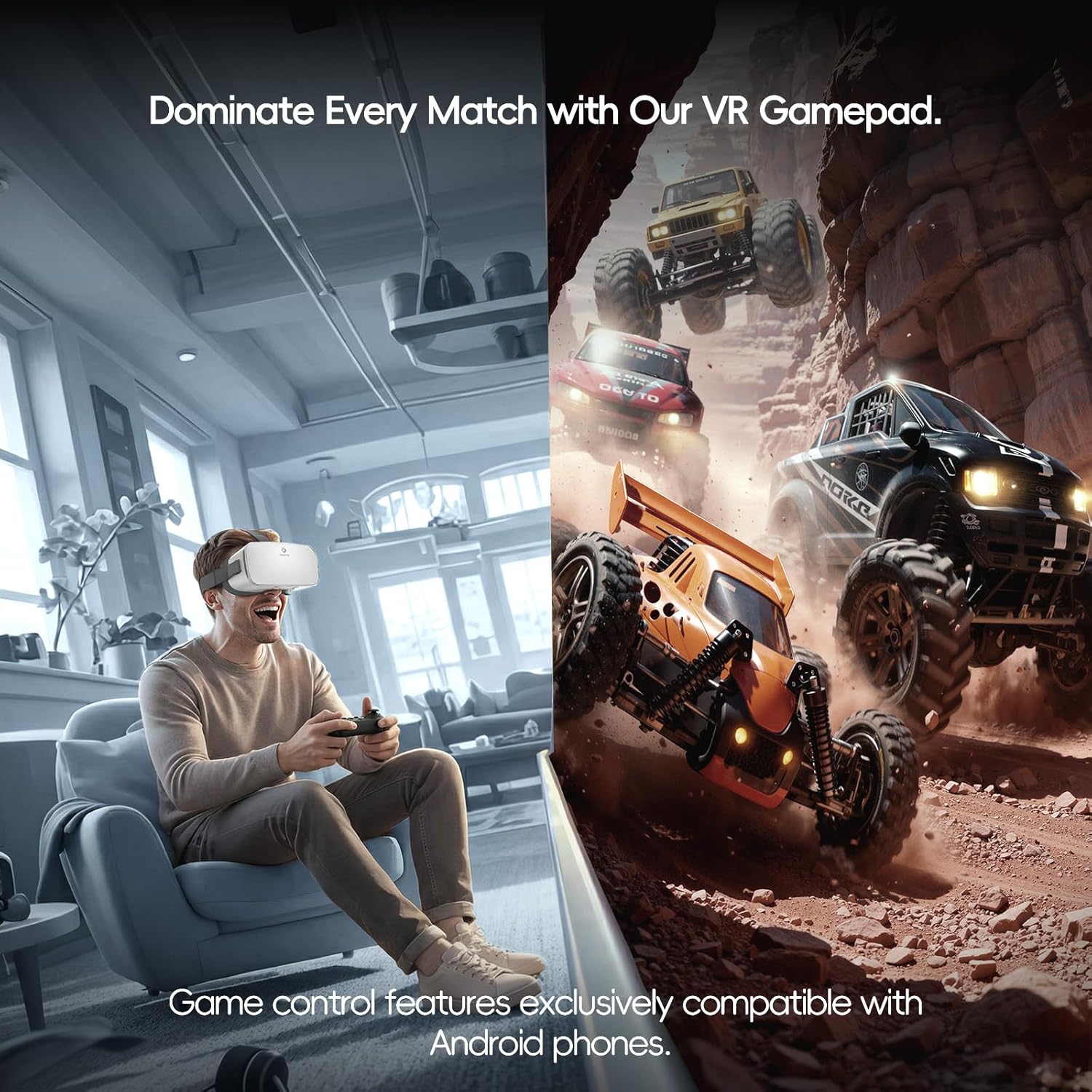
The Bluetooth controller experience differs between platforms. For iOS, it’s described as limited to YouTube app control only, with additional “full gaming features” requiring Android. The base kit does include headset touch buttons for universal interaction, and controller functions are split like this:
- On Android, the controller is described for gaming/steering/sword-style functions.
- On iOS, the controller is described for music playback and YouTube video controls only.
So, if your plan is mostly iPhone gaming inside VR apps, you may end up feeling like the controller is underused. It might still be fun for viewing and limited app control, but it’s not the full feature set the Android side gets.
Compatibility and fit: the part that can make or break it
Phone compatibility is where people usually get stuck with phone-based VR. The manufacturer lists several incompatibilities based on phone length and other factors, including phones that exceed 6.4 inches in length, are too thick, can flip/fold, or lack a gyro sensor.
They also call out specific models as not compatible (including several iPhone Pro/Max variants and certain Samsung Galaxy models and others listed). Because this product is phone-slot dependent, a mismatch here can lead to disappointment—sometimes returns happen simply because the headset won’t mount comfortably or won’t track properly.
Practical tip: before ordering, double-check your phone’s size and whether it has the gyro sensor, and don’t assume “close enough” will work.
Getting the best experience day to day
If you want a smooth first session, focus on content and setup.
A simple micro-scenario: pick a VR video or a “cinema” style experience, slot the phone in, then use the headset touch controls to navigate. If you’re on Android, try one of the apps that explicitly supports controller interaction (the controller is described as useful for steering/wheel or sword-like actions). The wider 110° field of view can make videos feel more immersive, but don’t expect every app to feel equally polished.
Also, bear in mind that the manufacturer includes “over 9 years” comfort and eye care refinements, which suggests they’ve tuned the headset feel for longer sessions—but comfort is still personal. If you’re buying for younger users, supervise early sessions and keep breaks in mind.
Tech specs (as far as the listing goes)
The essentials
- Product type: phone VR headset kit with included Bluetooth controller
- Display/view: 110° ultra-wide virtual reality field of view (FOV)
- Lens feature: anti-blue light protection with HD lenses
- Included: headset, Bluetooth controller, and a library described as including 128 premium VR apps
- Remote control: connects instantly and functions differ on iOS vs Android (iOS limited to YouTube app controls only)
Note: detailed build materials, weight, exact app list, and charger/battery information aren’t provided in the listing you shared, so it’s worth checking the product page for those specifics.
Pros and limitations
What stands out - A bundled starter kit approach: headset + remote + apps, so you’re not hunting for “what to install first”. - 110° ultra-wide view is the kind of spec that tends to make VR viewing feel more involving. - Anti-blue HD lenses and a lightweight, breathable design are practical inclusions for family use.
What to be cautious about - The iOS controller is limited—full gaming features are described as Android-only. If you’re mainly iPhone-based, your expectations for remote gaming need to be tempered. - Compatibility is strict: phone length, thickness, fold/flip behaviour, and gyro sensor support are mentioned, and several models are explicitly excluded. - The brand itself suggests checking the real VR experience video before purchase. That’s a hint that the “feel” may not match everyone’s expectations from static images.
Should you buy it?
It’s worth considering if you want a ready-to-go phone VR starter kit with a bundled controller and a library of VR apps, and you’re confident your phone is compatible (especially around size and gyro sensor support). It also makes sense if your household plans to mix viewing-style experiences with app play, and you’re open to Android offering the more complete controller feature set.
You may want to skip it if you’re buying for iPhone primarily for remote-based gaming. On iOS, the controller is described as limited to YouTube controls, and that could feel like a let-down compared with the Android experience.
Also, if your phone model is on the exclusion list, exceeds the stated length guidance, or you’re unsure about gyro sensor support, it’s better to verify first rather than assume it will work.
Mini FAQ
Questions people ask before buying
Is the Bluetooth controller included? Yes. The kit includes a Bluetooth controller, but its capabilities differ between iOS and Android.
Does it work with iPhones? It’s described as for iPhone, but there are incompatibilities listed for certain iPhone models, and there are also general compatibility limits (including phone length/thickness and gyro sensor requirements).
Do I need Android for full gaming features? The listing states that full gaming features require Android. For iOS, controller control is described as limited to YouTube app controls only.
What kind of content is it best for? The listing points towards educational adventures for kids, games, and “personal cinema” viewing for adults—so a mix of app-based play and video-style sessions.
What should I check before ordering? Check the compatibility rules for your phone model/size and the platform limits for the Bluetooth controller, and do consider the VR experience video referenced in the listing to set expectations.