

GEKVIVE RF Remote Control Page Turner (white) for Kindle Paperwhite, Scribe & more
Reviews
Price
Product description
What it is and why people buy it
A remote page turner is one of those accessories that sounds a bit niche until you actually want it. The GEKVIVE RF Remote Control Page Turner is designed to help you turn pages with a button press, so you’re not stuck reaching for the screen or physically moving your device while reading.
On paper, it’s aimed at readers who want a calmer, more hands-free experience—especially for long sessions, night reading, or situations where you’d rather keep your grip and posture consistent. It also doubles as a wireless trigger for certain phone/camera video and photo moments, which is where it starts to feel more flexible than a simple clip-on gadget.
One important limitation to keep in mind: it only supports turning pages forward. If you’re the kind of reader who frequently needs to jump back and forth, that could be a deal-breaker.
The essentials: how it works (and what to expect)
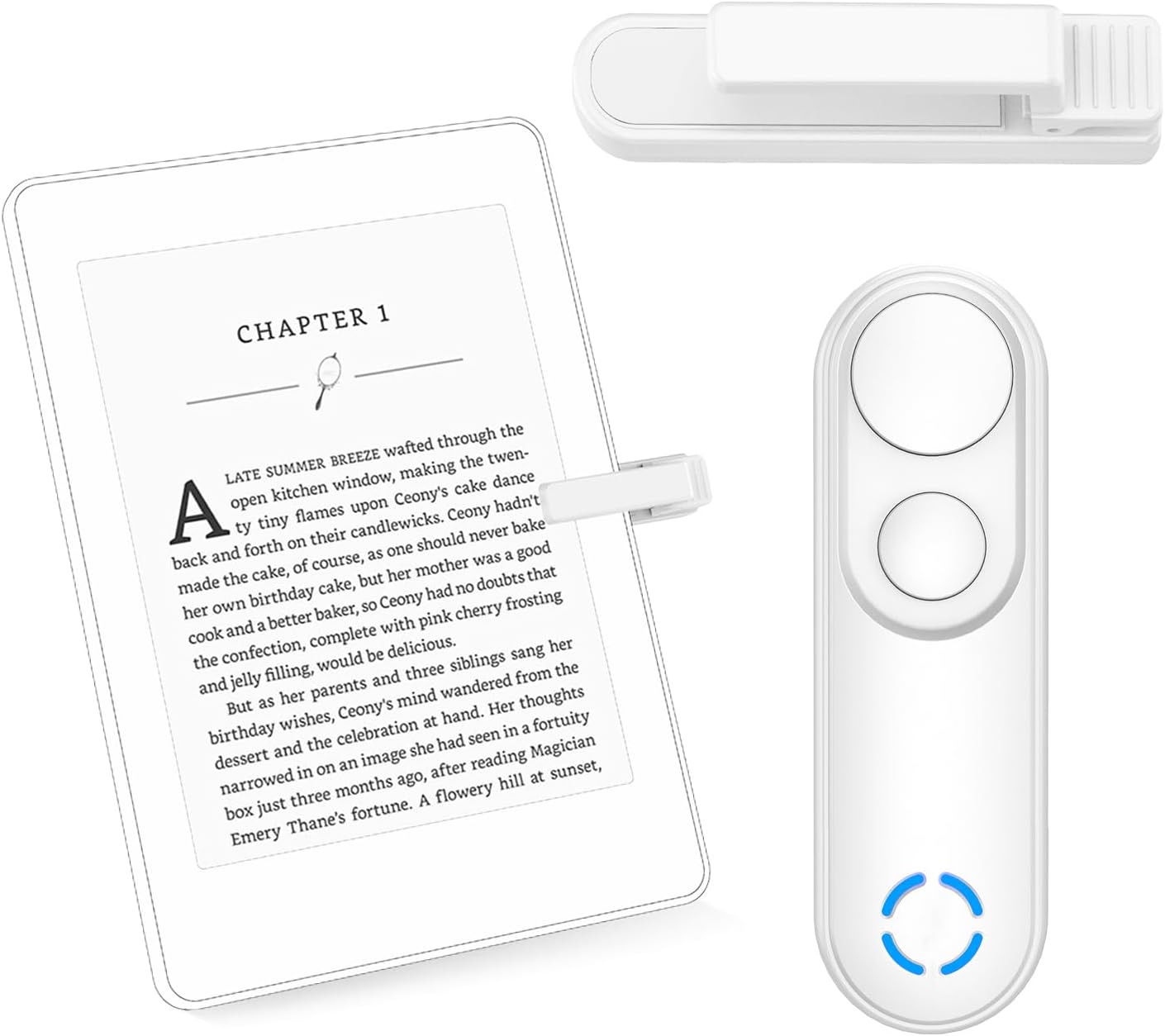
This is an RF remote control page turner, which matters because it’s described as not requiring WiFi or Bluetooth. For buyers, that usually translates to fewer setup steps and less dependency on wireless settings.
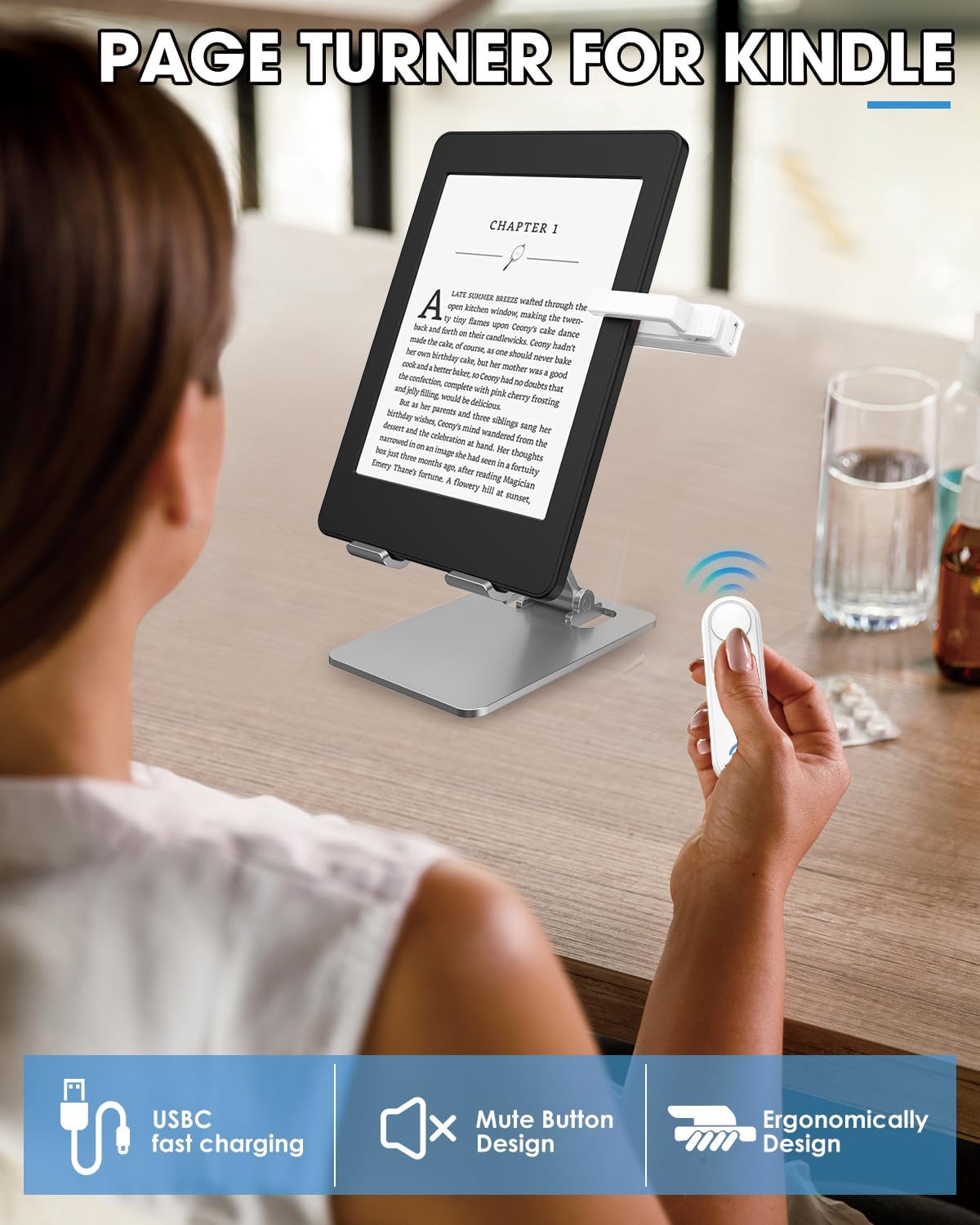
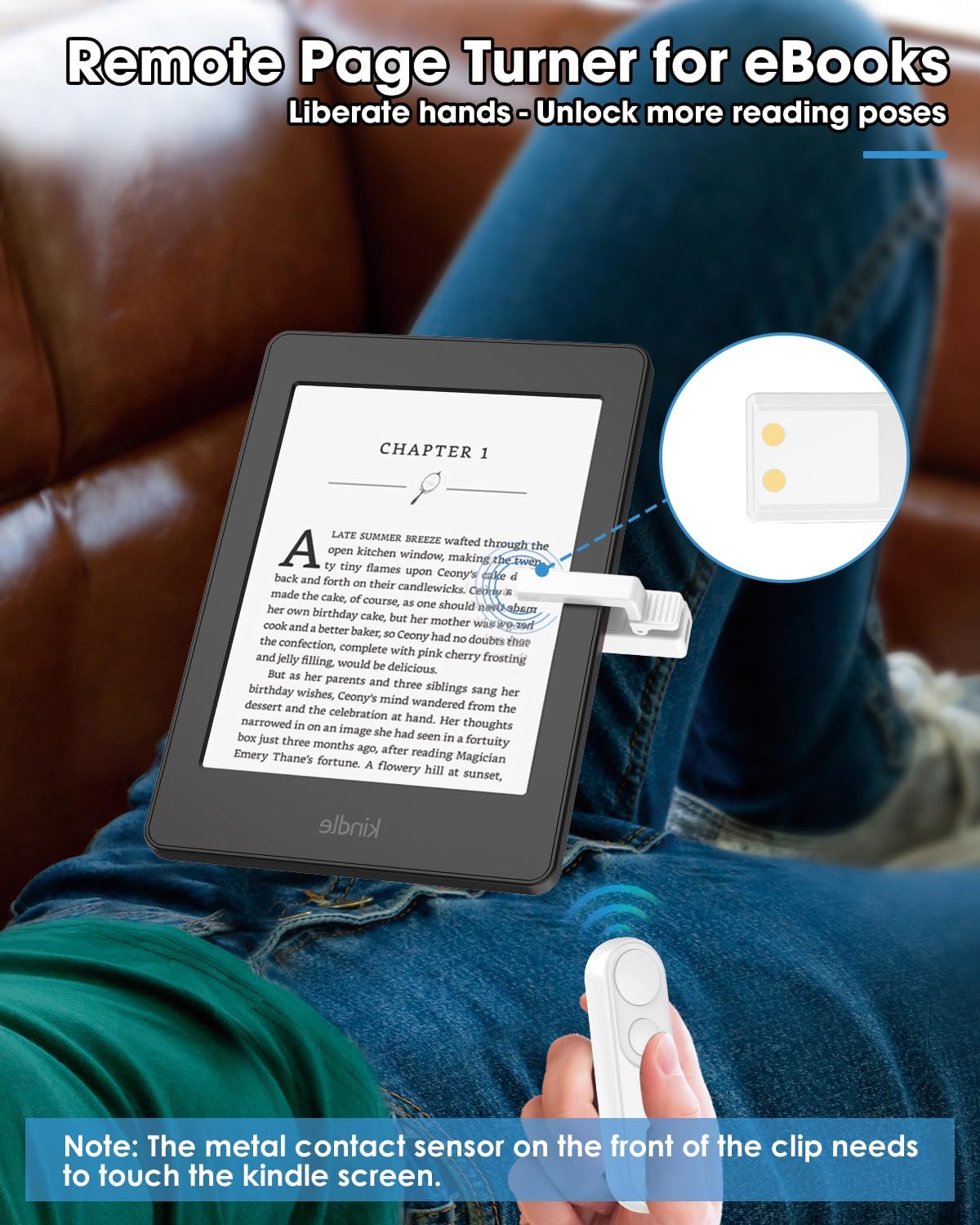
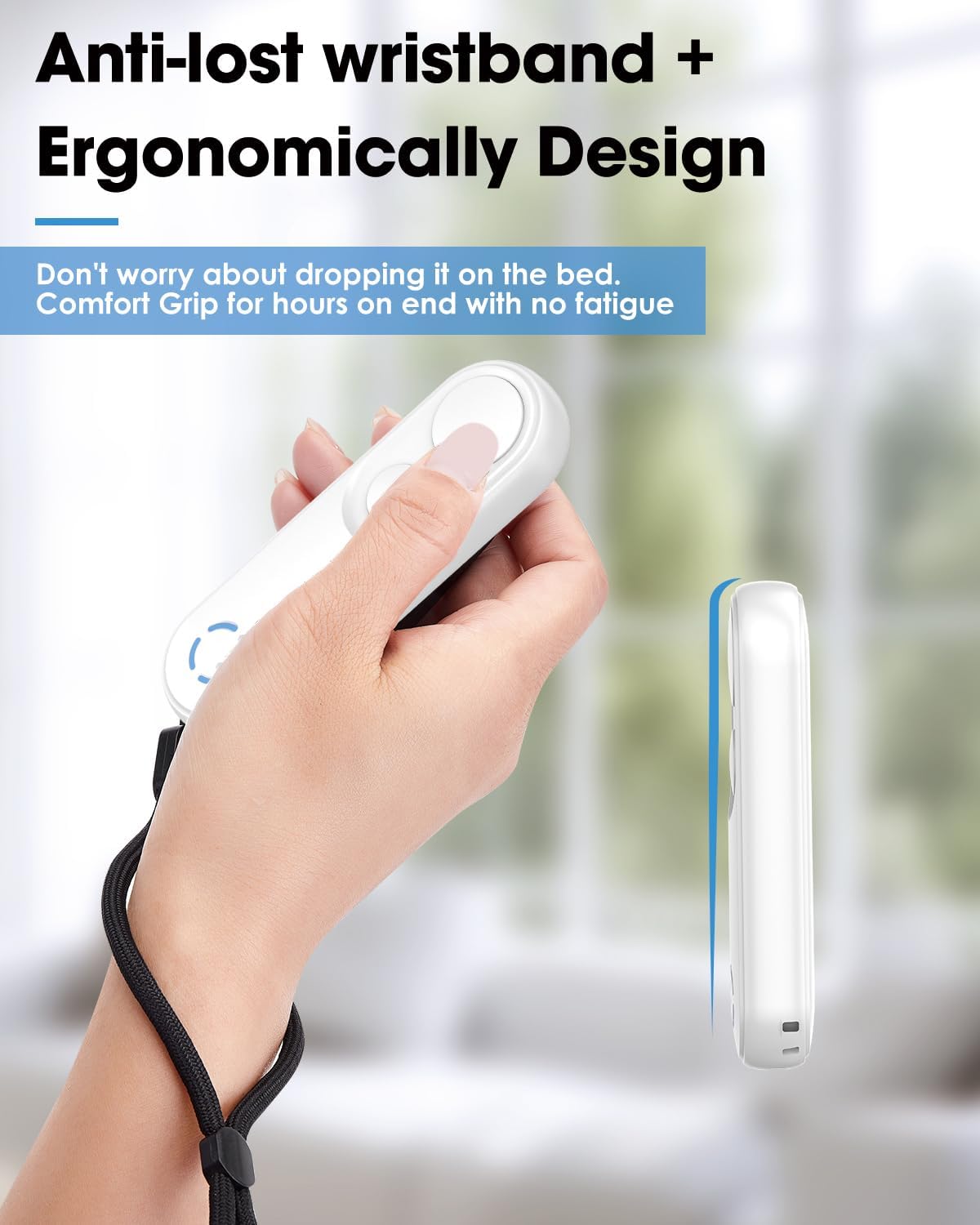
The clip-style design is meant to be portable and convenient. The basic flow is simple: attach the receiver/clip to your device, keep the remote to hand, then press to move to the next page. There’s also mention of a silent button, which is particularly relevant if you read in bed or share space and don’t want noticeable clicking.
Also worth noting: it’s designed for capacitive screen devices. That’s a normal requirement for a lot of page-turner styles, but it does mean you should check your specific device type before buying.
Compatibility & requirements (so you don’t get caught out)
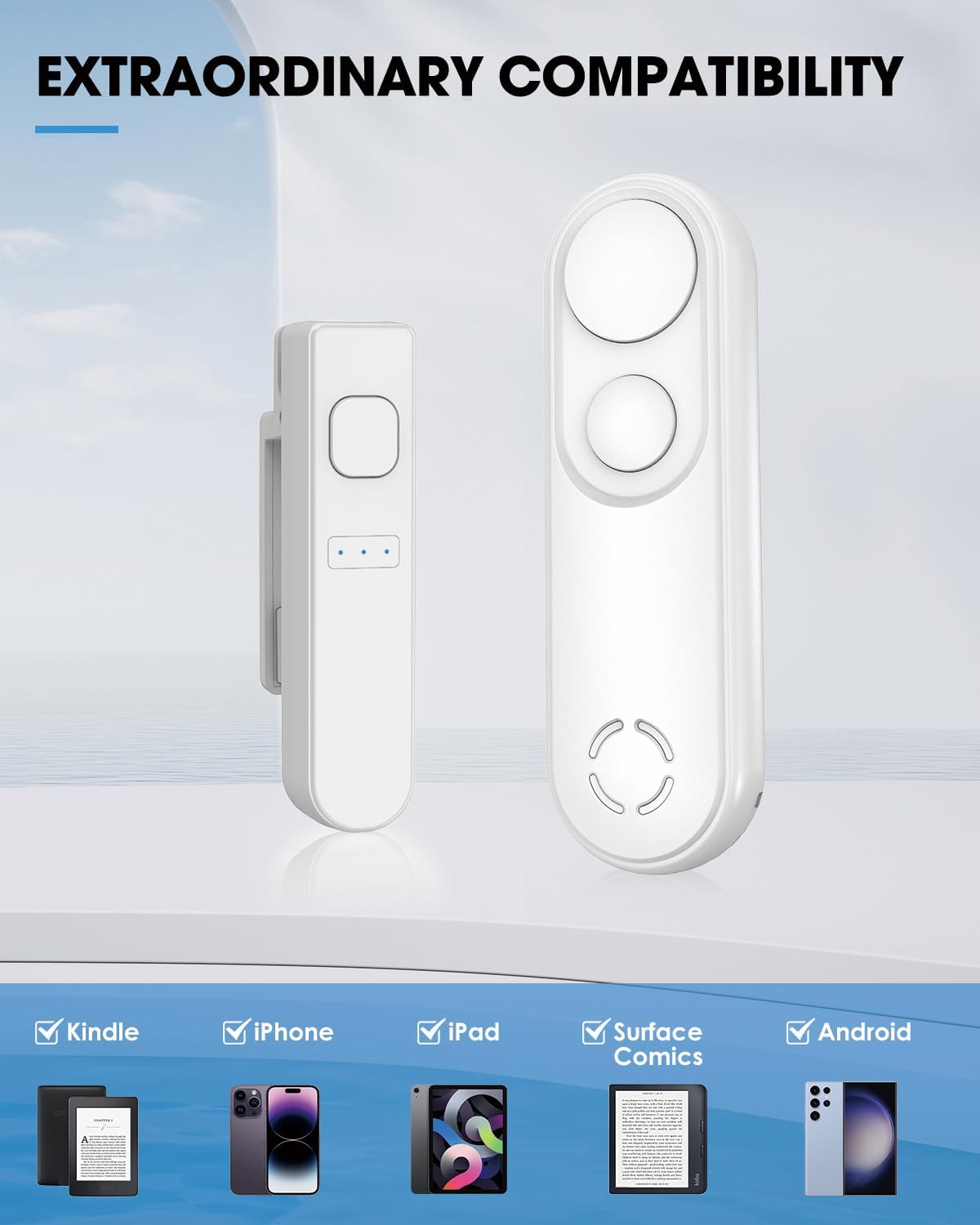
GEKVIVE positions this page turner for a wide range of capacitive screen devices, including Kindle Paperwhite, Kindle Scribe, Kindle Oasis (except 8th generation), iPad, iPhone, and Android tablets.
That’s a helpful list, but it’s still worth being careful with your exact model. Even when a brand lists multiple devices, exceptions can exist—especially with Kindle generations. If you’re unsure whether your specific model falls into the supported group, it’s worth double-checking before you commit.
There’s also a practical note: you may need to adjust page margins so the page-turn action doesn’t get in the way of your reading layout.
What stands out in everyday use
If you’re trying to read one-handed, keep your place during a commute, or simply avoid touching the screen repeatedly, the remote approach can feel surprisingly natural. Picture this: you’re lying back with your Kindle or tablet, you press the remote once and the next page advances without you moving your hand position.
Where this setup can be especially handy is night reading. The silent button is the sort of detail that won’t matter to everyone, but for couples, roommates, or anyone reading in a quiet space, it’s genuinely useful.
Another plus is the remote’s role beyond reading. The description states it can act as an RF wireless trigger for phone camera video recording and remote shutter-style use for photos/selfies—so it’s not just a one-purpose accessory.
Battery, charging and the “will it keep going?” factor
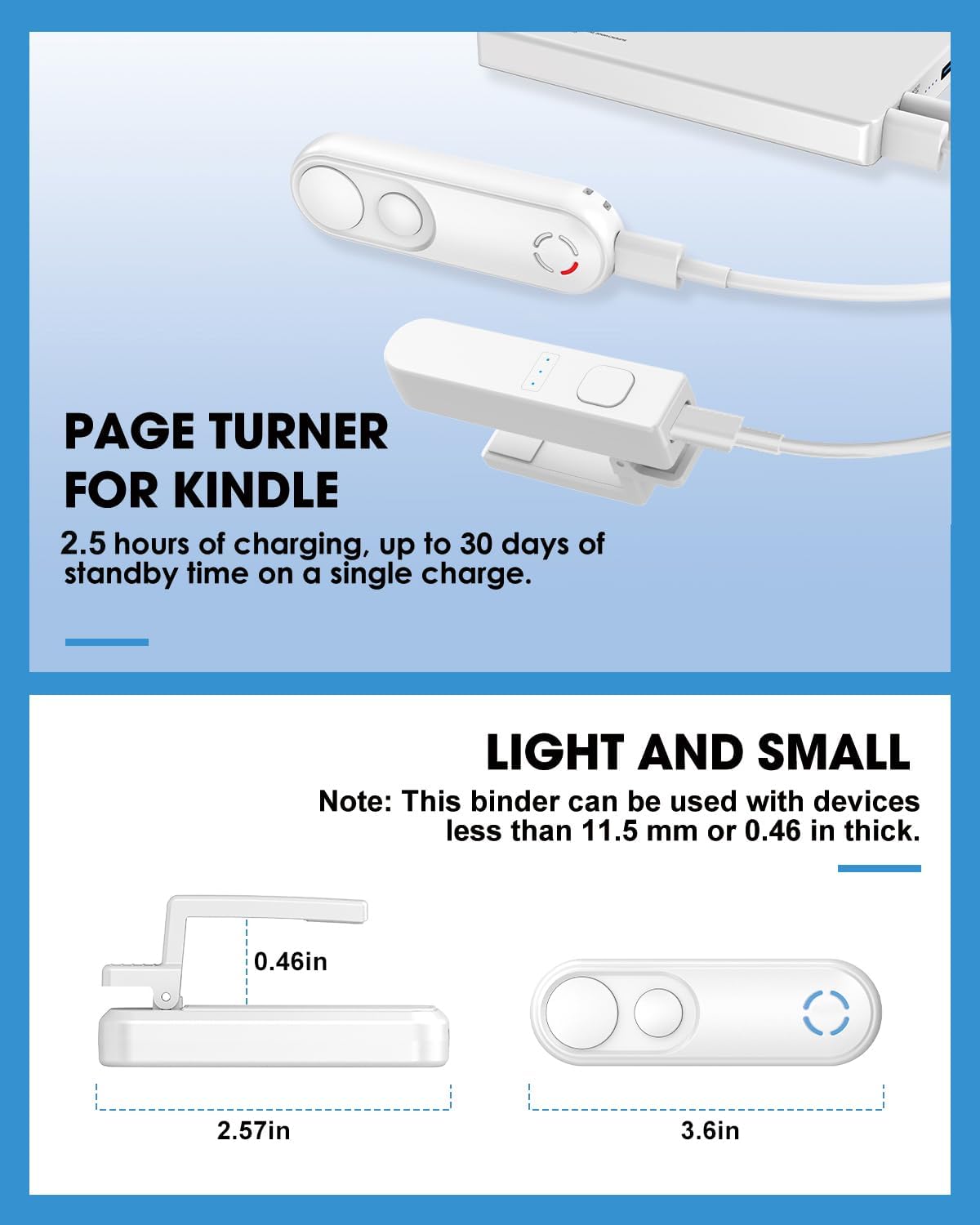
The page turner includes a USB-C charging approach, with an indicator light to show the battery status. For most people, the value here is simple: you’re less likely to get interrupted mid-session by battery swaps.
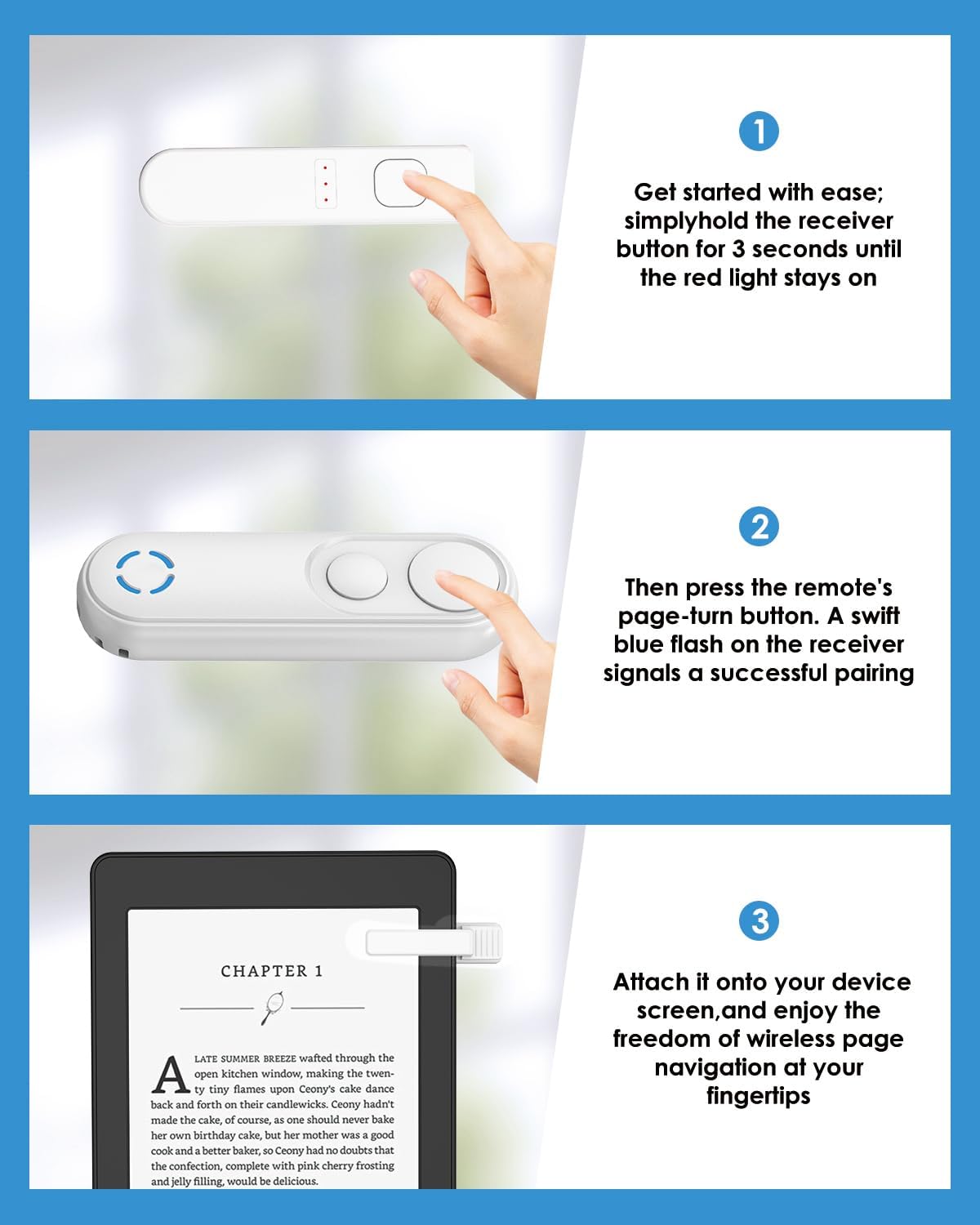
That said, the description doesn’t specify the battery capacity or how long it lasts per charge. So if you’re planning very long reading days or frequent photo/video sessions, you’ll want to treat runtime as “unknown from the listing” rather than assuming it will match more premium battery-focused accessories.
What’s in the box (and what to check first)
According to the package contents, you should get: - 1 clip for receivers - 1 RF remote control - 1 USB-C cable - 1 user manual
Before you rely on it, it’s sensible to check the fit of the clip on your device and then do a quick test with a few page turns. If your reading margins are tight, you may need that margin adjustment mentioned in the description.
Tech specs (quick, buying-relevant)
- Type: RF remote control page turner
- Compatibility (listed): Kindle Paperwhite, Kindle Scribe, Kindle Oasis (except 8th generation), iPad, iPhone, Android tablets (capacitive screens)
- Connectivity: No WiFi or Bluetooth required
- Page direction support: Forward page turns only
- Charging: USB-C
- Colour: White
Should you buy it?
It makes sense if you want hands-free reading with minimal setup, and you’re specifically looking for a page turner that doesn’t rely on WiFi or Bluetooth. The silent button and clip-style setup are particularly appealing for night reading or shared spaces.
It may not be the best match if you frequently need to go backwards (since it only supports forward turns), or if your device model falls into an exception (notably Kindle Oasis 8th generation, per the listing). You may also want to be cautious if your reading layout doesn’t allow easy margin adjustment.
For most buyers, the decision comes down to whether you value: simple RF operation, silent page turns, and a dual-use remote for photo/video triggers—without the hassle of wireless pairing.
Mini FAQ
Can it turn pages both ways?
No—the description states it only supports turning pages forward.
Does it need WiFi or Bluetooth?
No. It’s described as working without WiFi or Bluetooth.
Will it work with my iPad/iPhone/Android tablet?
It’s listed for iPad, iPhone and Android tablets (for capacitive screen devices). If you’re unsure, check that your screen type matches what these page-turners require.
Is the battery removable?
The listing focuses on USB-C charging and a battery indicator light, but it doesn’t explicitly say whether the battery is user-replaceable.
What’s the benefit of the silent button?
It’s intended to make nighttime reading less disruptive for others, so you’re less likely to draw attention when you click through pages.