

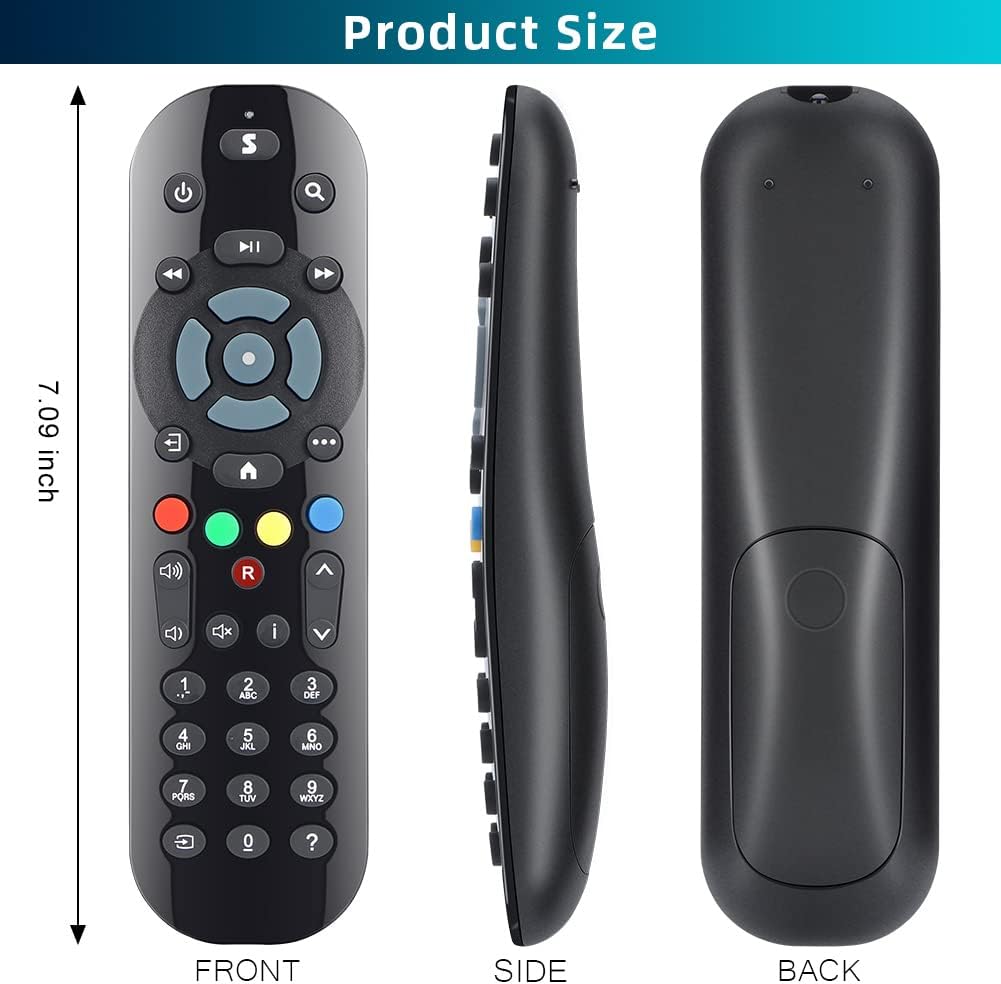
Gvirtue replacement remote control for Sky Q boxes (All Sky Q Box, Mini & Silver) — IR, non-touch, no voice
Reviews
Price
Product description
If your Sky Q remote has gone missing or stopped responding, replacing it is usually quicker than trying to live with workarounds. This Gvirtue replacement remote control is designed as a straightforward drop-in for compatible Sky Q set-top boxes, with no pairing process to wrestle with.
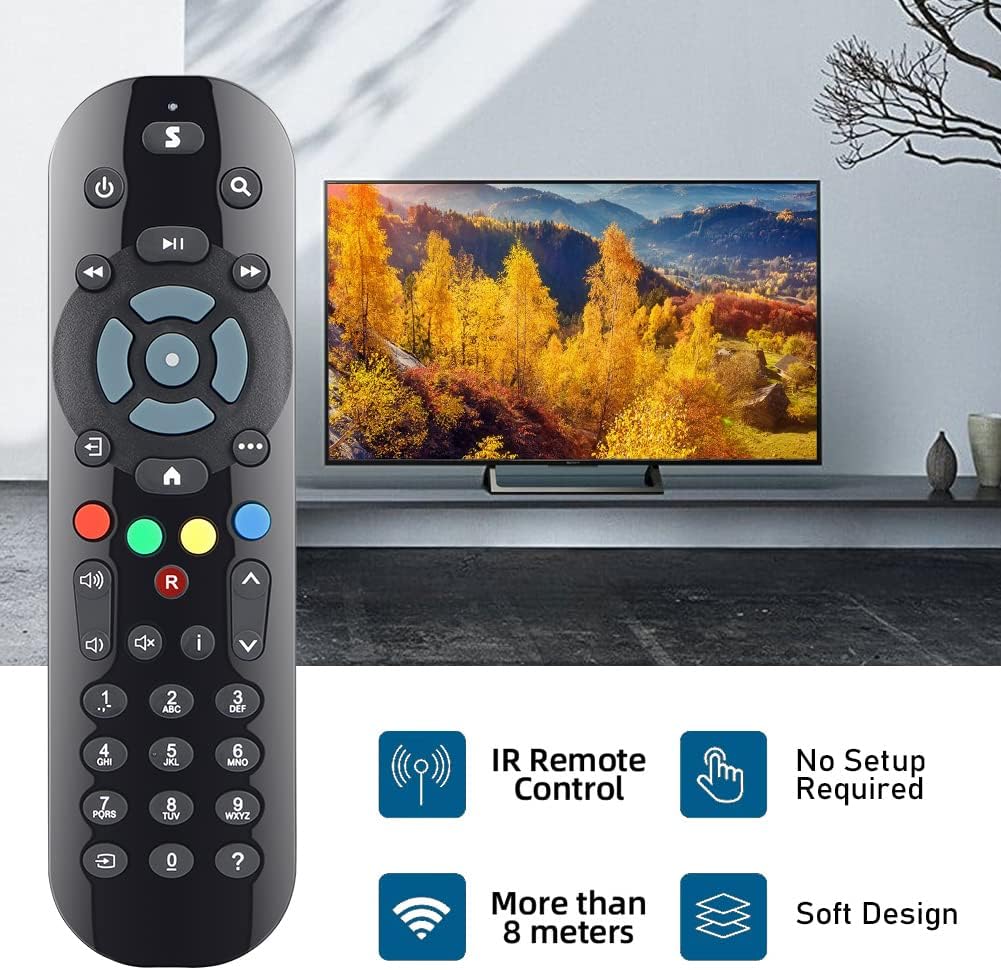
The big thing to know is that this is an IR remote (line-of-sight), and it’s non-touch and doesn’t include voice control. That keeps it simple and traditional, but it does mean it won’t behave like remotes that use WiFi/RF or require no aiming.
The essentials
This Gvirtue replacement remote control is made to work with Sky Q boxes including the All-in-Sky Q Box range, as well as the Sky Q Mini and Sky Q Silver Box. On paper, it’s the sort of “get back to watching” replacement you buy when your original controller is broken, lost, or you simply want a second one to keep in a drawer.
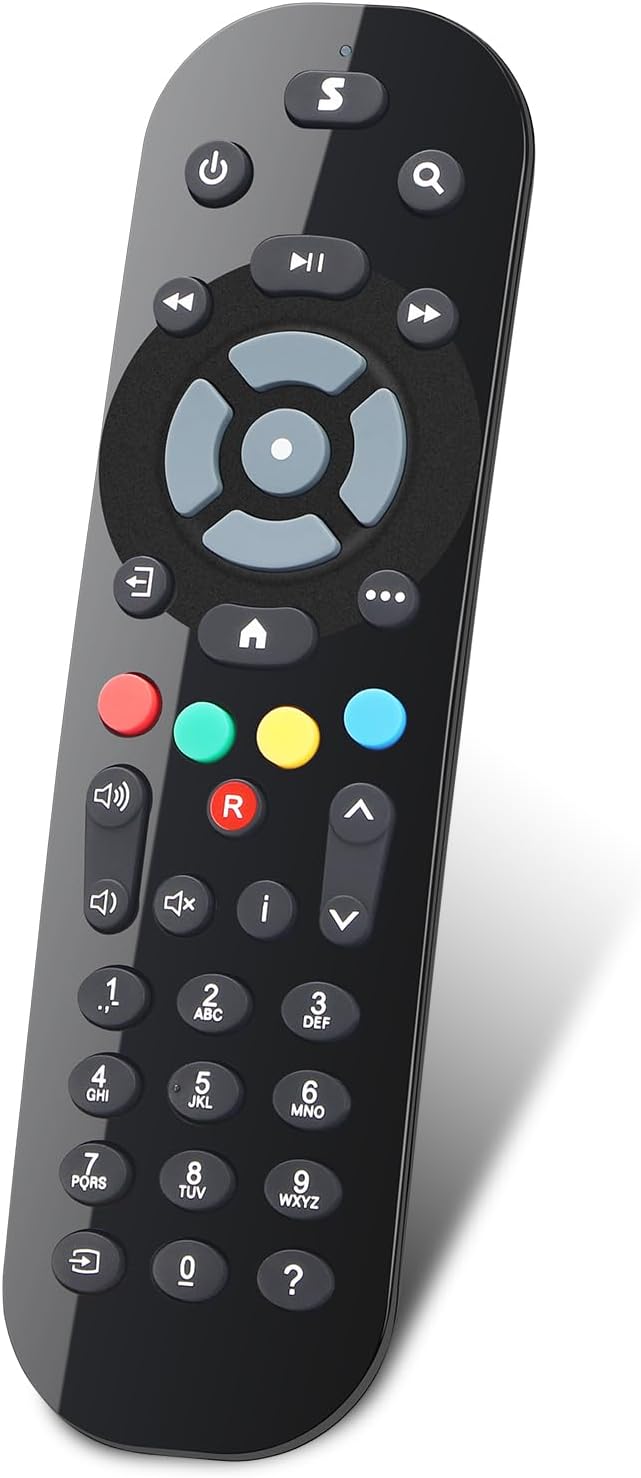
There’s no setup or programming mentioned in the description. Instead, you insert batteries and use it.
What you’ll notice day to day
The appeal here is convenience. If you’ve ever had to spend time reconfiguring gear, you’ll appreciate the stated approach: no programming required, just insert 2×AAA batteries (batteries not included).
Because it’s IR, you’ll usually get the smoothest results when you point it at the Sky Q box. In normal living-room use it’s fine, but if you’re used to remotes that work more flexibly around the room, this may feel a bit more “old school”.
Key things to check before buying
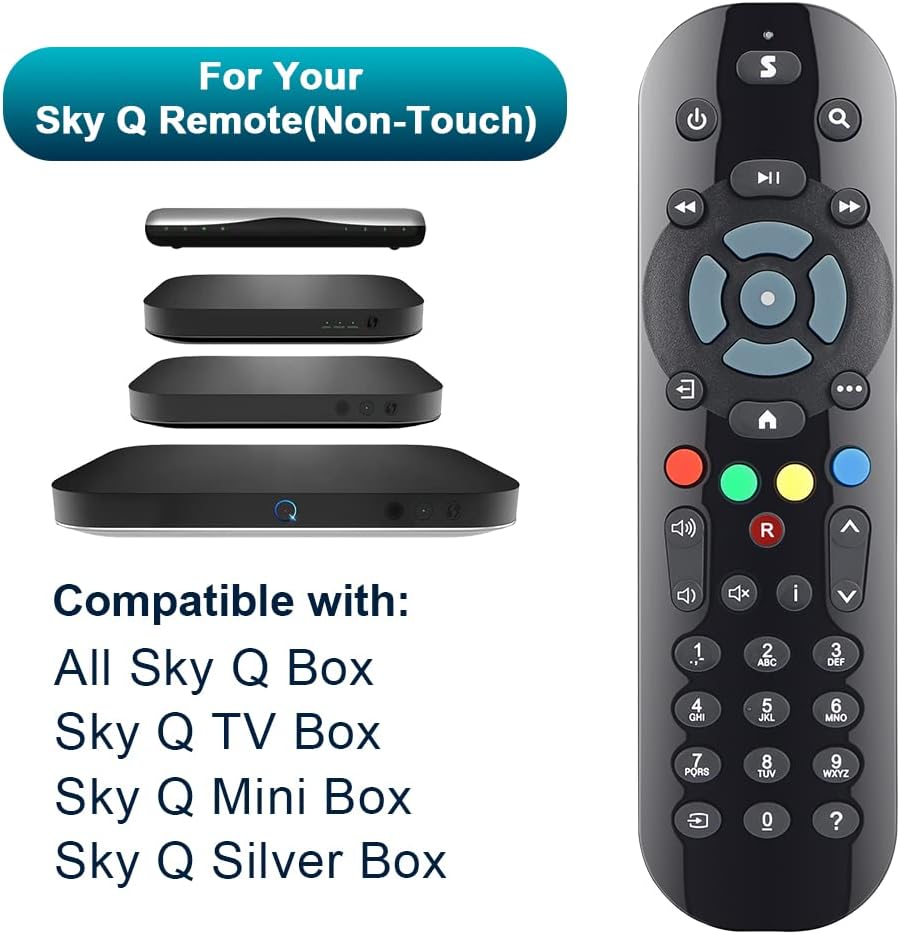
Compatibility is the main decision point. The product description says it’s compatible with Sky Q boxes such as the All Sky Q Box, Sky Q TV Box, Sky Q Mini Box and Sky Q Silver Box. If your setup falls outside that description, you may want to double-check before ordering.
Also, make sure you’re happy with the feature set you’re getting: it’s non-touch and there’s no voice control. If you rely on voice commands day to day, you’ll likely miss that functionality.
And one more practical note: it’s IR, not RF or WiFi. That means it depends on a clear line between remote and box.
Where it shines (and where it can fall short)
This remote is a sensible replacement for most households that want a reliable backup controller. If your original remote is damaged, you can keep one remote near the TV and another in another room without constantly moving devices around.
However, it’s not the best match if you specifically want voice control or a more modern remote experience that doesn’t require aiming. It also won’t suit you if your current setup expects RF/WiFi-style operation.
Worth considering if you just want something functional, familiar, and ready to use.
Everyday use example
Imagine you’ve dropped your original Sky Q remote and a few buttons stopped working. You replace it with this unit, pop in 2×AAA batteries, and you’re back to switching channels, navigating menus, and controlling playback—no pairing step mentioned, so the setup effort should stay minimal.
Mini FAQ
Does this remote need setup or programming?
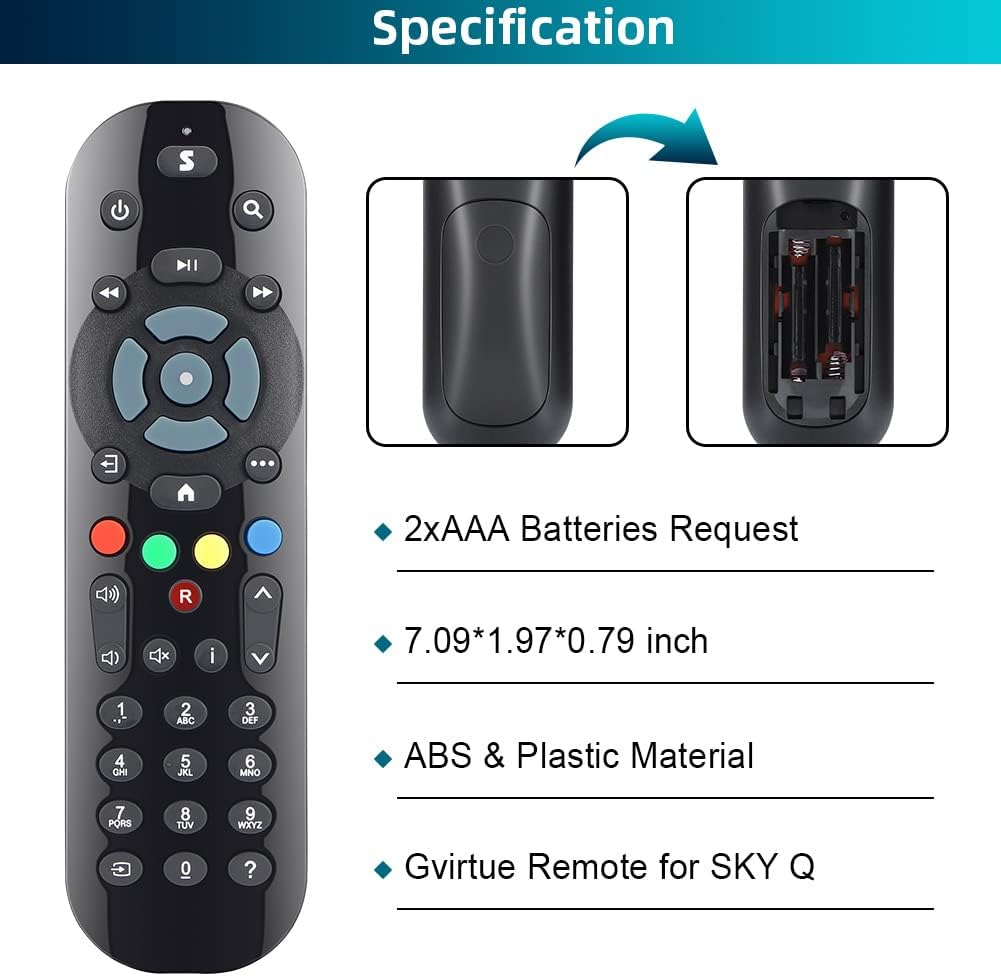
The description states there’s no need for set up or programming. You insert the batteries and use it.
Are batteries included?
No—batteries are not included, so you’ll need 2×AAA.
Is it an IR remote?
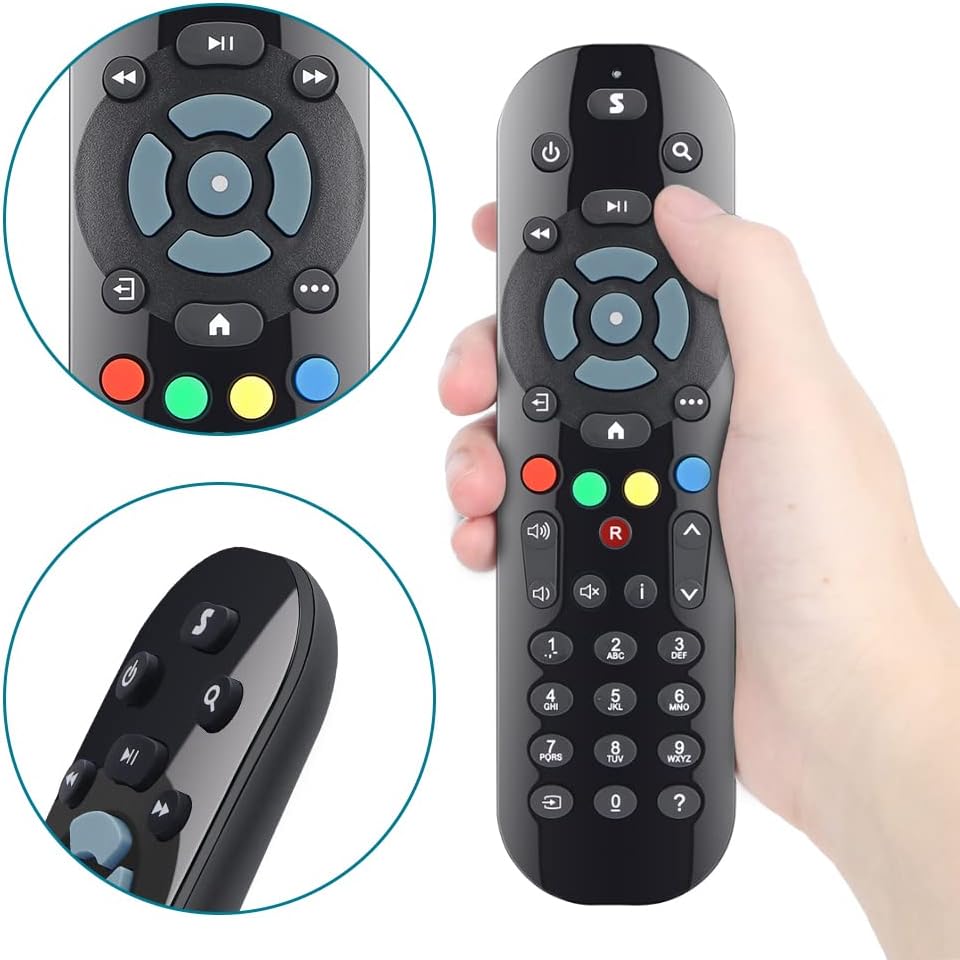
Yes. It’s an IR remote, not RF or WiFi.
Does it support voice control?
No. It’s non-touch and does not include voice control.
What Sky Q boxes is it compatible with?
The description lists compatibility with All Sky Q Box, Sky Q TV Box, Sky Q Mini Box and Sky Q Silver Box.
Final verdict
This Gvirtue replacement remote control makes sense if you want a simple, traditional IR Sky Q controller for the compatible Sky Q box types mentioned, especially as a replacement for a lost or broken original. It’s also a good way to build a backup remote with minimal hassle.
You may want to skip it if you depend on voice control, prefer a remote that doesn’t need line-of-sight aiming, or if your specific Sky Q model isn’t covered by the compatibility list provided. It’s a practical buy, but it stays firmly in the “replacement remote” lane rather than offering extra modern features.