

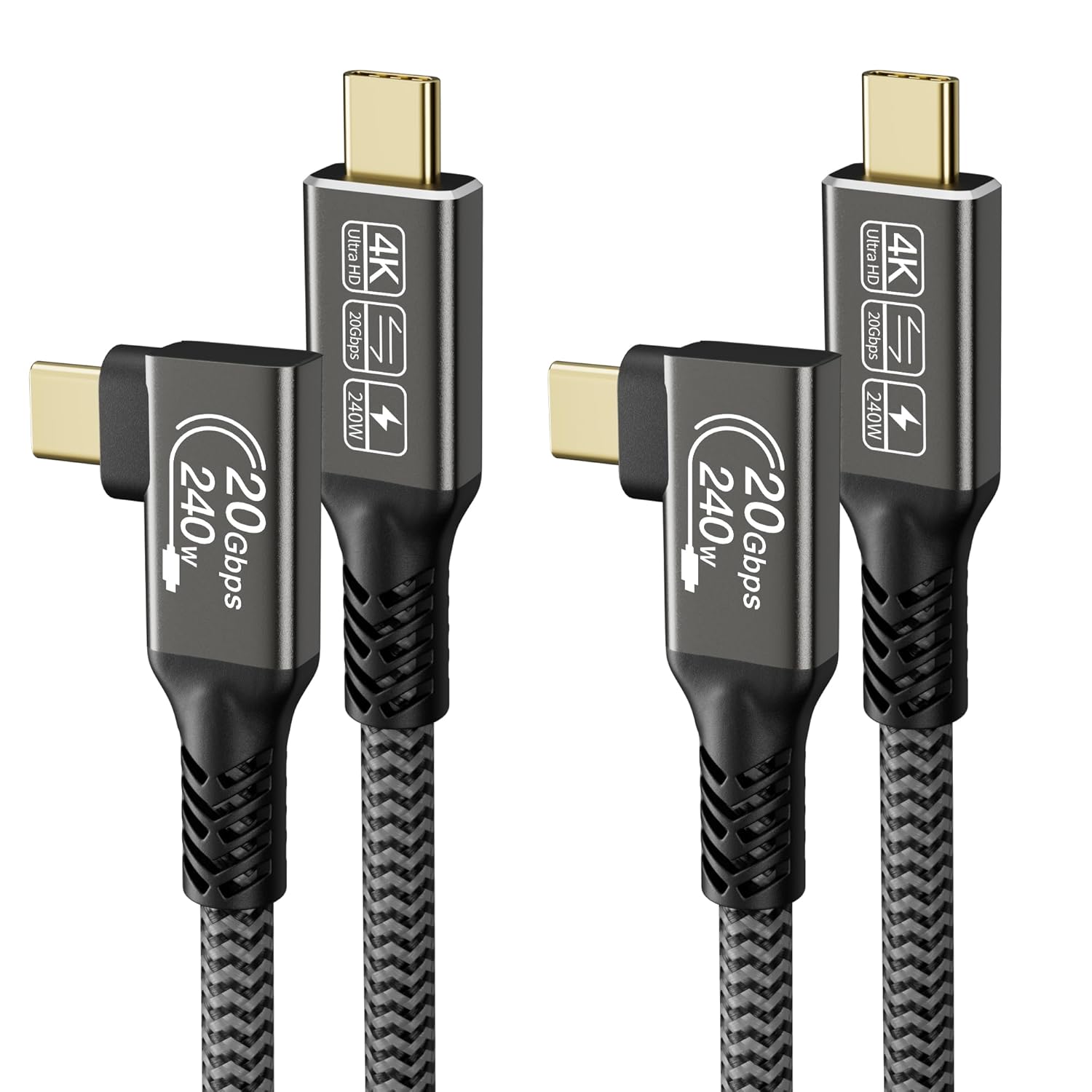
CAKOBLE USB-C to USB-C right angle cable (USB 3.2 Gen 2, 20Gbps, 240W PD) – 2 x 0.5m pack
Product description
The essentials
This CAKOBLE USB-C to USB-C cable is a right-angle (90 degree) design made for everyday setups where a straight lead would get in the way. It’s positioned as a “multi” cable: for high-speed data (USB 3.2 Gen 2 class), for USB-C charging with PD up to 240W (as claimed), and for video output for compatible devices.
On paper, the most useful angle here is the physical one. A 0.5m right-angle USB-C cable can tidy up a desk, reduce strain on ports, and help with cable routing behind a monitor or near a laptop bag. If you’re dealing with tight spaces—like a USB-C port that’s hard to access when you’re docking a laptop—this style can genuinely make life easier.
That said, it’s not perfect for every situation. The video claims depend on device support (it specifically notes DP support is required on the device side), and with cables like this it’s always wise to sanity-check what your phone or laptop actually supports before expecting 1:1 performance.
What stands out in everyday use
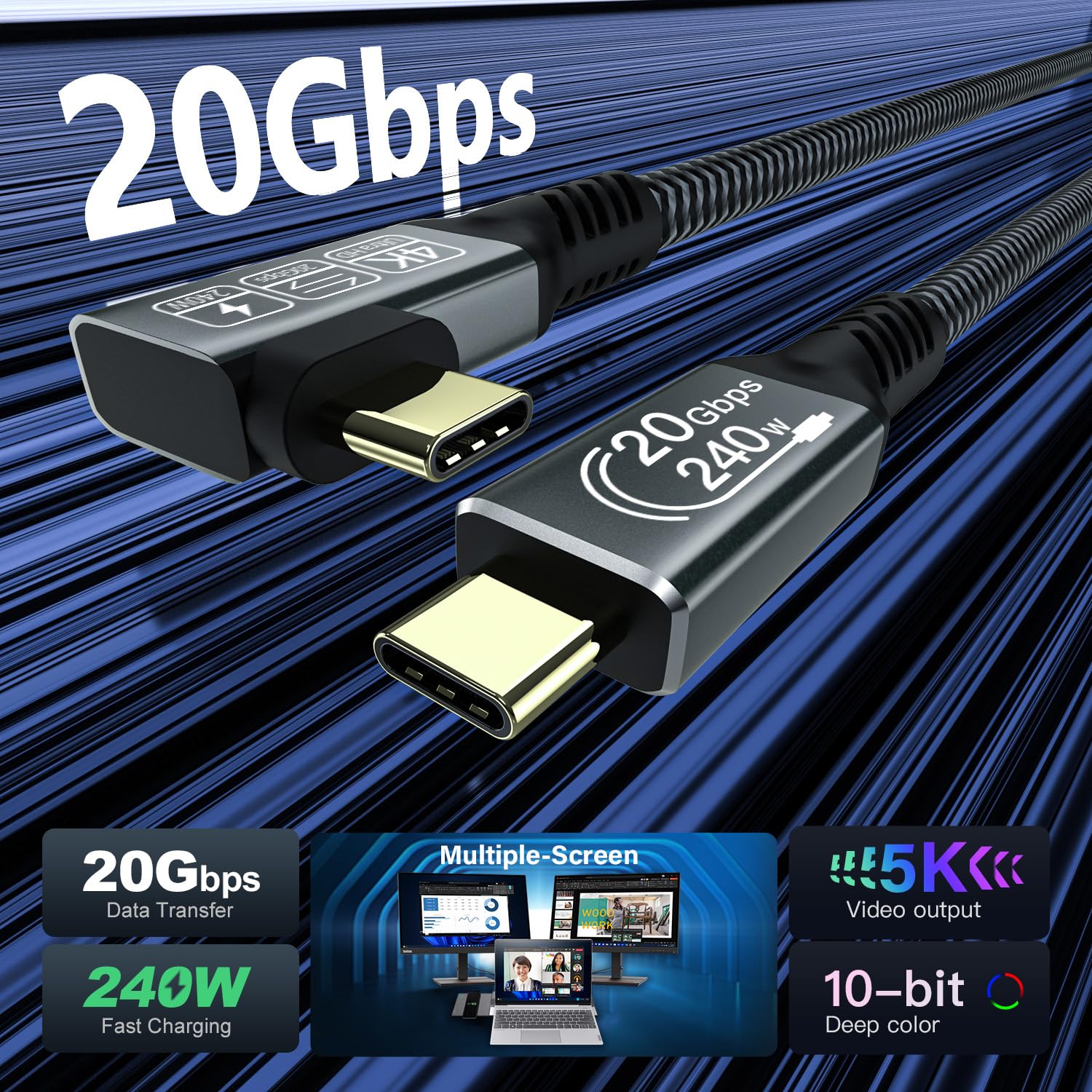
The cable is built around three promises: fast data transfer (up to 20Gbps), fast USB-C charging (PD 3.1, up to 240W as stated), and angled video output (up to 5K/4K at higher refresh rates is mentioned).
The right-angle form factor is the standout feature you’ll notice day to day. It’s the type of cable you tend to keep reaching for—especially if you regularly plug and unplug your laptop, or if you connect to a monitor where the back-of-screen ports are awkward.
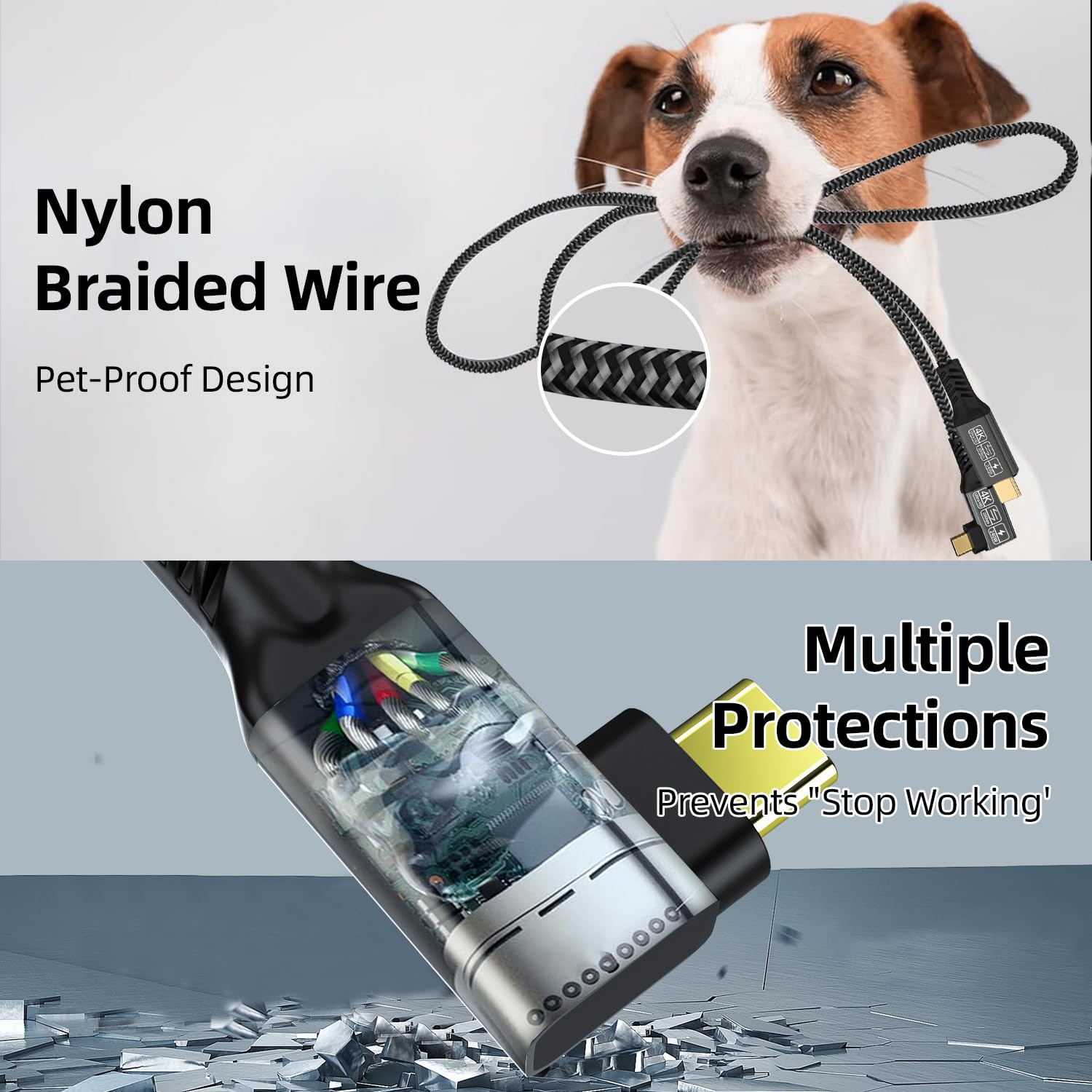
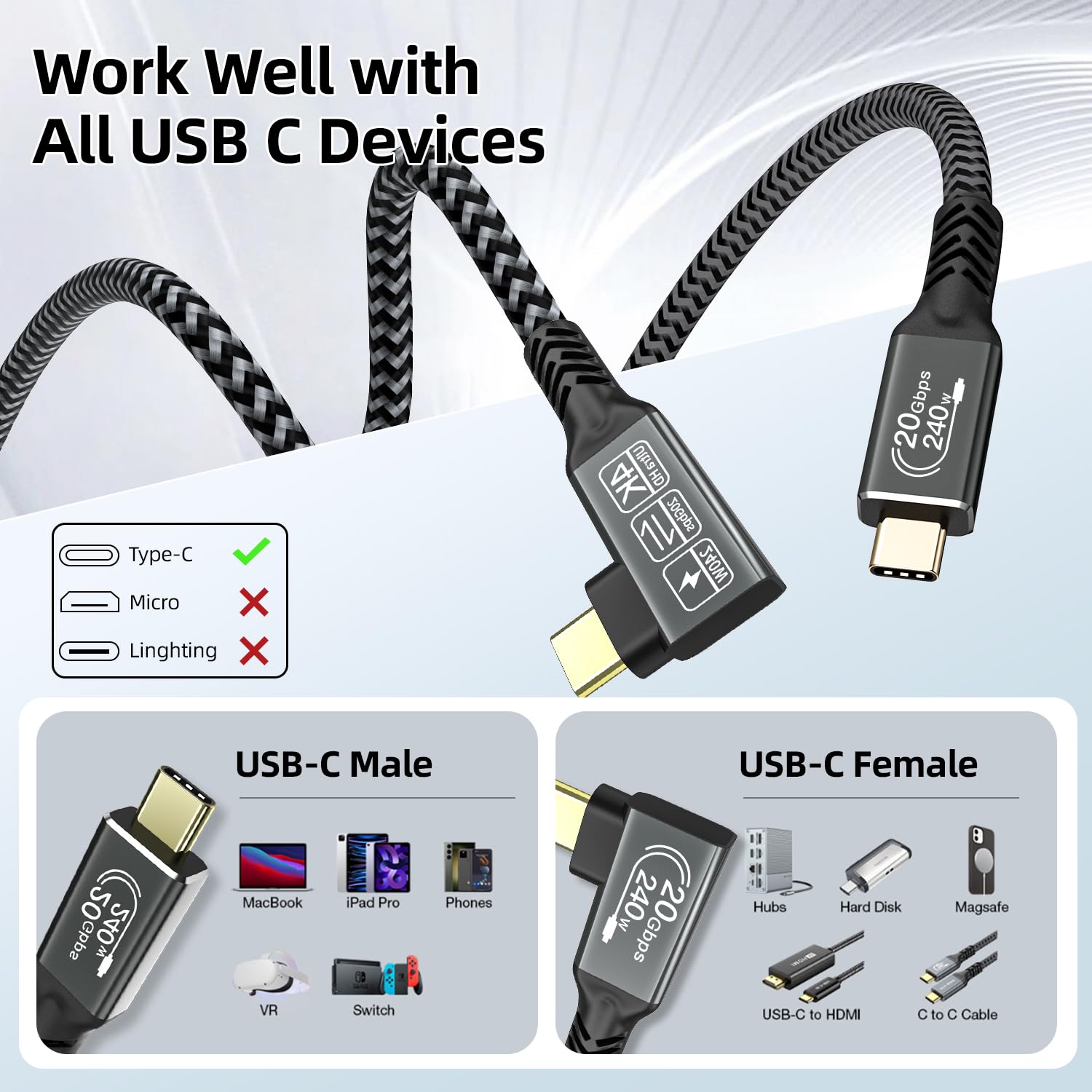
There’s also an E-Mark chip mentioned. In practical terms, that’s there to help with protection for high-speed data transmission and to reduce losses during operation (again, as described). It also uses a nickel-plated connector, aluminium housing and a nylon braided jacket—details that point more towards durability and reduced tangling than a fragile “one-season” lead.
Quick example: imagine you’ve got a laptop on a small stand and you’re connecting a USB-C monitor. A straight cable can press awkwardly against the lid/hinge area or block access to a second port. With a right-angle USB-C lead, the connection sits flatter and tends to keep the setup cleaner.
Key points
If you’re after a compact USB-C lead that can do more than just charging, this one is geared for that. A 2-pack at 0.5m length is handy if you want one cable at your desk and another for work travel, or if you simply keep a spare nearby.
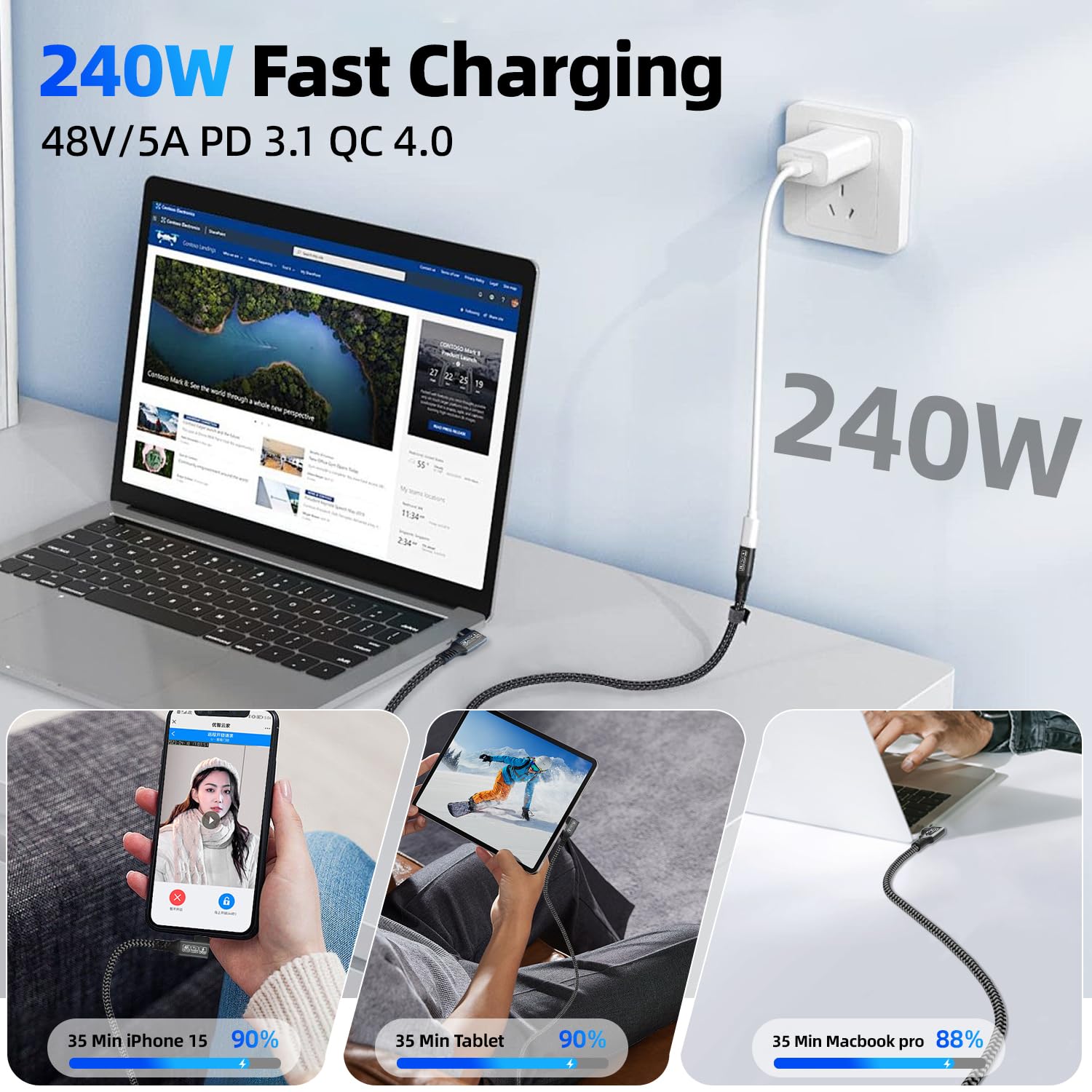
For fast transfers, it’s described as USB 3.2 Gen 2 and certified by USB-IF (as stated). For power, it references PD 3.1 fast charging and lists broad compatibility with common charging power levels (including 180W/140W/100W and more, depending on what your charger/device supports).
The key limitation to keep in mind: video output is not “guaranteed because the cable supports it”. The entry explicitly says the video function requires a device with a USB-C port that supports DP. If your device doesn’t meet that requirement, you may only get charging and/or data.
Tech summary
Here are the technical aspects the product listing emphasises, in plain English:
- Up to 20Gbps SuperSpeed data transfer (USB 3.2 Gen 2, as stated)
- USB-C power delivery up to 240W (PD 3.1, as stated: 48V/5A mentioned)
- Right-angle (90 degree) USB-C to USB-C cable
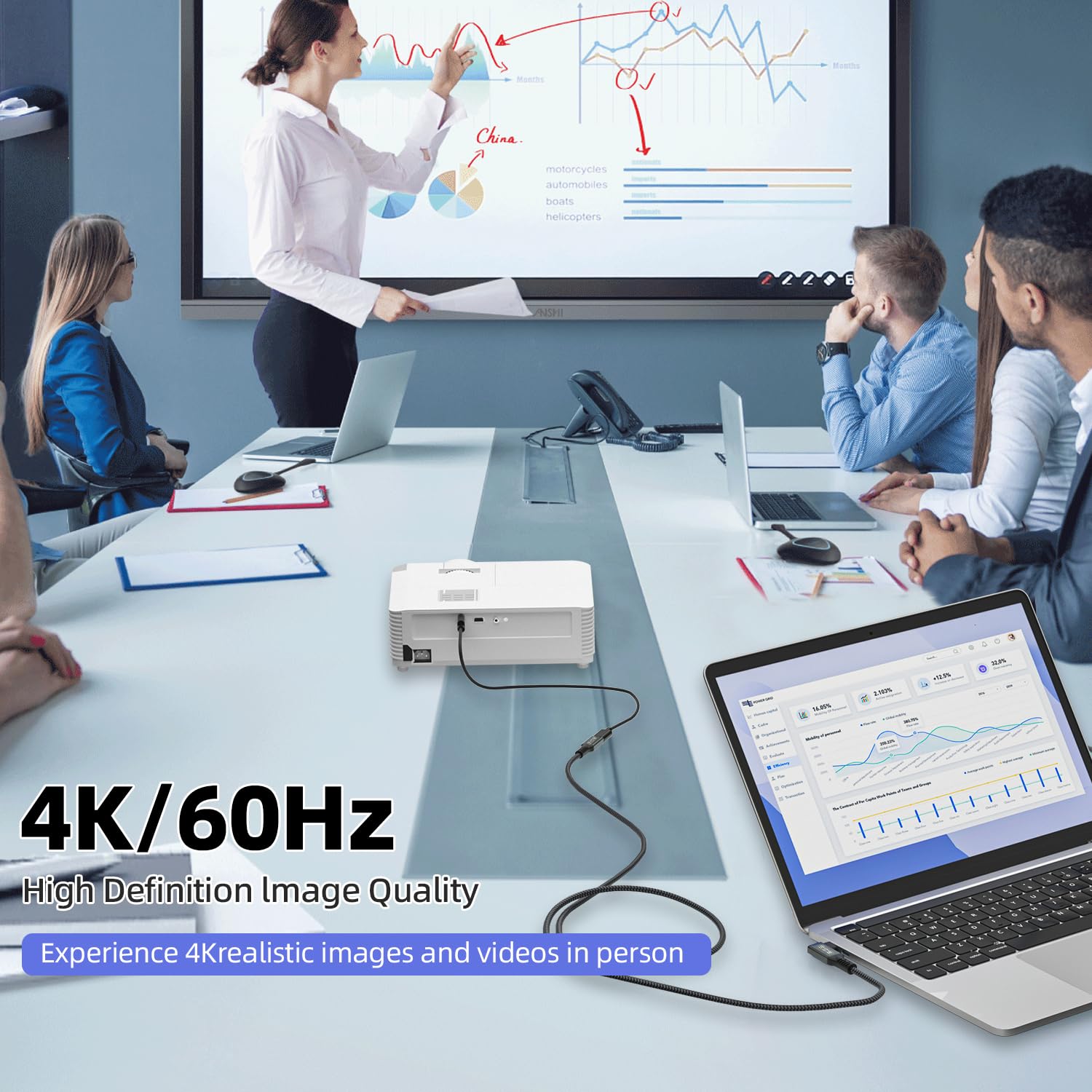
- Video output support up to 5K / 4K@60Hz, plus higher refresh rate figures are mentioned (with the DP-support requirement)
- E-Mark chip included (to support protection/reduced losses, as described)
- 2-pack includes two 0.5m cables
Where it shines, and where it doesn’t
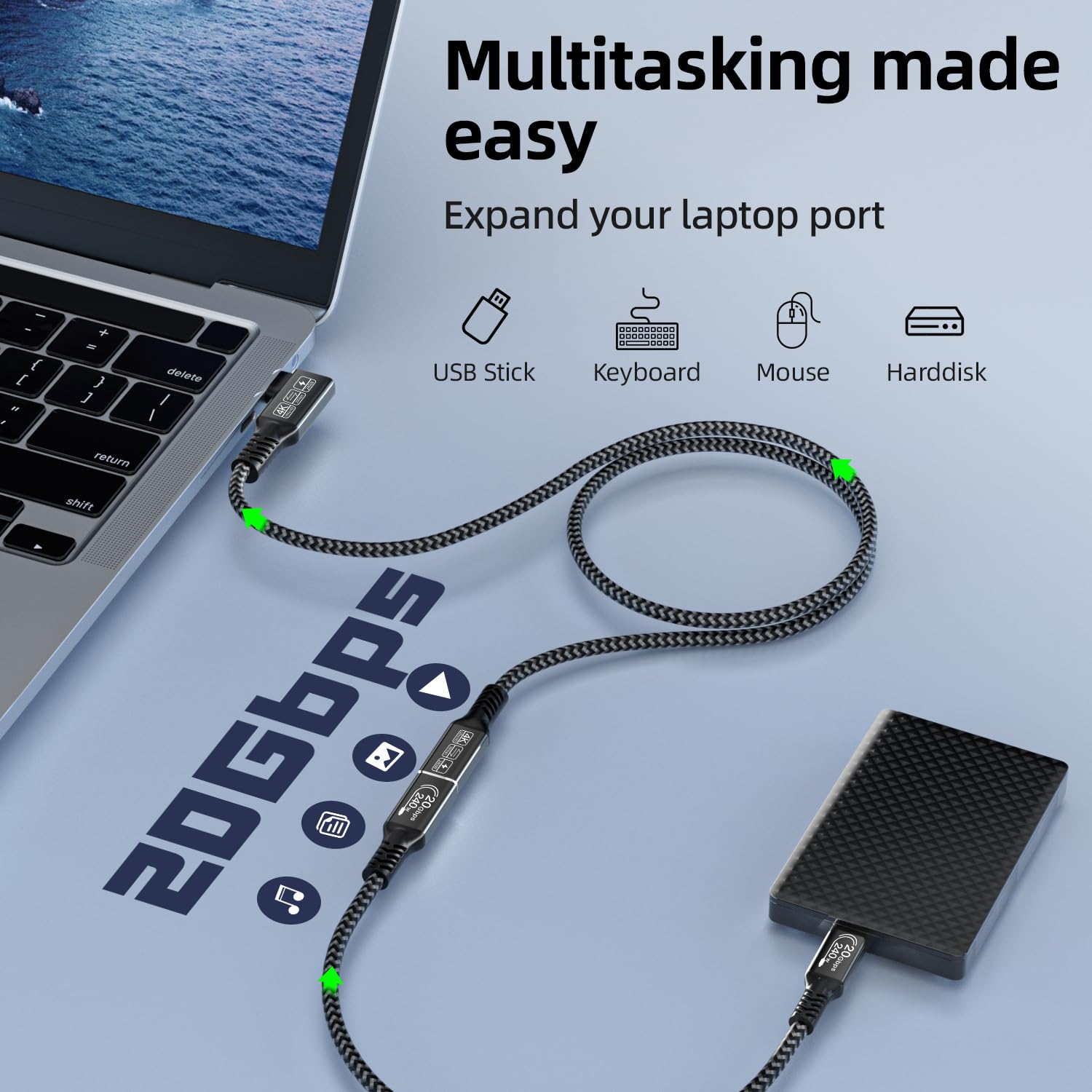
This cable makes the most sense if you want one lead for a mixed routine—charging, moving files to/from drives/SSD (the listing mentions hard drive and SSD use for large files), and occasional video output to a compatible USB-C monitor.
It’s also a sensible choice if you value the port-friendly shape. Right-angle USB-C connectors can help when the cable needs to sit flush, particularly in cramped desk spaces or when your laptop’s USB-C port is close to the wall/monitor.
However, you may want to skip it if:
- your priority is simple charging only and you don’t need the data/video capabilities (in that case, a more basic cable could be enough)
- you’re buying specifically for video output and you’re not confident your device supports DP over USB-C (because the listing notes DP support is required)
- you need a longer cable than 0.5m for your exact setup—this one is compact by design
Worth noting that “up to” performance depends heavily on the device on both ends. The cable can only go as far as what your phone/laptop/charger and monitor actually support.
Is it worth it?
Buy it if you want a short, right-angle USB-C cable that’s built for a desk-and-travel lifestyle: charging via USB-C PD, fast data transfer in the USB 3.2 Gen 2 class, and optional video output for DP-capable USB-C devices. The 2-pack also makes it easier to keep one cable set aside instead of constantly unplugging the same lead.
Skip it if your setup doesn’t meet the DP-over-USB-C requirement for video, or if you only need a basic charging cable and the extra capabilities won’t be used. Also, measure your space first—0.5m can be brilliant for tidy routing, but it can feel short when your devices are farther apart.
Mini FAQ
FAQs
Can it do video output from a laptop or phone?
It supports video output in the listing, but it requires a USB-C device that supports DP. If your device doesn’t support DP over USB-C, video functionality may not work.
How fast is the data transfer?
The cable is described as USB 3.2 Gen 2 with up to 20Gbps SuperSpeed data transfer (as stated). Real-world speed will still depend on the connected device.
Does the 240W charging apply in every case?
The listing states up to 240W under PD 3.1. In practice, the charging power you get depends on what your charger and connected device support.
What’s the benefit of the right-angle design?
The 90 degree connector is intended to make connection easier in tight spaces, reduce awkward cable bending, and help with cleaner routing behind monitors or in small desk areas.
What comes in the pack?
The listing says you get a 2-pack of 90 degree USB-C cables, each 0.5m.