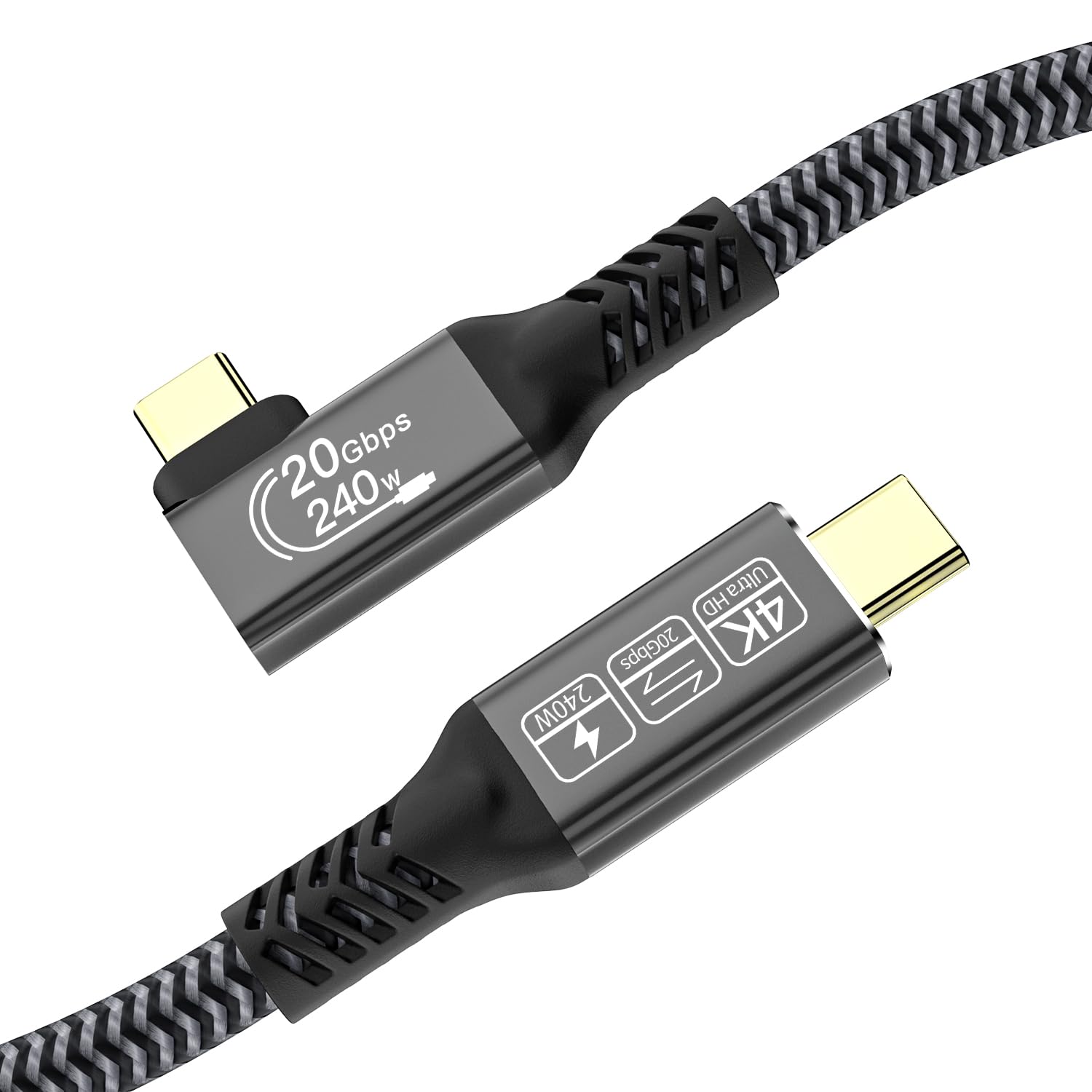
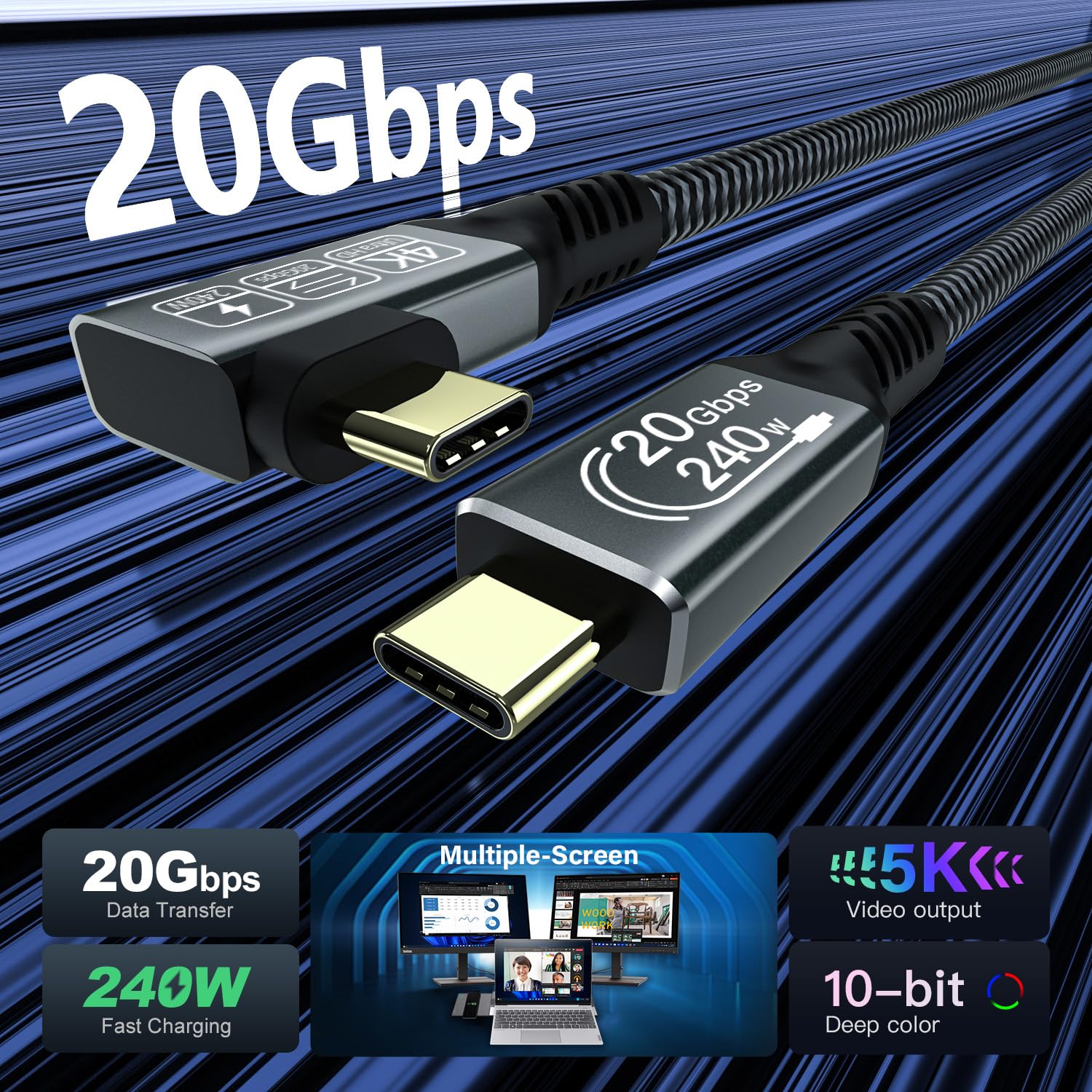
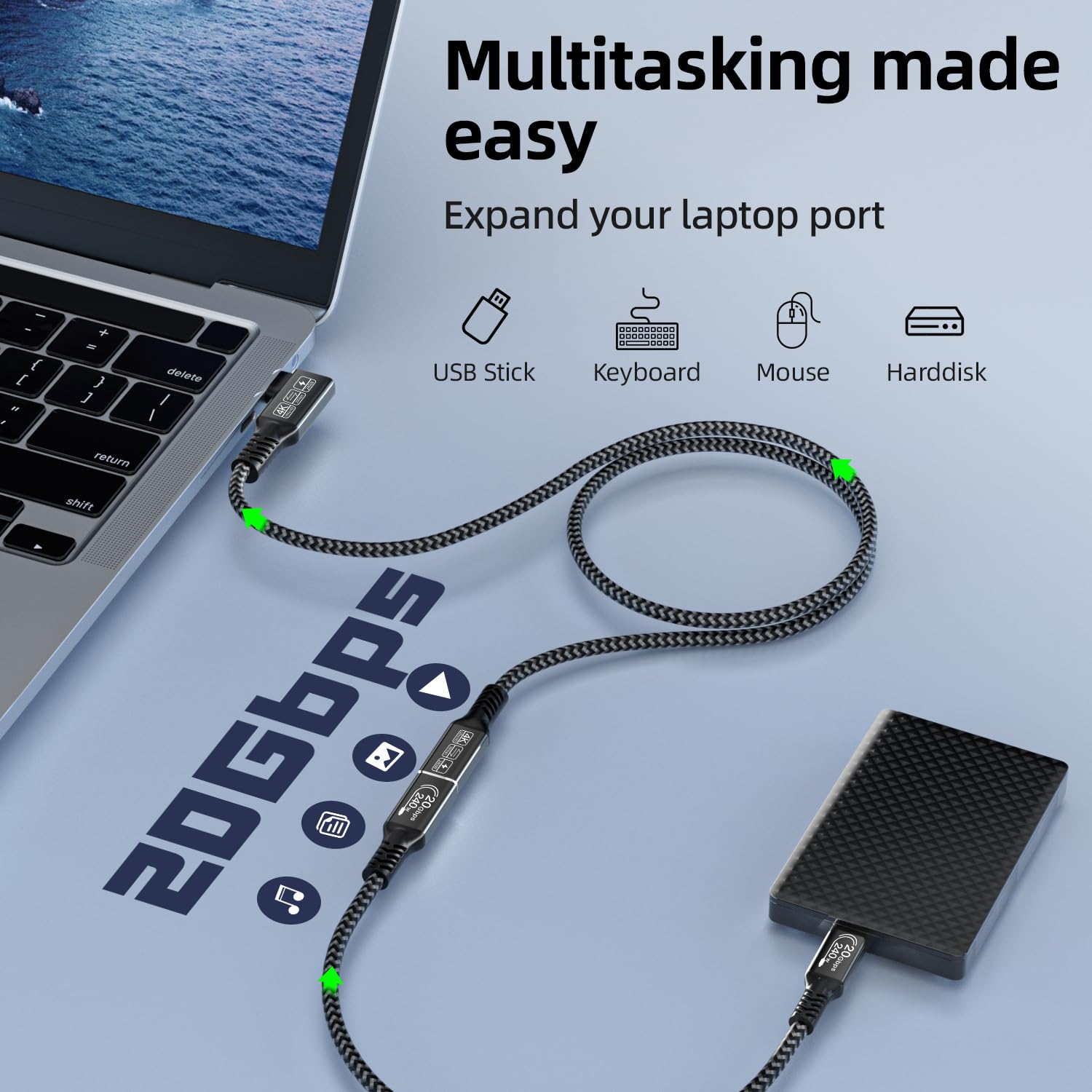
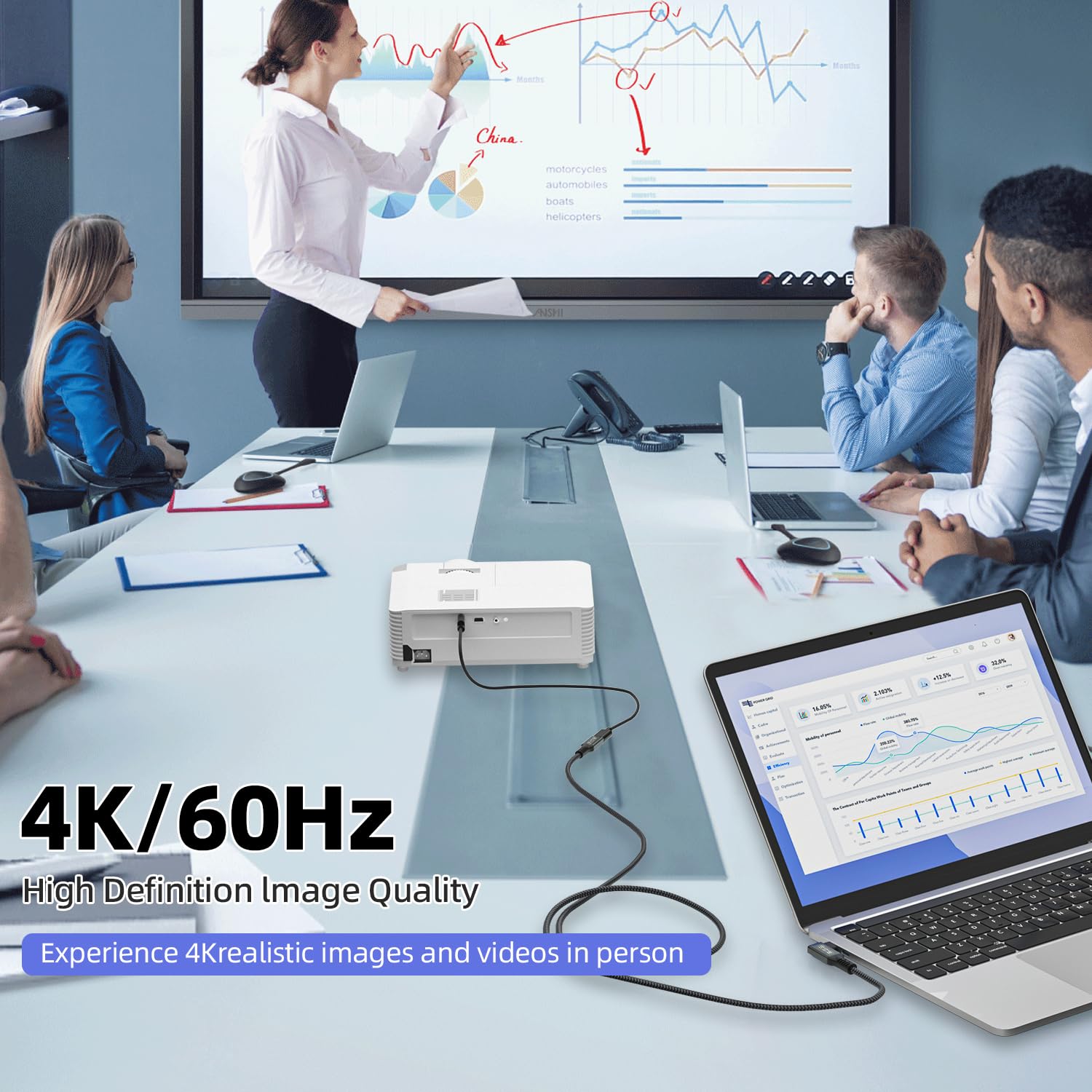
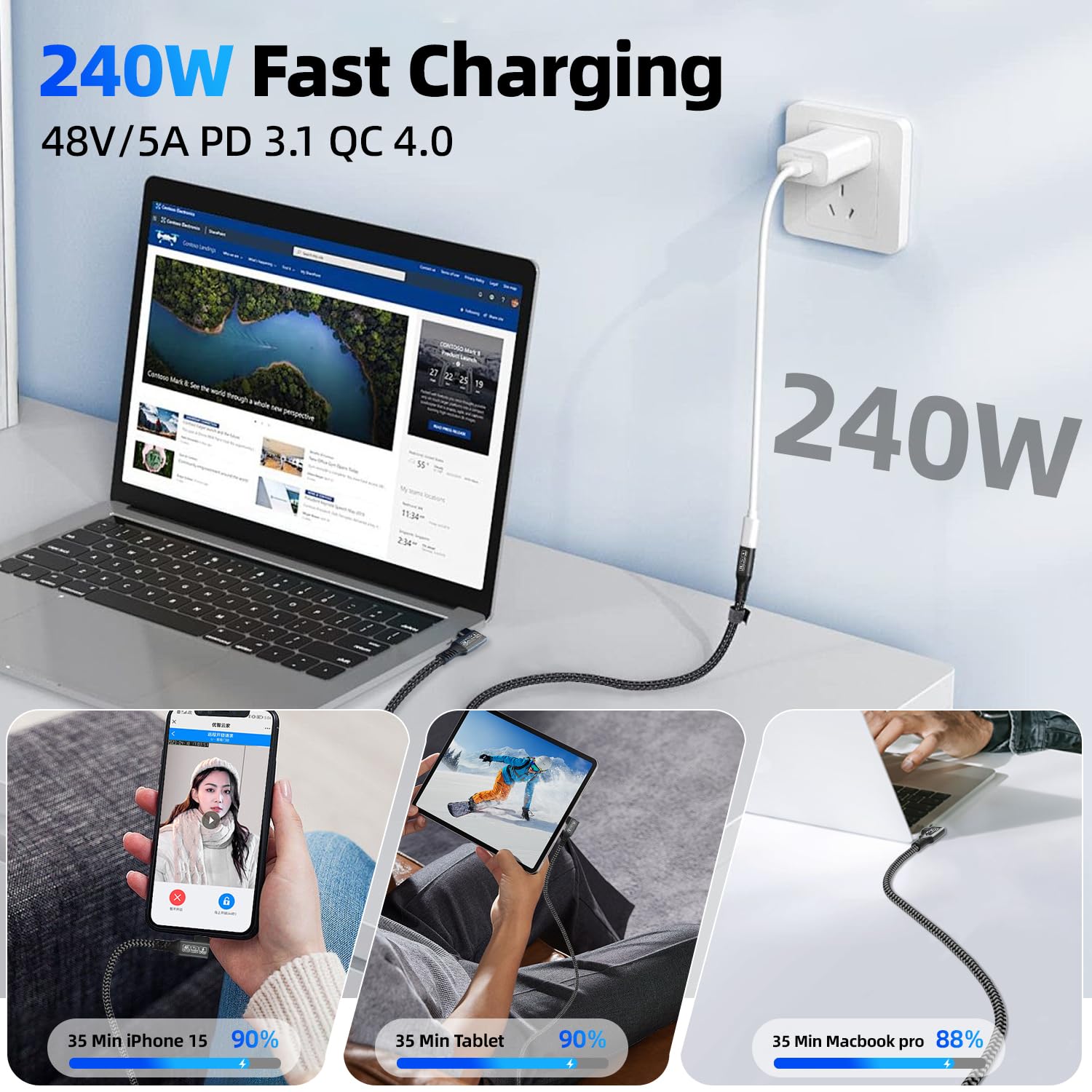
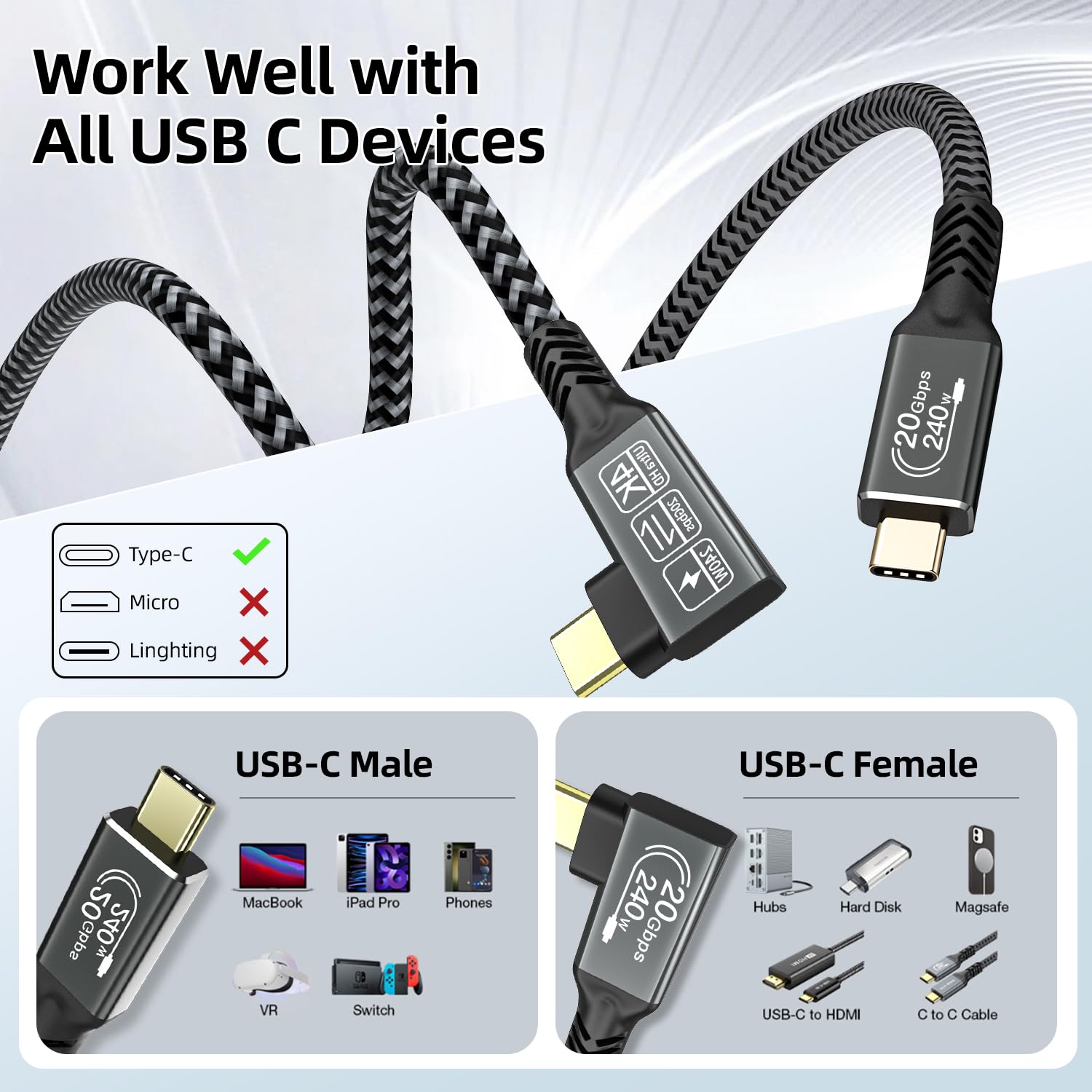
What it is and what it solves\nThe CAKOBLE USB-C data cable is a 2-metre, right-angle USB-C to USB-C cable designed to handle high-speed data, powerful charging and video output from a single connector. It aims to simplify setups where space is tight or cables need to stay out of the way, such as behind a monitor or on a crowded desk. On paper, it combines USB 3.2 Gen 2x2 performance with high-widelity charging and video throughput, which can be handy for creators, professionals and everyday users who want fewer adapters and a neater workspace.\n\n## How it performs in real life (on the page, not a lab test)\nYou get up to 20Gbps data transfer, which is twice as fast as USB 3.1 and should help with quick large-file moves when paired with compatible drives. The PD 3.1 support promises up to 240W fast charging, which means it can top up power-hungry devices efficiently, subject to the connected power brick and device compatibility. For video, the cable supports 5K/4K@60Hz output and up to 2K@165Hz in some configurations, making it a reasonable option for connecting a USB-C monitor or docking station. However, video output depends on both the source device and the USB-C port’s video support (DP-enabled).\n\n## Design and durability\nA right-angle connector reduces stress on the port and keeps cables neat, which can be a real benefit in compact workstations or mounted setups. The construction features a nickel-plated connector, aluminium housing and a nylon braided jacket, suggesting durability and kink resistance in day-to-day use. As with any high-speed cable, it’s worth being mindful that the full range of features (20Gbps, 240W PD, 4K/5K video) only works when all components in the chain (source, cable, and display or charger) support them.\n\n## What stands out and what gives pause\nOn the plus side, you get a single cable that covers data transfer, charging and video output with a compact right-angle form. For busy desks or setups where space matters, this can reduce clutter. On the downside, the practical real-world performance hinges on device compatibility and the exact video mode you intend to run. If your device doesn’t support DP-over-USB-C or does not negotiate PD at the required levels, you may not see the full claimed benefits.\n\n## Who it’s for\nThis cable is likely to appeal to MacBook users, USB-C laptop owners, or anyone needing a versatile right-angle USB-C option for monitors and docking stations, especially where space constraints exist. It also serves users who value high-wspeed data, sizable charging potential, and solid build quality in a single cable.\n\n## Who it isn’t for\nIf your setup relies on older USB standards, or you don’t need high-wattage charging or ultra-fast data transfer, you might not notice a meaningful difference. Likewise, if your source or monitor doesn’t support the higher data rate or video modes described, the benefits may be more modest. It’s not a universal fix for every USB-C task.\n\n## Before you buy: quick checks\n- Confirm your power adapter supports PD 3.1 and can provide enough amperage for the 240W target with your device.\n- Check that your monitor or dock accepts video signals over USB-C with the desired resolution and refresh rate.\n- Ensure the device’s USB-C port supports DP alt mode or the video protocol you intend to use.\n- Consider whether the right-angle design suits your setup and if you’ll actually benefit from the extra cable length versus a straight connector.\n\n## How it compares to the alternatives\nIf you prioritise compact wiring and a single cable for data, power and video, this CAKOBLE cable sits between basic USB-C charging leads and purpose-built USB-C video cables. For users who don’t require extreme charging or ultra-fast video transfer, a more modest USB-C cable could be sufficient and often more affordable. If you’re aiming for the highest-end multi-monitor or GPU‑heavy workflows, you may still need to verify compatibility across devices and possibly rely on dedicated docking solutions.\n\n## Practical usage example\nImagine editing 4K video on a MacBook Pro while a high-resolution external display runs at 4K@60Hz and the battery is kept topped up in one cable path. In this scenario, the right-angle connector helps keep the desk tidy and the charge flow steady, provided all gear supports the same standards.\n\n## FAQ (snappy if it helps)\n- Does it support 20Gbps data transfer? Yes, up to 20Gbps, subject to device compatibility.\n- Can it charge a device at 240W? It supports PD 3.1 up to 240W, depending on the power source and device.\n- Will it work with all USB-C monitors? Video output depends on the source and monitor capabilities (DP Alt Mode, resolution, and refresh rate).\n\n## Final decision of purchase\nIs it worth it? Worth considering if you prioritise a neat, multi-purpose USB-C cable that combines high-speed data, substantial charging power and video output in a right-angle form factor, and your devices support the described standards. If your setup is modest or your ports don’t support the higher modes, it may not deliver dramatic advantages.\n