

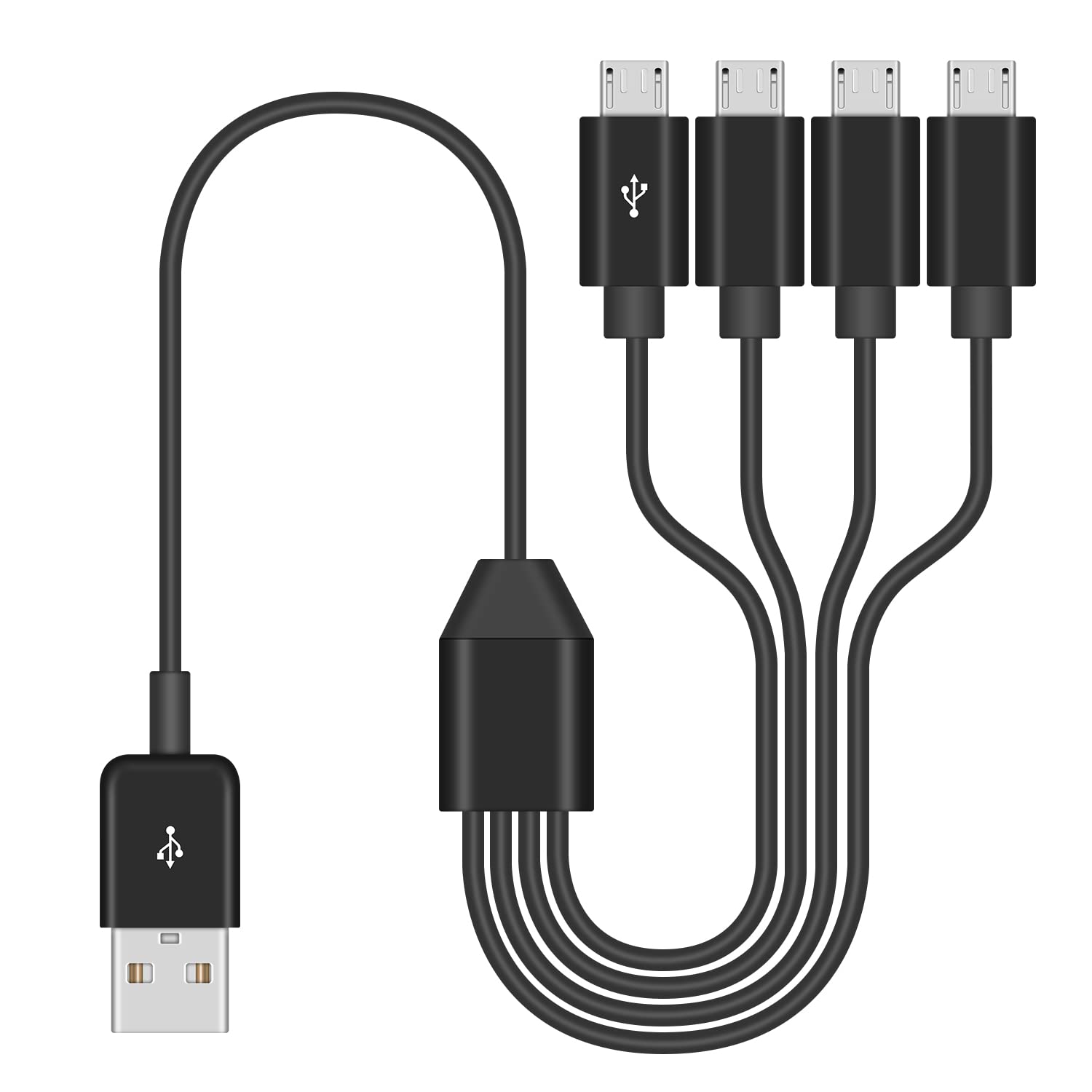
Duttek 4-in-1 USB Micro USB Charger Cable — 50cm, USB 2.0, 4 Micro USB Ports with 1 Data-Transfer Line
Product description
What it is and what it does
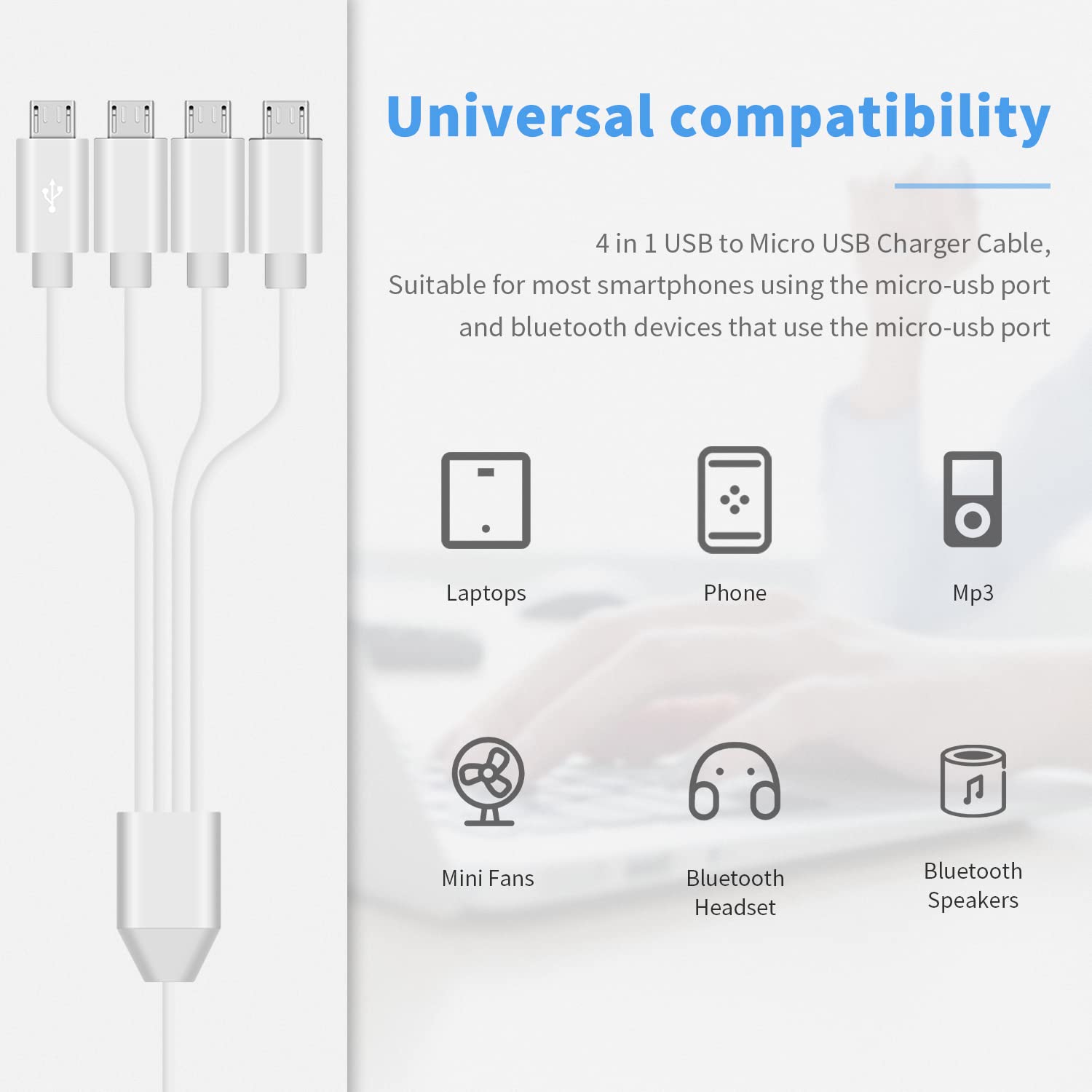
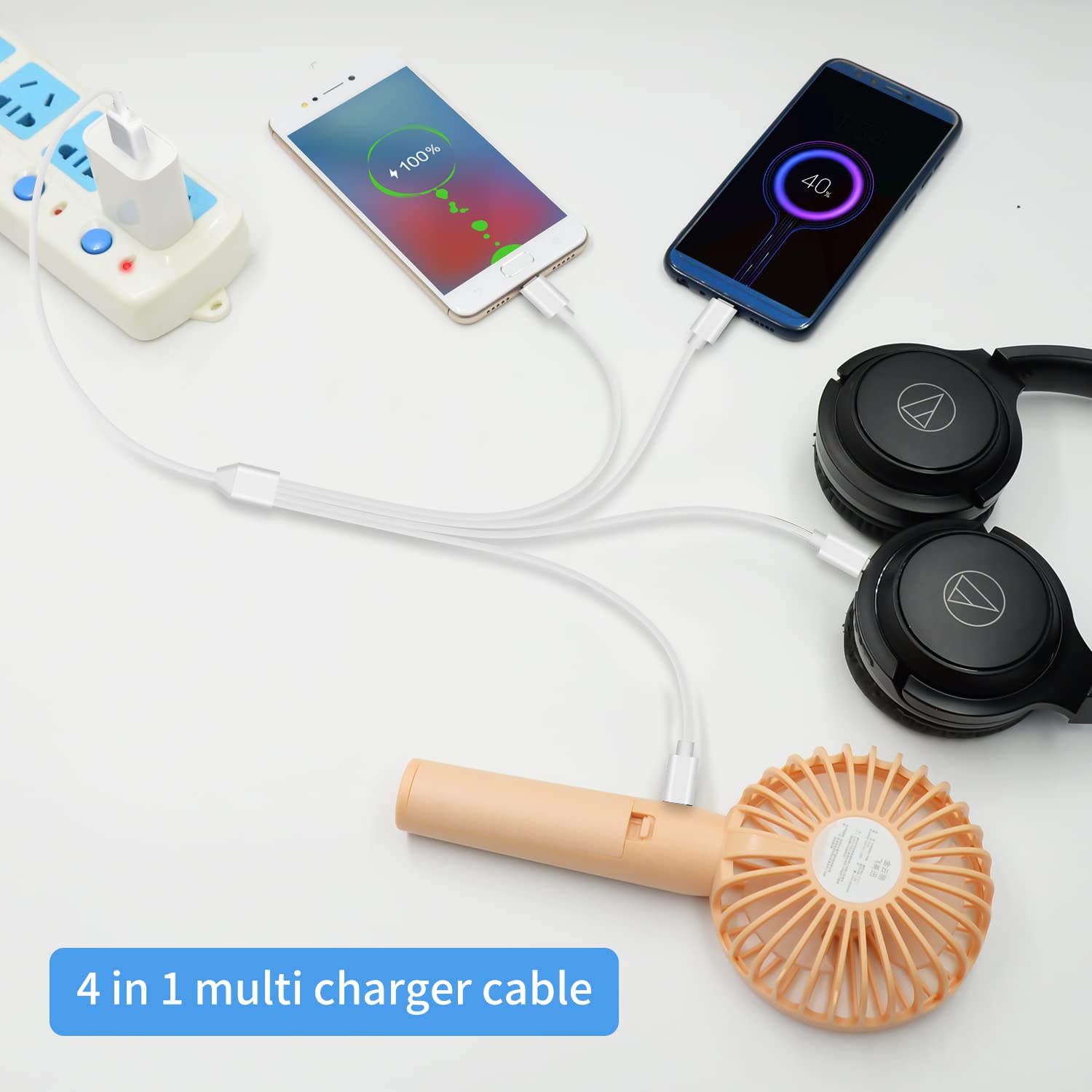
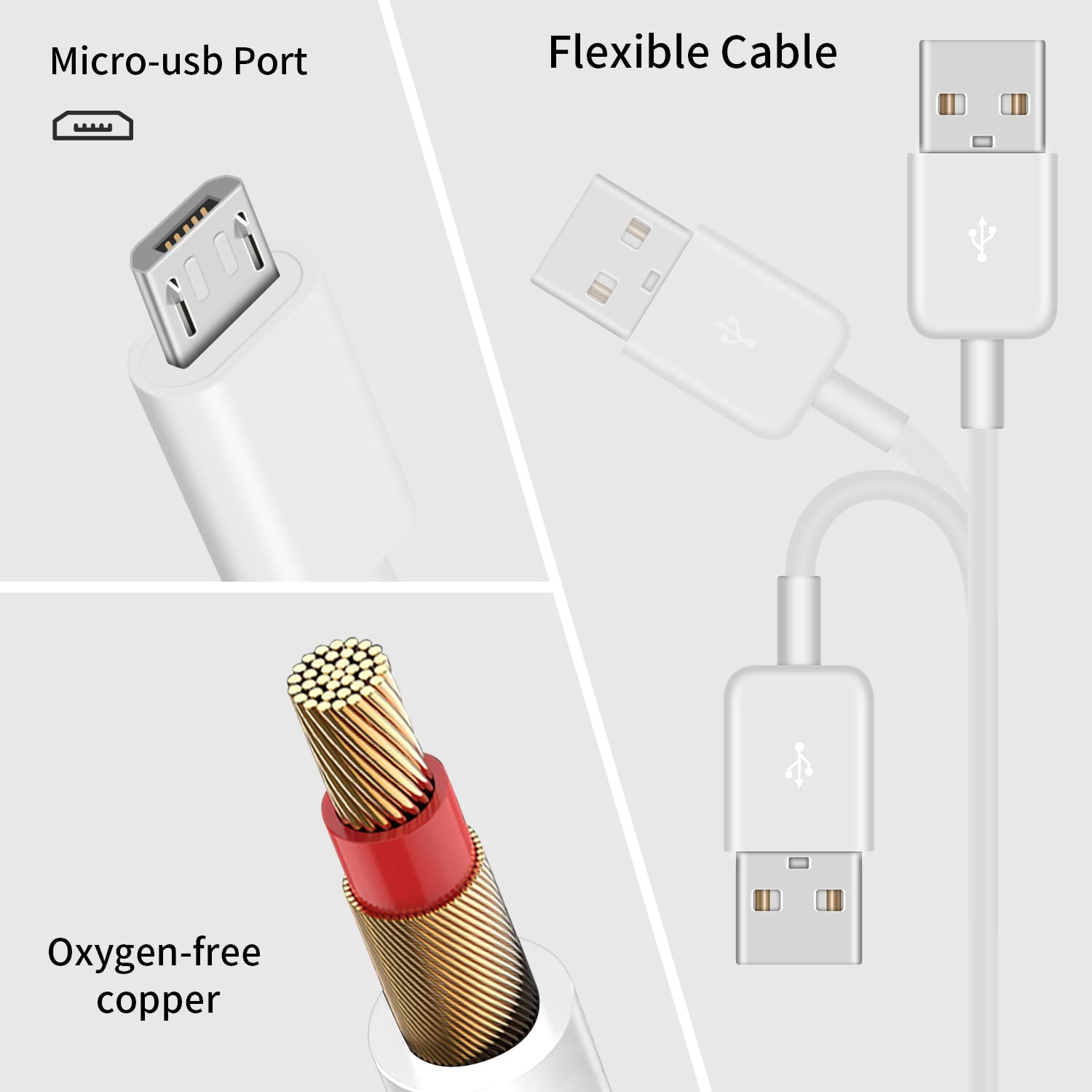
The Duttek 4-in-1 charger cable is a multi-connector micro USB solution designed to simplify charging for several devices at once. It features four micro USB interfaces in one lead, aimed at covering common micro USB devices such as smartphones, car devices, and Bluetooth gadgets that rely on micro USB. The central micro USB connector is capable of data transfer, while the other three connectors are intended for charging only.
Who it’s for
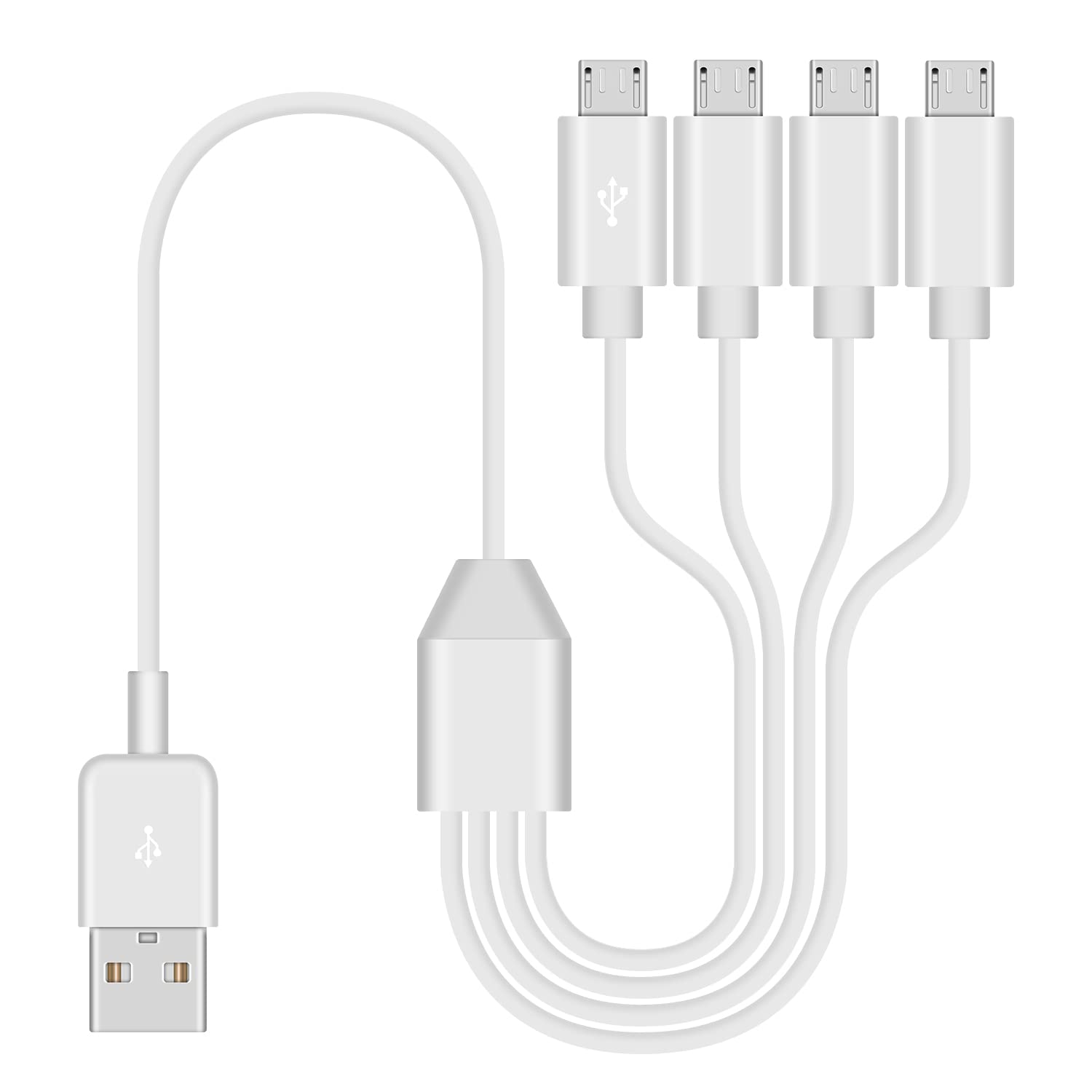
If you often travel with multiple micro USB devices or share a single charging cable with family or colleagues, this 4-in-1 design aims to reduce clutter and the need to carry several cables. It’s a pragmatic option for car journeys, office desks, or home setups where you want to streamline charging for several devices at once.
How it performs in practice
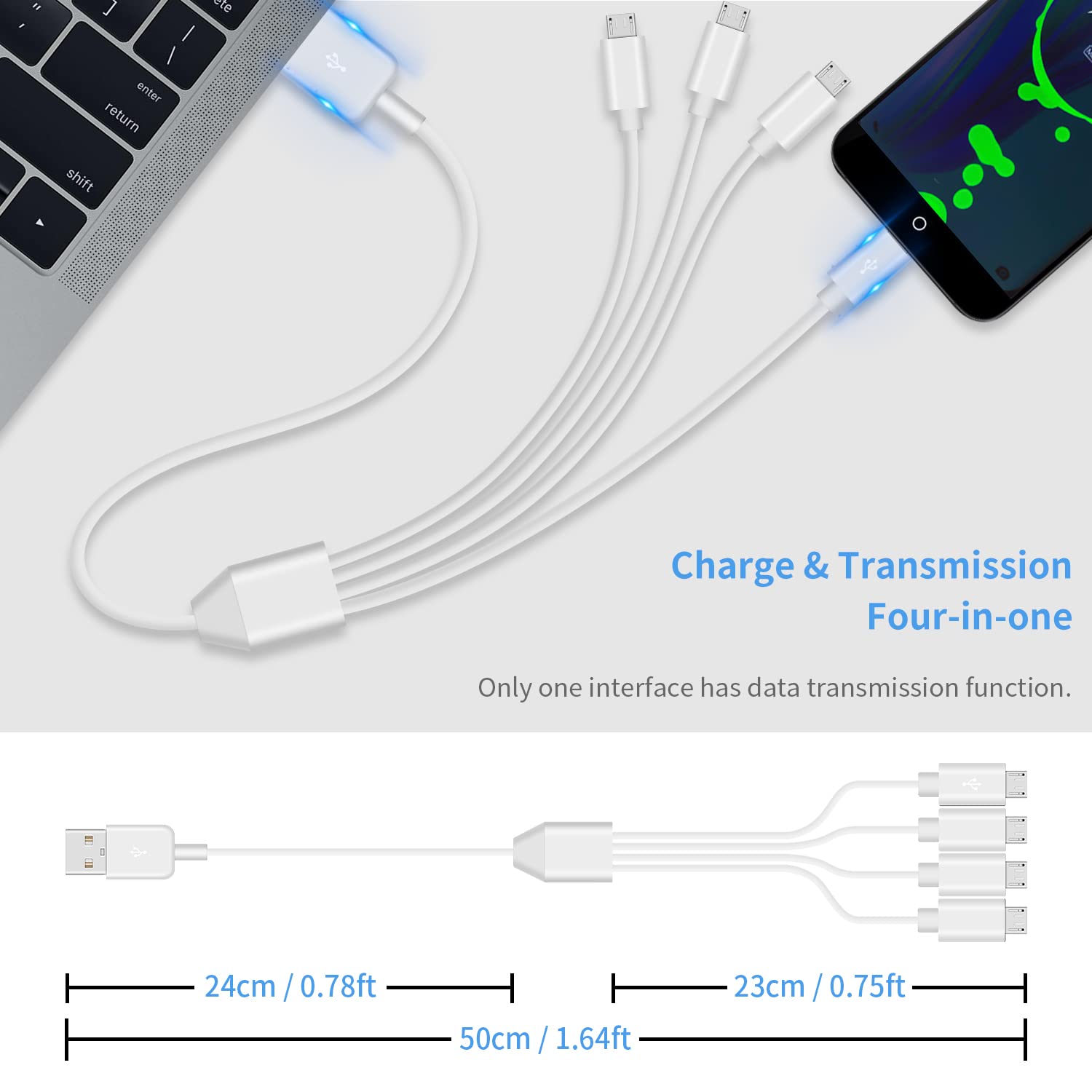
On paper, the setup supports up to 3A total charging capacity, enabling four devices to charge simultaneously. For data transfer, only the designated micro USB line can carry data, so expect limited data transfer through the non-primary lines. This can be a sensible compromise for charging multiple devices quickly, but it isn’t a universal data connector.
The strengths
The main appeal is convenience: a single cable with multiple micro USB tips reduces the number of cables floating about and makes it easier to keep devices topped up, particularly during trips or at the office. The 50cm length is handy for desktop use without being overly long.
The limitations
The trade-off is clarity around data transfer: only one micro USB line supports data, which means the other three connectors are strictly for charging. If your setup relies on data syncing across multiple devices, you’ll still need a separate data cable. Also, charging performance depends on the charger you plug into, the cable can handle up to 3A, but actual speeds will vary with the power supply.
How to decide if it fits your needs
It’s worth considering if you prioritise simplification and the ability to charge several micro USB devices simultaneously. It may not be ideal if you need full-speed data transfer across all ports or if you’re looking to maximise charging speed beyond the 3A limit as a whole.
What to check before buying
- Ensure your power adapter can supply a combined higher current if you intend to charge multiple devices quickly.
- Remember that only one data-capable line exists, plan to use a separate data cable if syncing is required for any device.
- Consider the device mix you own and whether most devices still use micro USB interfaces.
Practical use case
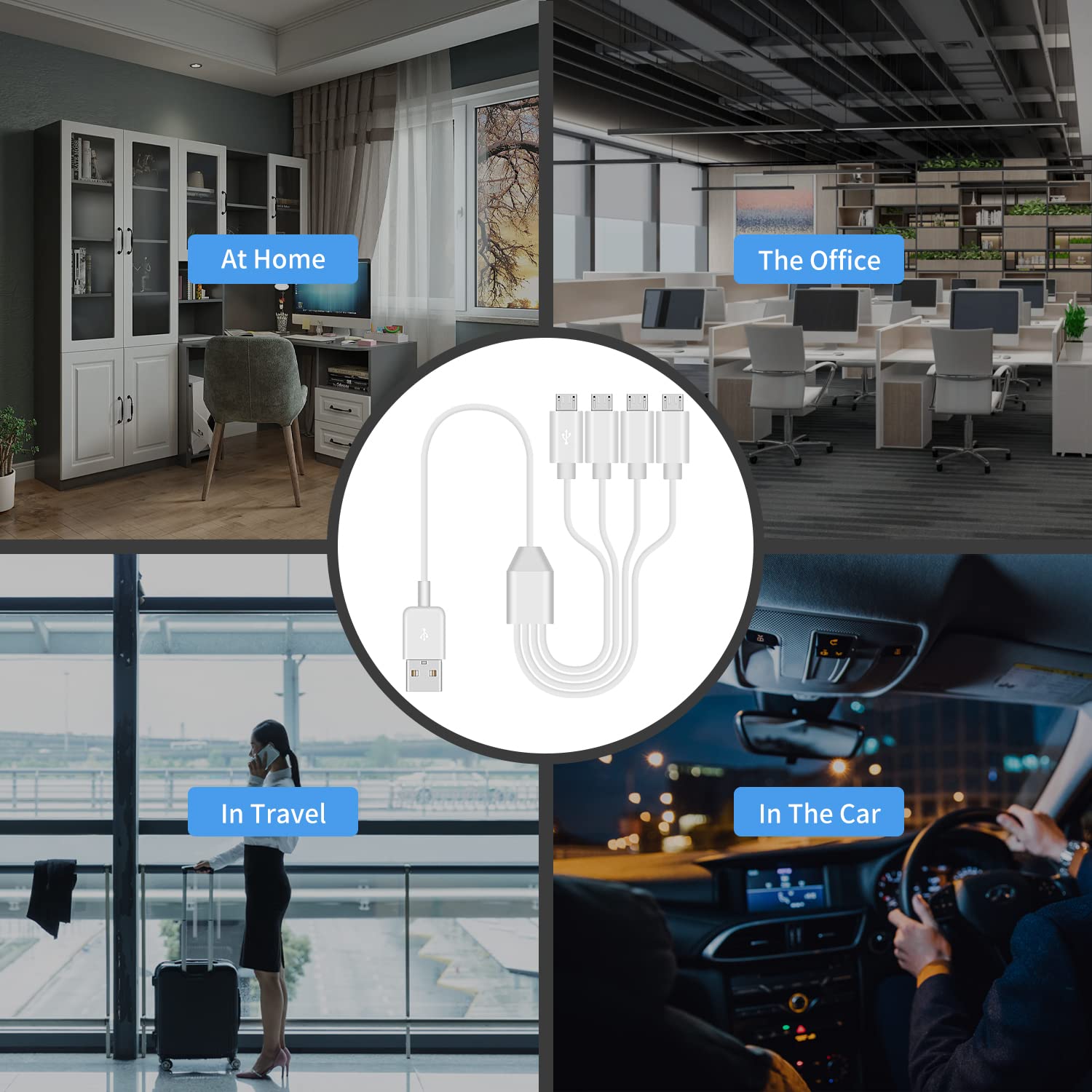
Picture a family car trip: you’ve got a phone, a tablet (with micro USB), a Bluetooth speaker, and a GPS dongle all needing power. You can connect the four micro USB ports, and the one data-capable line can handle charging while the others only charge, which keeps the backseat devices powered without swapping cables constantly.
Quick comparison of alternatives
If you rarely need multiple devices charging at once, a standard single-connector micro USB cable might be simpler. If you require robust data transfer on more than one device, a dedicated data cable per device or a multi-port charger with explicit data channels would be more appropriate. This 4-in-1 option sits in the middle: convenient for charging multiple devices, with a clear limitation on data transfer.
Final decision
Is it worth it?
Worth considering if you value a single lead to charge several micro USB devices at once and you understand that only one line will sync data. If you expect to use data transfer across all ports or require peak charging speeds for multiple devices simultaneously, you might prefer alternative setups.
FAQ
- Can I use all four ports for charging at the same time? Yes, up to the stated 3A total with an appropriate power source.
- Will all ports transfer data? No, only the one data-capable micro USB line supports data transfer.
- Is this suitable for long-term daily use? It offers convenience and compactness, but regular users should verify that the charging needs and data requirements align with the 4-in-1 design.