

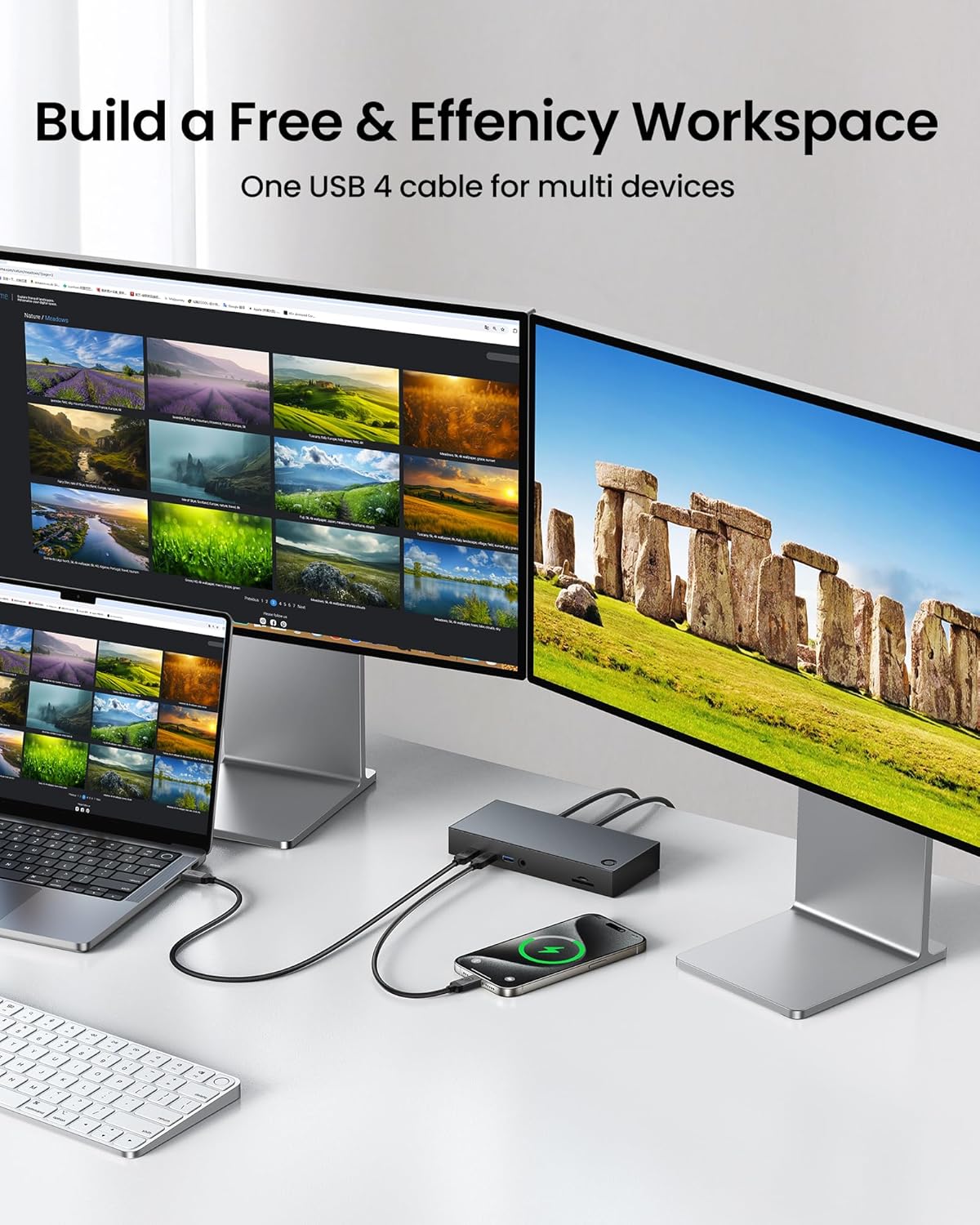
Silkland USB4 Cable for Thunderbolt 4 (3m) – 40Gbps USB‑C, 240W PD3.1, 8K@60Hz/dual 4K
Product description
If you’re buying a USB‑C cable for fast data plus serious charging and display support, the Silkland USB4 Cable is aimed at that “one cable to handle it all” lifestyle. On paper it leans into headline specs: up to 40Gbps transfer, up to 240W (48V/5A) charging via PD3.1, and video up to single 8K@60Hz or dual 4K@60Hz.
That combination is exactly why people look at USB4 / Thunderbolt‑style cables in the first place: fewer adapters on the desk, faster movement of large files, and the option to drive a monitor setup without swapping leads every time.
That said, it’s not a magic wand. Some benefits—especially top-end display modes and full charging performance—can be limited by what your specific device and dock can actually negotiate.
The essentials
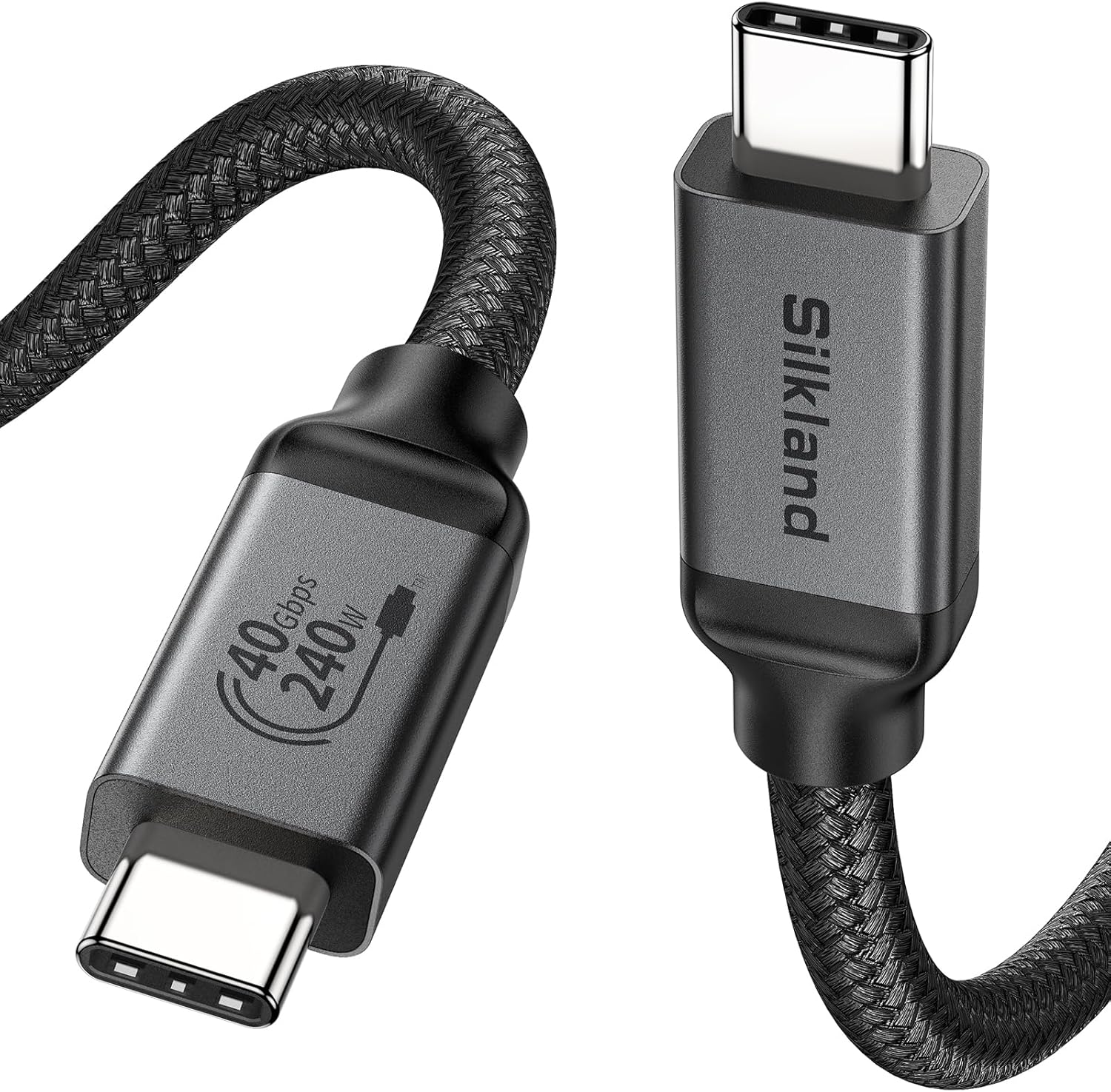
This Silkland cable is a USB‑C to USB‑C lead designed around USB4 and Thunderbolt 4 compatibility. The manufacturer positions it for fast data transfer (up to 40Gbps) and higher-power charging (up to 240W with PD3.1). It’s also built for video output, with support for either single 8K@60Hz or dual 4K@60Hz modes.
It’s also described as plug-and-play, so you shouldn’t need extra drivers or configuration beyond connecting it between your device and the target (dock, monitor, external drive, etc.).
Key points for real-world use
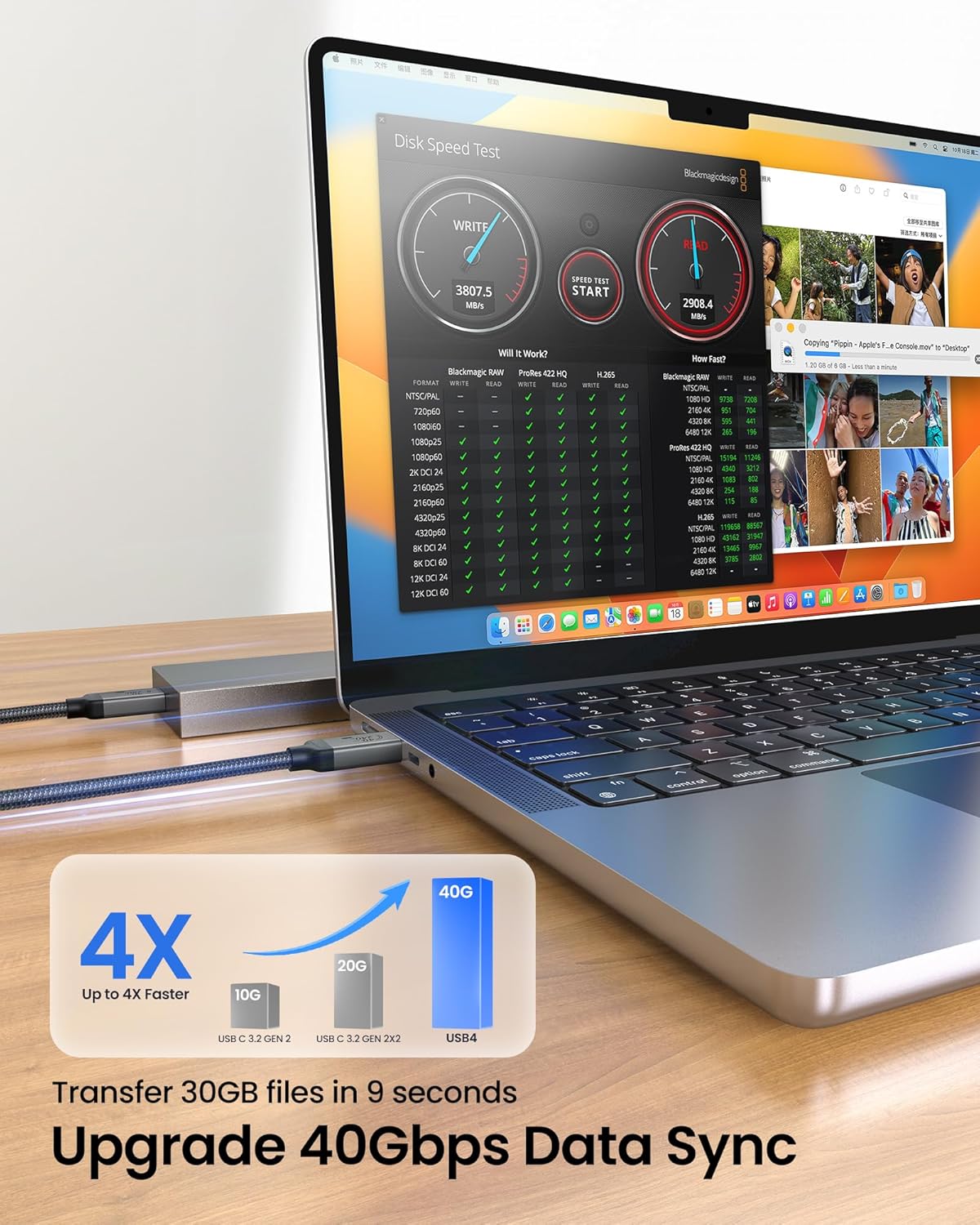
When you’re transferring photos, audio, or larger video files, a USB4/Thunderbolt-class cable can reduce the waiting time compared with more basic USB connections. In day-to-day terms, it’s the kind of cable you keep plugged into a laptop or docking station if you often move media or back up files rather than treating the cable as an occasional spare.
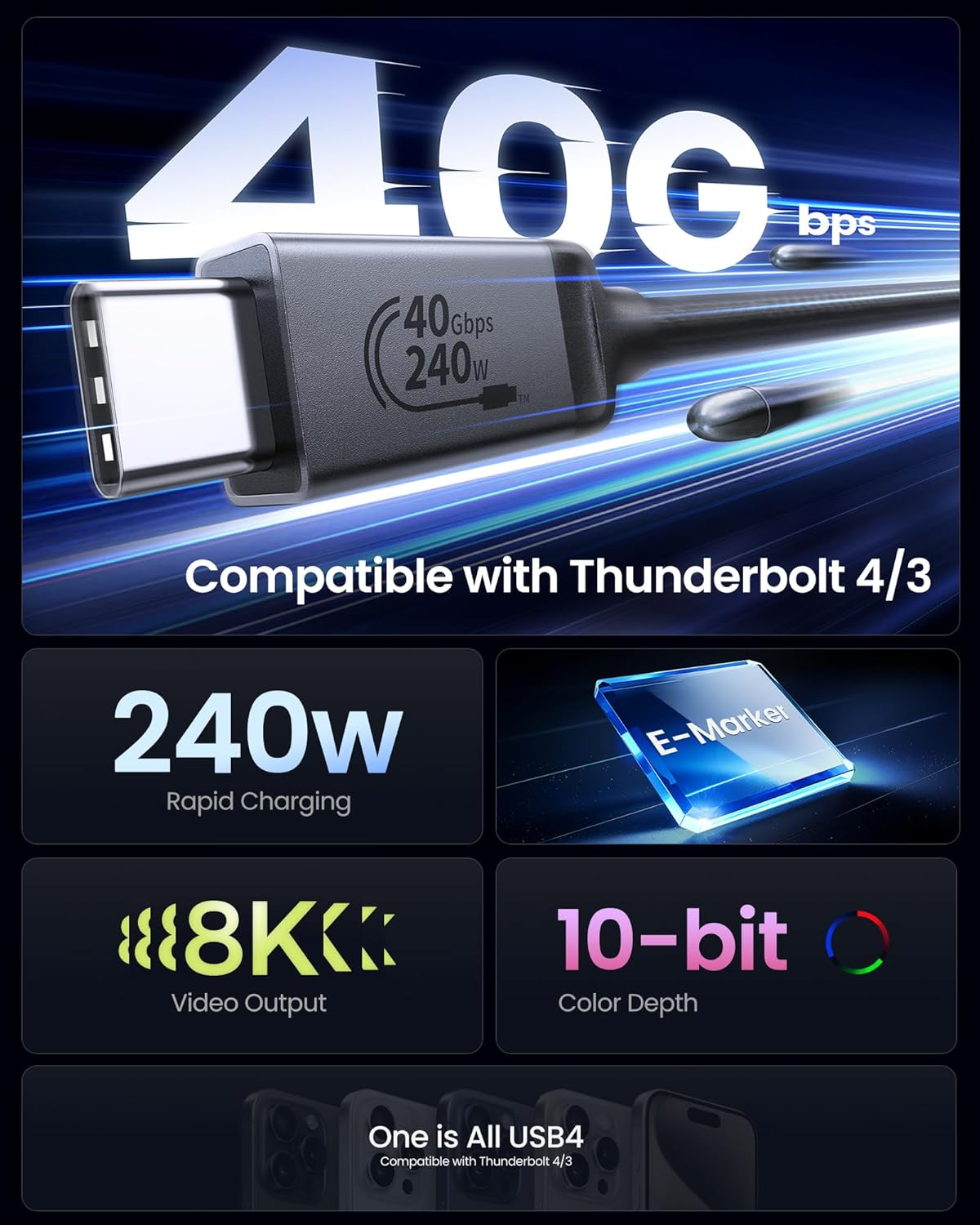
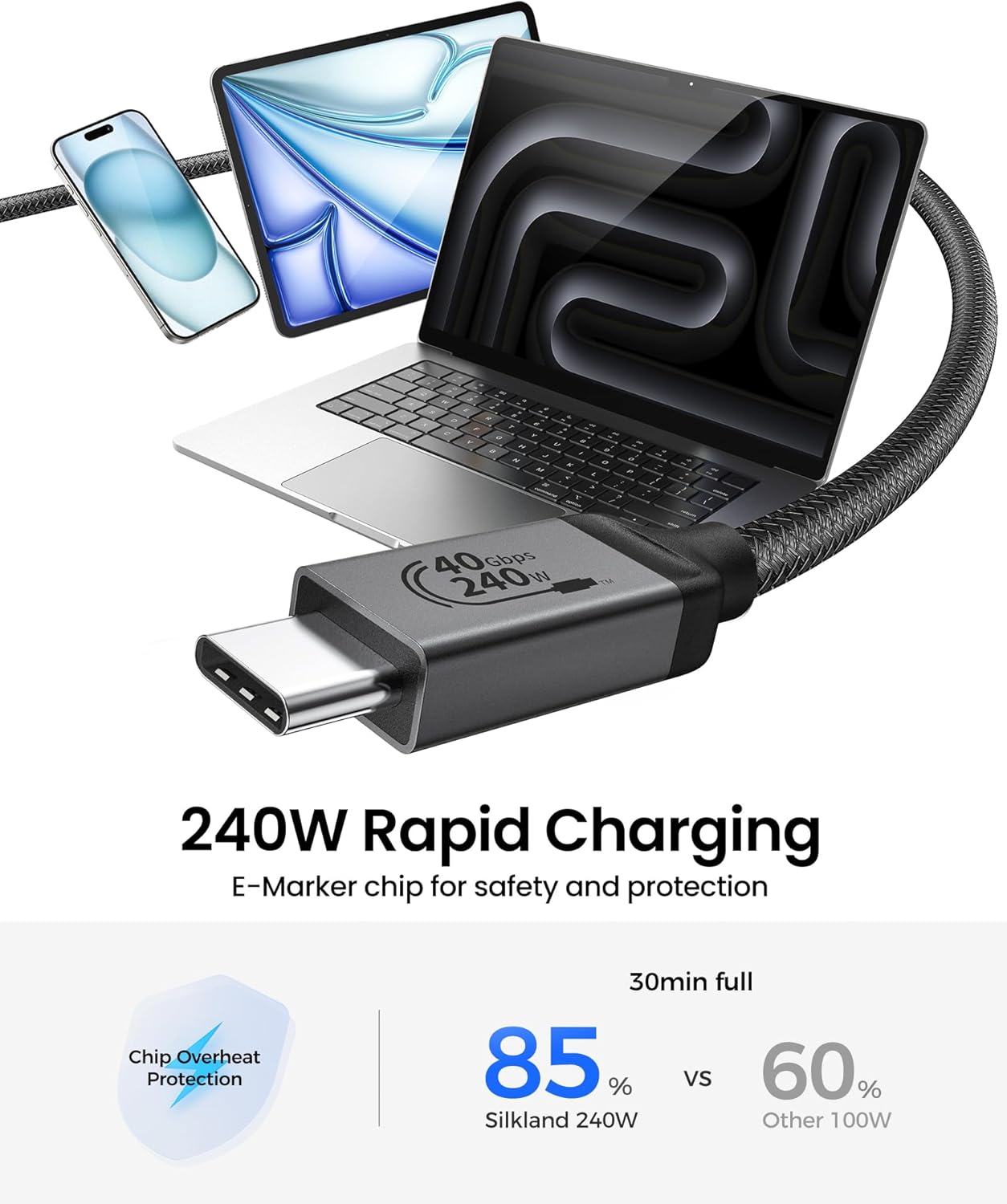
For charging, the headline is 240W (48V/5A) using PD3.1, supported by an E‑Marker chip. That E‑Marker detail matters because it’s there to help keep the power delivery stable and within expectations—at least from the cable side—so devices can negotiate properly.
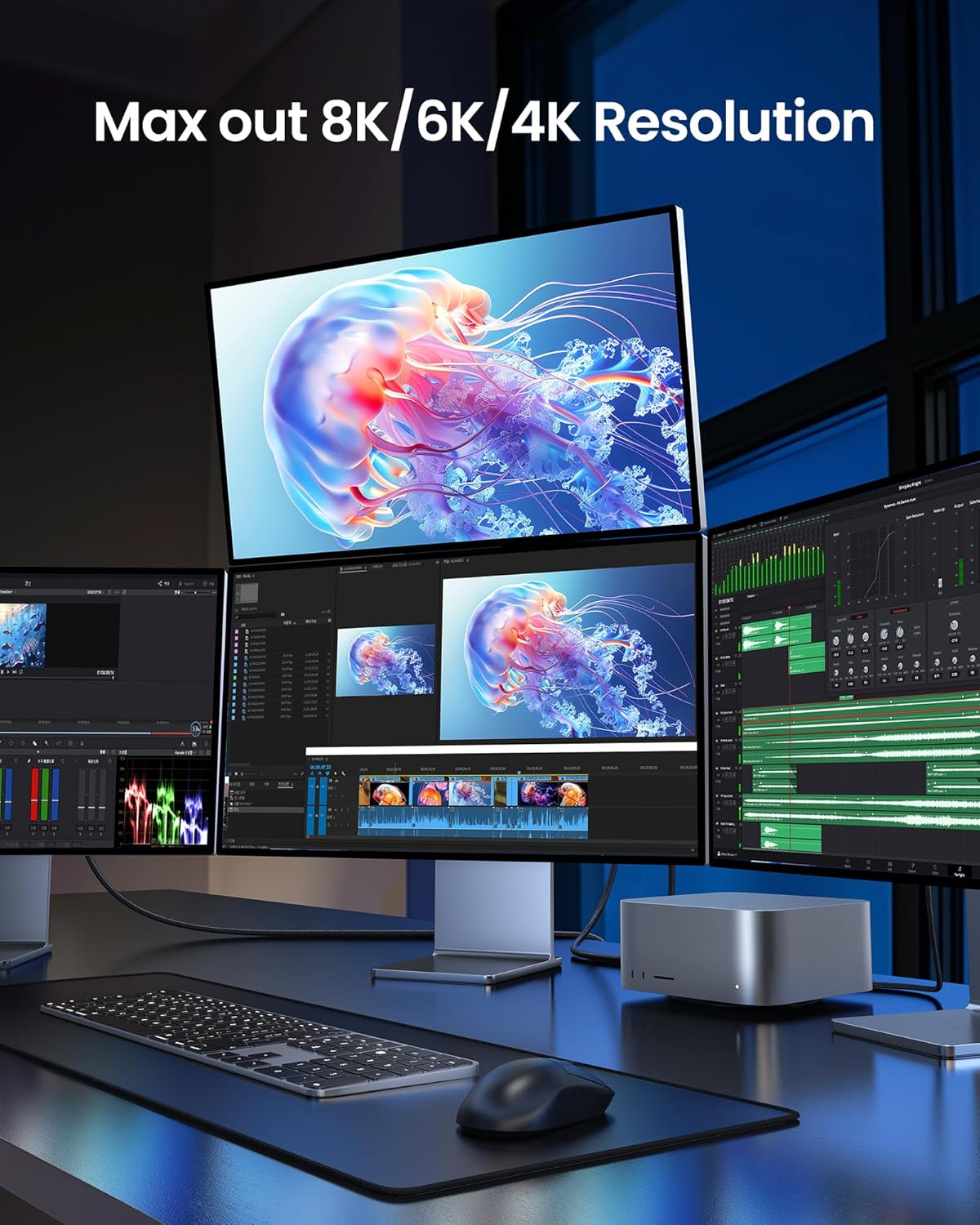
For displays, the cable is marketed to handle demanding resolutions and refresh rates. If your goal is a cleaner desk setup—laptop to dock to monitor—this is the sort of cable spec you’d look for.
One practical micro-scenario: imagine you arrive at work, plug your laptop into a docking station using this cable, and then run an external monitor for a presentation or a couple of hours of editing. If everything negotiates correctly, you get power, display, and data through one connection instead of juggling separate chargers and USB leads.
What you’ll notice day to day
A “fast cable” usually lives or dies by two things: durability and the consistency of connections while you’re moving it between bag and desk.
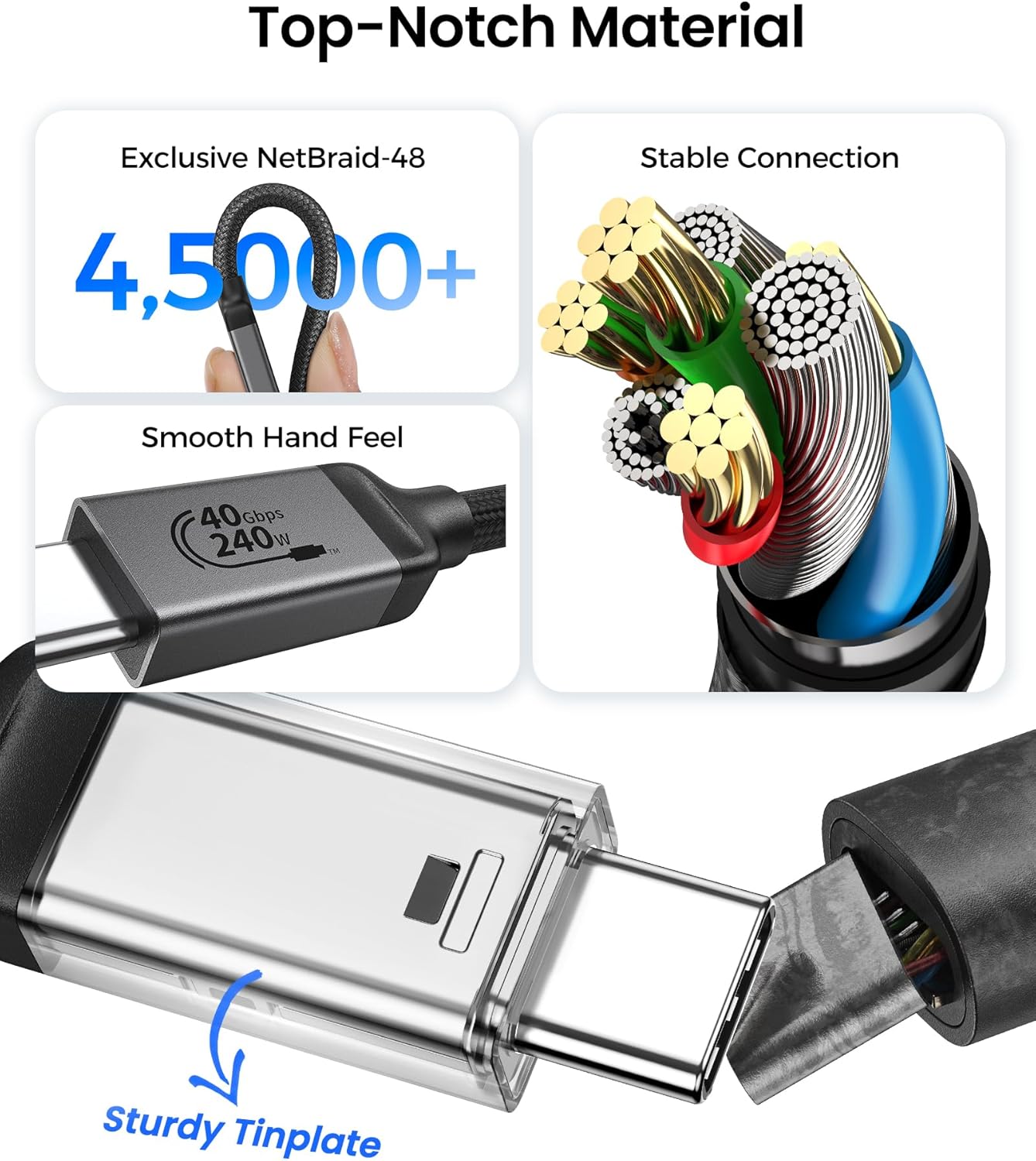
Here, the cable is described as having a rugged aluminium housing, a nylon jacket, and gold-plated connectors. That combo is meant for everyday use and travel, where cables get bent, tugged, and packed repeatedly. No cable is indestructible, but this build approach is at least aimed at longevity rather than fragile-looking construction.
Tech specs
- Type: USB4 Cable for Thunderbolt 4 (USB‑C to USB‑C)
- Data transfer: up to 40Gbps
- Charging: up to 240W PD3.1 (48V/5A)
- Display support: single 8K@60Hz or dual 4K@60Hz
- Backward compatibility (as listed): Thunderbolt 3, USB 3.2 Gen 2, USB 3.2 Gen 2x2, USB 3.1 Gen 1, USB 3.1 Gen 2, USB 2.0
- Plug type: gold-plated connectors
- Cable length: 3m
- Construction: rugged aluminium housing, nylon jacket
Where it shines (and where it may not)
It makes sense if you’re actively using a dock or monitor setup and you want one USB‑C lead to cover multiple needs: fast data, higher-power charging, and serious display capability.
However, it might not suit you if your devices are older or if you mainly need a basic charging cable for occasional use. Also, if your monitor/dock/device can’t support the highest video modes or full power delivery, the cable can only go as far as the negotiation allows—so you shouldn’t expect the headline specs to automatically apply to every setup.
¿Merece la pena?
For many buyers, the value of a cable like this is in convenience and fewer connections rather than “speed for the sake of speed”. If you regularly transfer large files, run external displays via a dock, and want a single cable that can also provide robust charging, this Silkland USB4/Thunderbolt‑compatible cable is the sort of purchase that can genuinely simplify your setup.
Where it can feel less compelling is if you just need one simple cable for charging or basic data. In those cases, a less demanding cable will likely do the job without paying for features you won’t use.
Mini FAQ
Will it work straight away?
The cable is described as plug-and-play, so it should work without additional configuration in typical use.
Does it charge at the full 240W?
It’s rated for up to 240W PD3.1 (48V/5A), but real charging power depends on what your connected device supports and what it negotiates.
Can it drive 8K at 60Hz (or dual 4K)?
It’s marketed to support either single 8K@60Hz or dual 4K@60Hz. The actual outcome depends on compatibility and the specific monitor/dock/device chain.
Is it durable enough for travel?
The manufacturer specifies a rugged aluminium housing, nylon jacket, and gold-plated connectors, all aimed at everyday and on-the-go use.
What’s included with the purchase?
The listing details mention a 2-year service and resolution of issues within 24 hours, but it doesn’t explicitly spell out what’s in the box beyond the cable itself.