

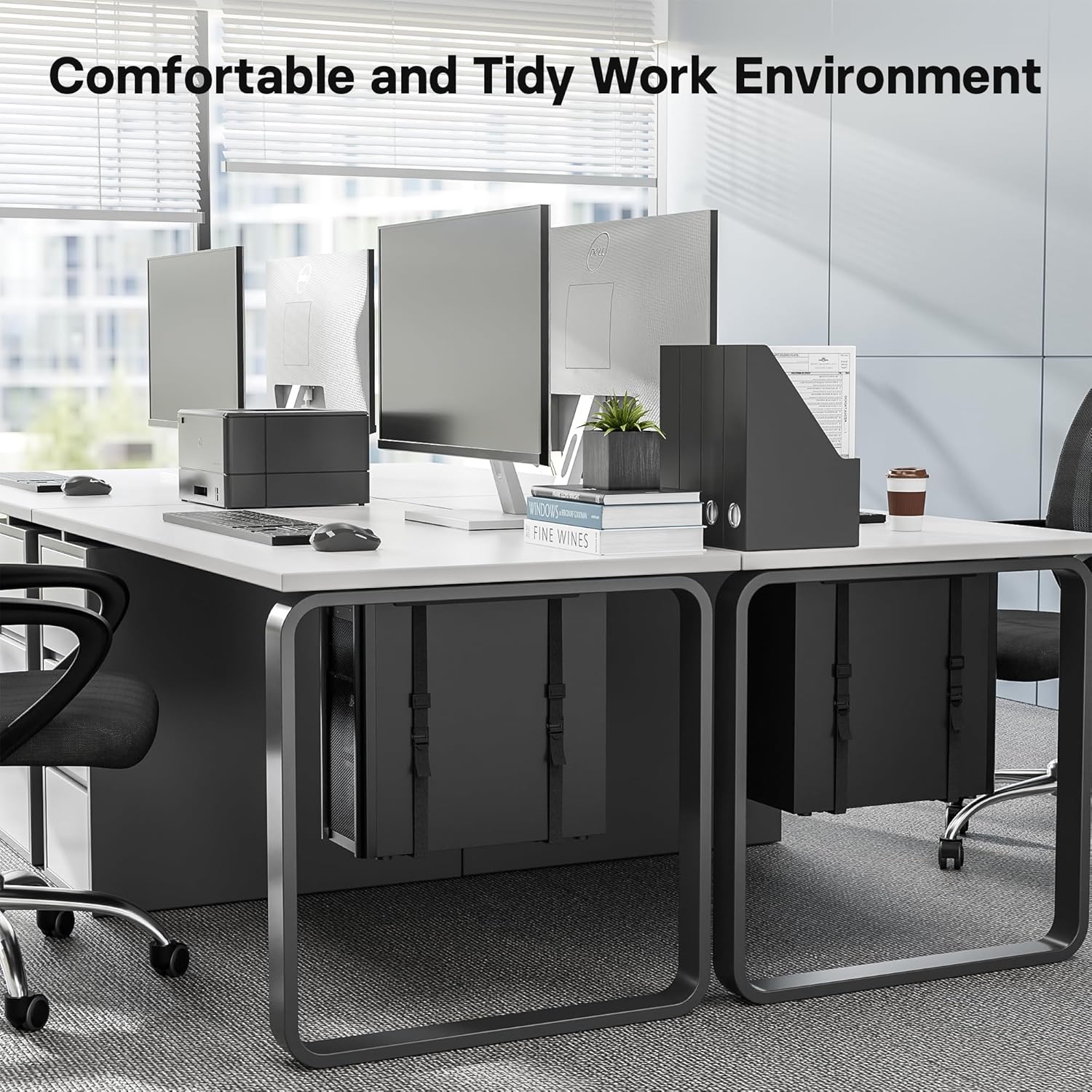
BONTEC adjustable under desk PC mount 20kg
Reviews
Price
Product description
The essentials
If you want your workstation to feel more organised, an under desk PC mount can make a noticeable difference. The BONTEC Adjustable Under Desk PC Mount keeps your computer tower off the desk surface, freeing up space for a cleaner, more comfortable setup. It also helps reduce the amount of dust and fluff that can collect around a tower sitting on the floor, as the bracket positions it beneath the desk. 🧹
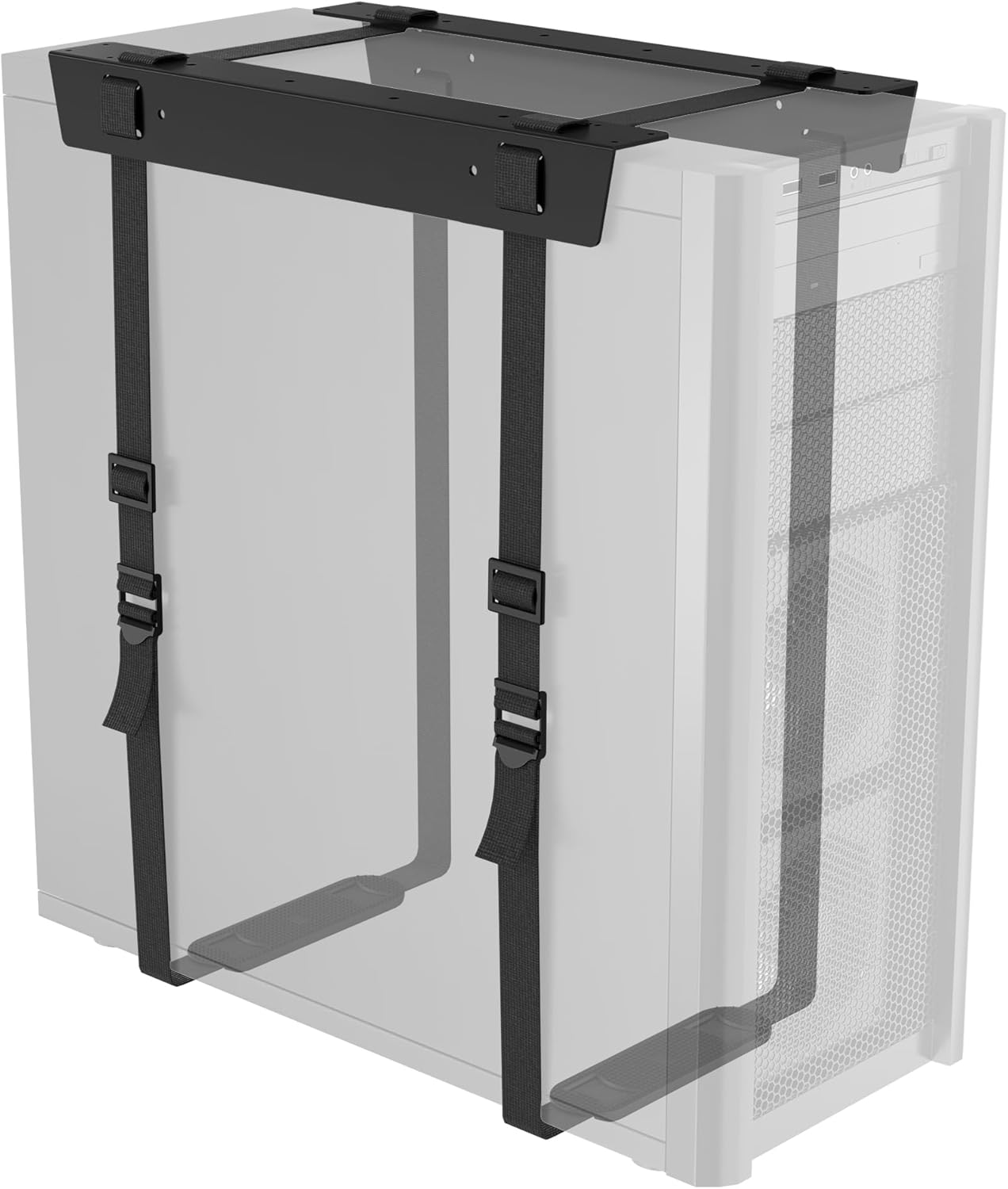
With a sturdy steel construction and adjustable straps, this CPU holder is designed to secure the tower while still allowing you to fit different sizes. The straps can be adjusted in width and depth, so the mount can suit many desktop cases and smaller computer setups. It is a practical choice if you are aiming to declutter your desk area, or if you prefer keeping your PC tucked away but accessible under your work surface. 🖥️
Key points
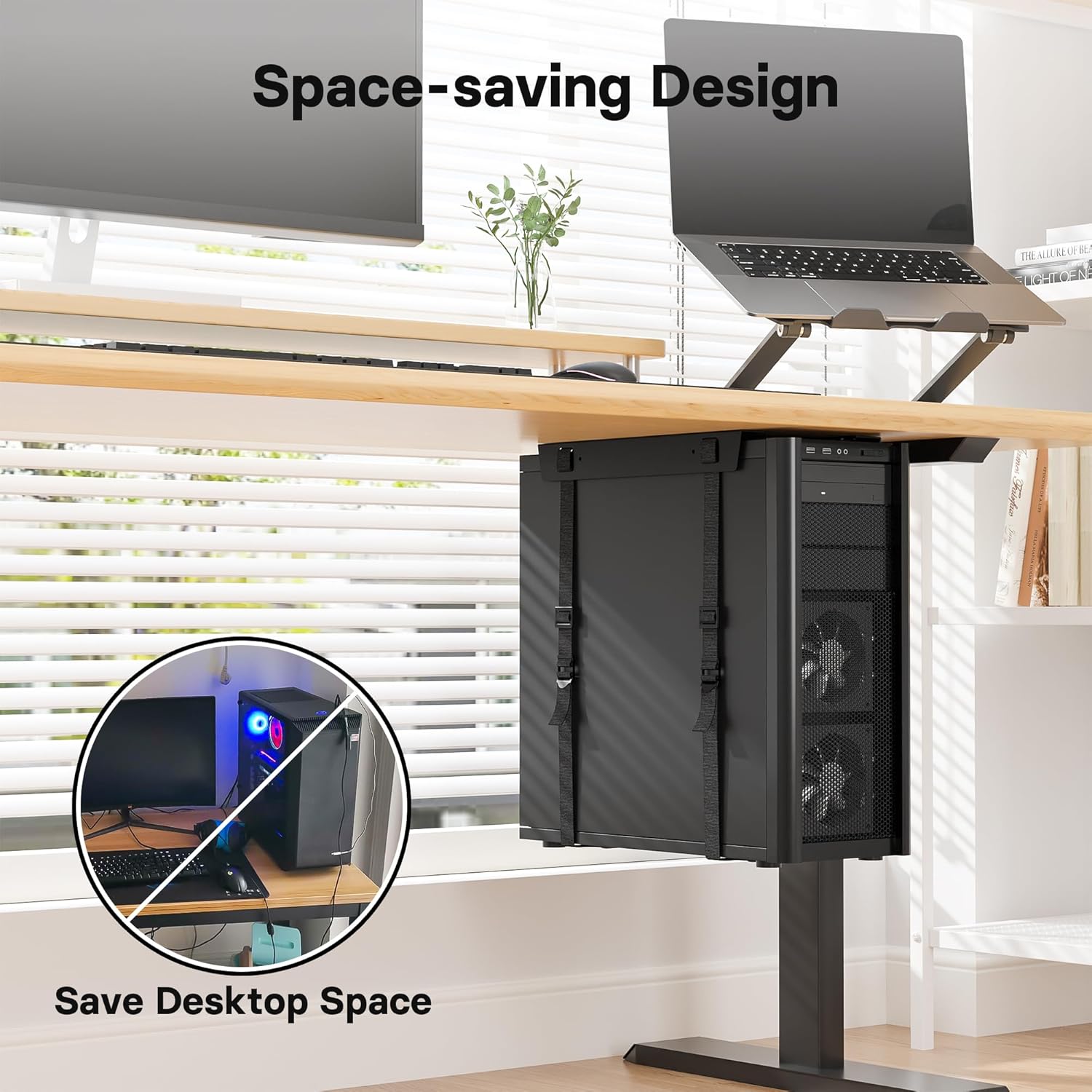
This under desk mount is built around a simple idea, keep the CPU supported and stable while taking the tower out of the main working space. The adjustable straps help you match the bracket to the width and depth of your tower, which is useful when you are working with a case that does not line up neatly with fixed mounts. The manufacturer also highlights a maximum load capacity of 20 kg, so it is intended for heavier towers within its stated limits.
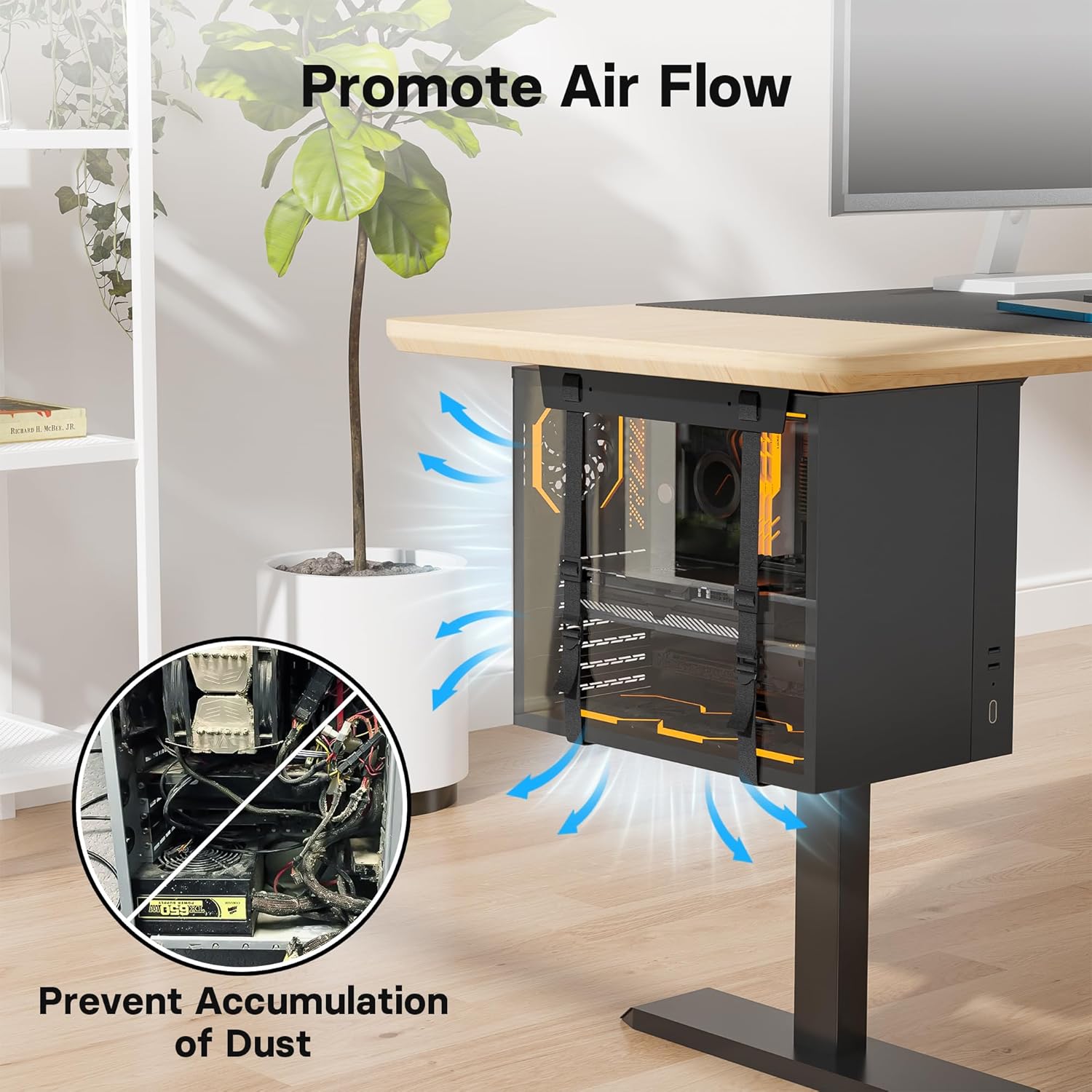
Another practical benefit is the way it changes your tower’s position. When the PC sits under the desk, the casing is less exposed to floor-level fluff and dust, which can help keep the environment around your components cleaner over time. You still get the convenience of having the computer in your immediate workspace area, without it taking desk space. It is a tidy approach for home offices, study rooms, or work areas where cable management and surface space matter.
It is worth noting that compatibility depends on measurements, the straps and bracket need to suit your tower size. Make sure you check the dimensions carefully before fitting, especially because this mount is designed with adjustability rather than a one-size-fits-all approach. When the fit is right, the result is a neater setup and a more straightforward way to manage your workspace layout.
Tech specs
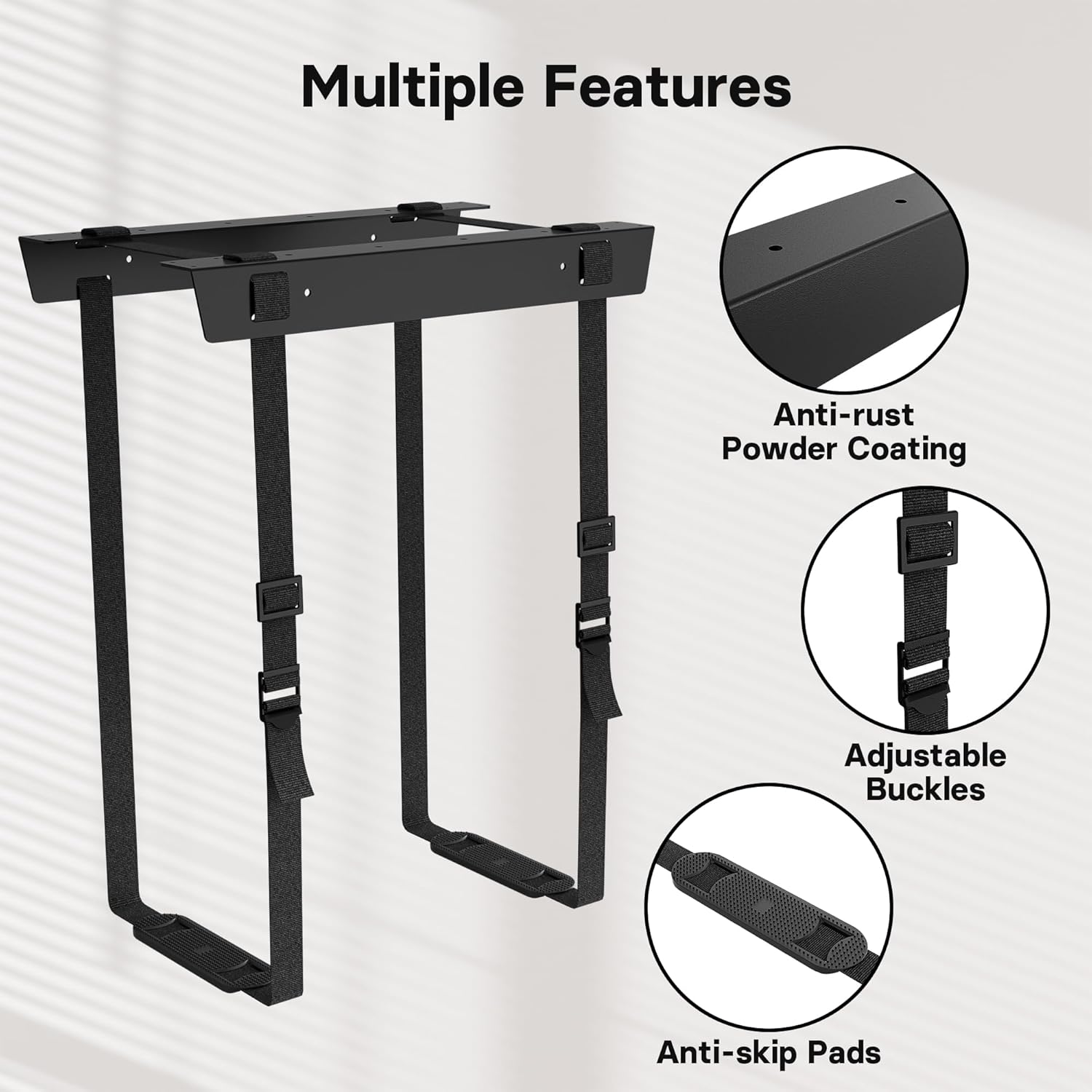
- Load capacity: 20 kg
- Adjustable fit range: up to 71 inches, 180 cm
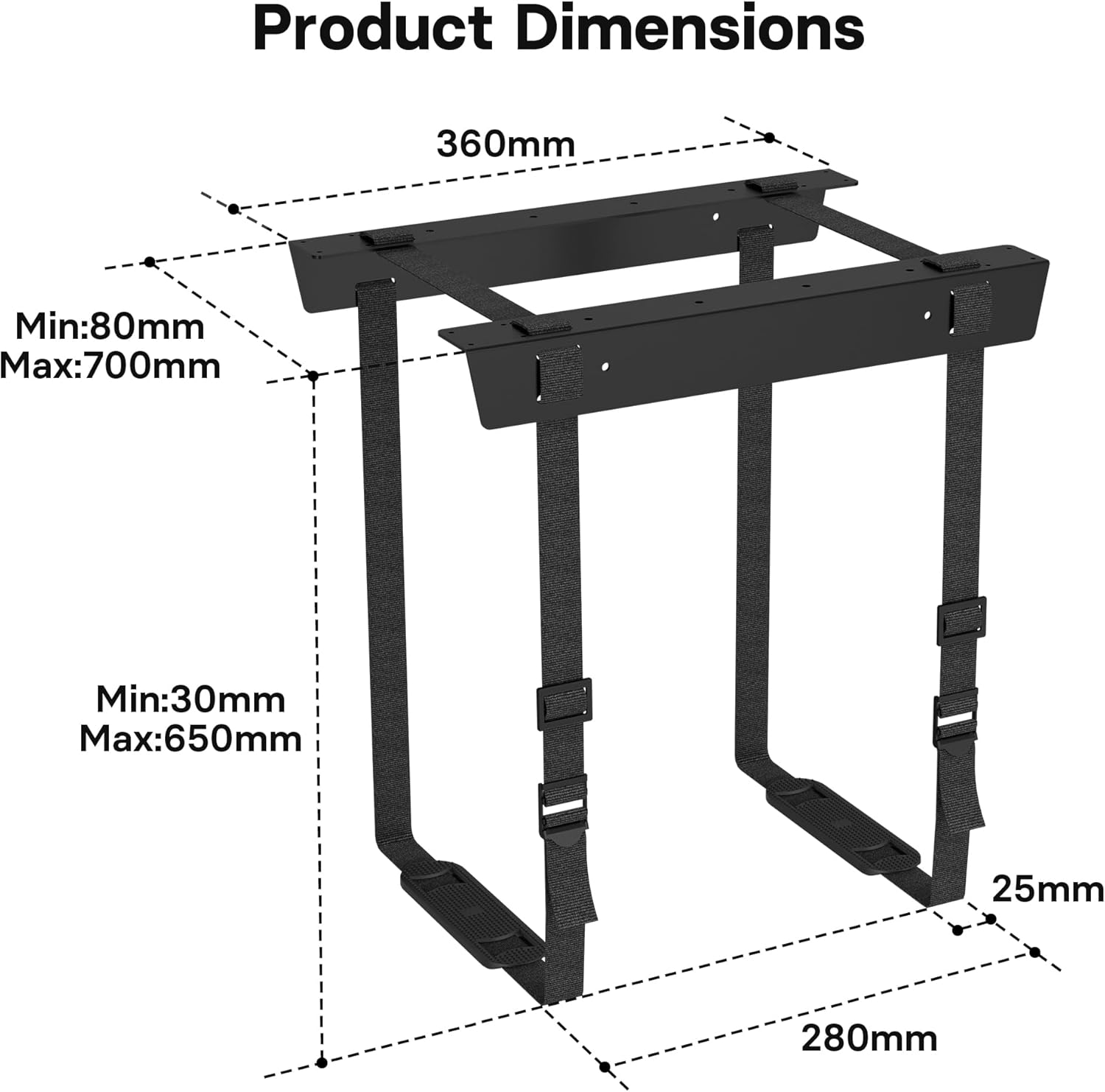
- Bracket length: 36 cm
- Strap length: 178 cm
- Strap features: adjustable buckles and non-slip pad
- Steel construction: powder-coated anti-rust finish
- Installation: includes a complete mounting hardware set
Usage tips
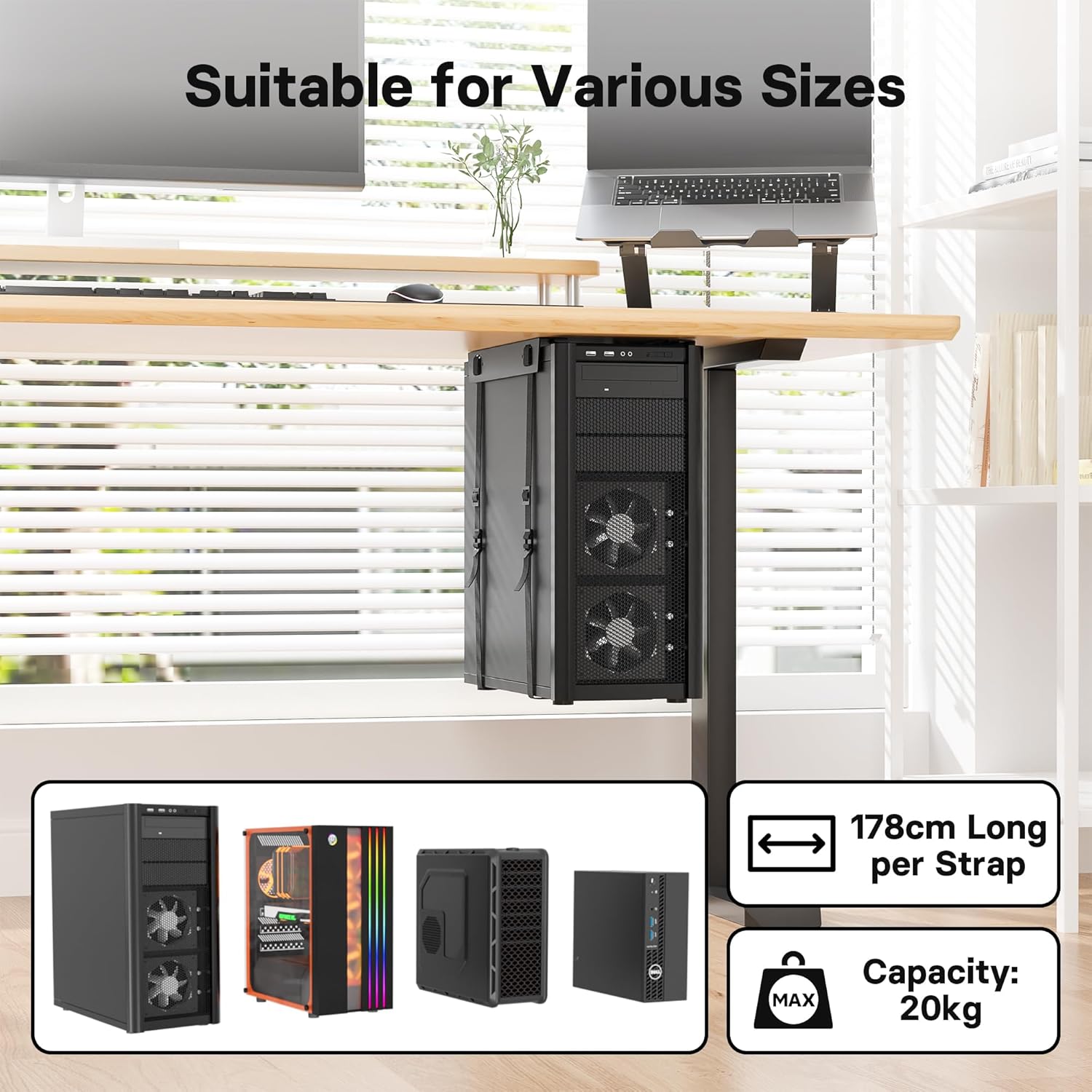
Getting the most from an under desk CPU mount comes down to measuring first and installing carefully. Start by checking your tower’s dimensions and confirm it falls within the mount’s stated adjustable range, then verify you have enough clearance under your desk for the bracket and straps. When you position the mount, aim for a stable hold rather than squeezing the straps too tightly.
Once fitted, use the strap adjustment to centre the tower and make sure it sits firmly. The non-slip pad and adjustable buckles are there to help keep the tower secure, but your job is to set the correct width and depth so the straps match the case. If you are reorganising your desk, this is also a good moment to check airflow around the computer and make sure cables have a comfortable path without strain. 🔧
It makes sense if you have limited desk space and you want the PC stored safely below your work surface. It may not be a great match if your desk space or tower dimensions do not align with the stated fit range, so take time to confirm compatibility before mounting.
What’s included
The manufacturer says the mount comes with a full set of mounting hardware. This helps take the guesswork out of installation and gives you what you need to attach the bracket under your desk. You will still want to follow the provided instructions during fitting to ensure the straps are set correctly.
Compatibility
This under desk CPU mount is designed to hold desktop towers securely underneath a desk using adjustable straps. The fit is intended for up to 71 inches, 180 cm, with straps that can be adjusted for width and depth, so it can suit a range of tower sizes. Always check the dimensions carefully to confirm the tower and your desk clearance are compatible before installation.