

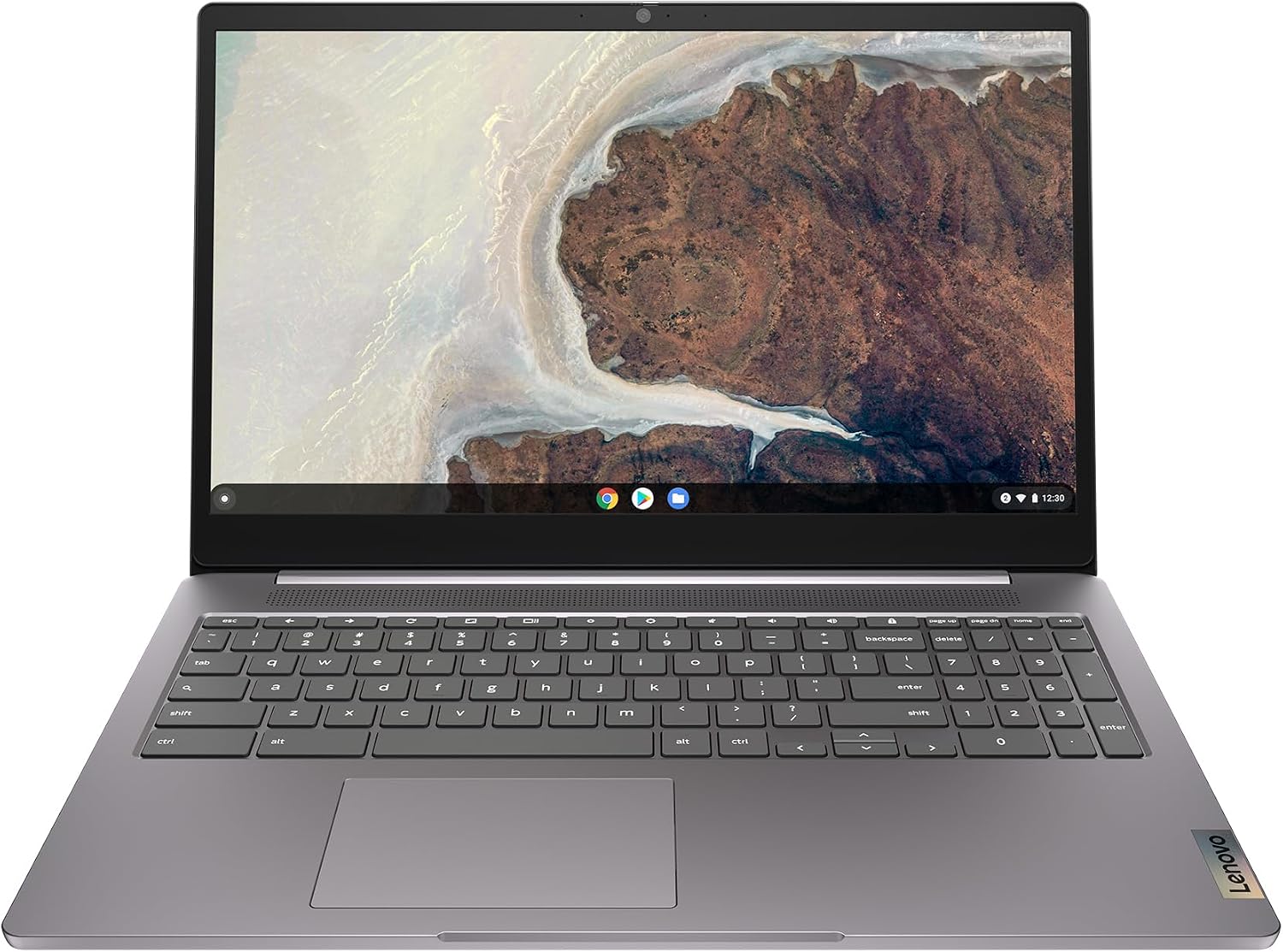
Lenovo IdeaPad Slim 3 Chromebook Plus (14in) — an affordable, capable Chrome OS laptop
Product description
The essentials
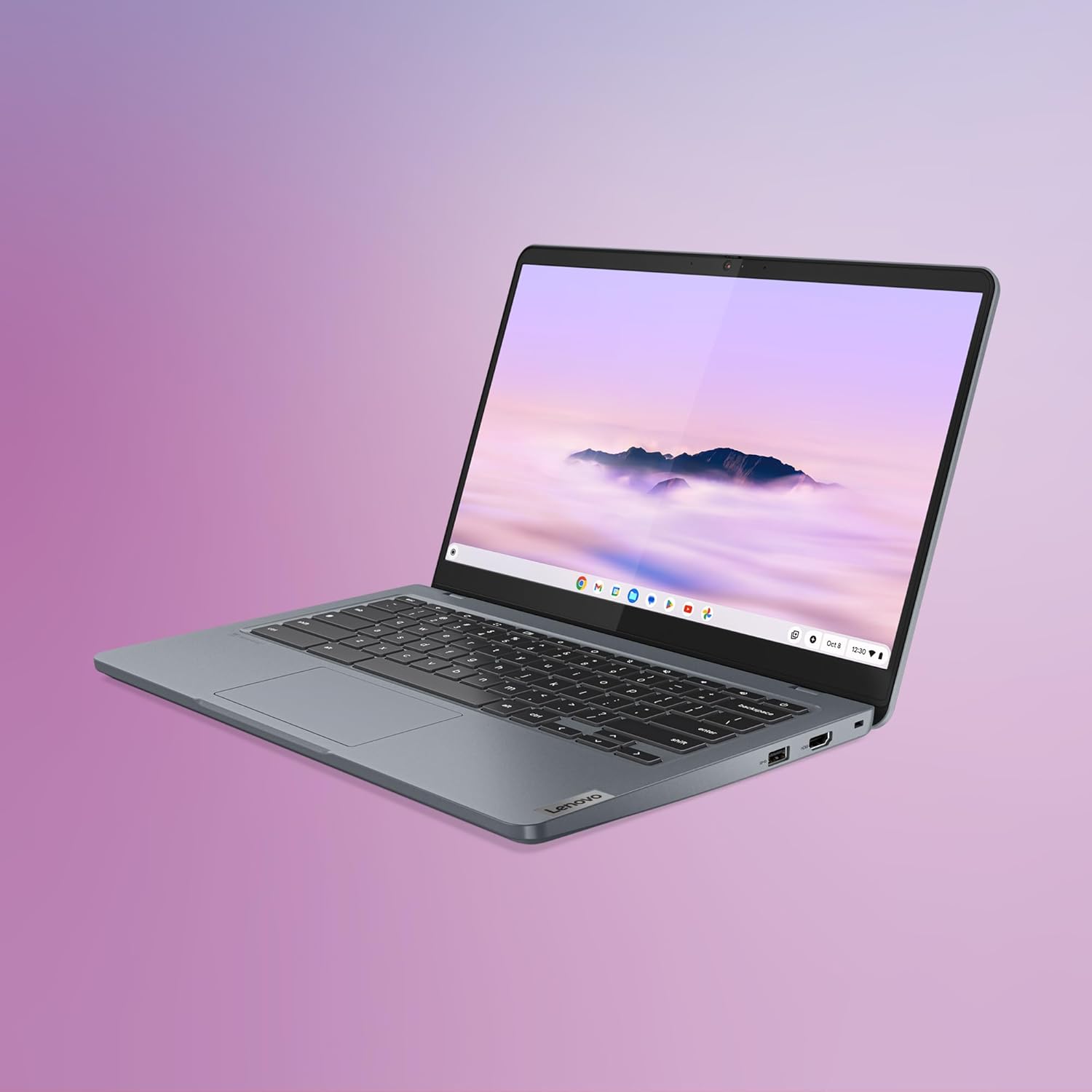
The Lenovo IdeaPad Slim 3 Chromebook Plus is a 14-inch, lightweight laptop running Chrome OS. It weighs about 1.5 kg and is designed for everyday tasks like browsing, streaming, and document work. It uses an Intel Core i3-N305 processor, 8GB of LPDDR4X RAM and 256GB of eMMC storage, pairing responsive performance with plenty of local space for files and offline work. The FHD IPS display promises clarity and wider viewing angles, which helps with video calls, reading, and multitasking.
What it’s good at
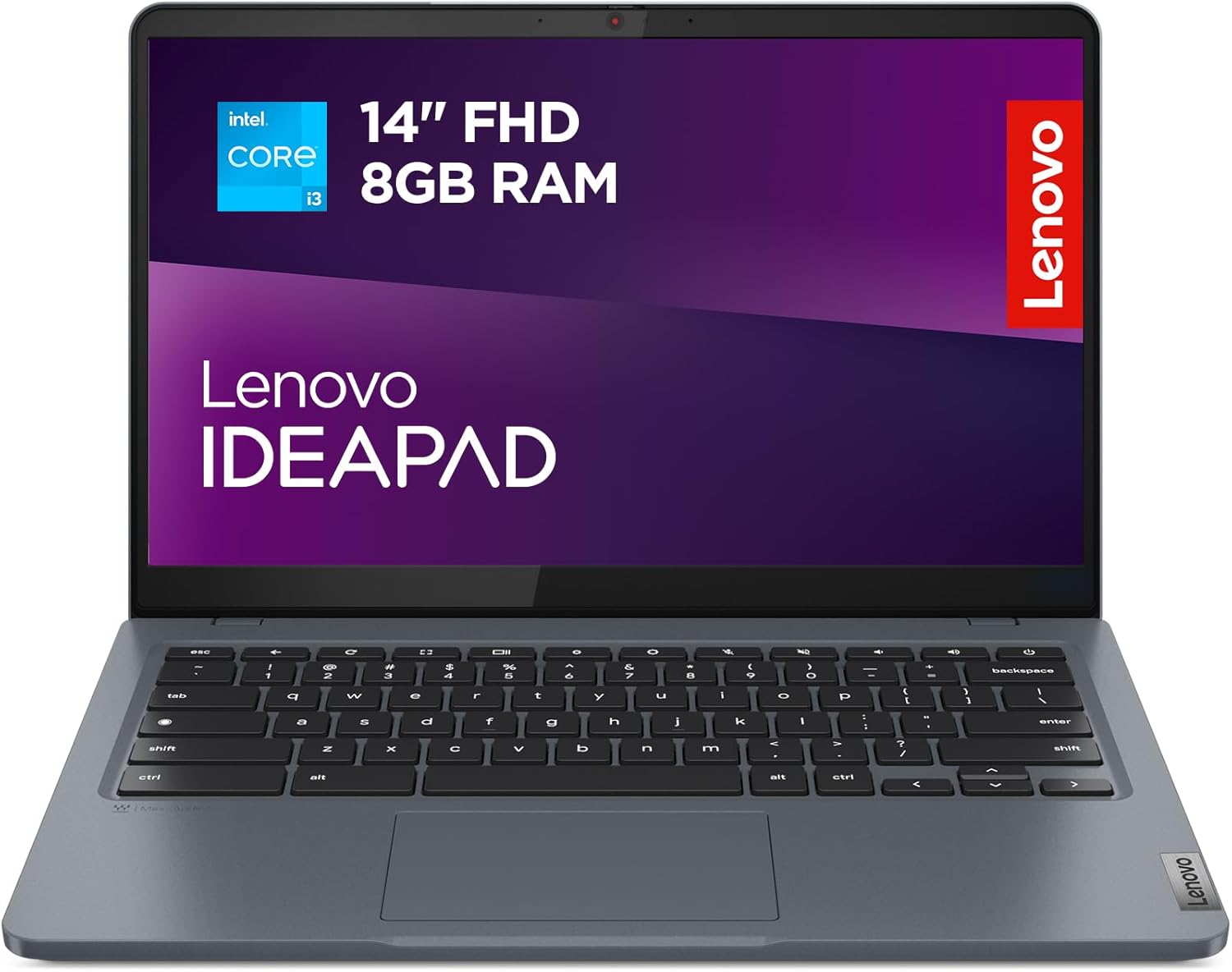
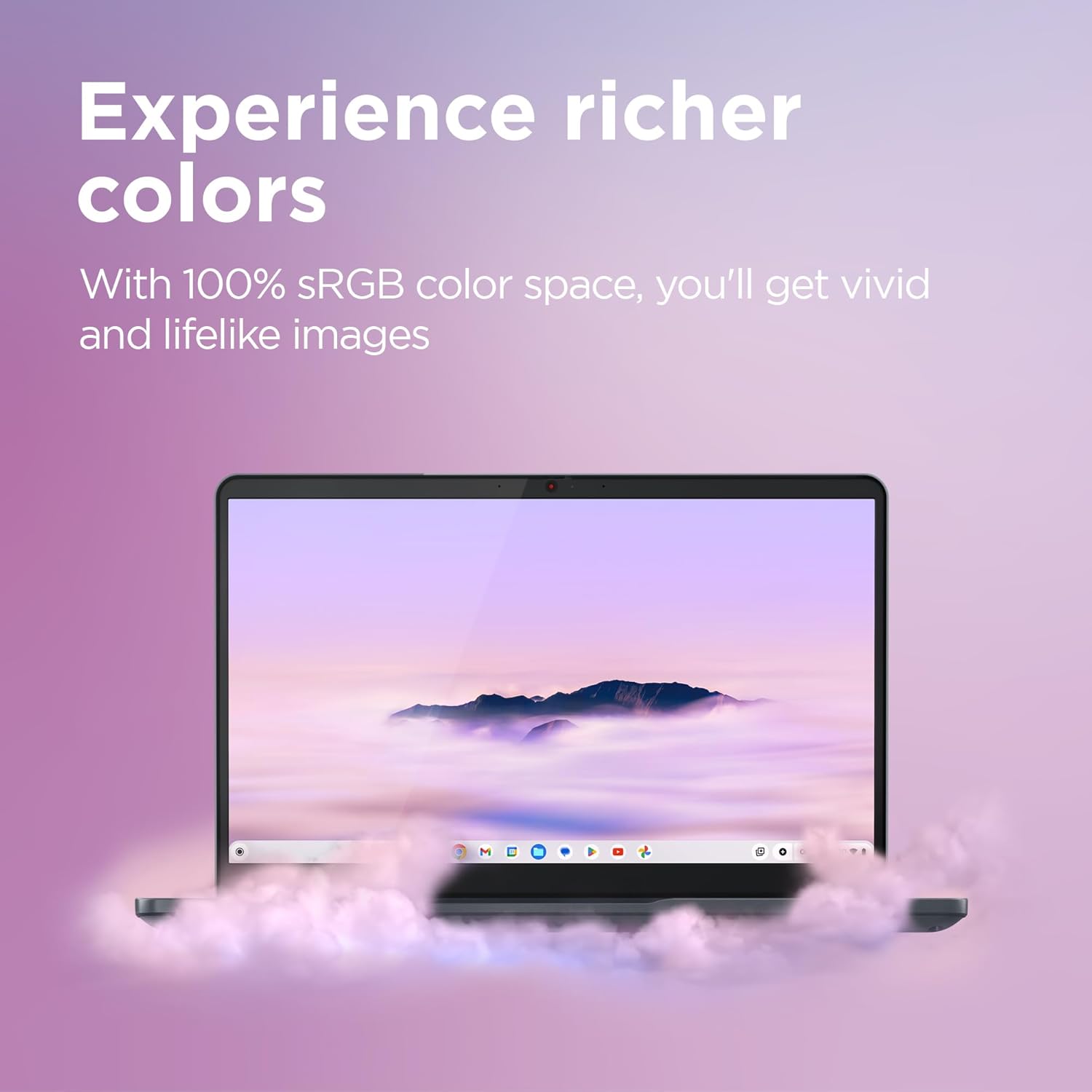
On paper, this model blends solid everyday performance with practical features for remote work or study. The display offers sharp images, and the built-in AI-powered video call tools aim to improve lighting, clarity and even blur backgrounds. The keyboard and chassis are designed to stay lightweight while maintaining a robust feel, suitable for daily carry. The device includes a privacy shutter for the webcam and a microphone mute button, which are useful for keeping control over your privacy when you’re not in a call.
Hardware and software balance
With 8GB of RAM and 256GB of storage, you’ll have room for multiple browser profiles, documents and offline files. Chrome OS emphasises cloud integration and Google apps, while the Chromebook Plus overlay supports Microsoft 365 apps too, giving a flexible mix for different workflows. The presence of WiFi 6E suggests faster and more stable wireless connections when coexisting with multiple devices. The device is positioned as a practical option for students, light professional use, and households needing a straightforward, low-maintenance laptop.
What stands out
- Light, slim build with a sturdy chassis and spill/drop resistance noted in the broader product positioning.
- 1080p webcam with AI enhancements for calls, privacy features are easy to access mid-call.
- Google ecosystem baked in, plus access to Google Docs, Sheets and Slides, compatibility with Microsoft 365 apps is mentioned.
- WiFi 6E capable for faster wireless performance in busy networks.
What may not convince everyone
Chromebook Plus relies on Chrome OS and web/Android app ecosystems. If you frequently need specialised Windows desktop software or local premium video editing, this model may feel limiting. The storage is 256GB eMMC, which is decent for a Chromebook but not a replace-for-all SSD, depending on how many large offline files you keep, you could hit space constraints. As with many Chromebooks, the experience hinges on having reliable internet for full functionality, and some offline capabilities may not mirror a traditional Windows/macOS setup.

Who it’s for
Ideal for students, casual creators, and professionals who mostly work in Google Workspace, light document editing, and streaming. It suits those who value a lightweight machine with straightforward maintenance, decent performance for day-to-day tasks, and a good display for long study or work sessions.
Who it isn’t for
Not the best fit if you require heavyweight desktop software, advanced local photo/video editing, or gaming beyond casual Android titles. If you prioritise ultra-fast local storage or a wider selection of Windows-only apps, this Chromebook may feel constrained.
Before you buy: what to check
- How you intend to use it: cloud-first tasks and apps or occasional offline work?
- Your expectations for software compatibility beyond Google apps and basic Microsoft 365 use.
- Your tolerance for Chrome OS as the primary operating system and its online/offline balance.
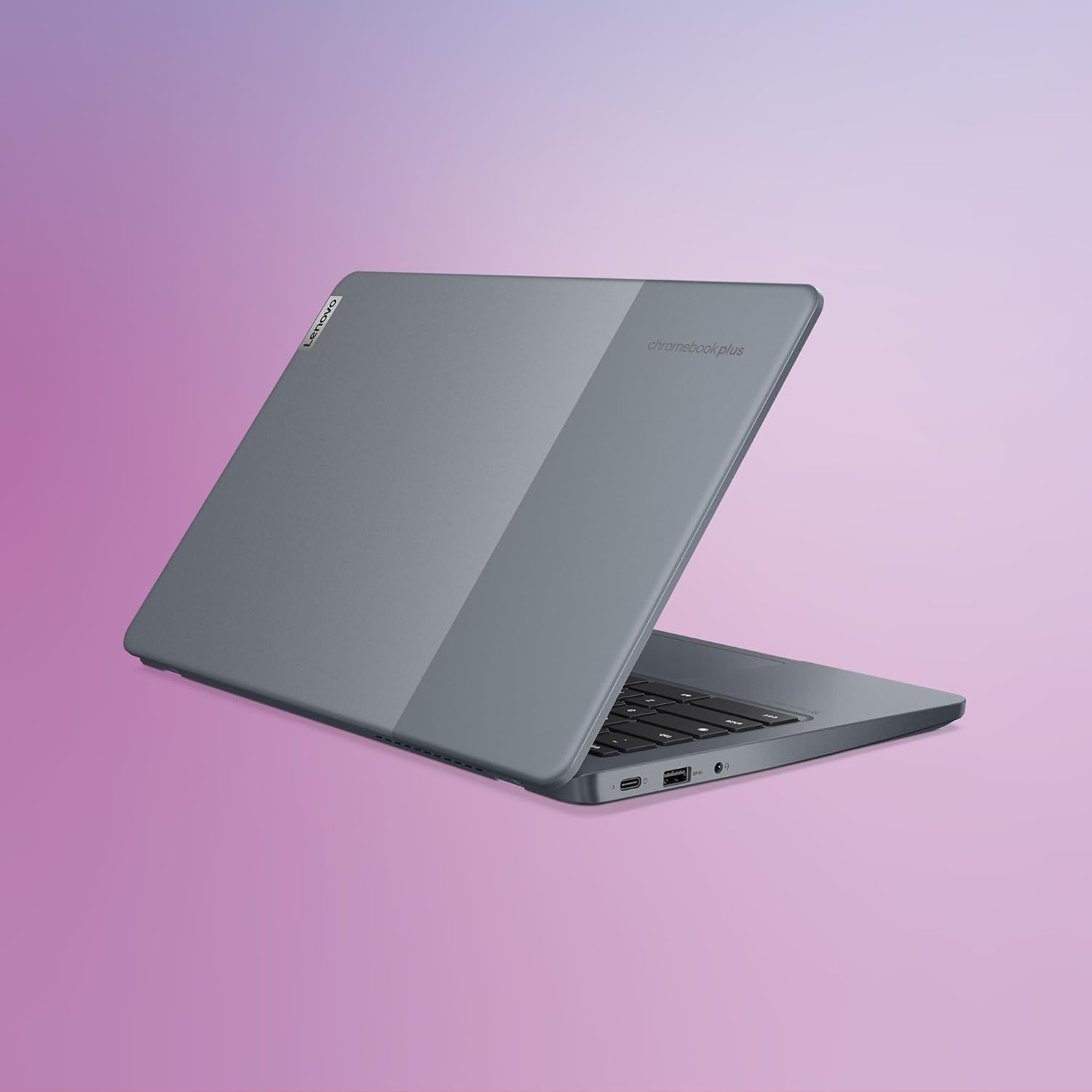
- Available ports and peripherals compatibility for your workflow (external monitors, USB devices).
How it compares (approach rather than model-by-model)
This model sits in the mid-range for Chromebooks: lighter and more affordable than premium ultrabooks, with enough local storage and RAM for smooth day-to-day use. If you’re weighing it against a Windows laptop or a higher-end Apple option, the decision often hinges on the importance of cloud-based workflows, price-to-performance, and the desire to lean into Google’s ecosystem.
FAQ
- Do you need an internet connection for most tasks on Chrome OS? Many tasks work offline, but a stable internet connection enhances cloud-based features and app access.
- Can you run Microsoft 365 apps on this Chromebook? Yes, Chromebook Plus supports those apps alongside Google Docs, Sheets and Slides.
- Is the webcam private by default? The camera includes a manual privacy shutter for additional control over your privacy.
- Will this device handle video calls well? The built-in AI tools aim to improve clarity and lighting during calls, with background blur options.
Final verdict
Is it worth it? Worth considering if you prioritise a light, pragmatic machine with solid Chrome OS integration, good display, and practical privacy features, with the flexibility of Google and Android apps. It may be less compelling if you need heavy Windows software or extensive offline storage, or if you want top-tier local performance above all else.