


Lenovo IdeaPad Slim 3 Chromebook 14M868 (14-Inch, Abyss Blue) — A practical entry for everyday browsing
Product description
What it is
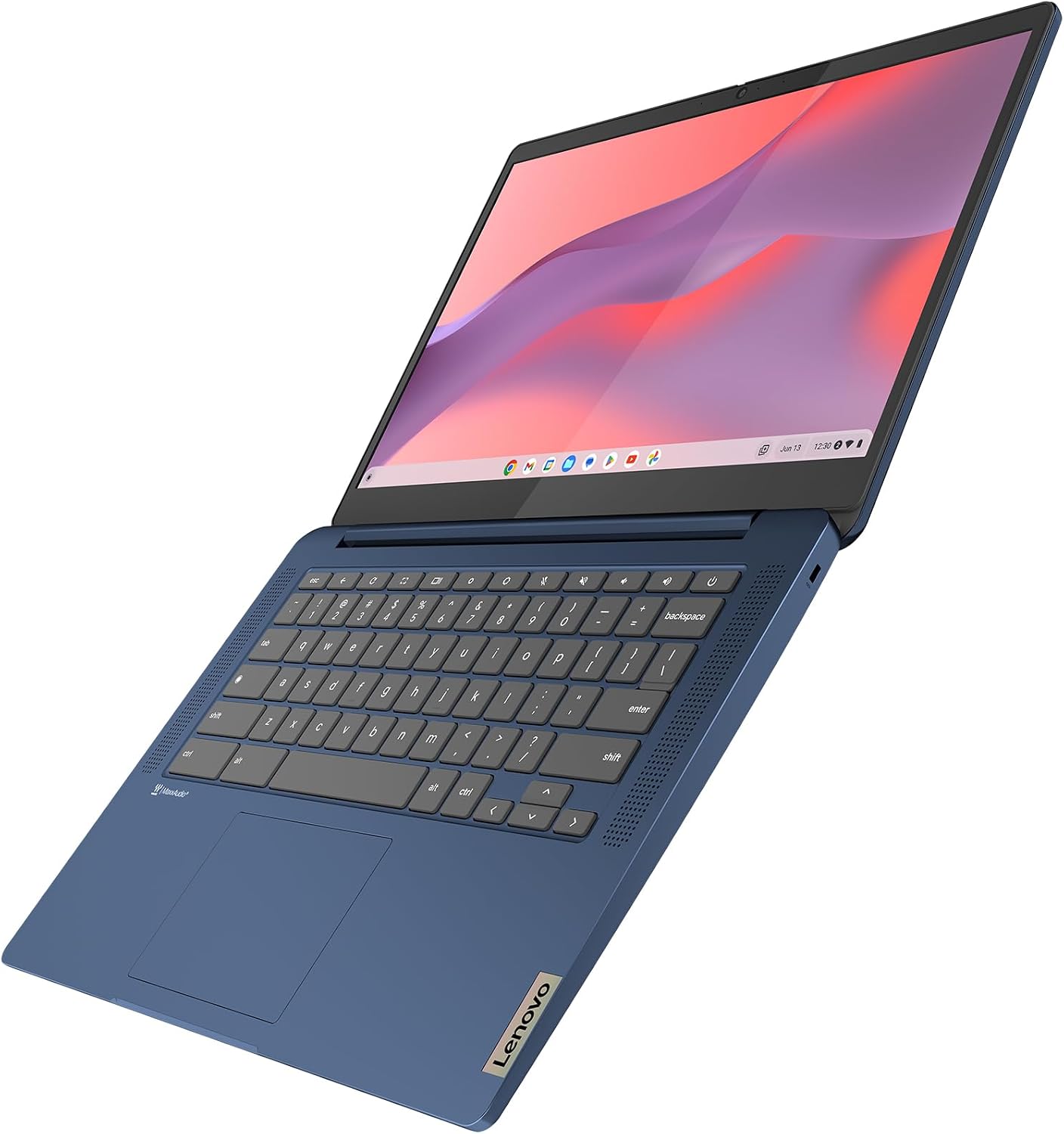
The Lenovo IdeaPad Slim 3 Chromebook 14M868 is a lightweight 14-inch Chrome OS laptop designed for everyday tasks such as web browsing, document work and streaming. It weighs around 1.4 kg and uses a MediaTek Kompanio 520 processor paired with 4GB of RAM and 128GB of SSD storage. The device runs Chrome OS, which is centred on cloud-based apps and instant start-up, and it ships with an English (UK) keyboard. On paper, it aims to balance portability and enough performance for day-to-day activities.
Who it’s for
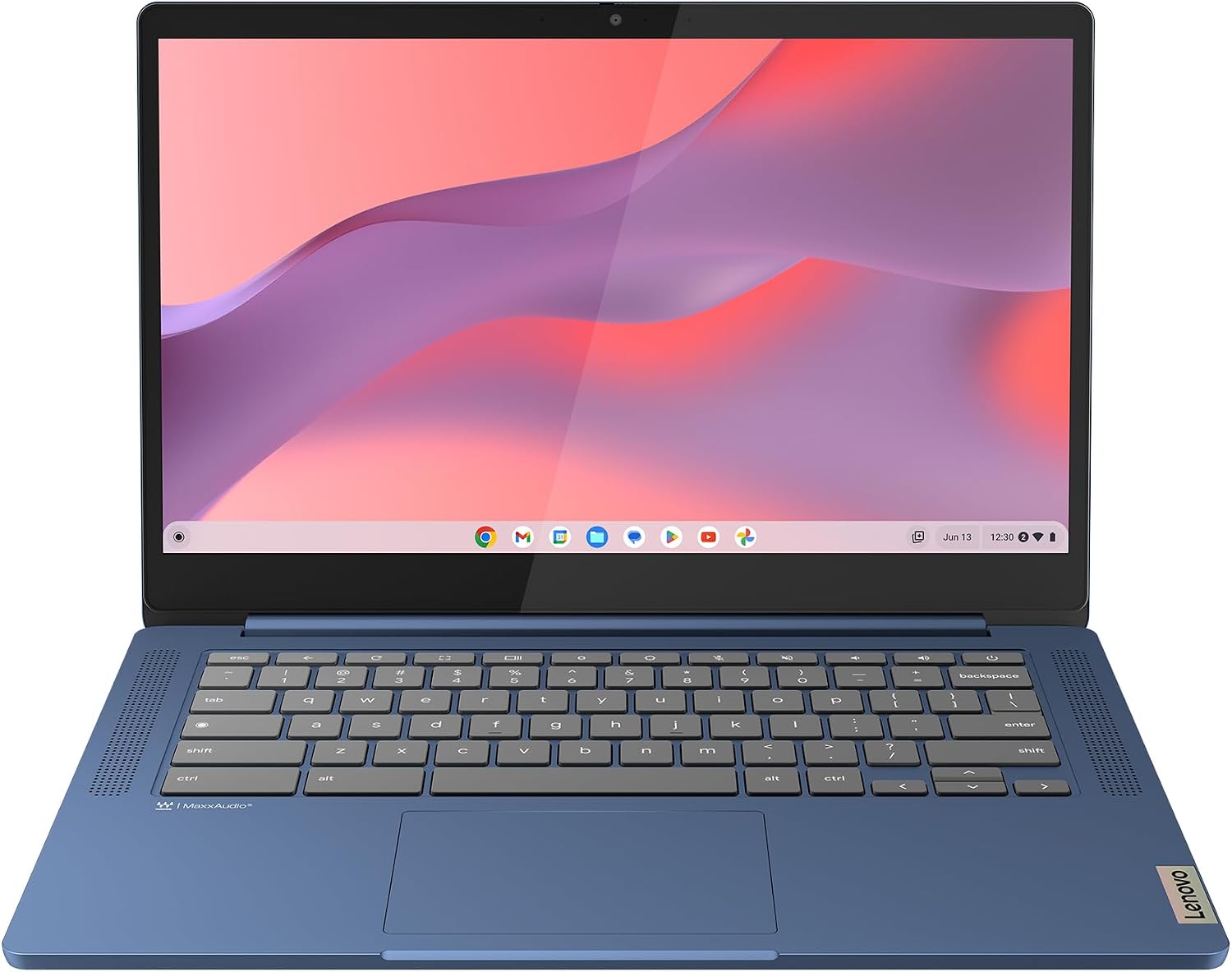
This Chromebook is a pragmatic choice if you prioritise a compact footprint, straightforward software, and long battery life for light to moderate use. It can appeal to students, travellers, or colleagues who mainly rely on web apps, email, and simple productivity tasks.
Performance and software notes
With the MediaTek Kompanio 520 platform, multitasking and heavier workloads might feel limited compared with higher‑end CPUs. Chrome OS tends to be efficient with light software loads, and 4GB RAM helps keep multiple browser tabs reasonably responsive for casual use. The 128GB SSD provides speedier boot times and responsive file handling compared with a traditional eMMC, but storage may fill quickly if you store large media locally. You’ll also find Wi‑Fi 6 certification, which can improve reliability and speed on supported networks.
Display and audio
The 14-inch Full HD (FHD) display delivers clear text and media at standard viewing distances, suitable for web pages, documents and streaming. Audio is enhanced by Waves Audio tuning on the front-facing speakers, which can offer a more balanced and engaging listening experience for videos and music, though the setup is still a laptop speaker system rather than cinema quality.
Battery life and charging
A stated battery life of up to around 13.5 hours supports a full day of light use away from the desk. In real-world scenarios, a blend of browsing, streaming and document work will determine actual endurance. The light chassis and Chrome OS efficiency tend to help maximise run time, but heavy video streaming or multiple offline downloads may shorten it.
Build, keyboard and everyday practicality
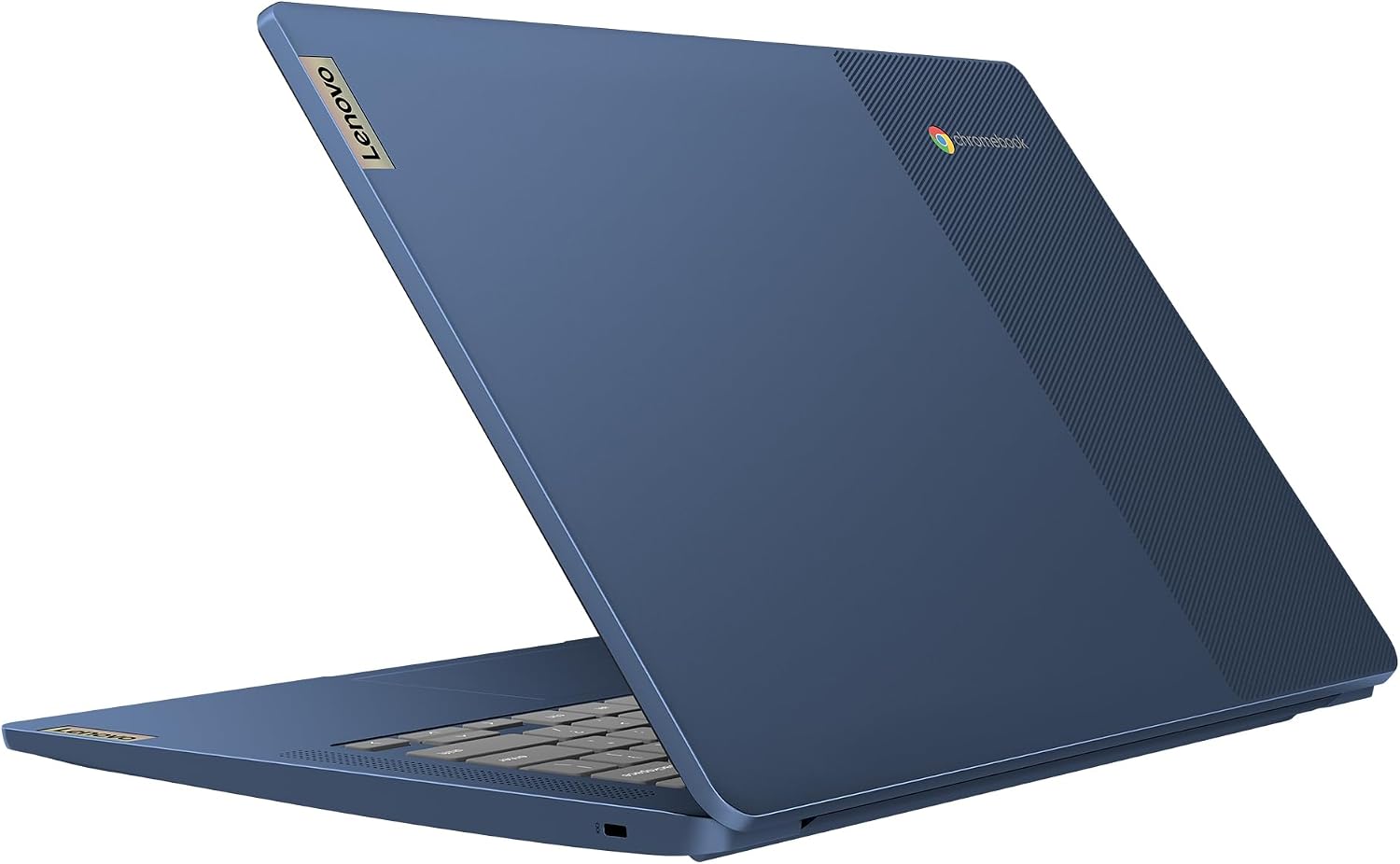
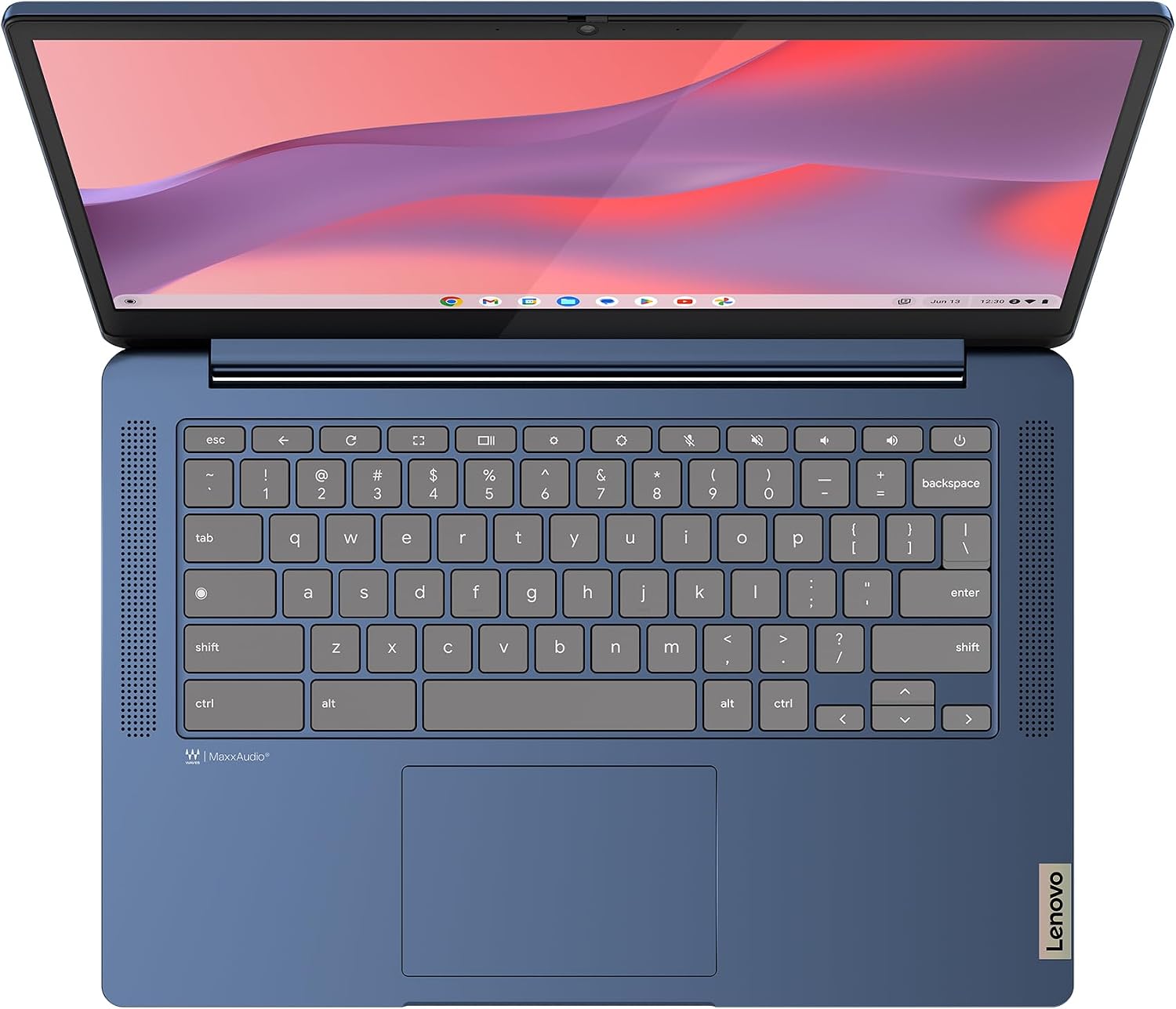
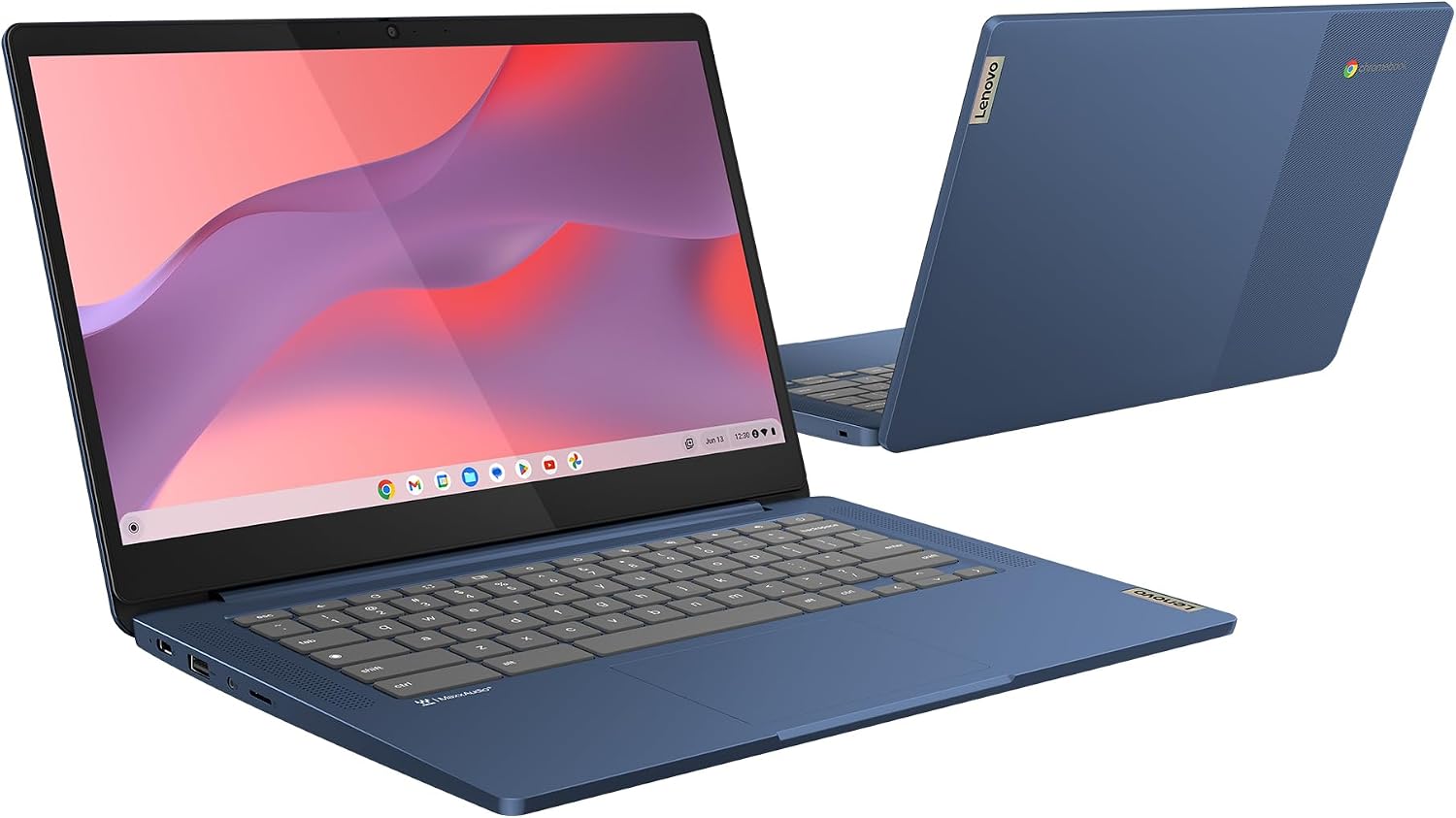
The Abyss Blue finish gives a clean, understated look that suits many environments. The keyboard is optimised for English (UK) input, which is convenient for local users. The slim profile and light weight enhance portability, though the compact chassis means the keyboard and touchpad may feel modest for long typing sessions.
What to check before you buy
- Ensure Chrome OS aligns with your preferred apps and workflows, particularly if you rely on Windows- or Mac‑native software.
- Consider cloud storage needs, the 128GB SSD is helpful for the OS and apps, but you may rely on external storage or cloud services for files.
- If you frequently work offline with large files, assess whether Chrome OS and local storage meet your requirements.
- Connectivity is Wi‑Fi 6 certified, verify your home or office network can take advantage of modern wireless standards to get the most from the device.
Why it makes sense and when it may fall short

If you want a lightweight, straightforward laptop for web tasks, docs and streaming, this IdeaPad Slim 3 Chromebook offers value for money and practical reliability. It’s not the strongest option if your workload includes heavy software, advanced photo/video editing, or demanding local games. In those cases you may notice slower performance or storage constraints.
Final thoughts before purchasing
This Chromebook is a sensible pick for budget-conscious buyers who need dependable daily use with long battery life and uncomplicated software. It’s a solid entry point into Chrome OS and a compact travel companion, but you’ll want to manage expectations about performance and local storage.
FAQ highlights
- What is the main use case? Browsing, light productivity, streaming and schoolwork.
- How does the battery perform in practice? It should last a good portion of a day for light use, but exact results depend on activity level.
- Can you upgrade RAM or storage easily? Not typically, upgrades are uncommon on many Chromebooks with soldered RAM and integrated storage.
Is it worth it?
A solid pick if you prioritise portability, battery life, and a straightforward Chrome OS experience for everyday tasks. Not ideal if you need serious offline software or substantial local storage.